 Andrew Adams · Co-Founder & Operations at Wireflow ·
 AI Aging Filter
Most aging filters are a one-tap novelty you cannot steer.
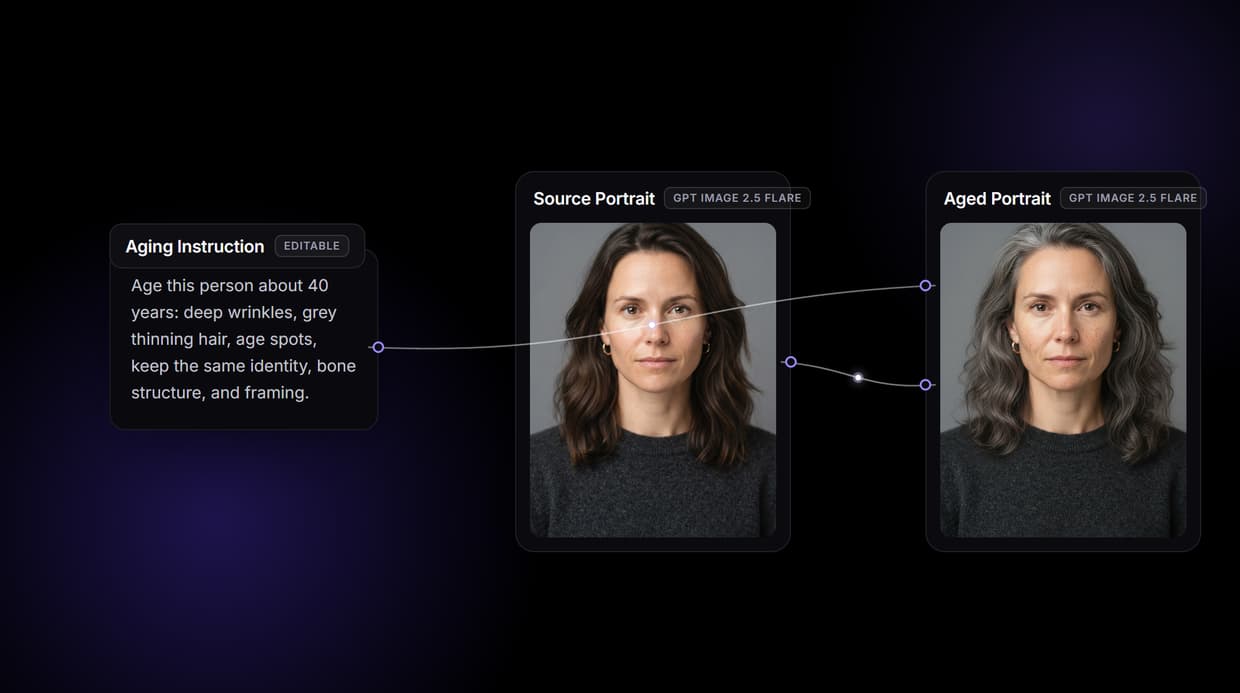
Wireflow makes aging a face a small graph you own: a GPT Image 2.5 Flare edit node reads the portrait and the aging instruction you write, then returns the same person older or younger with identity, bone structure, and framing kept. Free to build, pay per generation.
Free to build · no credit card · See how it works ↓
How to Use AI Aging Filter
Steps to get you started in Wireflow.
Point the flow at a portrait
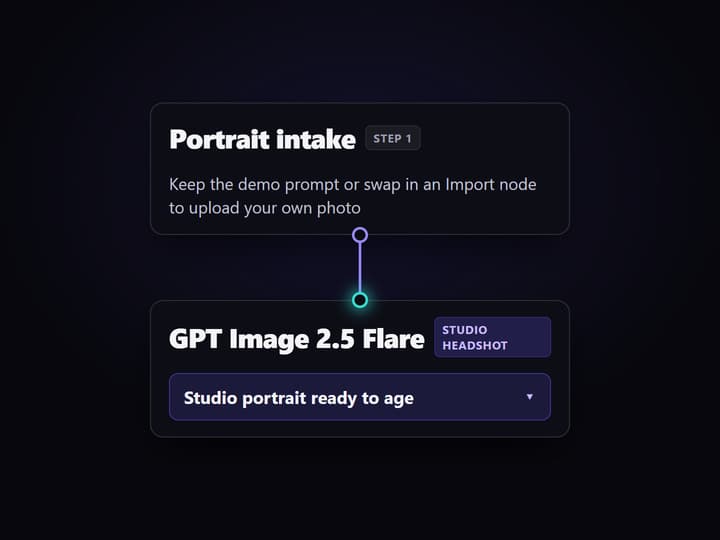
Open the flow. Keep the demo Text Input to generate a studio headshot, or follow the sticky note and swap the first node for an Import node to upload your own photo.
Write the aging instruction and run
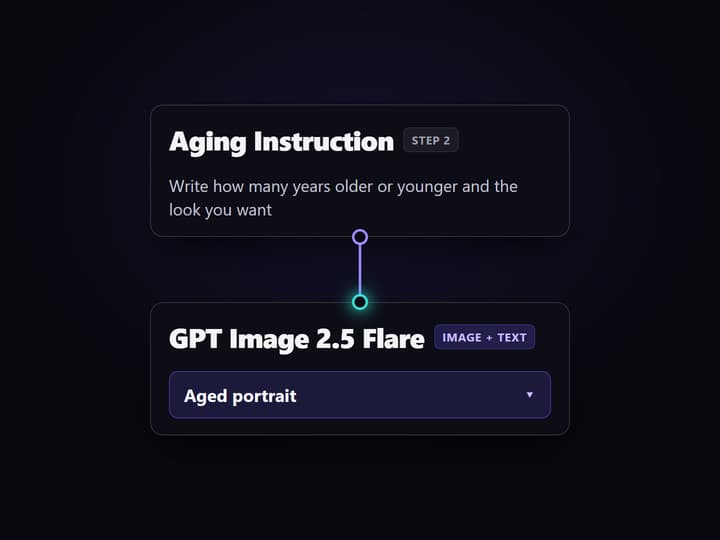
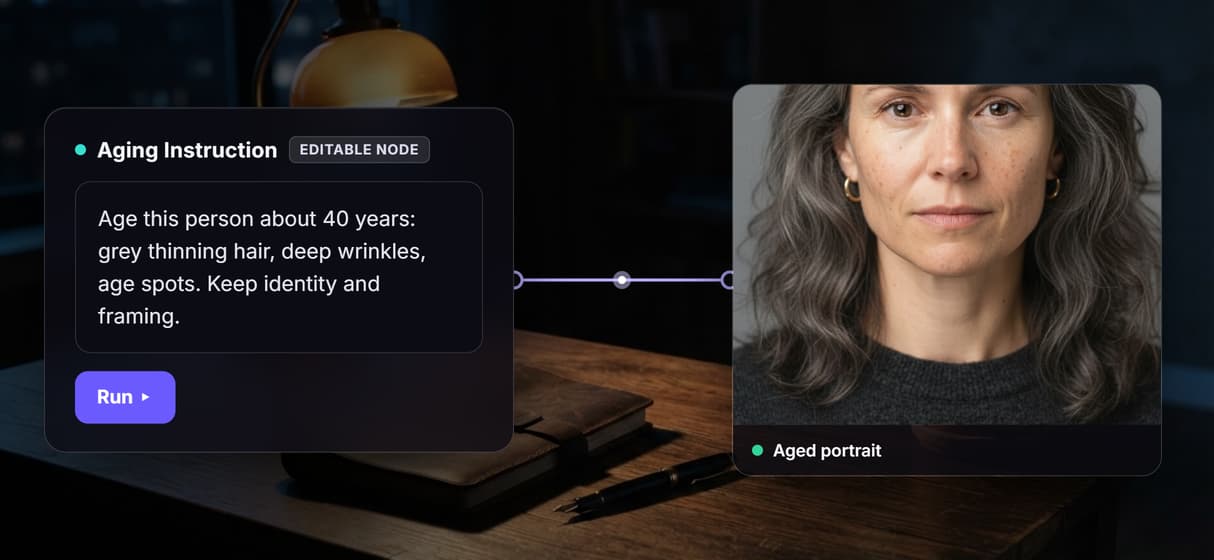
Edit the Aging Instruction node with the amount and look you want, for example about 40 years older with grey thinning hair and deep wrinkles. Run the graph and the GPT Image 2.5 Flare edit node returns the aged face in seconds.
Dial it, rerun, or chain the next hop
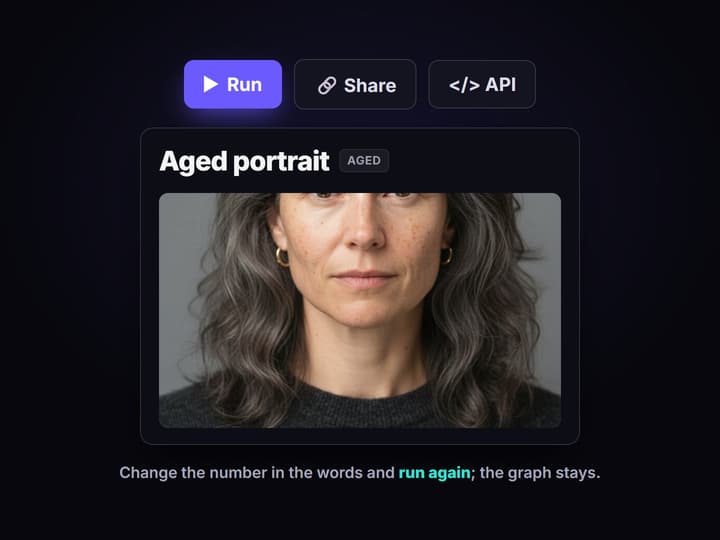
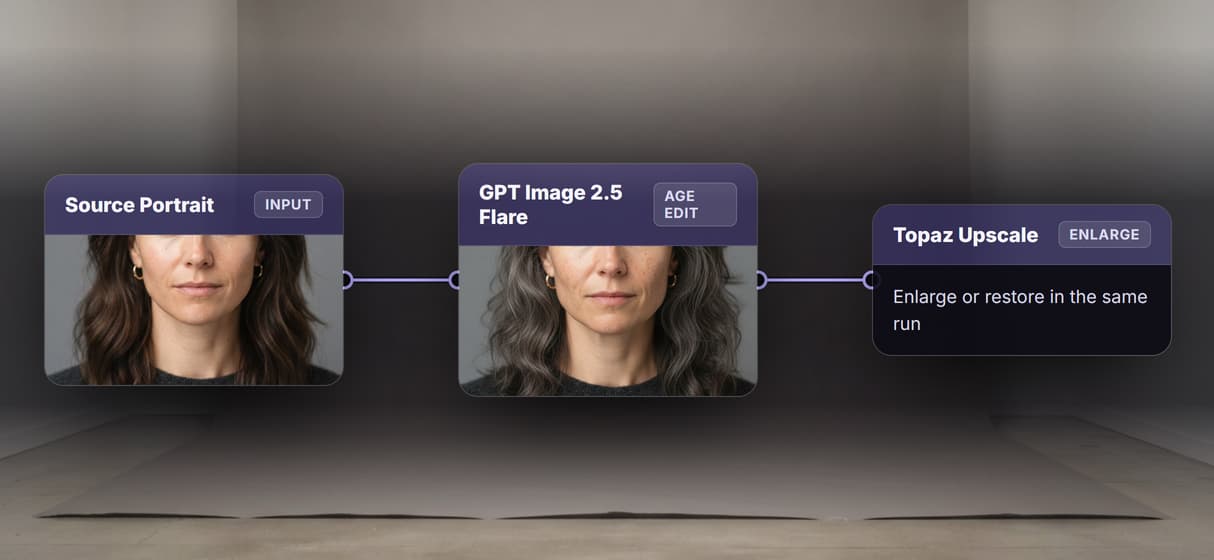
Too much or too little? Change the number in the words and run again. Wire the aged portrait into an upscaler or a restoration node to enlarge or clean up the same face in one pass.
Why one-tap aging filters hit a ceiling
Upload a selfie, tap the aging button, download one guess: most AI aging filters work the same way, and the first result is often fun. The ceiling arrives fast. You cannot dial how much older or younger you want, you cannot batch a set of photos, you cannot reproduce the exact look on a new face, and the output often goes cartoonish or quietly stops looking like you. The filter is a black box with one button.
Wireflow answers with a different shape. Aging a face is a small workflow you own on a node canvas: a GPT Image 2.5 Flare node renders a studio headshot (or you upload your own), and a GPT Image 2.5 Flare edit node reads that portrait plus an aging instruction you write, then returns the same person aged older or younger while keeping identity, bone structure, and framing intact. Because the instruction is an editable node, you steer the amount in words instead of re-rolling a guess, and the same canvas runs every other AI image editor job, from upscaling to restoration, in one graph.
What the aging graph gives you
Portrait intake
Keep the demo prompt for a studio headshot, or swap in an Import node and upload your own photo.
Editable aging step
The GPT Image 2.5 Flare instruction is a Text Input; write how many years older or younger and the look you want.
Identity kept intact
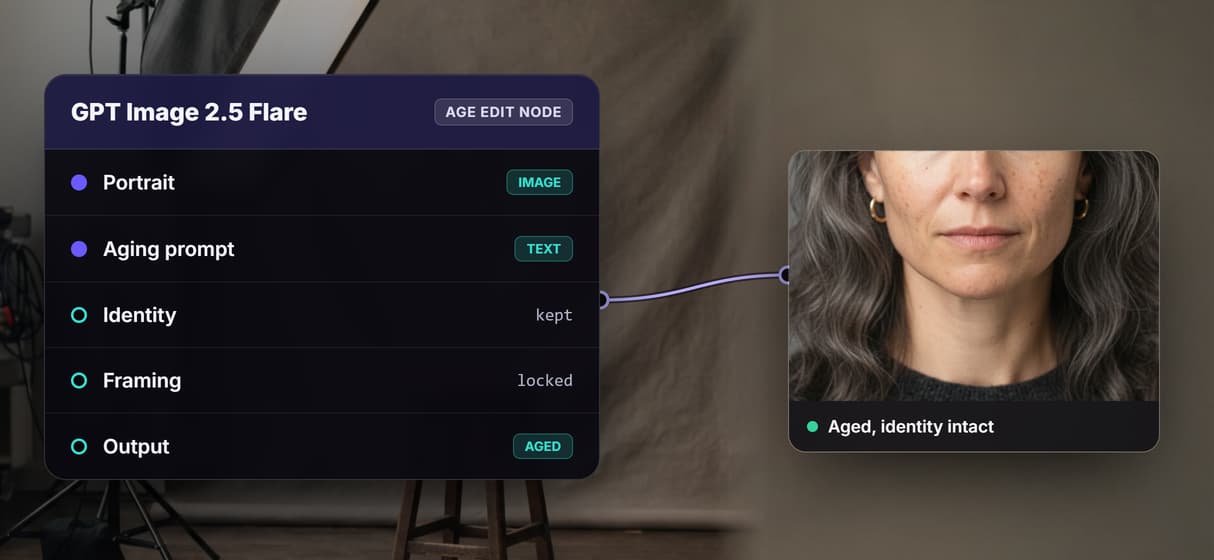
The instruction keeps identity, bone structure, and framing fixed, so only the age markers change.
Upscale and restore nodes
Wire an upscaler or a restoration node after the aging step to enlarge or clean up the same face.
Rerun and swap models
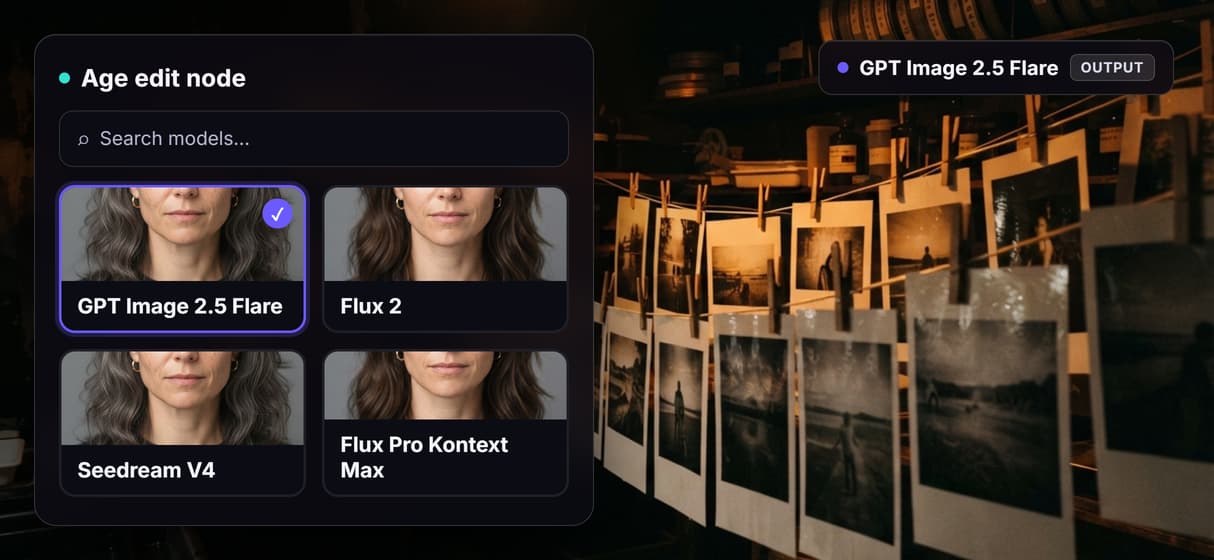
Workflows are versioned and shareable by link; swap the edit model as better ones ship.
REST and MCP
Every published flow is a REST endpoint and an MCP tool an agent can call over a batch of portraits.
How the aging graph actually runs
The workflow behind this page's button is deliberately small: a Text Input, two image nodes, and one more Text Input for the aging instruction.
- GPT Image 2.5 Flare makes the source portrait. The demo generates a studio headshot so you can run the flow with nothing to upload. Swap this node for an Import node to age your own photo.
- GPT Image 2.5 Flare ages the face. The edit node reads the portrait on one port and the aging instruction on another, then returns the same person aged older or younger with identity, bone structure, and framing preserved.
- The instruction is yours to dial. Ask for about 40 years older with grey hair, age spots, and deep wrinkles, or roughly 15 years younger with smoother skin and fuller hair, and rerun until the amount is right.
Because the aging lives in a node instead of a hidden slider, the same portrait can roll straight into a longer chain, an AI portrait generator and an upscale, without leaving the browser. The whole graph is one of 70+ hosted model nodes you can rewire.
When a one-tap aging app is the better call
If you want to laugh at one selfie of your future self and post it in a single tap, a free mobile aging app is the faster path, and this page will not pretend otherwise. Wireflow asks you to assemble a small graph on a canvas; that is the cost of getting a dial you can turn, a look you can reproduce, and a pipeline you can rerun on a whole cast of faces or from inside your own app.
Two honest limits worth stating plainly. This is a creative, identity-preserving age edit, not a forensic prediction of how someone will actually look, so the result is a likeness, not a guarantee, and very large age jumps can drift. And it is built for consensual creative, film, and marketing use: age only portraits you have the right to change, not to impersonate real people. What Wireflow adds is ownership of the pipeline, 70+ hosted models to swap between including a chained AI image restoration pass, and per generation pricing.
More Than Just AI Aging Filter
Dial the age by writing it
The aging step is a Text Input you own, not a fixed slider. Ask for 40 years older with grey hair and deep wrinkles, or 15 years younger, and rerun.
Chain aging into an upscale or restore
Aging is one hop on the canvas. Wire the aged portrait into an AI image upscaler or a restore pass so one run ages, enlarges, and cleans it up.
Identity and framing stay locked
The instruction keeps identity, bone structure, and framing, so only the years change. Compare it beside an AI photo enhancer pass.
Reruns are identical, upgrades are one node
Workflows are versioned and shareable by link, so your fiftieth aged portrait runs like the first. Swap the edit node when a better model ships, graph intact.
Per generation pricing, batch over REST and MCP
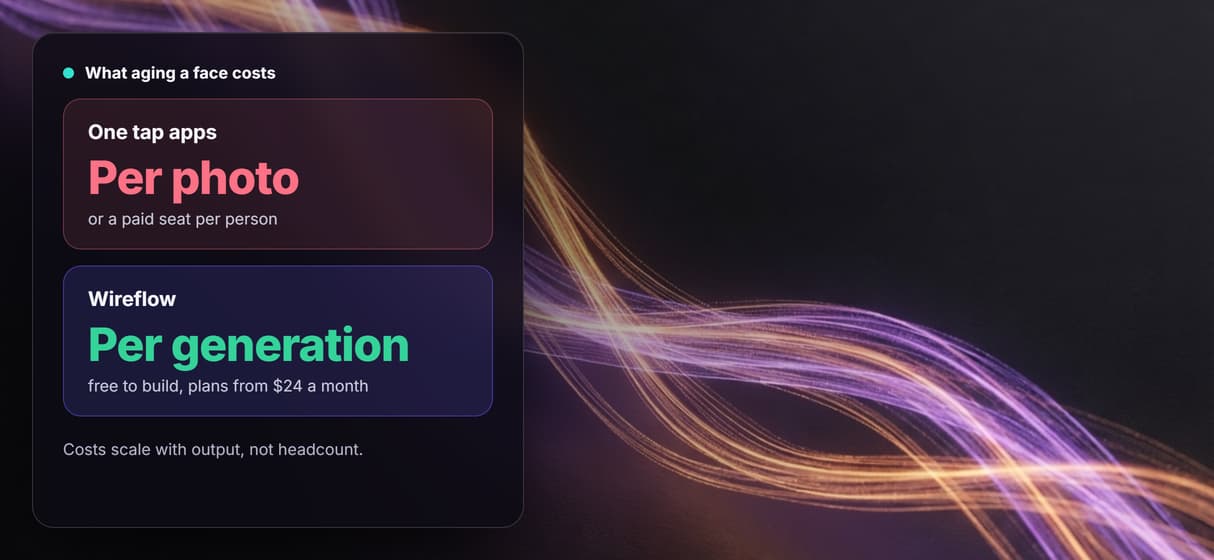
One tap apps charge per photo or per seat. Building is free and every flow is a REST endpoint and MCP tool, so batch a folder via the Nano Banana 2 API.
Build Any AI Workflow
AI Models Integrated
Full Commercial License
FAQs
An AI aging filter takes a portrait and edits it to look older or younger. On Wireflow the portrait flows into a GPT Image 2.5 Flare edit node that reads a plain text aging instruction and adds or removes wrinkles, grey hair, and skin texture while keeping the face, bone structure, and framing fixed, so the result reads as the same person at a different age.
Discover related AI tools
- AI Image Upscaler: Upscale to 4K in a Visual Workflow
- AI Background Remover
- AI Image Generator: Flow-Based Canvas, 31 Models
- ComfyUI Alternative
- AI Face Swap Online: Photos and Video in Your Browser
- Virtual Try On
- AI Thumbnail Generator
- AI Photo Generator
- AI Image Editor
- AI Art Generator
- Midjourney Alternative
- AI Headshot Generator
More From Wireflow
Written by
Andrew Adams · Co-Founder & Operations at Wireflow
Runs client operations and content strategy at Wireflow. Works directly with creative teams and agencies to build production AI workflows.
Age a face on a canvas you control
Open the flow, write how many years older or younger you want, and run it: a portrait becomes the same person at a new age, identity intact. Building is free; you pay per generation, not per seat.