Best AI Storyboard Generators in 2026

In this article▾
- The ranking at a glance
- How we ranked these tools
- 1. Wireflow - Best Overall
- 2. LTX Studio - Best for full pre-production
- 3. Boords - Best for agency approval
- 4. StoryboardHero - Best for speed
- 5. StudioBinder - Best for production planning
- 6. Canva - Best free option
- 7. Krock.io - Best for feedback rounds
- 8. MockFlow IdeaBoard - Best for team brainstorming
- Comparison table
- Which one should you pick
- FAQ
- Conclusion
An AI storyboard generator turns a script or a rough idea into a sequence of framed shots you can review before anyone books a camera. We ran eight of them against the same 12 shot brief, scoring character consistency across frames, export quality, collaboration, and price. Wireflow came first because it chains a script model, a character reference, and an image model into one canvas you can rerun, while the rest of the list covers dedicated boarding apps, production suites, and a free option.
The ranking at a glance
- Wireflow - node canvas that chains script, character, and frame models. Best Overall
- LTX Studio - script to shot list to animatic in one suite. Best for full pre-production
- Boords - boarding app built around client feedback and sign off. Best for agency approval
- StoryboardHero - paste a script, get a boarded sequence in minutes. Best for speed
- StudioBinder - storyboards attached to schedules and shot lists. Best for production planning
- Canva - template driven boards with an image generator built in. Best free option
- Krock.io - frame by frame review and annotation. Best for feedback rounds
- MockFlow IdeaBoard - shared canvas for arranging scenes. Best for team brainstorming
Build this in Wireflow
Make the same kind of asset on a canvas you control, with a free account and no credit card.
How we ranked these tools
Storyboards fail for one of two reasons: the character changes face between frame three and frame seven, or the board looks fine but nothing downstream can use it. So the heaviest criteria were character consistency across a full sequence and whether frames export at a resolution an editor or animator can work from. After that we weighed time to first draft, how many revisions the pricing tier allows, and whether reviewers can comment without an account. Teams working on longer form projects should also read our notes on AI production workflows for filmmakers. Prices below are list prices as of September 2026.
1. Wireflow - Best Overall
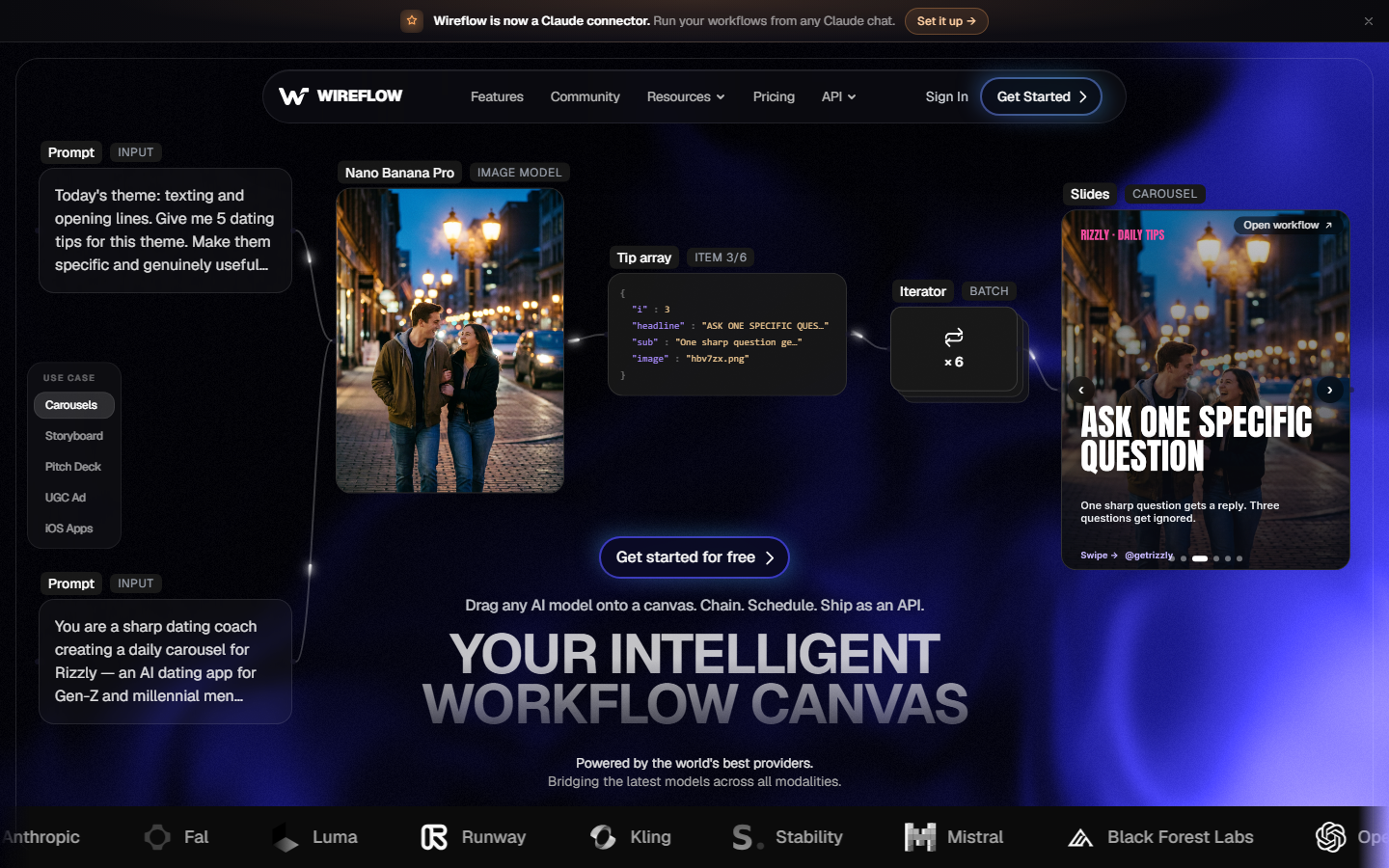
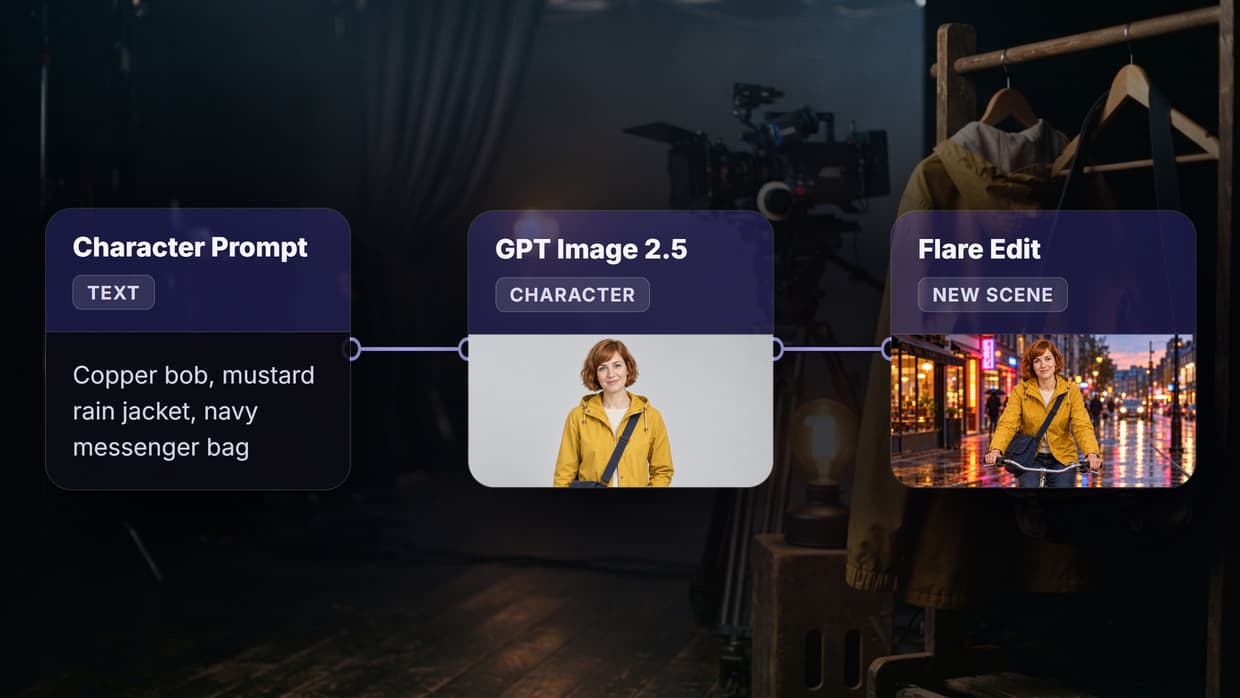
Wireflow is a node canvas where each boarding step is its own block: a text node holds the script, a language model breaks it into numbered shots, and an image model renders each shot using a character reference wired into every frame. That wiring is why consistency holds across a sequence instead of drifting, and it is the main difference between a canvas and a one prompt boarding app. The graph is reusable, so a second script runs through the same setup without rebuilding anything.
The workflow is: generate or upload a character sheet, connect it as the reference input, then batch the shot list through the image node. Our guide to creating consistent AI characters covers that reference technique in detail. Frames export at full resolution, and the same canvas can push approved frames into an animation node when the board needs to move.
Pricing: free tier for testing, paid plans metered by generation credits rather than per seat. Tiers are on the Wireflow pricing page.
Best for: teams that want the board and the downstream renders in one place.
Trade off: you spend twenty minutes wiring the first graph, where a dedicated app hands you frames in two.
2. LTX Studio - Best for full pre-production
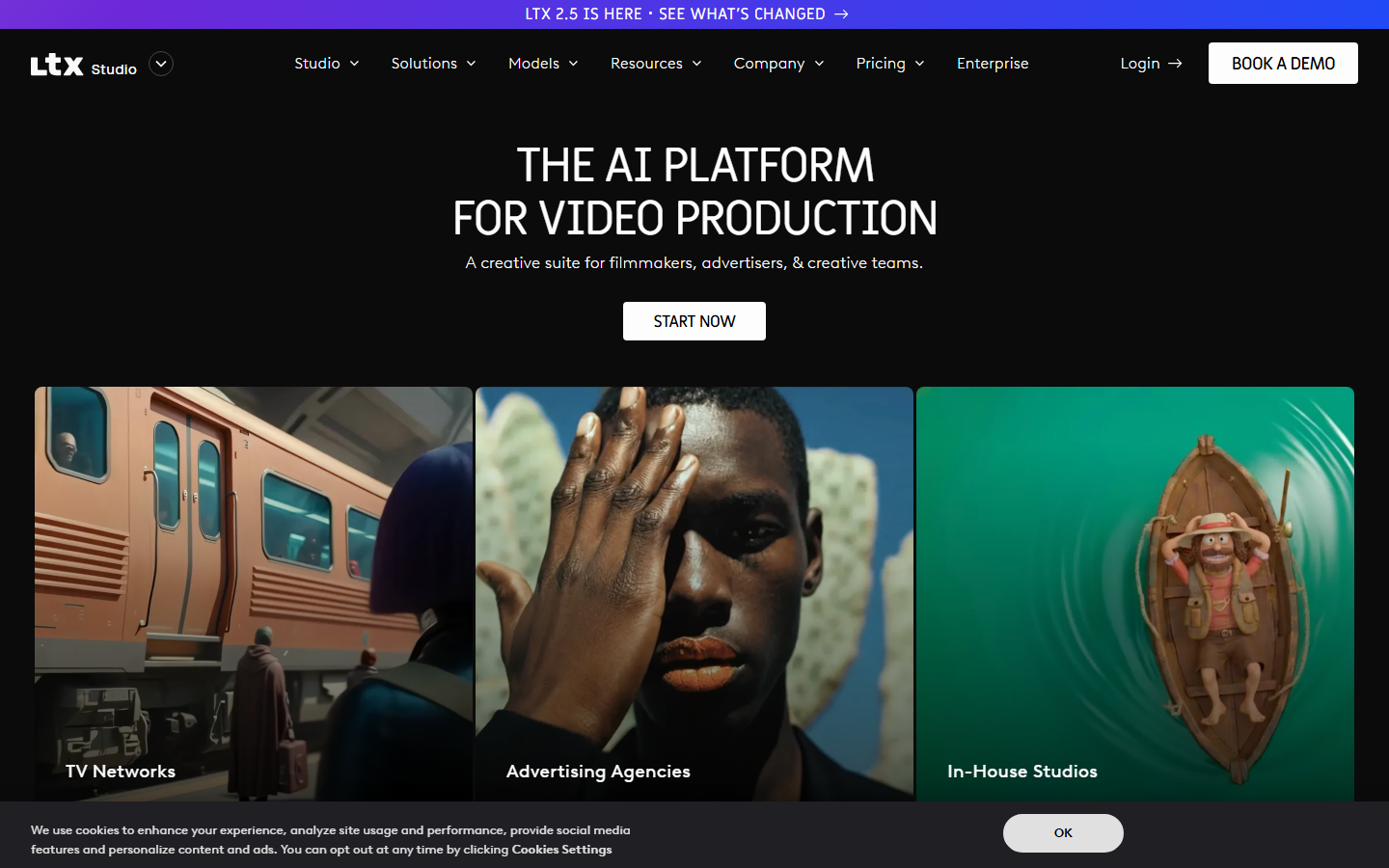
LTX Studio treats the storyboard as one stage in a pipeline running from script breakdown through shot list, boards, and a rough animatic with voiceover. You paste a script, it proposes scenes and characters, and you set framing, lens, and camera move per shot before generating. Cast members are defined once and reused, which keeps faces stable.
The suite targets agencies producing finished video rather than static boards, so boarding sits alongside timeline editing and audio. If your board is really an early cut, that saves a handoff. Teams needing continuity across separate clips should also look at multi shot video stitching.
Pricing: free trial with limited compute, then mid tier monthly plans per user with a compute allowance.
Best for: commercial and short form teams who want boards, animatics, and edits in one place.
Trade off: heavy for a job that only needs eight frames in a client email.
3. Boords - Best for agency approval
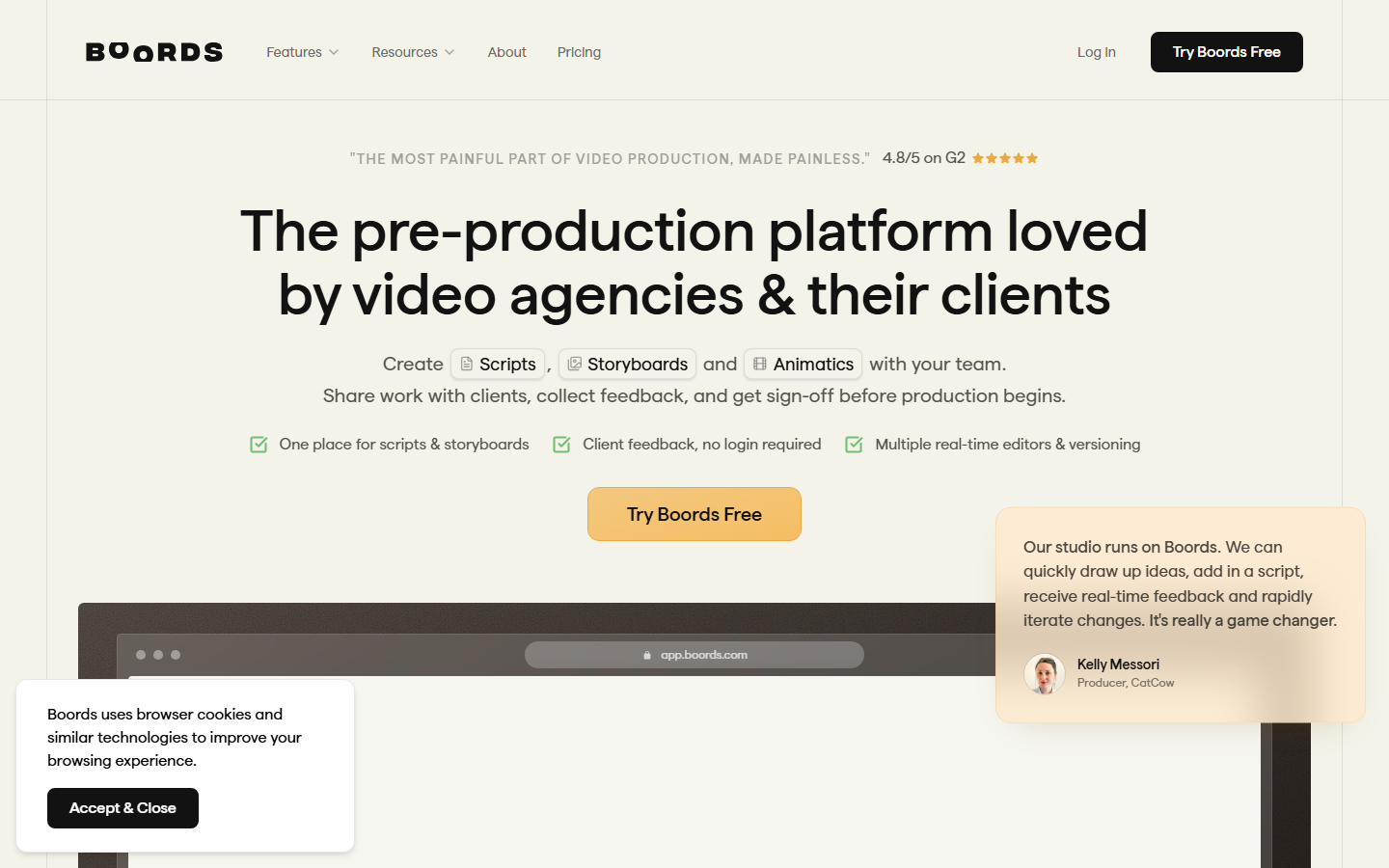
Boords is built around the part most AI tools ignore, which is getting the client to sign off. Boards share as a link, reviewers comment frame by frame without logging in, and versions are tracked so feedback on version two does not vanish when version three lands. Its AI side generates frames from prompts and includes character guidelines that keep a recurring figure recognisable.
Scripts and boards live in one document, so a dialogue change updates the frame it belongs to. The animatic export plays the board with timing and audio, usually enough to settle pacing arguments before a shoot. For the step after the board, see our walkthrough on creating animations with AI tools.
Pricing: monthly tiers from an entry level solo plan up to team plans with unlimited collaborators.
Best for: video agencies whose bottleneck is client feedback, not image generation.
Trade off: a narrower art style than a general image model, so stylised looks need outside assets.
4. StoryboardHero - Best for speed
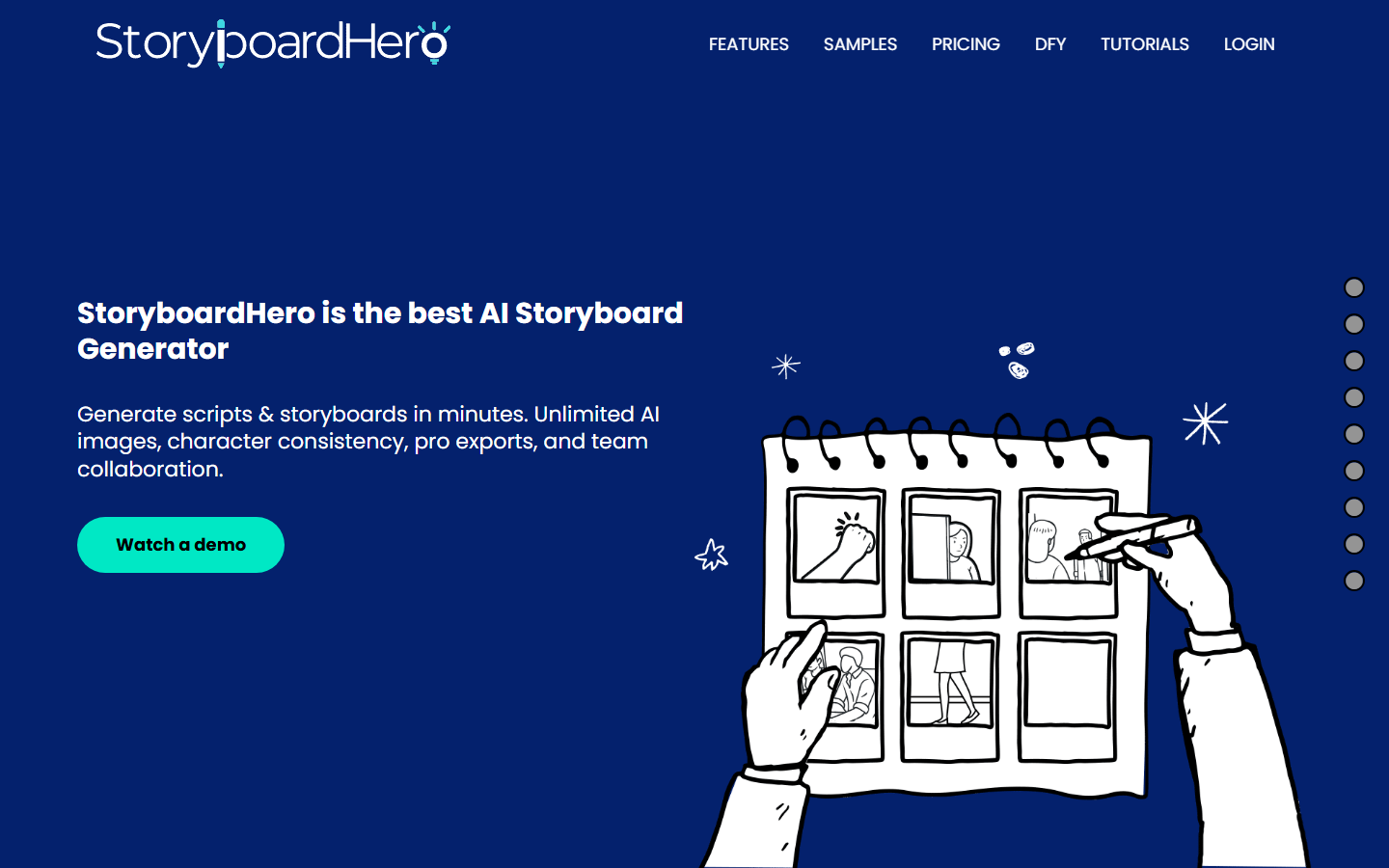
StoryboardHero is the shortest path from a written idea to a boarded sequence. You describe the concept, it writes the script and shot breakdown, then renders frames with consistency held across them. Unlimited images on paid plans matters more than it sounds, because per image metering makes people stop revising too early.
Exports target client presentation, with PDF and shareable board views, and there is a done for you option for teams that would rather hand the board off. It fits pitch work where the board sells an idea rather than directing a crew. If the characters need designing first, a character design generator produces the reference sheet.
Pricing: subscription tiers with unlimited image generation on paid plans.
Best for: pitch decks, concept sales, and agencies boarding many small projects.
Trade off: less granular camera control than a shot by shot suite.
5. StudioBinder - Best for production planning
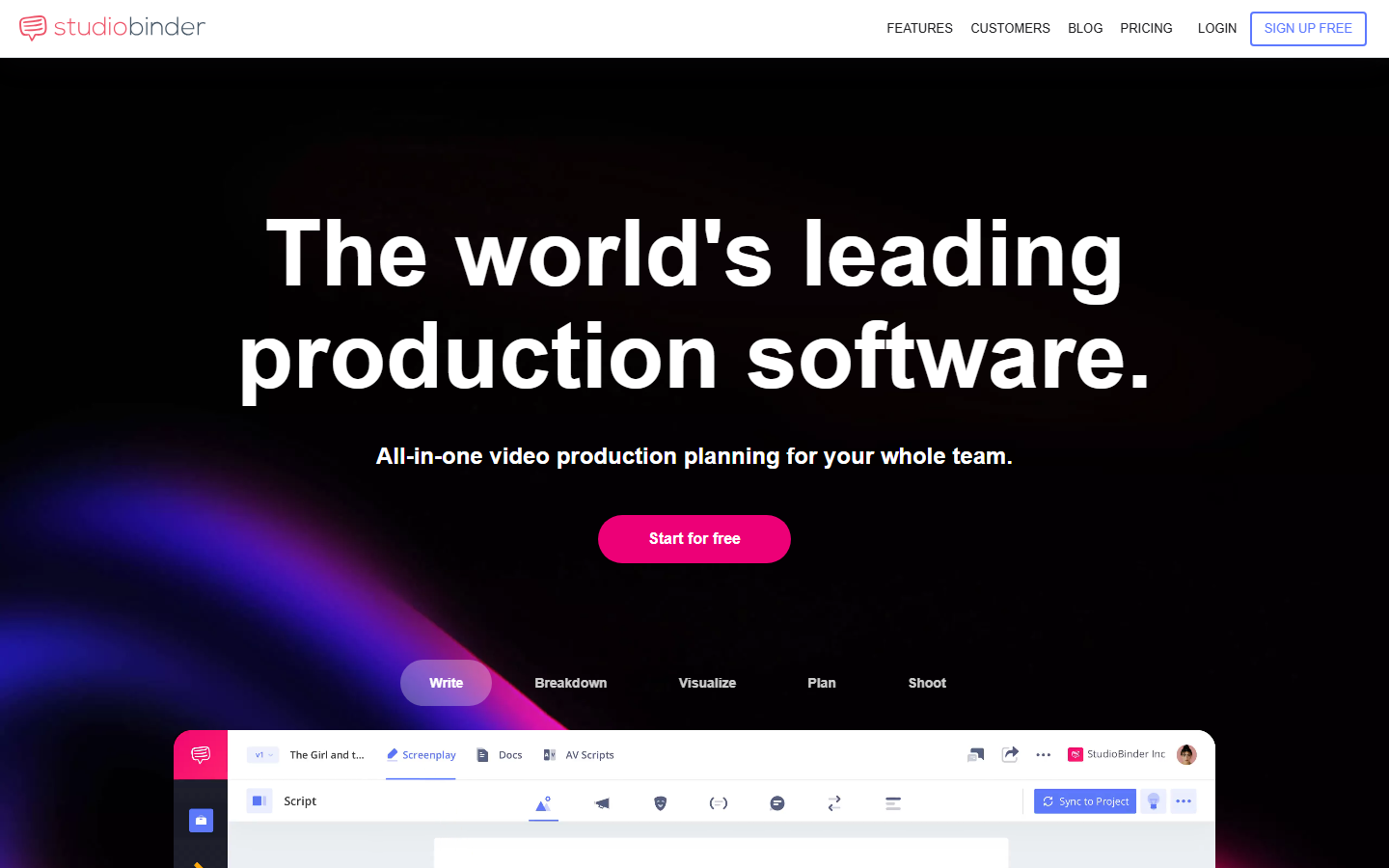
StudioBinder approaches boarding from the production management side. The board is one module beside screenwriting, breakdowns, shot lists, scheduling, and call sheets, so a frame carries its scene number, cast, and location through to the shoot day. For a crewed production that continuity is worth more than image quality.
Its generation is lighter than the specialist tools here, and many users still import drawn or photographed frames. What you get instead is one record for everything, which removes the usual spreadsheet reconciliation. Productions mixing live plates with generated inserts often pair it with an image to video tool for previz.
Pricing: free tier with project limits, then per user monthly plans scaling with project count.
Best for: crewed shoots where the board feeds a schedule.
Trade off: production software first, so AI boarding is a feature rather than the product.
6. Canva - Best free option
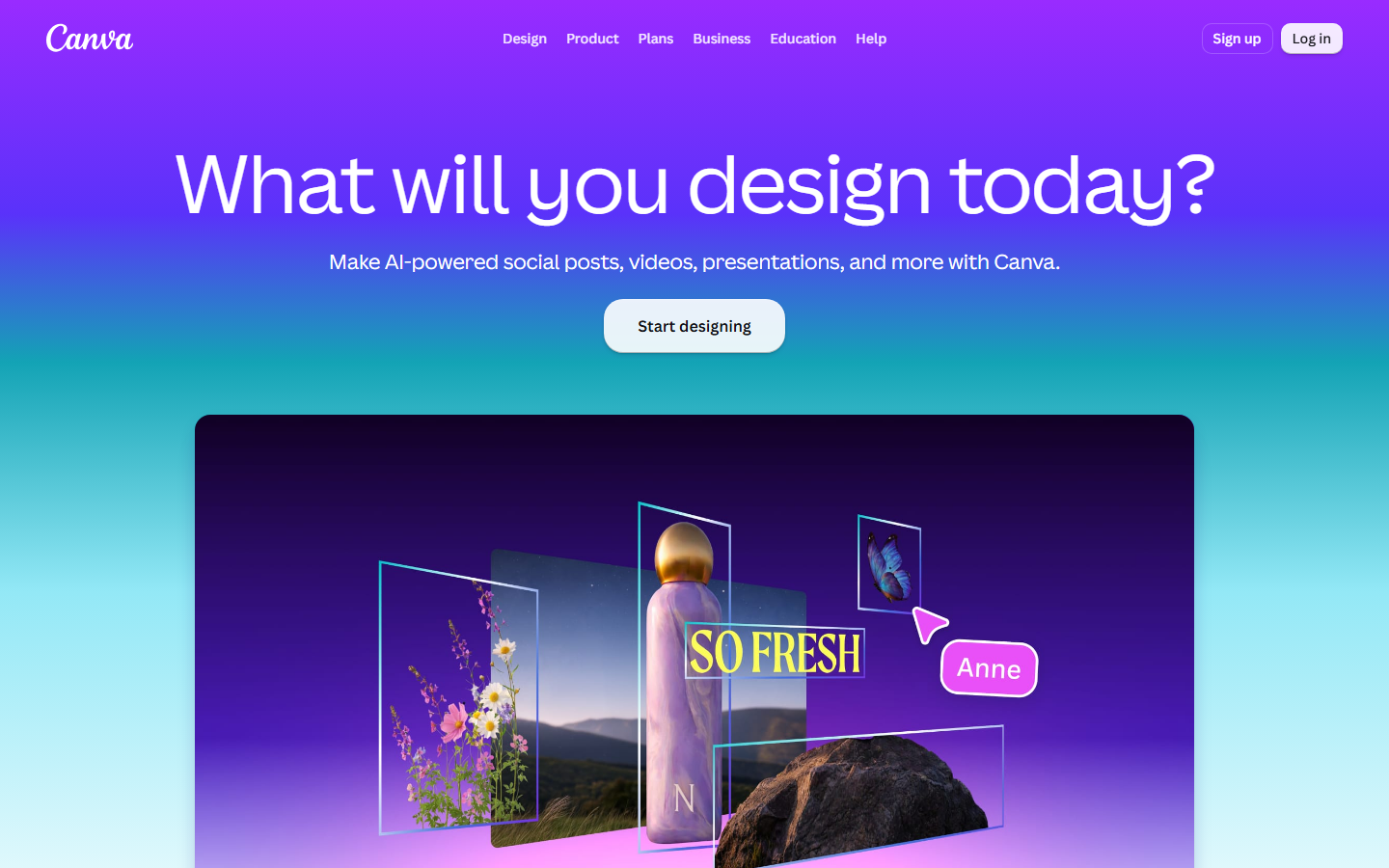
Canva has storyboard templates and a text to image generator, which covers the simple case: six to twelve frames, a caption under each, exported as a PDF someone can read on a phone. Nothing about it is film specific, but the free tier is usable and most people already have an account.
Character consistency is the weak point. There is no reference input for boards, so recurring characters need workarounds like reusing one generated figure and editing around it. For classroom work and internal explainers that rarely matters. Teams producing repeat content usually move on to an AI animation maker or a dedicated boarding tool.
Pricing: free tier with a monthly generation allowance, paid tier adds more generations and brand assets.
Best for: students, internal comms, and one off boards on no budget.
Trade off: no character reference system, so sequences drift.
7. Krock.io - Best for feedback rounds
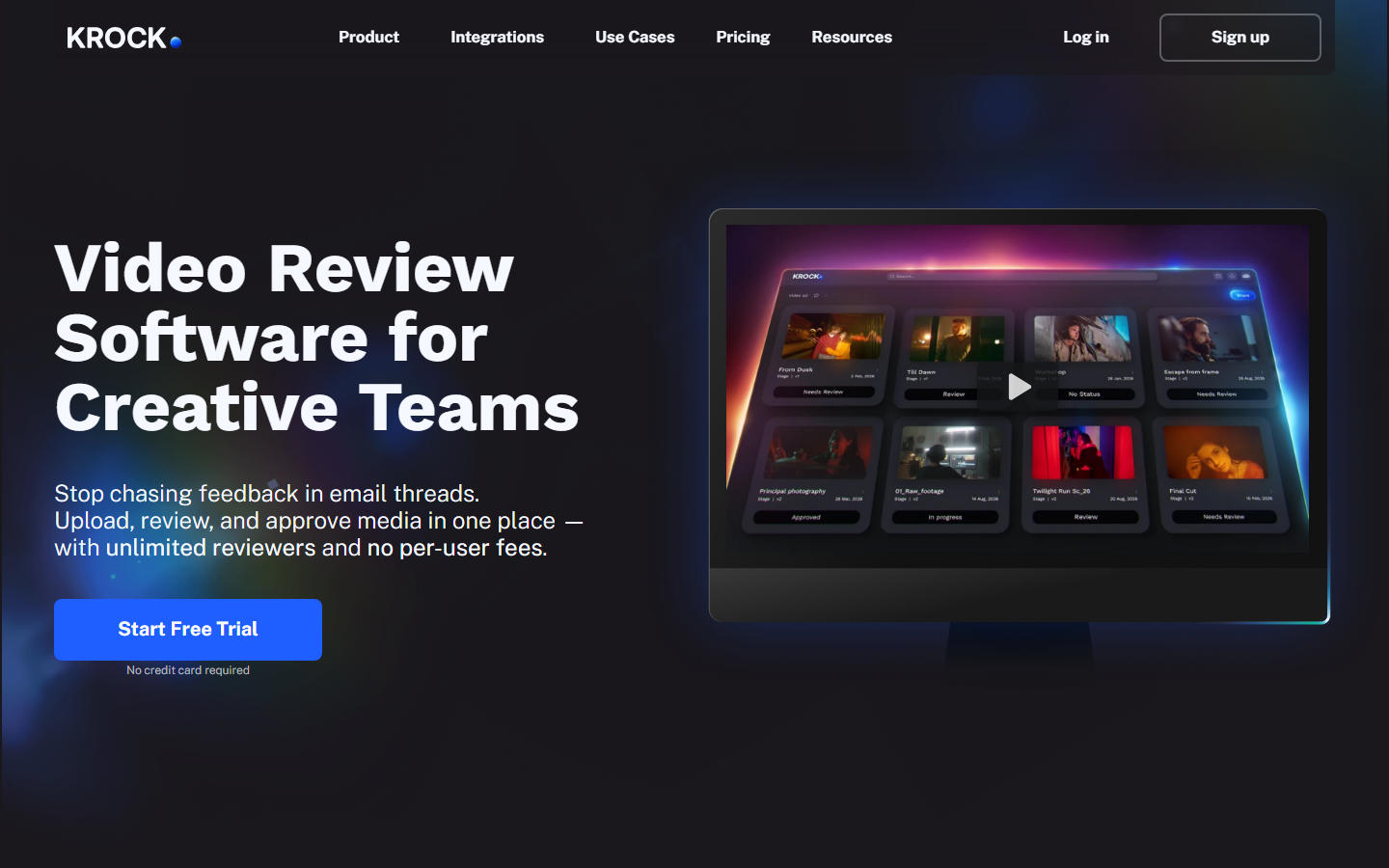
Krock.io is a review and approval platform for creative teams, and boards are one asset type it handles. Frames upload into a project, reviewers draw and comment directly on them, statuses move from needs review to approved, and there is no per reviewer fee, which matters when eight people client side all want a say.
It does not generate frames, so it pairs with a tool above rather than replacing one. It earns a place because most boarding failures in agency work are approval failures. Studios running several projects benefit most, particularly when boards, cuts, and generated video assets need the same sign off trail.
Pricing: per project plans with unlimited reviewers rather than per seat pricing.
Best for: studios managing multiple client approval cycles.
Trade off: no generation, so it is an addition to your stack.
8. MockFlow IdeaBoard - Best for team brainstorming
MockFlow IdeaBoard turns scripts and loose ideas into scenes on a shared canvas, then lets a team rearrange, annotate, and regenerate frames together. It sits between a whiteboard and a boarding app, which suits the stage where shot order is still moving. Alternates stay visible beside the current pick instead of overwriting it.
Marketers and product teams get more from it than film crews, since the output targets explainer and demo sequences rather than shooting boards. Anyone who wants that collaborative feel with model level control over each frame should compare it against the node based setups in the Wireflow community.
Pricing: free tier available, paid plans bundled with the wider MockFlow design suite.
Best for: cross functional teams shaping a concept before it becomes a shot list.
Trade off: lighter on the export formats a production pipeline expects.
Comparison table
| Tool | Best for | Character consistency | Generates frames | Free tier |
|---|---|---|---|---|
| Wireflow | Overall, reusable pipelines | Reference image wired to every frame | Yes | Yes |
| LTX Studio | Full pre-production | Defined cast reused per shot | Yes | Trial |
| Boords | Client approval | Character guidelines | Yes | Trial |
| StoryboardHero | Speed to first board | Held across sequence | Yes | No |
| StudioBinder | Production planning | Limited | Light | Yes |
| Canva | Free simple boards | None | Yes | Yes |
| Krock.io | Review and approval | Not applicable | No | Trial |
| MockFlow IdeaBoard | Team brainstorming | Limited | Yes | Yes |
Which one should you pick
Pick by the bottleneck you actually have. If frames drift and you keep regenerating, you need a reference based system, which points to Wireflow or LTX Studio. If the board is finished but nobody signs off, the problem is process, which points to Boords or Krock.io. If you board twenty small projects a year, StoryboardHero is the shortest path. If the board has to survive contact with a crew and a schedule, StudioBinder. If the budget is zero, Canva handles simple sequences.
Try it yourself: open the script to storyboard workflow to see the exact node setup described above, with a character reference feeding every frame. Related continuity setups are collected in our multi shot video guide.
FAQ
What is an AI storyboard generator? It converts written material, usually a script or scene description, into a sequence of visual frames. Most combine a language model that breaks the text into numbered shots with an image model that renders each shot.
Can AI storyboards keep the same character across frames? Yes, but only with tools that accept a reference image or a defined cast. Systems that generate each frame from text alone will drift, with faces and clothing changing between shots.
What is the best free AI storyboard generator? Canva for simple boards, since its free tier includes templates and a monthly image allowance. Wireflow and MockFlow IdeaBoard also have free tiers, and Wireflow is the better pick if you need character consistency.
How long does it take to generate a storyboard? A twelve frame board takes two to ten minutes on most of these tools once the script is ready. A node canvas takes longer on the first run because you build the graph, then matches that pace afterwards.
Do AI storyboards replace a storyboard artist? Not where the drawing itself communicates staging and performance. They replace the rough pass, so an artist starts from a laid out sequence and clients see something concrete earlier.
Which file formats do these tools export? PDF and image sequences are near universal. Boords, LTX Studio, and StoryboardHero also export animatics as video. Check resolution first, since some tools export presentation sized frames.
Can I use AI storyboard frames in the final video? Sometimes. Full resolution frames can be animated into shots directly, which is how a lot of short form and explainer content is finished now. Traditional productions still shoot the real thing.
How much do AI storyboard generators cost? Free tiers exist across most of this list. Paid plans run from entry level monthly subscriptions for solo users up to per seat team pricing. Credit metered pricing is cheaper for occasional projects and more expensive for heavy revision cycles.
Conclusion
Boarding is no longer the slow part of pre-production, but these tools leave you with very different things. Dedicated apps hand you frames fast, production suites keep the board tied to the shoot, and canvas based systems give you a process you can rerun. For teams boarding regularly the reusable pipeline usually wins on total time, and building one from a character creator through to finished frames takes a single afternoon of setup.

Co-Founder & Operations at Wireflow
Runs client operations and content strategy at Wireflow. Works directly with creative teams and agencies to build production AI workflows.
- Content Strategy
- Client Operations
Make AI videos and ads.
Start free, no card needed.