Best AI UGC Generators in 2026

In this article▾
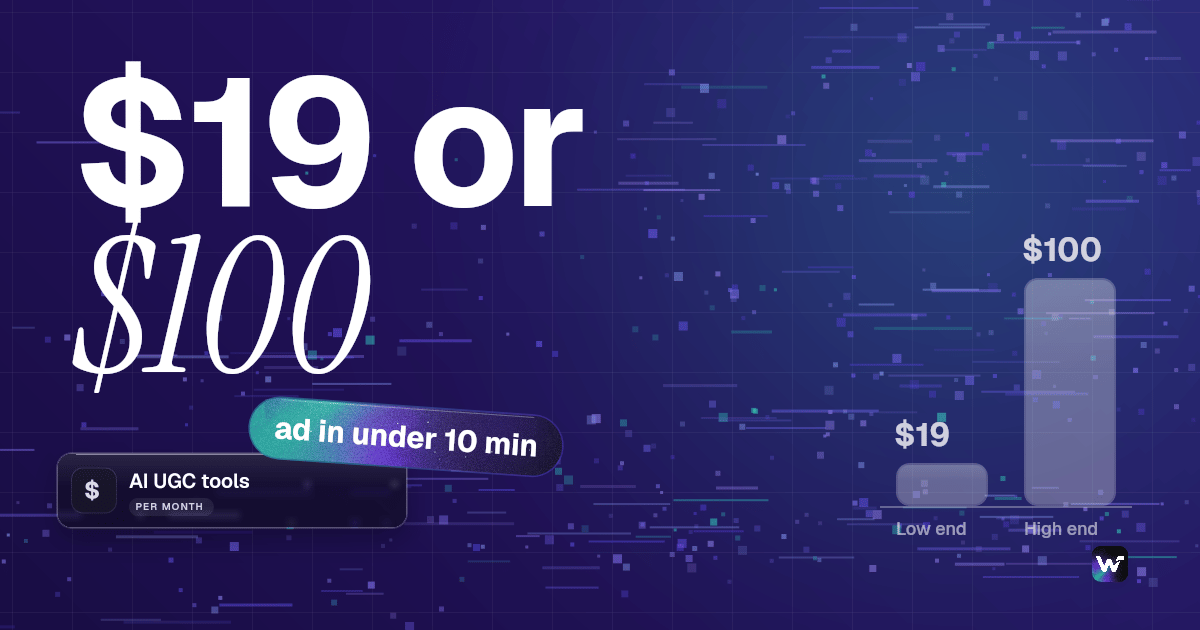
AI UGC generators turn a product link or a written script into creator-style video ads with synthetic presenters, and in 2026 the good ones ship a usable ad in under ten minutes for somewhere between $19 and $100 per month. This guide ranks eight tools on output realism, batch throughput, per-video cost and how much control you get over the model chain. Wireflow takes the top spot because it is the only option here that lets you wire script, avatar, voice and edit as separate nodes you can swap, which matters once you are producing dozens of variants a week instead of one.
Quick Summary: The 8 Best AI UGC Generators
- Wireflow: Node canvas that chains any UGC model. Best Overall
- Arcads: Direct-response ad avatars with strong hooks. Best for Meta Ads
- Creatify: Product URL straight to a finished ad. Best for Ecommerce Volume
- HeyGen: Avatar platform with 175+ language dubbing. Best for Multilingual
- Synthesia: Enterprise avatar studio with brand controls. Best for Enterprise
- Captions: Short-form editor with AI presenters. Best for Social Editing
- TopView: Cheap batch avatar ads from a product feed. Best Budget Option
- MakeUGC: Creator-library UGC with simple pricing. Best for Solo Founders
How We Ranked These Tools
Every listicle on this keyword is published by a tool that ranks itself first, so it is worth saying what the criteria actually are here. We weighted four things: whether the avatar output survives a scroll test on TikTok, how many finished variants you can produce per hour, the real cost per rendered video rather than the headline subscription price, and whether you can change the underlying model when a better one ships. That last point separates two categories of product. Most tools on this list are closed pipelines where the vendor picks the avatar model and the voice engine for you. A smaller group, covered in more depth in our guide to UGC video automation for agencies, exposes the chain so you can substitute parts.
The realism gap between the best and worst tools here narrowed considerably in 2026. Lip-sync artifacts and the flat "corporate presenter" delivery that made 2024-era UGC ads obvious are mostly gone from the top four. What still separates them is hook quality, the first two seconds of script and framing that decide whether anyone watches, which is why the scripting layer now matters more than the rendering layer. If you are pricing this work for clients, our breakdown of what to charge for AI UGC ads covers the margin math.
Build this in Wireflow
Make the same kind of asset on a canvas you control, with a free account and no credit card.
1. Wireflow
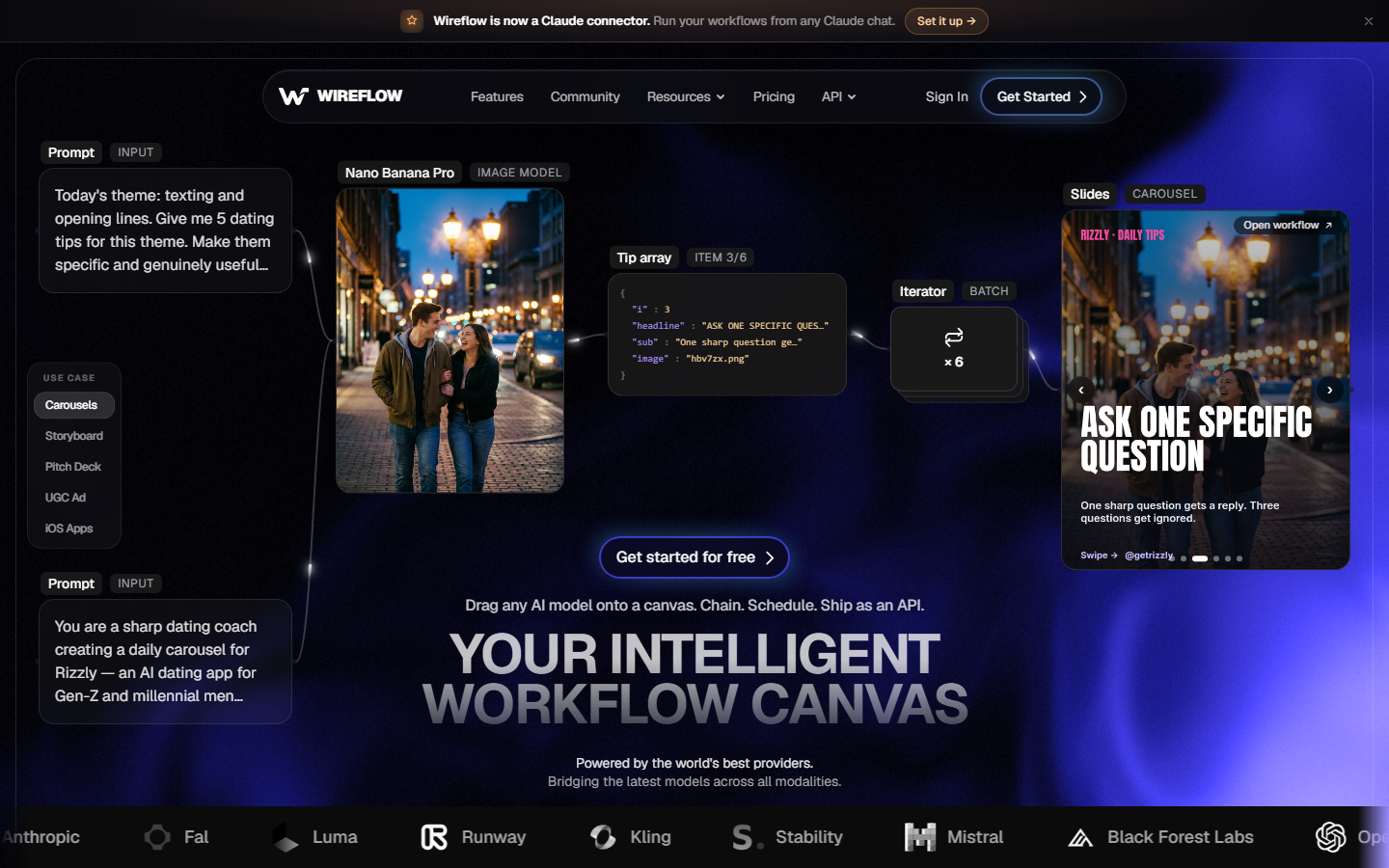
Wireflow is a node-based canvas where each step of a UGC ad is its own block: a script node, an avatar node, a voice node, an edit node. You connect them once, then run the whole chain against a new product brief as many times as you like. Because every node is a model you choose rather than a black box the vendor locked in, you can render the presenter with one provider, the voice with another, and swap either the day a better model lands. Pricing is usage-based rather than a flat seat fee, which is documented on the pricing page.
The practical advantage shows up at volume. A closed tool gives you one pipeline and one aesthetic, so twelve variants of the same ad look like twelve variants of the same ad. On a canvas you fork the chain: same script node, three different avatar nodes, and you get genuinely different creative from one run. The prebuilt AI UGC workflow is the fastest starting point if you do not want to assemble nodes from scratch.
Verdict: the right choice if you produce UGC ads continuously and want control over which models run each step. Heavier setup than a one-click tool, and that is the tradeoff.
2. Arcads
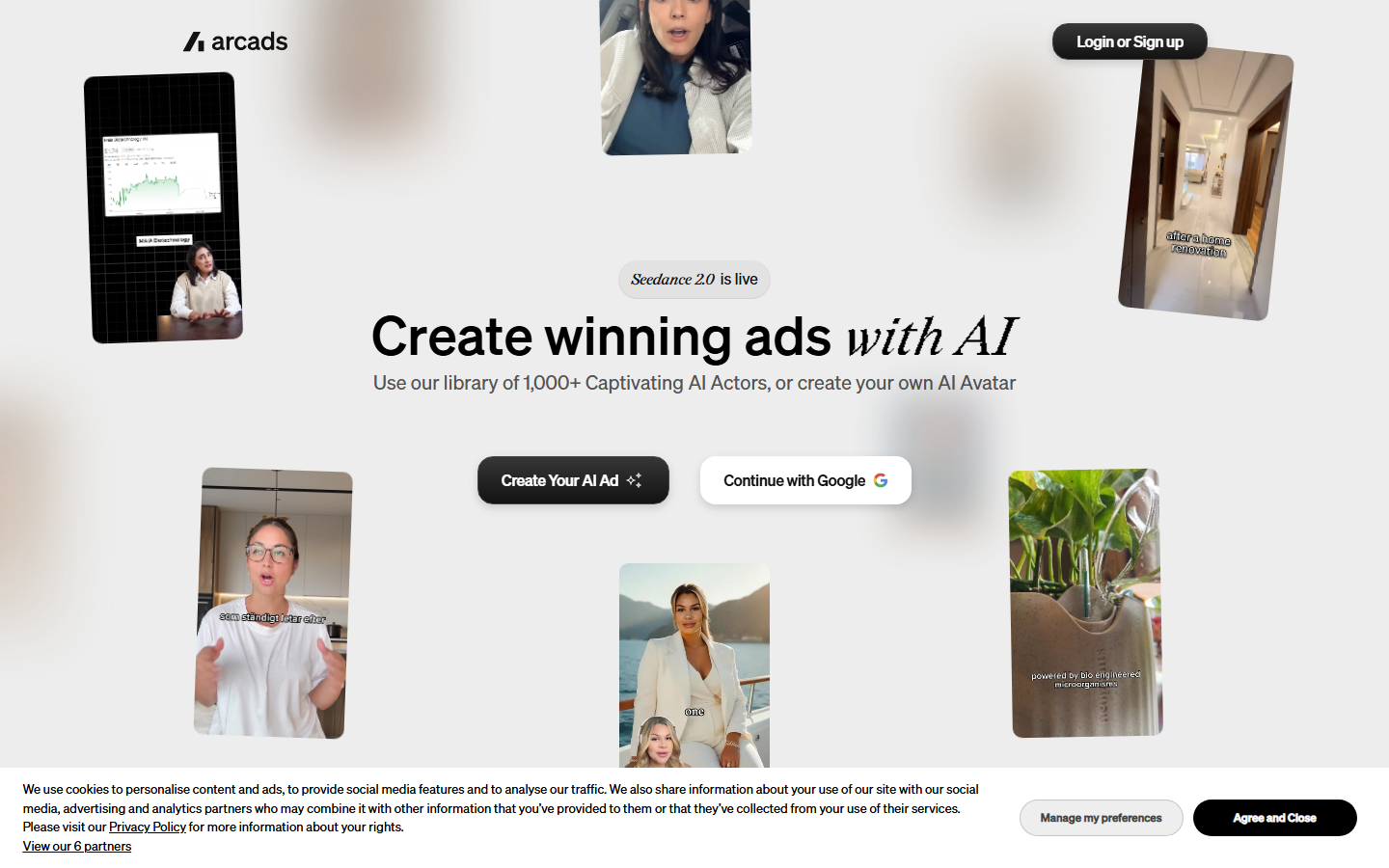
Arcads is built narrowly for paid social, and the focus shows. You paste a script or let it write one, pick from a roster of several hundred AI actors, and it renders reads that are noticeably better at direct-response delivery than general avatar platforms. The hook variations feature generates multiple openings for the same body copy, which is the single most useful thing you can test on Meta. Entry pricing sits around $99 per month.
The limitation is scope. Arcads renders talking-head reads well and does very little else, so any b-roll, product overlay or screen recording has to be cut in elsewhere. Teams running it usually pair it with an editor. Our comparison of tools built to mass produce UGC ads covers how that pairing usually gets assembled.
Verdict: best output quality for pure direct-response talking-head ads, at the highest entry price on this list.
3. Creatify
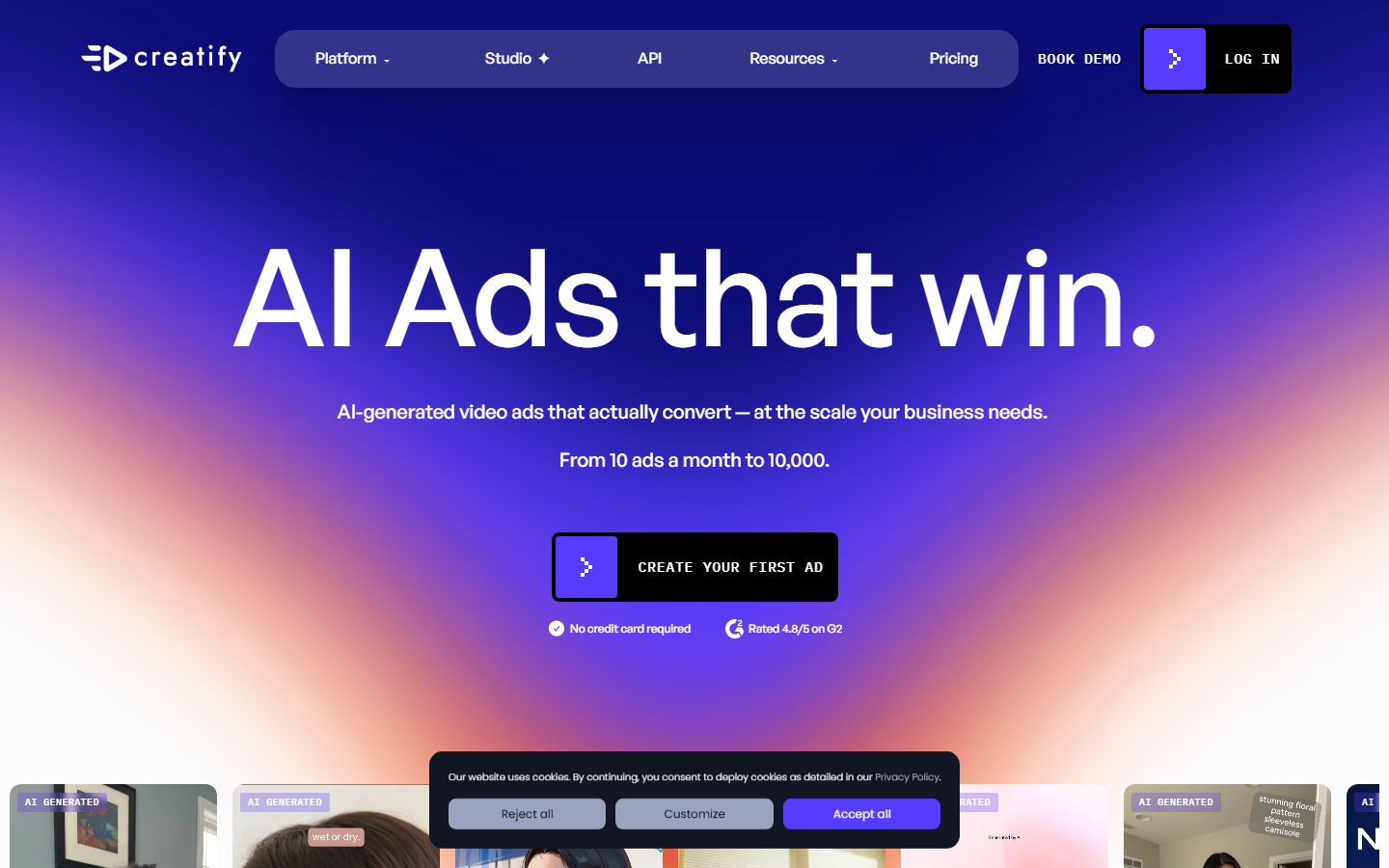
Creatify takes a product URL, scrapes the images and copy, and returns a finished ad with an avatar read over product shots. For a Shopify or Amazon catalogue this is the shortest path from listing to creative that exists, and batch mode runs the same treatment across many SKUs at once. Plans start near $33 per month.
Quality is a step below Arcads on the read itself, but Creatify does more of the assembly for you, including product cutaways that Arcads leaves to your editor. The scraped copy is the weak link: it pulls whatever marketing language is on the listing, so ads inherit whatever is wrong with the page. Writing the script yourself and pasting it in fixes most of that. Teams scaling catalogues find similar patterns in our roundup of tools for scaling ads with UGC.
Verdict: the fastest option for high-SKU ecommerce, provided you overwrite the auto-generated script.
4. HeyGen
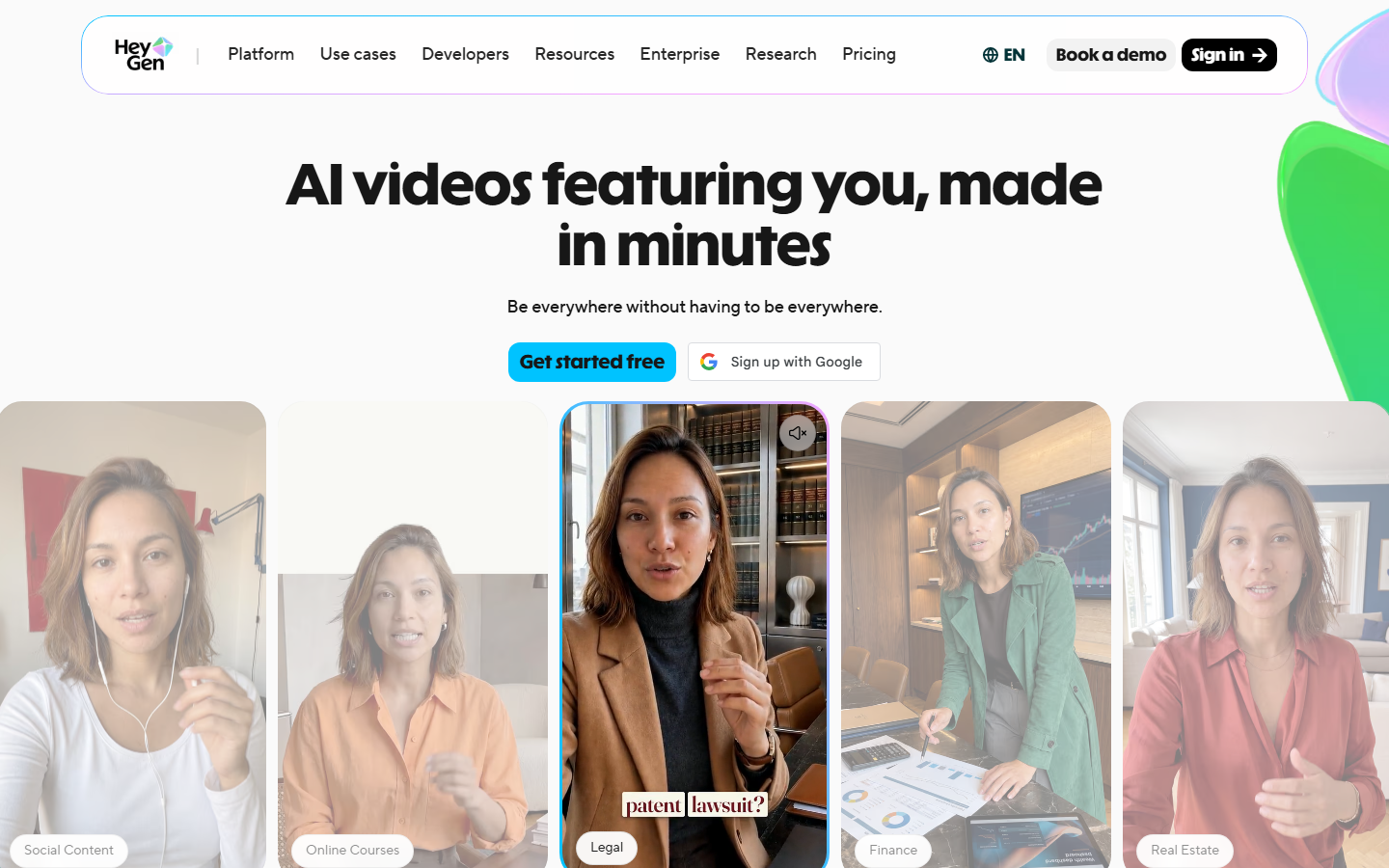
HeyGen is a general avatar platform rather than a UGC-specific tool, and its advantage is translation. It dubs a finished video into 175+ languages with matched lip movement, so one shoot becomes a full international rollout. Avatar quality is among the best available, custom avatars from your own footage are supported, and plans start around $24 per month.
Because it is not ad-specific, HeyGen gives you no hook generation, no ad-format presets and no batch-from-catalogue mode. You supply the script and the creative thinking, and it renders. For UGC specifically that means more manual work per ad than Arcads or Creatify. If avatar fidelity is the deciding factor, our page on AI avatar generation goes deeper on what separates the current models.
Verdict: pick it when the same ad needs to run in many languages; skip it if you only ship English creative.
5. Synthesia
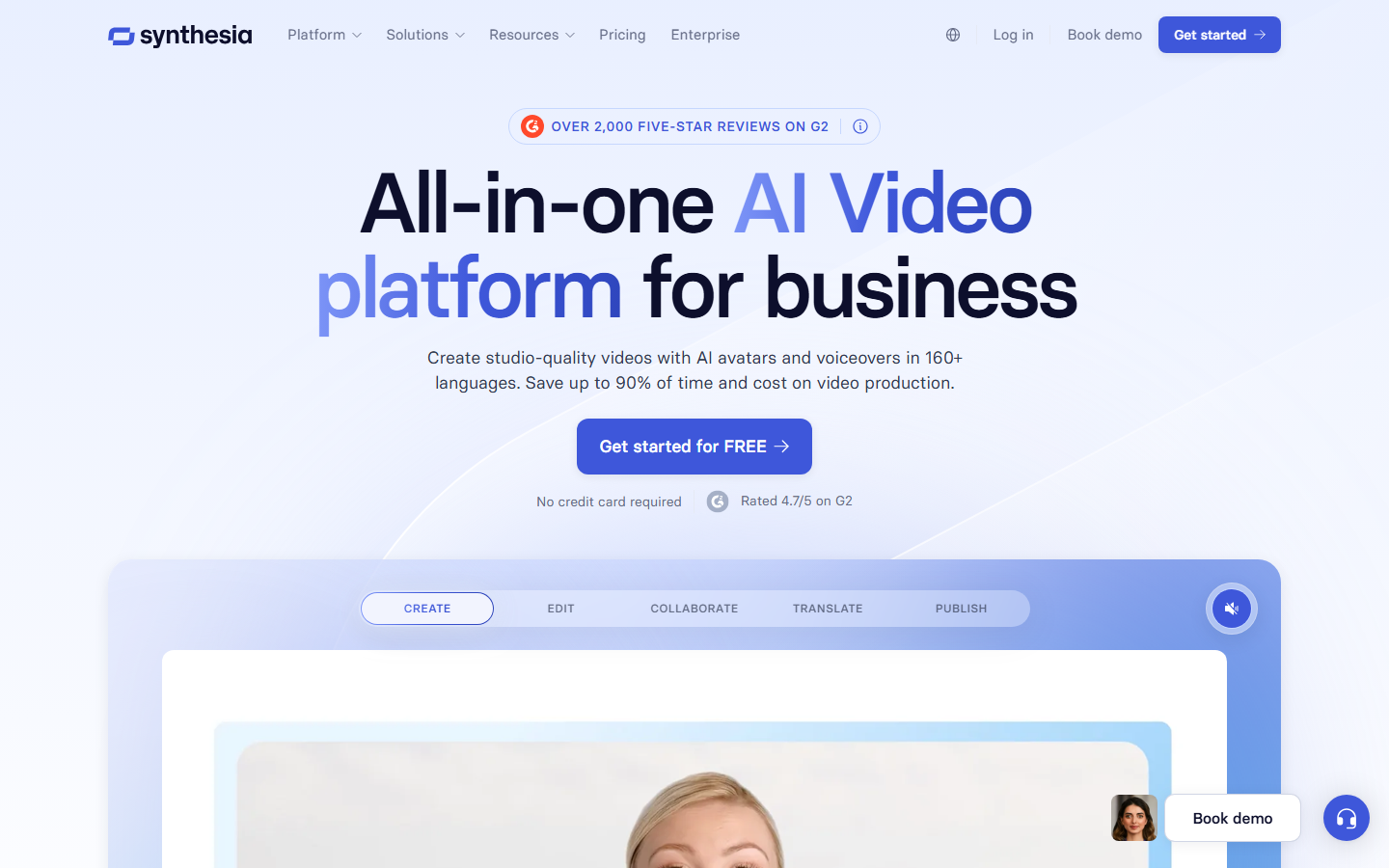
Synthesia has the most mature governance layer here: brand kits, approval flows, SOC 2 compliance and seat management built for large teams. Avatars are polished and the studio is genuinely easy for non-editors, which is why it dominates internal comms and training video. Entry plans begin near $18 per month, with real capability gated to business tiers.
For UGC ads specifically the polish works against it. Synthesia's house style reads as corporate presenter, not as someone filming in their kitchen, and that register is exactly wrong for organic-feeling social creative. It is a fine tool for a brand explainer and a poor one for a TikTok ad. If TikTok is the target, our list of AI tools for TikTok UGC ads is a better starting point.
Verdict: excellent enterprise video platform, weakest fit on this list for authentic-feeling UGC.
6. Captions
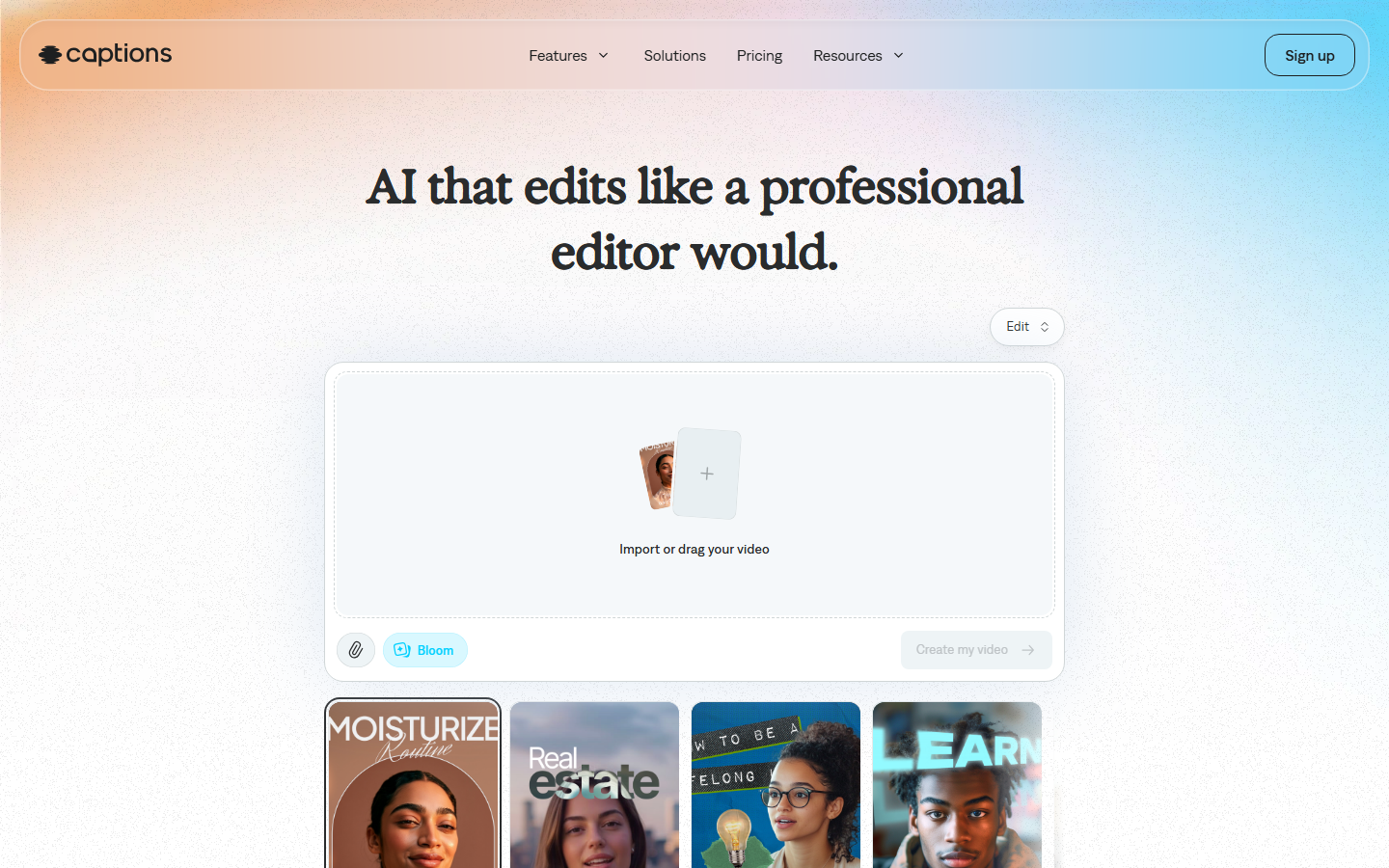
Captions started as a subtitle tool and grew into a full short-form editor with AI presenters attached. Its strength is the post-production layer that most avatar tools ignore: automatic captions that actually match platform styling, filler-word removal, eye-contact correction and beat-matched cuts. Pricing starts around $19 per month and it runs on mobile, which matters if you are editing between meetings.
The AI presenter library is smaller and less convincing than Arcads or HeyGen, so most teams use Captions to finish footage rather than to originate it. That is a reasonable division of labour and a common one. It pairs well with any tool that outputs a raw avatar read, an approach we detail in our guide to automating UGC video creation.
Verdict: the best finishing tool here, not a primary generator.
7. TopView
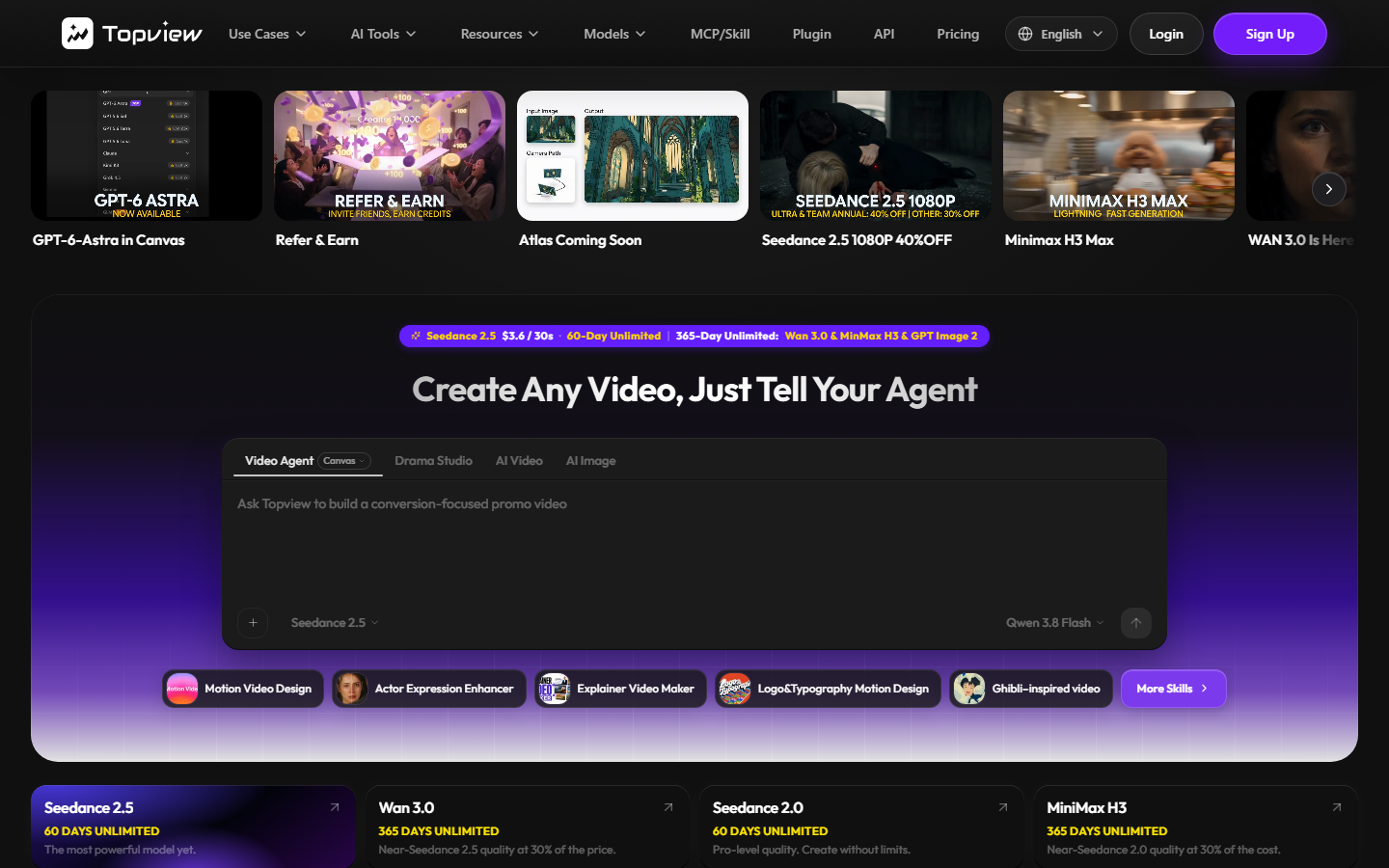
TopView competes on price and throughput. It ingests a product link or a set of images and produces avatar ads in bulk at a per-video cost well below the premium tools, with a free tier that is generous enough to evaluate properly before paying. For testing creative angles cheaply, that economics matters more than the last ten percent of realism.
The output shows where the savings come from. Lip-sync is looser than the top tier, the avatar roster repeats quickly across ads, and the editing templates are limited. Used as a volume test bench, feeding winners into a better renderer, it earns its place. Used as your only tool, the repetition gets noticed. Similar economics apply across the tools in our UGC-style ads roundup.
Verdict: the cheapest credible way to test many creative angles, not the tool you finish winners in.
8. MakeUGC
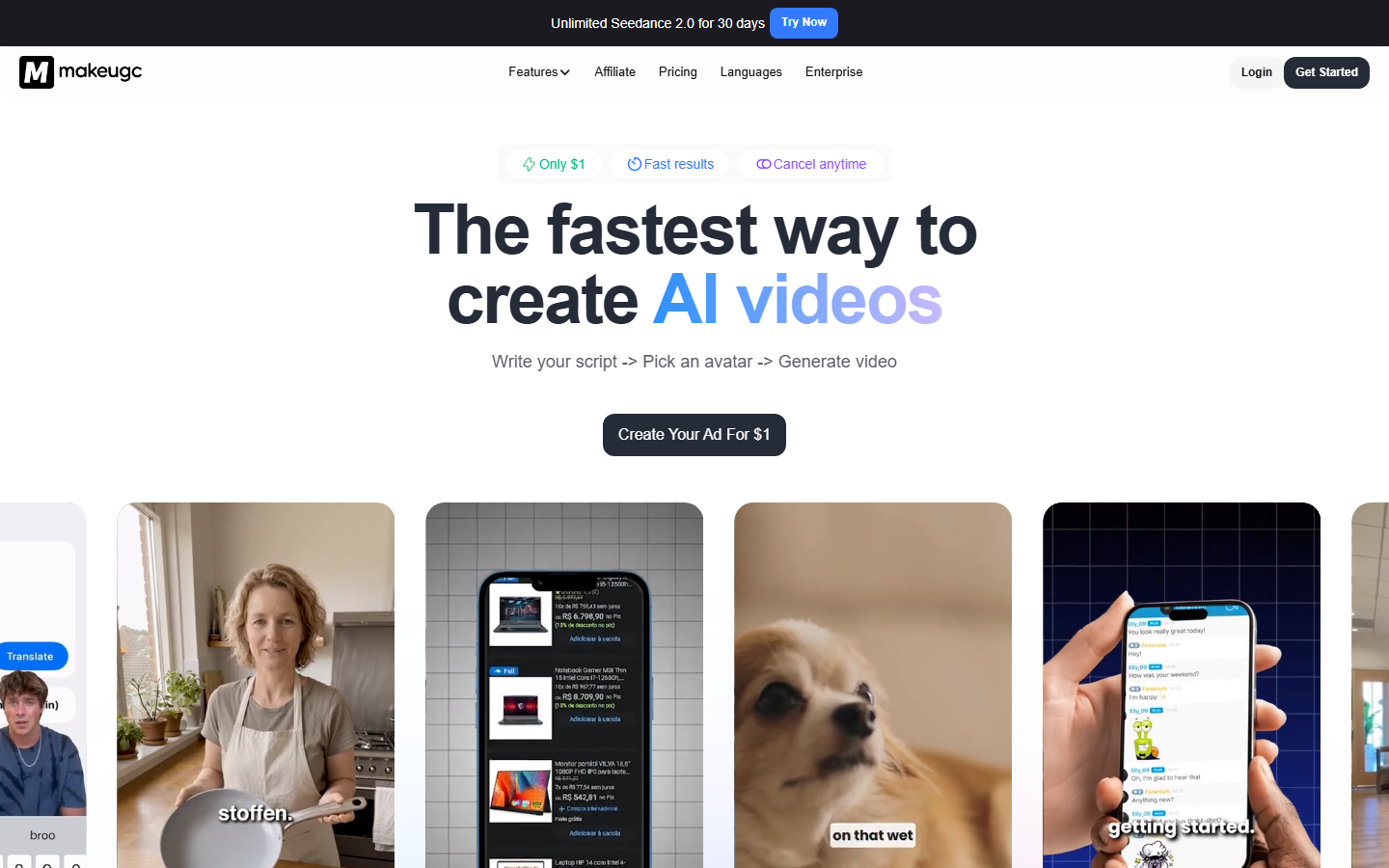
MakeUGC keeps the interface deliberately small: pick a creator, paste a script, render. The avatar library leans toward casual, phone-shot framing rather than studio lighting, which suits organic-feeling placements better than the enterprise tools do. Pricing is straightforward with no seat math, which is why solo operators like it.
The tradeoffs are the ones you expect from a focused product: no catalogue ingestion, no batch API, and a smaller roster that limits how many distinct-looking variants you can ship before faces repeat. Founders who outgrow it usually move to a chainable setup; our MakeUGC alternatives comparison covers where they land.
Verdict: the simplest tool here and a good first purchase for one-person teams.
Comparison Table
| Tool | Best For | Entry Price | Batch Mode | Model Control | Standout |
|---|---|---|---|---|---|
| Wireflow | Overall | Usage-based | Yes | Full, per node | Swappable model chain |
| Arcads | Meta ads | ~$99/mo | Yes | None | Hook variations |
| Creatify | Ecommerce volume | ~$33/mo | Yes | None | URL to finished ad |
| HeyGen | Multilingual | ~$24/mo | Limited | None | 175+ language dubbing |
| Synthesia | Enterprise | ~$18/mo | Yes | None | Governance and brand kits |
| Captions | Social editing | ~$19/mo | Limited | None | Caption and cut automation |
| TopView | Budget testing | Free tier | Yes | None | Lowest per-video cost |
| MakeUGC | Solo founders | Flat plans | No | None | Casual creator framing |
How to Choose Between Them
Start from volume, not from features. Under roughly ten ads a month, a closed one-click tool is the correct answer and the setup cost of anything more flexible will not pay back. Between ten and fifty, you want batch ingestion and you are choosing mainly between Creatify and TopView on catalogue size and budget. Above fifty, or the moment you are serving multiple clients with different house styles, the constraint stops being rendering speed and becomes the inability to vary the pipeline, which is where node-based setups win.
The second question is where your scripts come from. Tools that write the script for you are optimising for speed, and the output is competent and generic in equal measure. If your hooks are the thing that makes your ads work, pick a tool that accepts your script cleanly and spend the saved time on writing. Agencies running this at scale usually formalise it, as covered in our notes on UGC ads for agencies.
Try it yourself: open the pre-built UGC ad workflow in Wireflow. The nodes are pre-configured with the script-to-avatar-to-edit chain described above, so you can swap in your own product and render a variant before committing to any subscription.
Frequently Asked Questions
What is an AI UGC generator? It is a tool that produces creator-style video ads using synthetic presenters instead of hired creators. You supply a script or a product link, and the tool renders a person speaking to camera with the delivery and framing of organic social content.
Are AI UGC ads allowed on Meta and TikTok? Yes, both platforms permit AI-generated creative. Meta and TikTok both require AI-generated content to be disclosed when it depicts realistic people or events, and TikTok applies automatic labelling in some cases. Check each platform's current disclosure policy before your first flight.
How much does an AI UGC video actually cost? Per-video cost ranges from under $1 on budget tools with free or cheap tiers to roughly $5 to $10 on premium subscriptions once you divide the monthly fee by realistic output. Usage-based platforms charge per render, so cost tracks volume rather than a fixed seat.
Do AI UGC ads perform as well as real creator content? On cold direct-response traffic the gap has narrowed enough that many advertisers report comparable results, particularly for testing hooks at volume. Real creators still outperform for brand trust and for products where audience credibility is part of the sell.
Can I use my own face as the avatar? HeyGen, Synthesia and Captions all support custom avatars trained from your own footage, typically requiring a few minutes of recorded video. Arcads and most catalogue-driven tools restrict you to their licensed actor roster.
Which tool is best for a Shopify store? Creatify, because it ingests product URLs directly and batches across a catalogue. TopView is the cheaper alternative with the same ingestion model and looser output quality.
How many ad variants should I test at once? Most media buyers test five to ten hook variations against the same body script, then scale the one or two that hold retention past three seconds. Tools with hook-variation features are built around this pattern.
Do I need an editor as well as a generator? Usually yes. Most generators output a clean avatar read and little else, so captions, product cutaways and pacing edits happen in a separate tool unless your generator includes an assembly step.
Conclusion
The honest summary for 2026 is that output quality has largely converged at the top of this market, and the remaining differences are about workflow. Arcads renders the best direct-response read, Creatify moves fastest on a catalogue, HeyGen wins on languages, and each of them will do the job if your volume is modest and your needs are stable. The moment your requirements start changing, when a better avatar model ships or a client wants a different house style, a fixed pipeline becomes the bottleneck rather than the renderer. That is the case for choosing a tool that lets you rearrange the chain instead of one that hides it, and it is why a node canvas ranks first here for teams producing continuously rather than occasionally.

Co-Founder & Operations at Wireflow
Runs client operations and content strategy at Wireflow. Works directly with creative teams and agencies to build production AI workflows.
- Content Strategy
- Client Operations
Ask Claude for your next ad.
Connect once. Ask any time.
- No credit card
- You keep the rights to what you make
- Cancel anytime
More in Alternatives
Head-to-heads and roundups of the tools people weigh up.