Best AI Video Ads Tools in 2026

In this article▾
- Quick summary
- How we ranked these tools
- 1. Wireflow: Best overall
- 2. HeyGen: Best for spokesperson ads
- 3. Creatify: Best for ecommerce
- 4. Synthesia: Best for enterprise
- 5. Arcads: Best for UGC style
- 6. AdCreative.ai: Best for performance data
- 7. Predis.ai: Best for social managers
- 8. InVideo AI: Best for generalists
- Comparison table
- What to check before you commit
- FAQ
- Conclusion
Most paid social teams now need 20 to 40 video variants per campaign instead of two or three, and that volume is what separates the AI video ad tools worth paying for from the ones that stall after the first render. Wireflow sits at the top of this list because it chains several AI models into one repeatable pipeline, so a single approved concept can fan out into dozens of finished cuts. Below are eight tools ranked on variant throughput, output realism, export fit for Meta and TikTok, and how much manual editing sits between the prompt and a publishable ad.
Quick summary
- Wireflow: node-based pipeline that chains models into batch ad output. Best overall.
- HeyGen: avatar and lip-sync quality across many languages. Best for spokesperson ads.
- Creatify: turns a product URL into short-form ads. Best for ecommerce.
- Synthesia: governed avatar video for large teams. Best for enterprise.
- Arcads: actor-style UGC generated from a script. Best for UGC style.
- AdCreative.ai: creative scoring alongside generation. Best for performance data.
- Predis.ai: social-first ad creation and scheduling. Best for social managers.
- InVideo AI: prompt to edited video with stock and voiceover. Best for generalists.
How we ranked these tools
The ranking criterion is simple: how many publishable ad variants a tool produces per session without a human opening a timeline editor. That favours platforms that batch, and it penalises tools that generate one polished clip then leave resizing, captioning, and hook swaps to you. Teams running structured ad creative testing at scale feel this difference immediately, because a testing programme is bottlenecked by the slowest step in the chain rather than by the quality of any single render.
We also weighted export fit. A tool that renders beautiful 16:9 video but cannot produce a 9:16 cut with safe-zone-aware text is a half tool for paid social, since every platform crop has to be redone by hand.
Build this in Wireflow
Make the same kind of asset on a canvas you control, with a free account and no credit card.
1. Wireflow: Best overall
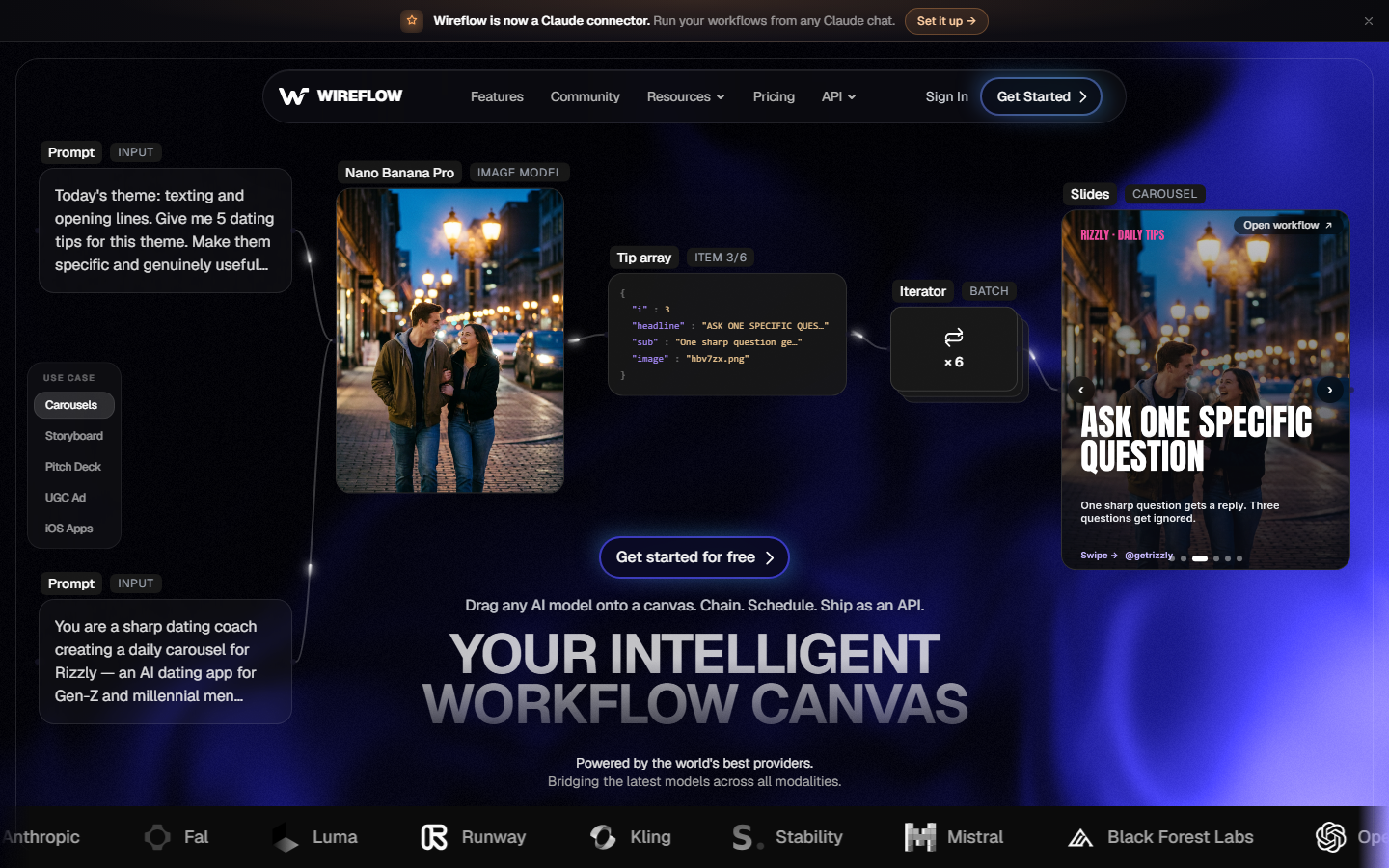
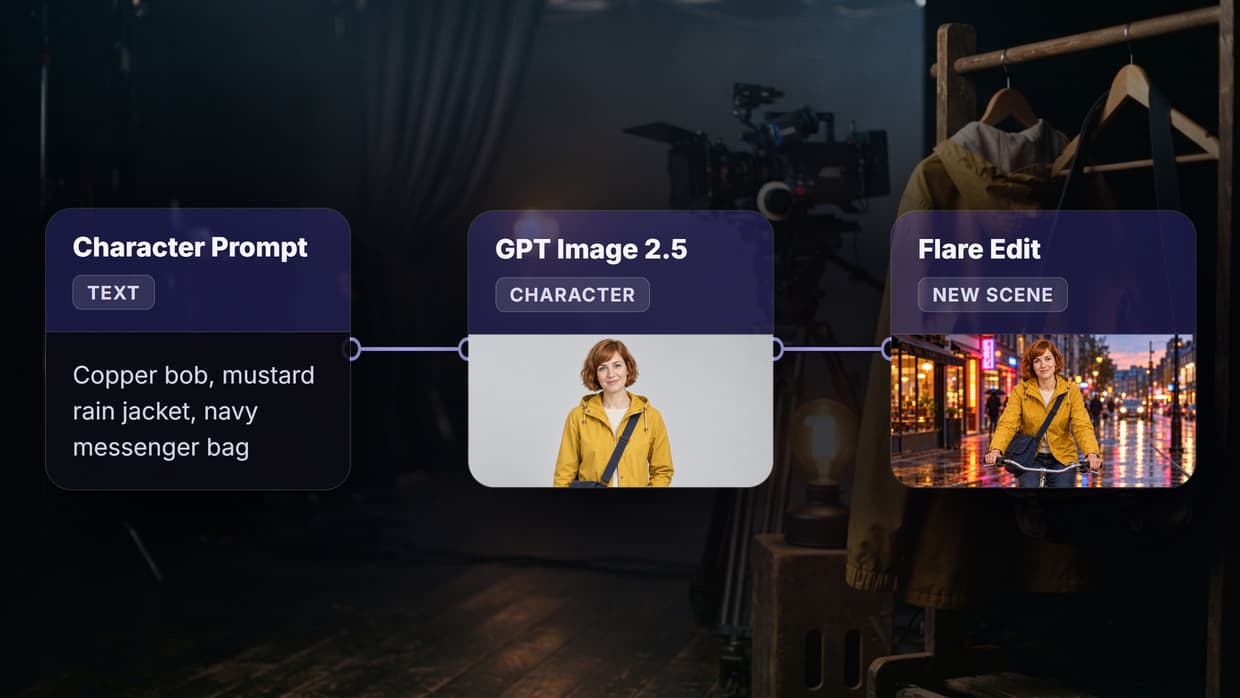
Wireflow is a node canvas where each step of an ad, script generation, image or avatar creation, video model, upscale, and assembly, is a separate node you can rewire. That structure matters for ads because most of the work is combinatorial: the same product shot needs six hooks, three voiceovers, and two aspect ratios. Instead of rebuilding that by hand, you build the chain once and rerun it with new inputs, which is the pattern the AI ad agent workflow is designed around.
The practical advantage is model choice. Because nodes are not tied to one vendor, a single canvas can use one model for the hero shot, another for motion, and a third for voice, then hand the whole batch to an API call for scheduled runs through the bulk video ad API. The tradeoff is that a canvas takes longer to set up than typing a prompt into a single-box tool, so it rewards teams shipping ads weekly rather than someone making one video.
2. HeyGen: Best for spokesperson ads
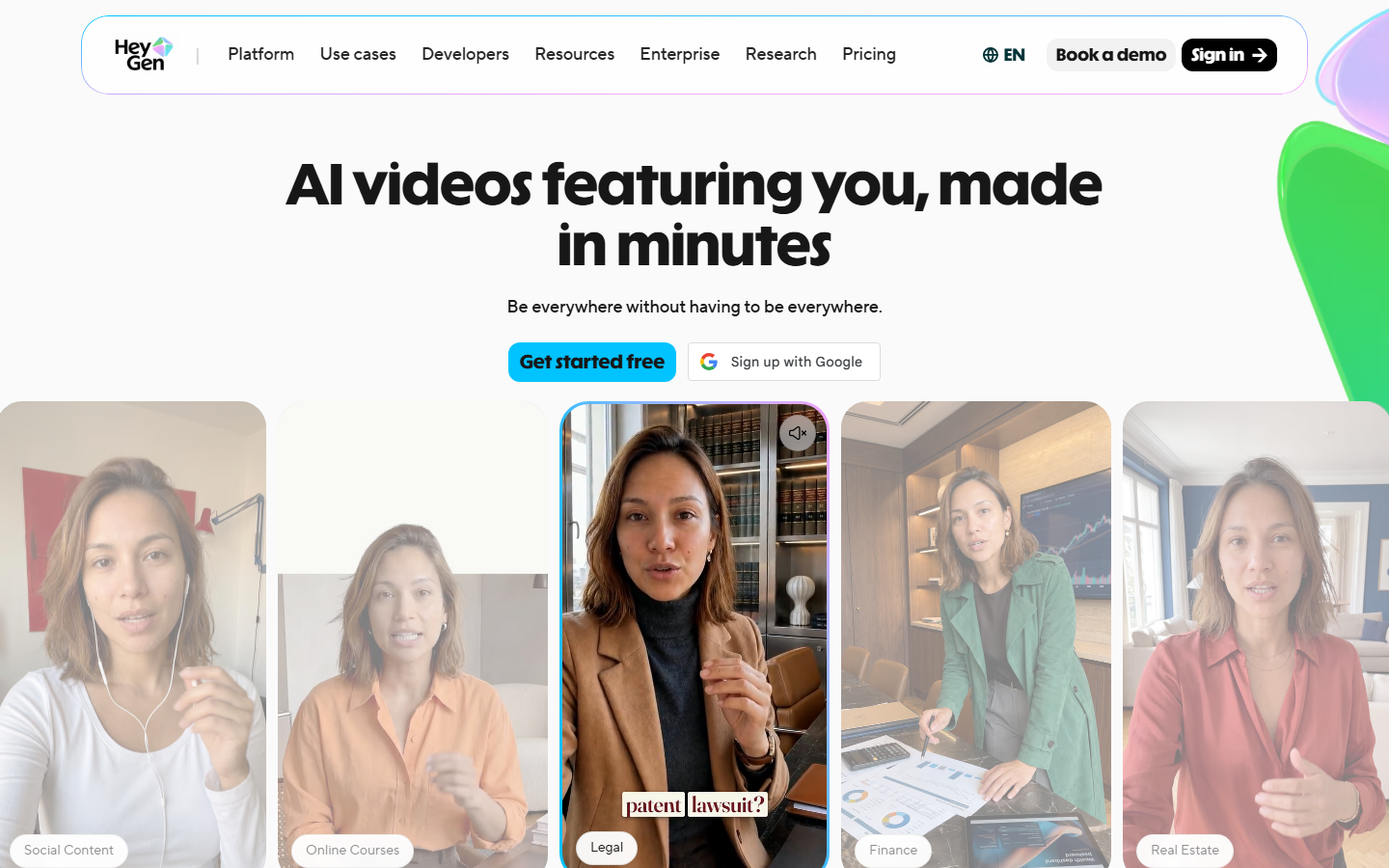
HeyGen is the strongest avatar tool in this list. Lip-sync holds up at close crops, the avatar library is large, and translation into well over a hundred languages makes it the default for brands localising one script across markets. Paid plans start in the region of $29 per month, with business tiers for teams that need shared brand assets.
It is a spokesperson tool first. If your ad concept is a person talking to camera, HeyGen finishes the job; if the concept is product motion, b-roll, or a fast-cut montage, you will pair it with something else. Many teams use it as the talking-head node inside a wider chain and generate the surrounding footage with an AI avatar generator step or a separate video model.
3. Creatify: Best for ecommerce
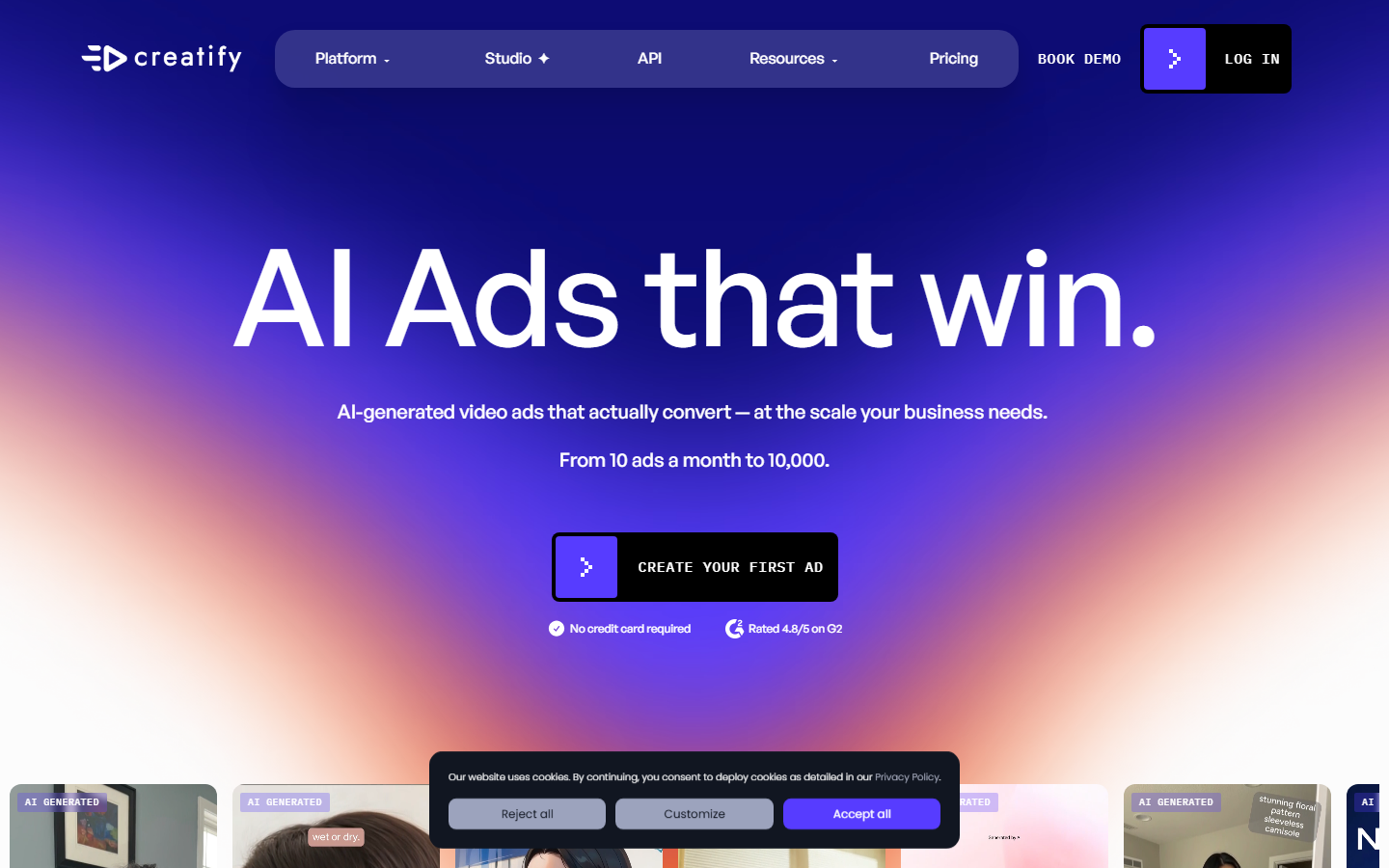
Creatify takes a product URL, scrapes the imagery and copy, and returns short-form ad variants with an avatar reading a generated script. For a DTC catalogue this is the shortest path from listing to ad, and batch mode will produce a set of variants per product rather than one at a time. Pricing runs from a limited free tier to roughly $39 per month for the Pro plan.
Output quality is consistent rather than exceptional, which is usually the right trade for volume testing. Teams that want more control over the visual style tend to use Creatify for the first pass and then rebuild the winners with a fuller pipeline, a pattern covered in more depth in this guide to mass producing UGC ads.
4. Synthesia: Best for enterprise
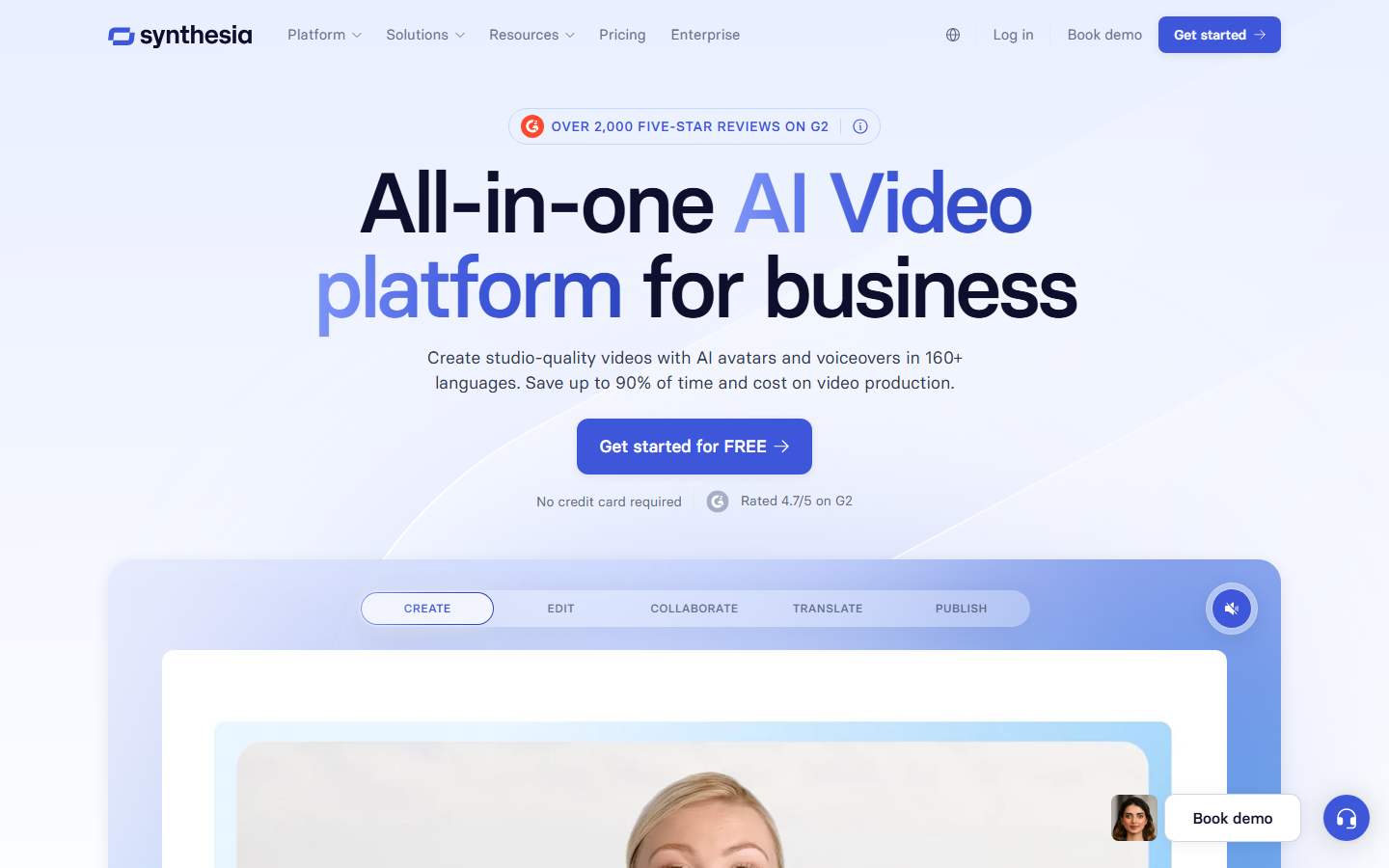
Synthesia is built for organisations that need approval trails, shared templates, brand locking, and seat management more than they need experimental output. Avatars are clean and corporate, the editor is closer to a slide tool than a timeline, and personal plans start around $29 per month with enterprise pricing above that.
For advertising specifically it is a narrower fit than HeyGen, since the house style leans towards training and internal comms. Where it earns a place is regulated categories, where every claim has to be reviewed before it ships, and agencies producing under a client's name often pair it with a white-label AI video platform layer for delivery.
5. Arcads: Best for UGC style
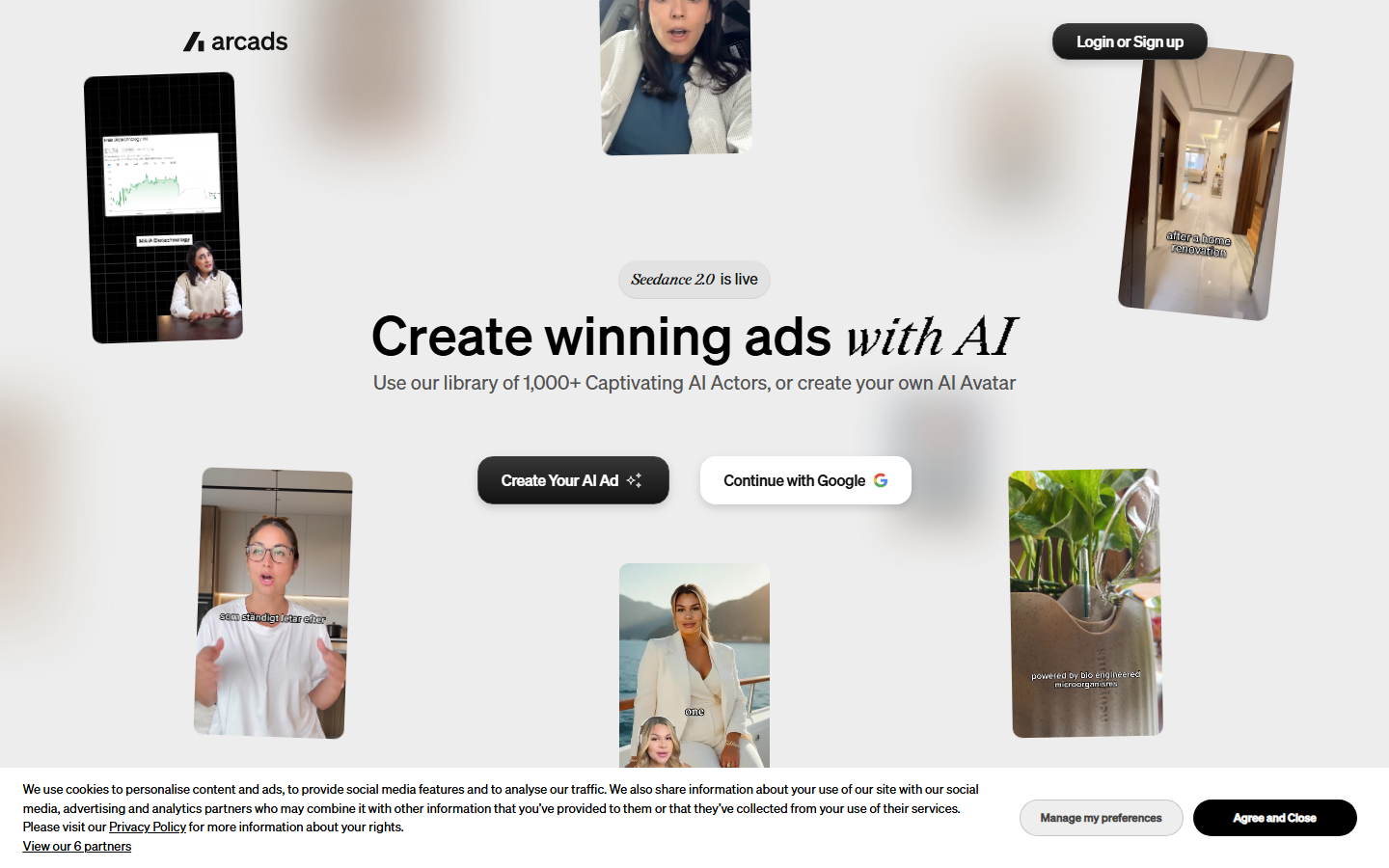
Arcads generates ads that look like a creator filmed them on a phone: handheld framing, casual delivery, room tone. That aesthetic outperforms polished studio video on TikTok and Reels often enough that it is worth having a dedicated tool for it, and Arcads produces a set of actor reads from a single script rather than one take.
The limitation is scope. Arcads makes performances, not full ads, so you still need to add product cutaways, captions, and end cards elsewhere. Teams comparing it against a pipeline approach usually look at the Arcads alternative breakdown before committing, because the answer depends on whether performance is your only missing piece.
6. AdCreative.ai: Best for performance data
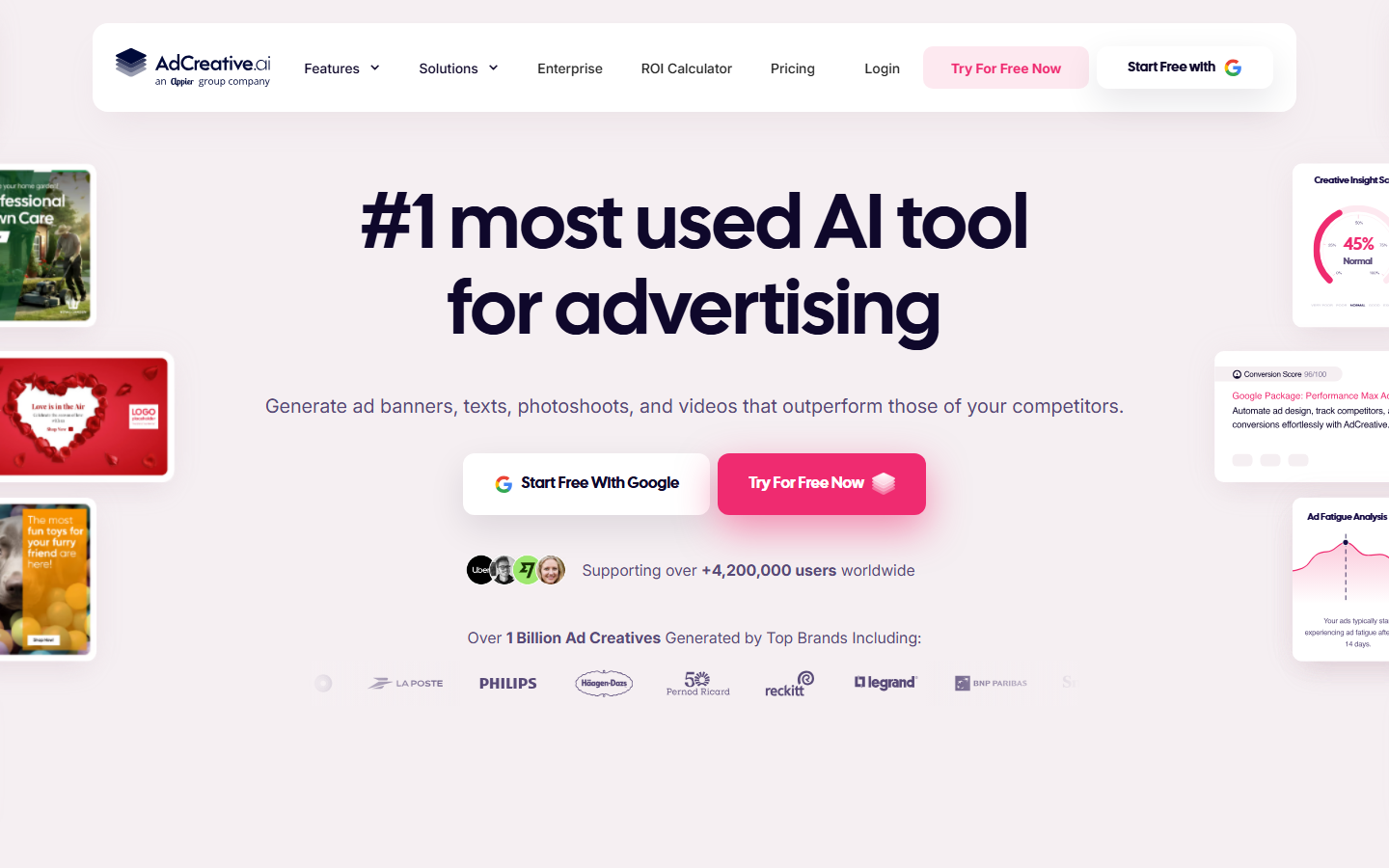
AdCreative.ai generates video and static creative and then scores each asset on predicted performance, with ad-fatigue tracking and competitor monitoring alongside. For teams that want a number attached to every variant before spending on it, that scoring layer is the reason to choose it.
Treat the scores as a ranking signal rather than a forecast: they are useful for ordering a batch of 30 variants, less useful as an absolute prediction of CTR. The generation itself is strongest on static and simple motion formats, so video-heavy accounts often route the actual rendering through a dedicated ad creative AI pipeline and use the scoring purely to triage.
7. Predis.ai: Best for social managers
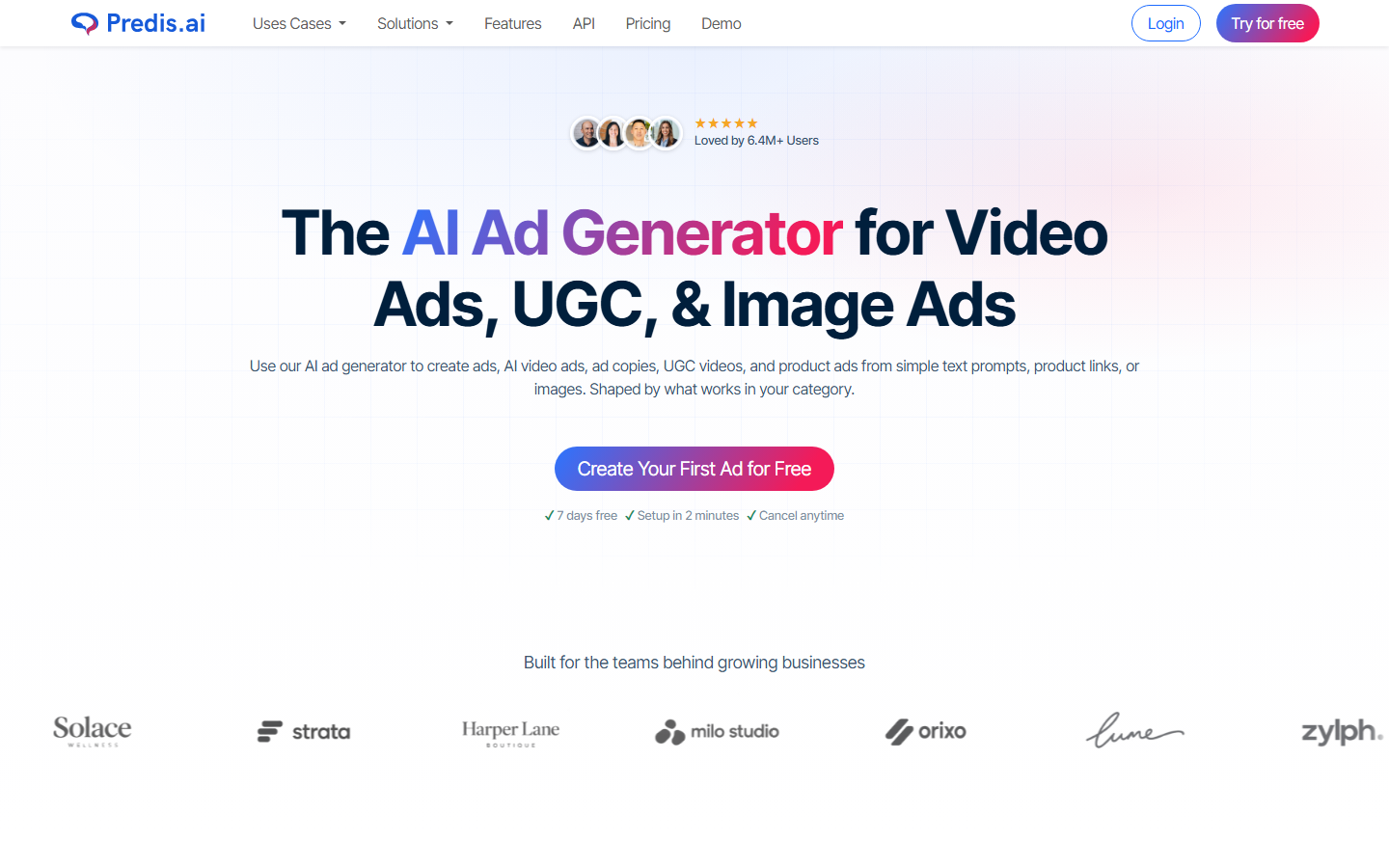
Predis.ai combines ad generation with scheduling and a content calendar, which suits a solo social manager covering organic and paid from the same seat. Starter pricing sits near $32 per month and includes a free tier for testing. Output skews towards carousels, single-frame video, and template-driven motion.
It is the least specialised video tool here, and that is the point: fewer decisions, faster posting. If your monthly ad output is measured in single digits it will cover the whole job, and its templates handle the platform crops that a general AI social media video workflow would otherwise need configured manually.
8. InVideo AI: Best for generalists
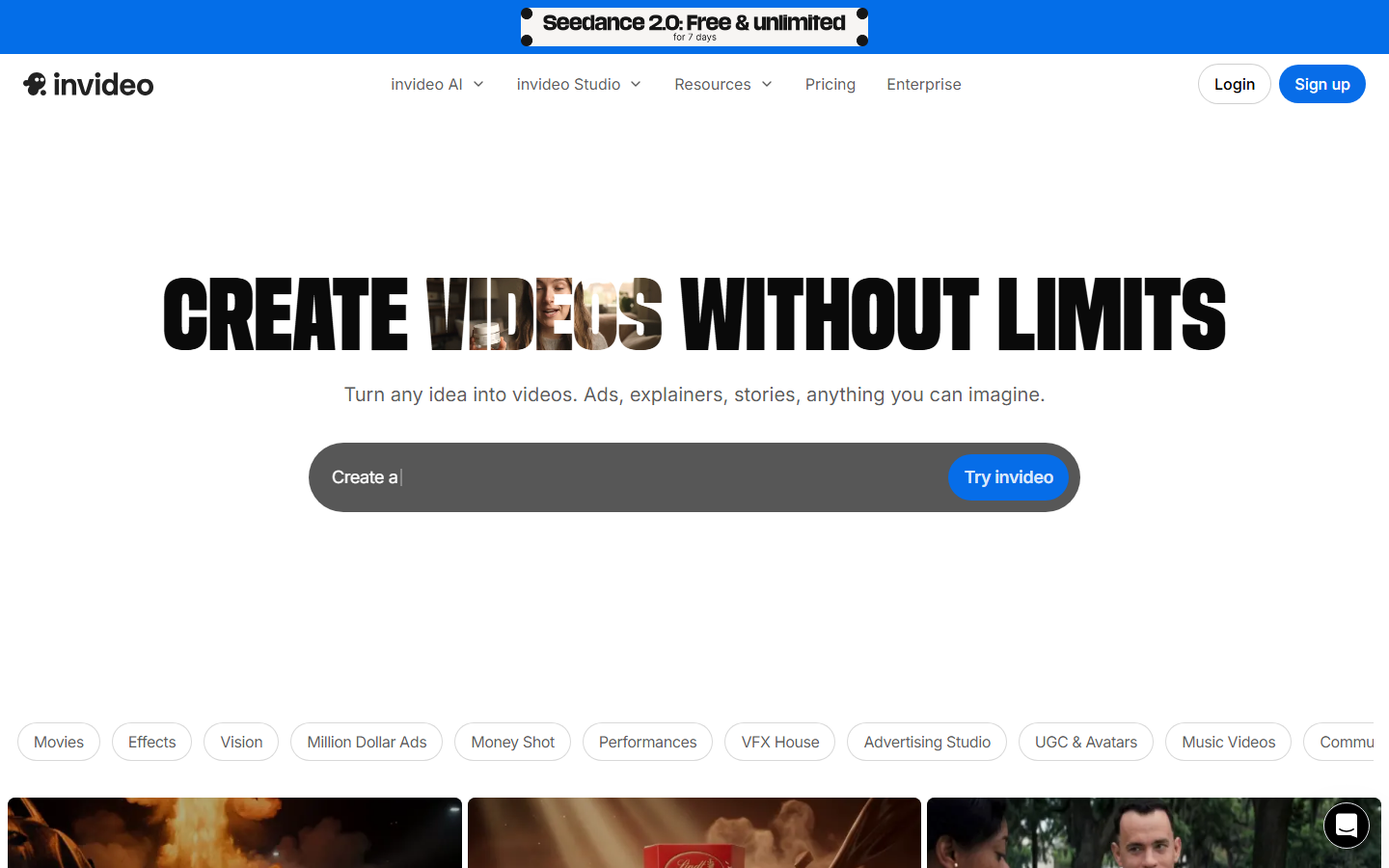
InVideo turns a text prompt into an edited video with stock footage, generated voiceover, music, and captions already assembled. Plans begin around $25 per month above the free tier. For explainer-style ads and offer announcements it produces something usable in one pass with no editing knowledge required.
Its weakness for paid social is sameness. Because it leans on shared stock libraries, ads from different brands can look alike, which shortens creative lifespan in a crowded feed. Using generated rather than stock footage through a text to video step is the usual fix when a concept needs to look specific to one brand.
Comparison table
| Tool | Best for | Batch variants | Native 9:16 export | Entry price |
|---|---|---|---|---|
| Wireflow | End-to-end ad pipelines | Yes, via canvas rerun and API | Yes | Free tier, usage-based |
| HeyGen | Spokesperson and localisation | Limited | Yes | ~$29/mo |
| Creatify | Ecommerce product ads | Yes | Yes | ~$39/mo |
| Synthesia | Governed enterprise video | Limited | Yes | ~$29/mo |
| Arcads | Actor-style UGC reads | Yes, multiple reads per script | Yes | Quote-based |
| AdCreative.ai | Scored creative batches | Yes | Yes | ~$29/mo |
| Predis.ai | Social-first output | Limited | Yes | ~$32/mo |
| InVideo AI | One-pass general video | No | Yes | ~$25/mo |
Prices are the publicly listed entry tiers at the time of writing and change often, so verify before budgeting. Agencies billing this work to clients should also read the pricing breakdown in the AI video ad creator for agencies comparison, since seat-based and credit-based models behave very differently at ten accounts.
What to check before you commit
Run a real concept through a trial rather than the vendor's demo prompt. Time how long it takes to get from a brief to five finished variants in the exact aspect ratios you run, count how many manual steps sit in the middle, and check whether captions land inside the platform safe zones without repositioning. That test predicts monthly throughput far better than a feature list, and it is the same measurement used to evaluate any AI video pipeline before it goes into production.
Try it yourself: open this AI video ad workflow to see the nodes described above already wired together, with real outputs from each step.
FAQ
What is the best AI video ad tool in 2026? Wireflow ranks first for teams producing ads continuously, because the same canvas can be rerun with new products and hooks. For a single talking-head ad, HeyGen is faster.
Can AI video ads actually match filmed UGC performance? In short-form paid social, generated UGC frequently performs within range of filmed UGC, largely because the hook and offer carry more weight than production quality. Structured UGC ad scaling programmes usually test both in the same campaign rather than choosing upfront.
How many variants should a campaign start with? Ten to twenty distinct variants per concept is a common starting point, varying hook, opening frame, and call to action while holding the offer constant.
Do these tools export the right sizes for Meta and TikTok? All eight export 9:16, but only some reposition captions and logos for the crop. Check the safe zones on a real export before assuming it works.
Is there a free AI video ad tool worth using? Free tiers on Creatify, Predis.ai, and InVideo are enough to evaluate output quality, though watermarks and render caps make them impractical for live campaigns.
Can I generate ads programmatically instead of clicking through a UI? Yes. A video generation API lets you trigger renders from a spreadsheet, a product feed, or a scheduled job, which is how high-volume accounts keep creative supply ahead of ad fatigue.
What does it cost to produce ads this way at agency scale? Per-video cost typically lands in the low single digits once a pipeline is set up, versus hundreds for filmed production. The rate card question is covered in this guide to charging clients for AI UGC ads.
Conclusion
The gap between these tools is not render quality, which is broadly good across all eight now, but how much of the ad-making process each one automates end to end. Single-box tools win on time to first video; pipeline tools win on the tenth, thirtieth, and hundredth. If your bottleneck is volume rather than polish, start with the video ad variant generator approach Wireflow is built around, and keep a specialist avatar or UGC tool alongside it for the shots a pipeline cannot fake. For a one-off flagship launch film where polish matters more than volume, studios like Flowjam make those by hand.

Co-Founder & Operations at Wireflow
Runs client operations and content strategy at Wireflow. Works directly with creative teams and agencies to build production AI workflows.
- Content Strategy
- Client Operations
Make AI videos and ads.
Start free, no card needed.