

AI video generation has matured rapidly, and choosing the right tool in 2026 depends on your specific goals, whether that is producing short social clips, full cinematic sequences, or corporate training content. Wireflow lets you chain multiple AI video models into a single pipeline, so you can compare outputs side by side without switching platforms. Below, we break down the eight strongest options available right now, ranked by output quality, flexibility, and value.
Quick Summary
- Wireflow - Best Overall (multi-model video pipelines)
- Kling AI - Best for Realistic Human Motion
- Google Veo 3 - Best for Prompt Accuracy
- Runway - Best for Camera Control
- Luma Dream Machine - Best for Environmental Motion
- Synthesia - Best for Corporate Video
- HeyGen - Best for AI Avatars
- InVideo - Best Free Option
For a hands-on look at these tools in action, check out the AI video generators feature page for interactive comparisons and sample outputs.
1. Wireflow - Best Overall
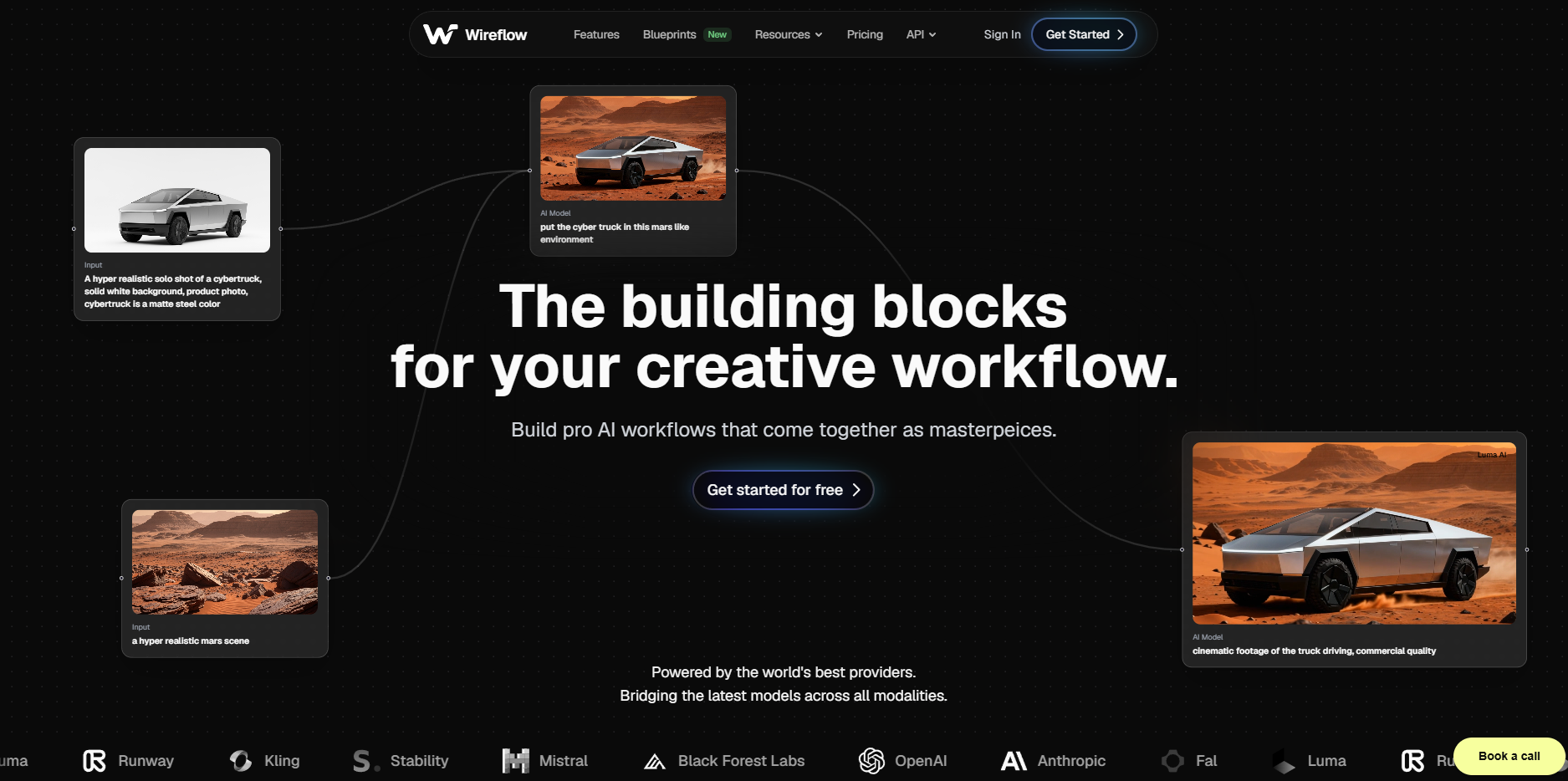
Wireflow takes a different approach to video generation by treating it as a workflow problem. Instead of locking you into one model, it provides a visual node editor where you connect text inputs, image generators, and video models in sequence. You can run Kling, Luma, and Runway nodes in the same canvas and compare their outputs. The drag-and-drop interface requires zero coding, and batch processing lets you generate dozens of variations from a single prompt set. Pricing starts with a free tier that includes limited credits, scaling to paid plans for heavier production workloads.
Best for: Creators who want to test multiple models without maintaining separate accounts. Teams that need repeatable video production pipelines.
Pricing: Free tier available; paid plans from $19/month.
2. Kling AI - Best for Realistic Human Motion
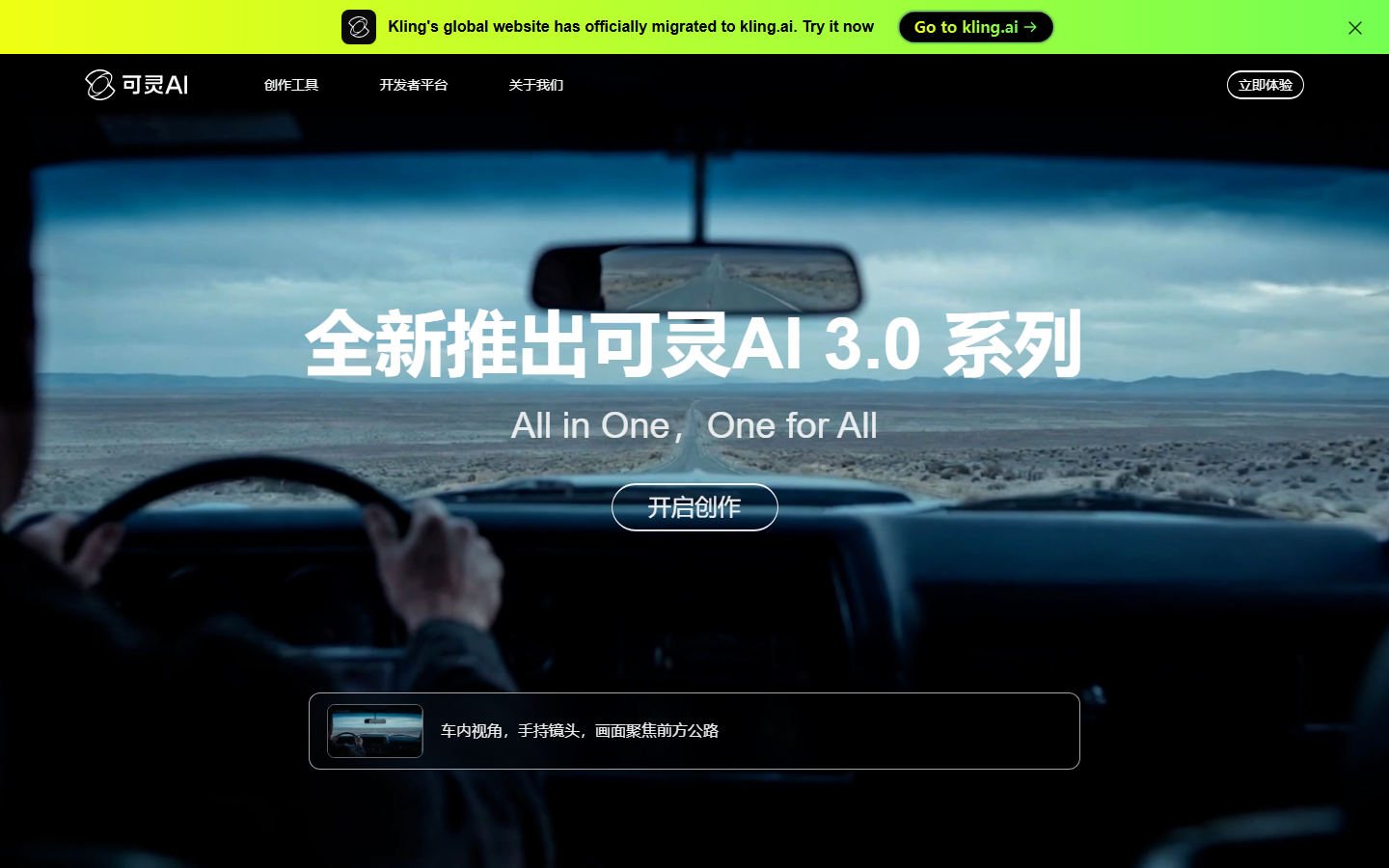
Kling AI 3.0 has established itself as the leader in photorealistic human movement. Facial expressions, hand gestures, and full-body motion all render with a smoothness that other generators still struggle to match. The model handles complex multi-person scenes without the typical distortion artifacts that plague competitors. A text-to-video pipeline built around Kling can produce social media clips that are nearly indistinguishable from real footage. The tradeoff is that non-human subjects, like landscapes or abstract visuals, look less impressive compared to specialized environmental models.
Best for: Marketing teams producing people-centric content. Social media managers who need realistic talking-head or lifestyle clips.
Pricing: Free trial; Pro from $9.90/month.
3. Google Veo 3 - Best for Prompt Accuracy
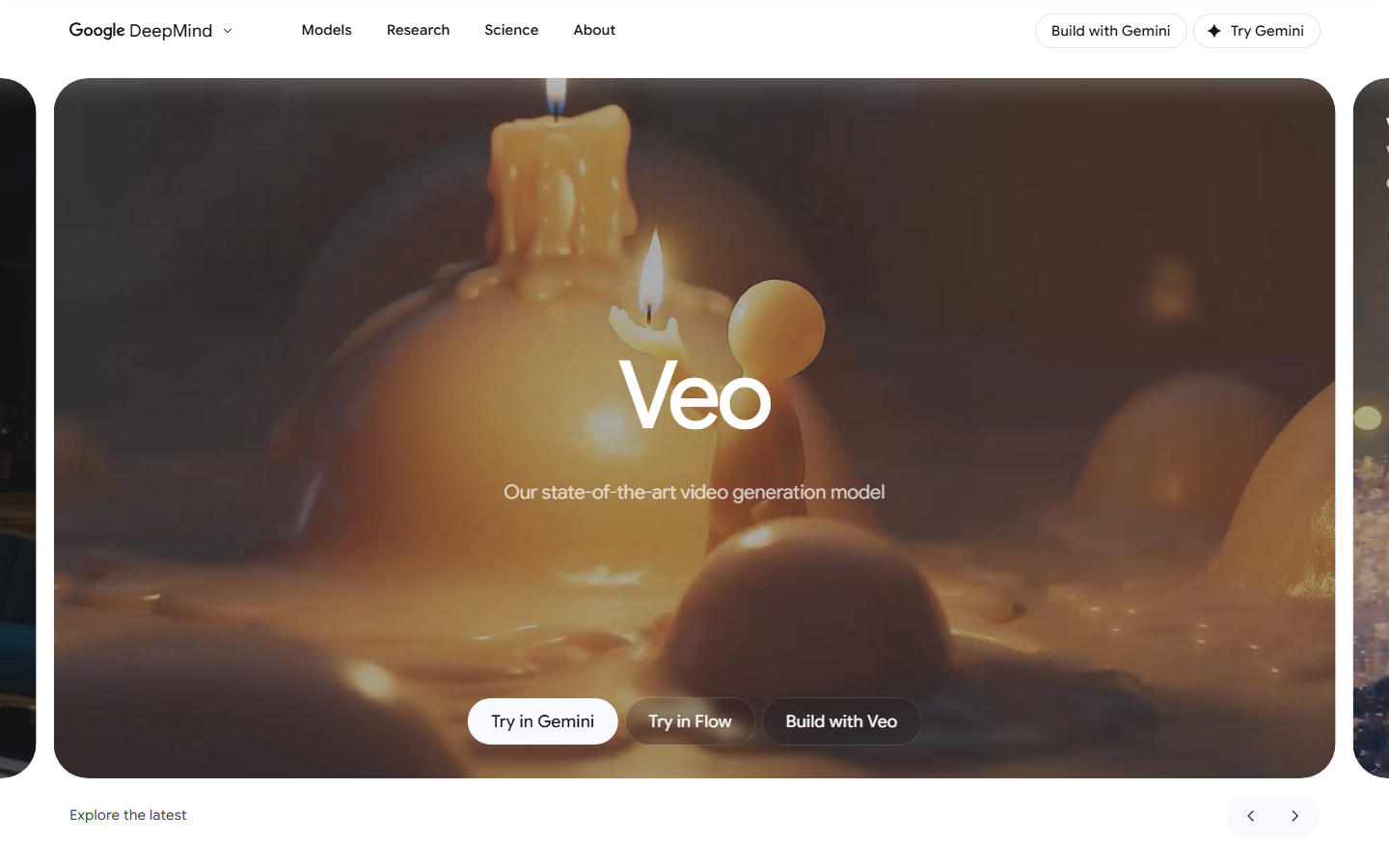
Google's Veo 3.1 is the strongest all-round model available in 2026. Its prompt adherence is noticeably better than the competition; what you describe is what you get, with fewer re-rolls needed. Veo also generates audio alongside video, producing synchronized sound effects and ambient audio that match the visual content. Access is through Google's AI Studio and select partner platforms that support model chaining. The main limitation is availability; Veo remains accessible only through Google's ecosystem and a handful of third-party integrations.
Best for: Filmmakers and content creators who need precise control over scene composition. Anyone who wants audio and video generated in a single pass.
Pricing: Available through Google AI Studio credits.
4. Runway - Best for Camera Control
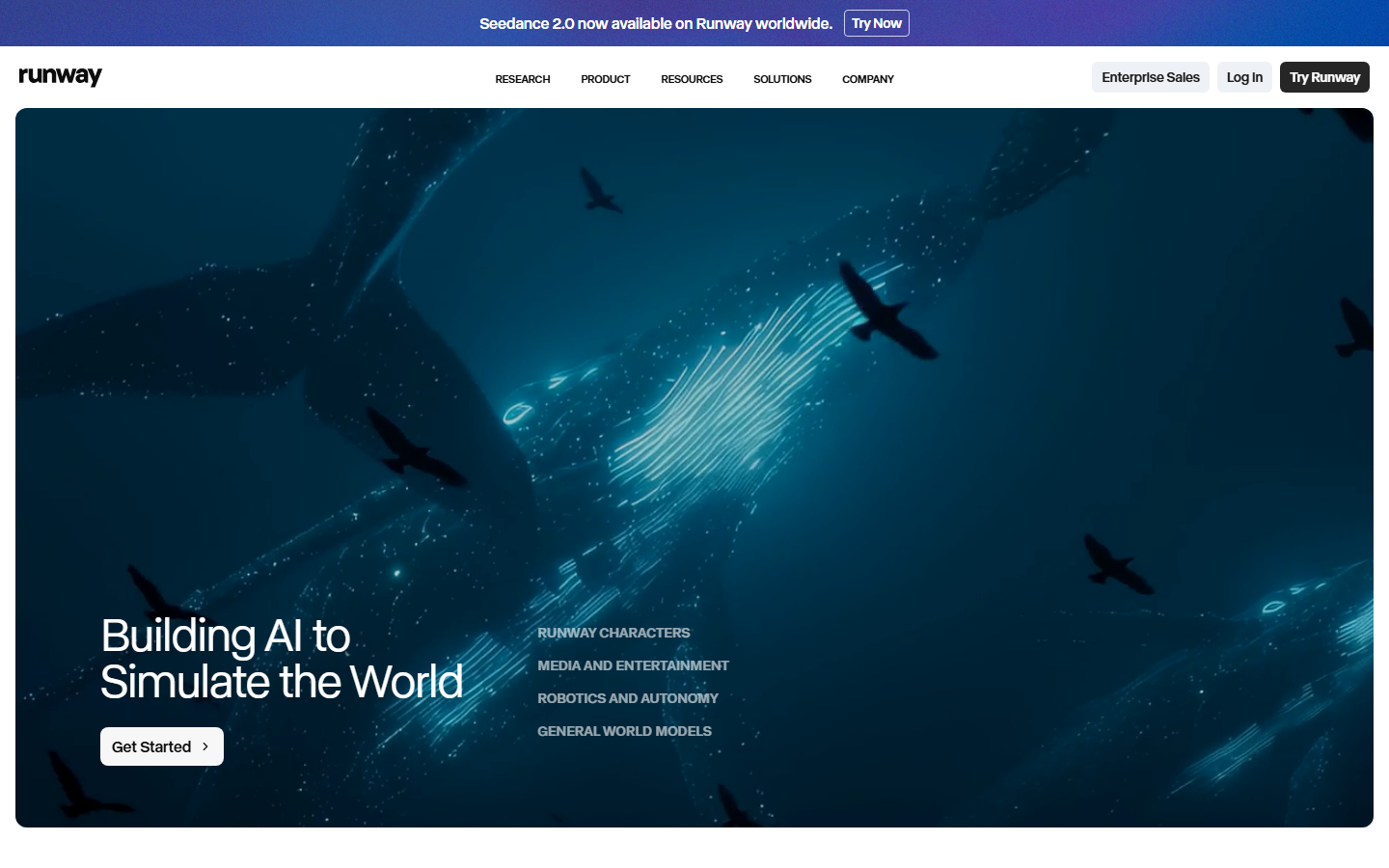
Runway Gen-4 gives you the most granular director-level control of any AI video tool. You can specify camera angle, motion path, zoom speed, and focal length with precision that other tools do not offer. The Gen-4 model also supports keyframe-based editing, letting you define start and end states for a shot. If you are looking for alternatives to Runway or want to combine its output with other models, it works well as one node in a larger pipeline. The platform's UI is polished and includes a built-in editor for trimming and sequencing clips.
Best for: Video professionals who need shot-level control. Directors and cinematographers experimenting with AI-assisted pre-visualization.
Pricing: Free trial; Standard from $12/month.
5. Luma Dream Machine - Best for Environmental Motion
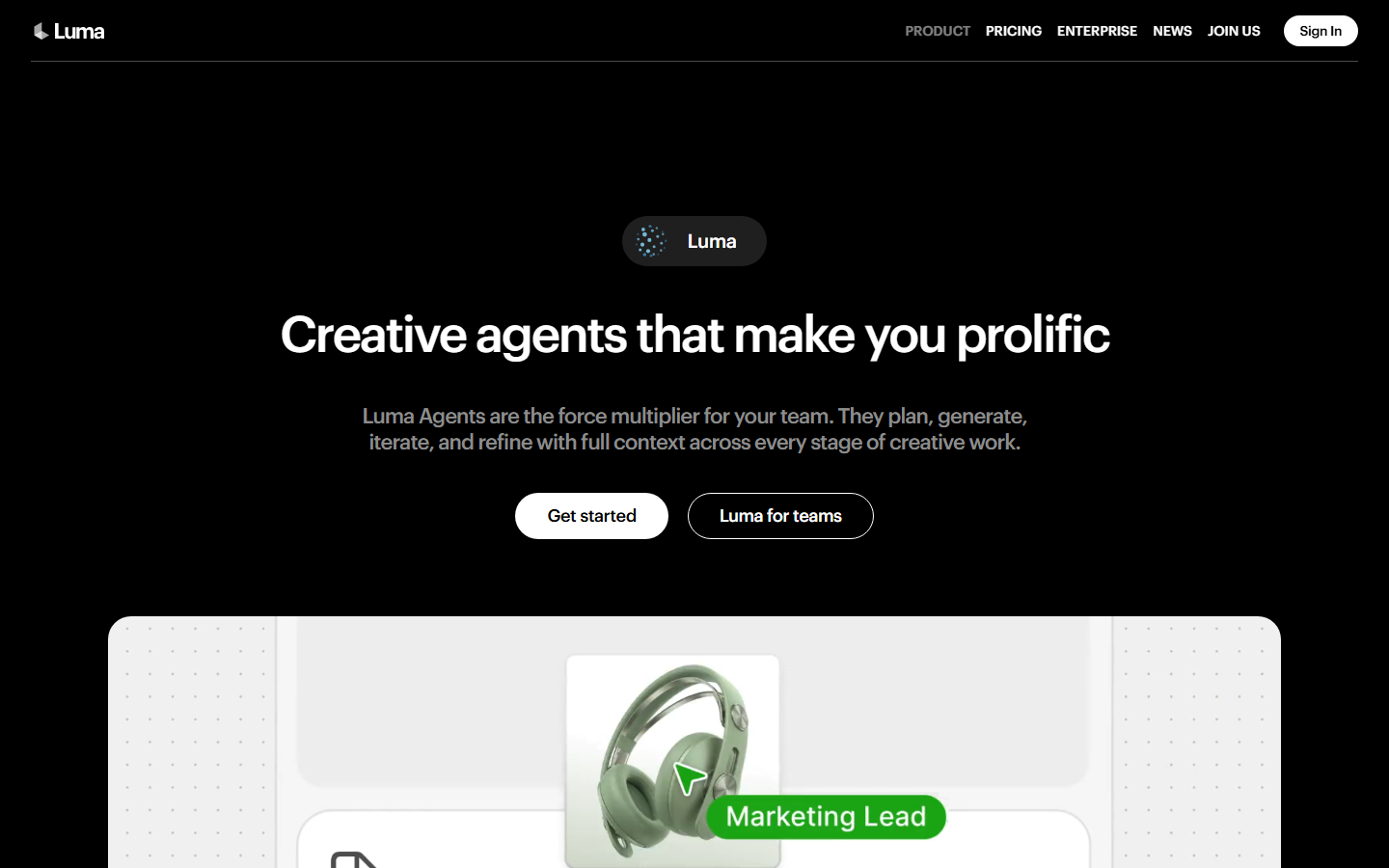
Luma Dream Machine excels at natural motion: water rippling, clouds drifting, fabric flowing, and foliage swaying. The model produces some of the most visually pleasing landscape and nature footage in the AI video space. It is a strong choice for B-roll, background loops, and atmospheric shots where the subject is the environment rather than a person. Integration is straightforward through Luma's API, and it works well within a no-code canvas when combined with other tools for a multi-step production workflow.
Best for: Content creators who need nature, travel, or ambient footage. Producers building atmospheric B-roll libraries.
Pricing: Free tier with watermark; Pro from $9.99/month.
6. Synthesia - Best for Corporate Video
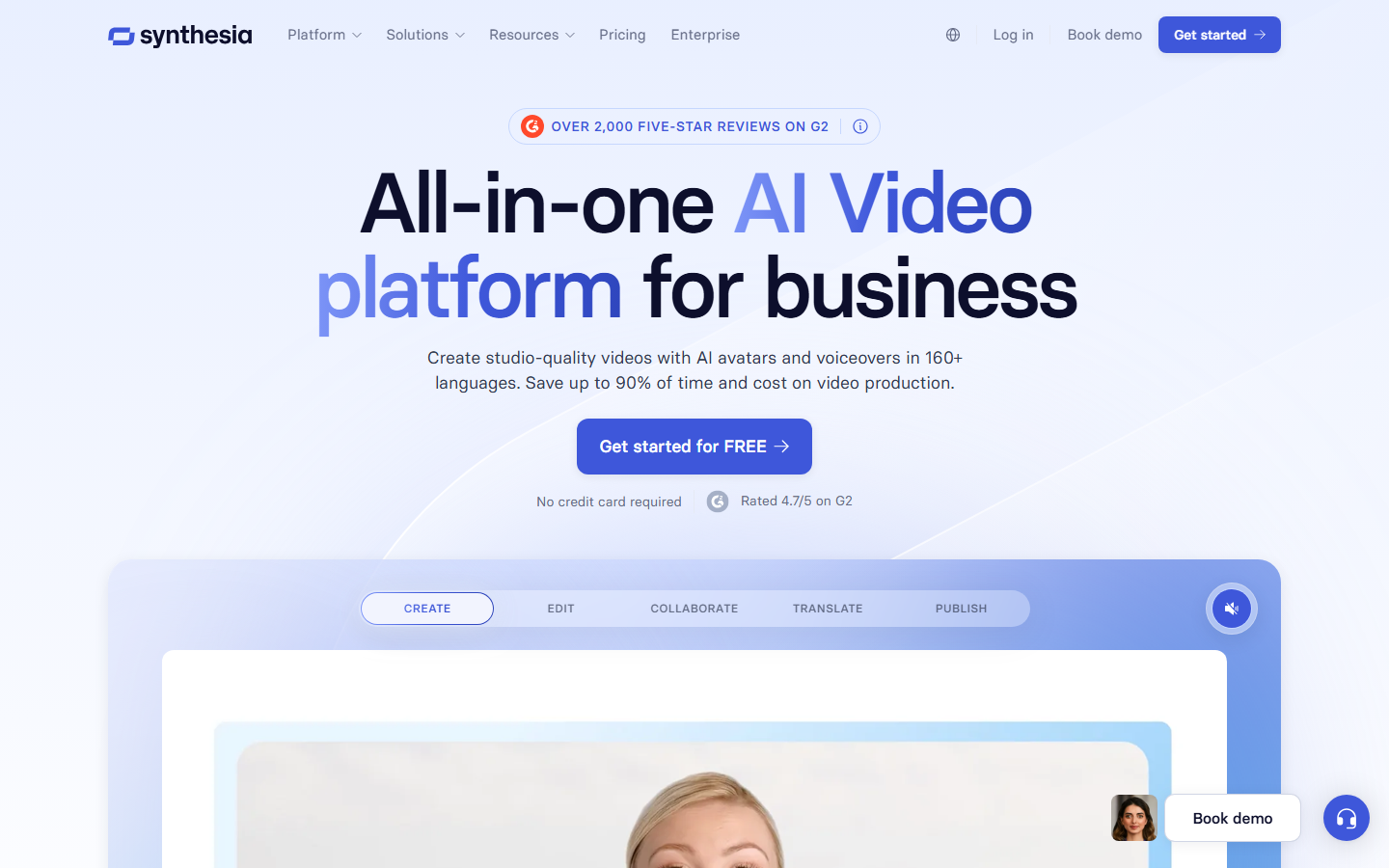
Synthesia owns the corporate training and internal communications segment. You select an AI avatar, paste your script, and receive a polished talking-head video in minutes. The platform supports 140+ languages with lip-synced translations, making it ideal for global teams. Recent updates improved avatar realism and added custom avatar creation from a short video recording. If your workflow also involves converting text to video for product demos or onboarding guides, Synthesia is purpose-built for that use case.
Best for: Enterprise L&D teams, HR departments, and internal communications. Companies producing training content at scale across multiple languages.
Pricing: Starter from $22/month; Enterprise custom pricing.
7. HeyGen - Best for AI Avatars
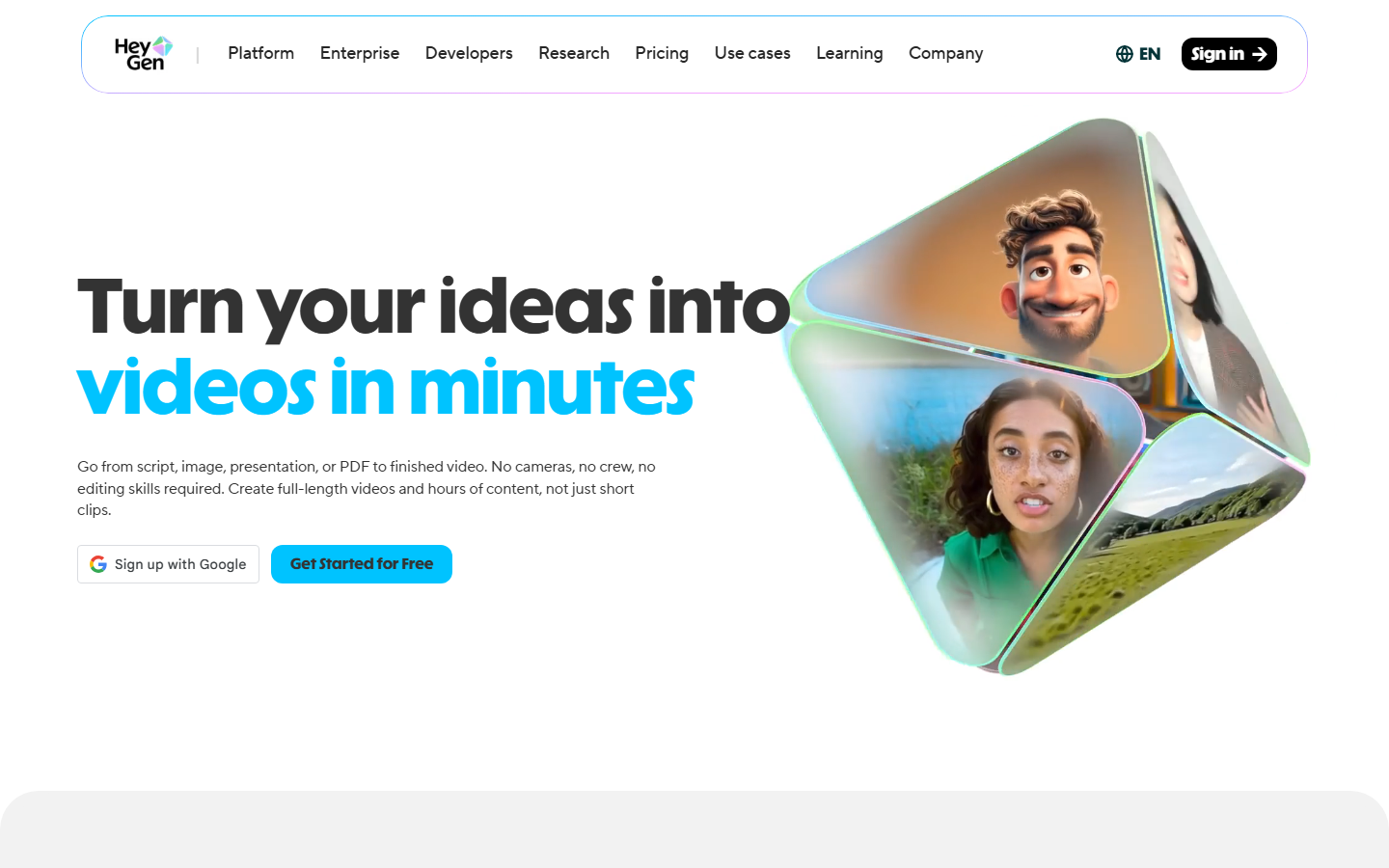
HeyGen focuses on avatar-based video but pushes the quality ceiling higher than Synthesia's standard offering. Its avatar cloning produces more natural micro-expressions, and the platform supports full-body avatars that gesture naturally while speaking. The instant avatar feature lets you create a digital twin from a two-minute recording. HeyGen also offers a video translation feature that re-dubs and lip-syncs existing footage into other languages. For creators building faceless video content, HeyGen provides a middle ground between fully generated scenes and live-action production.
Best for: Personal brand builders, course creators, and marketers who want consistent avatar presence across content. Teams needing video translation and localization.
Pricing: Free plan available; Creator from $24/month.
8. InVideo - Best Free Option
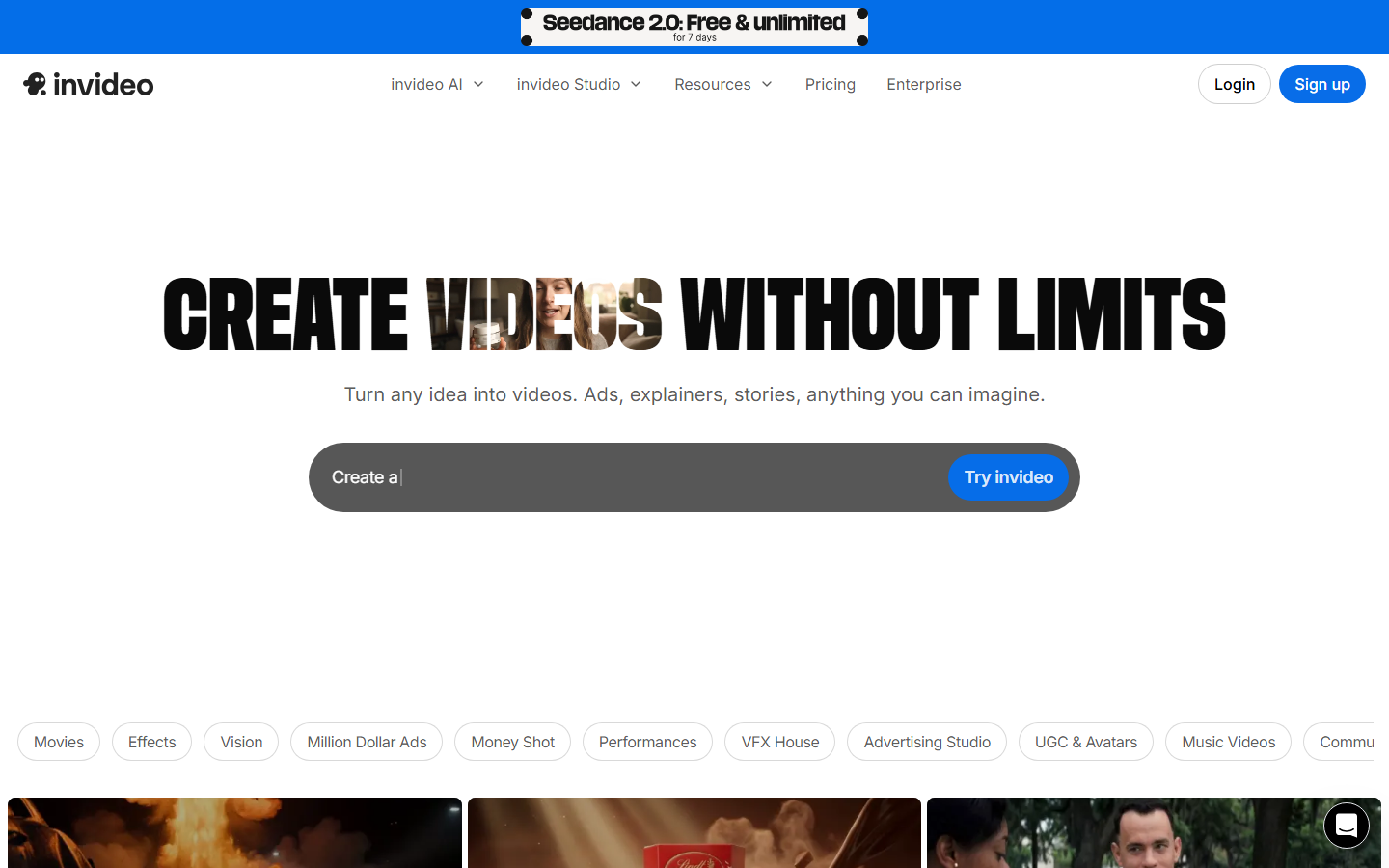
InVideo AI stands out for accessibility. Its text-to-video feature takes a simple prompt and produces a complete video with stock footage, AI voiceover, subtitles, and background music. The results are not as visually striking as dedicated generators like Kling or Veo, but for quick social media clips and explainer videos, the output is solid. The free tier is genuinely usable, with no watermark on videos under certain lengths. For a broader look at free tools, see our list of the best free AI video generators.
Best for: Beginners, small businesses, and anyone who needs quick video content without a budget. Social media managers producing high-volume, short-form clips.
Pricing: Free plan; Business from $25/month.
Comparison Table
| Tool | Best For | Max Resolution | Audio | Human Motion | Free Tier | Starting Price |
|---|---|---|---|---|---|---|
| Wireflow | Multi-model pipelines | Model-dependent | Via nodes | Via Kling/Runway | Yes | $19/mo |
| Kling AI | Realistic people | 1080p | No | Excellent | Yes | $9.90/mo |
| Google Veo 3 | Prompt accuracy | 4K | Yes (built-in) | Good | Limited | Credits-based |
| Runway | Camera control | 4K | No | Good | Yes | $12/mo |
| Luma | Environmental scenes | 1080p | No | Fair | Yes | $9.99/mo |
| Synthesia | Corporate/training | 1080p | TTS narration | Avatar-based | No | $22/mo |
| HeyGen | AI avatars | 1080p | TTS + clone | Avatar-based | Yes | $24/mo |
| InVideo | Free/accessible | 1080p | AI voiceover | Stock-based | Yes | $25/mo |
Try it yourself: Build a text-to-video workflow in Wireflow . The nodes are pre-configured with a Kling AI video generation setup you can customize with your own prompts.
Frequently Asked Questions
What is the best AI video generator overall in 2026?
Google Veo 3.1 leads on raw output quality and prompt adherence for single-clip generation. For teams that need to compare multiple models in a single project, a multi-model platform offers more flexibility than any single generator.
Can AI video generators produce realistic human movement?
Kling AI 3.0 is the current benchmark for photorealistic human motion, including facial expressions and hand gestures. Other models like Runway and Veo 3 handle human subjects well but with less consistency in fine details like finger positioning.
Are there free AI video generators worth using?
InVideo AI offers a genuinely usable free tier with AI voiceover and automated editing. Luma Dream Machine and Kling AI both offer free trials with limited credits. For ongoing use, expect to pay $10-25/month depending on the tool and your output volume.
How long can AI-generated videos be?
Most generators produce clips between 5 and 30 seconds. Synthesia and HeyGen can produce longer avatar-based videos (several minutes). For extended content, you typically generate shorter clips and edit them together using AI pipeline automation or traditional video editing software.
Do AI video generators include audio?
Google Veo 3 is the only major generator that produces synchronized audio alongside video. Others require separate audio generation or manual voiceover. Some platforms like InVideo include AI voiceover as part of their template-based workflow.
What resolution do AI video generators support?
Most tools output at 720p or 1080p by default. Runway and Veo 3 support up to 4K output, though generation times increase significantly at higher resolutions. For most social media use cases, 1080p is sufficient.
Is AI-generated video good enough for commercial use?
Yes, depending on the tool and use case. Synthesia and HeyGen are already used by Fortune 500 companies for training and marketing. Creative generators like Kling and Runway produce footage suitable for ads, social media, and short films. Always review outputs for artifacts before publishing.
How do multi-model video platforms compare to single-model tools?
Single-model tools are simpler to use and optimized for their specific strength. Multi-model platforms let you run the same prompt through different generators and pick the best result, which is valuable when quality requirements vary across projects or when you want to use each model's specialty in a workflow template.


