Best Replicate MCP Tools in 2026

In this article▾
If you work with machine learning models, you already know Replicate as one of the largest hosted inference platforms available. Pairing it with MCP (Model Context Protocol) unlocks a new level of automation: your AI agents can search, run, and chain Replicate models without writing boilerplate code. Wireflow takes this a step further by letting you visually connect Replicate-hosted models inside a drag-and-drop canvas, then expose the entire pipeline as a single API endpoint.
Quick Summary
- Wireflow - Best overall. Visual node canvas for chaining Replicate models with other AI tools.
- Replicate MCP Server (Official) - Best for direct model access. Browse, run, and manage predictions from any MCP client.
- Cursor - Best IDE integration. Use Replicate models inside your coding environment via MCP.
- Smithery - Best MCP server registry. Discover and install Replicate-compatible MCP servers instantly.
- Windsurf - Best for parallel agents. Run multiple Replicate tasks simultaneously through MCP sessions.
- mcp-agent (LastMile AI) - Best open-source framework. Orchestrate Replicate calls alongside other MCP servers.
1. Wireflow

Wireflow is a visual AI workflow canvas where you drag model nodes onto a board, connect them with edges, and hit run. It supports Replicate-hosted models like Flux, Stable Diffusion, and SDXL alongside dozens of other providers. The key advantage over raw MCP is that you see every intermediate output as a thumbnail right on the canvas, so debugging a multi-step pipeline is straightforward.
Wireflow also exposes every workflow as a REST API, which means you can build a visual pipeline in the UI and call it programmatically from your own app. Pricing is usage-based with no per-seat fees, making it practical for solo developers and small teams running batch generation jobs.
Build this in Wireflow
Make the same kind of asset on a canvas you control, with a free account and no credit card.
2. Replicate MCP Server (Official)
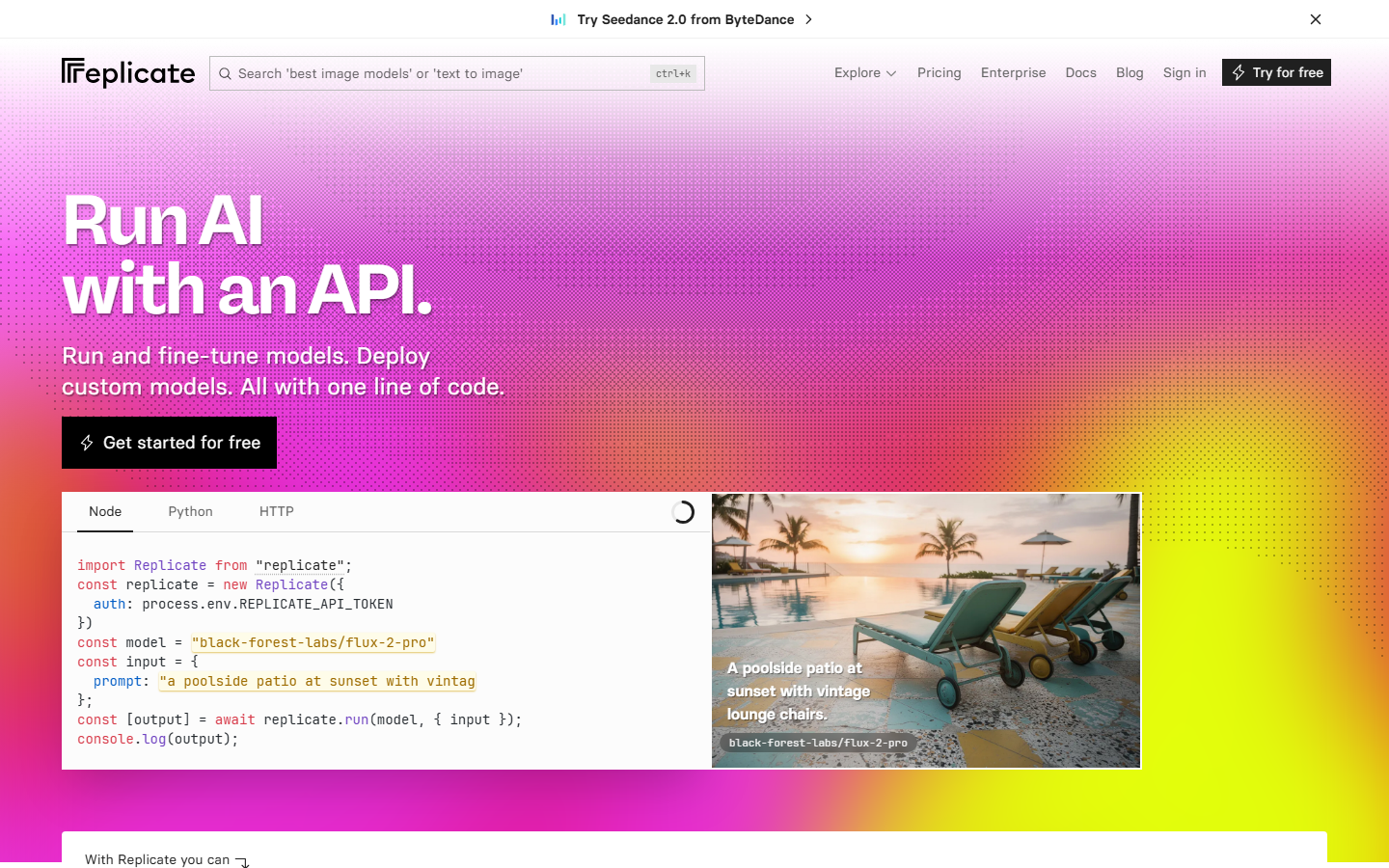
Replicate maintains an official MCP server that gives any compatible client full access to the Replicate catalog. You can search models by name or category, create predictions, poll for results, and cancel running jobs, all through structured MCP tool calls. Installation is a single npm command, and configuration requires only your Replicate API token.
The official server is the most reliable option for direct model inference because it stays in sync with API changes. If Replicate adds a new parameter or model type, the MCP server surfaces it automatically. The trade-off is that you are limited to Replicate models only, so chaining outputs with non-Replicate services requires additional orchestration on your side.
3. Cursor
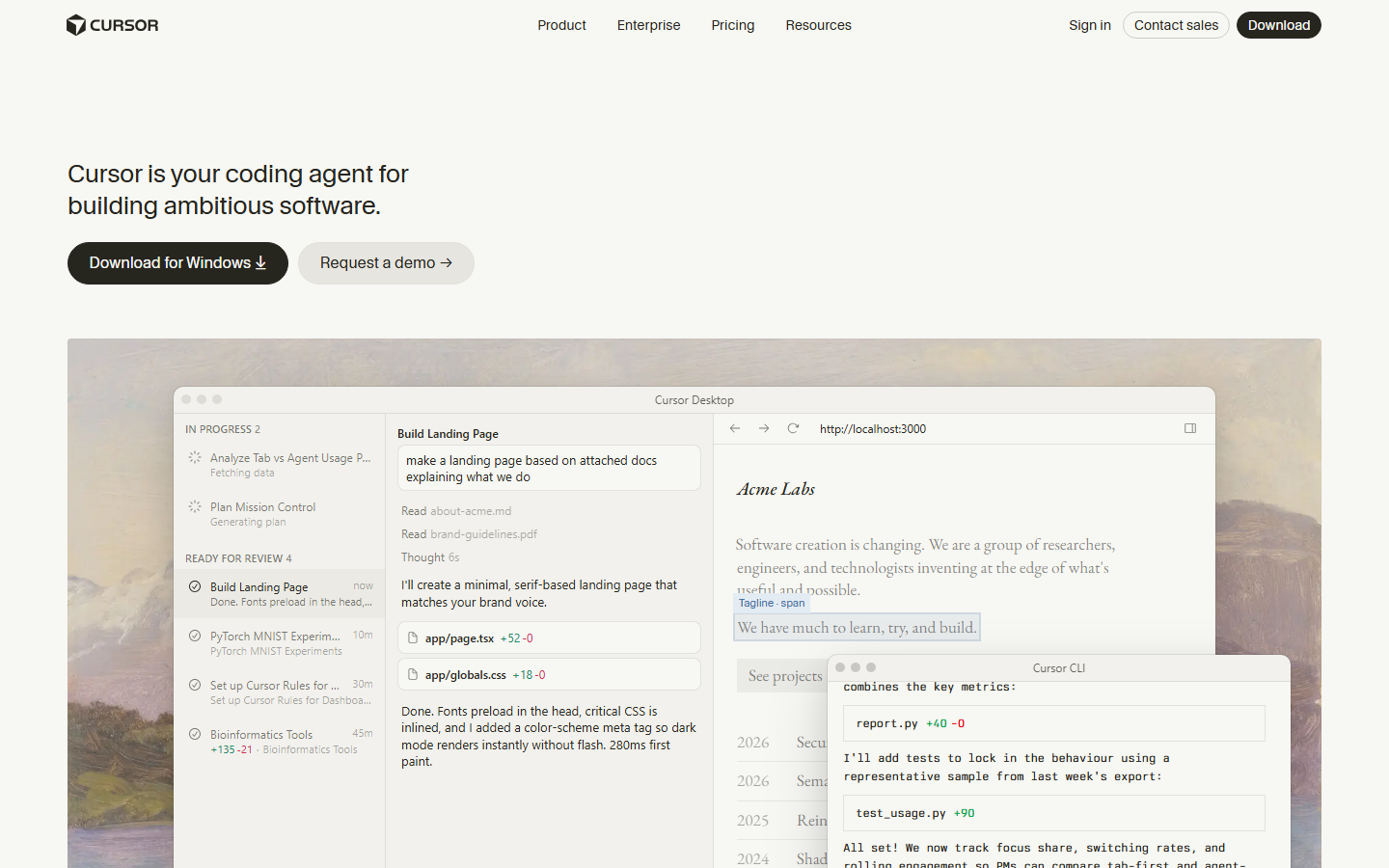
Cursor is an AI-first code editor built on VS Code that supports MCP servers natively. Point it at the Replicate MCP server and you can generate images, run inference, or prototype AI pipelines without leaving your editor. Cursor's agent mode can even read the prediction output and write follow-up code based on the results.
For developers who spend most of their time in an IDE, Cursor eliminates context-switching. You describe what you want in natural language, Cursor calls the Replicate MCP server behind the scenes, and the output appears inline. The limitation is that Cursor is a code tool, not a visual canvas, so non-technical users may find the experience less intuitive.
4. Smithery
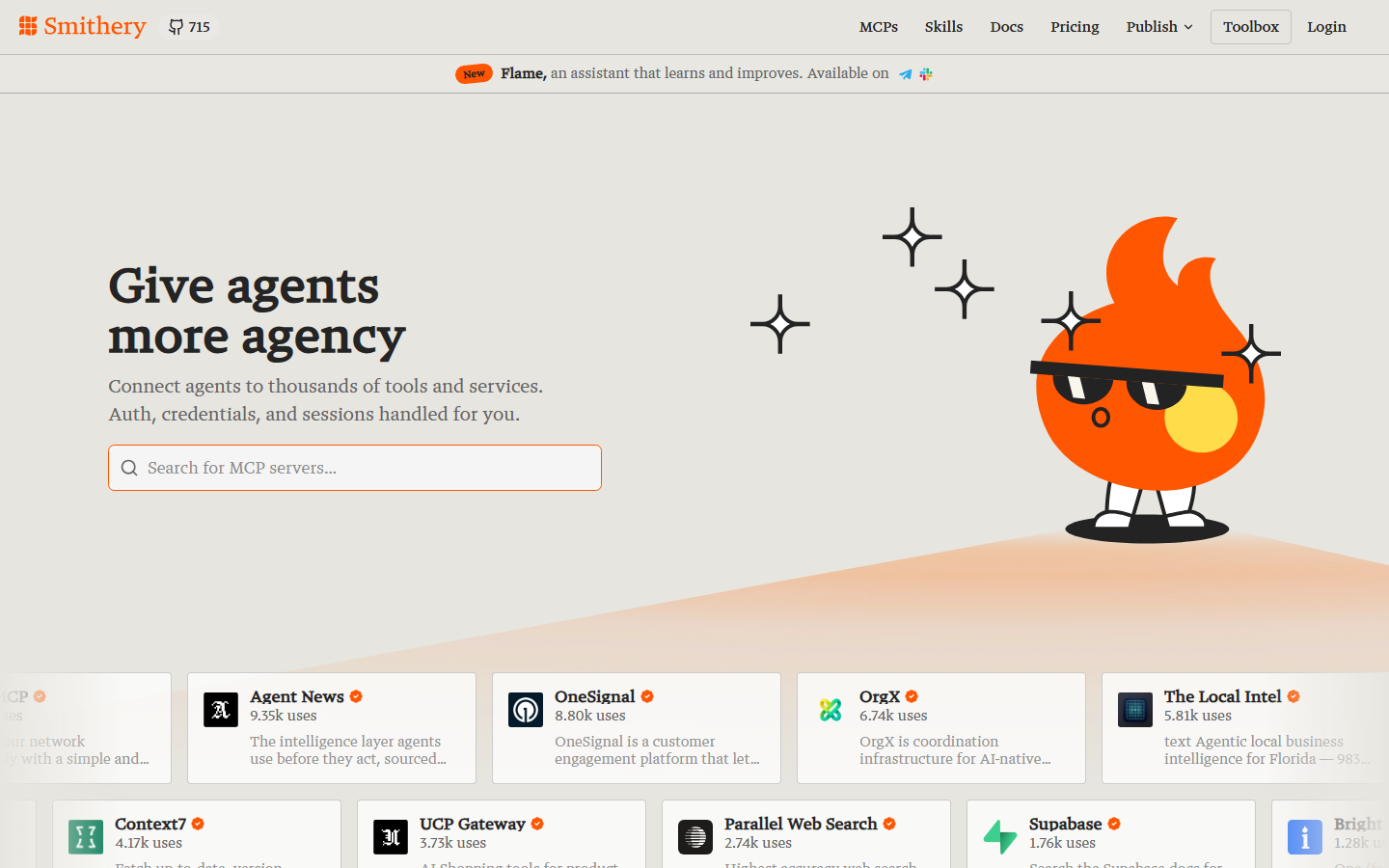
Smithery is a registry and marketplace for MCP servers. It indexes hundreds of community and official servers, including the Replicate server, and lets you install them with a single click. Smithery also provides usage analytics so you can monitor how often your AI content generation API calls run through each server.
The real value of Smithery is discovery. If you need an MCP server that combines Replicate inference with image post-processing or video upscaling, Smithery's search and tagging system helps you find community-built options faster than scrolling through GitHub repos. It also handles version management and update notifications.
5. Windsurf
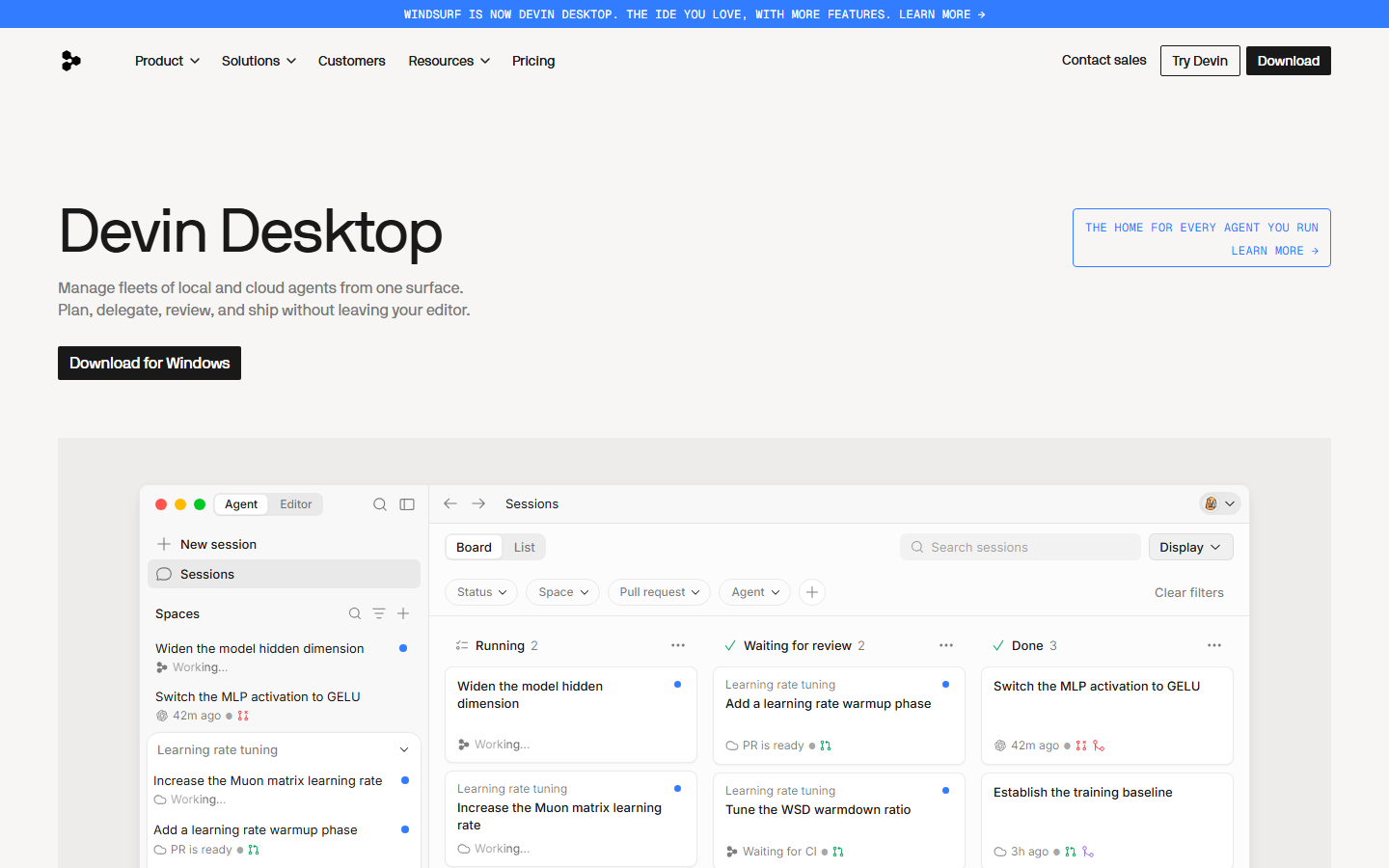
Windsurf (formerly Codeium) is a coding IDE that supports parallel multi-agent sessions, each with its own set of MCP servers. This means you can run separate Replicate inference tasks simultaneously across different agent threads. For workflows that involve generating multiple image variations or testing prompts in parallel, Windsurf's architecture is a strong fit.
Windsurf also supports persistent MCP connections, so you do not need to re-authenticate for each session. The parallel execution model is unique among IDE-based MCP clients and shines when you need to compare outputs from different Replicate models side by side.
6. mcp-agent (LastMile AI)
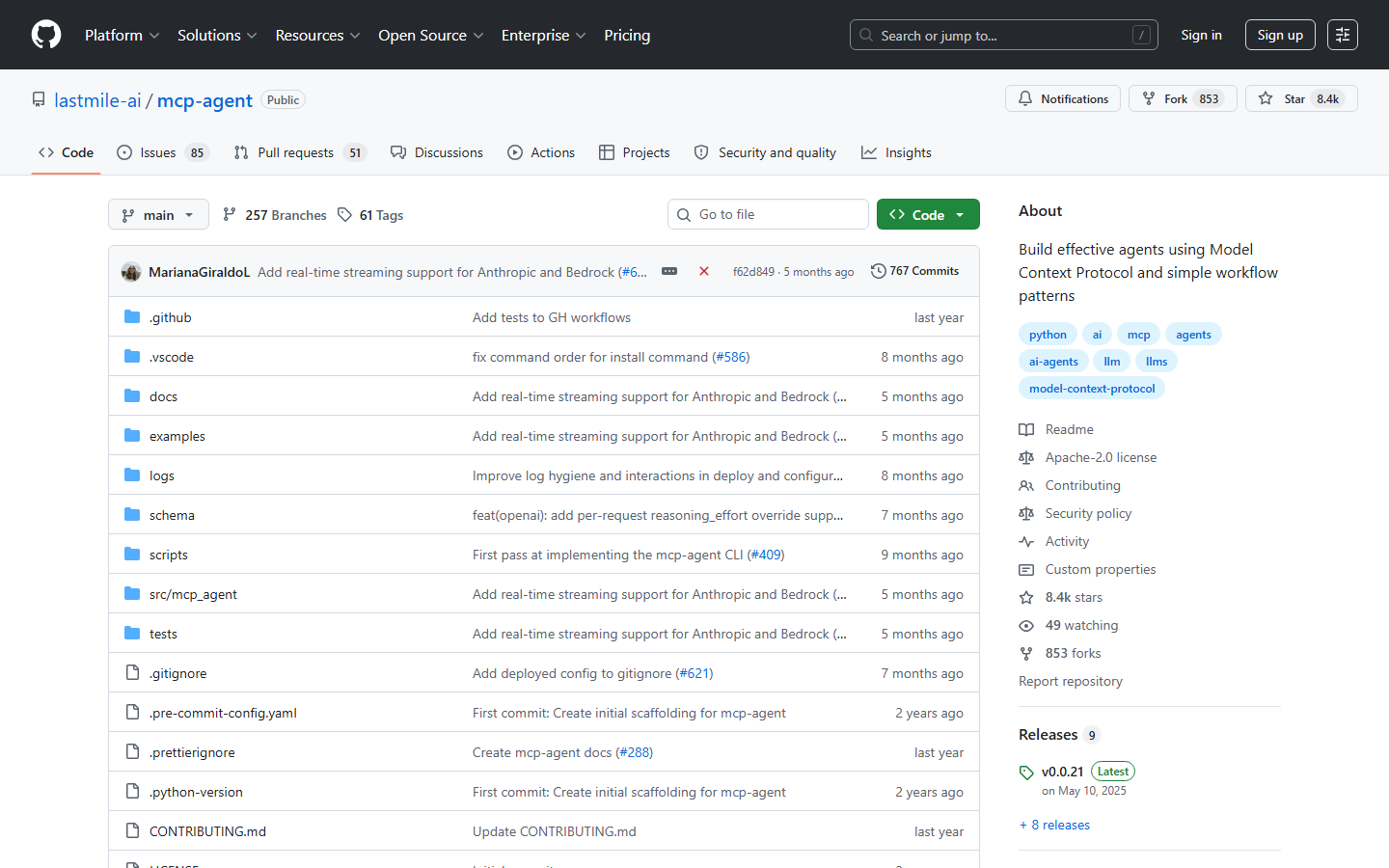
mcp-agent is an open-source Python framework for building agents that consume MCP servers. You define simple workflow patterns (sequential, parallel, evaluator-optimizer) and mcp-agent handles the routing between servers. Pair it with the Replicate MCP server and you get a scriptable orchestration layer for model inference.
Because it is framework-level rather than UI-level, mcp-agent suits teams who want full control over retry logic, error handling, and routing decisions. It integrates with any LLM provider for the agent's reasoning layer, so you can use Claude, GPT, or an open-source model as the orchestrator while Replicate handles the actual image or video generation.
Comparison Table
| Tool | Type | Replicate Access | Visual UI | API Output | Parallel Runs | Pricing |
|---|---|---|---|---|---|---|
| Wireflow | Workflow canvas | Via nodes | Yes | Yes | Yes | Usage-based |
| Replicate MCP Server | MCP server | Native | No | Yes | No | Free (open source) |
| Cursor | IDE | Via MCP config | No | Via code | No | $20/mo+ |
| Smithery | Registry | Via install | No | No | No | Free tier |
| Windsurf | IDE | Via MCP config | No | Via code | Yes | Free tier |
| mcp-agent | Framework | Via MCP config | No | Yes | Yes | Free (open source) |
Try it yourself: Build this workflow in Wireflow - the nodes are pre-configured with a GPT Image 2.5 Flare image generation setup that runs on Replicate infrastructure.
FAQ
What is MCP and why does it matter for Replicate?
MCP (Model Context Protocol) is an open standard created by Anthropic that lets AI agents connect to external tools and data sources through a unified interface. For Replicate, MCP means any compatible client can search, run, and manage ML models without custom API integration code.
Is the Replicate MCP server free to use?
The MCP server itself is free and open source. You still pay Replicate's standard per-prediction pricing for the models you run. Costs vary by model, with image generation typically costing $0.003-$0.05 per run depending on the model and resolution.
Can I use multiple MCP servers at the same time?
Yes. Most MCP clients (Cursor, Windsurf, Claude Desktop) support connecting to multiple MCP servers simultaneously. This lets you combine Replicate model inference with other tools like file systems, databases, or web scrapers in a single agent session.
How does Wireflow differ from using the Replicate MCP server directly?
Wireflow provides a visual canvas where you connect model nodes graphically, see intermediate outputs, and expose the whole pipeline as a REST API. The Replicate MCP server gives you raw programmatic access to models. Wireflow is better for building and sharing reusable workflows, while the MCP server is better for scripting custom logic.
Which MCP client should I use with Replicate?
If you want a visual, no-code experience, use Wireflow. If you prefer working in a code editor, Cursor offers the most polished MCP integration. For fully automated agent pipelines, mcp-agent gives you the most control at the framework level.
Do I need to self-host any of these tools?
The Replicate MCP server runs locally on your machine alongside your MCP client. Wireflow and Smithery are cloud-hosted, so there is nothing to install. Cursor and Windsurf are desktop applications. mcp-agent is a Python library you install in your project environment.
Can I chain Replicate models with models from other providers?
Yes, through MCP you can connect multiple servers. Wireflow makes this especially easy: its canvas supports model chaining across providers, so you can feed a Replicate Flux output into an OpenAI GPT-Image node or a Kling video node in the same workflow.
What models can I access through the Replicate MCP server?
The Replicate MCP server provides access to the entire Replicate catalog, which includes thousands of open-source models across image generation (Flux, SDXL, Stable Diffusion), video generation, audio processing, text-to-speech, and more. Any public model on Replicate is accessible through the MCP server.

Co-Founder & Operations at Wireflow
Runs client operations and content strategy at Wireflow. Works directly with creative teams and agencies to build production AI workflows.
- Content Strategy
- Client Operations
Get unlimited ad creatives today.
One call to see if we are a fit and scope the first ad. If it fits, your first batch lands inside week one.