Best Ecommerce Ad Creative Generators in 2026

In this article▾
- Quick summary: the 8 best ecommerce ad creative generators
- How these tools were ranked
- 1. Wireflow: best overall
- 2. AdCreative.ai: best for banner volume
- 3. Creatify: best for UGC style video
- 4. Pencil: best for performance prediction
- 5. Icon: best for TikTok ad teams
- 6. Photoroom: best for product photography
- 7. Creatopy: best for brand teams
- 8. Omneky: best for enterprise budgets
- Comparison table
- How to choose for your store
- FAQ
- Conclusion
Ecommerce advertisers now need dozens of creative variants per product every month, and the tools that produce them have split into two camps: closed template engines that output one format fast, and open pipelines that let you chain models together. Wireflow sits in the second camp, connecting image, video and copy models on a single canvas so one product photo can fan out into an entire ad set. This guide ranks eight ecommerce ad creative generators available in 2026, with pricing, real strengths, and the specific store setup each one suits.
Quick summary: the 8 best ecommerce ad creative generators
- Wireflow: chain multiple AI models into one repeatable ad pipeline. Best overall.
- AdCreative.ai: bulk static banners scored for predicted conversion. Best for banner volume.
- Creatify: product URL to AI avatar video ad in minutes. Best for UGC style video.
- Pencil: creative generation tied to historical ad performance data. Best for performance prediction.
- Icon: a full UGC ad studio built around creator footage. Best for TikTok ad teams.
- Photoroom: product cutouts and clean backgrounds at catalog scale. Best for product photography.
- Creatopy: brand controlled banner automation with version control. Best for brand teams.
- Omneky: managed creative plus media buying under one roof. Best for enterprise budgets.
How these tools were ranked
Four criteria decided the order: how many creatives the tool produces from a single product input, how well it holds a product's real appearance across variants, how much manual work sits between the brief and a publish ready file, and what the cost looks like once you scale past a hundred assets a month. Tools that lock you to one output format scored lower than tools that cover static, video and copy from the same source material. If you are only interested in still images, the narrower comparison in our roundup of static ad creative generators is a better starting point.
Consistency mattered more than raw speed. A generator that renders a beautiful ad with the wrong label colour is worse than a slower tool that keeps the bottle, the logo and the packaging accurate across forty frames, because the inaccurate one costs you a reshoot and a rejected ad review. The same discipline applies further upstream in any ecommerce image workflow, where the source photo quality sets the ceiling for everything generated after it.

Build this in Wireflow
Make the same kind of asset on a canvas you control, with a free account and no credit card.
1. Wireflow: best overall
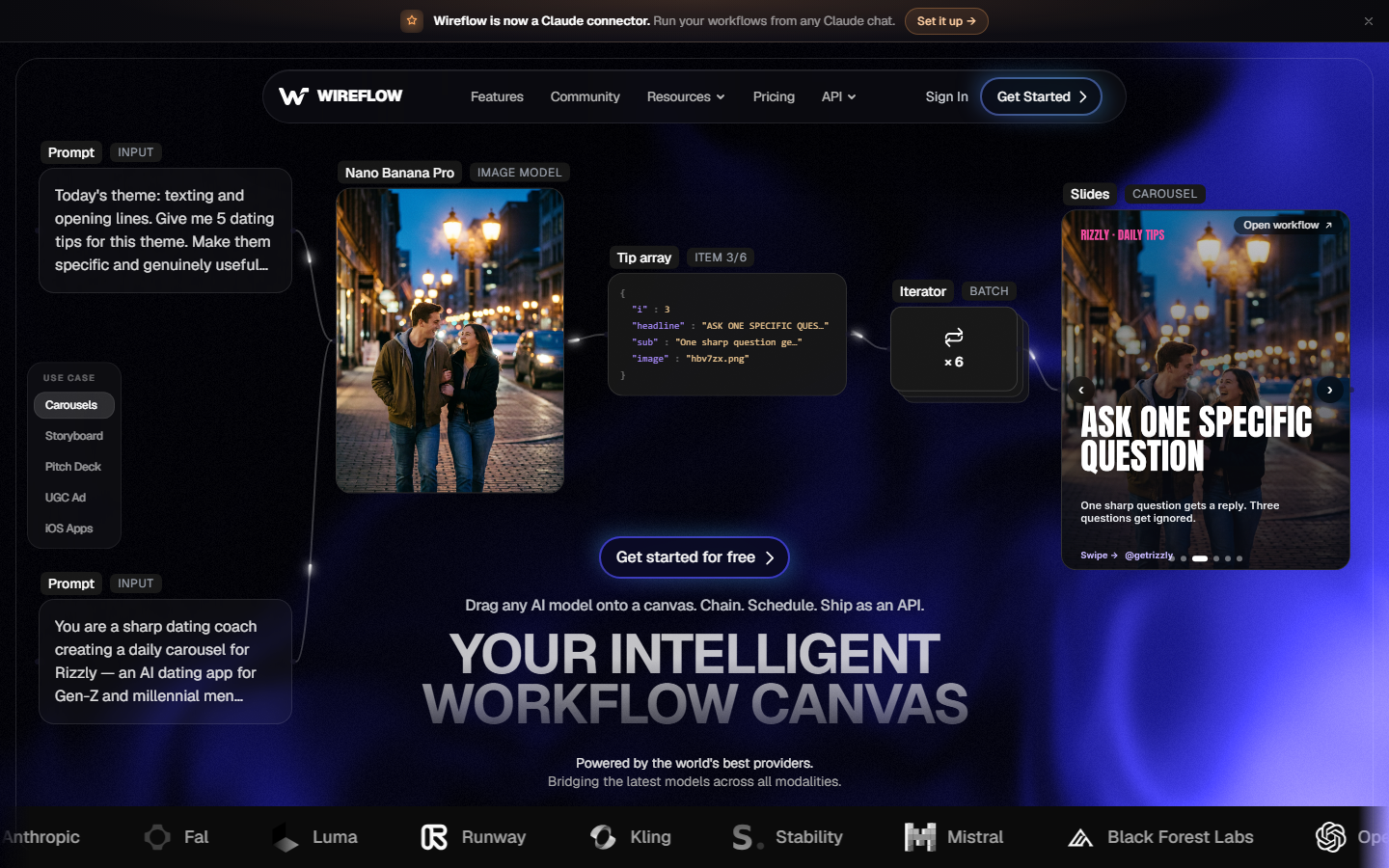
Wireflow is a node based canvas where each AI model is a block you connect to the next one. For an ecommerce ad, that usually means a product photo node feeding an image model that places the product in a lifestyle scene, then a video model that animates the best frames, then a text model that writes hook variants for each one. Because the canvas is a graph rather than a template, the same structure re-runs against a new SKU without rebuilding anything.
The practical benefit for a store is variant count. One connected pipeline can output a square static, a vertical video and five copy angles from a single upload, and the whole thing can be duplicated per product. Model choice is not locked either, so a workflow can use one provider for product rendering and a different one for motion. The tradeoff is the learning curve: building the first graph takes longer than typing a prompt into a single purpose tool, and the payoff only arrives when you reuse it. Teams running ad creative testing at scale get the most out of that structure, because every new test is a parameter change rather than a new project.
2. AdCreative.ai: best for banner volume
AdCreative.ai scans a store URL, pulls brand colours and fonts, then generates static banners sized for every major placement. Each output carries a predicted conversion score, which gives buyers a rough shortlist before anything goes live.
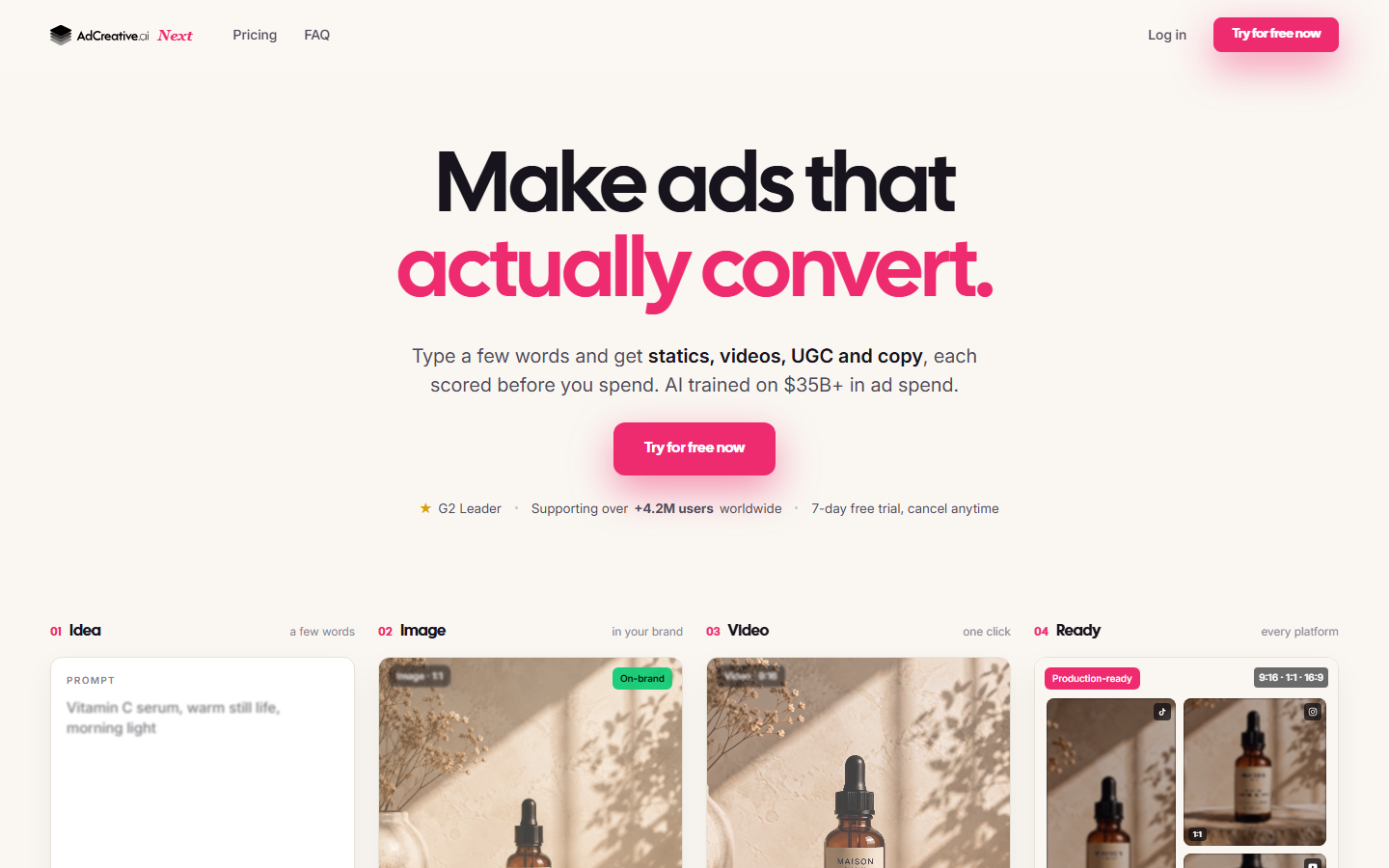
It is the fastest route from a product page to a hundred banners, and the Google Ads and Meta integrations remove the export and upload step entirely. The limitation is that outputs read as templates. Fonts, badges and layout patterns repeat across accounts, so brands with a distinctive visual identity often end up restyling in a second tool. Video is present but thin compared with the static engine. Pricing starts around $39 a month and climbs steeply with credit volume, which matters once a catalogue runs into the hundreds of SKUs. For teams evaluating this category broadly, our wider list of ad creative AI tools covers the adjacent options.
3. Creatify: best for UGC style video
Creatify takes a product URL, scrapes the imagery and description, and produces a short video ad with an AI avatar reading a generated script. The output is aimed squarely at TikTok and Reels placements where a talking presenter outperforms a polished product film.
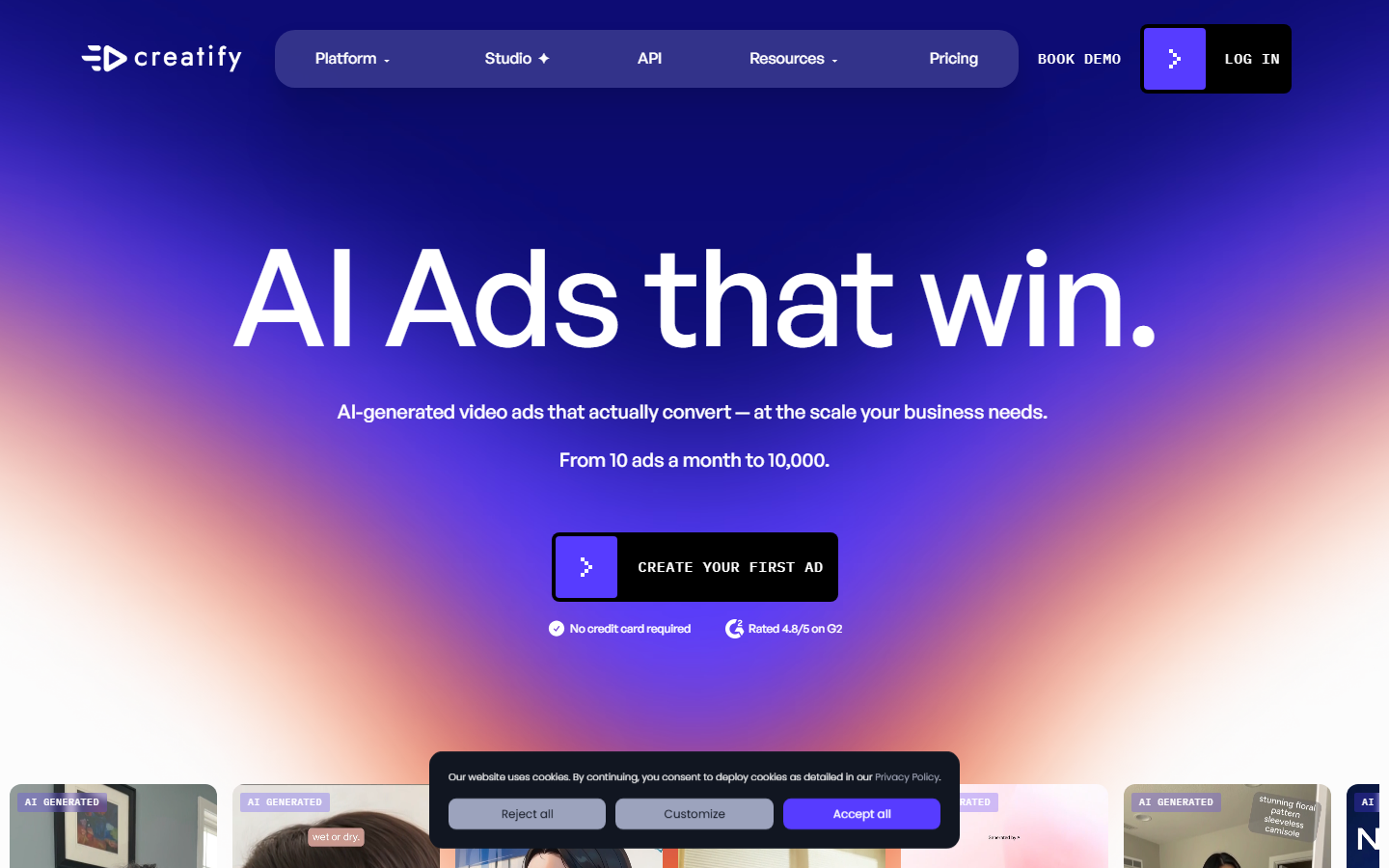
Turnaround is the selling point. A new product can have six video variants within an hour, each with a different avatar, hook and pacing. Avatar realism has improved considerably, though viewers familiar with the format still recognise it, and performance tends to drop when the same avatar appears across too many ads in one account. Product handling is also indirect: Creatify works from your product page images rather than rendering the product into new scenes, so complex or unusual items can appear flat. Stores comparing this against creator led options should read our breakdown of UGC ads for Shopify tools.
4. Pencil: best for performance prediction
Pencil generates ad variants and then ranks them against a model trained on historical campaign results, so the recommendation is grounded in spend data rather than aesthetics alone.
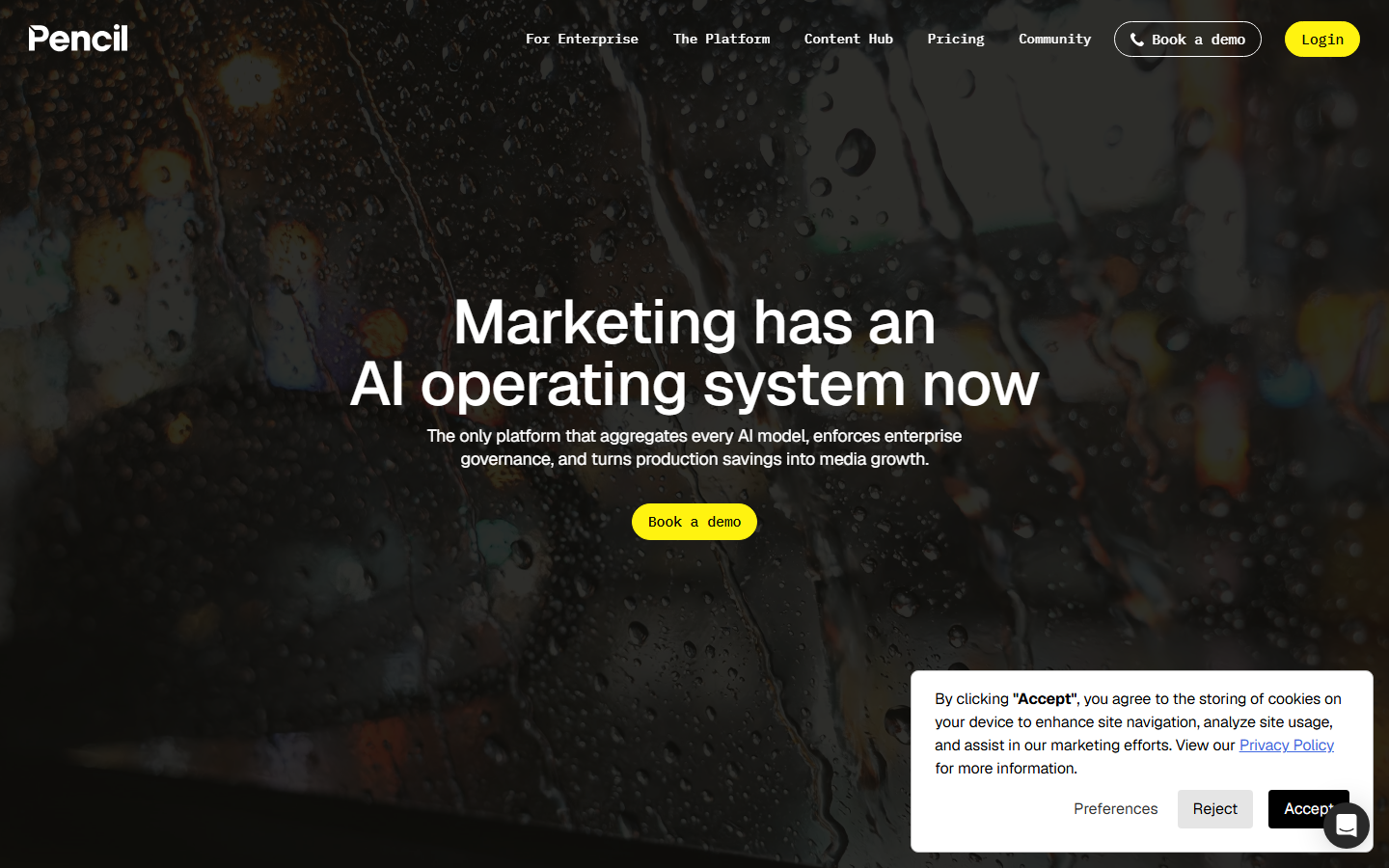
For brands already running meaningful budgets, the prediction layer is genuinely useful: it narrows a batch of thirty concepts down to the five worth testing. It also connects to ad accounts to close the loop between generated creative and measured outcome. The catch is that prediction quality depends on data volume, so smaller accounts get generic guidance. Pencil sits at the higher end of pricing and is built for teams with a creative strategist in the loop rather than solo store owners. The approach pairs naturally with a disciplined process for how you scale ad creative production rather than replacing it.
5. Icon: best for TikTok ad teams
Icon positions itself as a complete UGC ad studio, combining creator sourcing, script generation, editing and variant production in one interface aimed at performance teams buying TikTok inventory.
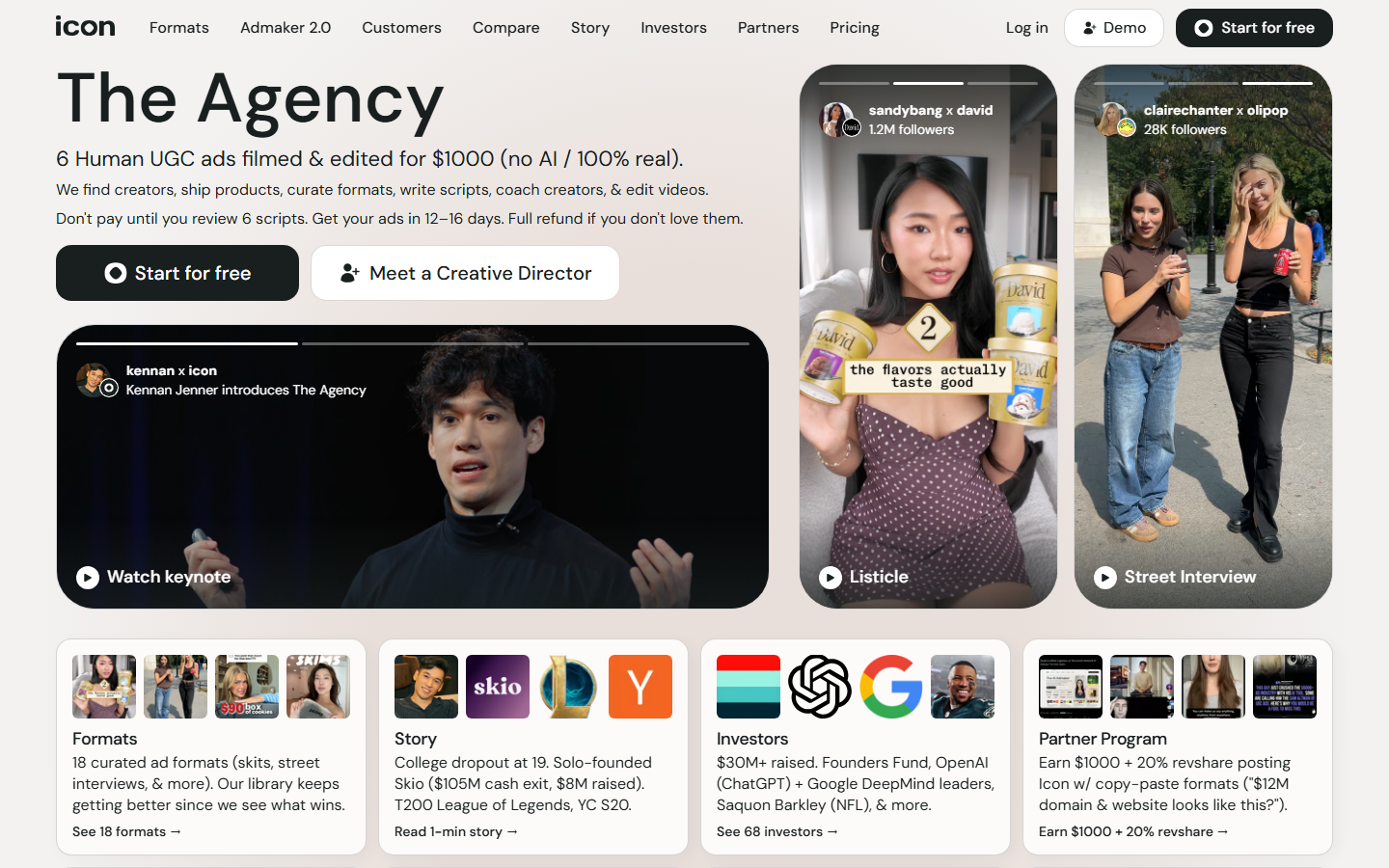
The strength is workflow coverage. Instead of treating generation as the whole job, Icon handles the parts either side of it: briefing creators, cutting hooks against the same body footage, and assembling dozens of edits from a limited pool of raw clips. That suits a team that already has creator relationships and wants more permutations out of each delivery. It is less useful for a store with no footage at all, since the system is built on real clips rather than synthetic scene generation. Pricing is subscription based and aimed at agencies and funded brands.
6. Photoroom: best for product photography
Photoroom is not a full ad generator, but it solves the step that breaks most ecommerce creative pipelines: getting a clean, correctly lit product cutout from an ordinary phone photo.
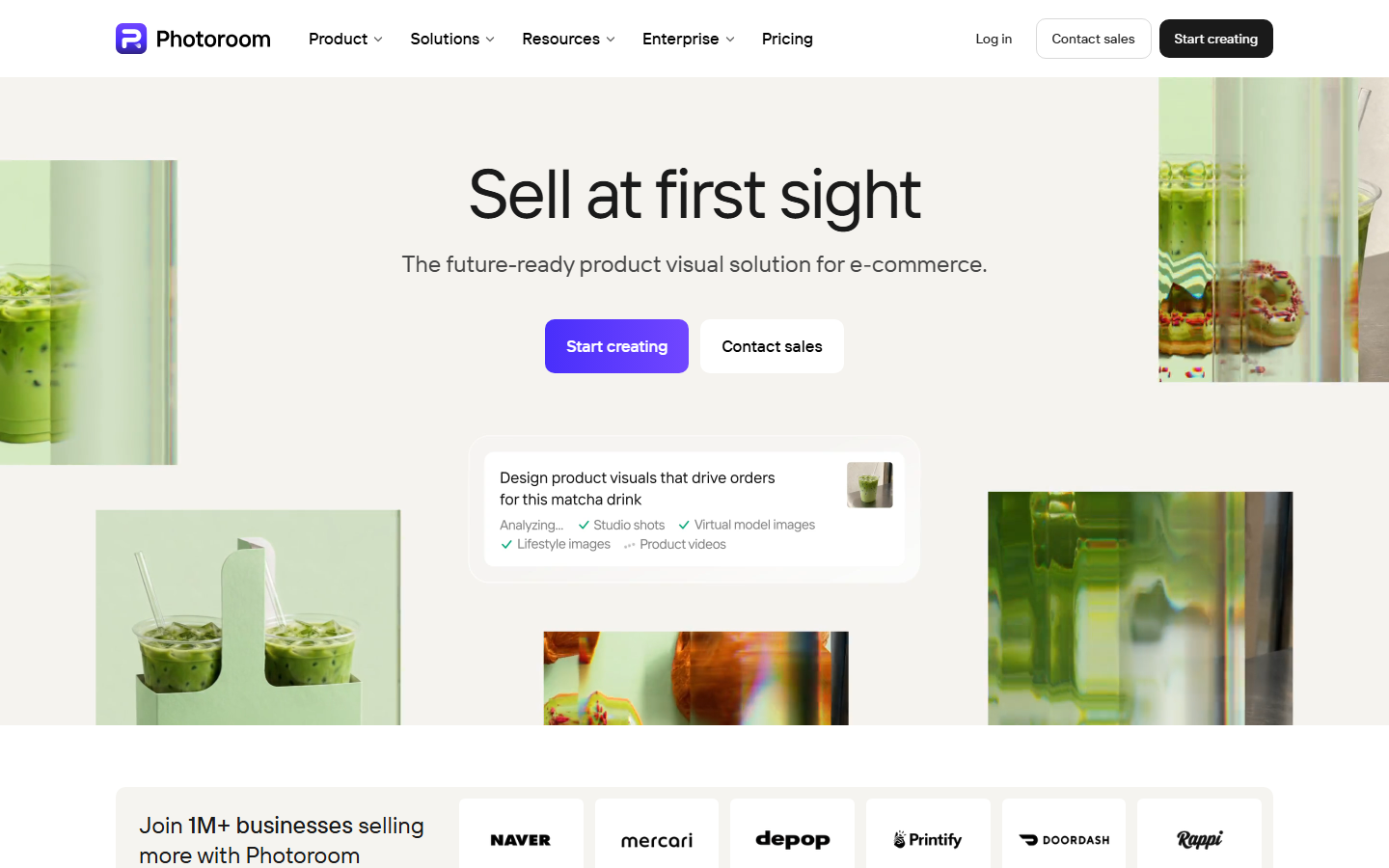
Background removal is accurate on difficult edges like hair, glass and mesh, and batch processing handles an entire catalogue in one pass. Generated backgrounds and shadow matching cover the common lifestyle placements. What it does not do is write copy, produce video or size creative for placements, so it works as a first stage rather than a destination. Many stores run Photoroom to prepare assets, then push those files into a generator for the actual ad build, which is the same sequencing described in our guide to creating AI product photos for ecommerce.
7. Creatopy: best for brand teams
Creatopy focuses on controlled banner automation: locked brand kits, approval states, and bulk resizing of an approved design into every required placement.
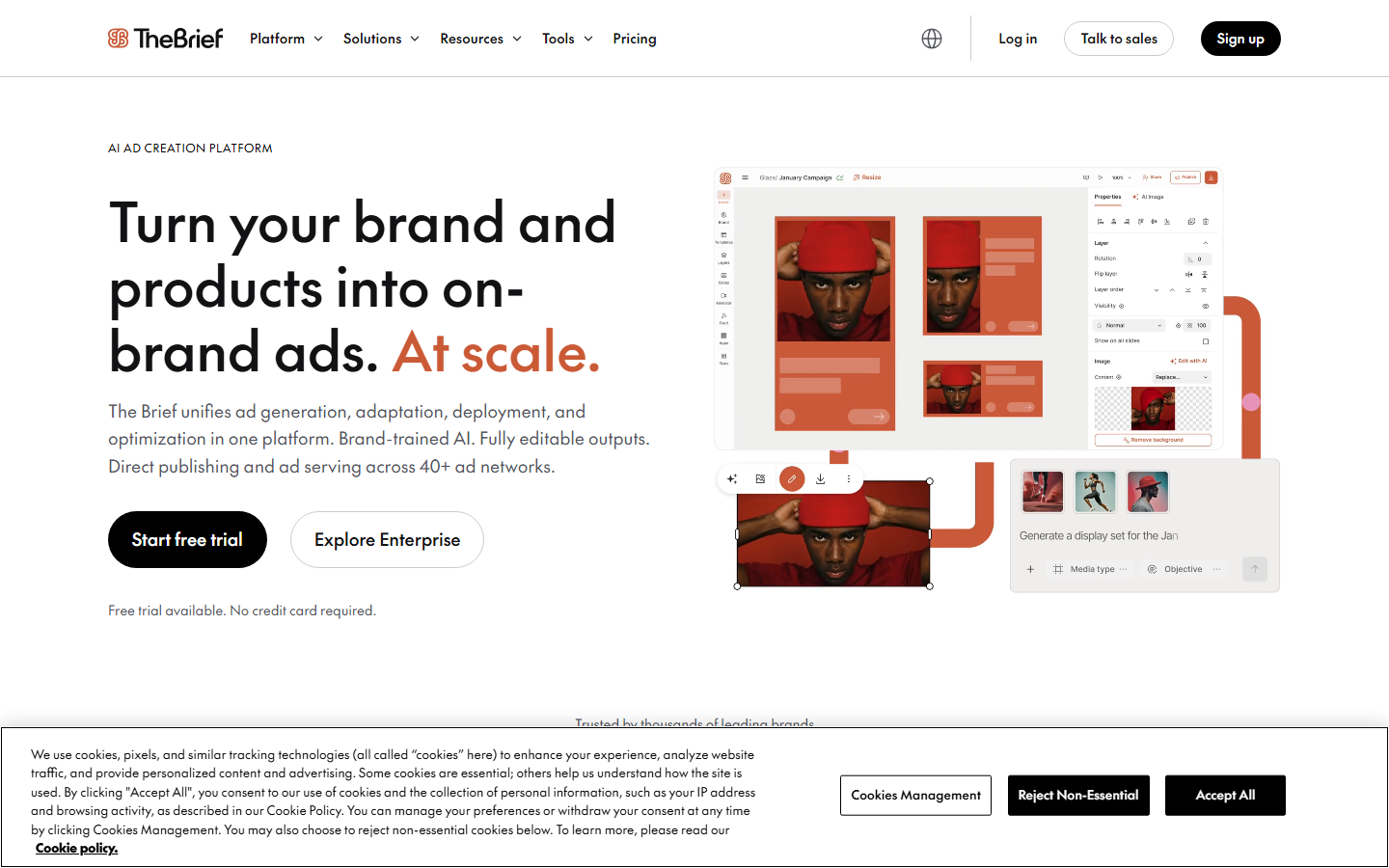
Where most generators optimise for novelty, Creatopy optimises for governance. A design lead approves a master layout, and the system produces the placement set without anyone re-editing artwork by hand, with version history if something needs rolling back. Feed driven generation can populate banners with live product data, which is valuable for large catalogues and seasonal price changes. The AI generation itself is lighter than the specialists on this list, so it suits teams who already have designers and need distribution rather than ideation. Its closest comparison is covered in our review of ad creative automation tools.
8. Omneky: best for enterprise budgets
Omneky combines generated creative with managed media buying, reporting on which visual elements correlate with performance across a client's accounts.
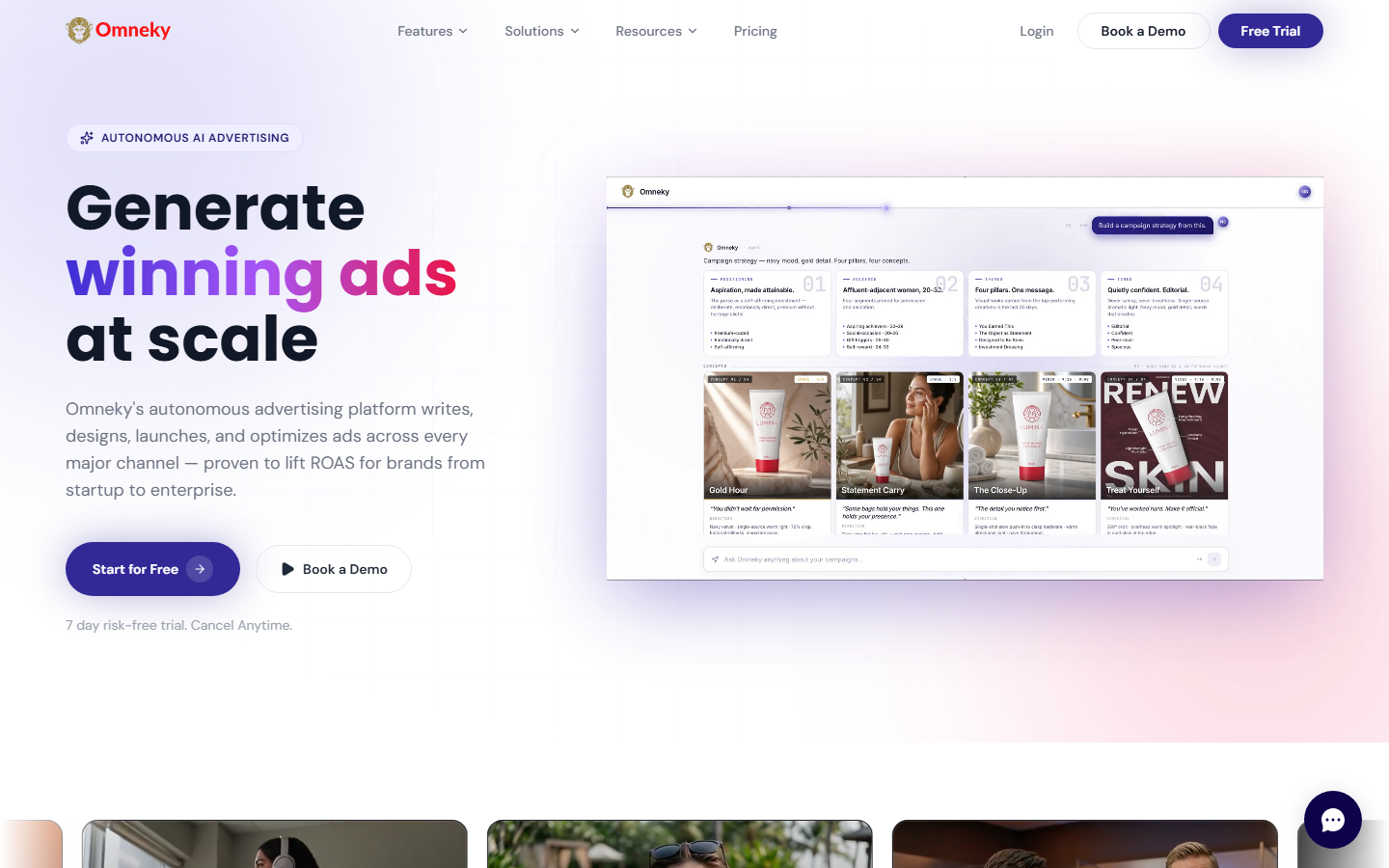
The analytics layer is the differentiator. Omneky attributes performance down to creative attributes such as colour, layout and message angle, then feeds that back into the next generation round. It is priced and structured as a service engagement rather than a self serve tool, with onboarding and a managed relationship, which rules it out for small stores but fits brands spending heavily enough that a percentage based fee is cheaper than an in house team. Agencies weighing service models against tooling will find the tradeoffs laid out in our comparison of ad creative generators for agencies.
Comparison table
| Tool | Best for | Static | Video | Copy | Starting price |
|---|---|---|---|---|---|
| Wireflow | Multi model pipelines | Yes | Yes | Yes | Free tier, usage based |
| AdCreative.ai | Banner volume | Yes | Limited | Yes | ~$39/mo |
| Creatify | UGC style video | Limited | Yes | Yes | ~$33/mo |
| Pencil | Performance prediction | Yes | Yes | Yes | ~$119/mo |
| Icon | TikTok ad teams | Limited | Yes | Yes | Subscription, team tier |
| Photoroom | Product photography | Yes | No | No | ~$13/mo |
| Creatopy | Brand governance | Yes | Limited | Limited | ~$36/mo |
| Omneky | Enterprise budgets | Yes | Yes | Yes | Custom |
How to choose for your store
Start from your bottleneck rather than the feature list. If you have good product photography and no concepts, a prediction led tool earns its cost. If you have concepts and poor source images, fix photography first, because no generator repairs a bad input. If your problem is volume, meaning the same approved idea needs thirty placement variants every week, an automation platform beats a creative one. Stores selling into multiple regions have a fourth bottleneck, localisation, which favours any tool with feed driven generation.
Budget maths is simpler than it looks. Divide monthly cost by the number of usable creatives you actually publish, not the number the tool can generate. A $39 plan that produces two hundred banners of which four are on brand is more expensive per usable asset than a higher tier that produces twenty you would all run. Applying that same test to video is where most ecommerce teams find the real gap, and our roundup of AI tools for ecommerce product videos goes deeper on the motion side. You can check plan tiers and usage limits on the pricing page before committing to any annual contract.
Try it yourself: open this ecommerce ad creative workflow to see the nodes pre configured with the product to ad set pipeline described above.
FAQ
What is an ecommerce ad creative generator? It is a tool that turns product inputs, usually a photo, a URL or a description, into finished ad assets such as static banners, short videos and ad copy, sized for placements like Meta, TikTok and Google.
Can AI generated ads actually outperform photographed ones? Often yes for top of funnel prospecting, where variant volume and hook testing matter more than production polish. Photographed hero assets still tend to win on brand and retargeting placements where trust is the deciding factor.
How many creative variants should an ecommerce store test per month? A useful floor is ten to fifteen distinct concepts per active product, each with three to four hook variations. Below that, results are indistinguishable from noise at typical ecommerce spend levels.
Do these tools keep my product looking accurate? It varies a lot. Tools that render your product into new scenes can drift on labels, textures and proportions. Tools that composite your real cutout onto generated backgrounds are far safer for anything with legible packaging.
Which tool is cheapest for a small Shopify store? Photoroom at roughly $13 a month is the lowest cost entry point, though it only covers imagery. For a full creative set, a usage based platform tends to cost less than a fixed subscription until you pass a few hundred assets a month.
Are AI generated ads allowed on Meta and TikTok? Yes. Both platforms permit AI generated creative, but both require that the ad does not misrepresent the product, and TikTok asks for disclosure when synthetic media depicts a realistic person or scene.
Do I need video, or are static ads enough for ecommerce? Static still performs well on Meta feed and retargeting, but TikTok, Reels and Shorts inventory is effectively video only, and that inventory is where most incremental reach now sits. A mixed set is the safe default.
How do I stop AI ads from all looking the same? Vary the input, not just the prompt. Different source photos, different scene contexts and different hook structures produce more separation than asking one model for more variations of the same brief.
Conclusion
The right ecommerce ad creative generator depends on which part of the pipeline is slowest for you: sourcing imagery, producing variants, or governing brand consistency across placements. Single purpose tools like Photoroom and Creatify are excellent at one stage and honest about their limits, while Pencil and Omneky justify their cost only at real spend levels. For stores that want one repeatable structure covering imagery, motion and copy from a single product upload, a connected pipeline on Wireflow removes the handoffs between those stages, and the rest of the stack for ecommerce teams is built around the same idea.

Co-Founder & Operations at Wireflow
Runs client operations and content strategy at Wireflow. Works directly with creative teams and agencies to build production AI workflows.
- Content Strategy
- Client Operations
Get unlimited ad creatives today.
One call to see if we are a fit and scope the first ad. If it fits, your first batch lands inside week one.