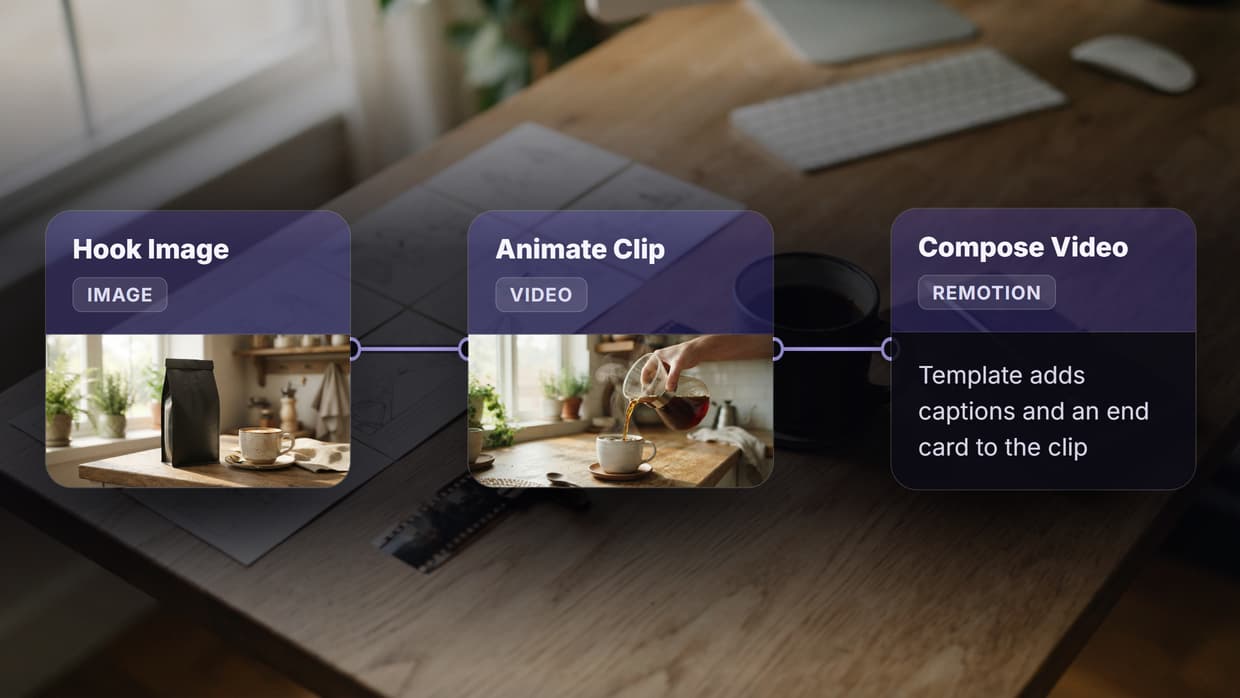
Best Weavy (now Figma Weave) Alternative With APIs in 2026


In this article▾
If you have been building AI workflows in Weavy (now Figma Weave, since Figma's October 2025 acquisition) and hit the ceiling on programmatic control, you are not alone. Developers increasingly need platforms that pair a visual canvas with a full REST API, so they can automate runs, trigger workflows from external systems, and retrieve outputs programmatically. Wireflow gives you exactly that: a drag-and-drop node editor backed by a complete API at /api/v1 that turns every workflow into a callable endpoint.
This guide covers seven platforms that offer both visual workflow building and API access, ranked by how well they serve teams that need real programmatic integration alongside a canvas experience.
Quick Summary
- Wireflow - Best overall, full REST API with visual canvas and 150+ AI models
- ComfyUI - Best for Stable Diffusion power users, API via community wrappers
- n8n - Best for general automation, REST API with 400+ integrations
- BuildShip - Best for backend workflows, API-first with visual builder
- Flowise - Best for LLM chains, open-source with built-in API
- Replicate - Best for model hosting, API-only with web dashboard
- Flora AI - Best for simple AI pipelines, lightweight API access
1. Wireflow

Wireflow is a visual AI workflow platform where every workflow you build in the canvas is automatically available as an API endpoint. The platform supports 150+ AI models across image generation, video, audio, and text, all chainable through a node-based editor.
For a hands-on look at how the API works with visual workflows, check out the Weavy AI alternative feature page.
API highlights:
- Full REST API with Bearer token authentication (keys start with
sk-) - Execute any workflow via
POST /api/v1/workflows/{id}/execute - Poll for results with async execution pattern
- Webhook triggers that accept HTTP requests without API keys
- Idempotency keys to prevent duplicate executions
- Rate limit headers on every response (
X-RateLimit-Limit,X-RateLimit-Remaining,X-RateLimit-Reset)
Pricing: Free tier (50 daily executions), Starter, Pro, and Enterprise plans with increasing rate limits.
Best for: Teams that want a visual canvas for prototyping and a production-grade API for deployment.
Build this in Wireflow
Make the same kind of asset on a canvas you control, with a free account and no credit card.
2. ComfyUI
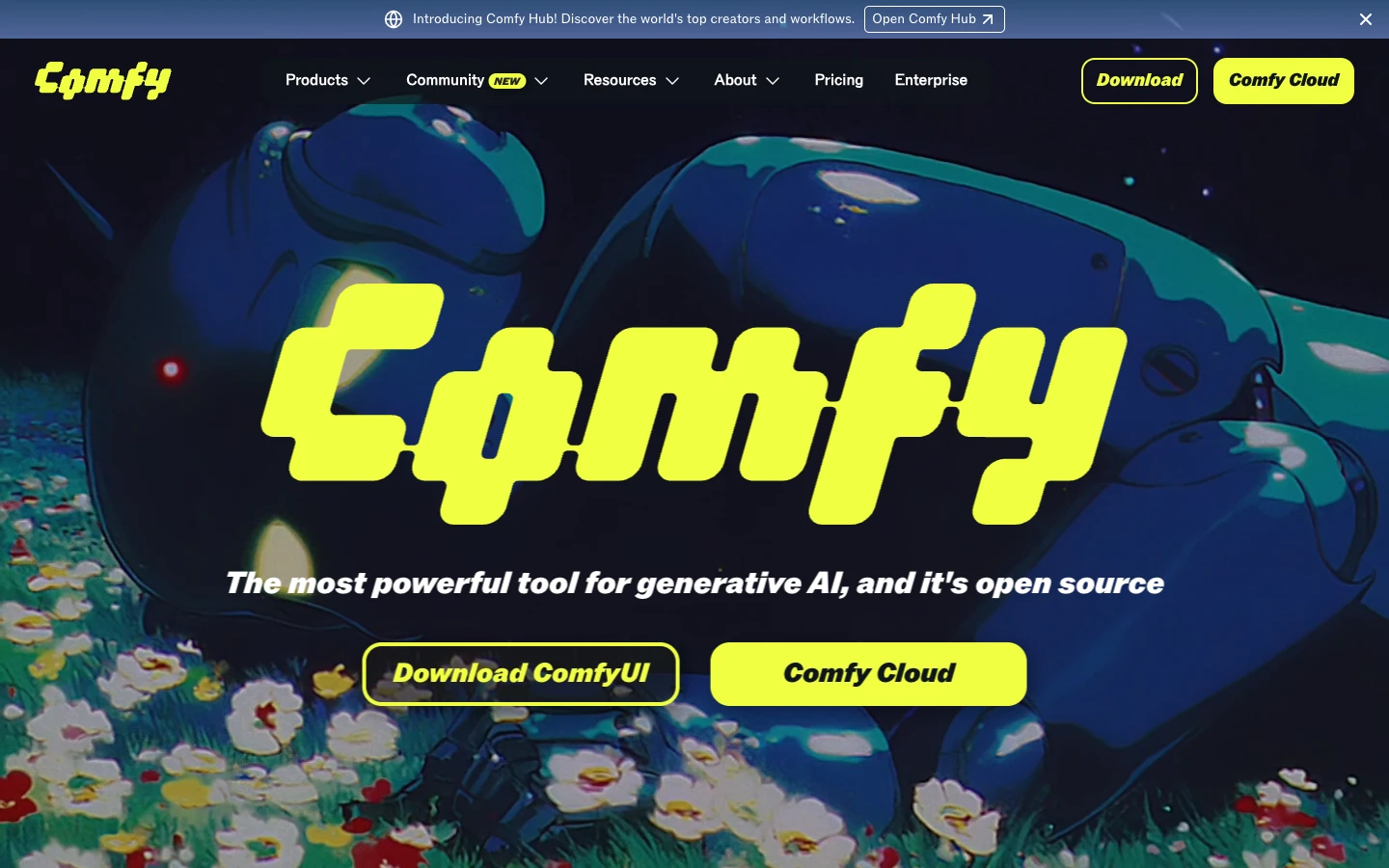
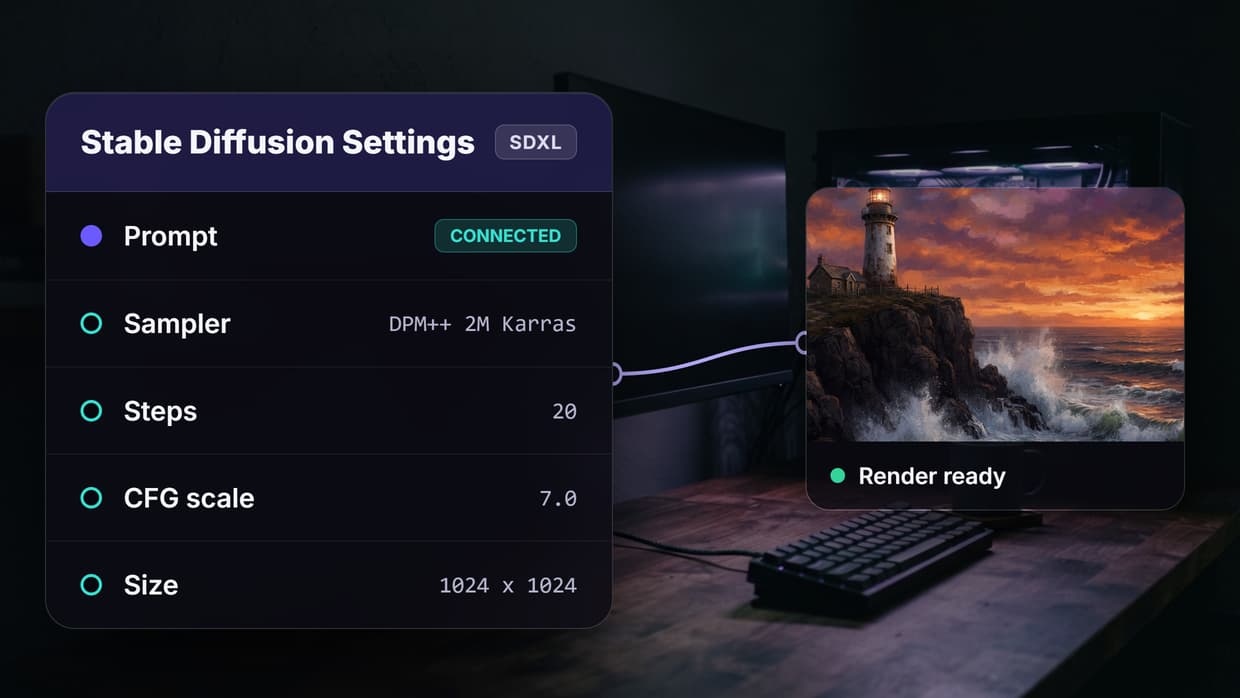
ComfyUI is a node-based interface for Stable Diffusion that has become the standard for complex image generation pipelines. Its visual graph system lets you wire together models, samplers, and post-processing steps. API access comes through community-built wrappers and the built-in server endpoint, though it requires self-hosting for production API workflows.
API highlights:
- Queue-based execution via
/promptendpoint - WebSocket connection for real-time progress updates
- Export workflows as JSON for reproducibility
- Community REST wrappers available (ComfyUI-API, comfyui-deploy)
Limitations: No hosted API out of the box. You need to run your own server or use a third-party hosting provider. Authentication and rate limiting must be implemented separately. Consider a ComfyUI alternative if you want managed hosting.
Best for: Developers who want fine-grained control over Stable Diffusion pipelines and can manage their own infrastructure.
3. n8n
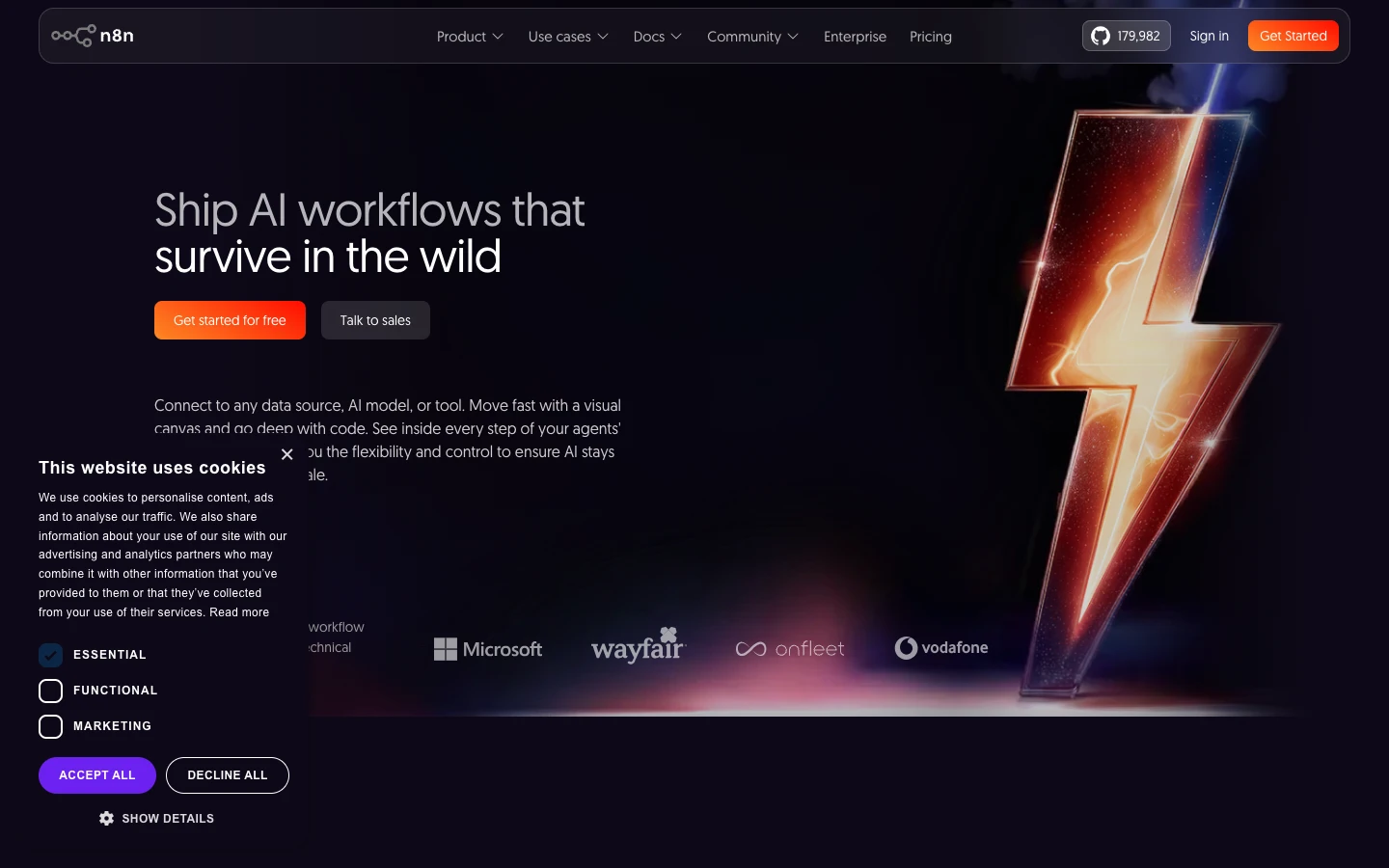
n8n is an open-source workflow automation tool with 400+ integrations covering everything from databases to AI models. Its visual editor uses a flow-based approach, and every workflow can be triggered via webhook or REST API. The self-hosted option gives full control over data and workflow execution.
API highlights:
- Webhook nodes for HTTP trigger-based execution
- REST API for workflow management (CRUD operations)
- OAuth2 and API key authentication
- Execution history and error handling via API
Limitations: AI model support is limited to what integrations exist. No built-in GPU inference, so AI generation depends on external API calls to services like OpenAI or Replicate. See our n8n alternative comparison for more detail.
Best for: Teams that need to connect AI workflows with existing business systems and prefer open-source infrastructure.
4. BuildShip
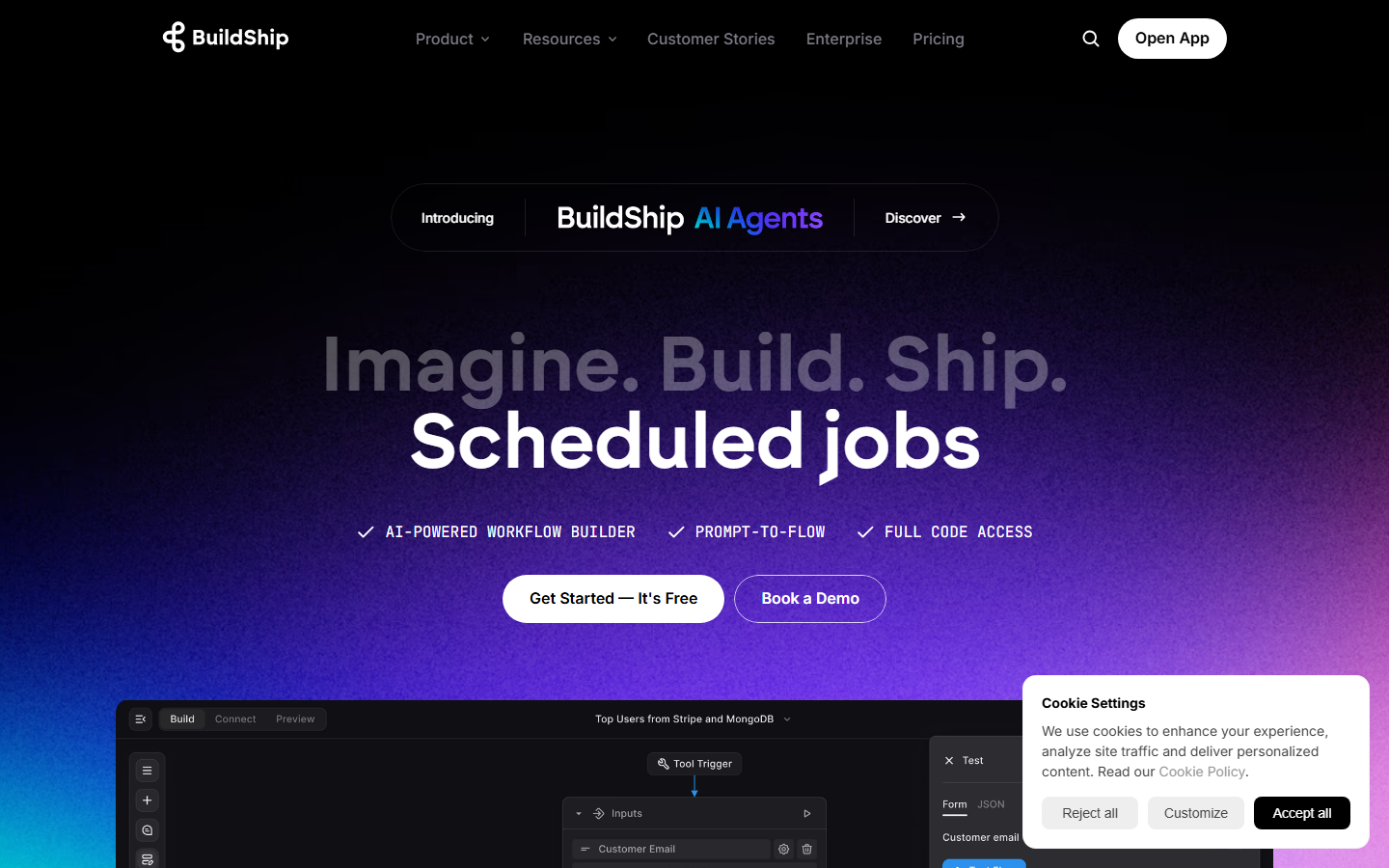
BuildShip is a visual backend builder that lets you create APIs and scheduled workflows using a node-based canvas. Each workflow automatically gets a REST endpoint, making it straightforward to integrate AI logic into existing applications and pipelines. It runs on Google Cloud infrastructure.
API highlights:
- Every workflow gets a unique API endpoint automatically
- Supports REST triggers, scheduled triggers, and Firestore triggers
- Built-in authentication via API keys
- Response formatting and error handling nodes
Limitations: Tied to Google Cloud, which limits deployment flexibility. The AI node library is smaller compared to dedicated AI platforms, and complex media generation workflows may require external service calls. For a broader AI content generation API, you may need a more specialized platform.
Best for: Teams already in the Google Cloud ecosystem who want to build AI-powered backends without managing servers.
5. Flowise
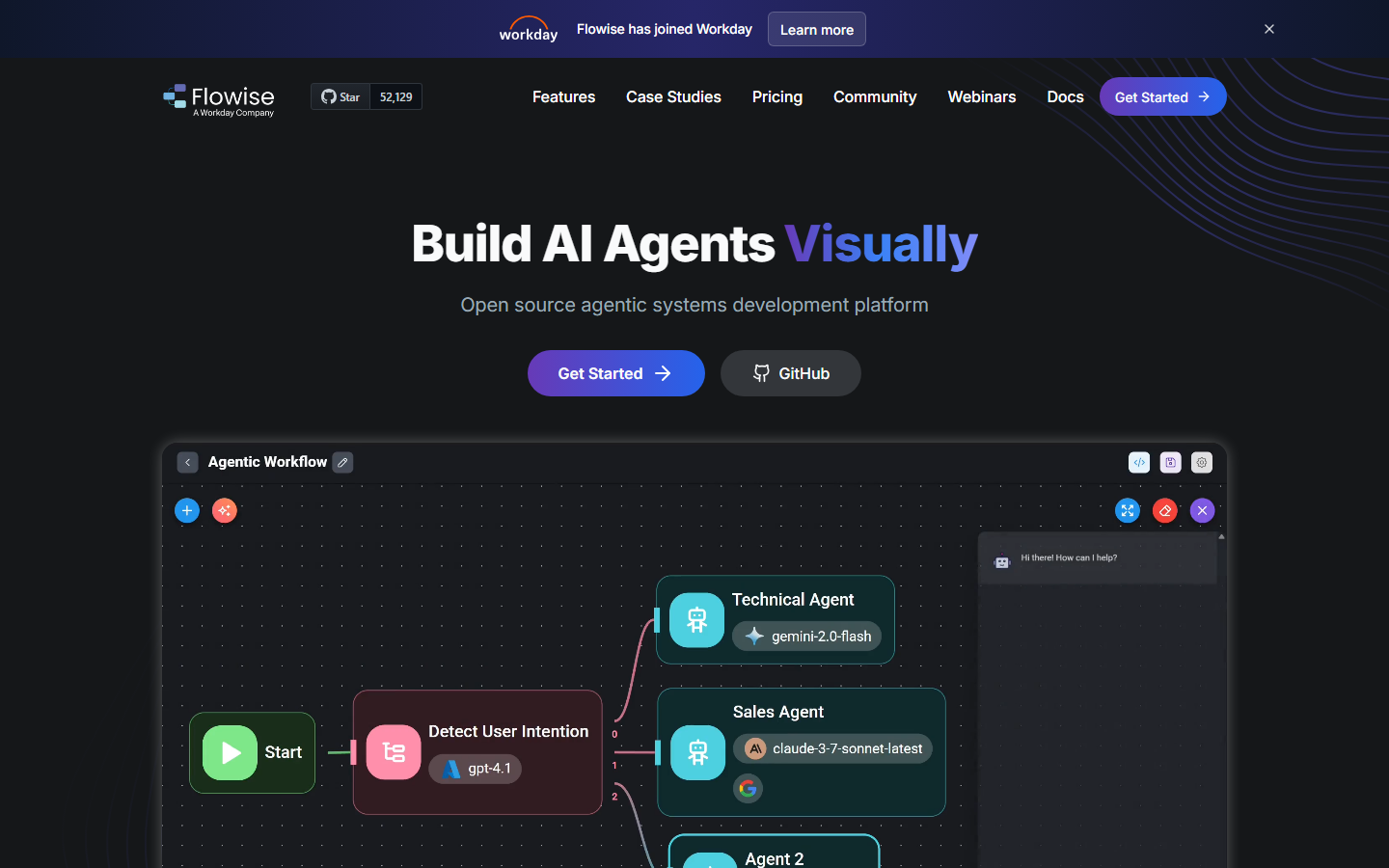
Flowise is an open-source tool for building LLM applications through a drag-and-drop interface. It focuses specifically on AI orchestration, chaining language models with vector stores, tools, and agents. Every flow is automatically exposed as an API endpoint. It pairs well with platforms that handle the broader API pipeline.
API highlights:
- Auto-generated REST API for every chatflow
- Prediction API for running LLM chains programmatically
- Streaming support for real-time token delivery
- Embedded chat widget for quick frontend integration
Limitations: Focused primarily on text and LLM use cases. Image generation, video, and audio workflows are not natively supported. You would need to extend it with custom nodes for media generation or use a headless AI workflow platform alongside it.
Best for: Developers building conversational AI or RAG applications who want a visual builder with API access.
6. Replicate
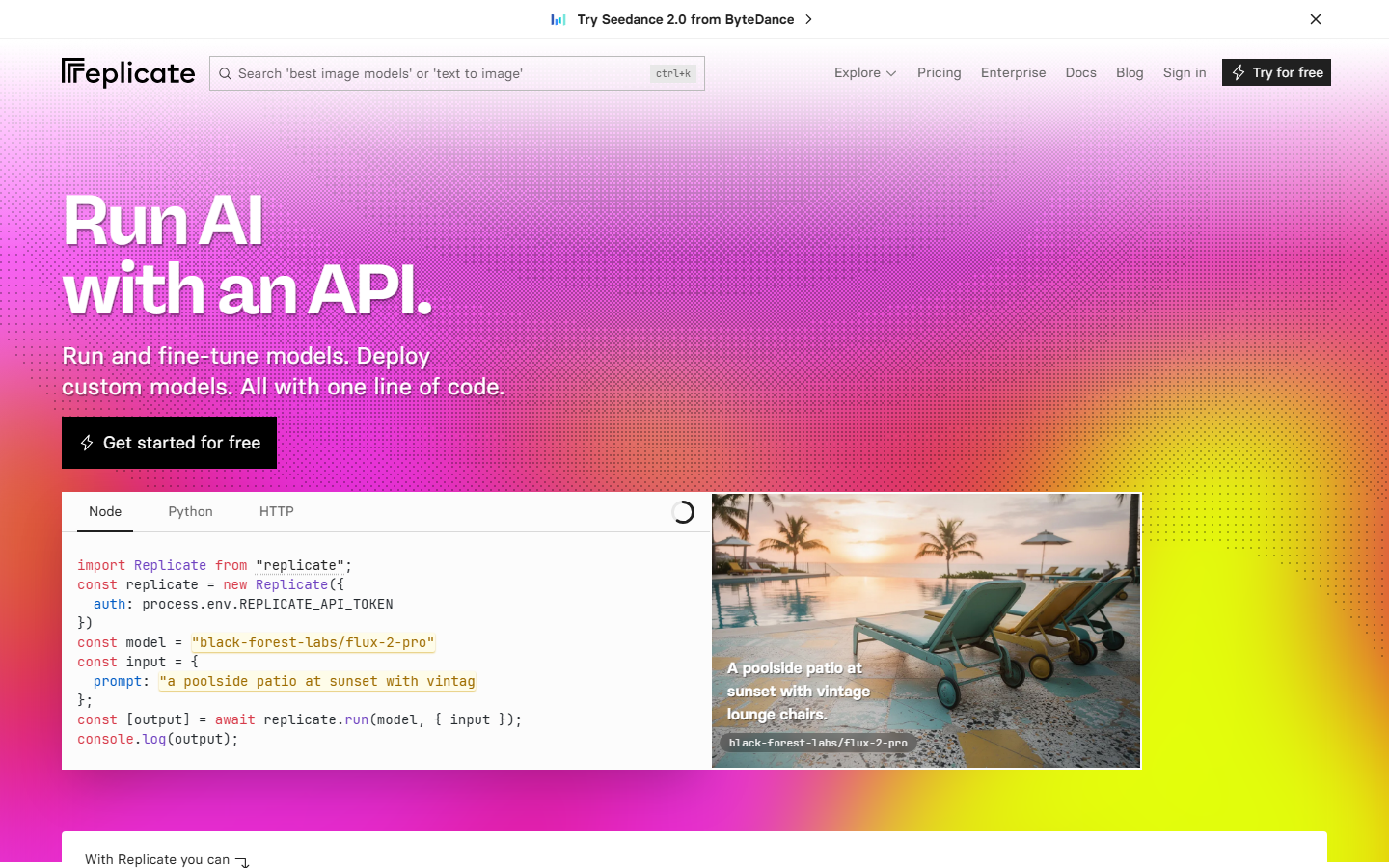
Replicate is a model hosting platform that gives you API access to thousands of open-source AI models. Unlike the other tools on this list, it is API-first rather than canvas-first. There is no visual workflow builder, but its simple HTTP API makes it easy to integrate individual models into your own workflow systems.
API highlights:
- Simple prediction API:
POST /v1/predictions - Webhook callbacks for async completion
- Model versioning and pinning
- Pay-per-second GPU pricing
Limitations: No visual canvas at all. Chaining multiple models requires writing code. No workflow management, scheduling, or conditional logic built in. For visual model chaining, you need a separate platform.
Best for: Developers who want API access to specific models without building a full workflow platform, and are comfortable writing their own orchestration code.
7. Flora AI
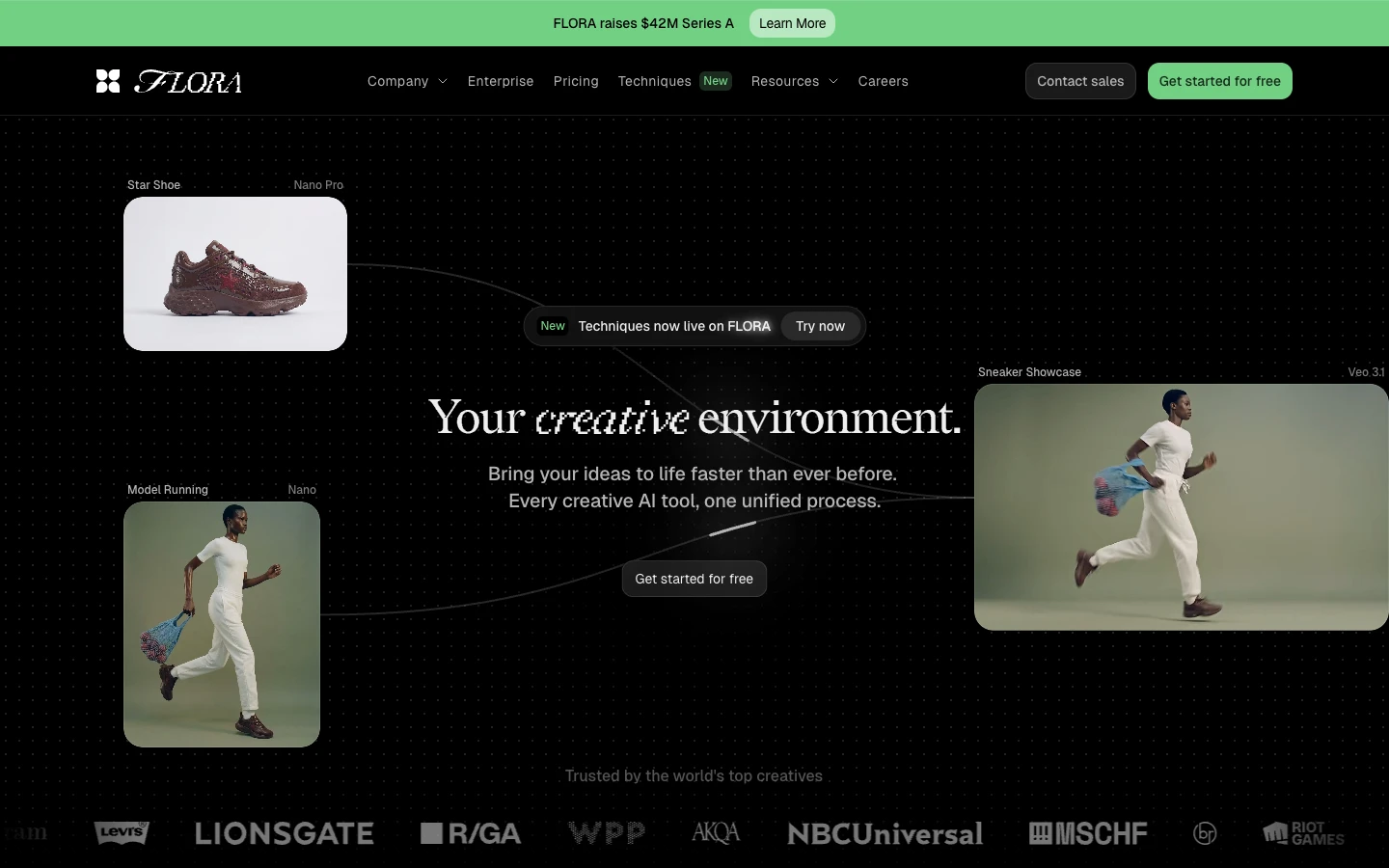
Flora AI provides a simplified canvas for AI image generation with basic API access for programmatic use. It targets creators who want both a visual interface and the ability to automate image generation via HTTP calls. The platform supports common image generation models with a straightforward prompt-to-image pipeline.
API highlights:
- REST API for image generation tasks
- Simple authentication with API keys
- Support for multiple image models
- Batch generation capabilities
Limitations: Limited to image generation. No video, audio, or text models. The workflow builder is basic compared to full node editors, and complex multi-step pipelines are not well supported. Compare it against other Flora AI alternatives for a broader view.
Best for: Creators who primarily need AI image generation with occasional API access for automation.
Comparison Table
| Platform | Visual Canvas | REST API | AI Models | Open Source | Self-Host | Pricing |
|---|---|---|---|---|---|---|
| Wireflow | Yes | Full REST | 150+ | No | No | Free tier + paid |
| ComfyUI | Yes | Community | SD-focused | Yes | Required | Free (self-host) |
| n8n | Yes | Full REST | Via integrations | Yes | Optional | Free tier + paid |
| BuildShip | Yes | Auto-generated | Limited | No | No | Free tier + paid |
| Flowise | Yes | Auto-generated | LLM-focused | Yes | Optional | Free (self-host) |
| Replicate | No | Full REST | 1000+ | No | No | Pay-per-use |
| Flora AI | Basic | Basic REST | Image-only | No | No | Free tier + paid |
How to Choose the Right Weavy Alternative
The right choice depends on what you are building. If you need a direct replacement for Weavy's canvas experience with full API access across multiple AI model types, a platform that covers image, video, audio, and text generation from one API surface will save you integration overhead.
For teams working exclusively with language models, Flowise gives you a focused builder with automatic API endpoints. If your priority is accessing specific open-source models via API without a visual layer, Replicate offers the broadest model catalog with the simplest HTTP interface.
Consider these criteria when evaluating:
- Model coverage: How many AI model types does the platform support natively?
- API completeness: Can you manage, execute, and monitor workflows entirely through the API?
- Authentication and rate limits: Does the API support proper key management, webhook triggers, and rate limit headers?
- Execution pattern: Does the API support async execution with polling, or only synchronous calls?
- Pricing transparency: Are API calls priced per-execution, per-minute, or bundled into a plan? Check pricing pages for the latest.
Try It Yourself
Want to see how a visual workflow translates into an API-callable pipeline? Wireflow lets you build and execute workflows like this one directly from the canvas, then call the same workflow from code using curl or fetch. The API docs at wireflow.ai/docs/api/overview walk through authentication, execution, and polling step by step.
Frequently Asked Questions
What is Weavy and why do developers look for alternatives?
Weavy is a visual AI workflow platform that lets you build generation pipelines through a canvas interface. Developers look for alternatives when they need full REST API access for programmatic execution, webhook-based triggers, or deeper integration with existing codebases.
Can I trigger Weavy alternative workflows from external systems?
Yes, platforms like Wireflow, n8n, and BuildShip let you trigger workflows via HTTP requests. Wireflow specifically offers webhook endpoints that accept triggers without API keys, making it easy to connect from CI/CD pipelines, forms, or third-party automation tools.
Which Weavy alternative has the best API documentation?
Wireflow provides comprehensive API documentation covering authentication, workflow management, execution polling, rate limits, and error handling. The docs include curl examples for every endpoint, which is useful since no official SDK exists and you can use any HTTP client.
Is there a free Weavy alternative with API access?
Several options offer free tiers. ComfyUI and Flowise are fully open-source and free to self-host. Wireflow, n8n, and BuildShip all offer free tiers with limited execution quotas. Replicate uses pay-per-second pricing with no subscription required.
Can I chain multiple AI models in these alternatives?
Wireflow, ComfyUI, and n8n all support multi-model chaining through their visual editors. Wireflow and ComfyUI use node-based graphs where outputs from one model feed into the next. With Replicate, you would need to write your own orchestration code to chain models.
Do these platforms support async API execution?
Wireflow uses an async pattern where you start an execution and then poll for results, with recommended exponential backoff starting at 1 second. Replicate follows a similar pattern with webhook callbacks. BuildShip and Flowise can handle both sync and async depending on the workflow configuration.
What authentication methods do Weavy alternatives support?
Most platforms use Bearer token authentication with API keys. Wireflow keys start with sk- and support scoped permissions (workflows:read, workflows:write, workflows:execute). n8n supports both API keys and OAuth2. Flowise uses API key authentication on its prediction endpoints.
How do rate limits compare across these platforms?
Wireflow publishes explicit per-plan rate limits (10 to 200 requests per minute) with standard headers. Replicate applies rate limits based on your account tier. Self-hosted options like ComfyUI and Flowise have no built-in rate limits, leaving that to your infrastructure layer.

Co-Founder & Operations at Wireflow
Runs client operations and content strategy at Wireflow. Works directly with creative teams and agencies to build production AI workflows.
- Content Strategy
- Client Operations
Get unlimited ad creatives today.
One call to see if we are a fit and scope the first ad. If it fits, your first batch lands inside week one.