 Andrew Adams · Co-Founder & Operations at Wireflow ·
 AI Logo Animation
Animate a static logo into a smooth reveal clip on a visual node canvas, where a Gemini Omni Flash 1.1 image-to-video node adds motion to the mark you feed it.
The whole graph runs from an API call or an agent, with no watermarks and a full commercial license.
Free to build · no credit card · See how it works ↓
How to Use AI Logo Animation
Steps to get you started in Wireflow.
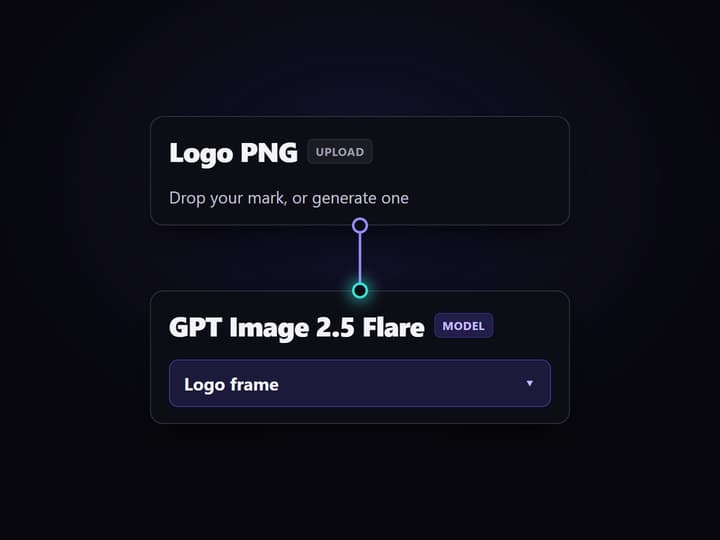
Set your logo frame
Open the template and either keep the GPT Image 2.5 Flare node to generate a logo frame, or point the Gemini Omni Flash 1.1 node's start-frame input at a logo PNG you upload.
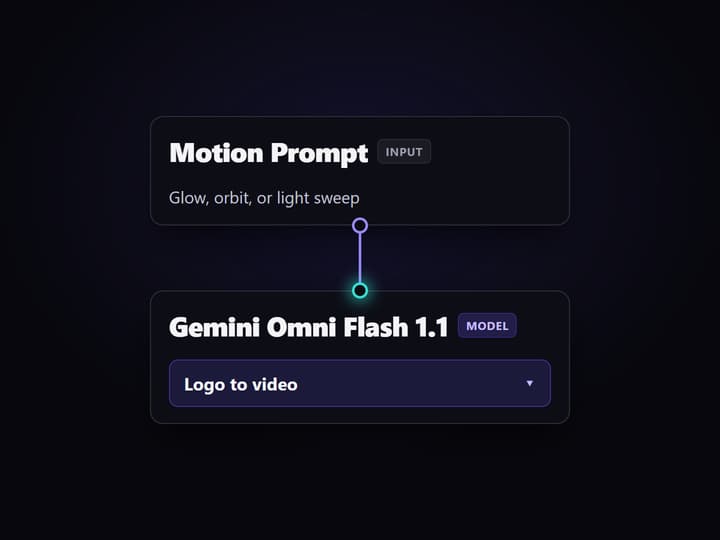
Describe the motion
In the Motion & Style Prompt node, write the reveal you want, like a glow build-in, a slow orbit, or a light sweep, and how the mark should animate.
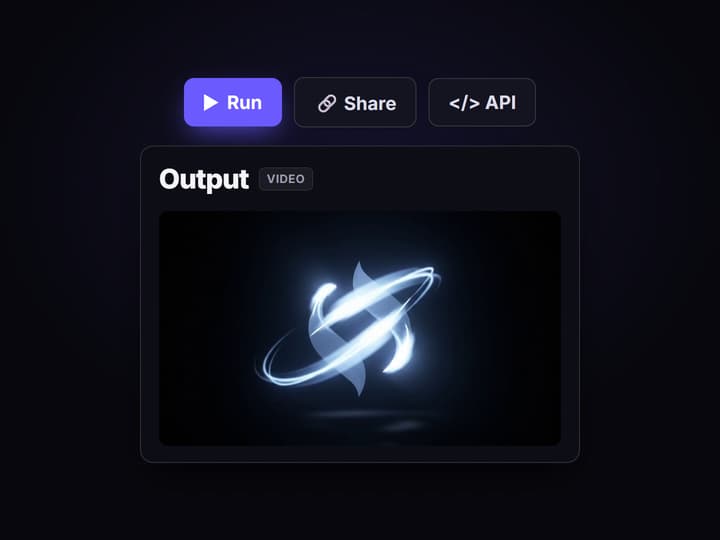
Run and publish the clip
Run the Gemini Omni Flash 1.1 node to animate the frame into a finished reveal clip, then publish the workflow so every future run starts from an API call or an agent.
How AI logo animation works on this canvas
AI logo animation reads a static mark and predicts how its parts should move. The model identifies the shape, color, and edges of the logo, then adds motion on top of what is already there. That is the difference from a text-to-video render: because the run starts from your actual logo frame, the geometry, colors, and lettering you approved carry into every frame of the clip instead of being re-invented.
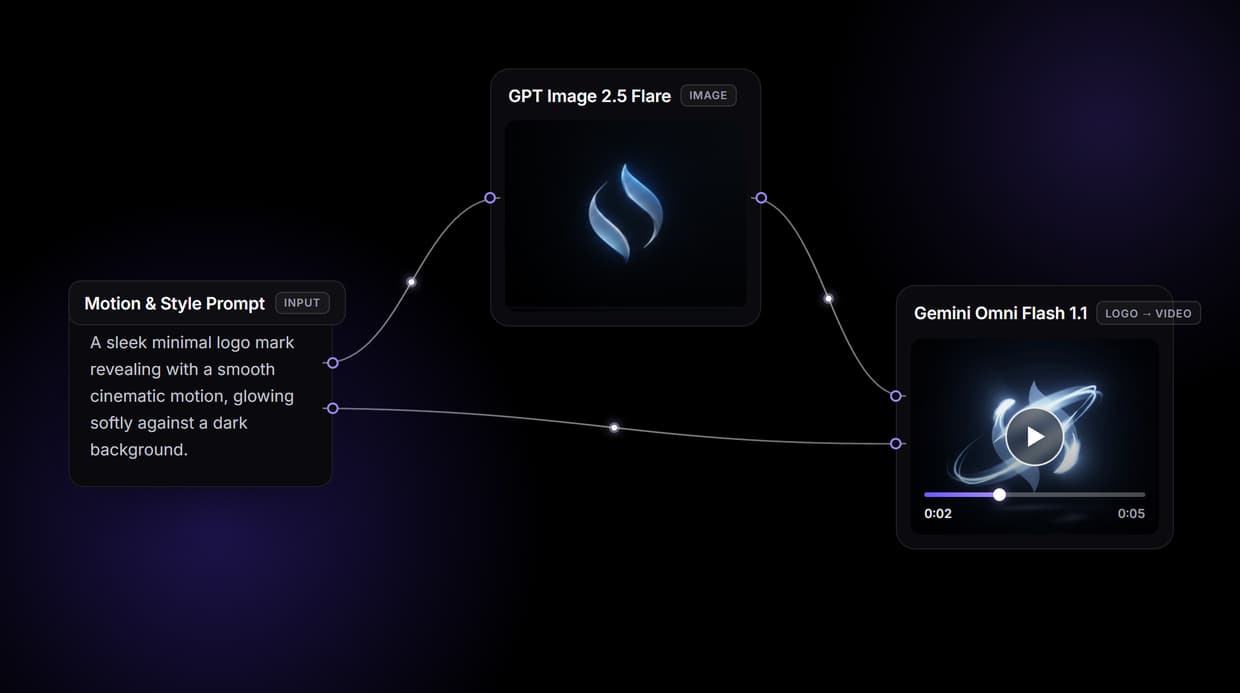
The workflow above is a live graph you can open, not a diagram. A Motion & Style Prompt node feeds a GPT Image 2.5 Flare node, which renders a clean logo frame on a dark background; that frame and the prompt then feed a Gemini Omni Flash 1.1 image-to-video node, which animates it into the finished reveal clip. To animate a logo you already have, point the Gemini Omni Flash 1.1 node's start-frame input at your uploaded PNG instead of the GPT Image 2.5 Flare output, and the rest of the graph runs on unchanged.
What the logo animation graph gives you
Starts from your mark
Gemini Omni Flash 1.1 animates the logo you supply, so the shape and lettering stay put.
Reveal, glow, and orbit
Describe the reveal, glow, or spin in the prompt and the node applies that motion.
Brand look preserved
Motion layers on top of the frame, so your colors and edges carry through.
Swap the video model
Repoint the Gemini Omni Flash 1.1 node to Seedance 2.0 or Veo 3.1 without a rebuild.
Every workflow is an API
Publish the graph and call the same run as a REST endpoint from any backend.
No watermarks, full license
Clips render without watermarks and ship with a full commercial license.
Swap the model without rebuilding the graph
Every stage on the canvas is a node you can repoint. The template animates with Gemini Omni Flash 1.1 image-to-video because it holds the logo frame closely while adding motion. When short-form pacing matters more than tight frame control, swap that node for Seedance 2.0; when you want a different motion character, try Veo 3.1. The start frame and prompt wiring stay the same, so the swap is one node, not a rebuild.
The logo frame itself is a swap too. This template generates it with GPT Image 2.5 Flare, but you can step it up to Nano Banana Pro when the mark carries fine lettering, or delete the image node entirely and feed the Gemini Omni Flash 1.1 node your own uploaded logo. AI logo animation is honest about its limit here: it adds motion to the frame you give it, it does not redraw the mark or produce a transparent alpha channel, so the frame you choose is the frame you animate.
Run logo animation from an API or an agent
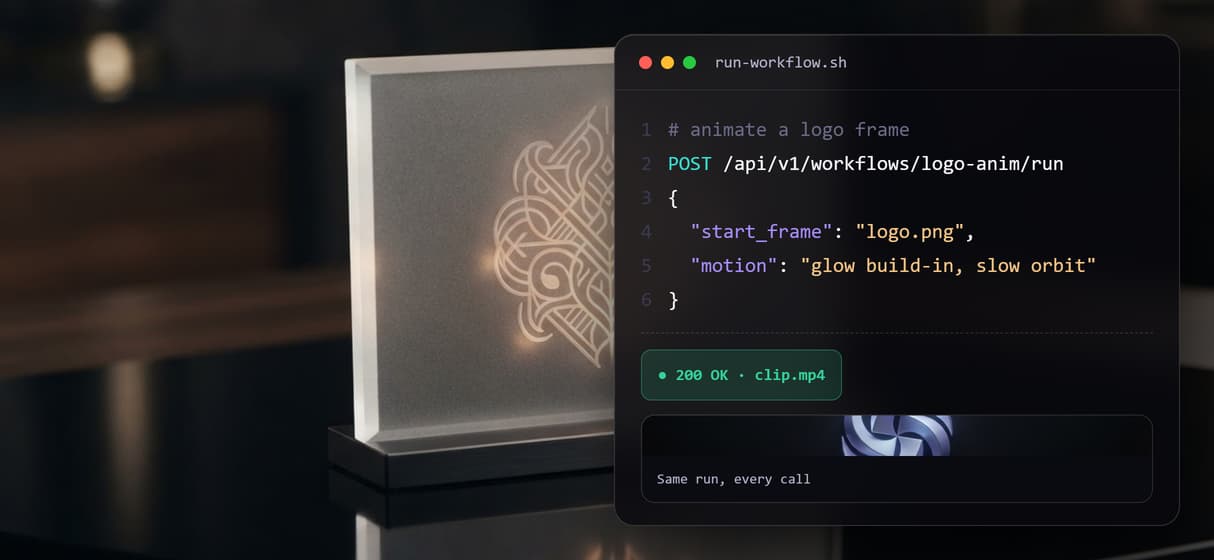
Publish the workflow and the whole graph becomes a REST endpoint. Your backend or a one-off script sends a logo frame and a motion prompt, the graph runs, and a finished clip URL comes back in the response, with webhook delivery for longer renders. The same published graph is also an MCP tool, so an agent connected through the Claude connector can trigger the run and get the clip URL back in the conversation.
What Wireflow does not do is post for you. The pipeline returns finished video files and URLs into your own stack; uploading a YouTube intro or a website loader stays with whatever automation you already run. For a set of brand marks or campaign variants, send the same graph a batch of logo frames and collect a clip per frame, no per-video setup.
More Than Just AI Logo Animation
Animate a logo, not a new render
Gemini Omni Flash 1.1 starts from the mark you give it, so shape and lettering hold steady while motion is added. Make it first in the AI logo generator.
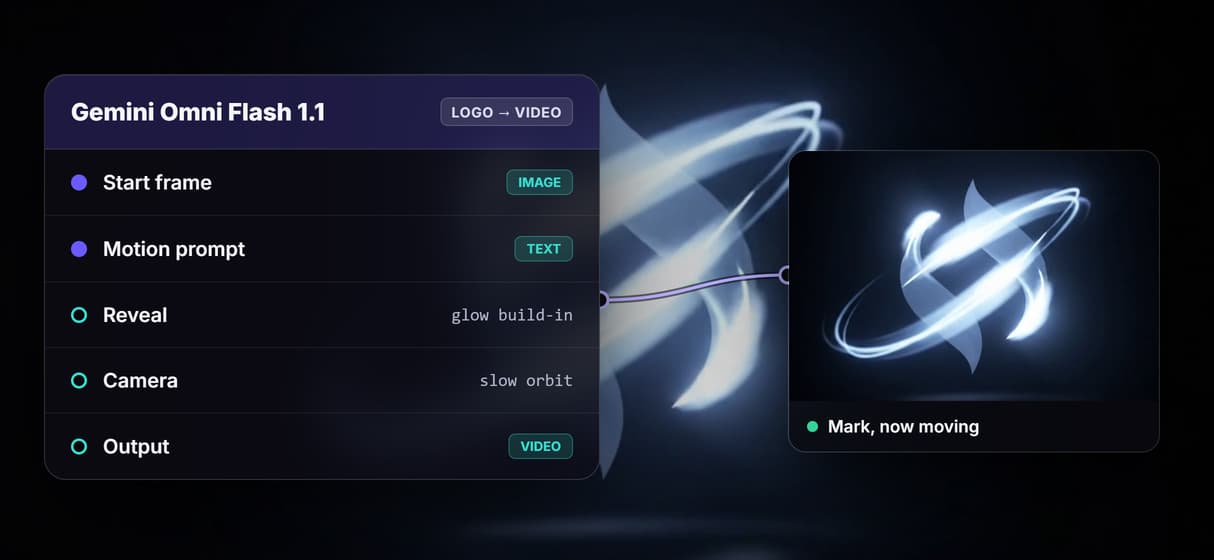
Your brand look is preserved
Motion layers on top of your logo frame, so brand colors and edges carry frame to frame, the way an AI animate image run keeps its source intact.
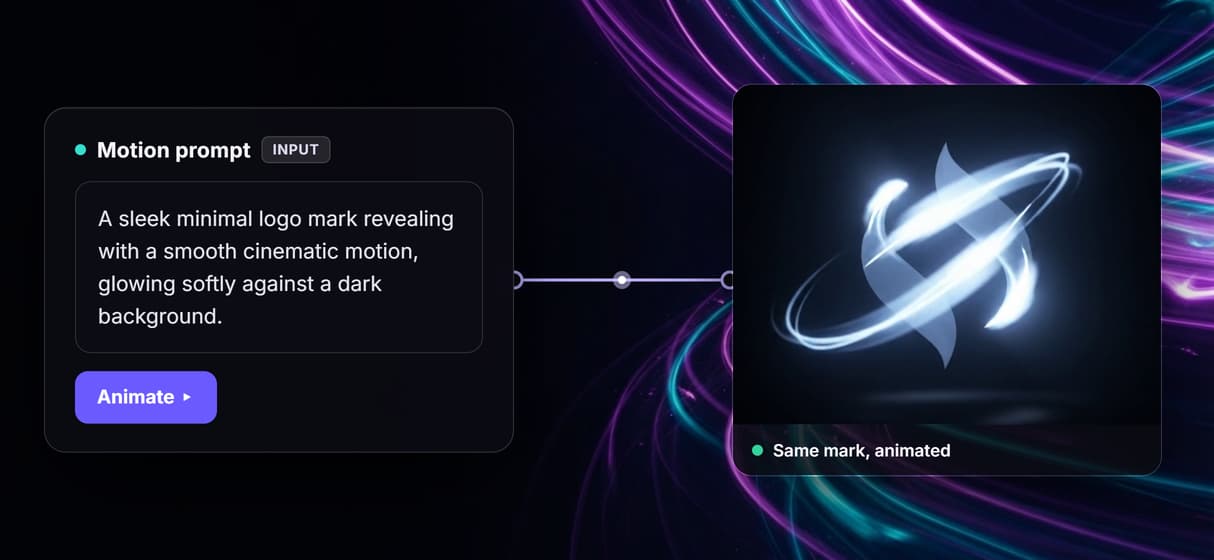
Direct the reveal and camera
Describe a glow build-in, orbit, or light sweep in the prompt and the node applies that reveal. Extend it in the AI animation maker. The step-by-step guide on how to animate a logo with AI walks through the prompt and reveal settings.
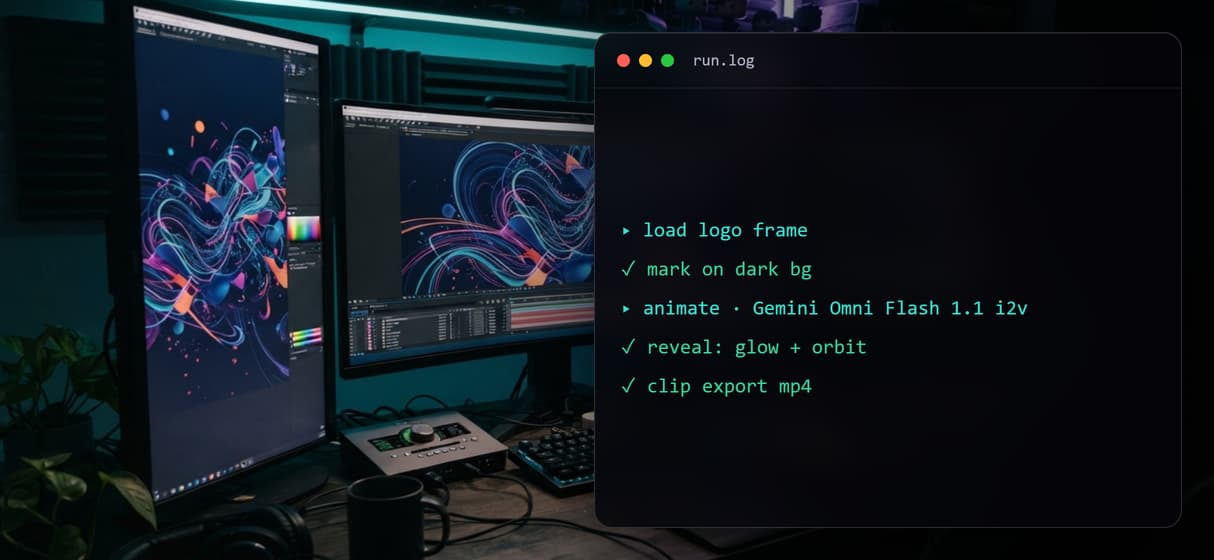
Swap the video model per job
Trade the Gemini Omni Flash 1.1 node for Seedance 2.0 when short-form pacing matters more than frame control, and the rest of the graph runs on unchanged.
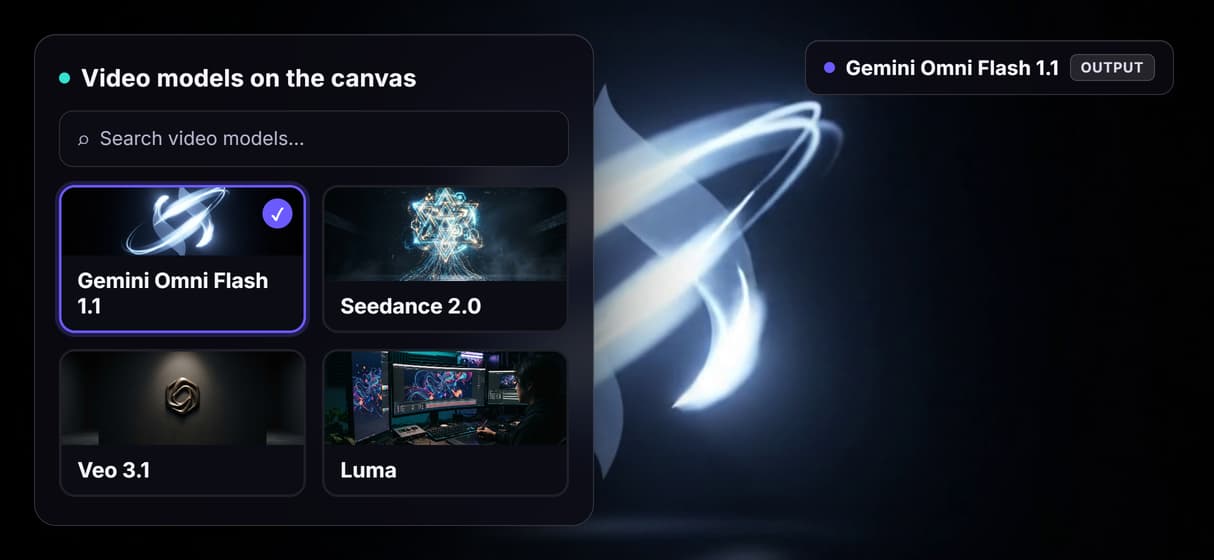
Every run is an API and MCP tool
Publish the graph and the same logo animation run answers a REST call or an image to video AI API from any backend, script, or agent.
Build Any AI Workflow
AI Models Integrated
Full Commercial License
FAQs
AI logo animation analyzes a static logo and generates a video clip from it, adding motion such as a reveal, glow, orbit, or light sweep derived from the shape, color, and edges already in the source mark.
Discover related AI tools
More From Wireflow
Written by
Andrew Adams · Co-Founder & Operations at Wireflow
Runs client operations and content strategy at Wireflow. Works directly with creative teams and agencies to build production AI workflows.
Animate your first logo
Open the public template on this page, drop in a logo PNG or keep the generated frame, describe the reveal you want, and run the Gemini Omni Flash 1.1 node for a finished clip. Publish it and your next run starts from an API call.