Best Creatify Alternatives in 2026


In this article▾
- Quick Summary: The 7 Best Creatify Alternatives
- Why People Look for a Creatify Alternative
- 1. Wireflow: Best Overall
- 2. Arcads: Best for Realistic AI Actors
- 3. HeyGen: Best for Multilingual Video
- 4. Synthesia: Best for Enterprise
- 5. Captions: Best for Creators
- 6. AdCreative.ai: Best for Static Ad Creative
- 7. InVideo: Best for Templates
- Comparison Table
- How to Choose the Right One
- Frequently Asked Questions
- Conclusion
Creatify made it easy to turn a product URL into an AI UGC video ad, but it is no longer the only option, and for many teams it is not the best one. If you are hitting its credit limits, want more realistic AI actors, or need to plug ad generation into your own stack, this guide covers the seven strongest alternatives to test in 2026. Wireflow leads the list because it lets you chain the models behind these tools into one repeatable pipeline instead of locking you into a single fixed template.
Creatify (creatify.ai) is a solid entry point for high-volume ecommerce ads, but the category has matured fast. Realistic AI actors, multilingual avatars, and API access are now table stakes, and the tools below each push one of those dimensions further than Creatify does.
Quick Summary: The 7 Best Creatify Alternatives
- Wireflow: Best overall. Chain any AI model into a custom, API-driven ad pipeline you own.
- Arcads: Best for realistic AI actors. The largest curated library of photoreal UGC personas.
- HeyGen: Best for multilingual video. Avatars and voice in 175+ languages.
- Synthesia: Best for enterprise. Studio-grade avatars for training and corporate video.
- Captions: Best for creators. Fast mobile-first editing, captions, and AI dubbing.
- AdCreative.ai: Best for static ad creative. Data-backed images and banners at scale.
- InVideo: Best for templates. Text-to-video with a huge stock and template library.
Why People Look for a Creatify Alternative
The most common reasons are cost and control. Creatify's credit model gets expensive once you are producing dozens of variants a week, and its pricing structure catches a lot of teams off guard, which is why so many people compare Creatify's pricing against cheaper per-video tools before committing.
The second reason is flexibility. Creatify gives you a fixed template: product in, avatar-narrated ad out. That is great until you want to swap the voice model, add a custom hook script, or generate 50 language variants automatically. For a hands-on look at a more open approach, see the Creatify alternative feature page, which walks through building the same UGC ad as an editable graph you can rerun.
If your goal is throughput, tools designed to automate UGC video creation save far more time than any single fixed generator once you scale past a handful of ads a week.
Build this in Wireflow
Make the same kind of asset on a canvas you control, with a free account and no credit card.
1. Wireflow: Best Overall
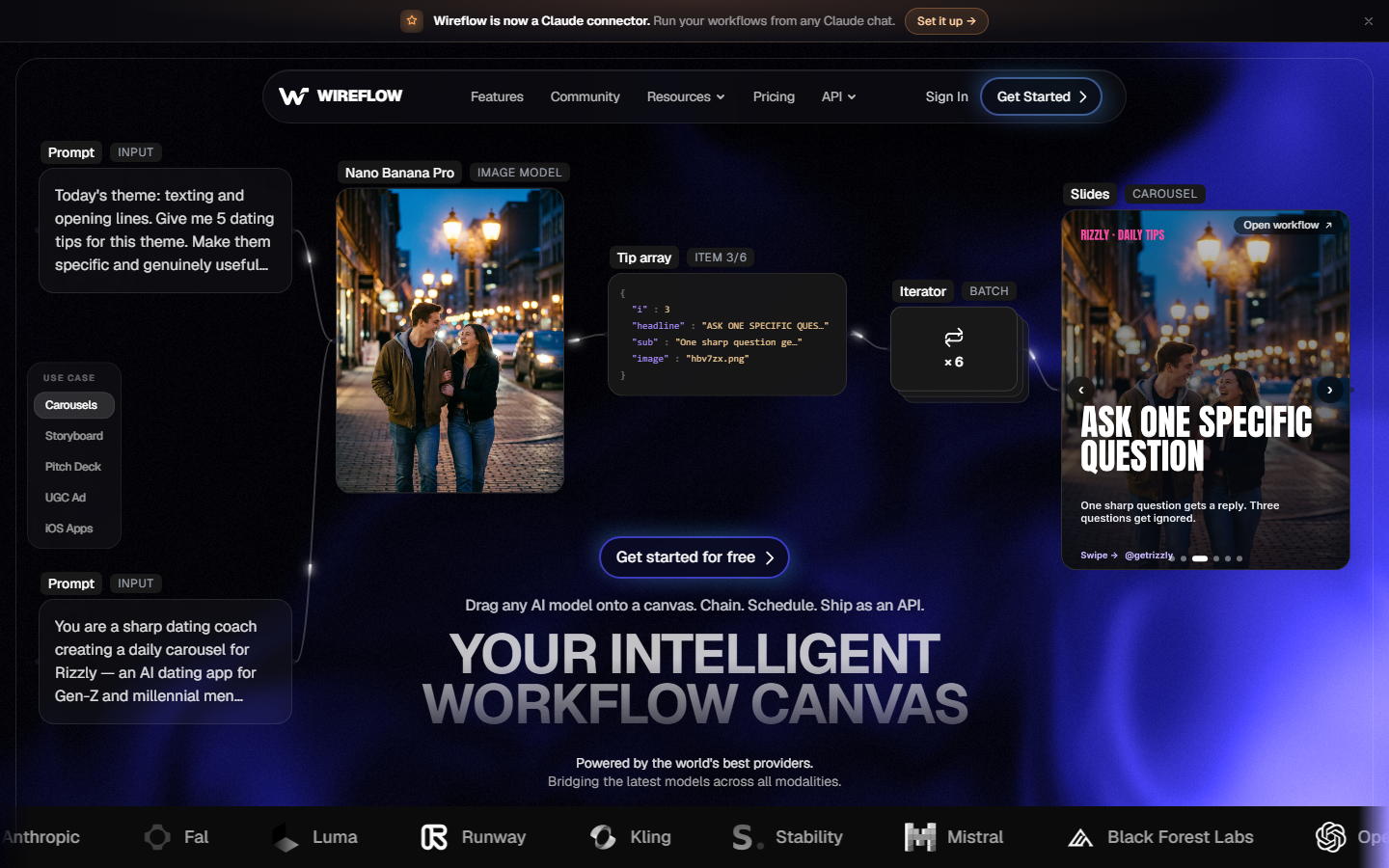
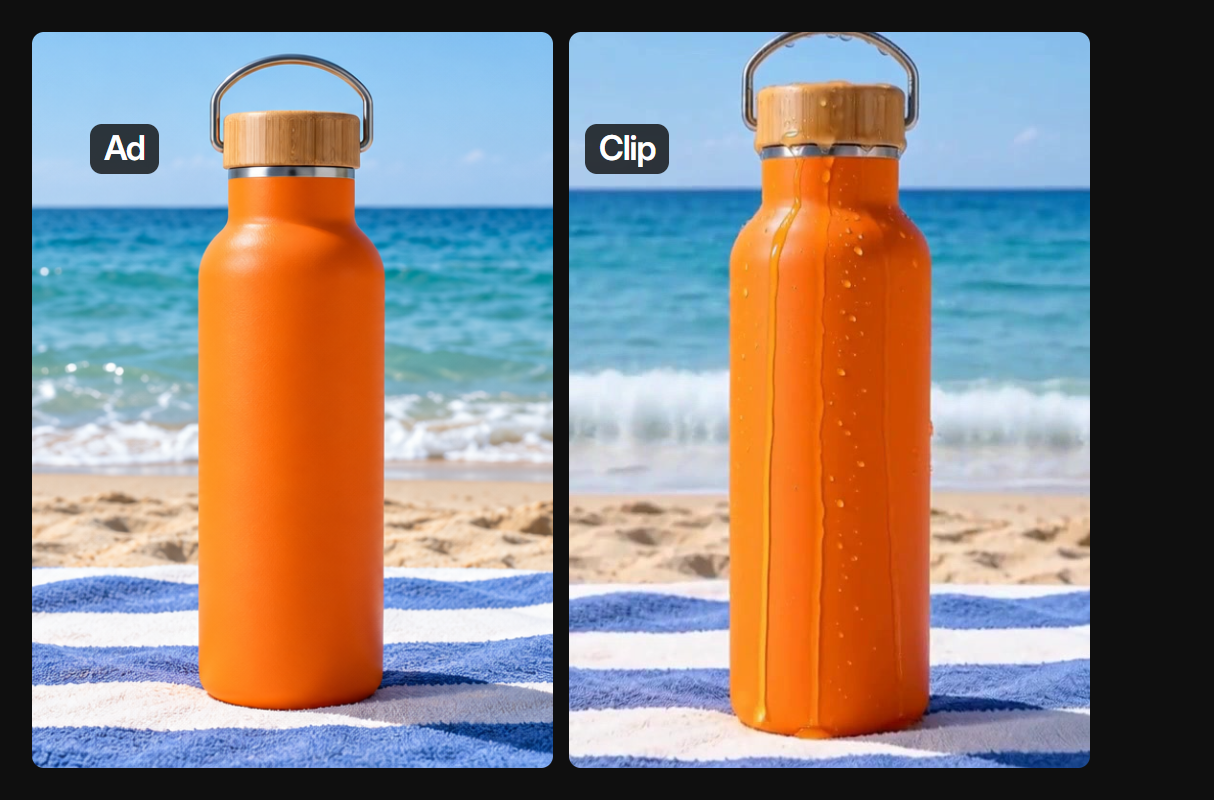
Wireflow is a node-based platform for chaining AI models into repeatable workflows, and it treats a UGC ad as a graph rather than a single button. The image below is one real run. We turned a single product brief into an ad frame with GPT Image 2.5 Flare. Then we animated that frame into a short clip with MiniMax Hailuo 03 Max Turbo. Our run cost 45 credits. The one-click product-URL template does not carry over from Creatify; on Wireflow you pick the models and build or open the flow yourself. You can open and change a video workflow like this for free, and new accounts get a free video. More videos need a plan, from $36 a month for 2,660 credits. Because every step is a node, you are never stuck with one vendor's actor library or voice, and you can mass-produce UGC ads by looping the same graph over a spreadsheet of products. It also exposes every workflow as a REST endpoint and an MCP tool, so your own code or agent can trigger ad generation on a schedule. It asks you to think in pipelines, which is more setup than a one-click flow but far more powerful once built.
2. Arcads: Best for Realistic AI Actors
Arcads is the most direct head-to-head competitor to Creatify on the AI-actor format. It carries the largest curated library of photoreal UGC personas in the category, with roughly 300 actors filterable by age, gender, ethnicity, and setting, and the render quality holds up well on paid social.
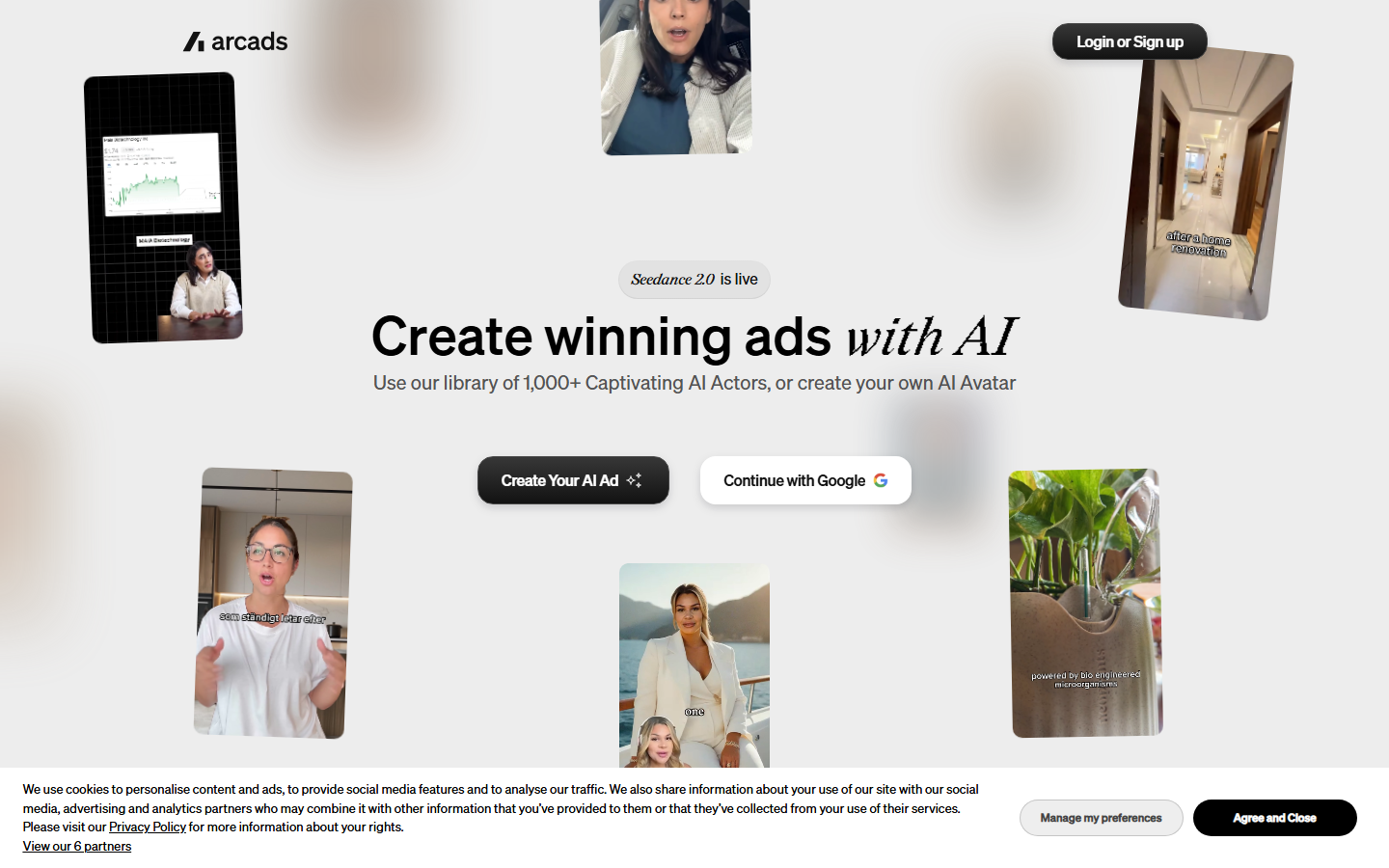
Paste a script, pick actors, and it produces talking-head UGC clips that pass as real creators for most feeds. It is stronger than Creatify on actor realism and variety but does not turn a product URL into an ad automatically, so you write the scripts yourself. If actor authenticity is your priority, it is worth reading up on the wider field of Arcads alternatives before you lock in a plan.
3. HeyGen: Best for Multilingual Video
HeyGen leads on localization. Its avatars speak more than 175 languages with accurate lip-sync, and its translation and voice-cloning tools make it the obvious pick when one ad needs to ship across many markets.
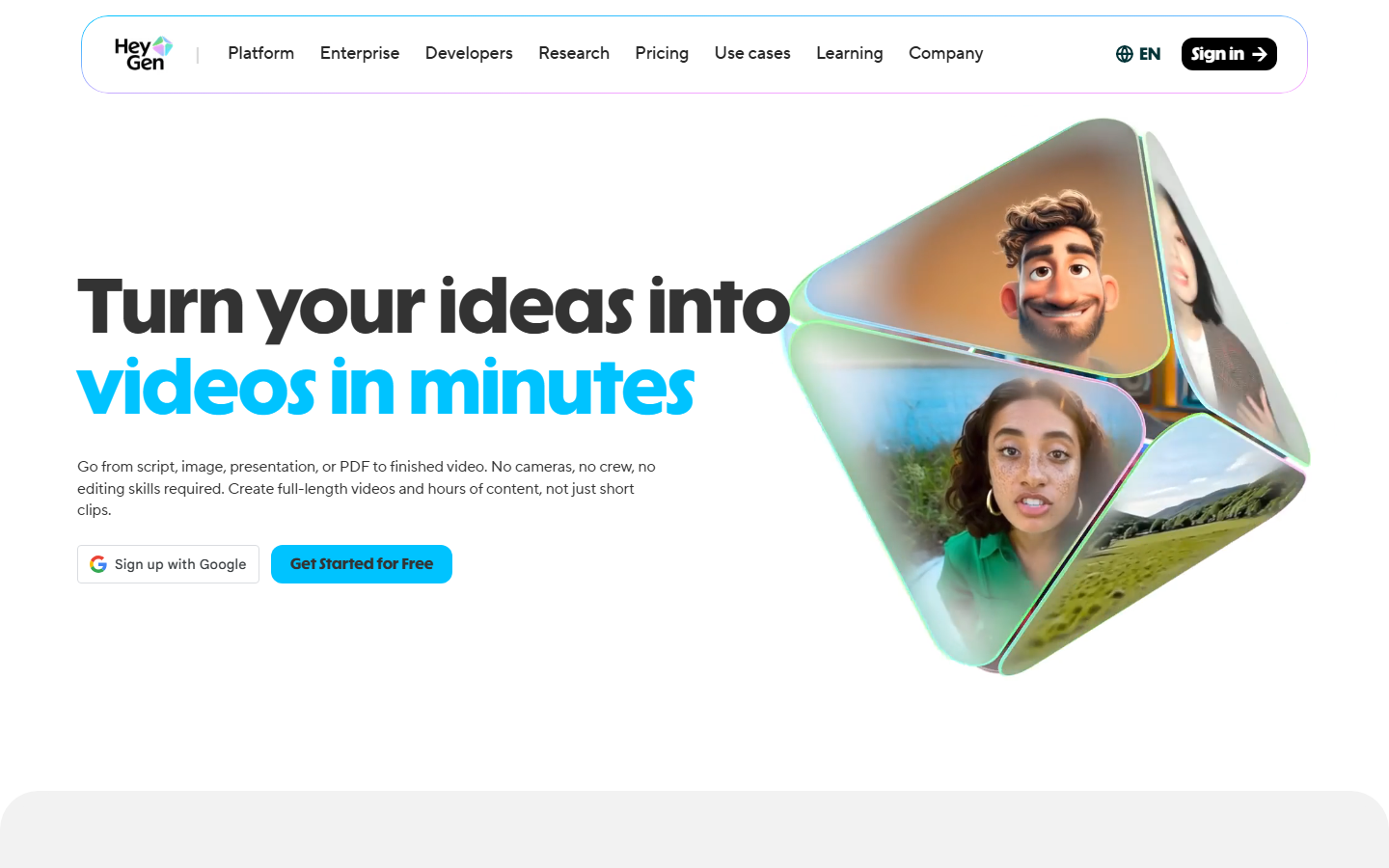
You can create a custom avatar from a short clip of a real spokesperson, then reuse it across campaigns without another shoot. It is more of a general avatar-video studio than a dedicated ad generator, so it lacks Creatify's product-URL shortcut, but its output quality is hard to beat. Teams weighing it against similar platforms often start with a roundup of HeyGen alternatives to compare per-minute pricing.
4. Synthesia: Best for Enterprise
Synthesia is built for polished, studio-grade avatar video and is the safest choice for larger organizations. It covers 140-plus languages, offers a large roster of stock and custom avatars, and includes the security and collaboration controls enterprise buyers expect.
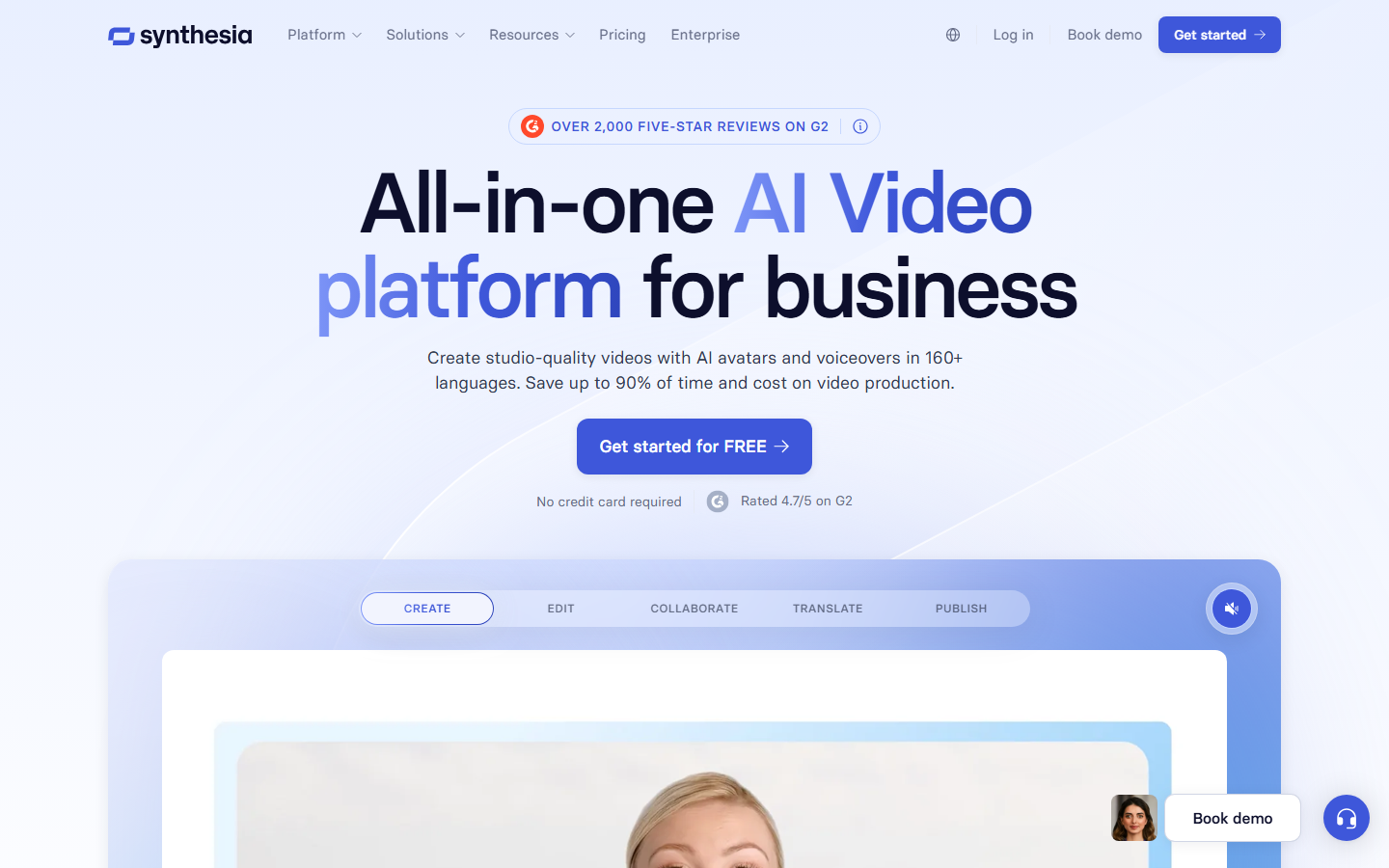
Its sweet spot is training, internal comms, and corporate explainers rather than scrappy UGC ad testing, so it is less punchy than Arcads or Creatify for paid social. If your brand needs consistent, on-message video at scale with governance built in, it is the strongest option, and comparing it against the field of Synthesia alternatives helps clarify where the price premium is justified.
5. Captions: Best for Creators
Captions started as a mobile captioning app and grew into a full creator suite with AI editing, dubbing, eye-contact correction, and its own AI presenters. It is the fastest of these tools for turning raw footage into polished short-form clips.
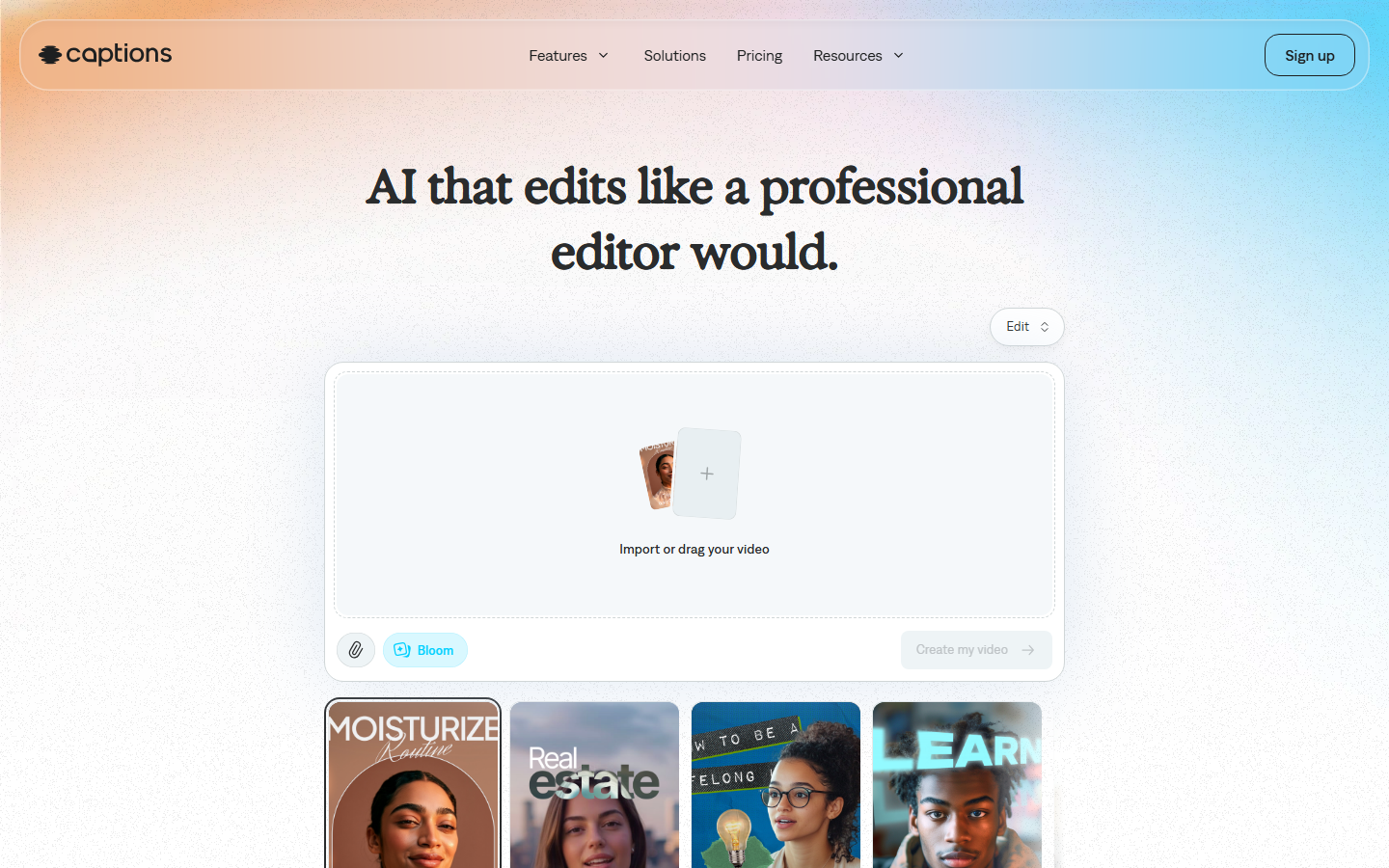
That speed makes it a favorite for creators shipping daily content. For ad-specific automation it is lighter than Creatify, but its editing polish is excellent, and it fits neatly into a broader kit of AI tools for social media video creation when your workflow is capture-first rather than generate-first.
6. AdCreative.ai: Best for Static Ad Creative
AdCreative.ai solves a different half of the problem. Instead of talking-head video, it generates conversion-focused static images, banners, and short video ads scored against historical performance data.
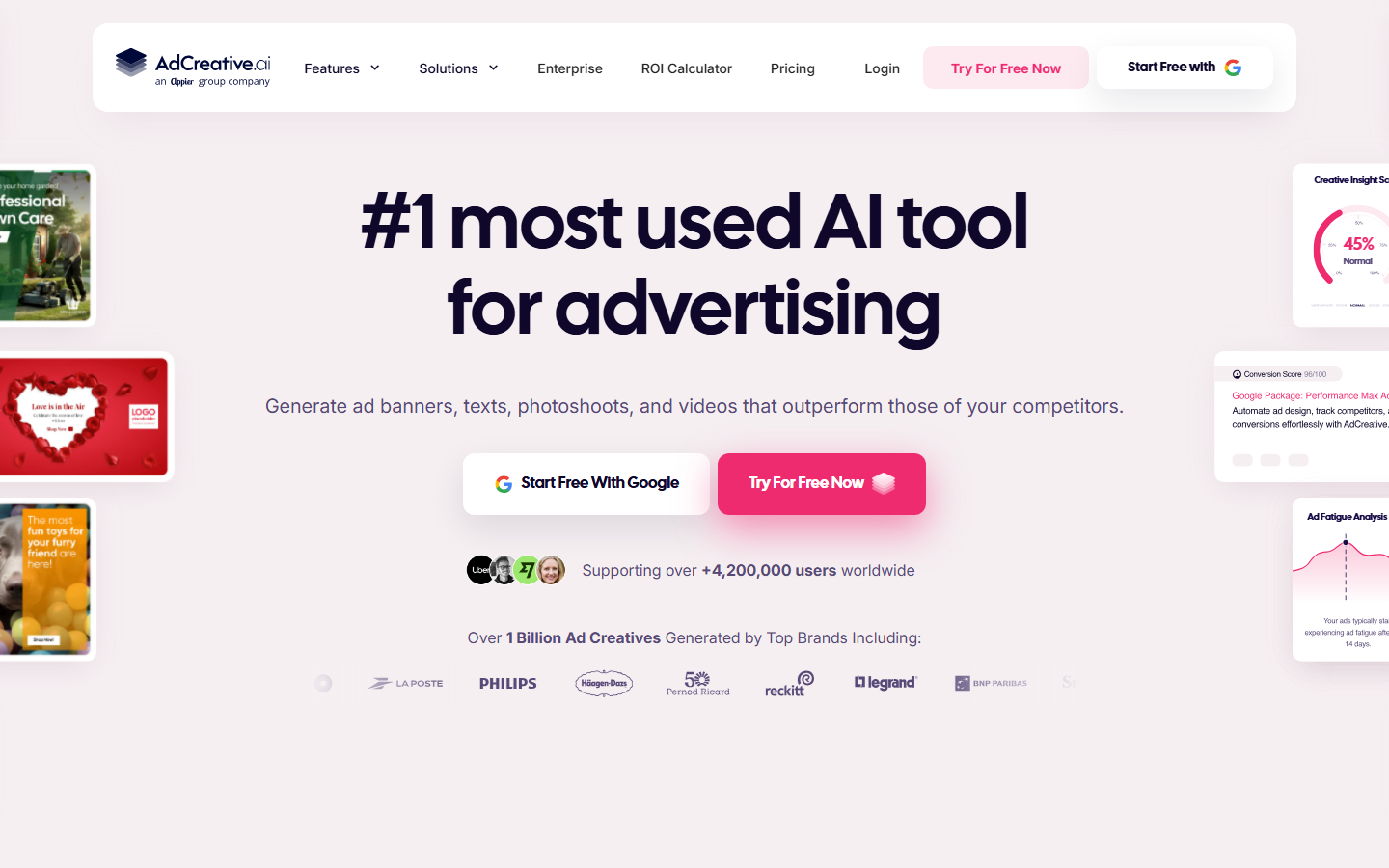
If your paid-social program leans on scroll-stopping stills and rapid A/B testing rather than UGC clips, it produces more usable creative per hour than a video-only tool. It pairs well with a video generator rather than replacing one, and it slots naturally into a stack of AI marketing agent tools that automate the reporting side too.
7. InVideo: Best for Templates
InVideo is a text-to-video editor with a deep template and stock library. You type a prompt or paste a script, and it assembles a full video with footage, music, and captions that you can then refine in a familiar timeline editor.
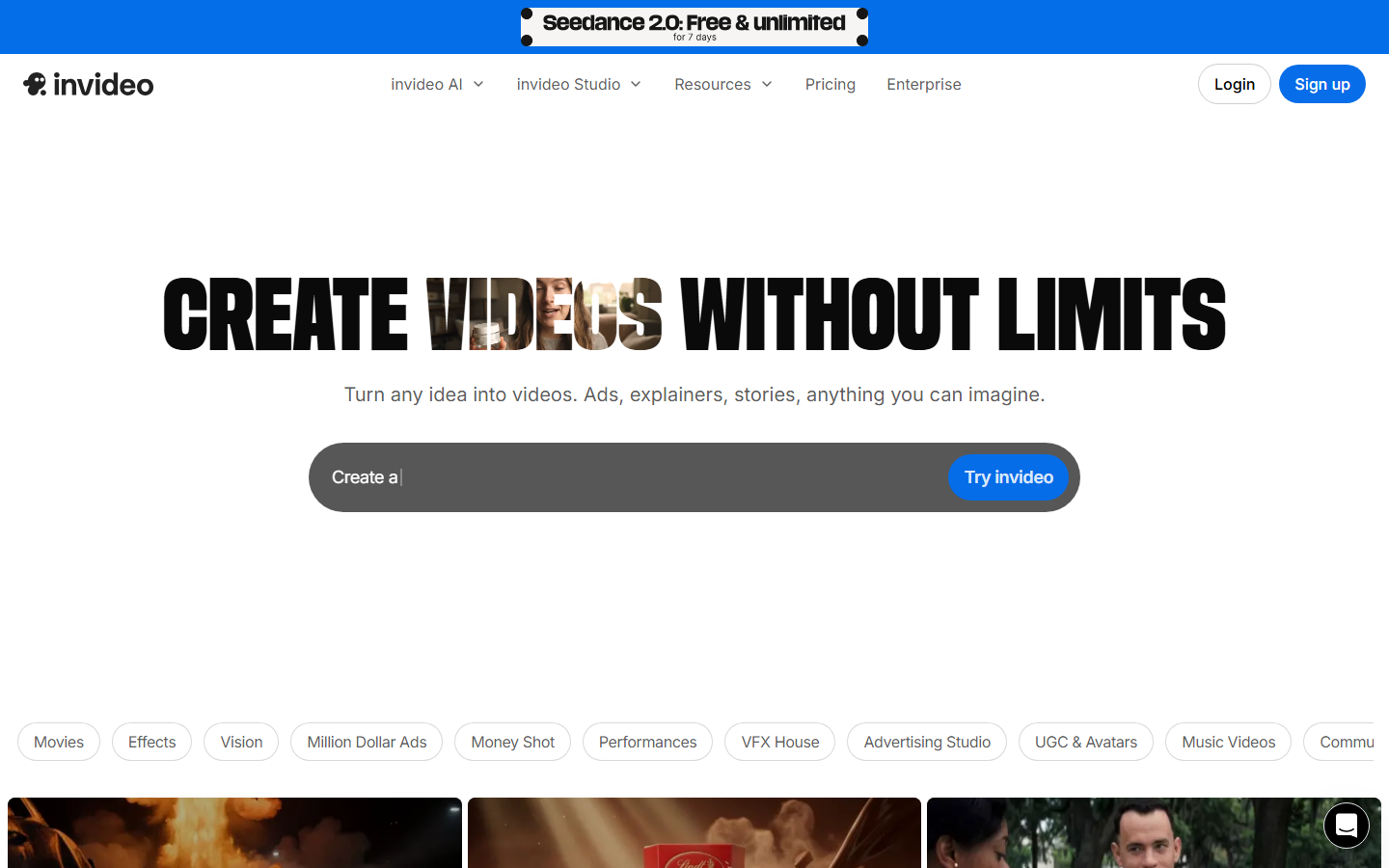
It is more general-purpose than Creatify and better suited to explainers, listicles, and long-form social than to tight UGC ad units, but its low entry price and template breadth make it a practical starting point. The same prompt-to-timeline approach is covered in this guide to creating marketing videos with AI.
Comparison Table
| Tool | Best for | AI actors | Languages | API access | Starting price |
|---|---|---|---|---|---|
| Wireflow | Custom ad pipelines | Any (model-agnostic) | Any model | Yes, REST + MCP | Usage-based |
| Arcads | Realistic UGC actors | ~300 curated | Multiple | Limited | ~$110/mo |
| HeyGen | Multilingual video | Custom + stock | 175+ | Yes | ~$29/mo |
| Synthesia | Enterprise video | 230+ | 140+ | Yes | ~$29/mo |
| Captions | Creator editing | AI presenters | 28+ | Limited | ~$25/mo |
| AdCreative.ai | Static ad creative | N/A (images) | Multiple | Yes | ~$39/mo |
| InVideo | Template video | AI avatars | 50+ | Limited | ~$28/mo |
How to Choose the Right One
Match the tool to your bottleneck. If you are shipping the same ad in many languages, HeyGen or Synthesia win on coverage. If actor realism makes or breaks your UGC, Arcads has the deepest library. If you edit your own footage, Captions is fastest, and if static creative is your volume play, AdCreative.ai fills that gap. Agencies should also budget realistically, since knowing how much to charge clients for AI UGC ads matters as much as the tool you pick. When you need one system to orchestrate several of these models and run unattended, a pipeline approach beats any single generator.
Try it yourself: Build this UGC ad workflow in Wireflow: the nodes are pre-configured with the exact product-to-ad setup discussed above, so you can run it and swap in your own product in a couple of clicks.
Frequently Asked Questions
What is the best Creatify alternative in 2026? It depends on your goal, but Wireflow is the strongest overall because it chains multiple AI models into a custom, repeatable ad pipeline instead of a single fixed template. For pure AI-actor UGC, Arcads is the closest like-for-like swap.
Is there a cheaper alternative to Creatify? Yes. HeyGen and Synthesia both start around $29 per month, and template tools like InVideo start near $28. Usage-based platforms can also be cheaper at low volume because you only pay per render rather than a fixed monthly credit block.
Which Creatify alternative has the most realistic AI actors? Arcads has the largest curated library of photoreal UGC personas, around 300 actors filtered by age, gender, and setting, and is generally rated highest on actor realism in this category.
Can I generate UGC ads in multiple languages? HeyGen supports 175-plus languages and Synthesia covers 140-plus, both with accurate lip-sync. This is where they clearly outperform Creatify's more limited language set. You can also automate video creation for social media ads across markets by templating the same script.
Do these tools offer API access? Wireflow, HeyGen, Synthesia, and AdCreative.ai all offer API access, while Arcads, Captions, and InVideo are more limited. If you need to trigger ad generation from your own code or an agent, prioritize a platform that exposes its workflows as an endpoint.
Which alternative is best for agencies? Agencies usually need volume, client-ready output, and automation. A pipeline-based approach that can scale UGC video automation for agencies works better than a single-template tool once you are producing ads for multiple clients each week.
Is Creatify still worth using? Creatify remains a fine choice for straightforward, high-volume ecommerce ads from product URLs. The alternatives above win when you need more actor realism, more languages, deeper editing, or API-level control that Creatify's fixed template does not provide.
Conclusion
Creatify opened the door to fast AI UGC ads, but in 2026 the strongest results come from picking the tool that matches your real bottleneck, whether that is actor realism, language coverage, editing speed, or static creative. For teams that would rather own the whole pipeline than rent a single template, Wireflow gives you the flexibility to combine the best of these models into one system you control and can rerun on demand. Start with the alternative that fixes your biggest constraint today, and graduate to a full pipeline as your ad volume grows.

Co-Founder & Operations at Wireflow
Runs client operations and content strategy at Wireflow. Works directly with creative teams and agencies to build production AI workflows.
- Content Strategy
- Client Operations
Ask Claude for your next ad.
Connect once. Ask any time.
- No credit card
- You keep the rights to what you make
- Cancel anytime
More in Alternatives
Head-to-heads and roundups of the tools people weigh up.