 Andrew Adams · Co-Founder & Operations at Wireflow ·
 Ecommerce Ad Creative Generator
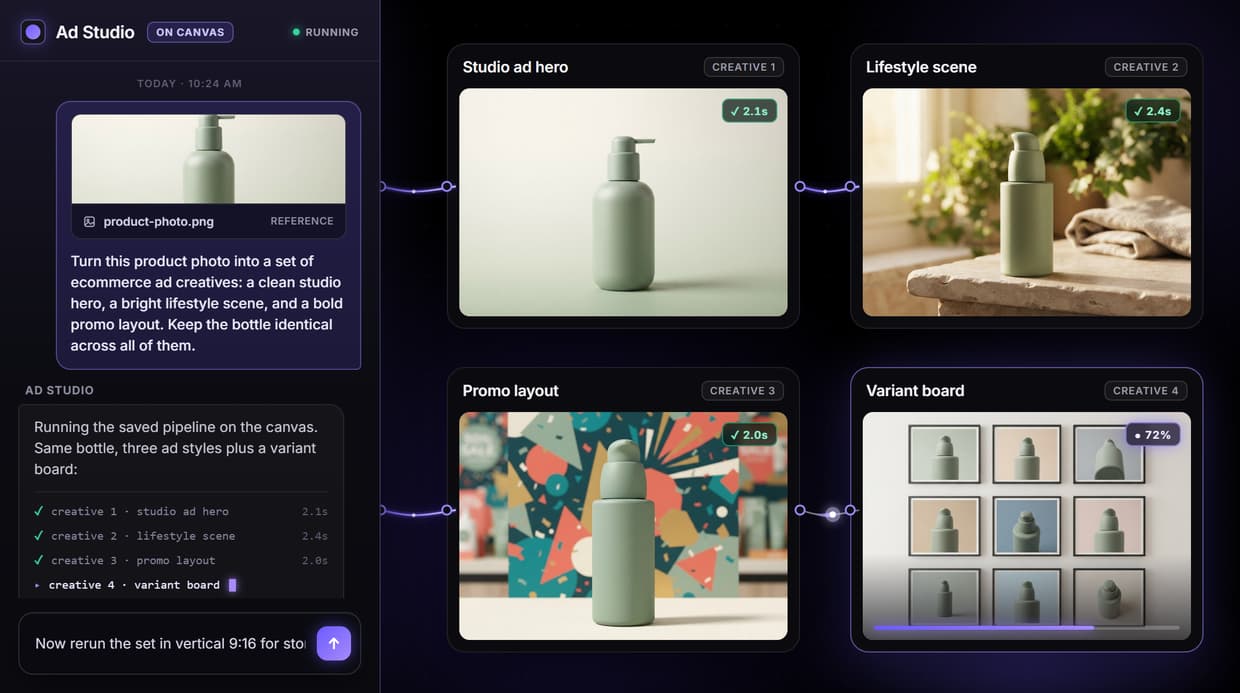
An ecommerce ad creative generator on Wireflow is a node pipeline you build once and rerun: one product photo becomes a studio hero, a lifestyle scene, and a promo layout, with the model at every step yours to pick and the product held identical across the whole set.
Free to build · no credit card · See how it works ↓
How to Use Ecommerce Ad Creative Generator
Steps to get you started in Wireflow.
Write the studio brief
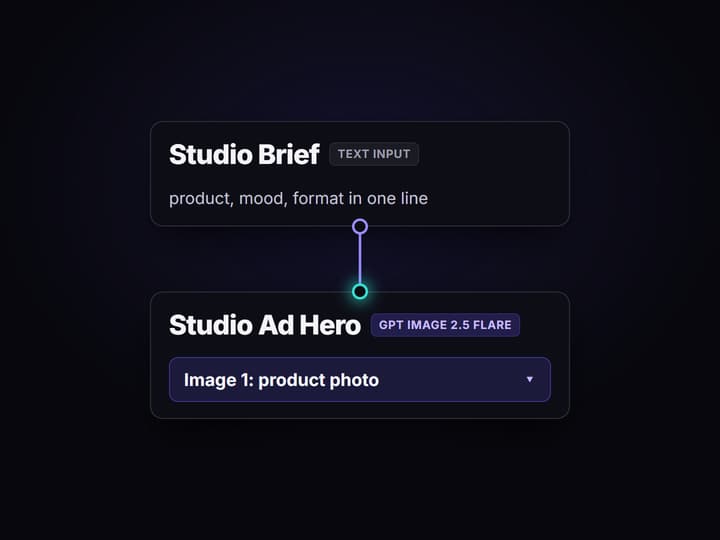
Open the flow and click the Studio Brief node. One line about product, mood, and format is enough, and attach the product photo to the image input port so the bottle stays identical across every creative.
Render the three ad styles
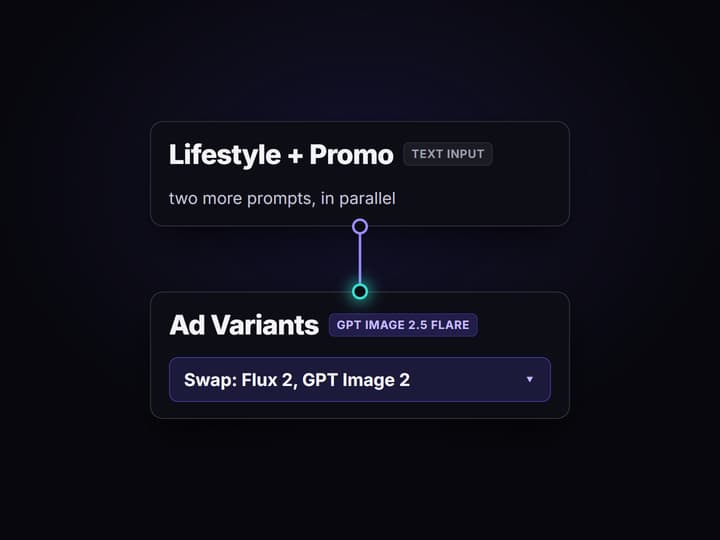
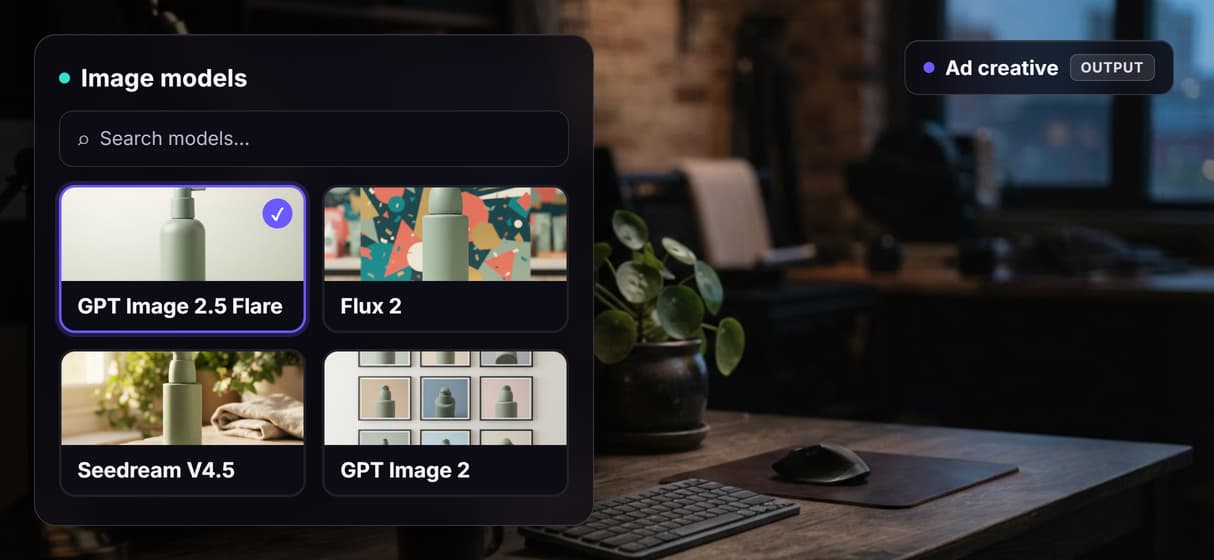
Run the GPT Image 2.5 Flare nodes to render the studio hero, the lifestyle scene, and the promo layout in parallel. Swap the image model on any node to Flux 2, Seedream V4.5, or GPT Image 2 if the look calls for it.
Save the graph and rerun it
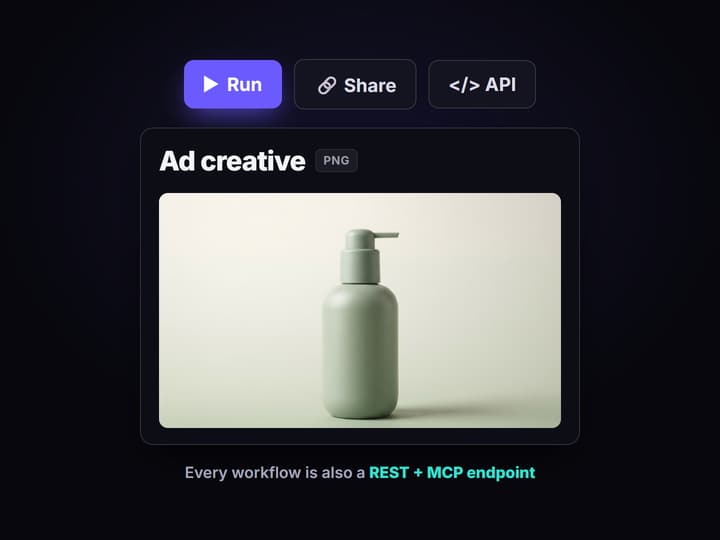
Add a Text Iterator over a product feed and rerun. The saved graph renders one on-brand ad set per SKU, and the same flow runs as a REST endpoint or MCP tool for every campaign after.
A generator you can see, not a black box
Search for an ecommerce ad creative generator and almost every answer is the same shape: upload a product photo, choose a preset, and download one finished ad. It is fast, but the creative is locked to the preset, you cannot see how the ad was made, and changing one thing usually means starting the whole generation over.
Wireflow makes the ad creative itself. It is a node graph you build once and keep: a Studio Brief prompt feeds an image model for the studio hero, a Lifestyle Scene prompt renders the same product in daylight, and a Promo Layout prompt makes the sale cut, three parallel pipelines on one canvas. It runs on hosted compute in the browser, no GPU and no install, and because the prompts and models are wired and visible you can see exactly how a product photo became an ad, then rerun the same graph for the next product.
What the ecommerce ad creative generator does
Brief as an input node
A Studio Brief text node holds the ask: product, mood, and format in one editable line the image node reads.
Studio hero in seconds
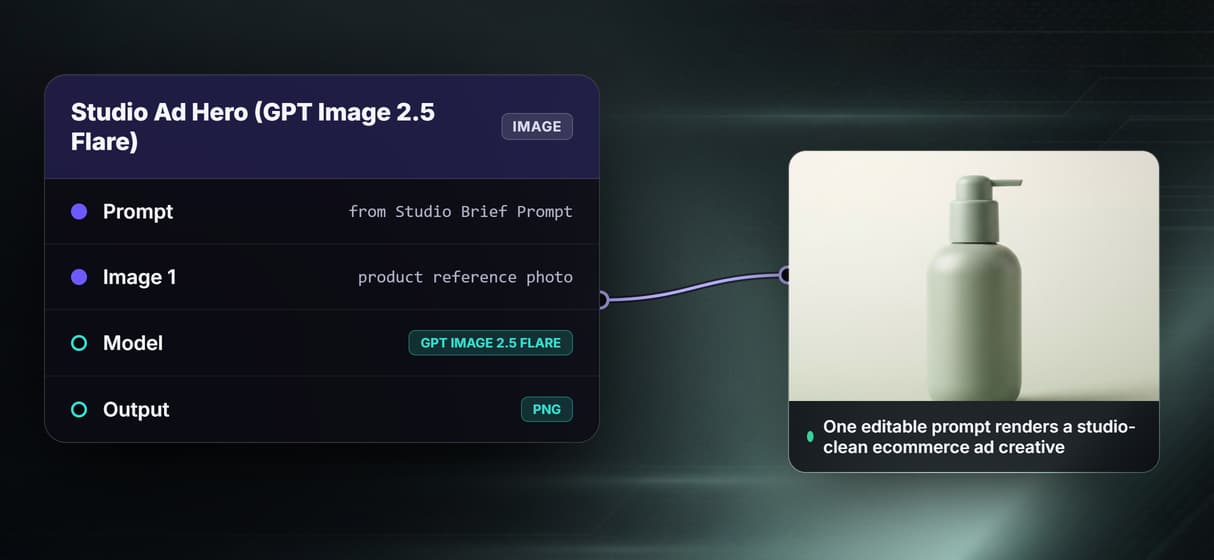
GPT Image 2.5 Flare renders a clean seamless-backdrop hero fast, so you iterate the look before committing a batch.
Lifestyle and promo cuts
Parallel prompts render the same bottle in a daylight scene and a bold promo layout, three ad styles from one product.
One product, held identical
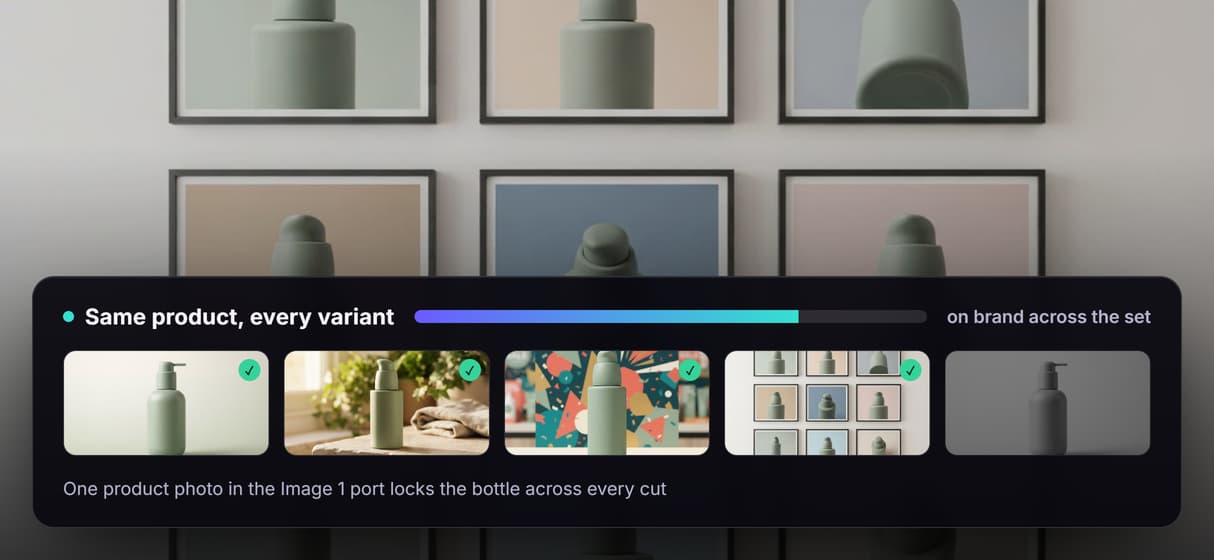
Wire the product photo into each node's image input port and the shape, color, and label stay the same across every cut.
Rerun for the next SKU
Add a Text Iterator over a product feed and one graph renders a whole catalog of on-brand ad creatives.
Trigger it anywhere
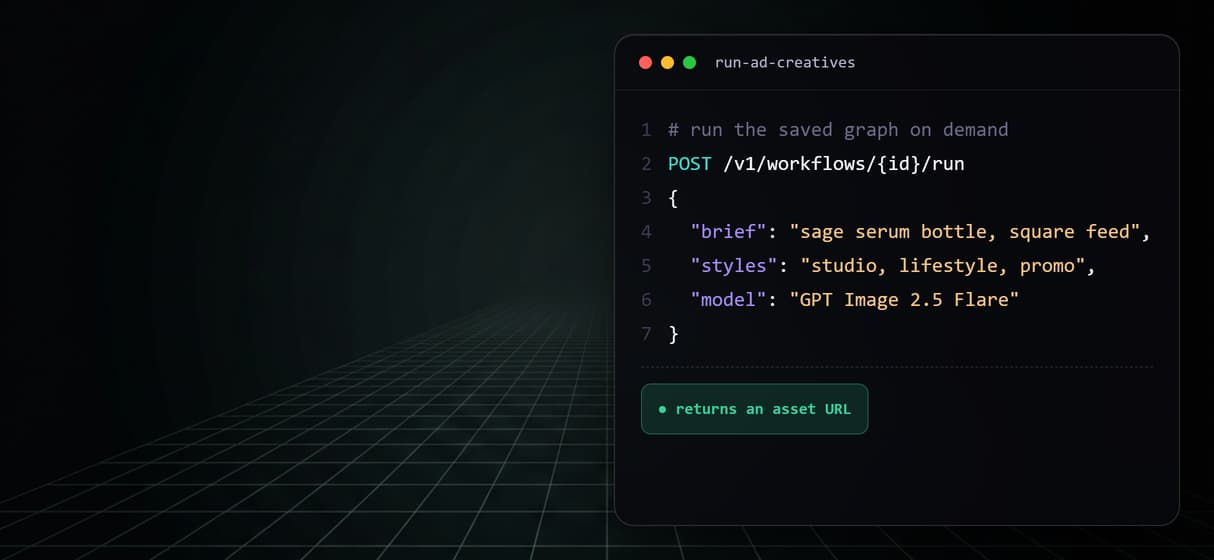
Every saved graph is a REST endpoint and an MCP tool, so an agent or a scheduled call can run it on demand.
The pipeline, node by node
Open the flow and the whole generator is laid out as connected nodes, nothing hidden.
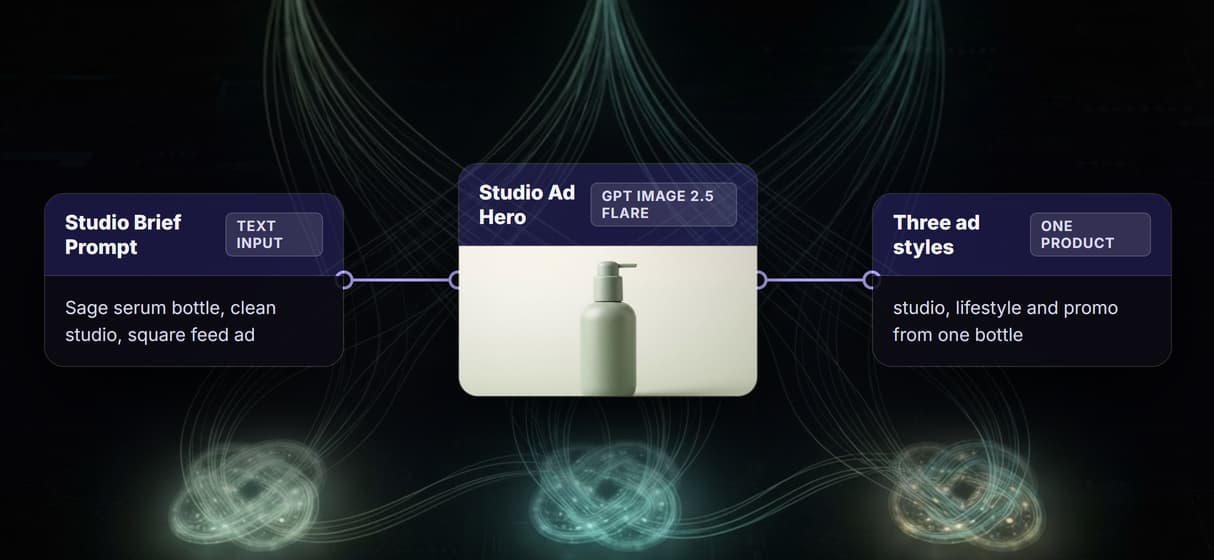
- Studio Brief holds the ask. A Text Input node with one line: product, mood, and format. This is the part a human writes, and the studio hero node reads straight from it.
- GPT Image 2.5 Flare renders the studio hero. The brief drives a fast image render on a seamless backdrop, so you approve the look cheaply, and swap in Flux 2, Seedream V4.5, or GPT Image 2 if the product calls for it.
- Lifestyle and Promo prompts run in parallel. Two more Text Input nodes feed their own GPT Image 2.5 Flare nodes, one for a sunlit daylight scene and one for a bold promo layout, so the same product ships in three ad styles at once.
- The image input port locks the product. Wire your real product photo into each node's image input and the bottle stays identical shot to shot, instead of drifting the way a fresh prompt would.
The point of building it this way is that every prompt and model is a node you can inspect and rerun, not a preset you cannot open. Save the graph once and it reruns for the next SKU, and add a Text Iterator to fan it out over a whole product feed. The honest tradeoff: every generation costs credits, so a big catalog loop is a spend decision to cap on purpose. When you only need one exact shot, prompt a single model directly instead of building the graph.
What this generator does not do
Wireflow generates the ad creative, not the media buying. It does not connect to ad accounts, place bids, manage budgets, choose targeting, schedule posts, or measure performance, and it has no attribution or analytics dashboard. If what you need is a tool that logs into Meta or Google, watches spend, and moves budget between campaigns, that is a different class of product and you should reach for it; this page will not pretend to be it. Strategy, audiences, and channel mix stay with your team.
What it is: the layer that produces the actual ad image, reproducibly. The output is finished ad images, not editable layered ad files or a design system, and it does not write your ad copy or brand strategy. Every generation costs credits, so a big catalog loop is a spend decision to cap deliberately. If your advertising is one-off creative with no repeatable shape, there is nothing for a pipeline to automate. If the same ad set ships for every new product, a saved graph is exactly what does the repeating.
More Than Just Ecommerce Ad Creative Generator
One product photo, three ad styles
A studio hero, a lifestyle scene, and a promo layout render from one product photo in parallel, the AI product photography shoot done on a canvas.
The same product across every variant
Wire your photo into each node's image input port so the shape, color, and label stay identical across dozens of AI ecommerce images.
Pick the image model at every node
Swap GPT Image 2.5 Flare for Flux 2, Seedream V4.5, or GPT Image 2 without rewiring, or clone a starting point from AI workflow templates.
Trigger the run from a feed or an agent
Loop a Text Iterator over a product feed, or call the saved graph as a REST endpoint and MCP tool built on the AI workflow builder.
No studio shoot, no GPU
It runs on hosted compute in the browser with no install, ad creative for the whole ecommerce catalog at pay-per-generation cost.
AI Models Available
Automate Any Workflow
Included in Every Plan
FAQs
An ecommerce ad creative generator turns a product photo into finished ad images at volume instead of shooting every campaign by hand. On Wireflow it is a visible node pipeline: a Studio Brief node feeds GPT Image 2.5 Flare for a studio hero, and parallel Lifestyle and Promo prompts render a daylight scene and a sale layout, all saved so the graph reruns for the next product.
Discover related AI tools
- AI Image Upscaler: Upscale to 4K in a Visual Workflow
- AI Background Remover
- AI Image Generator: Flow-Based Canvas, 31 Models
- ComfyUI Alternative
- AI Face Swap Online: Photos and Video in Your Browser
- Virtual Try On
- AI Thumbnail Generator
- AI Photo Generator
- AI Image Editor
- AI Art Generator
- Midjourney Alternative
- AI Headshot Generator
More From Wireflow
Written by
Andrew Adams · Co-Founder & Operations at Wireflow
Runs client operations and content strategy at Wireflow. Works directly with creative teams and agencies to build production AI workflows.
Generate your ecommerce ad creatives
The flow behind this page is public: a Studio Brief, a GPT Image 2.5 Flare studio hero, and parallel lifestyle and promo prompts in one graph. Write one line, attach a product photo, and render three ad styles. The canvas is free to explore; generations are pay per run.