Best Hosted Video API for Agents Tools in 2026


In this article▾
AI agents that need to generate, edit, or assemble video clips require a hosted video API that handles model routing, async job management, and output delivery without the agent managing GPU infrastructure directly. Wireflow offers a visual canvas and REST API that lets agents chain multiple video models in a single call, so the integration surface stays small even as the pipeline grows. This guide ranks the eight strongest hosted video APIs built for agent-driven workflows in 2026, scored on reliability, cost transparency, and developer ergonomics.
- Wireflow - Best Overall (visual canvas + unified REST API)
- Mux - Best for Streaming Infrastructure
- Shotstack - Best for Template-Based Rendering
- Creatomate - Best for Dynamic Video Automation
- Cloudinary - Best for Media Transformation Pipelines
- api.video - Best for Video Hosting and Delivery
- Synthesia - Best for AI Avatar Videos
- Plainly - Best for After Effects Automation
For a hands-on look at hosted video API capabilities for agents, check out the video generation API feature page.
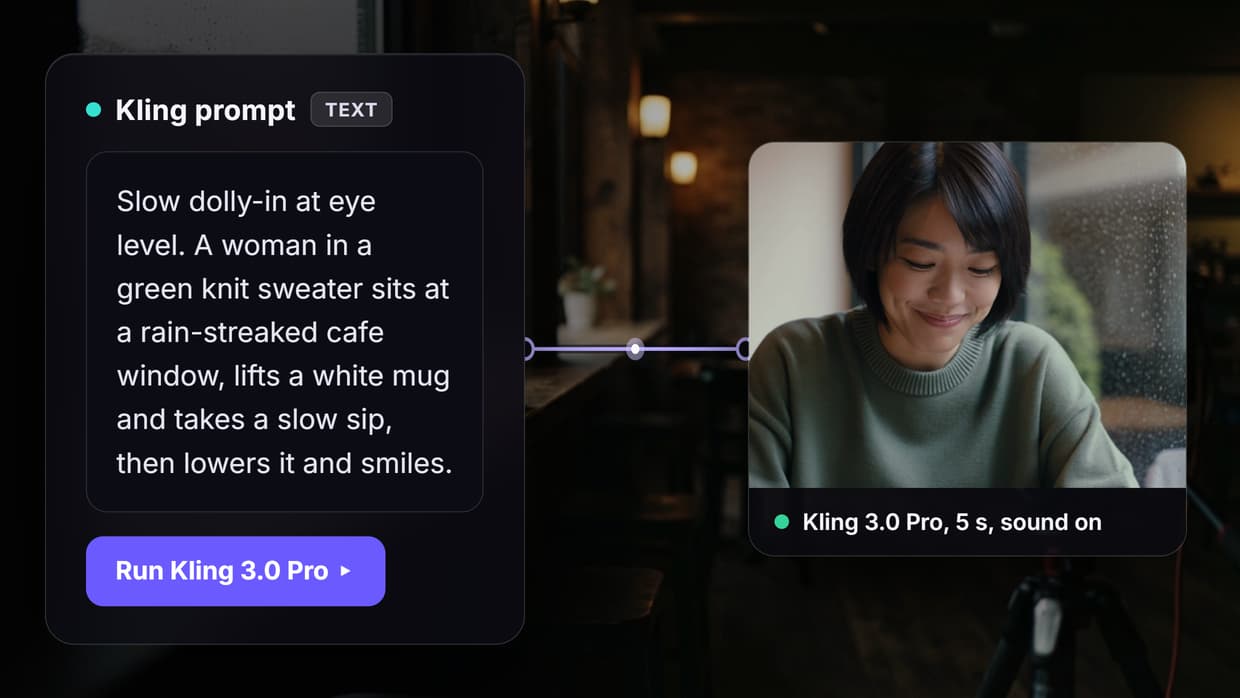
You can also publish Grok Imagine Video as an MCP tool so an agent runs it and gets a clip URL back.
1. Wireflow
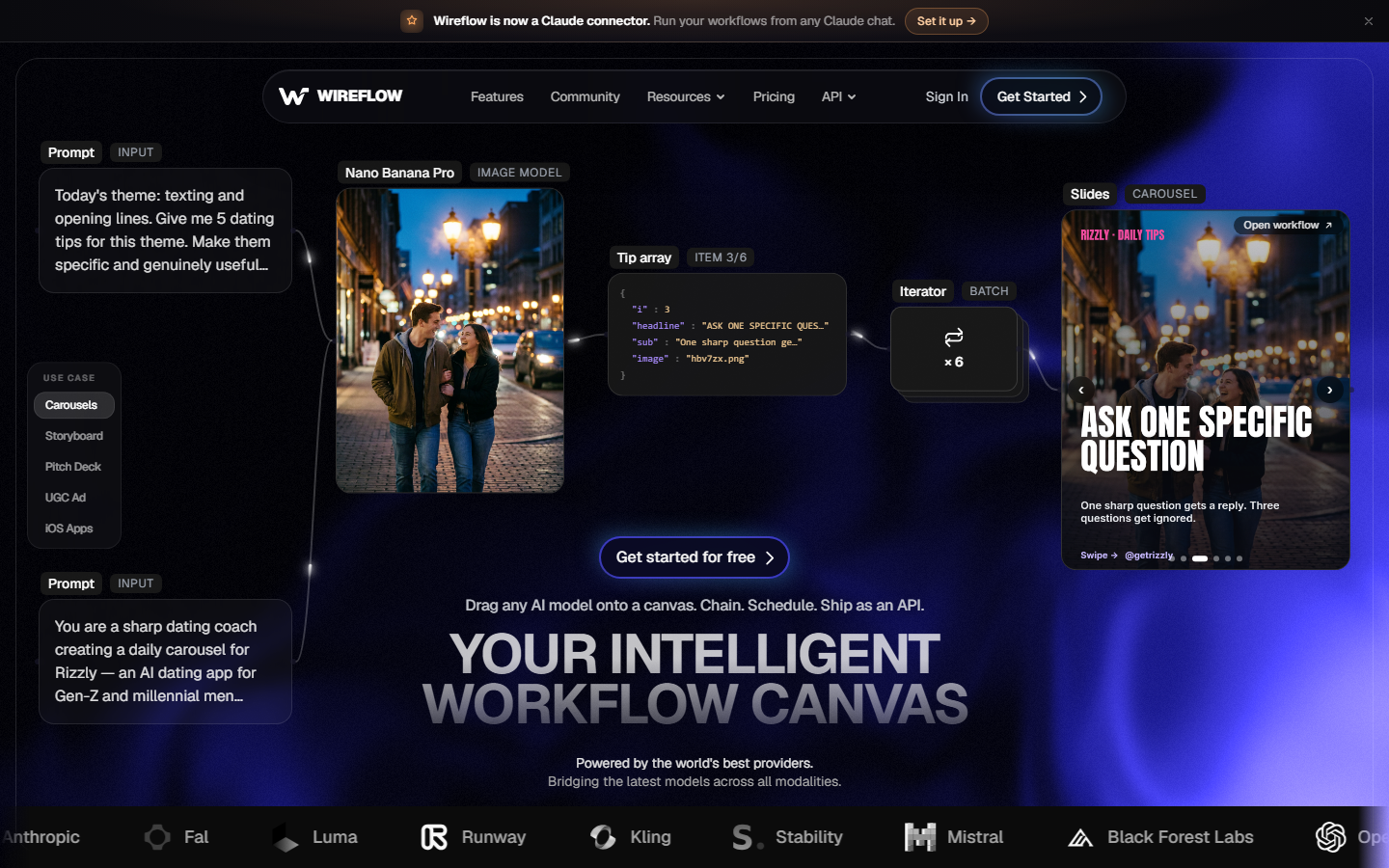
Wireflow gives agents a single REST endpoint that routes requests across dozens of video models, from Seedance and Kling to Veo 3.1. The visual node editor lets you build multi-step video pipelines visually, then expose them as an API endpoint your agent calls with one POST request. Each node in the pipeline executes server-side on managed GPUs, so the agent never provisions hardware.
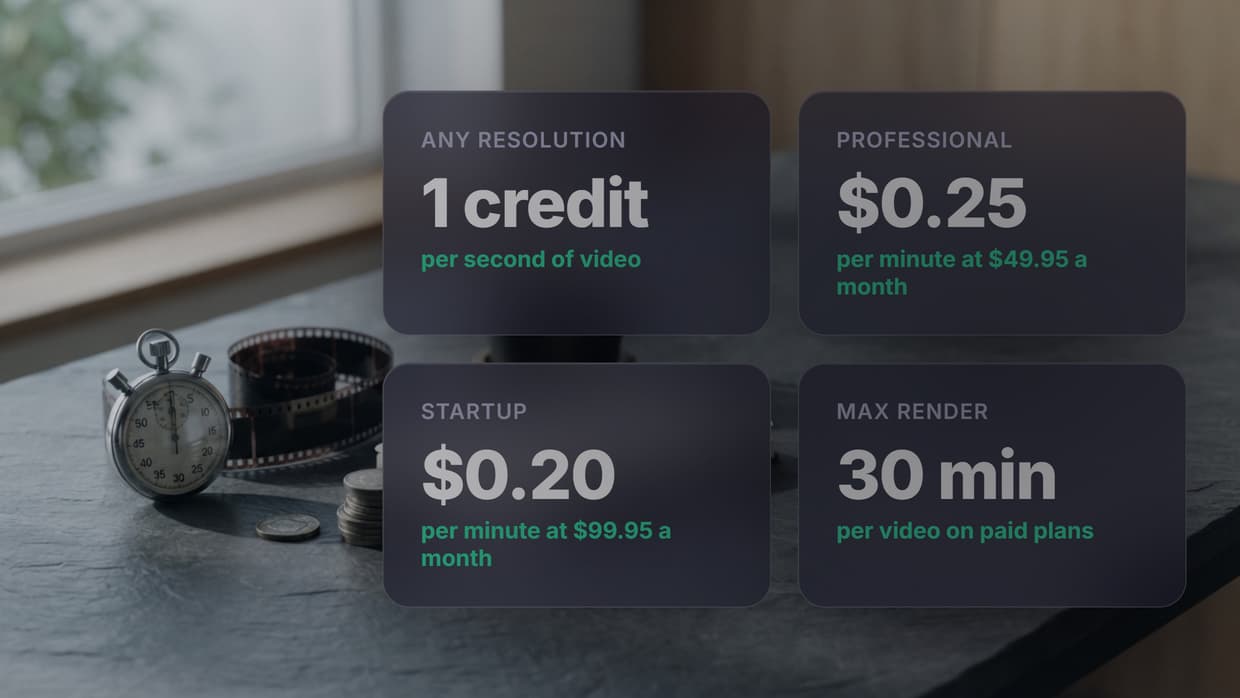
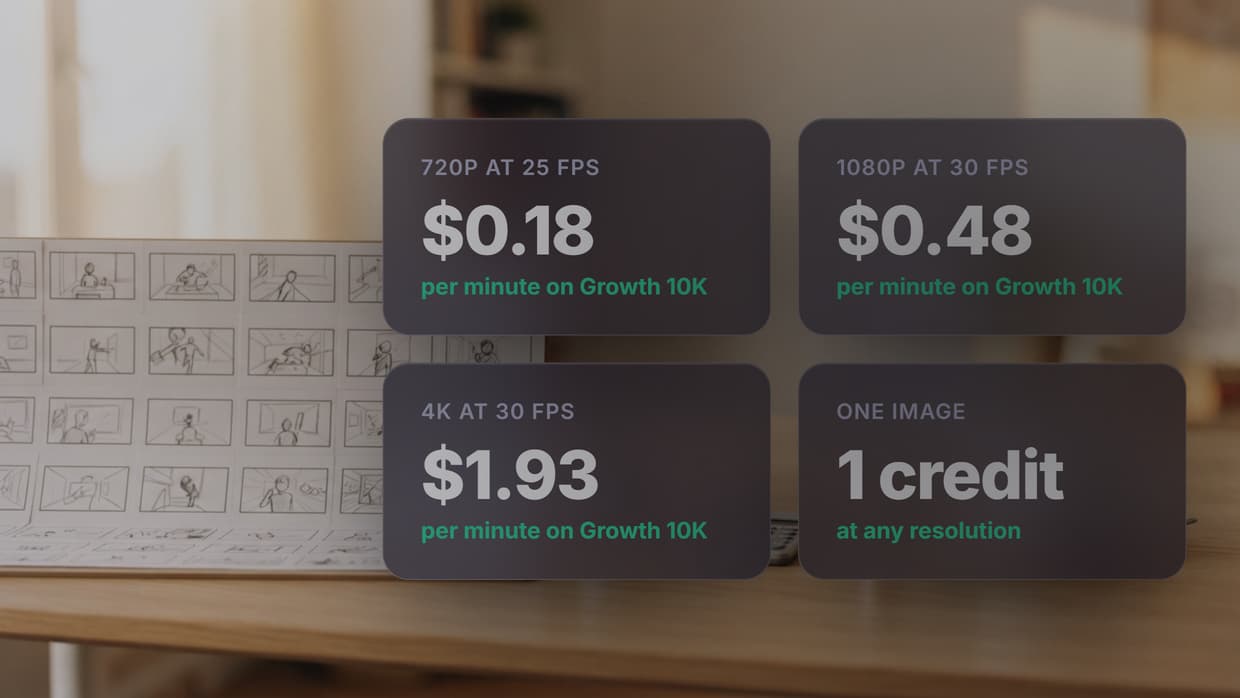
Pricing follows a usage-based credit system with configurable spend limits per API key, which prevents runaway costs when agents run autonomously. The async job pattern returns a job ID immediately and delivers results via webhook, fitting cleanly into agent event loops. Batch endpoints let agents submit multiple video jobs in a single call, reducing HTTP overhead for high-volume workloads.
Key strengths: Model-agnostic routing, pipeline automation, spend controls, webhook delivery, visual debugging.
If the input is a still rather than a text prompt, point the agent at an image to video API for agents that renders the source frame and animates it in one graph.
Build this in Wireflow
Make the same kind of asset on a canvas you control, with a free account and no credit card.
2. Mux
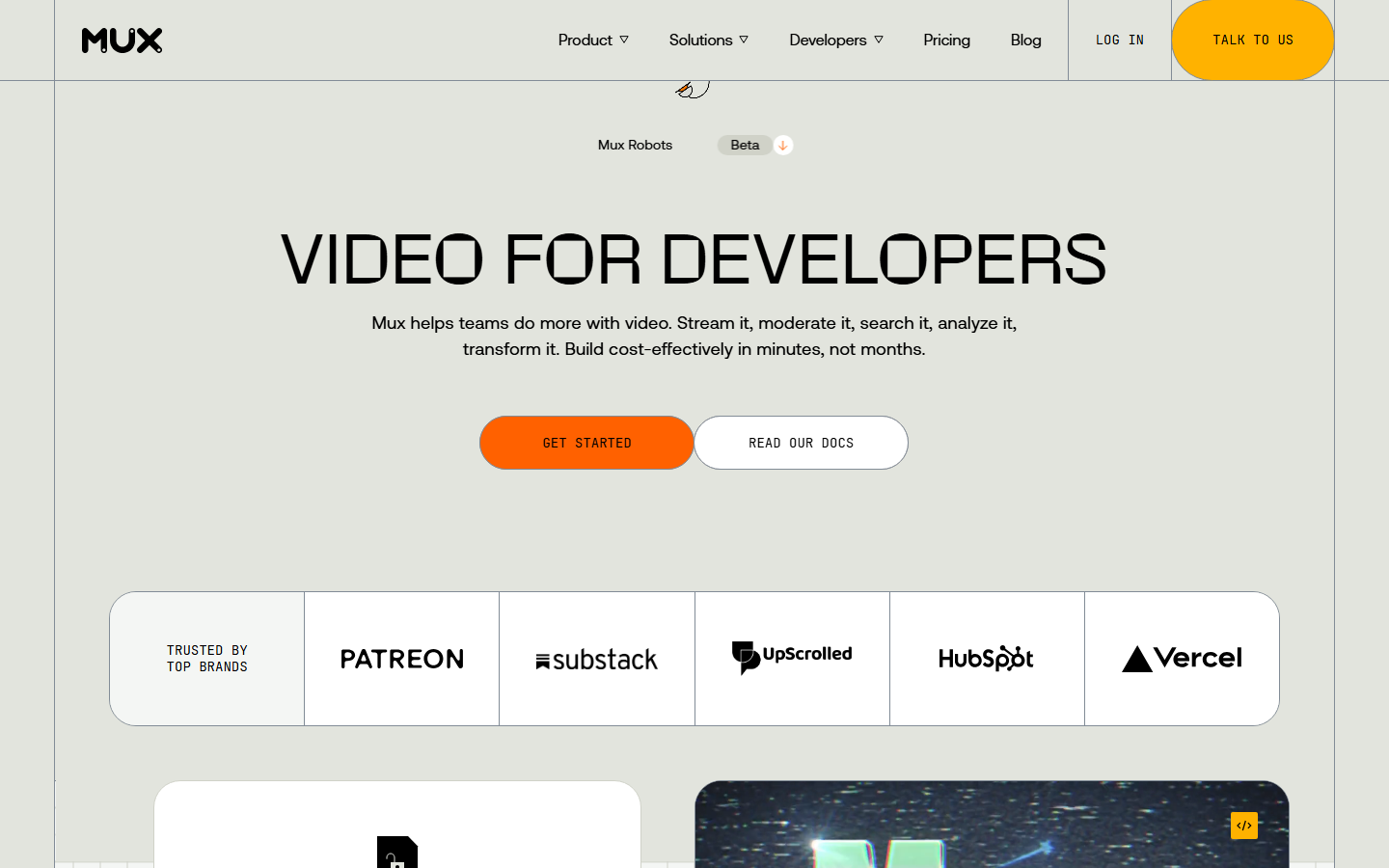
Mux focuses on video infrastructure: upload, encode, store, and stream. Its API handles adaptive bitrate streaming, thumbnail generation, and playback analytics out of the box. For agents that need to host and deliver finished video files rather than generate them, Mux provides a clean REST API with predictable latency.
The asset-based model means agents upload a video file, receive an asset ID, and get streaming URLs back. Mux Data adds viewership analytics that agents can query to make decisions about which content performs. Pricing is per-minute of video stored and streamed, with no hidden encoding fees.
Key strengths: Streaming infrastructure, adaptive bitrate, playback analytics, simple asset model.
3. Shotstack
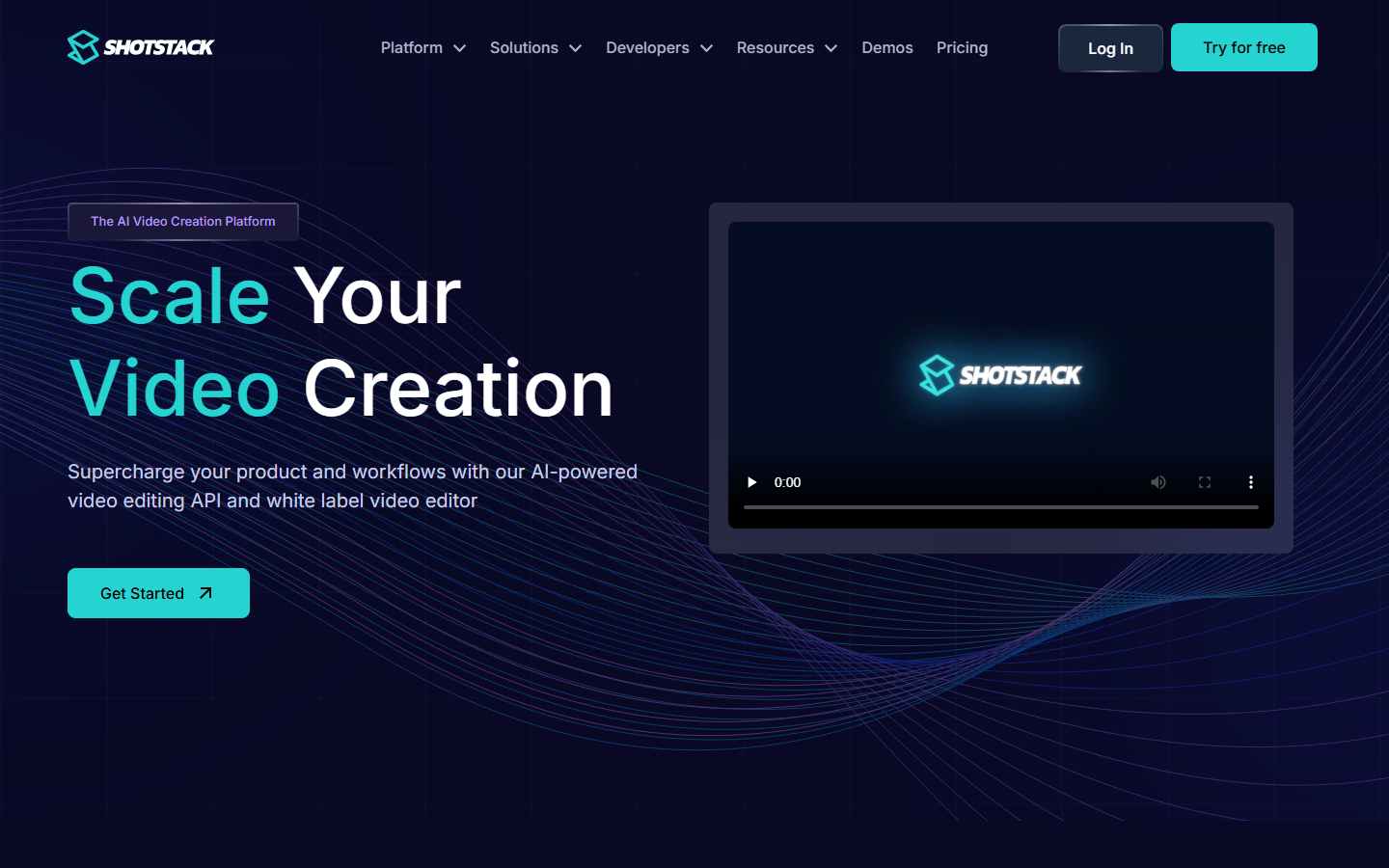
Shotstack provides a JSON-to-video rendering API. Agents define video compositions as JSON timelines specifying clips, text overlays, transitions, and audio tracks. The API renders the video server-side and returns a download URL. This template-driven approach works well for agents generating product demos, social ads, or marketing videos at scale.
The merge fields system lets agents swap text, images, and clips into pre-built templates without rebuilding the timeline from scratch. Render times average 30 to 60 seconds for a one-minute video. Shotstack also offers an editing API for trimming, concatenating, and adding watermarks to existing video files.
Key strengths: JSON timeline rendering, template merge fields, fast render times, editing API.
4. Creatomate
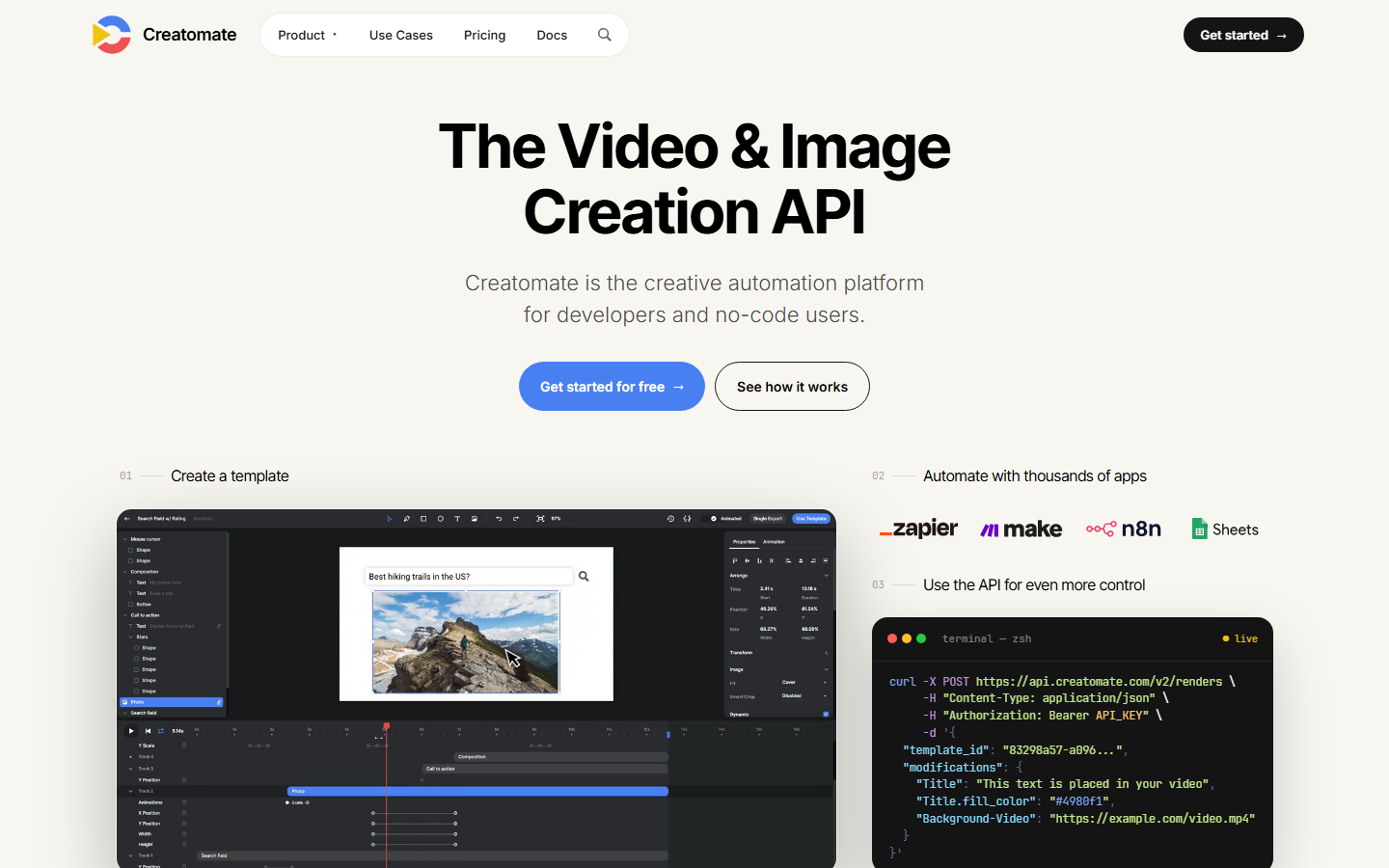
Creatomate automates video creation through templates and a REST API. Agents send data payloads to populate template variables, and Creatomate renders the video with branded fonts, colors, and transitions baked in. The platform targets social media video production, so templates are optimized for Instagram, TikTok, and YouTube Shorts aspect ratios.
The API supports dynamic text, image swaps, audio replacement, and conditional visibility on template elements. Agents can trigger batch renders for personalized video campaigns where each output varies by recipient data. Webhook callbacks notify agents when renders complete.
Key strengths: Template automation, social format presets, batch personalization, webhook callbacks.
5. Cloudinary
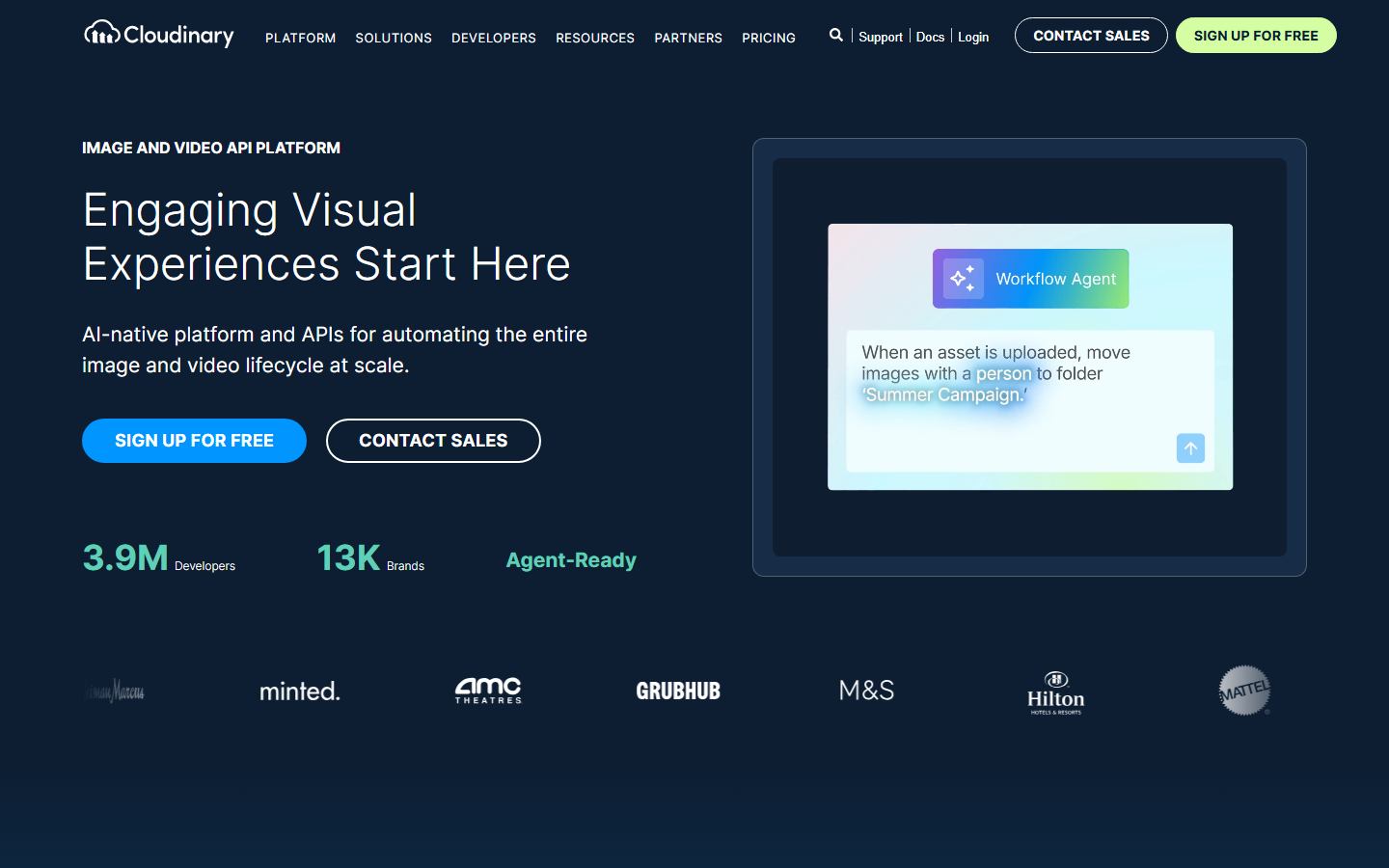
Cloudinary treats video as part of a broader media management pipeline. Its transformation API applies crops, overlays, format conversions, and quality optimization on the fly via URL parameters. For agents that handle mixed media workflows, combining images, video, and audio, Cloudinary's unified API reduces the number of services to integrate.
The upload API supports direct uploads from URLs, which lets agents pipe generated video from one service into Cloudinary for post-processing without downloading locally. AI-powered features include automatic video tagging, content-aware cropping, and background removal. The free tier handles small-scale agent prototyping.
Key strengths: URL-based transformations, mixed media pipeline, AI tagging, generous free tier.
6. api.video
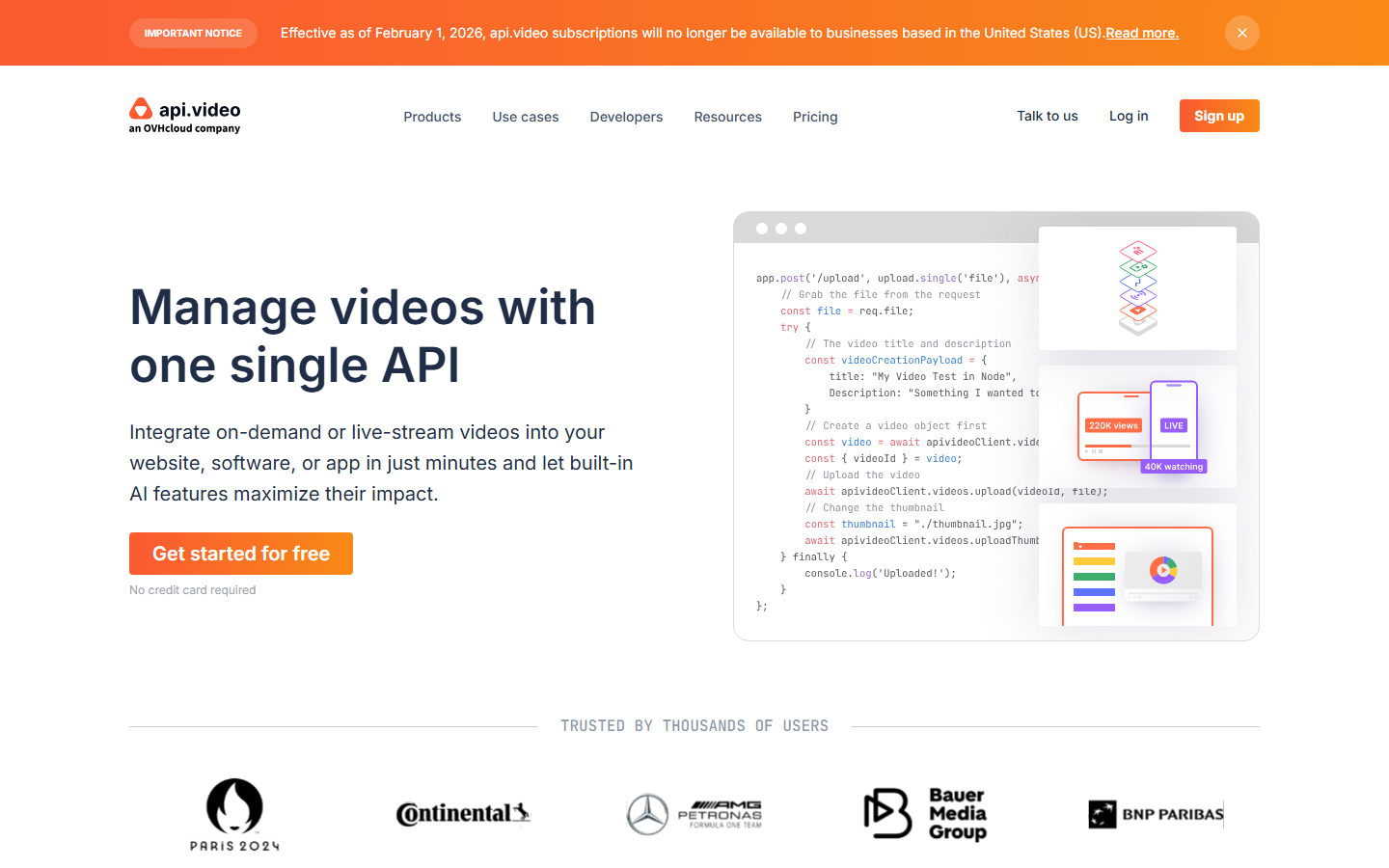
api.video provides video hosting, encoding, and delivery infrastructure through a developer-focused REST API. The platform handles video generation uploads, live streaming, and on-demand playback with a minimal integration footprint. Agents upload video files and receive player embed codes and streaming URLs.
The progressive upload feature lets agents send large files in chunks, which avoids timeout issues on slow connections. api.video also supports video summarization and chapter generation, useful for agents building educational or tutorial content. The watermark-free player embeds cleanly into any front end.
Key strengths: Progressive uploads, live streaming, chapter generation, clean player embeds.
7. Synthesia
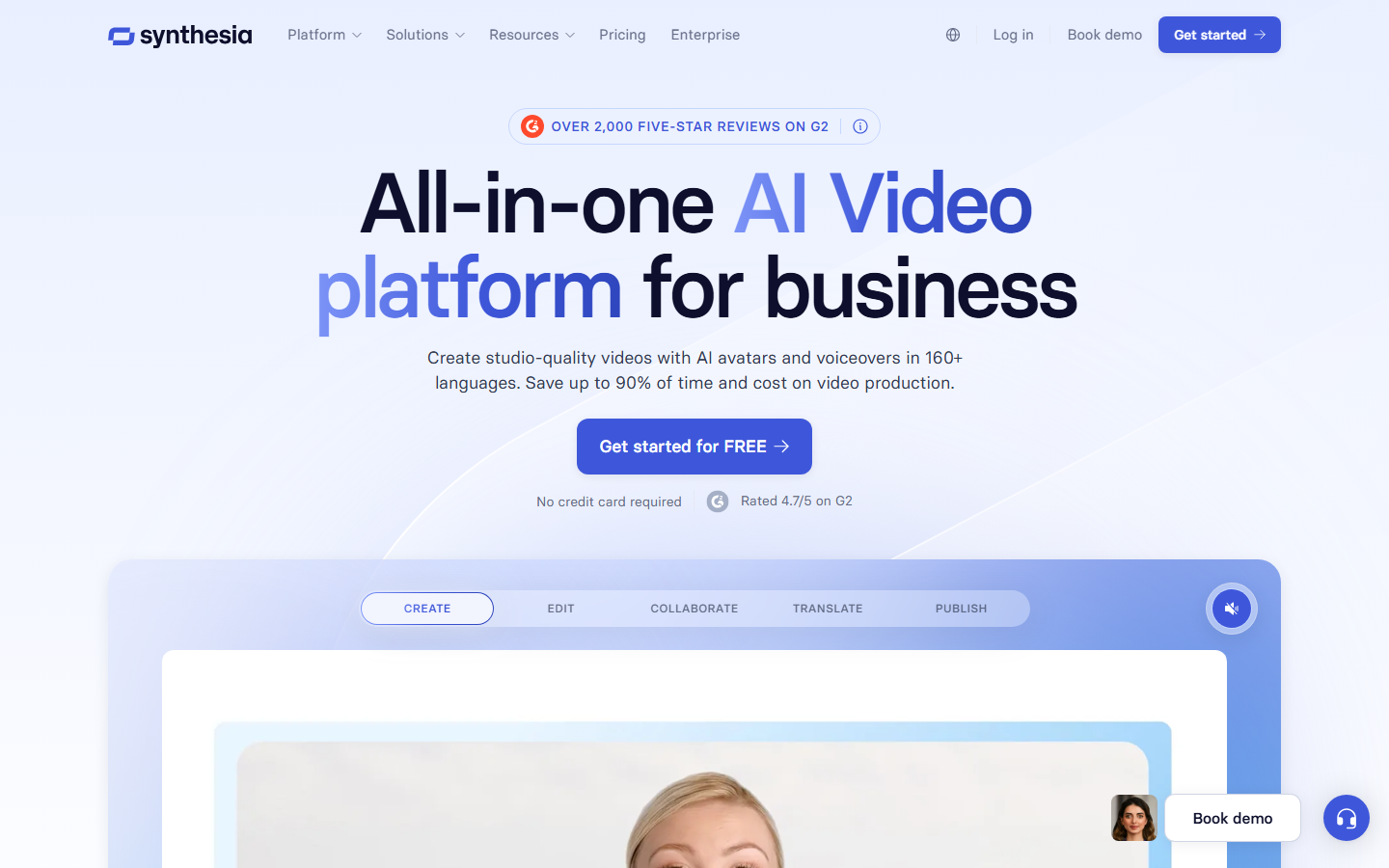
Synthesia specializes in AI avatar videos. Agents send a script and select an avatar, and the API returns a talking-head video with lip-synced speech. This niche makes Synthesia the strongest option for agents producing training videos, onboarding content, or product explainers that need a human presenter without filming.
The API supports 140+ languages with native pronunciation, custom avatar creation from a short recording, and branded video templates. Agents can update scripts and re-render without re-recording. Render times run two to five minutes per video depending on length. The main limitation is that Synthesia covers avatar content only, so agents needing general video editing pair it with another tool.
Key strengths: AI avatar generation, 140+ language support, custom avatars, script-to-video pipeline.
8. Plainly
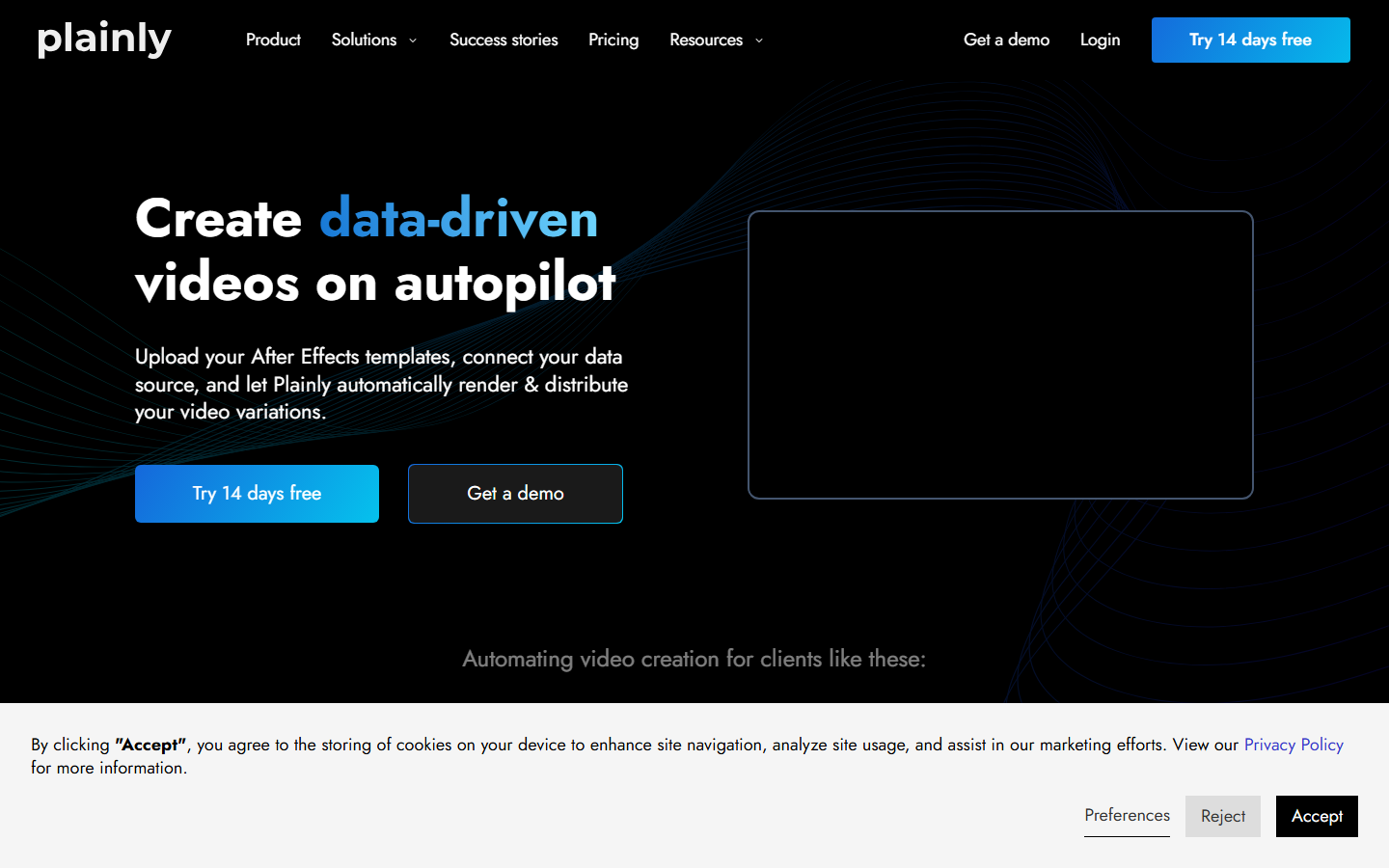
Plainly connects Adobe After Effects templates to a REST API. Agents push data into After Effects compositions stored in the cloud, and Plainly renders the output server-side. This approach preserves the motion graphics quality of After Effects while making it programmable for batch generation.
Designers build templates in After Effects with named parameters, then agents call the API to fill those parameters with campaign-specific text, images, or colors. Render speeds depend on composition complexity but typically finish in one to three minutes. Plainly works well for agencies and brands that already have After Effects template libraries.
Key strengths: After Effects integration, designer-friendly templates, high production quality, batch rendering.
Comparison Table
| Platform | Primary Use Case | Agent Integration | Pricing Model | Video Generation |
|---|---|---|---|---|
| Wireflow | Multi-model AI pipelines | REST API + webhooks | Usage-based credits | Yes (multi-model) |
| Mux | Streaming and hosting | REST API | Per-minute stored/streamed | No |
| Shotstack | JSON timeline rendering | REST API | Per-render | No (composition only) |
| Creatomate | Template automation | REST API + webhooks | Per-render | No (template only) |
| Cloudinary | Media transformation | URL API + REST | Storage + bandwidth | No (transforms only) |
| api.video | Video hosting and delivery | REST API | Storage + streaming | No |
| Synthesia | AI avatar videos | REST API | Per-video | Yes (avatar only) |
| Plainly | After Effects rendering | REST API | Per-render | No (AE templates) |

How to Choose the Right Video API for Your Agent
The right choice depends on what your agent does with video. If the agent generates video from text prompts or images using AI models, a platform with built-in model chaining eliminates the need to manage multiple provider SDKs. If the agent assembles videos from existing assets using templates, Shotstack or Creatomate handle that without AI model costs. If the agent only needs to host and deliver finished videos, Mux or api.video keep the integration minimal.
Cost predictability matters for autonomous agents. Platforms with per-render pricing (Shotstack, Creatomate, Plainly) make costs deterministic per job. Usage-based models with spend limits protect against cost overruns when agents scale unexpectedly.
Try it yourself: Build a hosted video pipeline in Wireflow -- the nodes are pre-configured with the exact setup discussed above.
FAQ
What is a hosted video API?
A hosted video API is a cloud service that handles video processing, generation, or delivery through REST endpoints. The provider manages the servers, GPUs, and encoding infrastructure so developers and agents send API calls instead of running video software locally.
Why do AI agents need a dedicated video API?
AI agents run autonomously and need predictable, schema-stable interfaces. A dedicated video API provides consistent JSON request/response formats, async job handling with webhooks, and error codes that agents can parse and react to without human intervention.
Can I use multiple video APIs in one agent?
Yes, but each additional API adds integration complexity. Platforms that support multi-model routing let agents access multiple video capabilities through a single endpoint, reducing the number of SDKs and authentication flows to manage.
How much does a hosted video API cost?
Pricing varies widely. Template rendering APIs (Shotstack, Creatomate) charge $0.02 to $0.10 per render. AI generation APIs range from $0.05 to $0.50 per generated clip depending on model and duration. Streaming APIs (Mux, api.video) charge per minute of stored and delivered video.
What video formats do these APIs support?
Most hosted video APIs output MP4 (H.264) as the default format. Streaming APIs also deliver HLS and DASH adaptive streams. Some APIs support WebM, MOV, and GIF outputs for specific use cases.
Are these APIs suitable for real-time video processing?
Mux and api.video support live streaming with low latency. Template rendering and AI generation APIs are batch-oriented, returning results in seconds to minutes rather than in real time.
How do I handle video API failures in my agent?
Implement retry logic with exponential backoff for transient errors (429, 503). Use webhook callbacks instead of polling to reduce API load. Set timeout limits per job and fall back to alternative providers when primary APIs are unavailable.
Do I need GPU infrastructure to use these APIs?
No. Hosted video APIs run all processing on the provider's infrastructure. The agent only needs HTTP client capabilities to send requests and receive responses. This is the core value proposition: abstracting GPU management away from the agent.

Co-Founder & Operations at Wireflow
Runs client operations and content strategy at Wireflow. Works directly with creative teams and agencies to build production AI workflows.
- Content Strategy
- Client Operations
Make AI videos and ads.
Start free, no card needed.