Features
Moodboard Maker
Most moodboard makers are a drag-and-drop canvas you fill with images you already have.
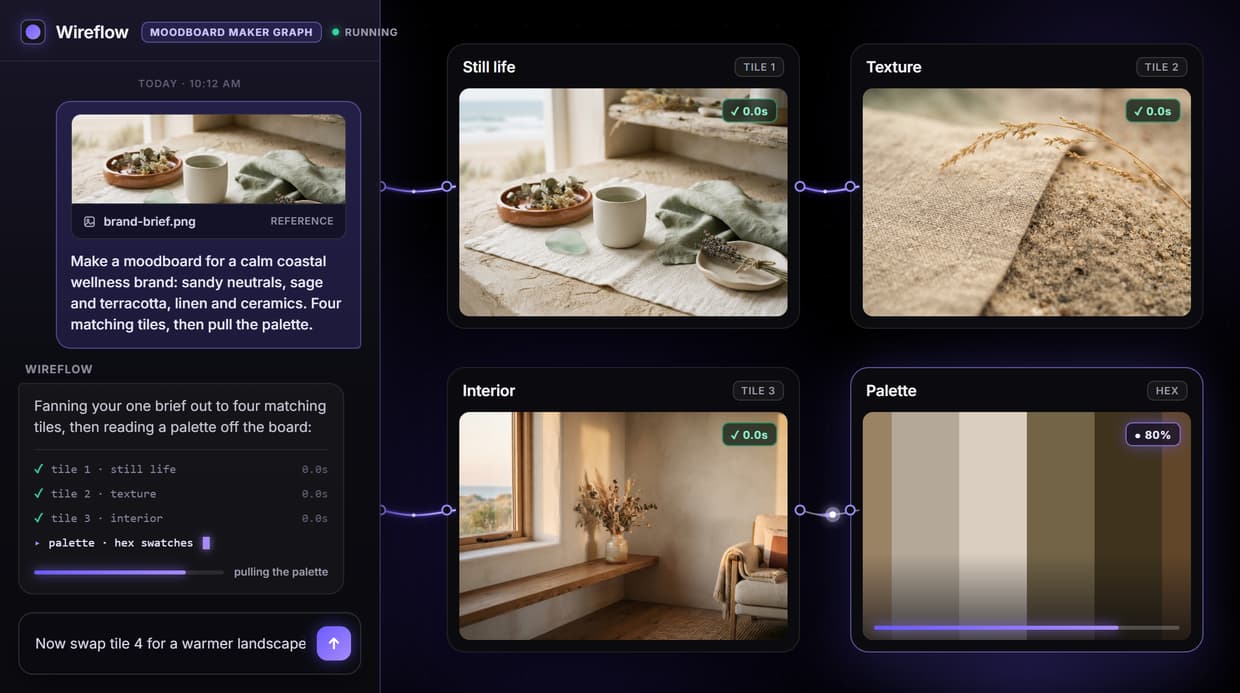
Wireflow hands you the pipeline: write one brief, and it fans out to a set of matching AI tiles on a node canvas, then a Color Palette node pulls a real hex scheme straight from the board. Free to build, pay per generation.
Free to build · no credit card · Read the agent docs · See how it works ↓
 Andrew Adams · Co-Founder & Operations at Wireflow ·
How to Use Moodboard Maker
Steps to get you started in Wireflow.
Write your moodboard brief
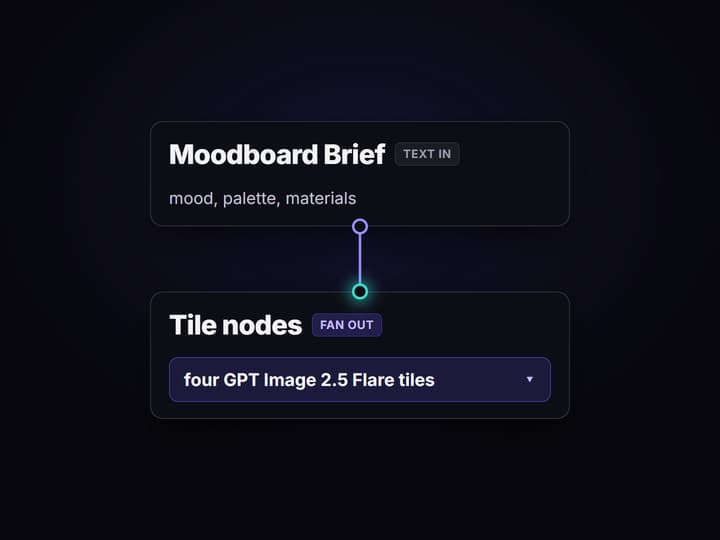
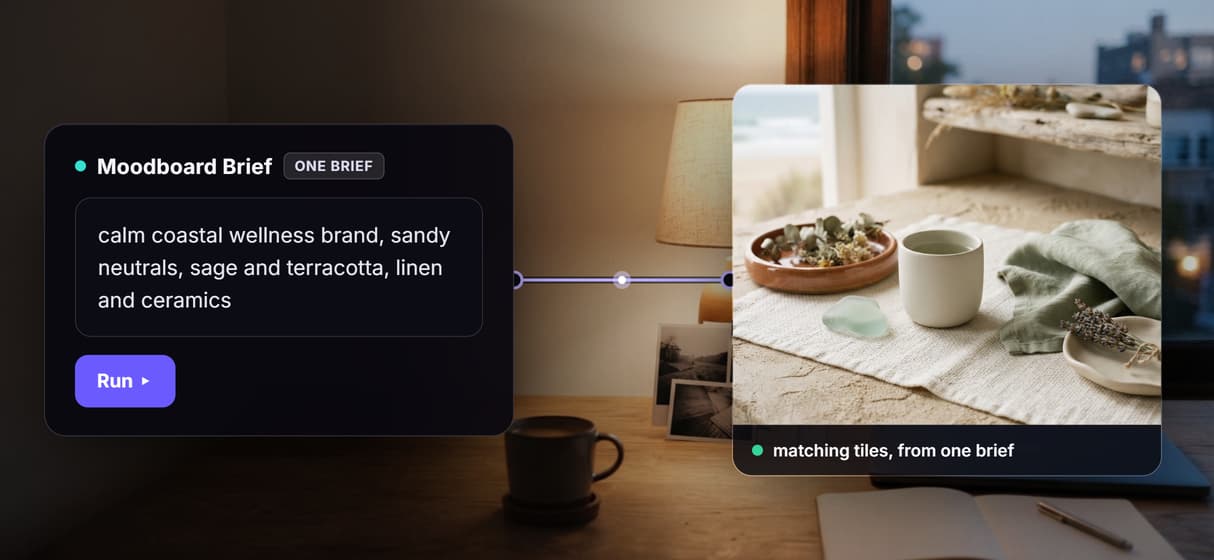
Open the flow and type one brief into the Moodboard Brief node: the mood, the palette, the materials, the light. It fans out to four GPT Image 2.5 Flare tile nodes that share that look.
Run the graph once
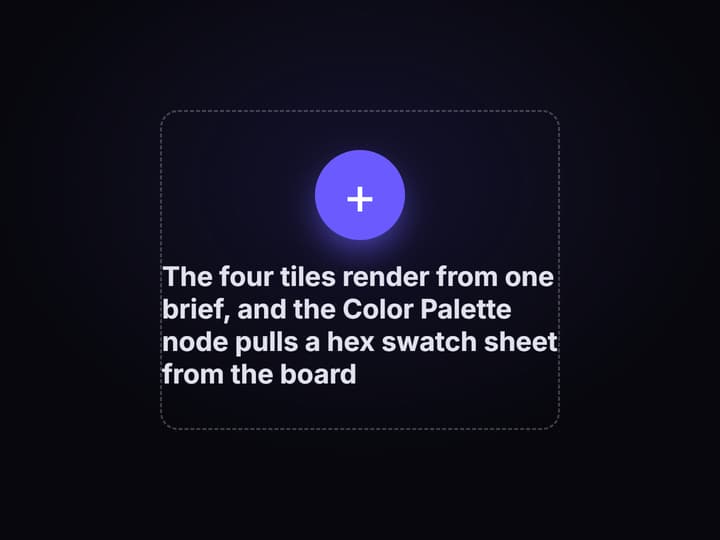
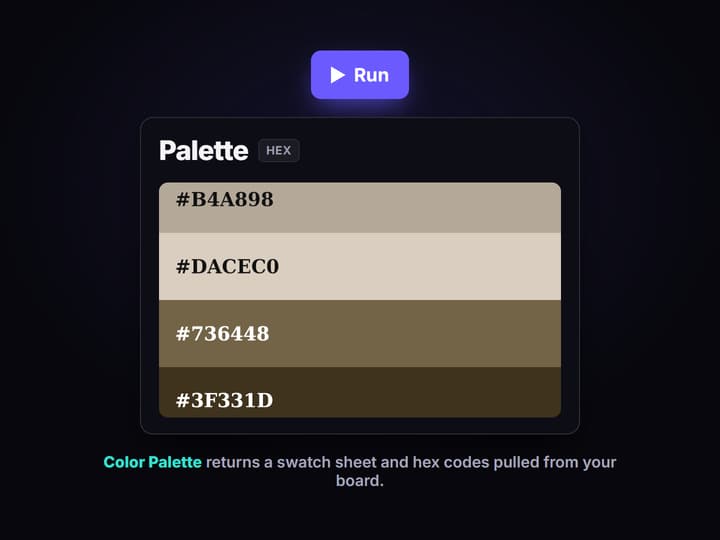
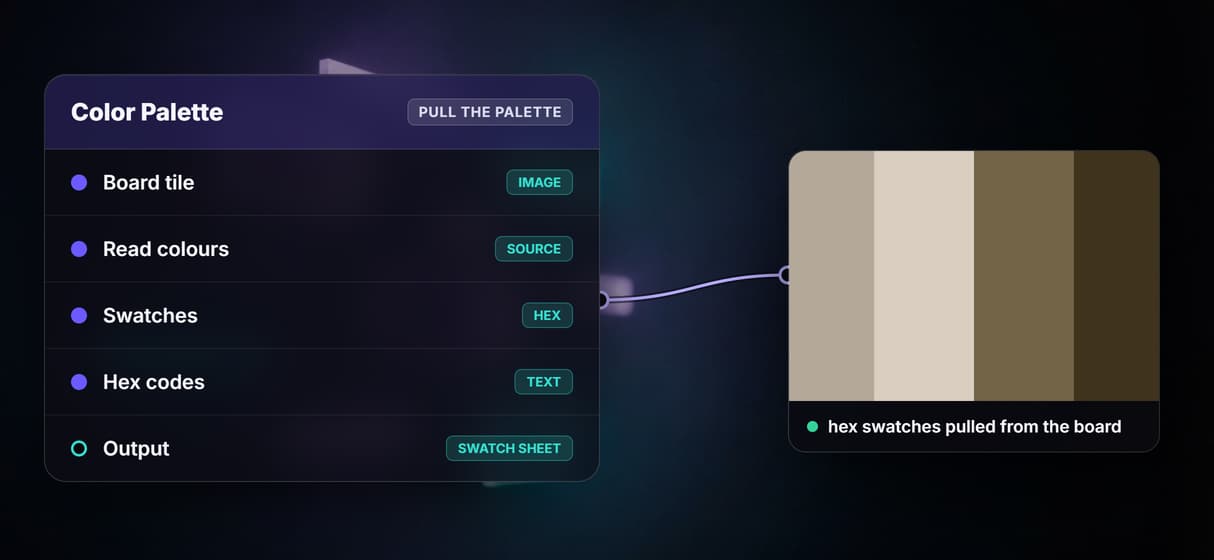
The four tile nodes render the board from your brief, and the Color Palette node reads the first tile and returns a six-swatch hex sheet. You get a matching set of images and a real scheme.
Swap a tile, keep the board
Regenerate any tile, drop in your own image with an Import node, or change the brief and rerun for a new direction. Share the flow link and the whole team runs the exact same graph.
More Than Just Moodboard Maker
One brief, a whole board
Write one Moodboard Brief and it fans out to four matching GPT Image 2.5 Flare tiles, the same AI image generator wiring done for you.
A real palette, pulled from the board
A Color Palette node reads a tile and returns six hex swatches, so the board ships with a usable scheme like an AI brand kit generator.
Lay the tiles out on the canvas
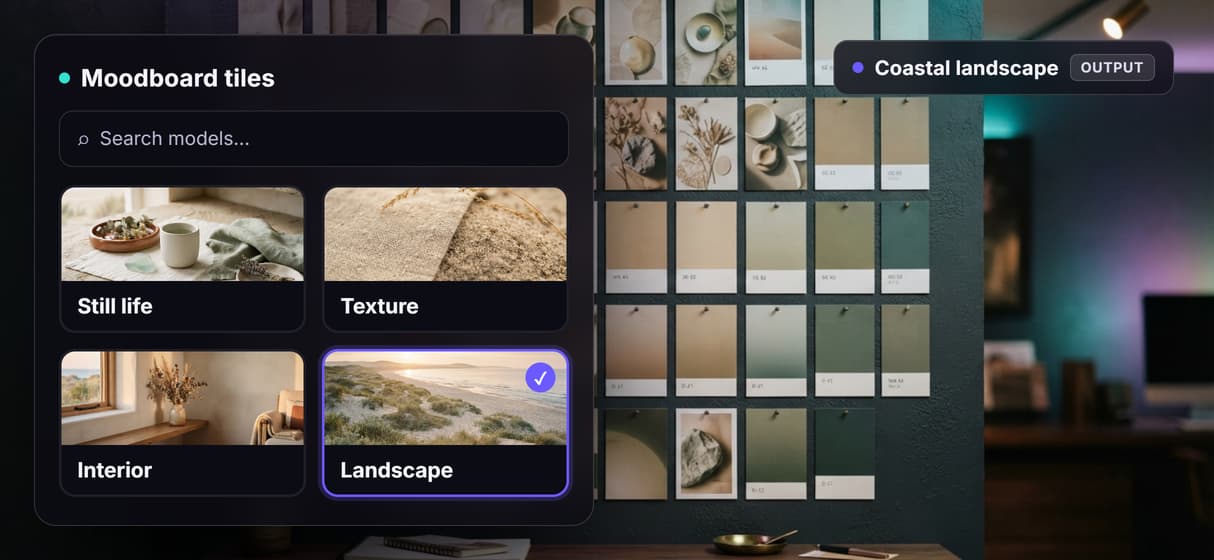
Every tile is a node on the canvas, so you can swap, regenerate, or rearrange any one with the same node based image generation graph.
Own the pipeline, swap any model
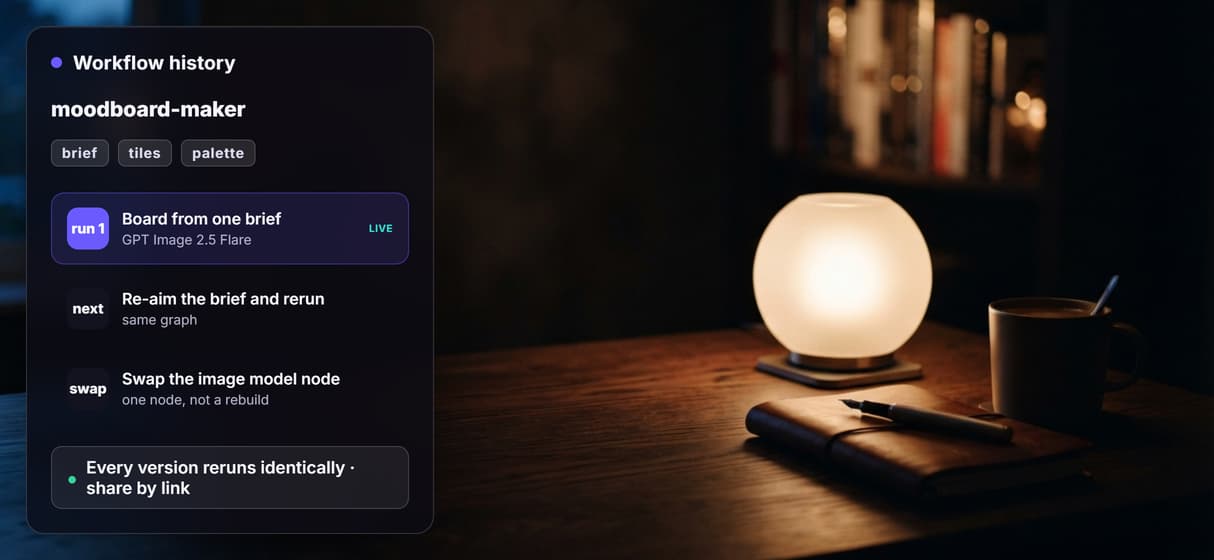
Swap Flare for any image model by swapping a node, rerun the brief, and share the board by link, the habit behind any agentic canvas build.
Pay per generation, not per seat
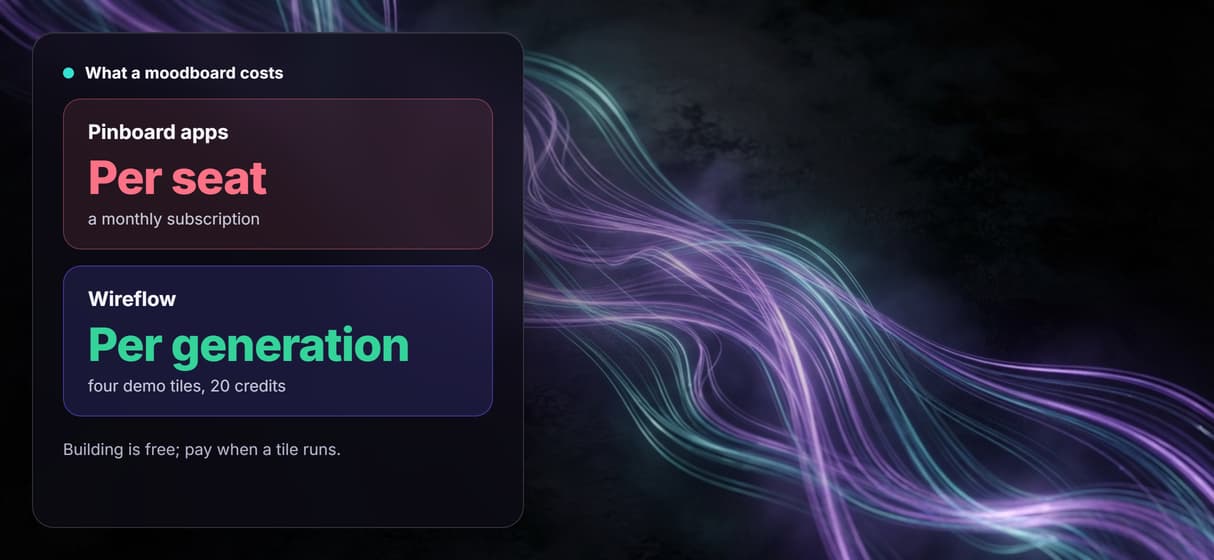
Building on the canvas costs nothing and the four demo tiles ran for 20 credits, so a board is cents, not a seat, like AI product photography here.
Build Any AI Workflow
AI Models Integrated
Full Commercial License
Why a moodboard maker you own beats a canvas you fill by hand
The usual moodboard maker is a blank drag-and-drop canvas: you go find images somewhere else, drag them in, nudge them around, and pick colours by eye. It is fine until you hit the ceiling. You cannot generate the exact tile the board is missing, you cannot pull a real palette out of the images, and nothing about the board is reproducible once you move on. Most people do not leave because the boards look bad; they leave because the tool only arranges what you already have.
Wireflow answers with a different shape. A moodboard is a small workflow you own on a node canvas: one Moodboard Brief node fans out to four tile nodes that render a matching set of images, and a Color Palette node reads the board and returns a hex swatch sheet. It runs on hosted compute in the browser, nothing to install, and the same canvas drives every other AI image generator job your team has.
What goes into the moodboard graph
One brief
A single Moodboard Brief node holds the mood, palette, and materials, and feeds every tile node at once.
Matching tiles
Four GPT Image 2.5 Flare nodes render a cohesive set of board images from the one brief.
A real palette
A Color Palette node reads a tile and returns a six-colour hex swatch sheet you can reuse.
Your own images
Swap any tile node for an Import node to drop a photo you already have into the board.
Rerun and swap
Workflows are versioned and shareable by link; swap the image model node as better ones ship.
Endpoint and MCP tool
Every published moodboard flow is also a REST endpoint and an MCP tool an agent can call.
How the moodboard graph turns one brief into a board
The workflow behind this page's button is deliberately small: one brief node, four tile nodes, and a Color Palette node.
- One brief feeds everything. The Moodboard Brief node holds the mood, palette, and materials, and wires into all four tile nodes, so a single edit re-aims the whole board.
- Four tiles render the set. Each tile is a GPT Image 2.5 Flare node, so the board is generated from your words rather than scraped from somewhere, and any tile can be swapped for an Import node to drop in your own image.
- A Color Palette node reads the board. It takes the first tile and returns a six-colour hex swatch sheet, so the board hands you a real scheme instead of a guess.
That is the detail worth copying: the brief, the tiles, and the palette are separate nodes, so you can regenerate one tile, re-aim the brief, or swap the image model without rebuilding the board. And because the graph lives among 100+ hosted models, the same canvas handles the next AI concept art generator job too.
When a drag-and-drop moodboard tool is the right call
If you want to pin your own photos, fabric swatches, screenshots, and fonts onto an infinite canvas and arrange them by hand with a team editing live, a dedicated pinboard tool is built for exactly that, and this page will not pretend otherwise. Wireflow asks you to write a brief and run a small graph, which is a different job from hand-collaging references you already collected.
Wireflow is also the generation and palette layer, not a layout editor: it will not do real-time multiplayer co-editing, typography, or export an editable board file, and it does not arrange your own uploads into a designed collage. What it offers instead is a board generated from one brief, a real palette pulled from the images, 100+ hosted models to swap between, and per generation pricing. If a moodboard is the first step before you generate the real assets, build it here and pair the flow with an AI background generator when the work grows.
FAQs
It depends on what you want to keep. If you want a drag-and-drop canvas for images you already have, a dedicated pinboard tool is the closest match. If you want to generate the board, Wireflow builds the moodboard as a node workflow: one brief fans out to four matching GPT Image 2.5 Flare tiles, and a Color Palette node pulls a real hex scheme from the board, priced per generation.
Discover related AI tools
- AI Image Upscaler: Upscale to 4K in a Visual Workflow
- AI Background Remover
- AI Image Generator: Flow-Based Canvas, 31 Models
- ComfyUI Alternative
- AI Face Swap Online: Photos and Video in Your Browser
- Virtual Try On
- AI Thumbnail Generator
- AI Photo Generator
- AI Image Editor
- AI Art Generator
- Midjourney Alternative
- AI Headshot Generator
More From Wireflow
Written by
Andrew Adams · Co-Founder & Operations at Wireflow
Runs client operations and content strategy at Wireflow. Works directly with creative teams and agencies to build production AI workflows.
Build your moodboard on the canvas
Open the flow, write one brief, and run it: four matching tiles and a real colour palette from one graph. Building is free; you pay per generation, not per seat.