Best AI Canvas Platforms with API in 2026

In this article▾
If you build products that need programmatic image or video generation but also want a visual interface for prototyping, you need an AI canvas platform with API access. Wireflow combines a drag-and-drop node canvas with a full REST API, so you can design workflows visually and then call them from your codebase. This guide ranks the top platforms that offer both a visual canvas and developer-grade API integration.
For a hands-on look at how canvas-based AI generation works, check out the AI canvas with REST API feature page.
Quick Summary
- Wireflow: Best overall canvas + API platform for production teams
- ComfyUI: Best open-source node editor for custom pipelines
- Fal AI: Best for serverless model inference with canvas tooling
- Krea AI: Best for real-time creative generation with API
- WaveSpeed AI: Best for low-latency API-first generation
- Freepik Spaces: Best for template-based design with API hooks
- Canva: Best for non-technical teams needing light automation
1. Wireflow

Wireflow is a visual node editor that lets you chain AI models on a canvas and expose those workflows through a REST API. You drag in nodes for text-to-image, upscaling, background removal, or video generation, connect them, and hit run. Every workflow you build can also be triggered programmatically through the API with a single POST request. Weavy users can see how its reusable flows compare in our Weavy templates explainer.
The platform supports models like Recraft V4, Flux 2 Pro, Kling, and Veo 3, all accessible from the same canvas. Teams use it for batch image generation in e-commerce, automated ad creative pipelines, and multi-step content workflows. The pricing is usage-based, so you pay only for the compute you consume.
Best for: Teams that want to prototype visually and deploy via API without switching tools.
Build this in Wireflow
Make the same kind of asset on a canvas you control, with a free account and no credit card.
2. ComfyUI
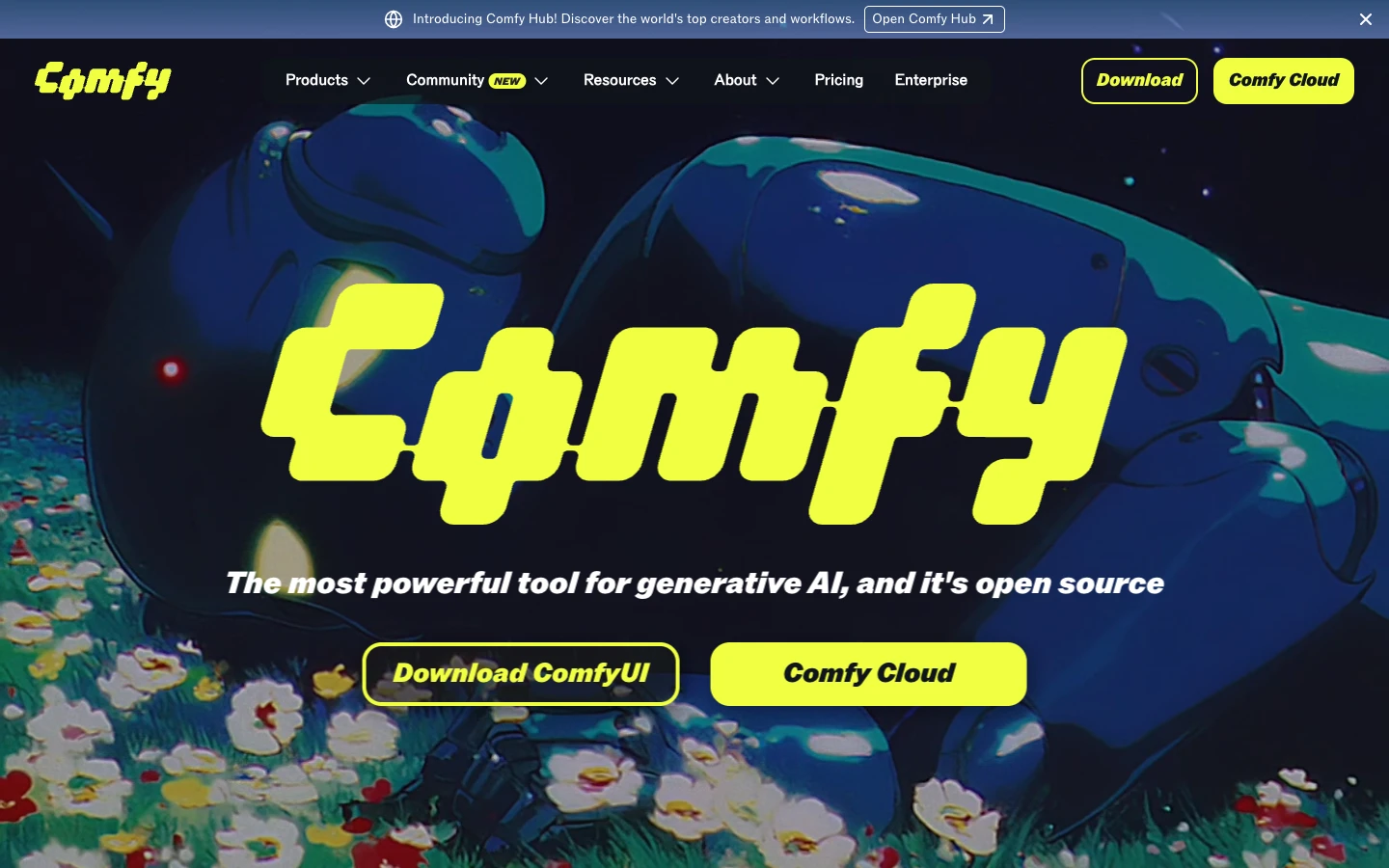
ComfyUI is an open-source node-based interface for Stable Diffusion and related models. It gives you fine-grained control over every step of the generation pipeline, from sampling parameters to LoRA loading and conditioning. The canvas UI maps directly to the underlying computation graph, which makes it a favorite among researchers and advanced users who want full transparency into what each node does.
API access comes through the built-in server or third-party hosting services like ComfyUI cloud deployments. The tradeoff is complexity: setting up ComfyUI requires GPU infrastructure, Python environment management, and manual dependency resolution. There is no managed hosting from the ComfyUI team itself. If you want the same node model without standing up that infrastructure, a managed node canvas for ComfyUI users hosts the models for you and turns every workflow into a REST endpoint and an MCP tool.
Best for: Advanced users who need maximum control over Stable Diffusion pipelines and have their own GPU infrastructure.
3. Fal AI
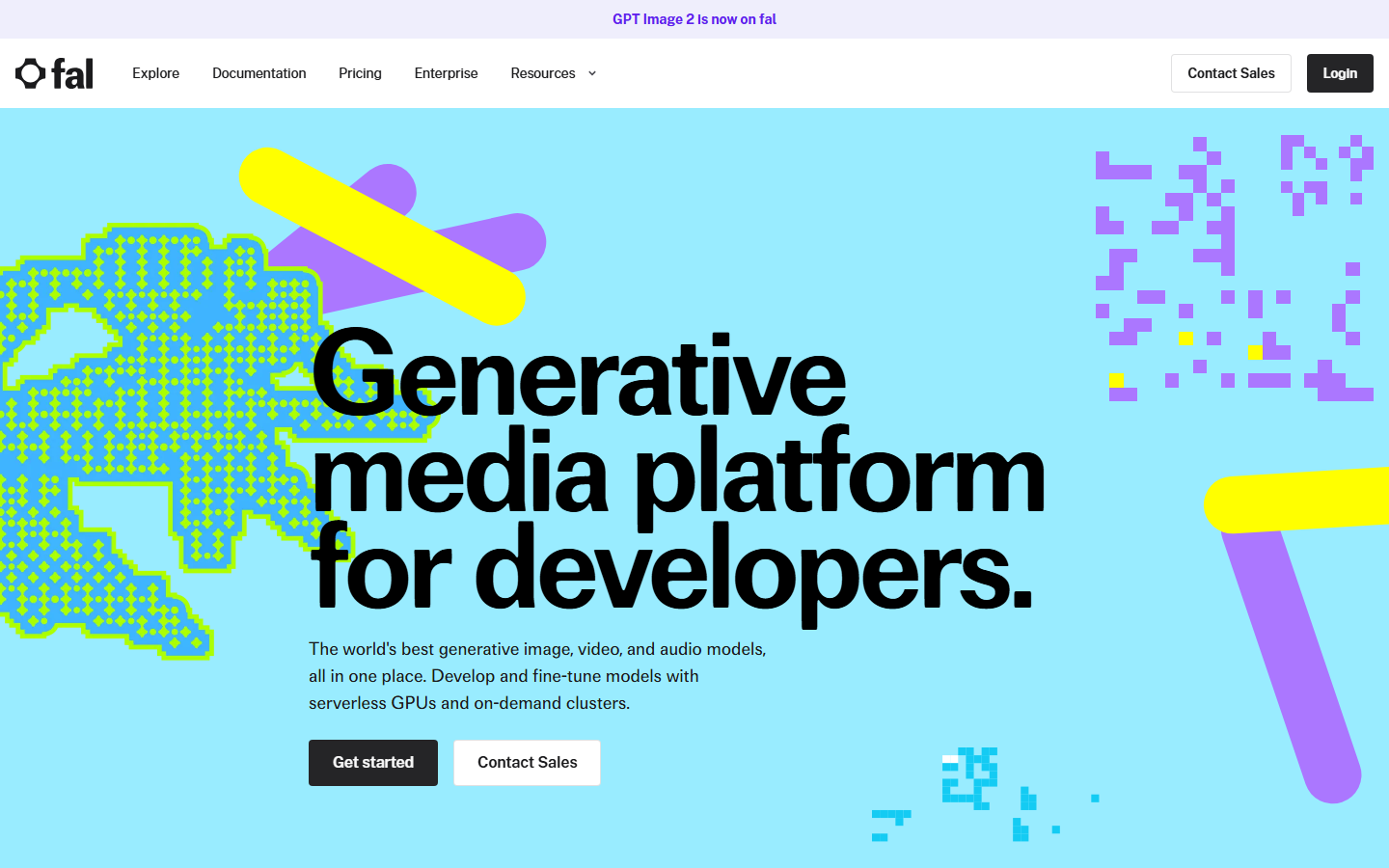
Fal AI provides serverless inference for popular open-source models with a visual playground for testing prompts before integrating via API. The platform handles GPU scaling automatically, so you send a request and get results without managing infrastructure. Fal supports Flux, Stable Diffusion, and several video models through a consistent API interface.
The canvas experience is more of a testing ground than a full workflow builder. You can experiment with different models and parameters in the browser, then copy the API call into your application. Pricing follows a per-request model based on the compute time each generation requires.
Best for: Developers who want fast serverless inference without managing GPU infrastructure.
4. Krea AI
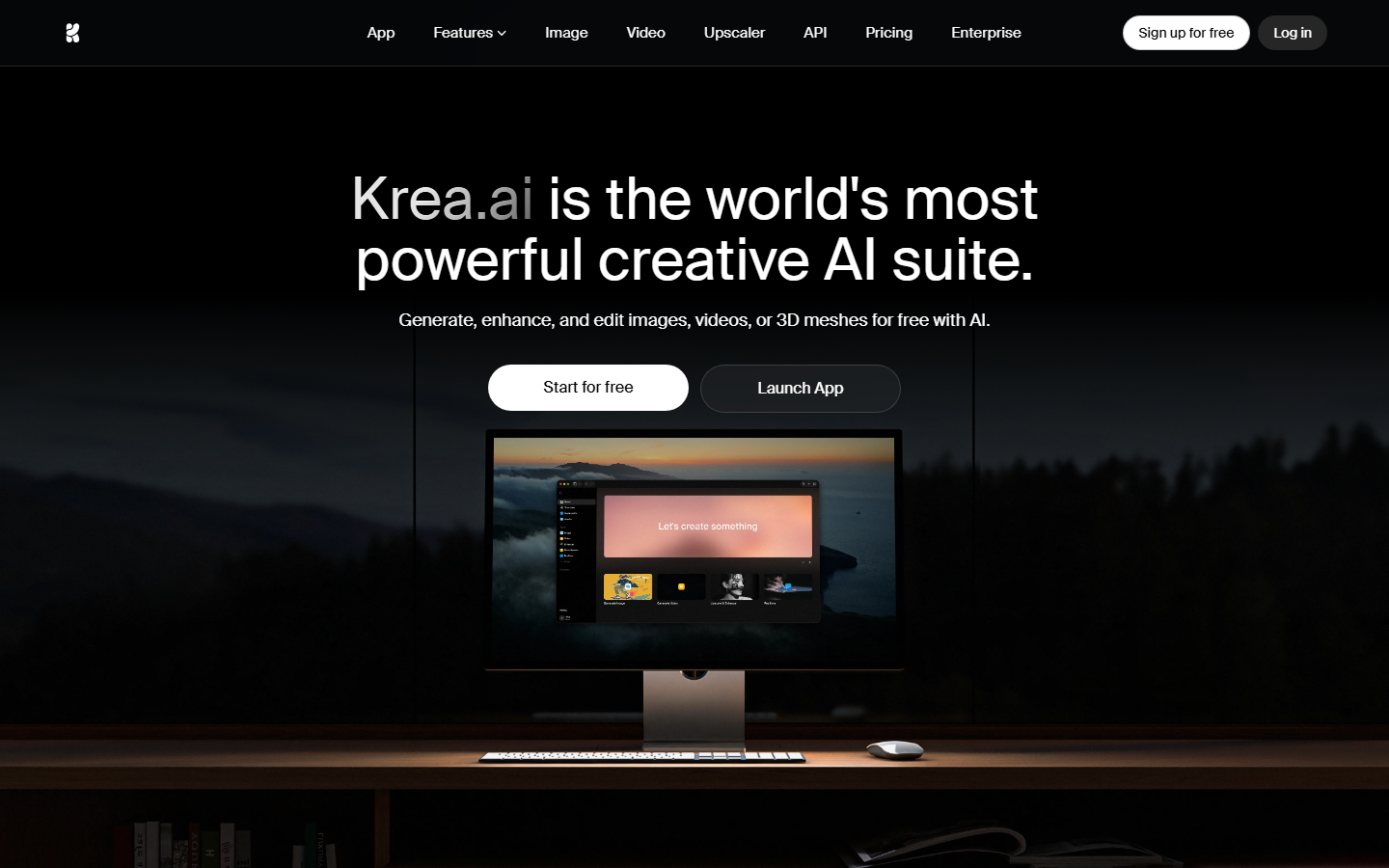
Krea AI focuses on real-time image generation with an interactive canvas where you can sketch, type, or upload references to guide the AI output. The platform's signature feature is its live preview that updates as you draw or adjust parameters on the canvas. Krea also offers an API layer for integrating generation into external applications.
The API supports text-to-image, image-to-image, and upscaling endpoints. Krea's real-time capabilities make it particularly useful for design exploration where you want immediate visual feedback before committing to a full render.
Best for: Designers who want real-time visual feedback during the creative process, with API access for production integration.
5. WaveSpeed AI
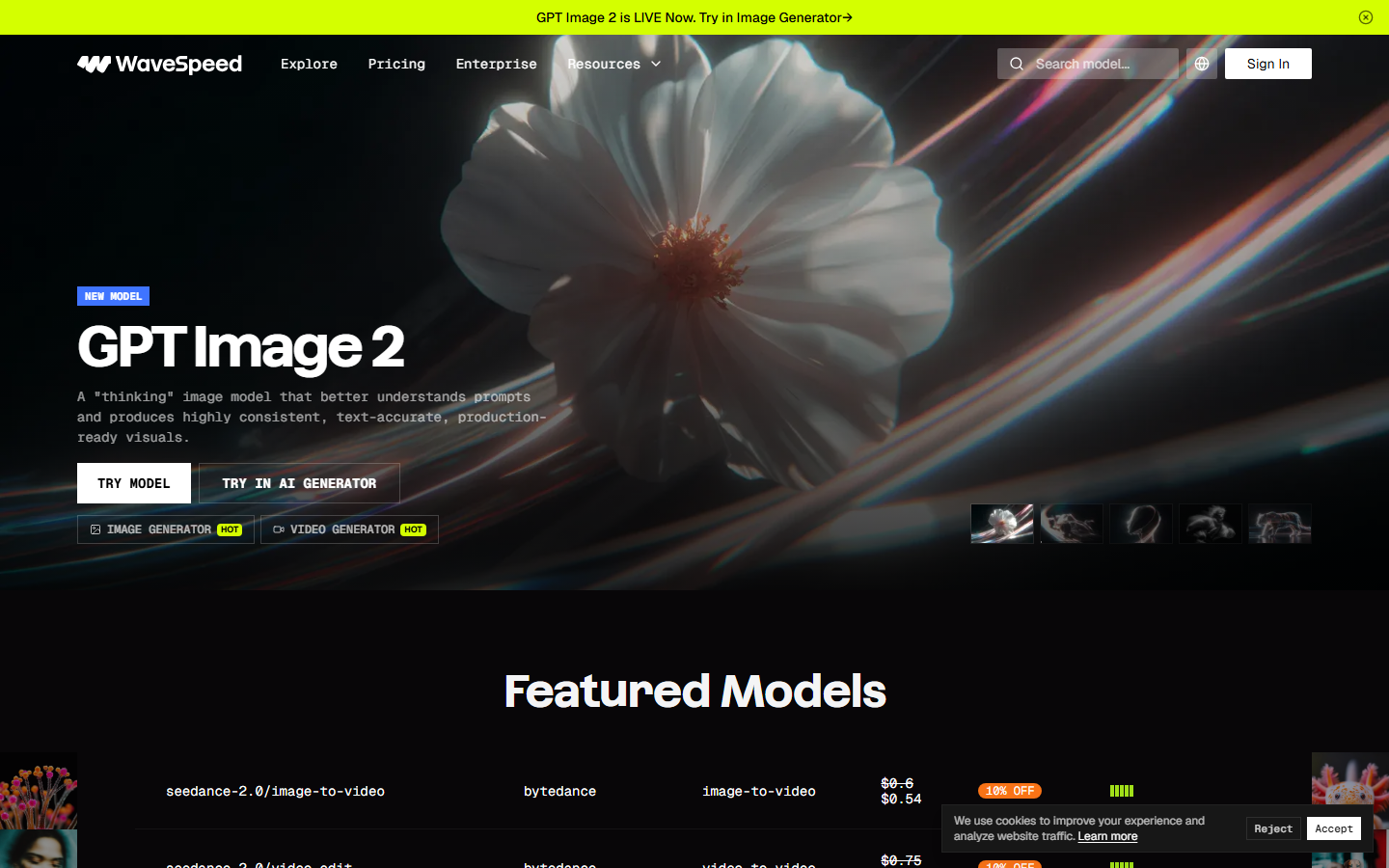
WaveSpeed AI is an API-first platform built for low-latency image generation. The platform optimizes inference speed across multiple model architectures, so applications that need sub-second generation times can rely on it for production workloads. WaveSpeed includes a browser-based playground for testing prompts and comparing models before integrating.
Most developers can make their first successful API call within 15 minutes using WaveSpeed's quickstart guides. The pricing model charges only for API usage, which can be cost-effective for applications with many users but moderate per-user generation volumes.
Best for: Applications requiring the lowest possible latency for image generation API calls.
6. Freepik Spaces
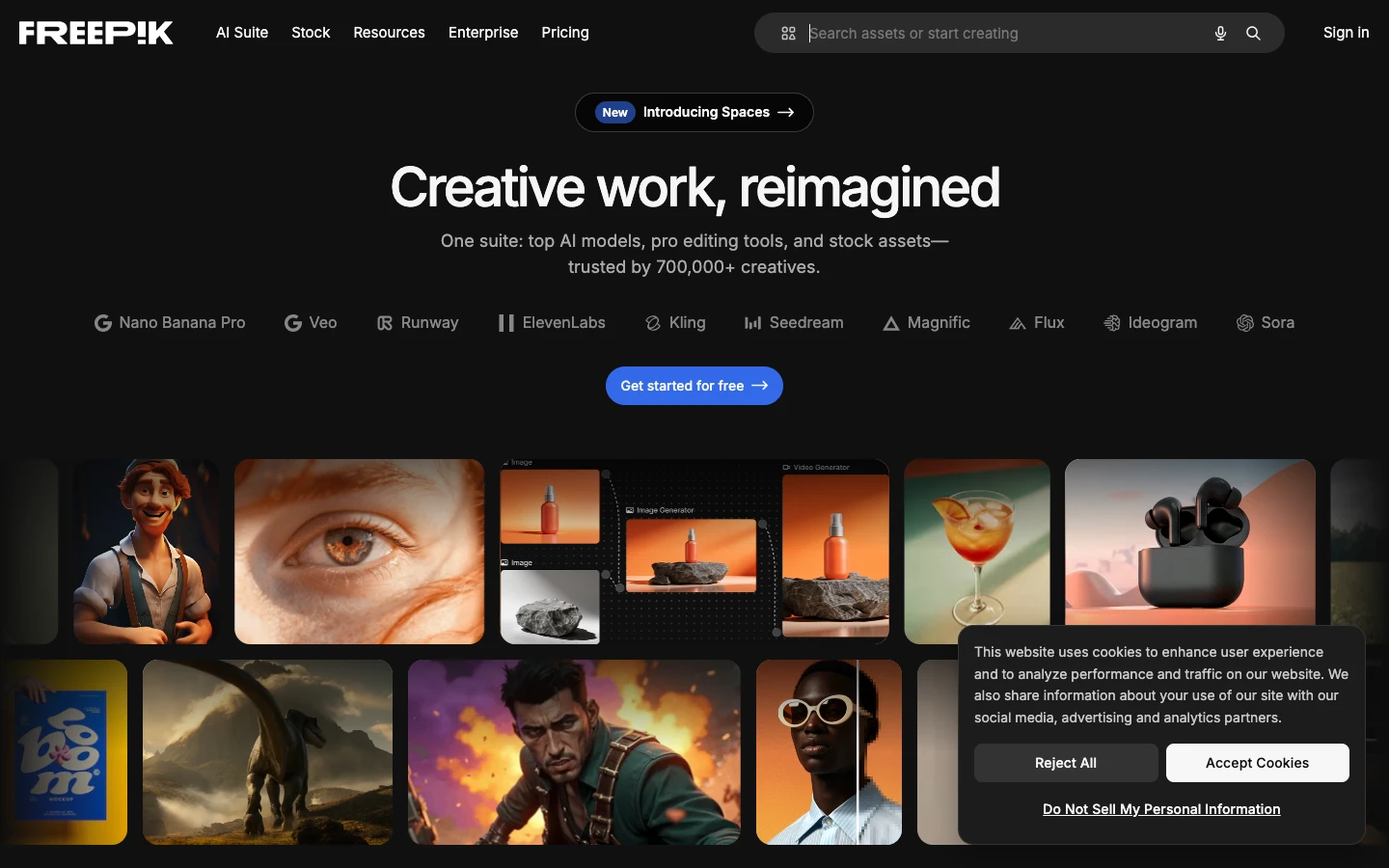
Freepik Spaces combines a template-driven design canvas with AI generation tools. The platform is built on Freepik's library of stock assets, so you can mix AI-generated elements with licensed templates and graphics. For teams already in the Freepik ecosystem, Spaces provides a familiar workflow with added AI capabilities.
The API access is more limited compared to developer-focused platforms. Freepik's strength is in design automation for marketing teams rather than custom model pipelines. It works well when you need consistent brand templates with AI-powered variations.
Best for: Marketing teams already using Freepik who want AI-enhanced template automation.
7. Canva
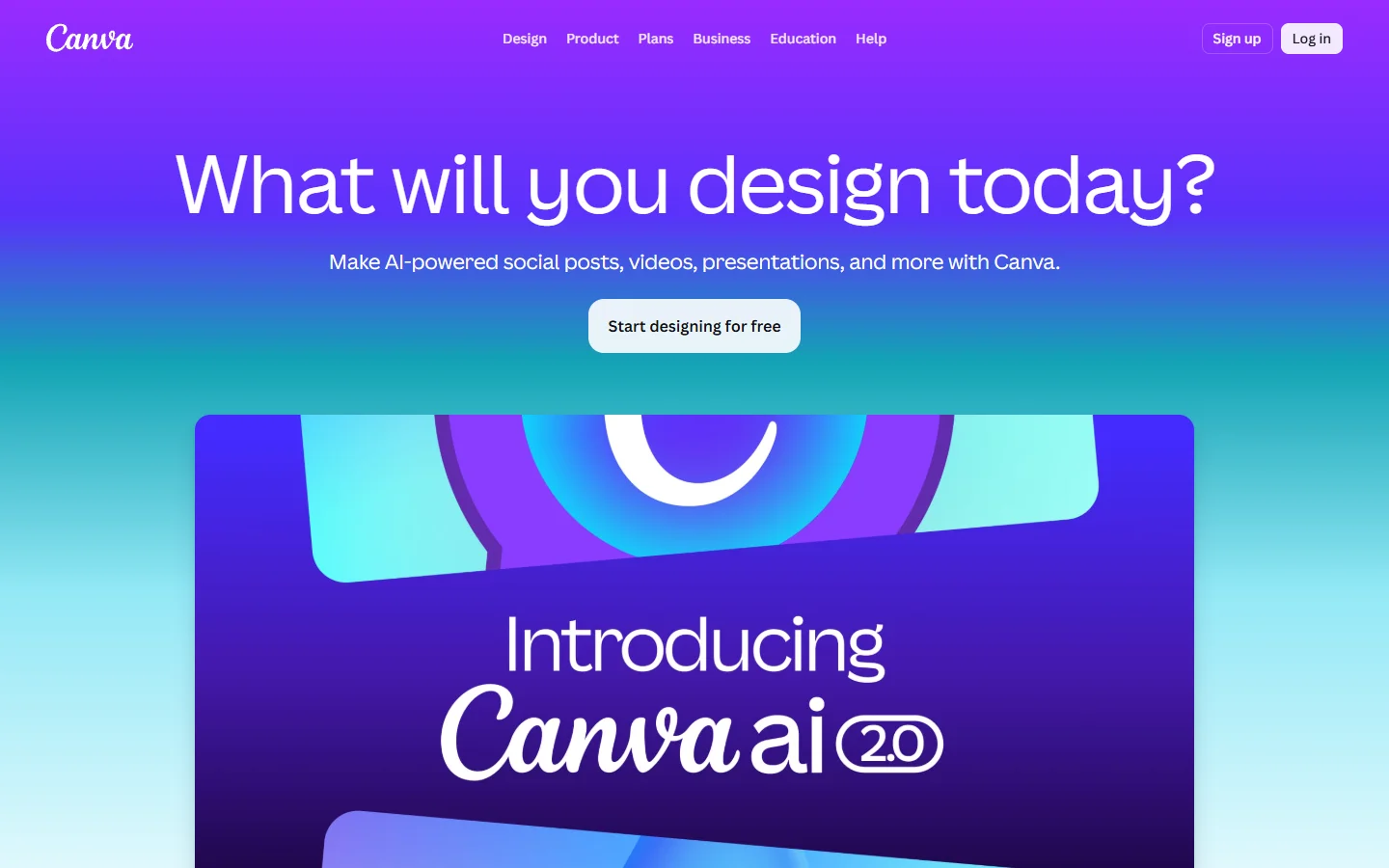
Canva is the most widely used design canvas, and its 2026 AI features include text-to-image generation, background removal, and design suggestions powered by models from OpenAI, Google, and Anthropic. Canva's Connect APIs allow third-party applications to create and modify designs programmatically.
The limitation is that Canva's API is design-oriented, not model-oriented. You can automate template filling and export, but you cannot chain arbitrary AI models or build custom inference pipelines. For teams that need a polished design output with basic automation, Canva delivers. For teams building AI model chaining workflows, it falls short.
Best for: Non-technical teams needing a polished design tool with basic AI generation and template automation.
Comparison Table
| Platform | Canvas Type | API Access | Self-Hosted | Model Flexibility | Pricing |
|---|---|---|---|---|---|
| Wireflow | Node-based workflow | Full REST API | No (cloud) | Multi-model (20+) | Usage-based |
| ComfyUI | Node-based graph | Community server | Yes (GPU required) | Stable Diffusion family | Free (self-host) |
| Fal AI | Playground | REST API | No | Multi-model | Per-request |
| Krea AI | Interactive sketch | REST API | No | Proprietary + open | Subscription + usage |
| WaveSpeed AI | Playground | REST API | No | Multi-model | Usage-based |
| Freepik Spaces | Template editor | Limited API | No | Proprietary | Subscription |
| Canva | Design editor | Connect API | No | Proprietary | Subscription |
How to Choose the Right Platform
Selecting the right AI canvas with API depends on your team's technical depth and production requirements. If you need a no-code AI canvas that also exposes every workflow as an API endpoint, prioritize platforms that bridge visual design and programmatic access. If your team has GPU infrastructure and wants full model control, ComfyUI gives you that at zero licensing cost.
For pure API consumption without canvas needs, WaveSpeed and Fal offer the fastest path to integration. For design-heavy teams that occasionally need AI, Canva and Freepik cover the basics without requiring engineering resources. Consider your pipeline automation needs carefully: batch processing, webhook triggers, and multi-model chaining are features only the developer-focused platforms support.
Try it yourself: Build this workflow in Wireflow. The nodes are pre-configured to generate a product mockup image using GPT Image 2.5 Flare and upscale it, demonstrating how a canvas-to-API workflow operates in practice.
FAQ
What is an AI canvas platform?
An AI canvas platform provides a visual interface where you drag, connect, and configure AI model nodes to build generation workflows. Unlike pure API services, canvas platforms let you see the data flow between models before deploying to production.
Why does API access matter for AI canvas tools?
API access lets you trigger canvas-built workflows from your own applications. Without it, you are limited to manual generation inside the platform's UI, which does not scale for production use cases like e-commerce image generation or automated ad creative.
Can I use ComfyUI without a GPU?
ComfyUI requires a GPU for local inference. Third-party services offer cloud-hosted ComfyUI instances that handle the infrastructure, but you will pay for GPU time. Check the ComfyUI cloud API comparison for current options.
Which platform supports the most AI models?
Wireflow supports over 20 models across image, video, audio, and text generation. ComfyUI supports the Stable Diffusion family plus community extensions. Fal AI and WaveSpeed support multiple open-source models through their inference APIs.
Is Canva's API suitable for AI image generation pipelines?
Canva's API is designed for design automation (template filling, brand kit application, export) rather than custom AI model pipelines. If you need to chain multiple AI models or run batch inference, a developer-focused platform will serve you better.
How much does API access cost on these platforms?
Pricing varies significantly. ComfyUI is free if self-hosted. Wireflow, Fal, and WaveSpeed charge per API request based on compute time. Canva and Freepik bundle API access into their subscription tiers, with usage limits that vary by plan.
Can I build multi-step AI workflows with these tools?
Wireflow and ComfyUI both support multi-step workflows where the output of one model feeds into the next. Fal AI supports workflow chaining through their queue system. Krea, WaveSpeed, Canva, and Freepik are primarily single-step generation tools.
What is the difference between a canvas platform and an API-only service?
A canvas platform gives you a visual interface to build and test workflows before deploying them. An API-only service requires you to write code for every interaction. Canvas platforms reduce iteration time during development while still offering programmatic access for production deployment.

Co-Founder & Operations at Wireflow
Runs client operations and content strategy at Wireflow. Works directly with creative teams and agencies to build production AI workflows.
- Content Strategy
- Client Operations
Get unlimited ad creatives today.
One call to see if we are a fit and scope the first ad. If it fits, your first batch lands inside week one.