

If you build applications that need on-demand image generation, video pipelines, or multi-model AI workflows, choosing the right canvas platform with a proper API matters more than the UI itself. Wireflow gives teams a visual node-based canvas where every workflow you build is instantly available as a REST API endpoint, making it the go-to option for developers who want both a drag-and-drop editor and full programmatic control.
This guide ranks seven AI canvas platforms that offer API access in 2026. We tested each for API quality, model support, canvas flexibility, and pricing to help you pick the right one for your stack.
Quick Summary
- Wireflow: Best overall for visual canvas with full REST API
- Orshot: Best for template-based image rendering at scale
- Figma: Best for UI/UX design with MCP server integration
- Canva: Best for non-technical teams needing AI design automation
- fal.ai: Best for direct model inference with low latency
- Krea AI: Best for real-time AI image generation
- Replicate: Best for open-source model deployment via API
For a hands-on look at how canvas-based API workflows come together, check out the AI canvas platforms with API feature page.
1. Wireflow: Visual AI Canvas with Full REST API
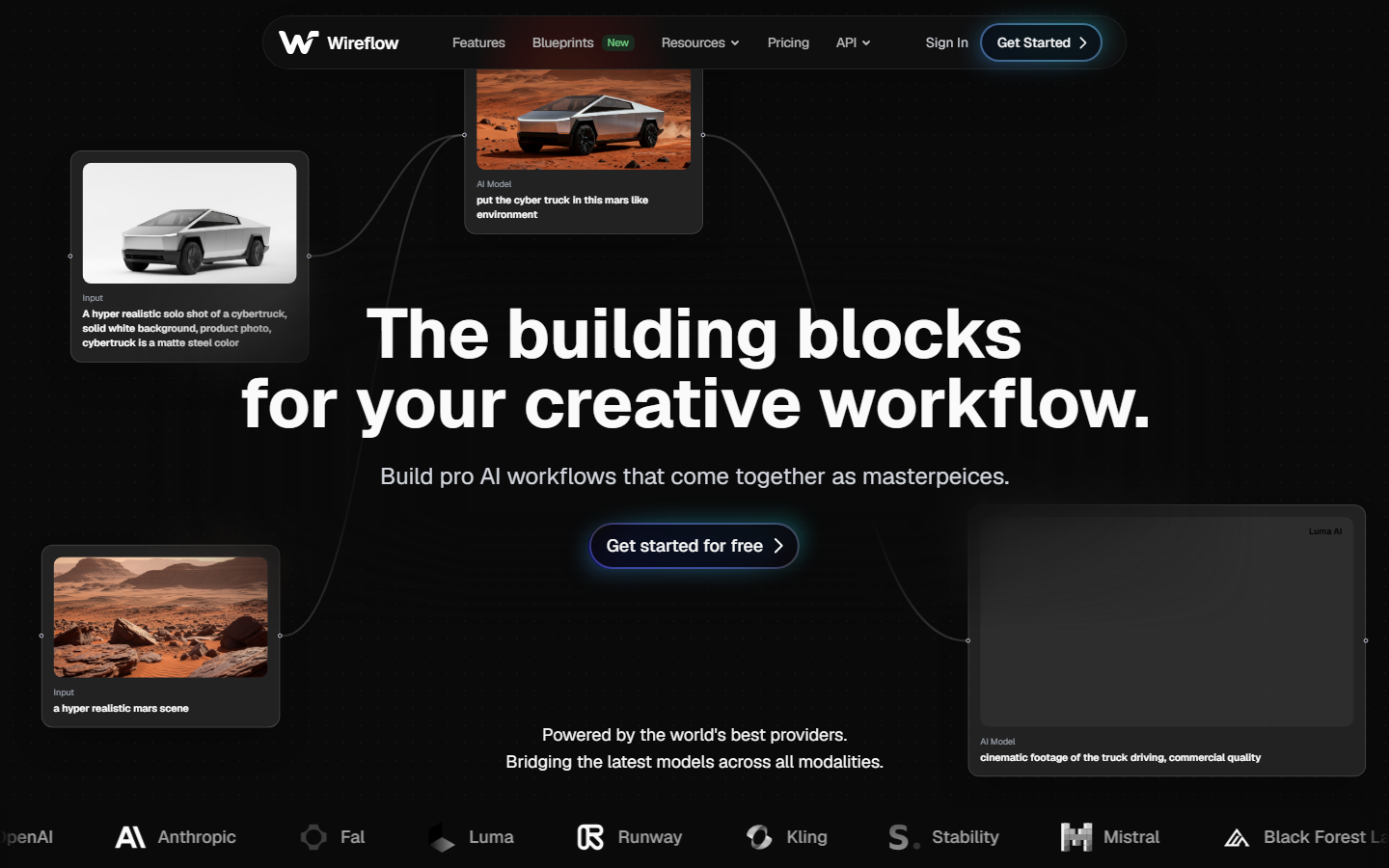
Wireflow is a visual node editor that lets you chain AI models together on a canvas and expose the entire pipeline as an API endpoint. You connect nodes for text-to-image, upscaling, background removal, video generation, and more, then call the workflow from your app with a single POST request.
Key strengths:
- Every canvas workflow gets a unique REST API endpoint automatically
- Supports 50+ AI models including Flux, Recraft v4, Kling, Veo 3, and Stable Diffusion
- No-code canvas with drag-and-drop node connections
- Batch generation for processing hundreds of inputs in one call
- Built-in version control and workflow templates
Pricing: Free tier with 50 generations/month. Pro starts at $29/month with unlimited API calls.
Best for: Developer teams who need both a visual builder and production-grade API access.
2. Orshot: Template-Based API Rendering
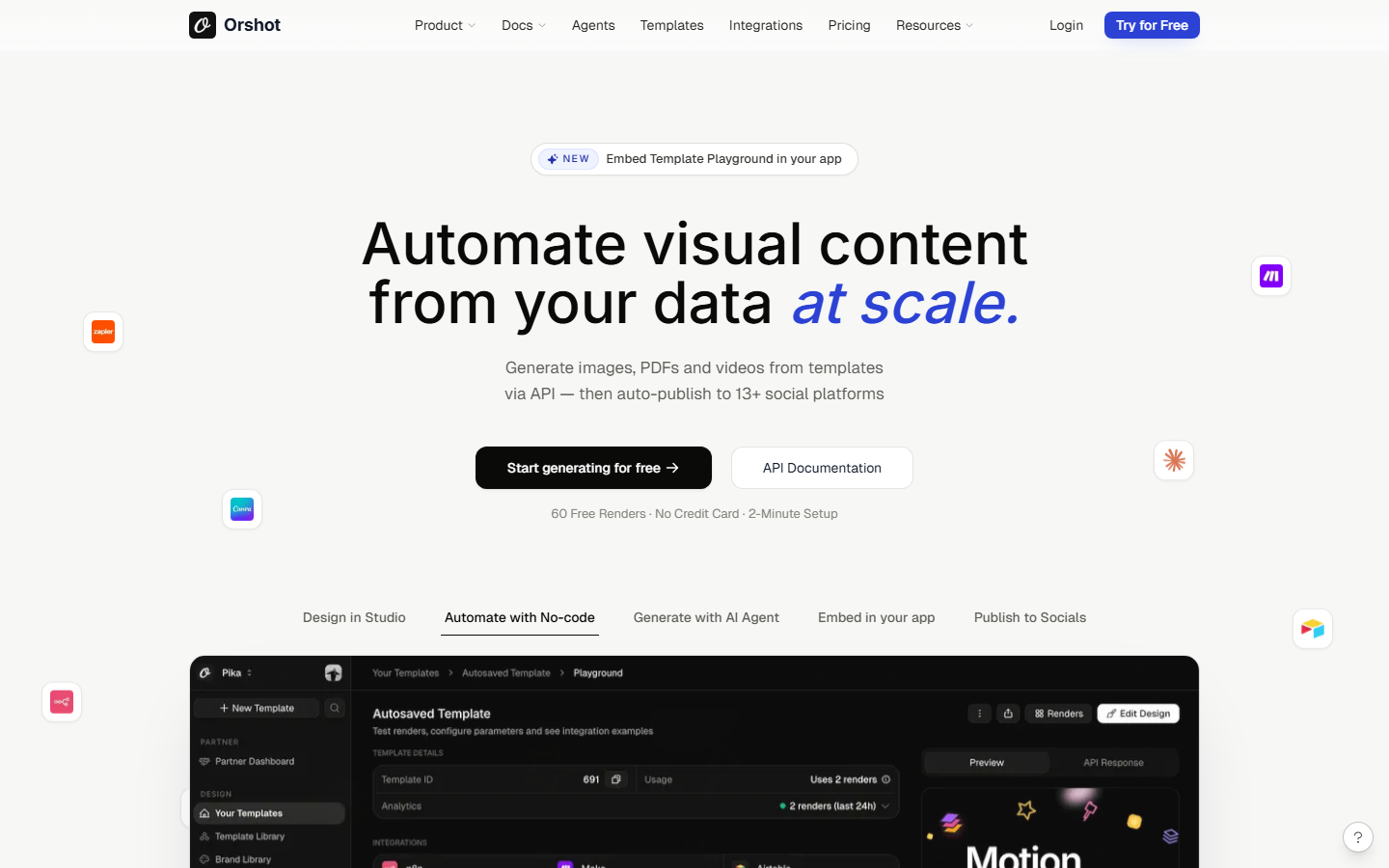
Orshot focuses on template-driven image generation. You design a template once in their editor, mark dynamic elements (text, images, colors), then render thousands of branded variations via their REST API. It also integrates with AI workflow tools like Zapier and n8n for automation.
Key strengths:
- Template editor with dynamic fields for programmatic rendering
- REST API and webhook support for automated pipelines
- AI agent integration via MCP for prompt-driven design
- Social media publishing built into the workflow
Pricing: Free tier available. Paid plans start at $19/month.
Best for: Marketing teams generating branded social media images at scale.
3. Figma: Design Collaboration with MCP Server
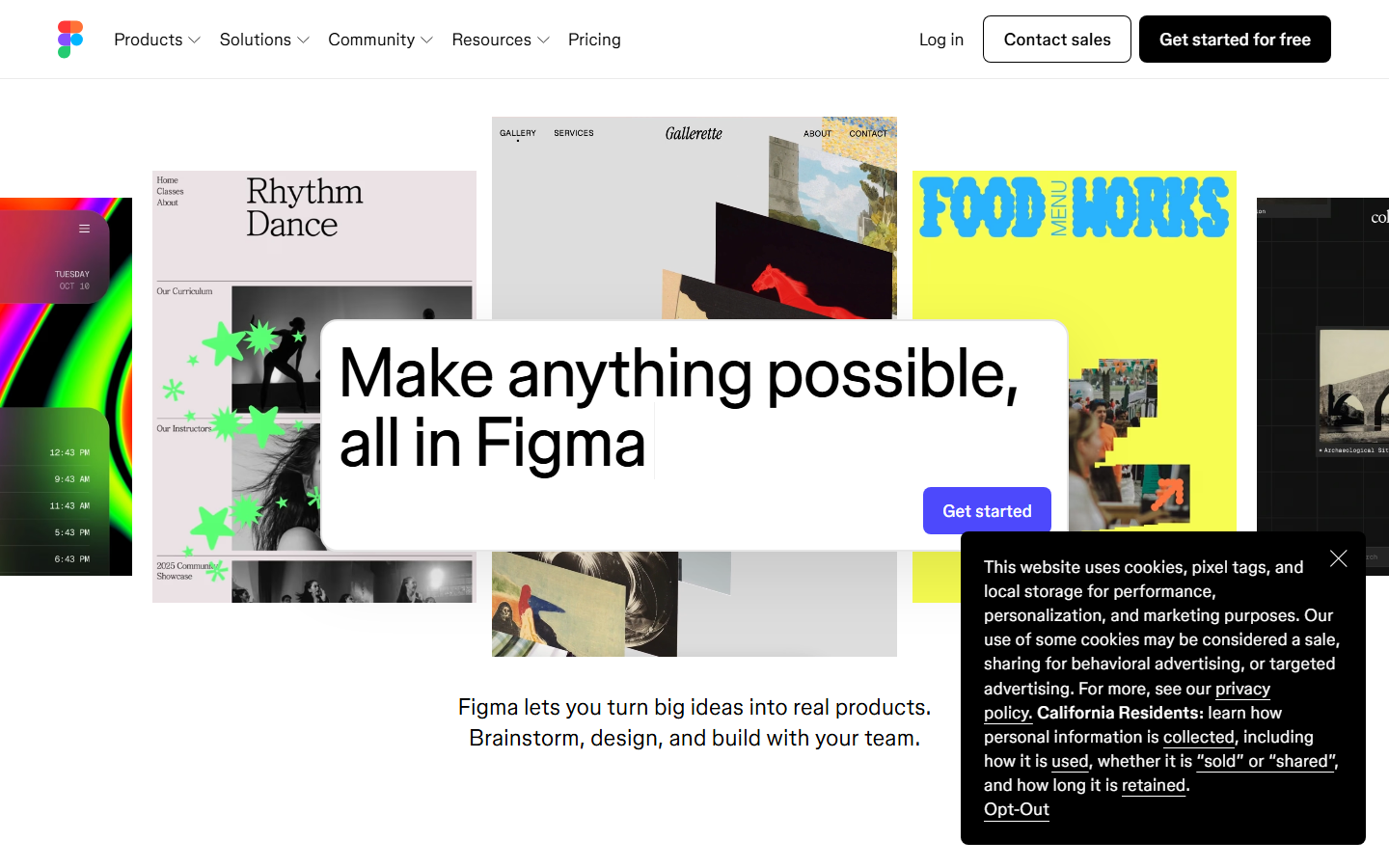
Figma shipped an official MCP server in 2026, letting AI agents read design context, extract variables and components, and write back to the canvas. While Figma is primarily a UI/UX design tool, its API and plugin ecosystem make it viable for programmatic design workflows.
Key strengths:
- Official MCP server for AI agent integration
- Mature REST API for reading and writing design files
- Plugin ecosystem with 2,000+ community extensions
- Real-time collaboration with developer handoff tools
Pricing: Free for individual use. Professional plan at $15/user/month.
Best for: Design teams who need AI-assisted iteration within an existing Figma workflow.
4. Canva: AI Design Automation for Teams
Canva added an MCP-compatible AI Connector in 2026 that lets agents create and edit designs, manage brand assets, and export in multiple formats. Its Connect API enables programmatic template rendering, though it lacks the depth of dedicated AI pipeline platforms for multi-model workflows.
Key strengths:
- MCP AI Connector for agent-driven design creation
- Connect API for programmatic template rendering
- Brand Kit enforcement across all generated assets
- 100M+ template library with AI-powered suggestions
Pricing: Free tier. Canva Teams at $10/user/month.
Best for: Non-technical teams who want AI-assisted design without writing code.
5. fal.ai: Low-Latency Model Inference
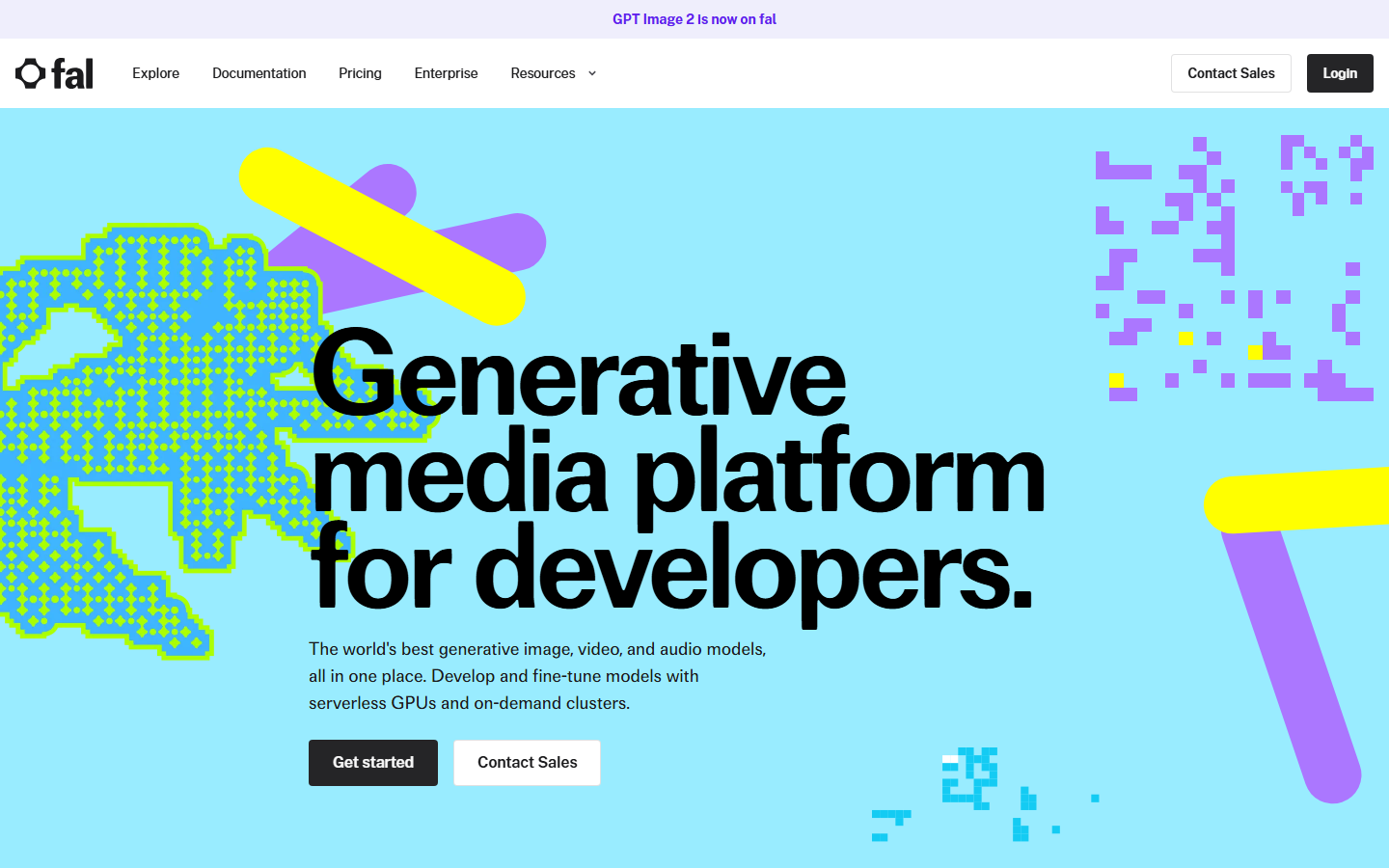
fal.ai provides a serverless inference platform where you call AI models directly via API. While it does not have a traditional canvas editor, its model catalog and API quality make it a strong choice for developers who prefer code-first workflows and need sub-second response times.
Key strengths:
- Serverless inference with auto-scaling GPU infrastructure
- 100+ models available via unified API (Flux, SDXL, Recraft, Kling)
- Client libraries for Python, JavaScript, and Swift
- Pay-per-use pricing with no idle costs
Pricing: Pay-per-inference. Flux Pro image generation starts at ~$0.04/image.
Best for: Developers who want direct API access to models without a visual builder.
6. Krea AI: Real-Time AI Generation
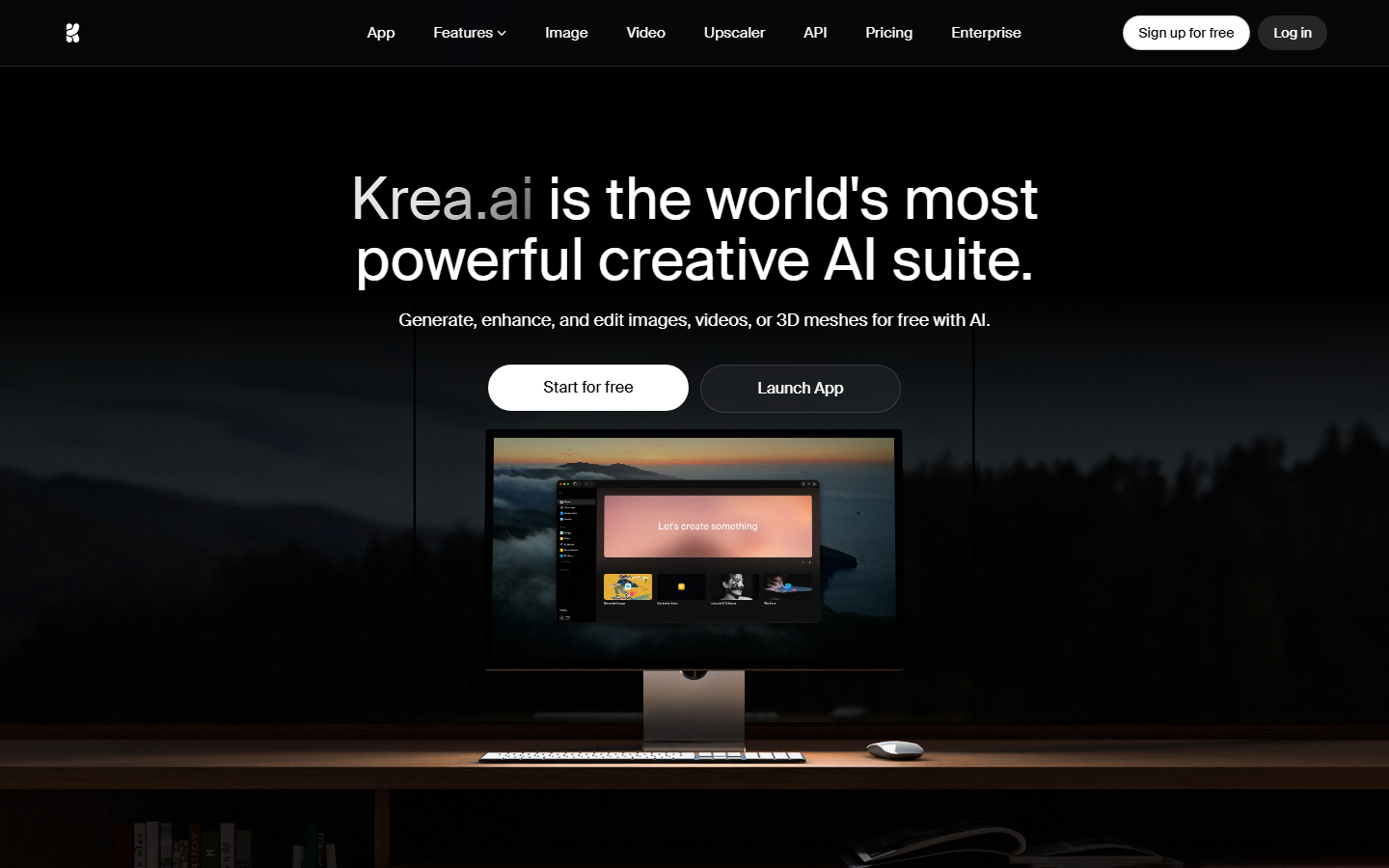
Krea AI offers a real-time canvas where AI-generated images update as you draw, type, or adjust parameters. Its API is more limited than dedicated infrastructure platforms, but the real-time generation canvas is uniquely interactive. For teams comparing Krea's API capabilities, the main differentiator is the live preview experience.
Key strengths:
- Real-time canvas with instant AI feedback as you sketch
- Upscaling and enhancement tools built into the canvas
- Style transfer and image-to-image transformation
- API access for batch generation (limited endpoints)
Pricing: Free tier. Pro at $24/month.
Best for: Creative professionals who want interactive, real-time AI generation.
7. Replicate: Open-Source Model Hosting
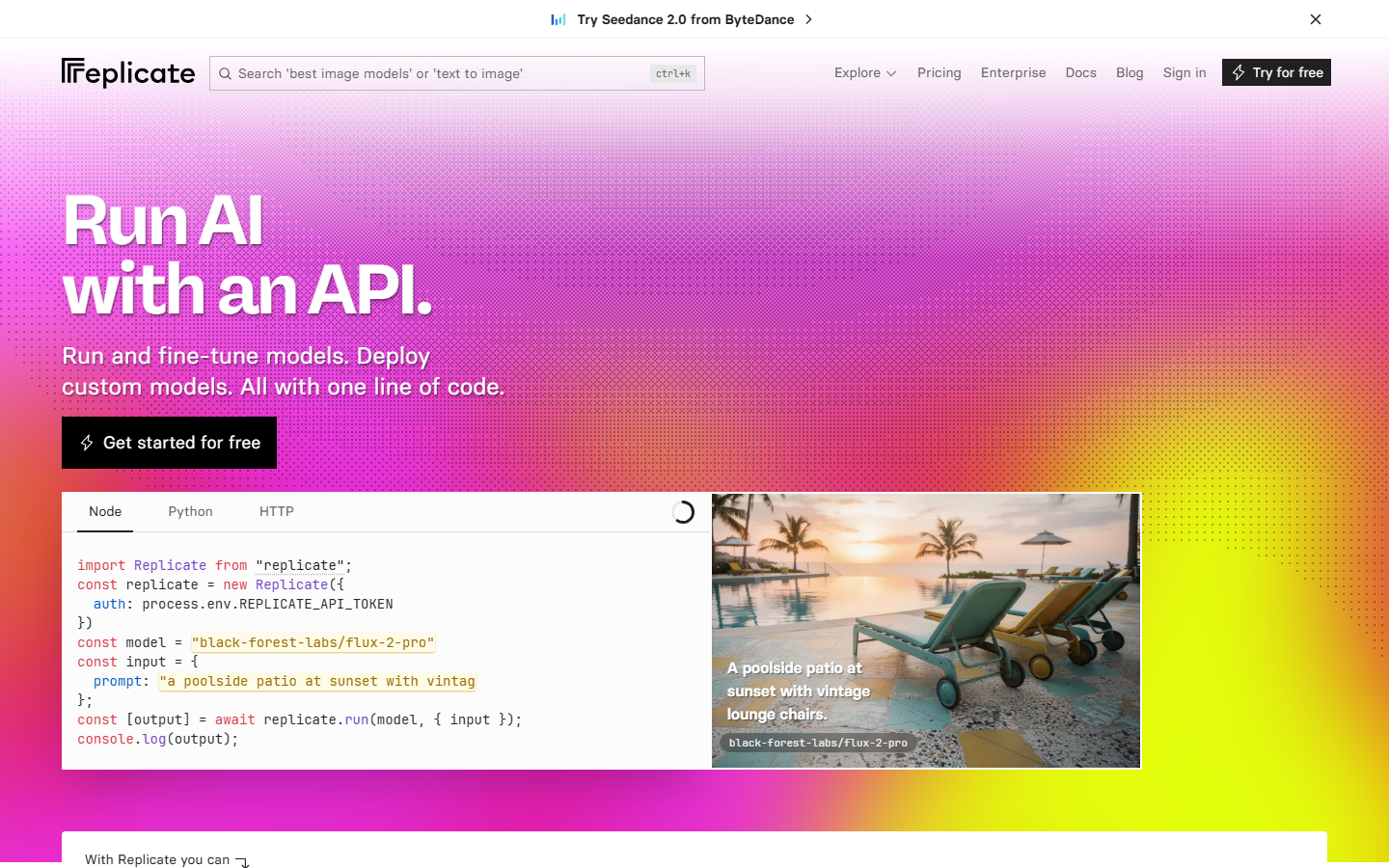
Replicate hosts open-source AI models and exposes them via a consistent REST API. There is no built-in canvas, but you can combine it with a visual workflow builder to create canvas-like experiences on top of their model infrastructure.
Key strengths:
- 10,000+ community-contributed models
- Consistent API interface across all models
- Custom model deployment with Cog containers
- Webhook support for async generation pipelines
Pricing: Pay-per-second of compute. Flux Schnell starts at ~$0.003/image.
Best for: Teams that want maximum model selection and prefer to build their own UI.
Comparison Table
| Platform | Visual Canvas | REST API | Models Available | Real-Time Preview | Pricing Start |
|---|---|---|---|---|---|
| Wireflow | Yes | Full REST | 50+ | Yes | Free / $29/mo |
| Orshot | Template editor | Yes | Limited | No | Free / $19/mo |
| Figma | Yes (design) | Yes + MCP | Plugin-based | Yes | Free / $15/mo |
| Canva | Yes (design) | Connect API + MCP | Built-in | Yes | Free / $10/mo |
| fal.ai | No | Full REST | 100+ | No | Pay-per-use |
| Krea AI | Yes (real-time) | Limited | Proprietary | Yes | Free / $24/mo |
| Replicate | No | Full REST | 10,000+ | No | Pay-per-use |
How to Choose the Right Platform
The right platform depends on what you are building. If you need a visual node editor with API access, a workflow-first tool like Wireflow is the strongest fit. If you are rendering branded templates at scale, Orshot's approach saves time. For pure API inference without a canvas, fal.ai and Replicate offer the widest model selection.
Consider these factors when evaluating:
- API depth: Does the platform expose all canvas operations via API, or just a subset?
- Model coverage: Can you swap models without changing your integration code?
- Latency requirements: Real-time applications need sub-second inference (fal.ai, Krea)
- Team size: Collaboration features matter for larger teams (Figma, Canva)
- Budget model: Fixed monthly pricing vs. pay-per-use depends on your volume
Try it yourself: Build this workflow in Wireflow. The nodes are pre-configured with a text-to-image pipeline using Recraft v4, ready to customize for your own canvas-based generation needs.
FAQ
What is an AI canvas platform with API?
An AI canvas platform with API combines a visual editor (canvas) where you can design workflows, chain AI models, or create templates, with a programmable API that lets you trigger those same operations from your own application code.
Which AI canvas platform has the best API?
Wireflow offers the most complete API for canvas-based workflows, exposing every node operation as a REST endpoint. fal.ai and Replicate have strong APIs too, but lack the visual canvas component.
Can I use Figma as an AI canvas with API?
Yes. Figma's REST API and new MCP server let AI agents read and write to design files programmatically. However, Figma is optimized for UI/UX design, not multi-model AI generation pipelines.
Is Canva's API good enough for production apps?
Canva's Connect API works well for template rendering and brand-consistent design generation. For complex multi-step AI workflows or custom model integrations, dedicated AI workflow platforms are more flexible.
What is the cheapest AI canvas platform with API?
Replicate and fal.ai offer pay-per-use pricing with no monthly minimums, making them the cheapest option for low-volume use. Wireflow, Orshot, and Canva all offer free tiers for testing before you commit.
Do I need a canvas if I only want the API?
No. If you prefer writing code directly, fal.ai and Replicate provide pure API access without a visual editor. The canvas is useful for prototyping and non-technical team members, but the API works independently.
Can I chain multiple AI models on these platforms?
Wireflow is specifically designed for model chaining, letting you connect text-to-image, upscaling, background removal, and video models in a single pipeline. Other platforms typically require external orchestration to chain models.
How do I migrate from one canvas platform to another?
Most platforms use standard REST APIs with JSON payloads, so migration involves updating your API calls. If you use workflow templates, you can often recreate your setup quickly on the new platform.


