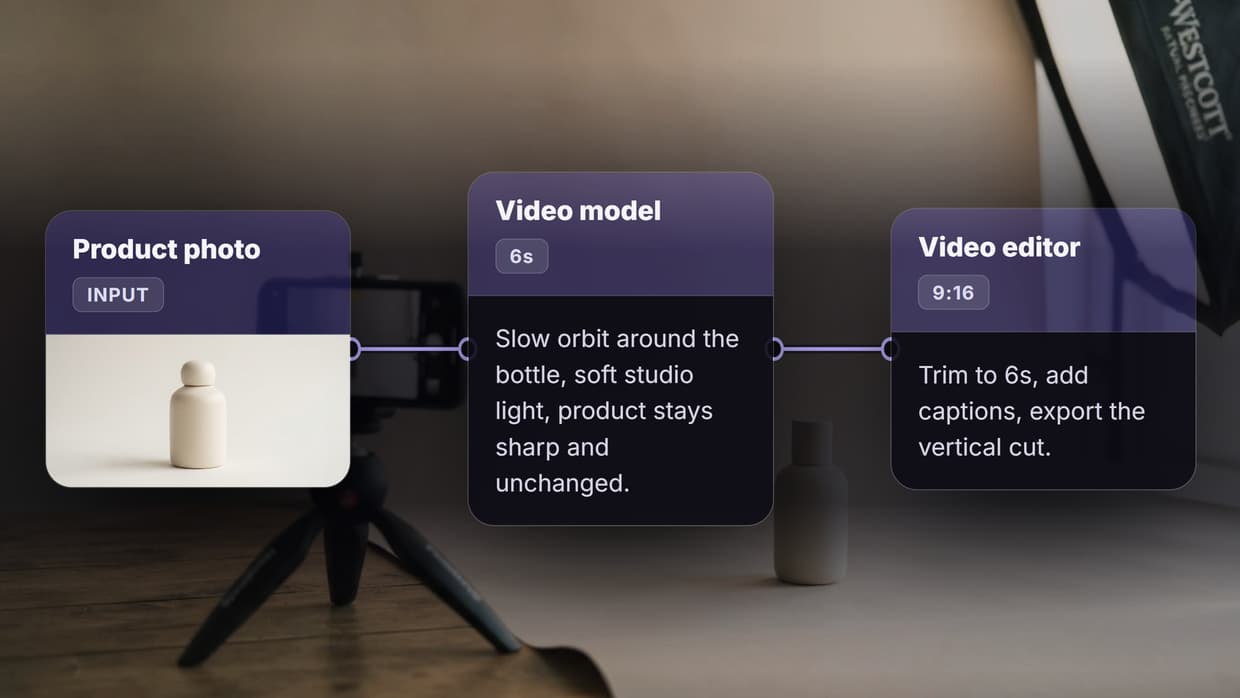
The best product video generators in 2026 turn one product photo into a finished clip in about two minutes, but they are not interchangeable, and picking the wrong one usually shows up as a warped label or a logo that melts halfway through the render. This guide ranks eight tools by what actually matters for commerce video: whether your product survives the generation intact. Each entry covers what the tool does, who it suits, and where it breaks down. Wireflow takes the top slot because it chains a product photo, a video model, and an editor into one repeatable run, so the setup that produced one good clip can produce four hundred.
Quick Summary
- Wireflow - chain photo, video model, and editor on one canvas. Best Overall
- Creatify - product URL straight to an avatar led ad. Best for Ad Creative
- PixVerse - product photo to cinematic camera motion. Best for Image to Video
- HeyGen - presenter led product explainers with strong lip sync. Best for Avatar Video
- Photoroom - catalogue photo cleanup plus motion. Best for Catalogue Scale
- Runway - frame level control for premium campaigns. Best for Creative Control
- Topview - many ad concepts from one listing. Best for Volume Testing
- Synthesia - product explainers in many languages. Best for Localisation
How We Ranked These Tools
Product video is harder than general text to video, because the output has to match a physical thing a customer will receive. A generator that invents a beautiful bottle is useless if the bottle is not yours. We weighted four criteria, in order: product fidelity, meaning colour, shape, and label text survive the render; repeatability, meaning the same setup works for the next hundred SKUs without re-prompting; control over camera, length, and aspect ratio; and output range across vertical, square, and landscape. Pricing ranks below fidelity, because a cheap tool that mangles the product costs more in reshoots than it saves. For storefront video specifically, our guide to ecommerce product video tools covers that narrower case.
1. Wireflow
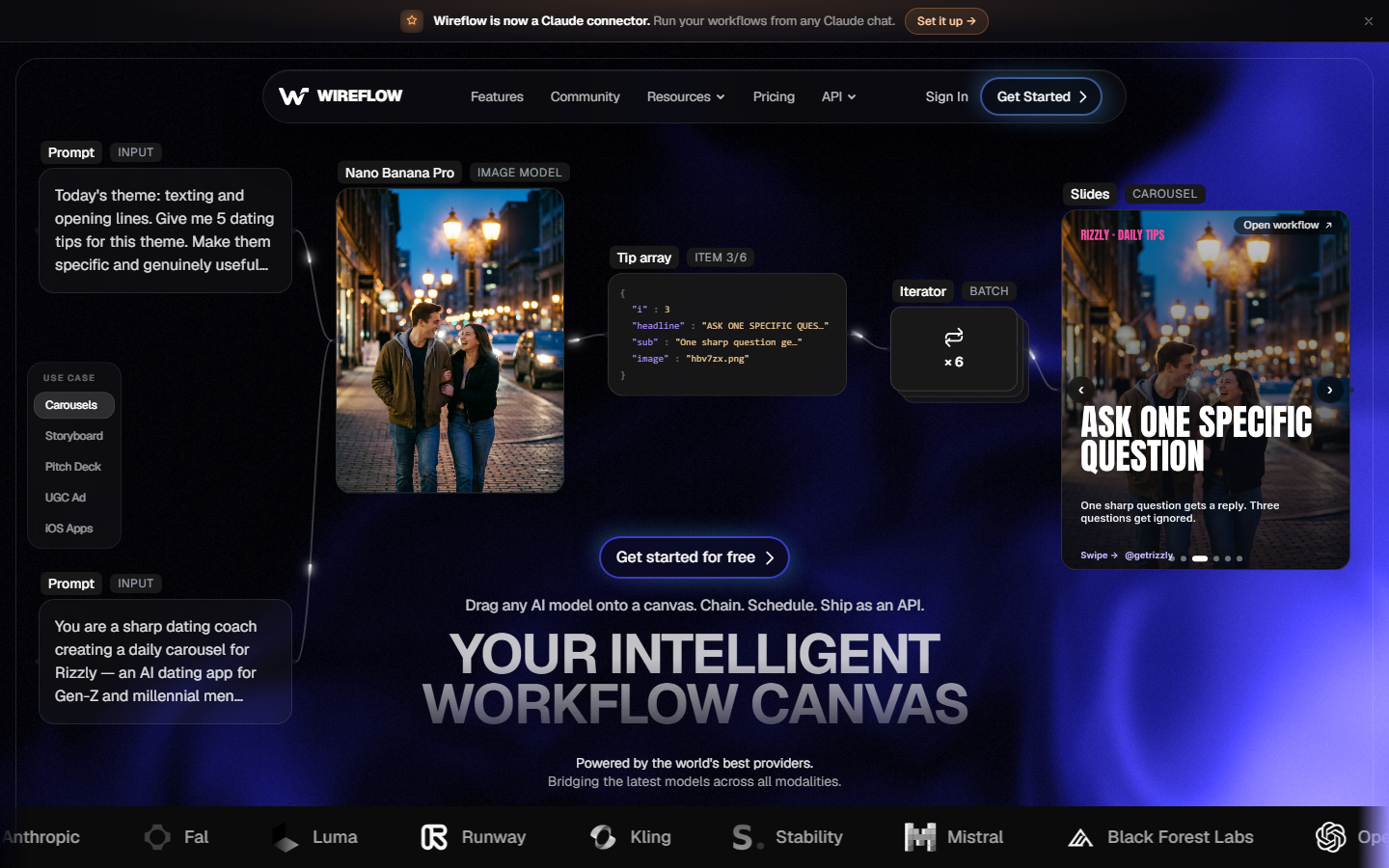
Wireflow is a node canvas rather than a single generator, which is the structural difference at catalogue scale. You drop a product photo into an input node, wire it to a video model, wire that to a video editor node for trimming and captions, and the chain becomes a saved workflow. Swap the input photo and the chain reruns, so SKU number two costs a file upload instead of a fresh prompting session. Because the canvas is model agnostic, you are not locked to one vendor's motion quality: if a newer model renders fabric or glass better, you replace that node and keep the pipeline. The tradeoff is real, since a canvas asks more of you on day one than a single button does. The same pattern powers the UGC video generator setup when you need creator style footage alongside clean product shots. Verdict: best overall for anyone who needs the second hundred videos to be as cheap as the first.
2. Creatify

Creatify starts from a product URL. Paste a listing and it pulls the images and copy, writes a script, and assembles an ad with an AI presenter discussing the product. For direct response advertising that shortcut is useful, because the tool is opinionated about ad structure rather than leaving you raw footage to edit. Output skews heavily toward the talking creator format, so it is a poor fit if you want the product animated with no person on screen. Fidelity is decent on inserted product shots and weaker when the avatar handles the item. Teams running paid social at volume get the most from it, and it sits alongside the broader UGC video generator landscape. Verdict: best when the deliverable is a performance ad, not a product beauty shot.
3. PixVerse
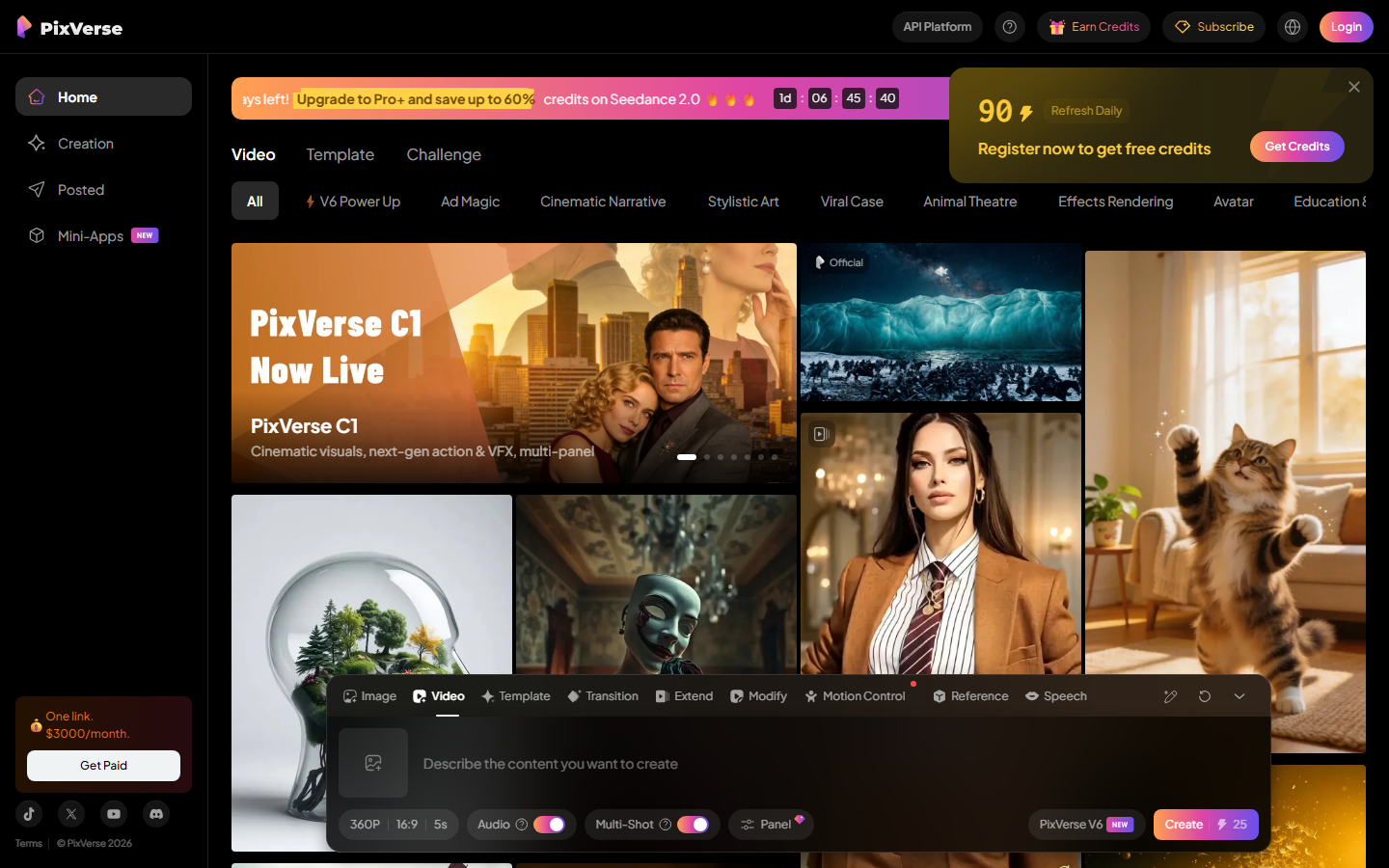
PixVerse is an image to video specialist, and that focus shows in how well it holds a product's silhouette through a camera move. Feed it a clean packshot, describe an orbit or a slow push in, and you get commercial looking motion without a studio. It handles rigid products like bottles, boxes, and electronics more reliably than soft goods, where fabric folds drift between frames. Clips are short by default, so longer narratives need stitching elsewhere. Watermarking depends on plan tier, worth checking before building a workflow around it; our roundup of video generators without watermarks covers where the free tiers stand. Verdict: best if you already have good product photography and want motion added to it.
4. HeyGen

HeyGen is the strongest option when a person needs to explain the product rather than just show it. Lip sync remains noticeably ahead of most competitors, the avatar library is large, and language coverage is broad enough to localise a launch video across major markets. For considered purchases like software or supplements, a presenter outperforms a silent product loop. What it does not do is animate your product: the item appears as an inserted image or a prop, so a macro texture shot or rotating hero render is out of scope. Verdict: best for presenter led explainers where the pitch carries more weight than the visuals.
5. Photoroom
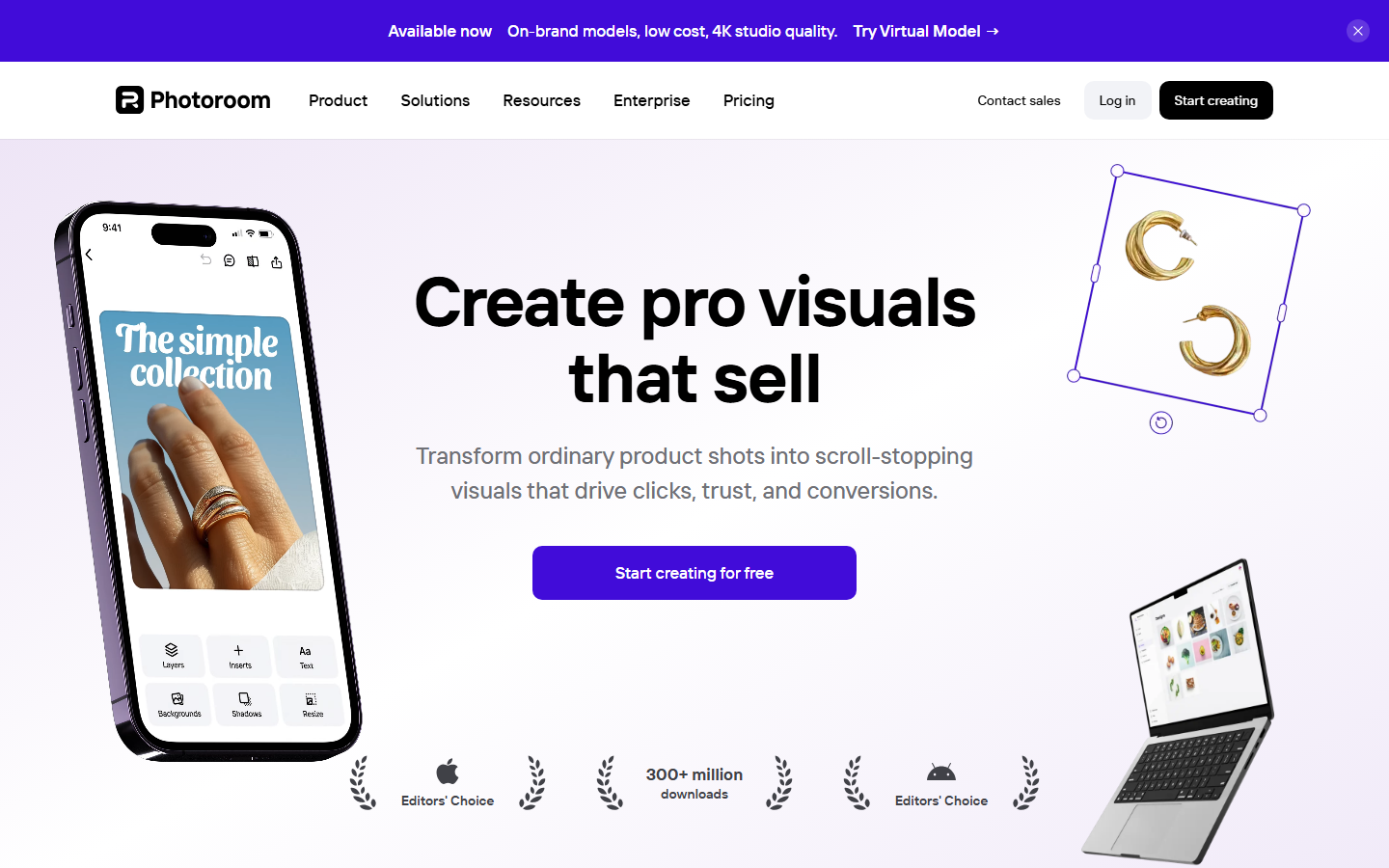
Photoroom arrives at video from the product photography side, and that lineage is its advantage. Background removal, shadow generation, and batch editing are mature here, so the still feeding the video model is clean and consistent before motion is applied. For sellers with thousands of uneven supplier photos, fixing the input matters more than the render. The video features are newer and less directable, with fewer camera controls. Treat it as a pipeline stage rather than a complete solution; the same logic applies to any automated video creation setup where input quality caps output quality. Verdict: best for cleaning and animating a large, messy catalogue.
6. Runway
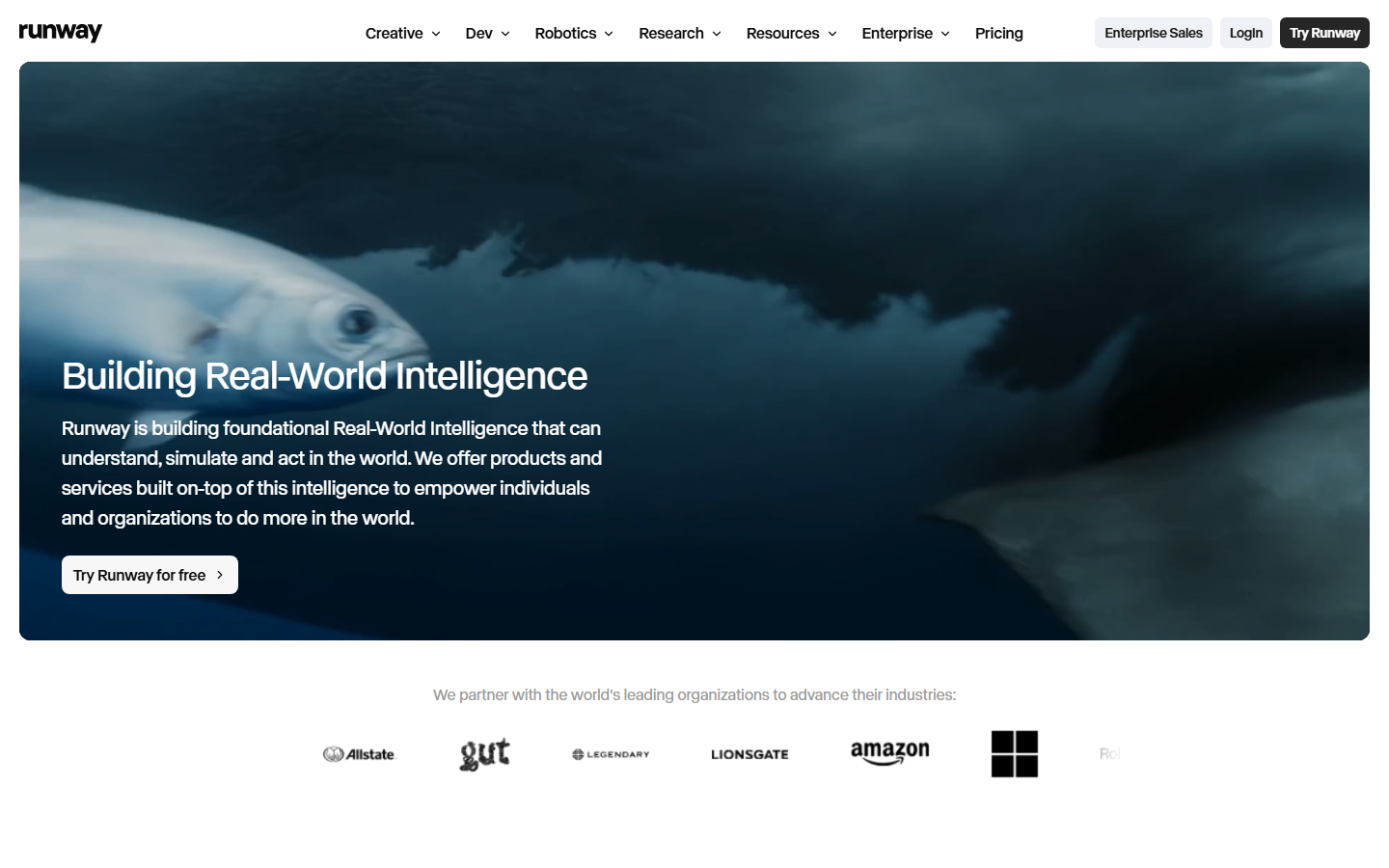
Runway gives you the most granular creative control on this list. Keyframing, motion brushes, and reference conditioning let you direct a shot rather than describe it and hope. For a flagship campaign where one hero video justifies real effort, that control is worth the time. The same depth works against it at volume: every clip wants attention, the interface assumes editing instincts, and costs climb quickly at high resolution. Verdict: best for one premium campaign film, not for your whole product line.
7. Topview

Topview optimises for concept volume. Give it a listing and it returns several distinct ad angles, different hooks, presenters, and pacing, which is what a paid social team needs on a testing week. Quality per clip is inconsistent, so expect to discard a meaningful share. That is a fair trade when hunting for a winning creative rather than shipping a brand film. It fits the same job as other tools built to mass produce ad variations. Verdict: best for generating many testable variants quickly.
8. Synthesia

Synthesia is the enterprise leaning presenter tool, built around consistent avatars, brand templates, and wide language support. Where HeyGen aims at marketing clips, Synthesia is equally comfortable with product training and onboarding video, and its approval structure suits teams where several people sign off on a script. It is the least product focused entry here, with no real animation of the item itself, and pricing starts above the self serve tools. Verdict: best for multilingual product explainers inside a larger organisation.
Comparison Table
| Tool | Best for | Product animation | Presenter | Repeatable at scale |
|---|---|---|---|---|
| Wireflow | End to end pipelines | Yes, via chosen model | Optional node | Yes, saved workflows |
| Creatify | Performance ads | Limited | Yes | Partly, per URL |
| PixVerse | Photo to motion | Yes | No | Manual per clip |
| HeyGen | Explainer video | No | Yes | Partly, via templates |
| Photoroom | Catalogue prep | Basic | No | Yes, batch editing |
| Runway | Premium campaigns | Yes, directed | No | No |
| Topview | Variant testing | Limited | Yes | Yes, per listing |
| Synthesia | Localised explainers | No | Yes | Yes, via templates |
How to Choose
Start from the deliverable, not the tool. If you need the product itself to move, look at PixVerse, Runway, or a canvas that calls one of those models. If you need a human to explain it, HeyGen or Synthesia. If you need fifty ad variants by Friday, Topview or Creatify. If you need all of those over a catalogue that keeps growing, a single generator becomes the bottleneck and a chained workflow is the answer. Run the arithmetic on a realistic SKU count before committing; our pricing page shows how credit based costs behave at volume. The common mistake is choosing on demo quality alone, since every tool looks strong on its own showreel and the differences only appear on your product, at your volume.
Try it yourself: Open this product video workflow - the nodes are pre-configured to take a product input, generate the video, and assemble the finished vertical cut described above.
Frequently Asked Questions
What is a product video generator? It is a tool that turns product inputs, usually a photo, a listing URL, or a text description, into a finished clip without a camera or an editor. Most fall into three groups: animators that put the product in motion, presenter tools that build a spokesperson around it, and assemblers that cut a video from a product link.
Can AI product videos keep my packaging and label accurate? Partly. Image to video tools that start from your real photograph preserve labels far better than text to video tools that generate the product from scratch. Rigid items hold up better than soft goods. Review the last frame as well as the first, since drift usually appears late in a clip.
How long does one product video take to generate? Most tools return a short clip in one to three minutes. The real cost is iteration, not rendering, so setups that rerun a saved configuration against a new photo beat tools that need fresh prompting each time.
Do these tools work for a catalogue of hundreds of SKUs? Some do. Batch or workflow based tools handle volume; single clip interfaces do not, because the per video human effort never drops. If catalogue scale is the goal, treat repeatability as a hard requirement.
Are AI generated product videos allowed on marketplaces and ad platforms? Generally yes, provided the video accurately represents the product you ship. Platforms police misrepresentation, not the generation method. Disclosure rules for synthetic media vary by platform and region, so check current policy before running AI presenters in paid placements.
Is a free product video generator good enough? Free tiers are fine for testing a concept, but most apply watermarks, cap resolution, or limit clip length. Those constraints matter less for internal review than for anything you put behind ad spend.
Do product videos actually improve conversion? Reported figures vary by category, but product pages with video consistently outperform pages without it. Treat published lift numbers as directional and measure on your own pages, since baseline conversion differs widely by price point and traffic source.
Conclusion
There is no single best product video generator in 2026, only the right tool for a given deliverable. PixVerse and Runway animate the product, HeyGen and Synthesia put a person in front of it, Creatify and Topview optimise for ad volume, and Photoroom fixes the inputs everything else depends on. The decision that ages best is structural: pick a setup that lets you swap models as they improve, because the leader in render quality has changed more than once already this year. That is the case for building product video as a chained workflow, the approach Wireflow is designed around, and it is why a canvas outlasts any individual generator on this list.
Would you rather we just built it?
We get on a call, learn your style, build the workflow, and ship the deliverables on a schedule. You keep the workflow either way.