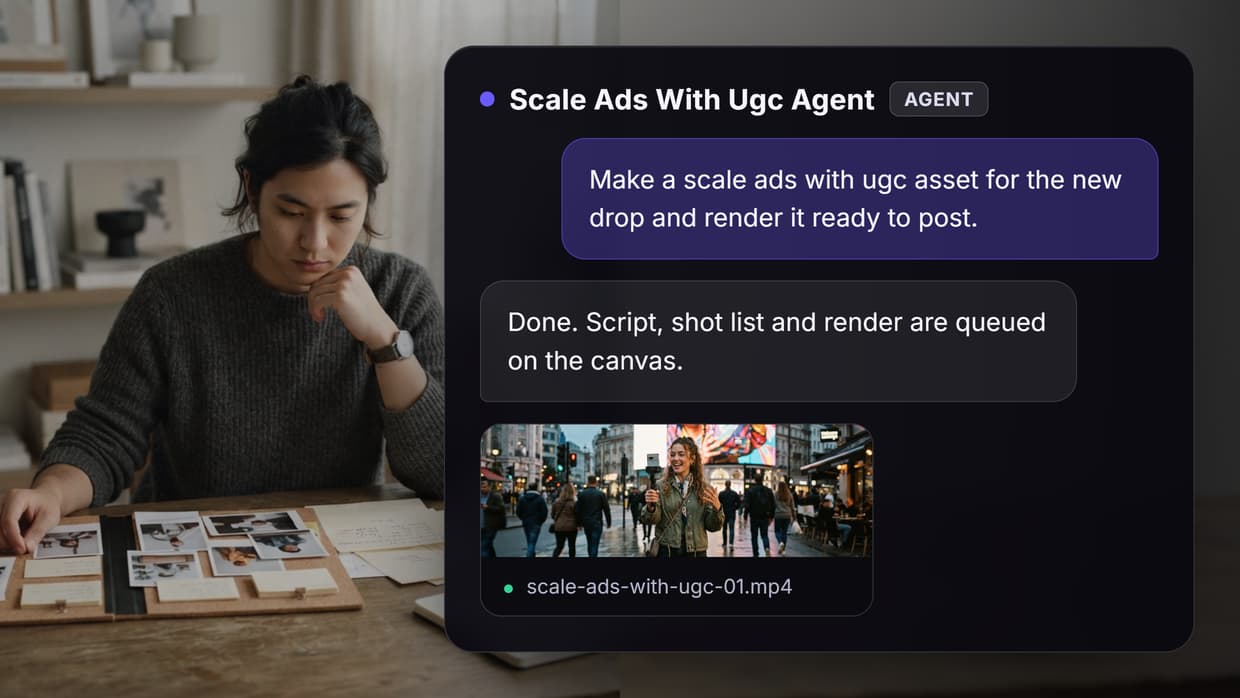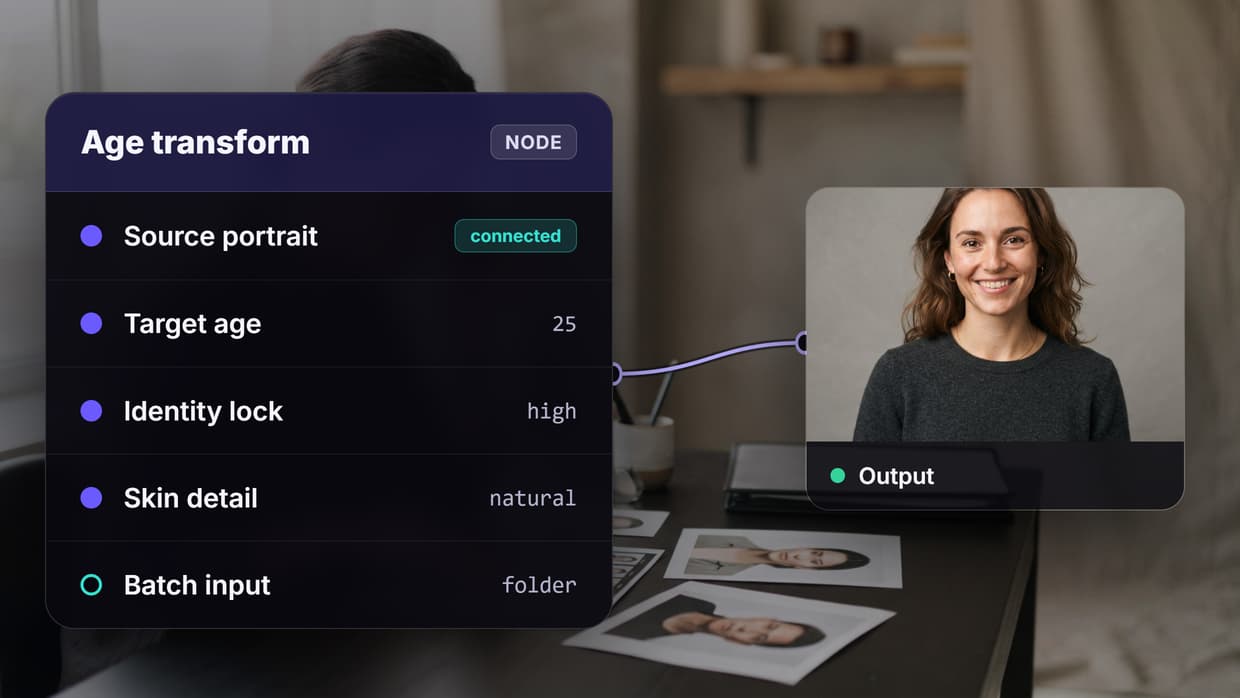
To build a video generation agent, you need three things: an LLM that plans what to render, a video generation API that executes those plans, and glue code that handles async jobs without falling over. Wireflow covers the second and third parts with a node-based workflow API, so your agent code stays small: plan a scene, trigger a workflow, poll for the result, decide what to do next. This guide walks through the full loop, including the parts most tutorials skip: polling, webhooks, rate limits, and idempotent retries.
What a video generation agent actually does
Most "AI video agent" tutorials describe a one-shot script: prompt goes in, clip comes out. An actual agent runs a loop. It plans a scene, submits a generation job, waits for the result, evaluates the output, and branches: accept the clip, regenerate with a revised prompt, or move to the next scene. When the goal is a finished scene rather than one clip, compare our AI movie maker pipeline. For a hands-on look at this pattern in action, check out the AI video agent feature page, which shows the agent loop running against a live workflow.
The difference matters because video generation is slow and probabilistic. A single clip takes 10 to 90 seconds to render, and the first output is not always usable. An agent built on a programmatic video generation platform treats each generation as an async job with a job ID, not a blocking function call. That one design decision determines whether your agent scales past demo territory.
Step 1: Give the agent a workflow to execute
Your agent should not assemble model calls by hand. It should execute a predefined workflow: a graph of nodes covering input, generation, and any post-processing. Node-based video generation keeps the pipeline reproducible; the agent supplies inputs and the graph handles model routing, so a prompt tweak never silently changes your pipeline structure.
In Wireflow, a workflow is a React Flow graph of typed nodes. A minimal video pipeline is three nodes: a text input (input:text), an image generation node such as generate:flux_2, and an image-to-video node such as video:kling_video_2_5_i2v. The video generation API exposes each published workflow as a callable endpoint, so the agent's entire job is "call this endpoint with these inputs" rather than orchestrating models one by one.
Build the workflow once in the canvas, test it manually, then hand the workflow ID to your agent. This separation is what lets non-engineers fix the creative pipeline while the agent code stays untouched.

Step 2: Authenticate and trigger your first execution
Authentication is a Bearer token. Generate a key from the dashboard under Settings, then API Keys; keys start with sk- and are shown once. There is no official SDK, and you do not need one: the API is plain REST and JSON, which makes it a natural fit as a video API for coding agents since any HTTP client the agent already has will work.
Starting a run is a single POST:
curl -X POST https://www.wireflow.ai/api/v1/workflows/YOUR_WORKFLOW_ID/execute \
  -H "Authorization: Bearer sk-your-api-key" \
  -H "Content-Type: application/json" \
  -d '{ "nodes": [...], "edges": [] }'
The response is a 201 with an executionId. That ID is the agent's handle on the job; store it before doing anything else. If the call returns 402, the account is out of credits and the response includes a per-node cost breakdown, which is worth surfacing in your agent's logs. The full request and response shapes are documented in the API reference (/docs/api/workflows), so keep your client code aligned with the documented fields rather than guessing.
Step 3: Handle async results with polling or webhooks
This is the step that separates working agents from broken ones. Generation is asynchronous: the execute call returns immediately, and the clip arrives somewhere between 10 and 90 seconds later. Your agent has two ways to get it, and a hosted video API for agents should support both.
Polling is the simplest. Call GET /api/v1/workflows/executions/{executionId}/poll and check the state: RUNNING, then either COMPLETED with node outputs or FAILED with an error. Use exponential backoff: start at 1 second, multiply by 1.5 each attempt, and cap the interval at 10 seconds. Tight fixed-interval polling burns your request quota for no benefit.
Webhooks invert the flow. Wireflow workflows can be triggered through a webhook endpoint (POST /api/v1/workflow/{webhookId}/trigger, note the singular path) that requires no API key and returns a 202 with an execution ID. The pattern that works well in production: trigger without credentials from wherever the event originates, then poll with an API key from your agent. CORS is open on the trigger endpoint, so forms, CI jobs, and third-party automations can all kick off generations directly; teams comparing video generation API tools consistently rank this trigger-then-poll split among the most useful integration patterns.
Step 4: Respect rate limits and make retries safe
Agents fail in production for two boring reasons: they fan out too many concurrent jobs, and they retry unsafely. Both have concrete fixes, and both matter more on an AI video generator than on text APIs because each job is expensive and slow.
On rate limits: Wireflow caps executions at 10 per minute on every plan, deliberately, while request limits scale by tier (10 per minute on Free up to 200 on Enterprise, with daily execution caps of 50 to unlimited). Every response carries X-RateLimit-Remaining and X-RateLimit-Reset headers, and a 429 includes Retry-After. Your agent should read those headers and queue work instead of blasting requests; a simple in-process queue with a concurrency cap of 2 or 3 is enough for most agent-driven editing pipelines.
On retries: send an Idempotency-Key header on every execute call. Identical keys within 24 hours replay the original response instead of starting a duplicate render. This means your agent can crash mid-poll, restart, and re-send the same request without paying for (or waiting on) a second generation. Derive the key from the job's semantic identity, for example a hash of scene number plus prompt, so a retry is always recognized as the same work.
Step 5: Close the loop and let the agent decide
With execution, polling, and retries handled, the agent logic itself is short. The LLM plans N scenes, the agent submits each scene as a workflow execution with an idempotency key, collects outputs as they complete, and evaluates each clip against the plan. Failed or off-brief scenes get resubmitted with a revised prompt; completed scenes get passed downstream. Teams evaluating hosted video APIs for agent workloads should test exactly this loop, because it exercises every failure mode at once.
If your agent runs inside Claude Code or Claude Desktop, there is a first-party path: Wireflow publishes an official Claude Skill that drives workflows through this same API, so Claude can plan scenes and trigger generations without custom glue code. For everything else, the two endpoints above (execute and poll) plus the webhook trigger cover the whole surface an agent needs.

Conclusion
Building a video generation agent is less about the AI and more about the plumbing: async jobs, backoff, rate-limit headers, and idempotent retries. Get those four right on top of a workflow API and the agent itself is a few hundred lines. Start with a three-node workflow, wire up the execute-and-poll loop, and add webhook triggers once the basic loop is stable.
Try it yourself: Open this video agent workflow in Wireflow. The nodes are pre-configured with the exact setup discussed above, so you can execute it from the UI or hit it from your agent code.
FAQ
What is a video generation agent?
A video generation agent is a program that plans video scenes with an LLM, submits each scene to a video generation API as an async job, monitors the results, and decides whether to accept, retry, or revise each clip. It runs a loop rather than a single prompt-to-video call.
Do I need an SDK to build one?
No. Wireflow's API is plain REST and JSON with Bearer token authentication, so any HTTP client works: curl, fetch, axios, or Python requests. There is no official SDK to install or keep updated.
How long does a video generation job take?
Typically 10 to 90 seconds per clip depending on the model and clip length. This is why agents must treat generation as an async job with an execution ID rather than a blocking call.
Should my agent use polling or webhooks?
Use both where they fit. Polling with exponential backoff (start at 1 second, multiply by 1.5, cap at 10 seconds) is simplest for agent loops. Webhook triggers work well when generations start from external events like form submissions or CI runs, since the trigger call needs no API key.
How do I stop my agent from creating duplicate renders?
Send an Idempotency-Key header on every execute request. Identical keys within 24 hours replay the original response instead of running the job again, so crashed-and-restarted agents never double-spend credits.
What rate limits apply to agent workloads?
Executions are capped at 10 per minute on every plan to prevent automation overload. Request limits and daily execution caps scale by tier, from 10 requests per minute and 50 daily executions on Free to 200 requests per minute and unlimited daily executions on Enterprise.
What happens when a generation fails?
The poll endpoint returns a FAILED state with an error message, and complex errors include contextual fields. A 402 means insufficient credits and includes a per-node credit breakdown so you can see exactly which node was too expensive.
Can Claude build and run these workflows directly?
Yes. Wireflow publishes an official Claude Skill that lets Claude Code and Claude Desktop plan, trigger, and monitor workflows through the same public API, which is the fastest integration path if your agent already lives inside Claude.
Would you rather we just built it?
We get on a call, learn your style, build the workflow, and ship the deliverables on a schedule. You keep the workflow either way.