Best AI Young Filter Tools in 2026

In this article▾
- Quick summary: the 8 best AI young filter tools
- How we ranked these tools
- 1. Wireflow: Best Overall
- 2. FaceApp: Best Mobile App
- 3. OpenArt: Best Age Targeting
- 4. YouCam Perfect: Best Free App
- 5. Vidguru: Best Quick Web Tool
- 6. Media.io: Best No-Signup Option
- 7. AILabTools: Best Developer API
- 8. Remini: Best for Old Photos
- Comparison table
- FAQ
- Conclusion
An AI young filter takes one face photo and returns a younger version of the same person, usually in under a minute and usually on a free tier. We tested eight of the most-used de-aging tools in 2026 on the four things that actually separate them: how precisely you can name a target age, whether the face still reads as the same person afterward, whether you can process more than one photo at a time, and what the free tier costs you in watermarks or resolution. Seven are single-photo web or phone apps. Wireflow is the outlier, because it runs de-aging as a saved node graph you can re-run on a folder of faces and chain into an upscale in the same pass.
Quick summary: the 8 best AI young filter tools
- Wireflow: reusable de-aging graph with batch and chaining. Best Overall
- FaceApp: the young preset most people have already seen. Best Mobile App
- OpenArt: type the age you want instead of tapping a preset. Best Age Targeting
- YouCam Perfect: believable skin under the smoothing. Best Free App
- Vidguru: young filter in the browser, two credits a run. Best Quick Web Tool
- Media.io: clean bidirectional age control, no install. Best No-Signup Option
- AILabTools: numeric age target behind a REST endpoint. Best Developer API
- Remini: de-aging as a side effect of restoration. Best for Old Photos
How we ranked these tools
De-aging is harder than aging. Adding wrinkles is additive, so a mediocre model fakes it with texture; removing thirty years means rebuilding jawline, hairline, eye sockets, and skin at once, which is where cheap tools collapse into a smoothed face that belongs to nobody. We scored each tool on age precision (can you ask for 25, or only for "younger"), identity preservation at full zoom, throughput, and free-tier limits. For a hands-on look at the workflow version of this, see the AI young filter feature page.
Testing method: four source portraits (two in their fifties, one forties, one seventies, mixed lighting) went through every tool with a target of roughly 25, judged at 100 percent zoom rather than thumbnail size. The common failure is easy to spot up close. Skin gets blurred to porcelain while bone structure and hair volume stay put, so the result reads as a retouched older face, not a younger one. Tools that move structure as well as texture scored higher, the same way a good AI portrait generator treats a face as a face rather than a filter layer.
Build this in Wireflow
Make the same kind of asset on a canvas you control, with a free account and no credit card.
1. Wireflow: Best Overall
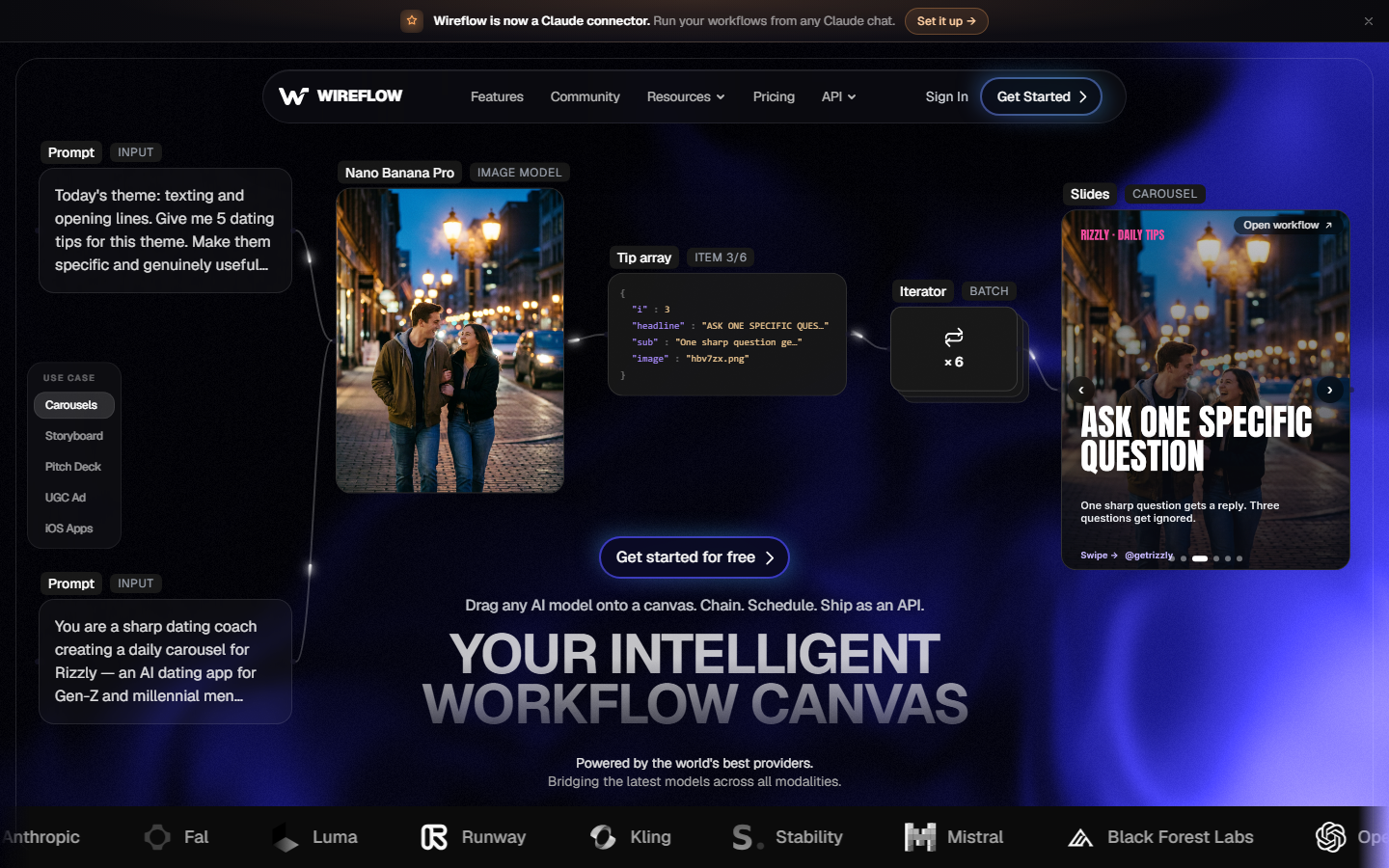
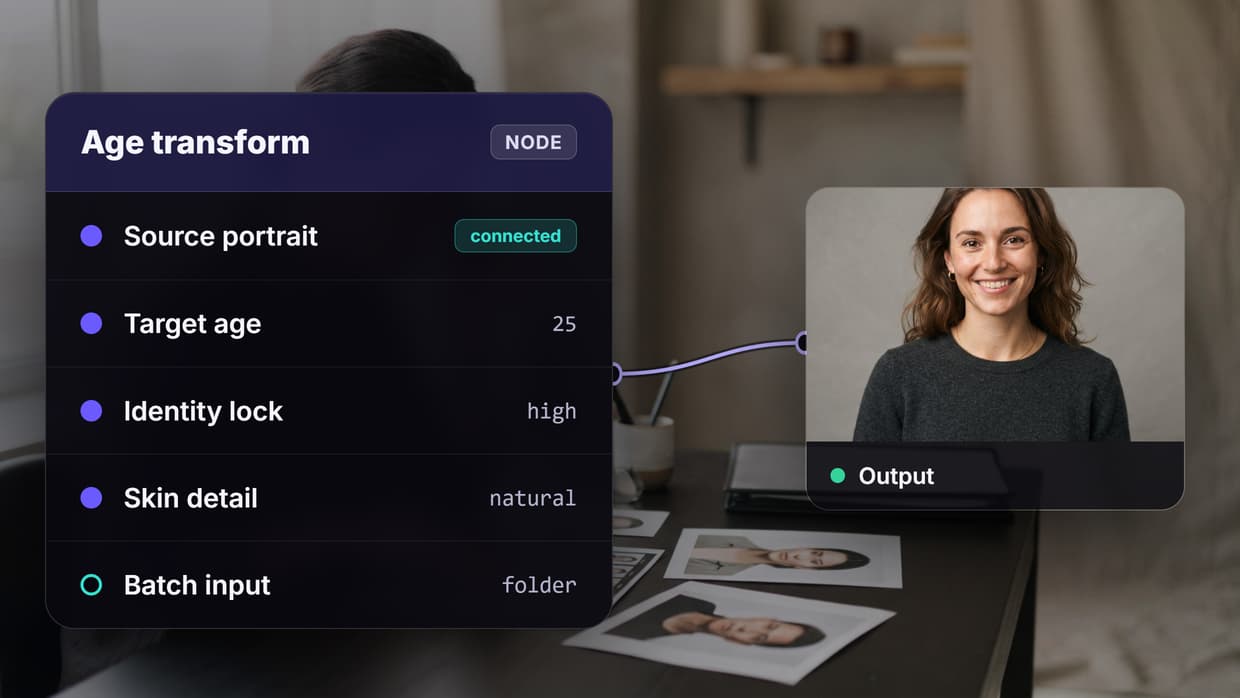
The model doing the de-aging is not the differentiator; the container around it is. De-aging runs as a node on a canvas: image input, an age transform node with a written target ("this person at 25, keep the eye shape"), then whatever you want after it. Because the target is text rather than a hidden slider you can steer it in plain language, and because it is a saved graph tomorrow's photo runs through the identical setup. Three nodes at 20, 30, and 40 off one input produce a comparison strip in a single run, which beats guessing at a preset. The output can also feed straight into an upscale or a blemish pass instead of being downloaded and re-uploaded into a second app, and the same canvas covers ordinary AI face editing when the job is not about age at all.
Batch is the other reason it ranks first. Every other tool here is built around one photo at a time, which is fine for curiosity and painful with a cast list or a client folder. Pointing a saved graph at a directory is closer to batch AI generation than to a selfie filter. The tradeoff is honest: building the graph takes a few minutes longer than dropping a photo into an upload box, so for one curious selfie the simpler tools below are faster.
Verdict: the right pick if you need de-aging more than once, at more than one target age, or inside a larger image pipeline.
2. FaceApp: Best Mobile App
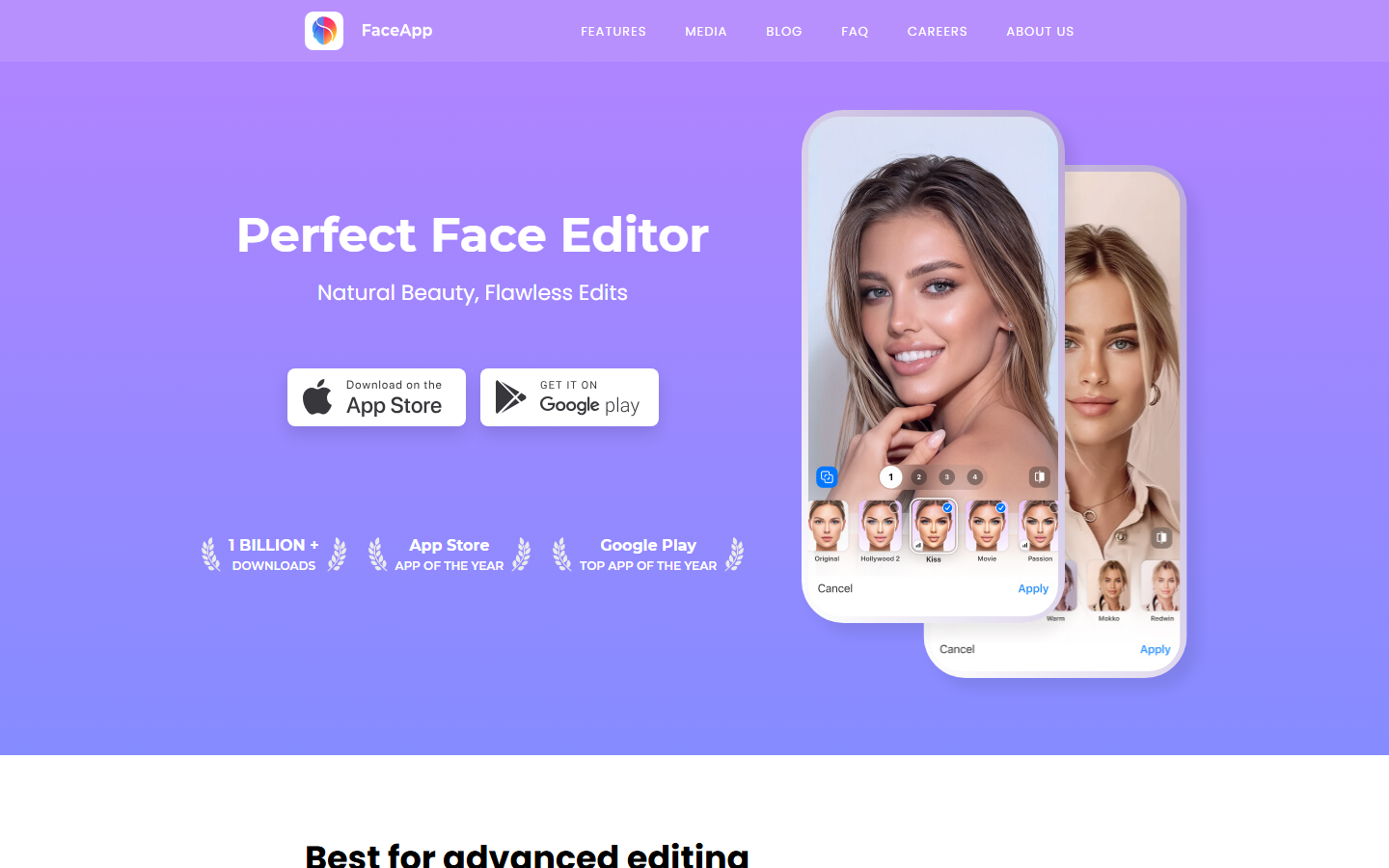
FaceApp is what most people picture when they say young filter, and its young preset is still one of the most convincing one-tap results on a phone. It restores hair volume and lifts the jawline rather than only softening skin, so the output survives a close look better than most free web tools. It is mobile only, and the strongest presets sit behind the Pro subscription.
Control is the weak point. You get a preset, not a number, so "younger" is whatever the app decided it means, usually the twenties with a flattering bias. That is fine for a social post and wrong for a client who needs a specific age. Free exports carry a watermark, so anything headed for real use wants a clean pass through an AI selfie enhancer afterward.
Verdict: best single-tap de-aging on a phone, weakest at hitting a specific age.
3. OpenArt: Best Age Targeting
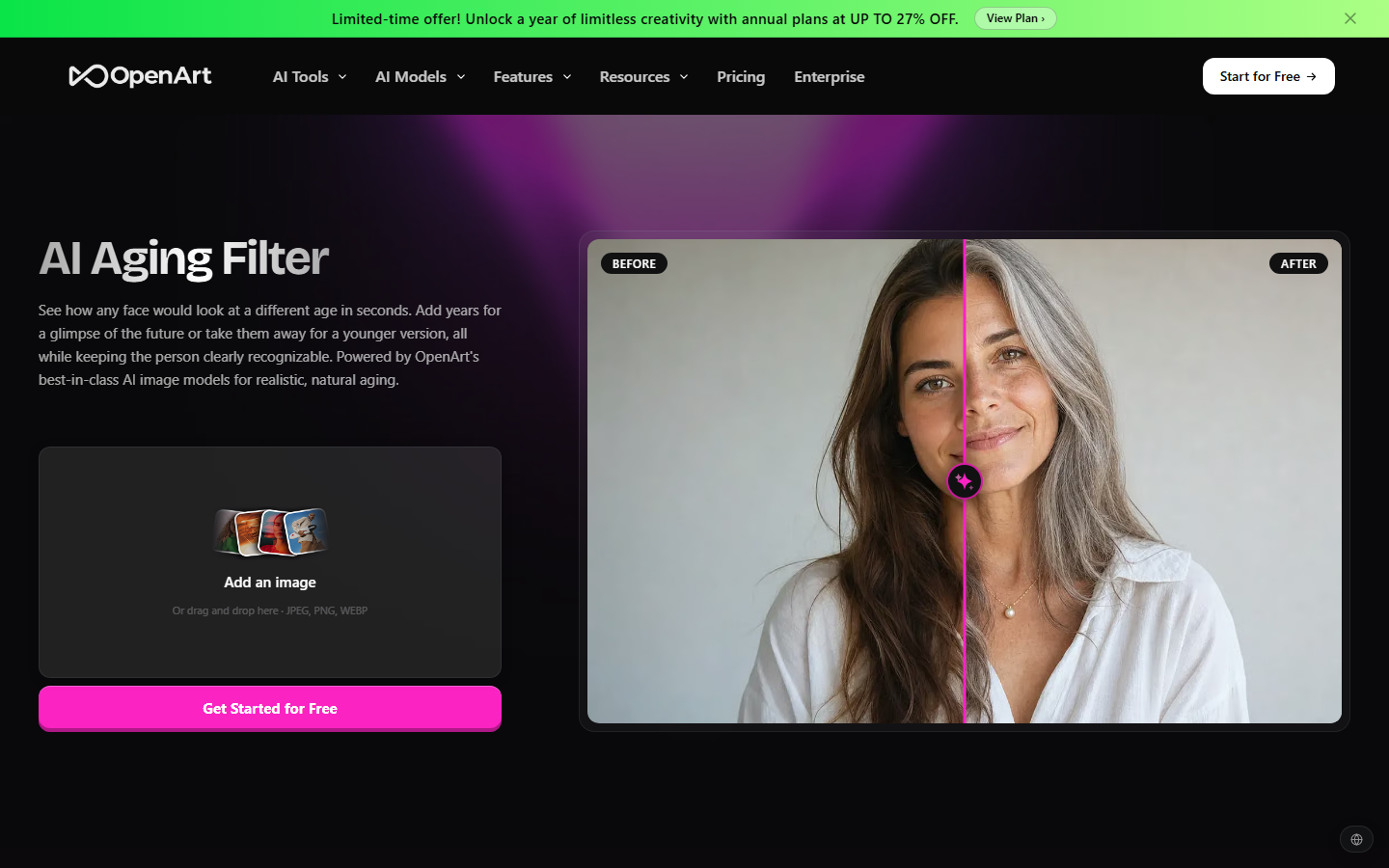
OpenArt runs its age filter as a prompt-driven tool: upload a face, describe the age you want, generate. That one design choice puts it ahead of every other standalone entry on precision, because "about 25, keep the freckles" is a request the model can act on. It works in both directions from the same page.
The cost is consistency. Prompt-steered output varies run to run, so the result you want often takes three or four attempts and free credits go quickly at that rate. There is no batch mode and no saved recipe, so a good prompt only lives in your clipboard. If you are creating faces rather than editing real ones, an AI photo generator covers that job more directly.
Verdict: the most precise age control of any standalone tool, at the price of rerolls.
4. YouCam Perfect: Best Free App

YouCam Perfect from Perfect Corp offers de-aging inside a broader beauty and retouching app, and its free tier is more generous than FaceApp's. Skin is its strength: instead of blurring everything it keeps pores and fine texture in believable places, which is the detail that stops a young filter looking like plastic.
The filter sits several taps deep in an app full of unrelated tools and upsells, and free exports are resolution capped. Anything destined for print or a large screen needs a pass through an AI image upscaler once the age is right.
Verdict: the most generous free tier, buried inside a busy consumer app.
5. Vidguru: Best Quick Web Tool
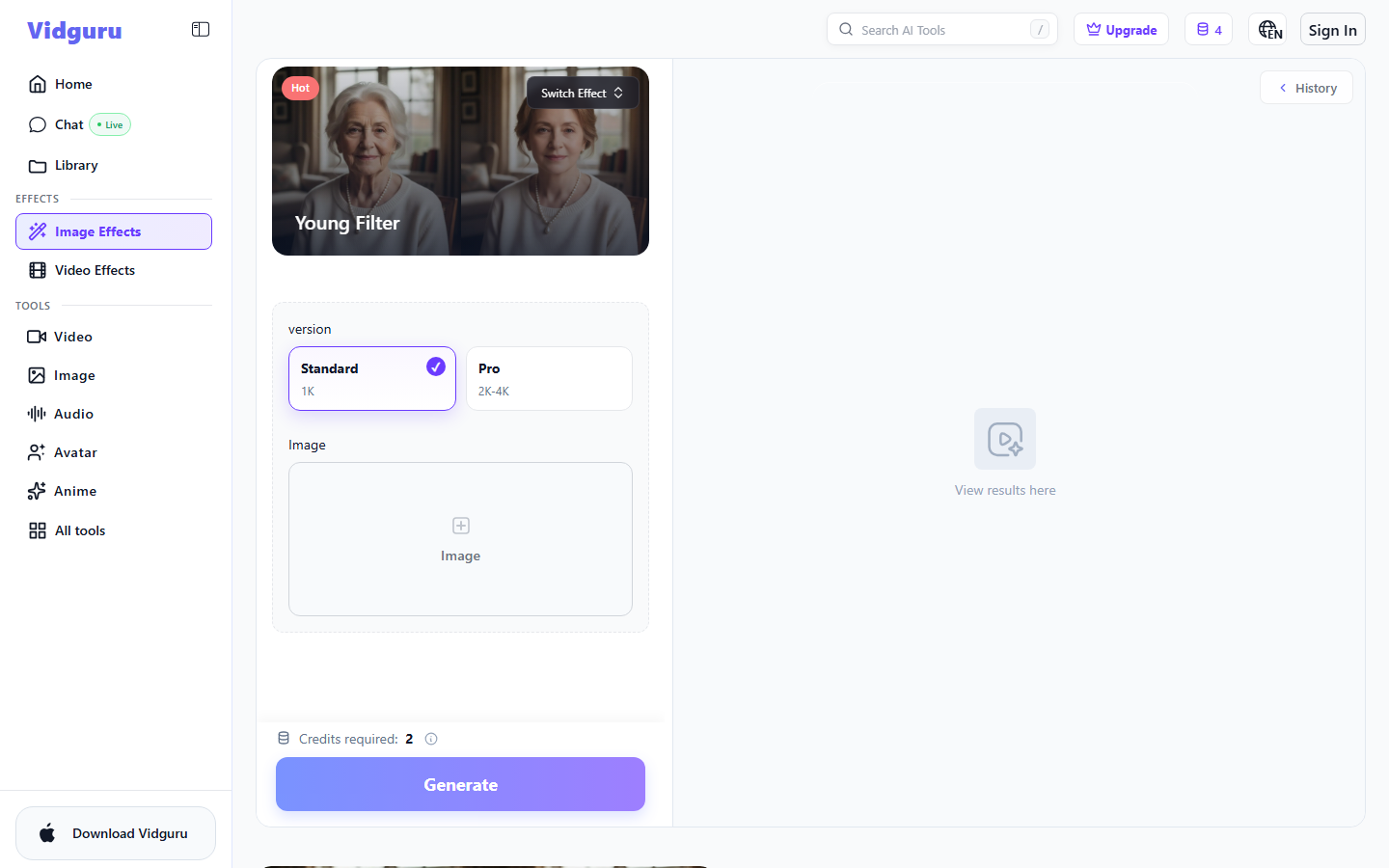
Vidguru puts its Young Filter in the browser as a single-effect page: pick standard or the 2K to 4K Pro version, drop an image, spend two credits, done. New accounts get a small credit balance, so the first runs cost nothing and there is nothing to install.
There is no age input at all, only the effect, so you get one interpretation of younger with no way to nudge it. Results skew toward smoothing, which flatters some faces and erases others, and the higher-resolution version costs more credits. As a fast sanity check it is useful; for a deliverable it usually needs a follow-up pass in an AI photo enhancer.
Verdict: the fastest zero-install option, with no control beyond upload and go.
6. Media.io: Best No-Signup Option
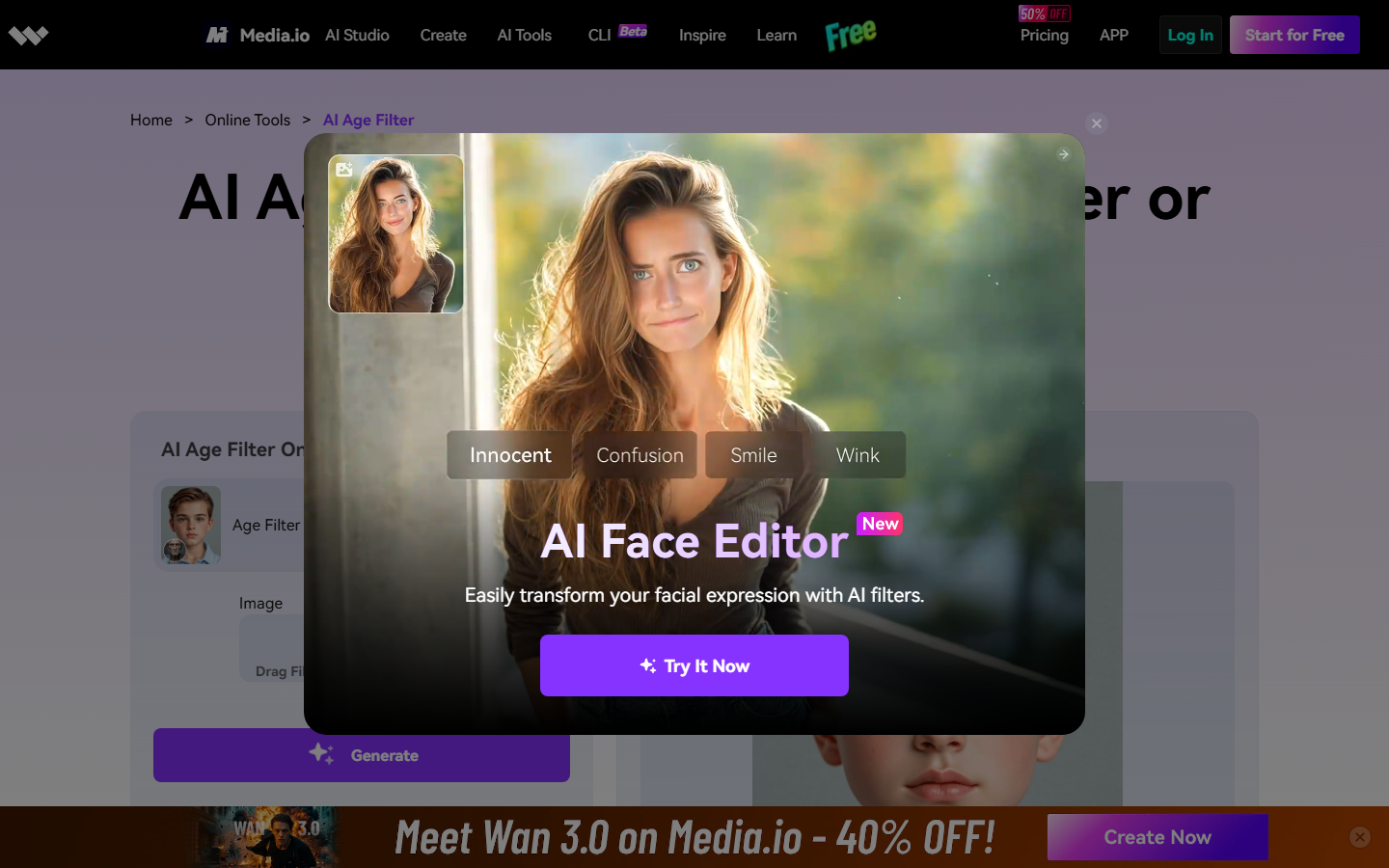
Media.io runs an age changer in the browser with genuine bidirectional control, so one page handles younger and older. Basic use needs no account, and the output is more restrained than most: it pulls back years without pushing the face into an obviously synthetic look.
Quality is mid-pack at full resolution, where the change reads as texture work rather than structural change, and larger free exports are watermarked. Once the age is right, crops and colour adjustments are quicker in a general AI image editor than in Media.io's own export flow.
Verdict: the easiest bidirectional preview, average once you zoom in.
7. AILabTools: Best Developer API
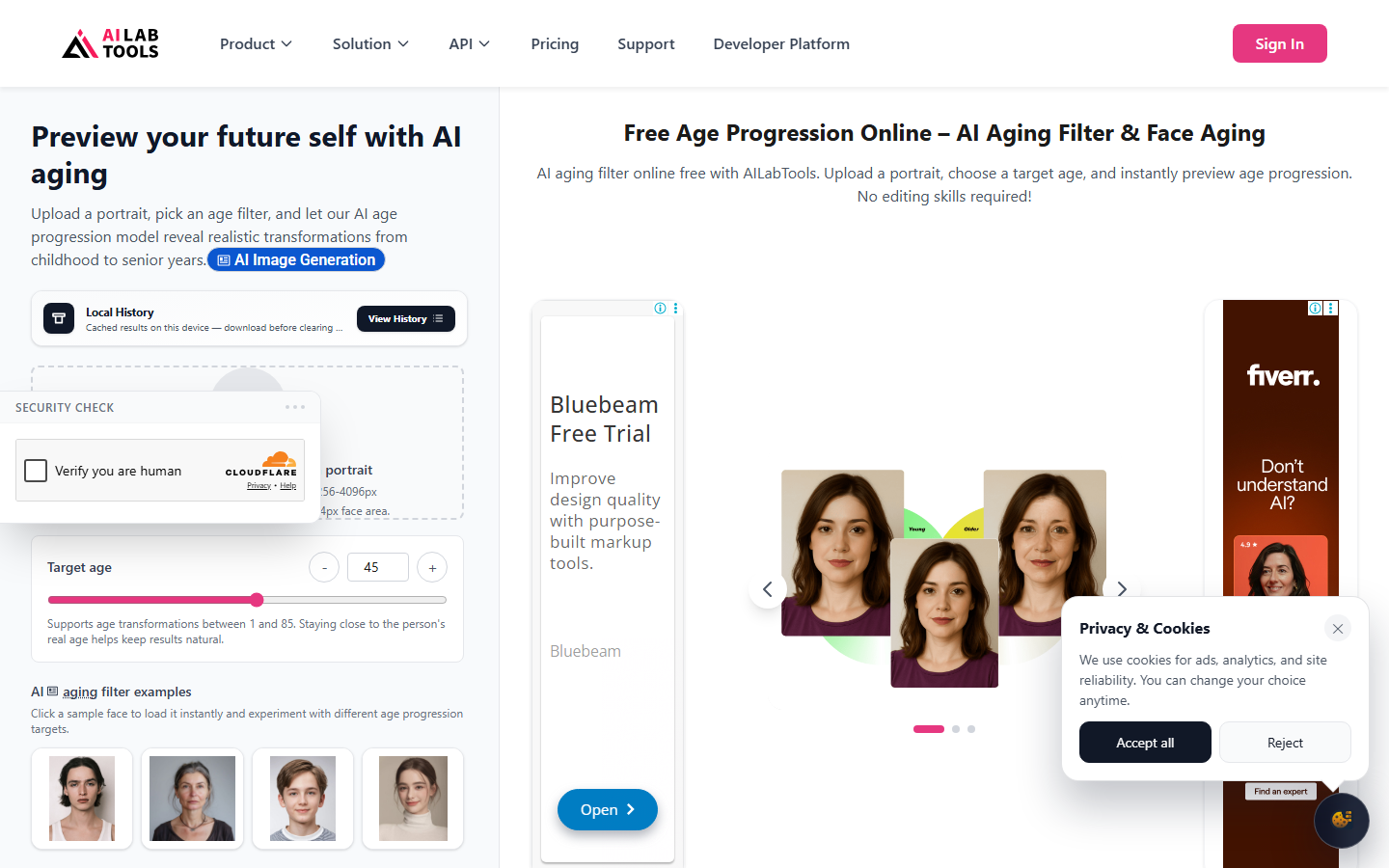
AILabTools is the only entry that is an API first and a web demo second. You send a face image with a numeric target age and get a transformed face back, which is the natural choice when de-aging has to happen inside your own product. The numeric target is a real advantage: 28 means 28, not "younger".
It is priced per call and expects you to handle uploads, storage, and error cases, so it is the wrong answer for anyone who wanted a button. Output is competent rather than remarkable, and identity drifts at the extremes of the range. For many faces on a schedule, pair it with a batch image generation API pattern rather than firing requests one at a time.
Verdict: the right call for developers, the wrong one for everybody else.
8. Remini: Best for Old Photos

Remini is not marketed as a young filter and earns its place anyway. Its enhancement models rebuild facial detail in low-quality photos so convincingly that scanned or degraded portraits come back looking decades fresher, which is the effect many people are actually after on family photos.
On a sharp modern portrait it will not take years off, because it restores rather than transforms. That is worth knowing before paying for a subscription expecting an age control. On damaged prints, results improve when restoration runs first and de-aging second, the sequence covered on our AI image restoration page.
Verdict: the best result on old or damaged photos, no help on a clean one.
Comparison table
| Tool | Age control | Batch | Free tier | Best for |
|---|---|---|---|---|
| Wireflow | Written target age, any value | Yes, folder-level | Free credits | Repeatable and chained jobs |
| FaceApp | Preset only | No | Watermarked | One-tap mobile results |
| OpenArt | Prompt, any age | No | Limited credits | Precise single portraits |
| YouCam Perfect | Preset range | No | Generous, resolution capped | Free app use |
| Vidguru | None, one effect | No | Small credit grant | Quick browser previews |
| Media.io | Bidirectional control | No | Watermarked at size | No-signup previews |
| AILabTools | Numeric, per request | Via your own code | Trial credits | Developers |
| Remini | None, restoration only | Limited | Watermarked | Old and damaged photos |
Control and repeatability rarely appear together. Preset tools are the easiest and least steerable; the API is the most precise and least approachable. Anything needing both, like previewing a subject at three ages then running the winner across a folder, is a workflow problem rather than a filter problem, which is why portrait work moves onto a canvas once it stops being a one-off.
Try it yourself: open the de-aging workflow in Wireflow. The nodes are already wired for the setup above, with a source portrait feeding an age transform you can point at any target age.
FAQ
What is an AI young filter? A model that takes a face photo and re-renders the same face at a younger age, changing skin, hair, and bone structure together rather than smoothing the image. Good ones keep the person recognisable; weak ones return a generic young face.
Are AI young filters free? Most have a free tier. FaceApp, YouCam Perfect, and Media.io all produce a result at no cost, usually watermarked or resolution capped, and Vidguru gives new accounts a small credit balance. Unwatermarked full-resolution output almost always costs something.
Which young filter keeps the face most recognisable? In our tests, the tools that let you name a target age preserved identity best, because they change age rather than applying a fixed cosmetic preset. Prompt-steered and node-based setups scored highest; one-tap effect pages scored lowest.
Can I de-age more than one photo at a time? Not in most of these tools. Consumer apps are built around a single upload. Batch means scripting an API like AILabTools or running a saved graph over a folder.
Does a young filter work on old scanned photos? Partly. On a degraded scan the bottleneck is detail, not age, so an old photo restoration pass has to run first and give the age model something to work with.
Is it legal to use a de-aged photo commercially? It depends on the tool's licence and on whose face it is. Most consumer apps grant commercial rights on paid tiers only, and all of them expect you to have permission from the person in the photo.
How is this different from generating a young face from scratch? A young filter edits a real person and has to preserve their identity. Generating from scratch with an AI face generator has no identity to preserve and is much easier to make look good. If the person matters, you need the filter.
Why do de-aged photos look plastic? Because most tools remove texture instead of rebuilding structure. Pores, fine lines, and hair strands are what make skin read as real at any age, so a model that blurs them leaves a young surface on an unchanged face.
Conclusion
For one curious photo, install FaceApp or open Media.io and you have an answer in a minute. For precise control over a single important portrait, OpenArt's prompt approach is worth the rerolls. For anything that repeats, a cast of eight actors, a client folder, or a de-aging step that sits between a restore and an upscale, the single-photo tools stop scaling and Wireflow's saved-graph approach is what the job needs. Whichever you pick, judge the result at full resolution rather than thumbnail size, and check the current plan limits before committing a deadline to a free tier.

Co-Founder & Operations at Wireflow
Runs client operations and content strategy at Wireflow. Works directly with creative teams and agencies to build production AI workflows.
- Content Strategy
- Client Operations
Make AI videos and ads.
Start free, no card needed.