Features
Editframe Alternative: Generate Video with AI, No Code
Editframe is built for developers who define video in code.
Wireflow generates the video itself with AI models, no code required. Build an image and video pipeline once on a visual canvas, then call it as a REST endpoint or an MCP tool to produce clips on demand.
Free to build · no credit card · Read the agent docs · See how it works ↓
 Andrew Adams · Co-Founder & Operations at Wireflow ·
How to Use Editframe Alternative: Generate Video with AI, No Code
Steps to get you started in Wireflow.
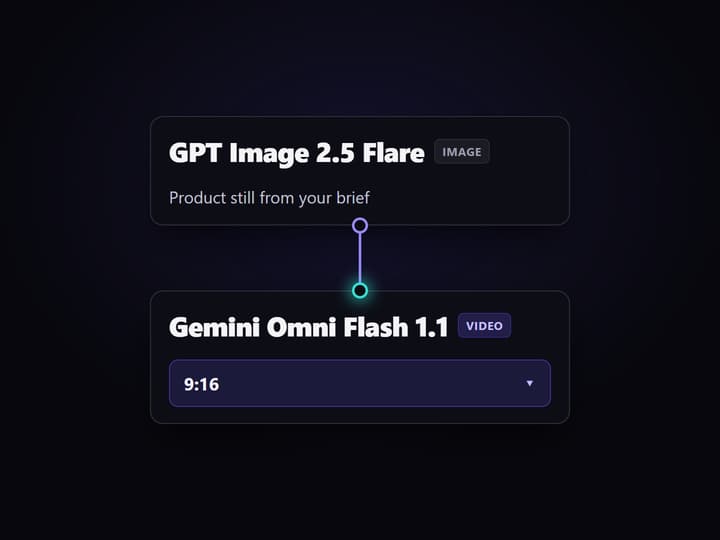
Build the pipeline on the canvas
Drop a text input, an image node on GPT Image 2.5 Flare, a video node on Gemini Omni Flash 1.1, and a compose node. Wire prompt to image to video to output. No HTML or CSS to write.
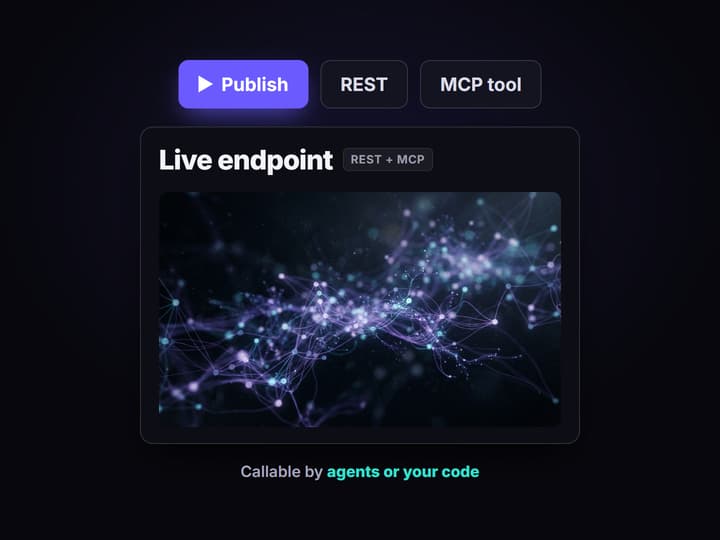
Publish it as an endpoint and a tool
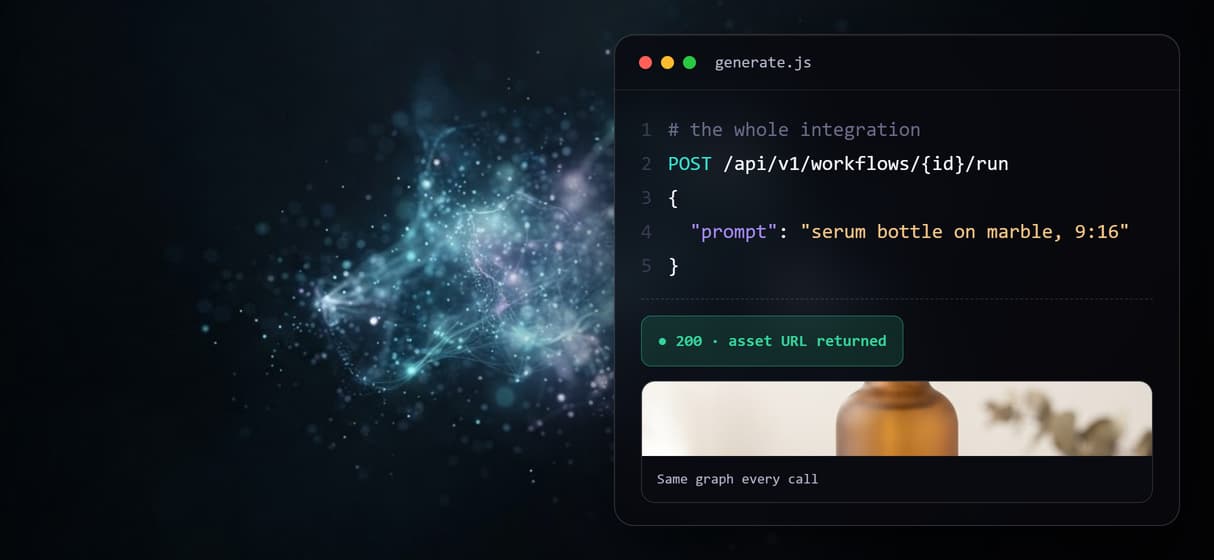
Publish the workflow once. Wireflow exposes it as a REST endpoint and an MCP tool with typed inputs, so an agent or your own code can call it by name.
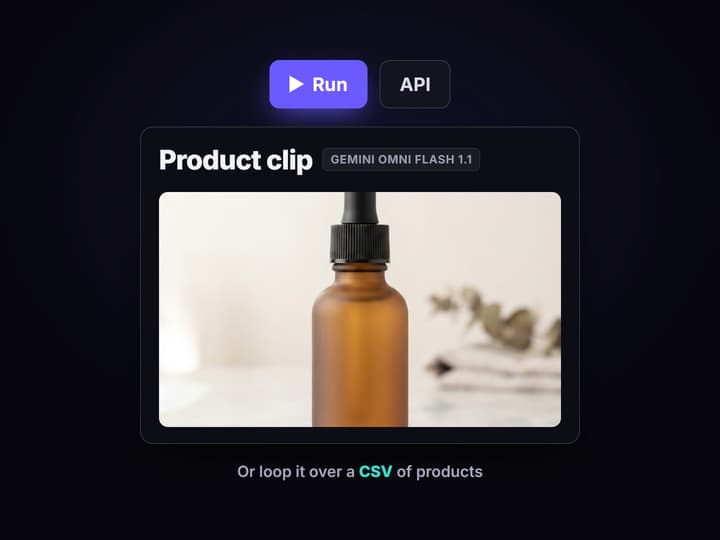
Call it or loop it over a feed
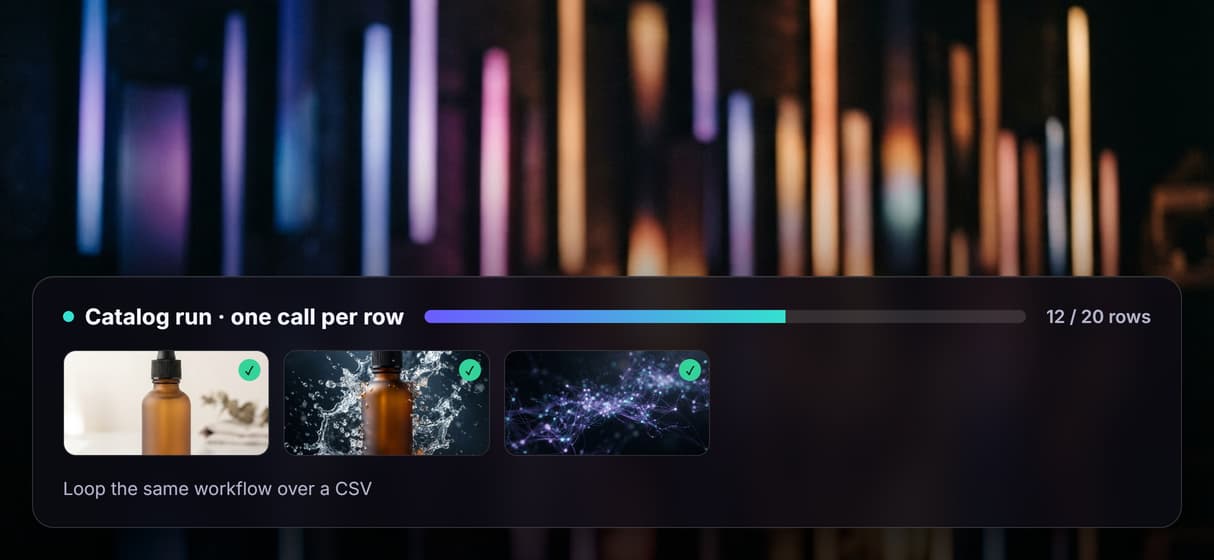
Send one request to render a clip, or loop the same call over a CSV of products to batch a whole set of variants without writing any extra code.
An Editframe alternative, without writing render code
Editframe treats video as code. You define compositions in HTML and CSS, and a coding agent or a developer writes and maintains them. That is a strong fit when you need deterministic, template driven renders. It is a poor fit when the job is to create new footage rather than assemble assets you already have.
Wireflow is a hosted node canvas for AI media generation. You build an image, video, and audio pipeline visually, then expose it to coding agents as a REST endpoint and an MCP tool. The models do the generation, so there is no rendering code to own.
What you get that a code first renderer does not
Agent native output
Every workflow is an MCP tool, so Claude or Cursor can call it by name with typed inputs and read back asset URLs.
Real generation models
Veo 3.1, Kling, Seedance 2.0, Sora 2, and Luma, chained in one graph with image and audio models.
Batch from a feed
Loop one call over a CSV or product feed to render a clip per row, with no queue or worker code to write.
Nothing to host
Hosted compute, pay per generation. No GPU, no render farm, and no servers to keep alive.
Voice and music in one graph
Add an ElevenLabs voiceover, sound effects, and a music track to a clip without leaving the canvas.
Reproducible and shareable
Every workflow is versioned server side and shareable by link, so a run is the same today and next month.
Swap in any model without touching code
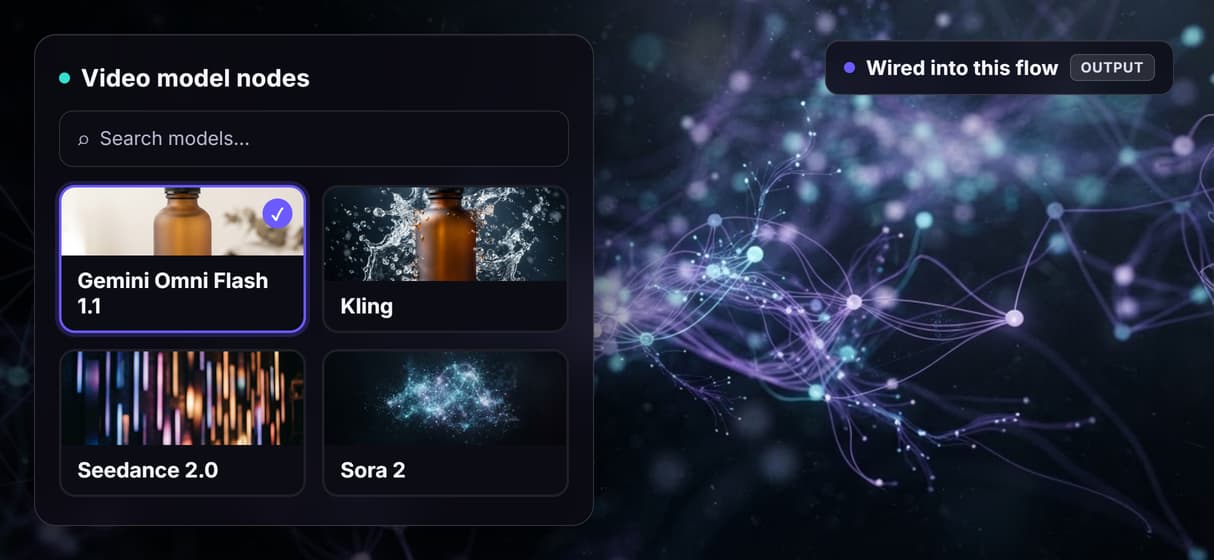
On the canvas, the video node is a dropdown. Start on Gemini Omni Flash 1.1, then swap to Kling, Seedance 2.0, or Sora 2 when a shot needs a different look, and the rest of the graph stays wired. You can chain several models in one pass: generate a still, animate it, add a voiceover, then compose captions and music. With a code first renderer, each of those is a library and a maintenance burden.
When Editframe is the better pick
Editframe is the stronger choice when you need deterministic, pixel-exact renders defined in code. If your team lives in an IDE and wants an AI coding agent to write video templates as HTML and CSS alongside the rest of your codebase, that workflow is hard to beat. The same is true when every output must be reproducible from a template and a data row, version-controlled in git, and identical on every run.
Wireflow is built for the other half of the problem: generating new video, image, and audio content with AI models, no code required, and calling it from an agent. If you need code level control over exact layouts, keep Editframe. If you want to generate the content itself, this is the alternative.
More Than Just Editframe Alternative: Generate Video with AI, No Code
Generate video, do not just render it
Editframe assembles clips from assets you supply. Type a brief and Wireflow generates new footage with Gemini Omni Flash 1.1, Kling, or Seedance 2.0.
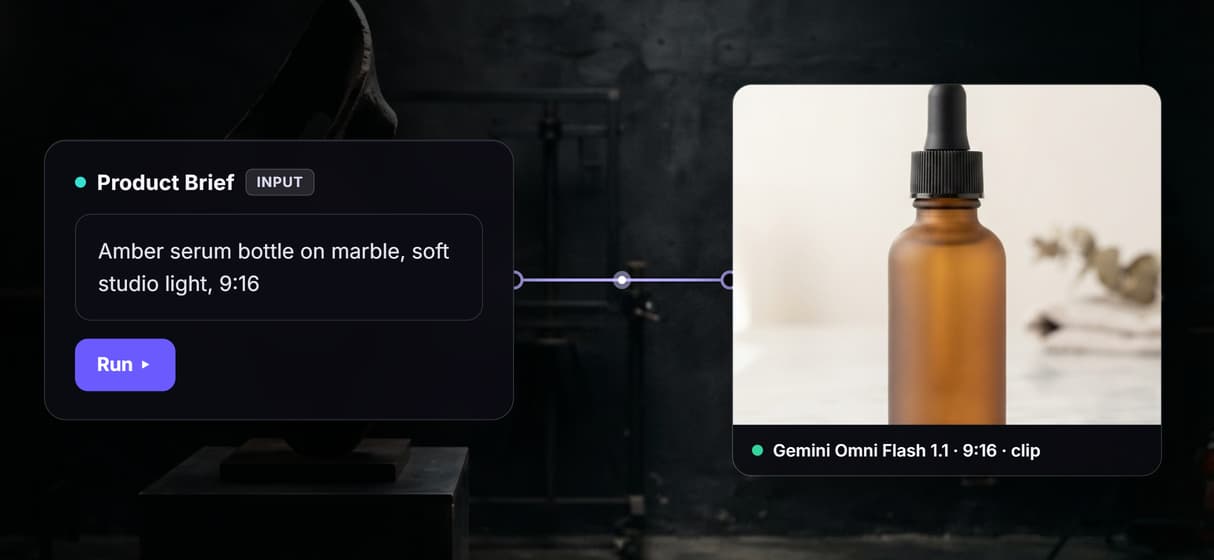
Swap any video model, no rewiring
The video node is a dropdown. Start on Gemini Omni Flash 1.1, then switch to Kling, Sora 2, or Seedance 2.0 for a shot, and the rest of the graph stays wired.
One workflow, REST and MCP at once
Publish once and the same flow is a REST endpoint and an MCP tool. An agent or your code calls it with typed inputs and gets back asset URLs.
Batch a whole catalog from one call
Point the workflow at a CSV or product feed and loop it. Render one clip per row with no queue, worker, or retry loop to build yourself.
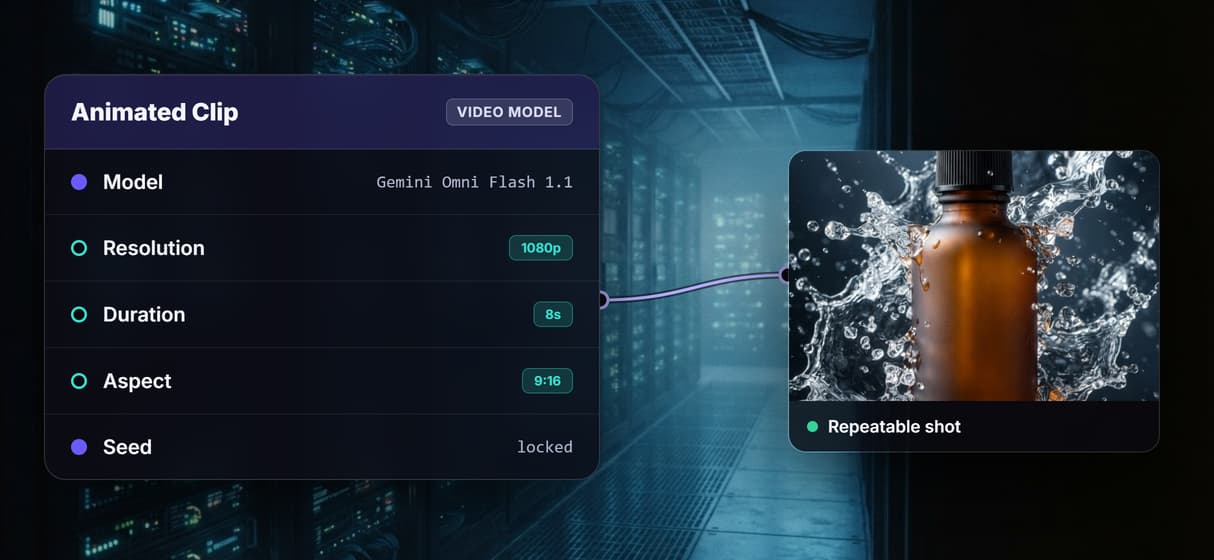
Control every shot's parameters
Open any node to set resolution, duration, aspect ratio, and seed. Get repeatable control over each shot without writing render config in code.
Build Any AI Workflow
AI Models Integrated
Full Commercial License
FAQs
Wireflow, if you want to generate video with AI rather than assemble it from code. You build a pipeline on a visual canvas and publish it as a REST endpoint and an MCP tool that an agent or a script can call.
Discover related AI tools
More From Wireflow
Written by
Andrew Adams · Co-Founder & Operations at Wireflow
Runs client operations and content strategy at Wireflow. Works directly with creative teams and agencies to build production AI workflows.
Generate your first clip without code
Open the product video workflow, run it once, then call it as a REST endpoint or an MCP tool.