Features
Facebook Ad Template
A Facebook ad template you run, not a layout you drag: send one product photo and a short ad brief, and get the same ad in 1:1, 4:5 and 9:16 on one canvas.
One run is 27 credits, about $0.37 on Starter. New accounts get a free video.
Free to build · no credit card · Read the agent docs · See how it works ↓
 Andrew Adams · Co-Founder & Operations at Wireflow ·
How to Use Facebook Ad Template
Steps to get you started in Wireflow.
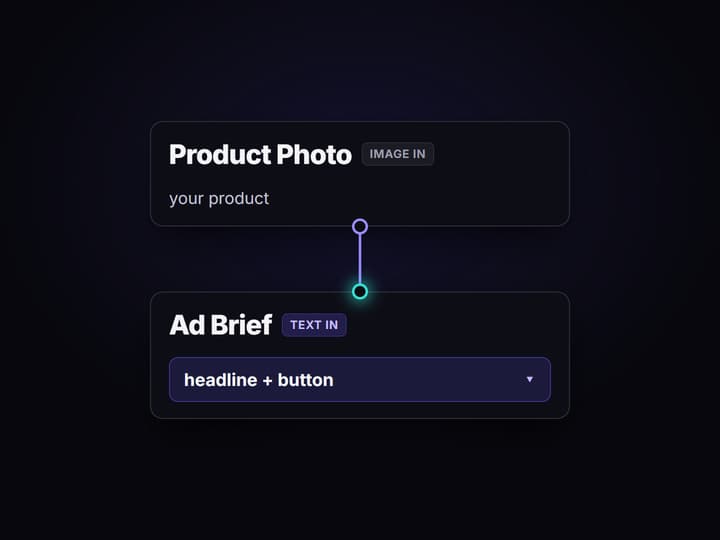
Add a product photo and a brief
Open the flow and drop a product photo into the Product Photo node, then type a short brief into the Ad Brief node: the headline, the button, and the scene you want behind the product.
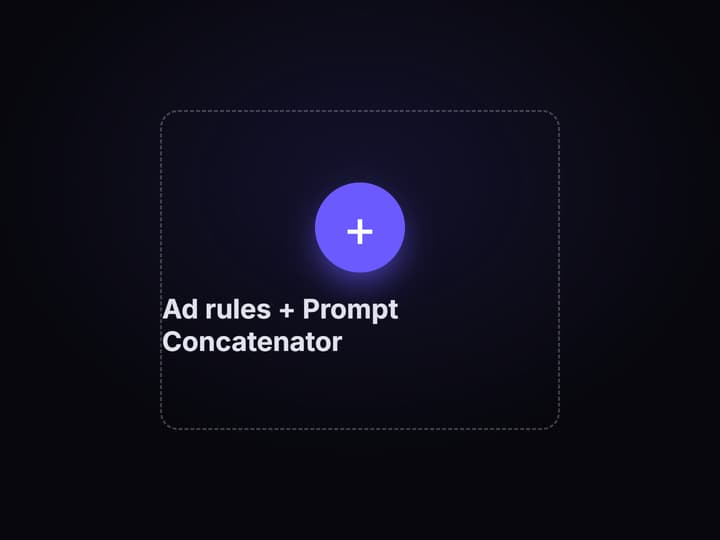
The rules and brief join into one prompt
A fixed Ad rules node keeps the product from your photo and renders your headline and button exactly, and the Prompt Concatenator joins it with your brief into one prompt for each size node.
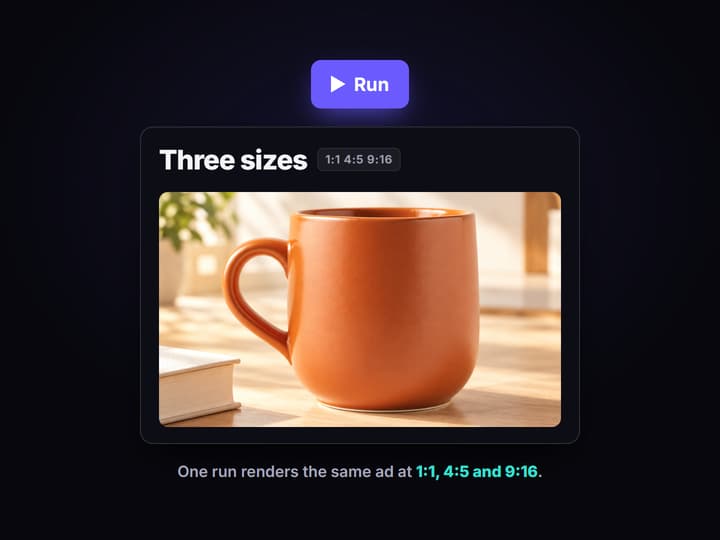
Three nodes render the three sizes
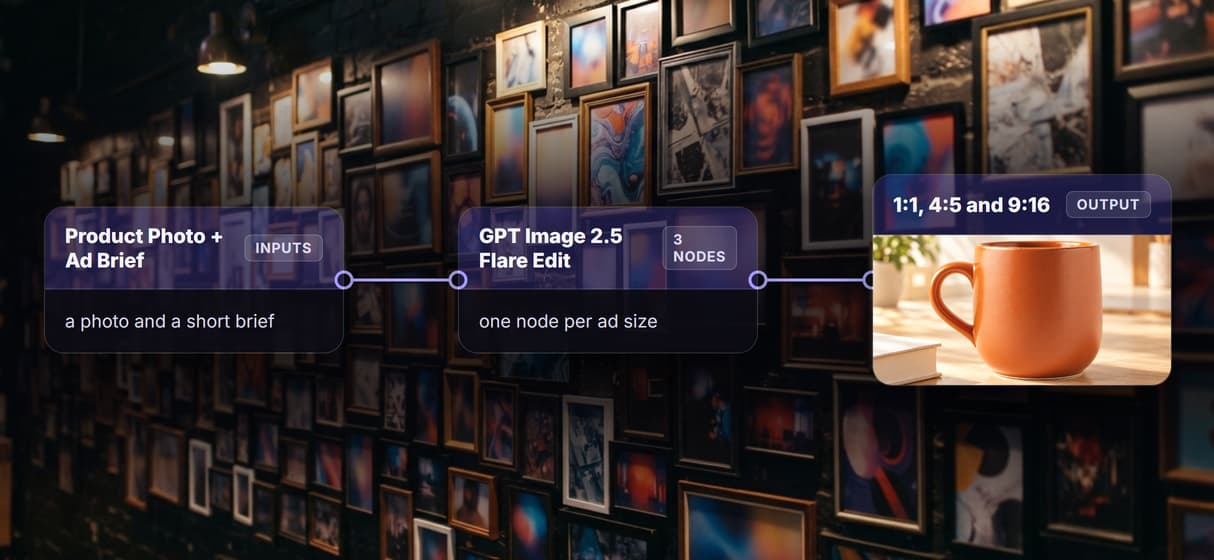
Three GPT Image 2.5 Flare Edit nodes render the same ad at 1:1, 4:5 and 9:16 in one run. Open the board to see all three, then copy the flow to rerun it on your next product.
More Than Just Facebook Ad Template
The same ad in three sizes
Send one product photo and a brief, and the graph returns the same ad in 1:1, 4:5 and 9:16, the feed, portrait and story sizes a paid AI ad generator run needs.
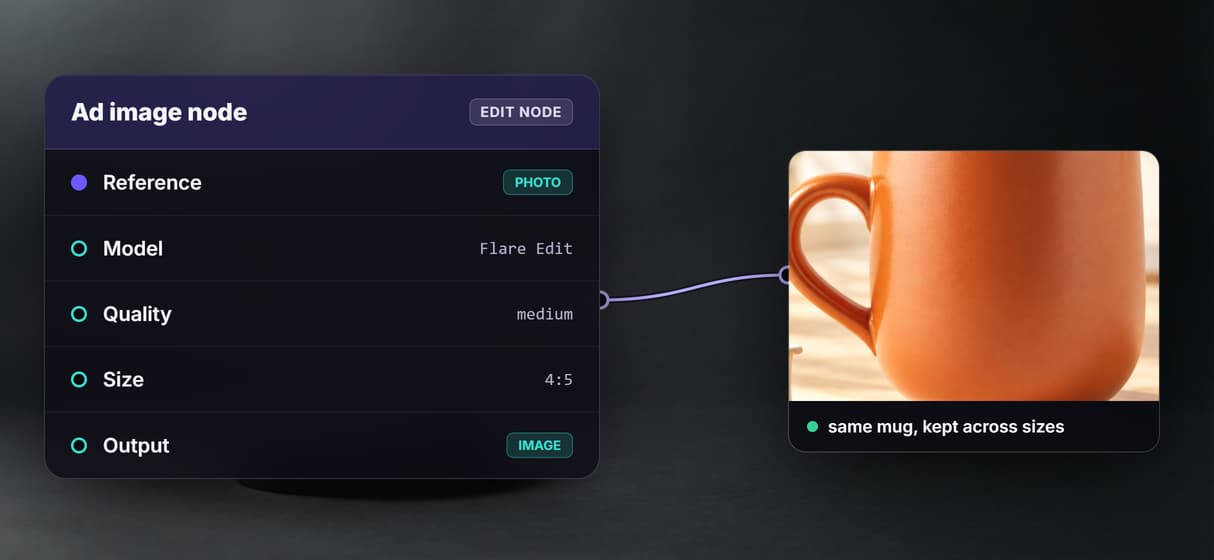
Your product, kept as it is
GPT Image 2.5 Flare Edit restages the product from your reference photo, so the same mug carries across every size, like an honest AI ad maker and not a stock photo.
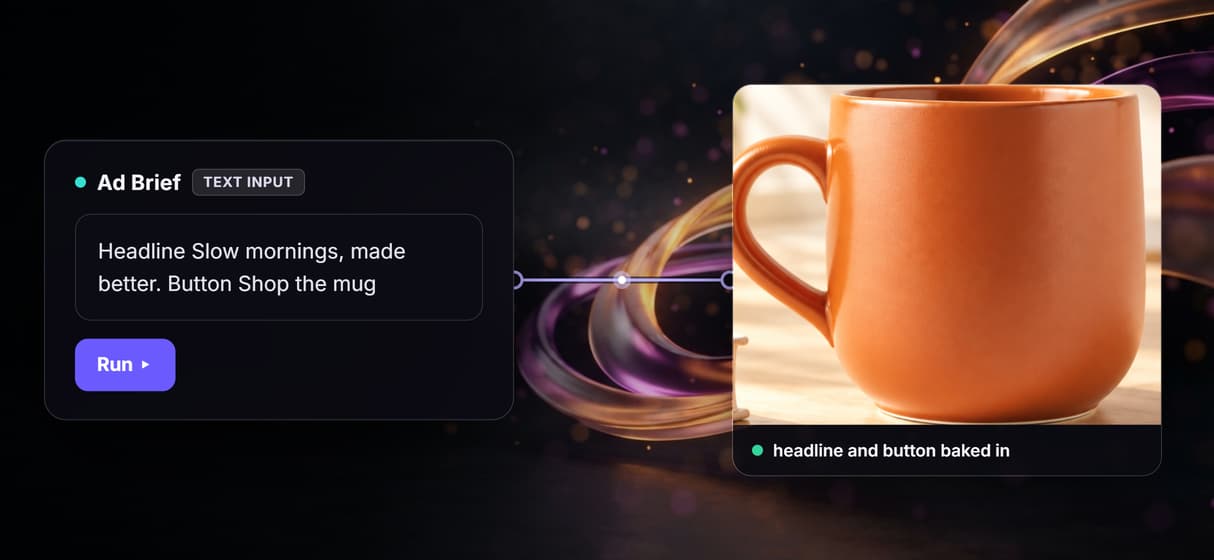
Your words, rendered on the ad
The Ad rules node makes the model spell your headline and button exactly inside the safe area, so the words bake into the image, not an AI image generator afterthought.
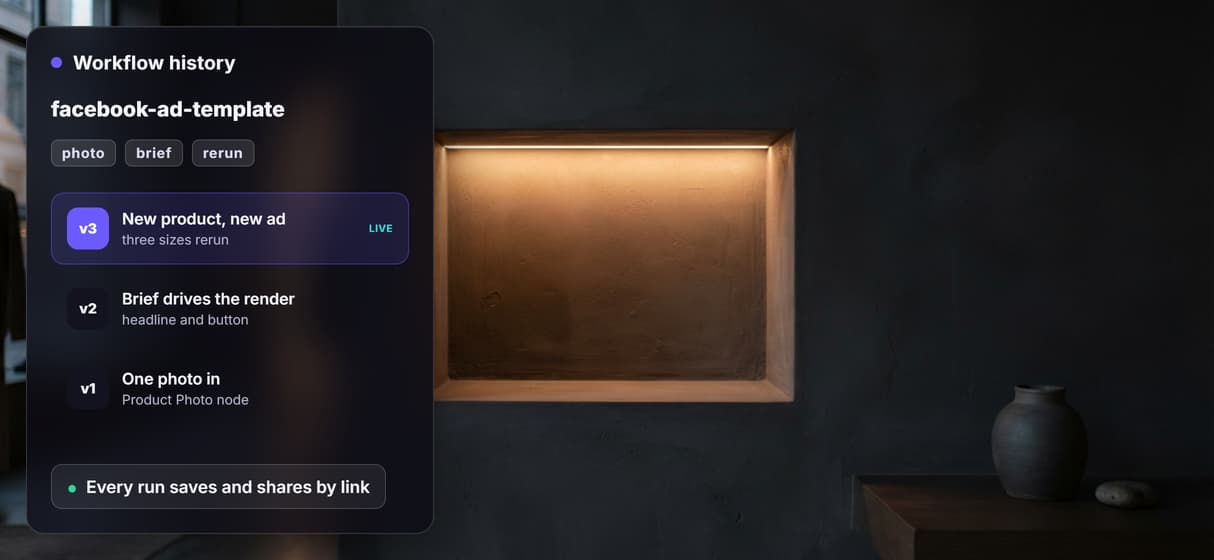
Swap the brief, rerun for the next ad
Change the photo and the brief and run the same graph again for the next product; every run saves and shares by link, so this sits next to your other AI creative workflows.
Pay per run, not per seat
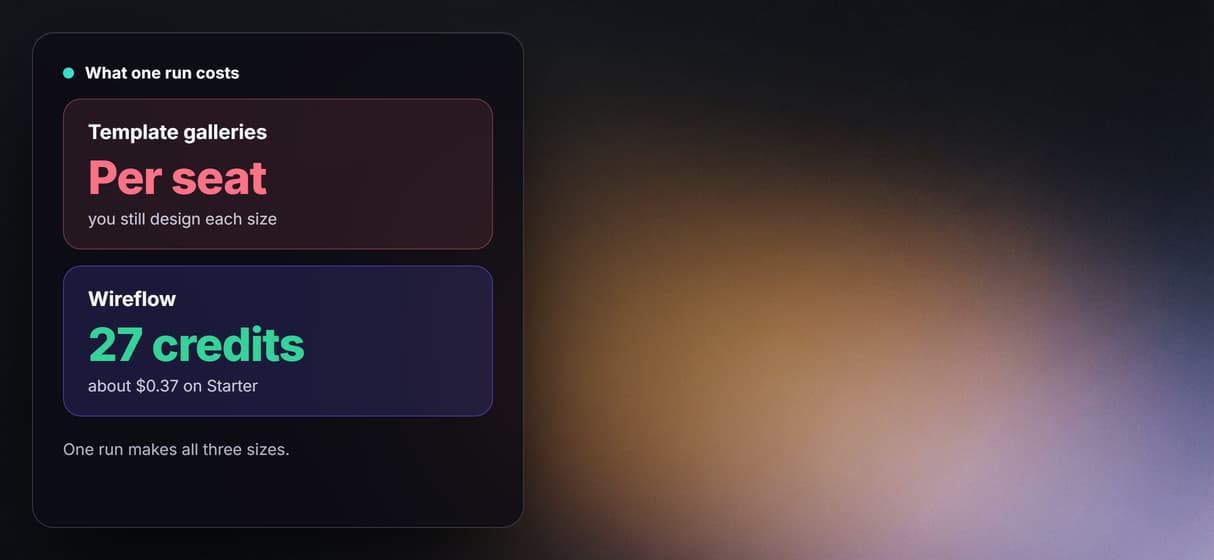
Building on the canvas is free and each run is metered at 27 credits, so a whole team pays the same per run as one person making AI video ads. One run makes all three sizes.
Facebook ad template Workflows
No Code Required
API & Batch Processing
One brief, the same ad in three sizes
Here is one real run of this template. The brief asked for a terracotta mug, the headline "Slow mornings, made better" and the button "Shop the mug", on a sunny kitchen table with a book. The mug is a plain example product with no brand on it, made for the demo. One run rendered the same ad at all three Facebook sizes.



What goes in and what comes out
A product photo and a short brief go in, and the same ad comes out in three sizes, with the prompt built in between on the same canvas. These are the nodes, left to right:
- Product Photo. An image input node that holds the product you want in the ad.
- Ad Brief. A text input node with your headline, your button, and the scene you want.
- Ad rules. A fixed text node that tells the model to keep the product, spell the words exactly, and leave a safe area for the text.
- Prompt Concatenator. Joins the rules and your brief into one prompt for each size node.
- GPT Image 2.5 Flare Edit (1:1, 4:5, 9:16). Three edit nodes, one per size, each rendering the same ad.
Because every step is a node, this template drops into a wider AI content automation setup. When you want the statics to move, the same brief feeds a video ad variant generator on the same canvas.
What one run costs
One full run of this template is 27 credits: three GPT Image 2.5 Flare Edit images at 9 credits each, rendered at medium quality. The number is from a run receipt, not a list price.
On Starter, which is $36 a month for 2,660 credits, that is about $0.37 a run, roughly 98 runs a month. On Professional, which is $59 a month for 4,370 credits, it is about $0.37 a run, roughly 161 runs a month. Building on the canvas is free, and new accounts get a free video.
Open the flow
Open the workflow here: the Facebook ad template board. It opens logged out, with the saved mug ad in all three sizes from the run above, so you can see every node and its output before you sign in. Copy it to your account to run it on your own product photo.
Run it from Claude
You can run this template from Claude through the Wireflow connector. In Claude, open Customize, then Connectors, then Add custom connector, paste the address https://www.wireflow.ai/api/mcp, and sign in. The setup steps are in the Claude app docs.
Then give Claude this prompt:
Use Wireflow to make one Facebook ad from this product photo: <your photo link>. Brief: a terracotta mug, headline "Slow mornings, made better", button "Shop the mug". Give me the ad in 1:1, 4:5 and 9:16. Tell me the credit cost and wait for my yes before you run it.
With that last line, Claude looks up the price and waits for your yes before it spends any credits.
Run it from the API
Every published Wireflow workflow is also a REST endpoint, so a script or an agent can send a photo and a brief and get the three sizes back:
curl -X POST https://www.wireflow.ai/api/v1/workflows/cmvylq93w0008ic0888w3tc3e/run \
-H "Authorization: Bearer $WIREFLOW_API_KEY" \
-H "Content-Type: application/json" \
-d '{"inputs":{"product-photo":"YOUR_PHOTO_LINK","ad-brief":"Your headline, offer and button"}}'
The run route works on workflows you own: open the flow, copy it to your account, and use your copy's id. The POST returns 202 with an executionId; poll GET /api/v1/workflows/executions/{executionId}/poll, or pass a webhook. Full reference is in the run API docs.
What each node does
Product Photo
An image input node that holds the product you want in the ad.
Ad Brief
A text input node with your headline, button and the scene you want.
Ad rules
A fixed node that keeps the product and renders the words exactly.
Prompt Concatenator
Joins the rules and your brief into one prompt per size node.
GPT Image 2.5 Flare Edit
An edit node that restages your product into the ad scene.
Three sizes out
One run renders the same ad at 1:1, 4:5 and 9:16.
When another tool is the better fit
This renders the ad image, it does not pick your offer or write your headline; you bring the brief and it makes the sizes. GPT Image 2.5 Flare Edit restages the product and can drift a little from an exact photo, and small details like the headline punctuation can vary between the three sizes, so read all three before you ship and fix an exact packshot from a clean shot and the background remover first.
If you only need to drop a logo into a fixed layout, a drag-and-drop template gallery is faster. Build here when you want the same ad in every size from one brief, kept on a canvas you can rerun and turn into motion with a full AI video generator or AI video pipeline when the campaign needs it.
FAQs
It means a graph you run, not a layout you drag. A product photo and a short brief go in, and the same ad comes out in 1:1, 4:5 and 9:16 on one canvas you can rerun for the next product.
Discover related AI tools
- Weavy AI Alternative (Weavy.ai Is Now Figma Weave)
- Flora AI Alternative
- Freepik Spaces Alternative
- RoboNeo AI Alternative: 79 Models in Your Browser
- Sotatech AI Alternative
- Pletor AI Alternative: 79 Models, No Black Box
- Fuser Studio AI Alternative
- AI Creative Workflows
- Visual Node Editor
- No Code AI Canvas
- Reusable AI Templates
- AI Pipeline API
More From Wireflow
Written by
Andrew Adams · Co-Founder & Operations at Wireflow
Runs client operations and content strategy at Wireflow. Works directly with creative teams and agencies to build production AI workflows.
Run the ad template on your product
Open the flow, drop in a product photo and a one line brief, and get the same ad in 1:1, 4:5 and 9:16 from one graph you can rerun. Building is free, and new accounts get a free video.