Best AI Carousel Generators in 2026


In this article▾
- Quick summary: the 8 best AI carousel generators
- How we ranked these tools
- 1. Wireflow: best overall
- 2. Canva: best for hand-designed slides
- 3. PostNitro: best for speed
- 4. Contentdrips: best for LinkedIn PDFs
- 5. Supergrow: best for LinkedIn-first teams
- 6. Predis.ai: best for e-commerce
- 7. Taplio: best for growth teams
- 8. Visme: best for data carousels
- Comparison table
- What separates the good tools from the rest
- FAQ
- The bottom line
The best AI carousel generators in 2026 turn a prompt, a blog post, or a call transcript into a finished multi-slide post for LinkedIn, Instagram, and TikTok in about a minute, with brand fonts and colors already applied. We compared eight tools on slide quality, brand control, export formats, and how much manual cleanup each one left behind. Wireflow ranks first because it chains a copy model and an image model on one canvas, so every slide in a set comes out of the same repeatable pipeline instead of a fixed template, and the same AI workflow builder can run the set again next week with new inputs.
Quick summary: the 8 best AI carousel generators
- Wireflow: chain text and image models into a repeatable slide pipeline. Best overall
- Canva: 1,000+ carousel templates with full manual control. Best for hand-designed slides
- PostNitro: prompt to branded carousel across five platforms. Best for speed
- Contentdrips: branded LinkedIn PDF carousels with reusable templates. Best for LinkedIn PDFs
- Supergrow: carousels inside a full LinkedIn posting workflow. Best for LinkedIn-first teams
- Predis.ai: product-aware carousels pulled from catalog data. Best for e-commerce
- Taplio: carousels attached to audience growth and scheduling. Best for growth teams
- Visme: chart-heavy and data-driven slide sets. Best for data carousels
How we ranked these tools
Ranking criteria were weighted in this order: brand control (can you lock fonts, colors, and layout across a set), output quality at full resolution, export formats (PDF for LinkedIn, 1080x1350 PNG for Instagram, MP4 or image sequence for TikTok), and repeatability, meaning how much of the work survives when you need a second carousel next week. Tools that produced good single slides but forced a manual redesign for every new set scored lower, which is the same trade-off that shows up when automating brand content creation with AI.
Pricing was checked but not weighted heavily, since most tools in this category sit between $19 and $49 per month and the real cost is editing time. A tool that saves ten minutes per carousel pays for itself faster than one that is $10 cheaper, which is why the social media managers we spoke to consistently picked on the basis of cleanup time rather than sticker price.
Build this in Wireflow
Make the same kind of asset on a canvas you control, with a free account and no credit card.
1. Wireflow: best overall
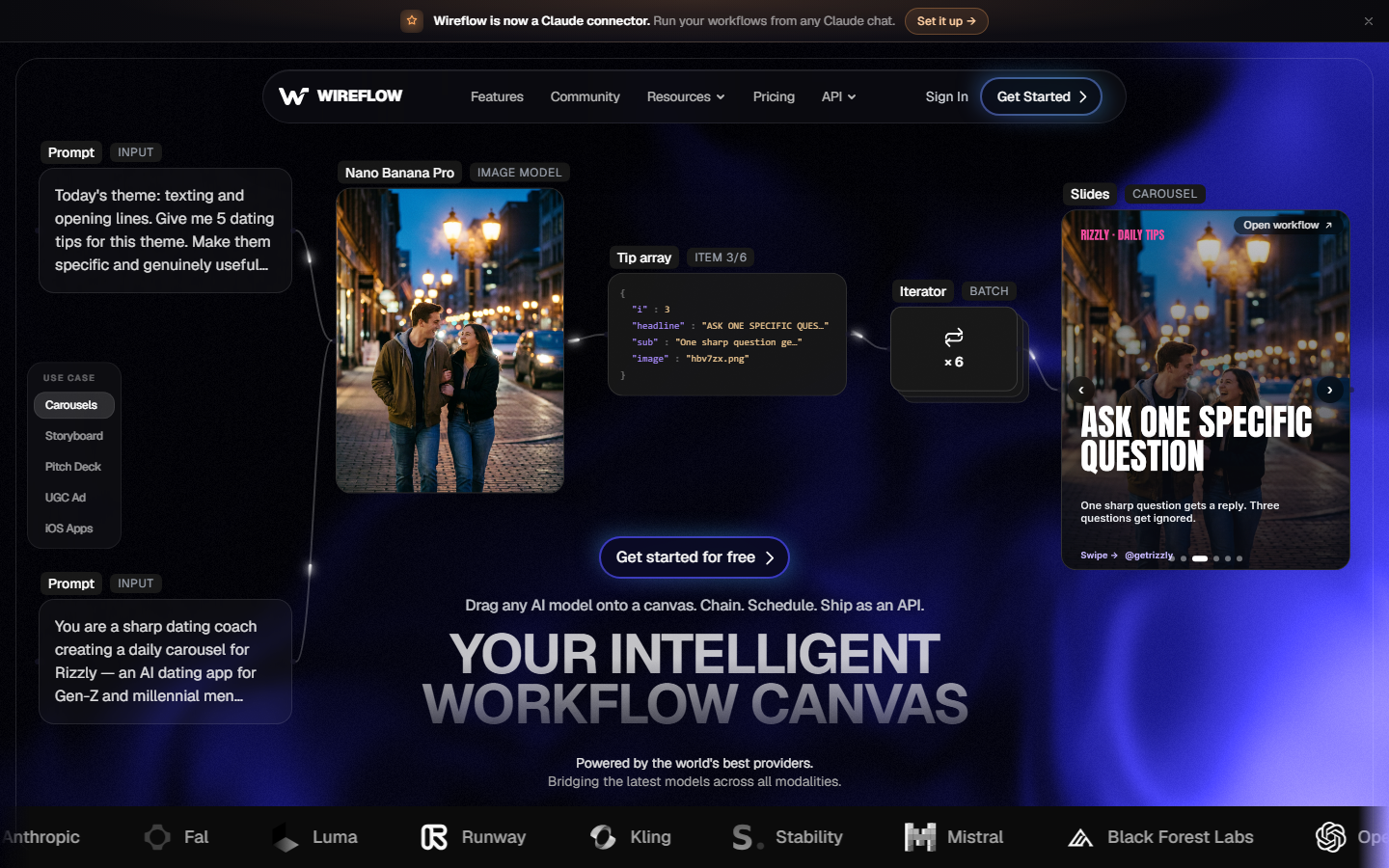
Wireflow is a node canvas where you connect models rather than fill in a template. A carousel build typically runs a text node that splits your source material into slide-sized beats, then feeds each beat into an image model that renders the slide, with a brand reference image wired in so type treatment and palette stay consistent across all ten slides. Because the graph is saved, the second carousel is a rerun with new input rather than a rebuild, and the same graph can be called from the AI content generation API when you want it triggered from a CMS or a scheduler.
The trade-off is setup. Template tools give you a usable carousel in 60 seconds on day one; Wireflow takes 20 to 30 minutes to wire the first graph. After that the gap reverses, because you own the pipeline and can swap the image model when a better one ships instead of waiting for a vendor to update their templates. Teams producing more than a handful of sets per month get the most out of this, and the same pattern applies to related assets like an AI banner generator run.
Verdict: the strongest option if you publish carousels regularly and want a pipeline you control. Slower to start than a template tool.
2. Canva: best for hand-designed slides
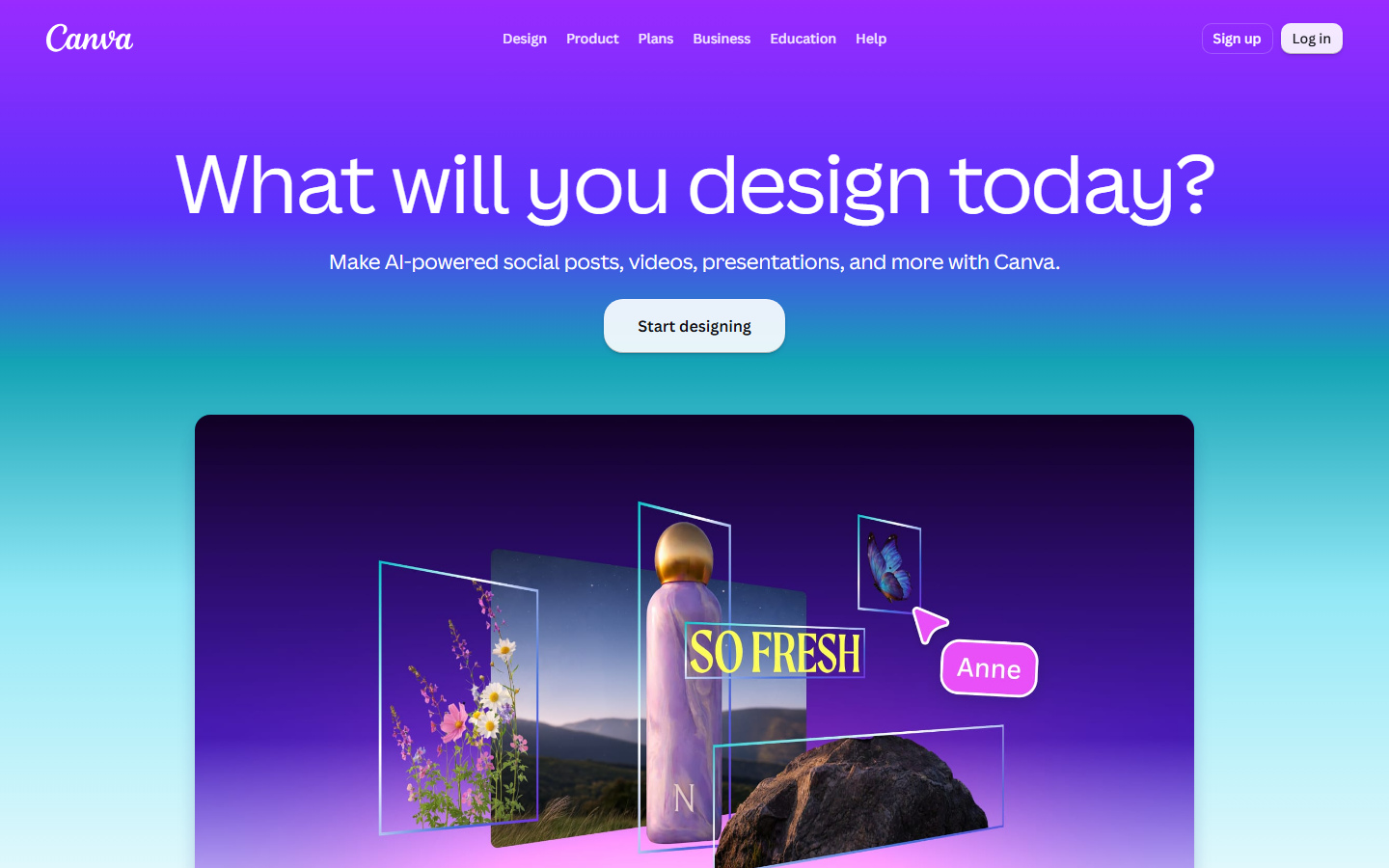
Canva remains the default for anyone who wants to place every element themselves. It carries over a thousand carousel templates sized for LinkedIn and Instagram, Magic Design generates a first draft from a prompt, and Brand Kit locks fonts and colors for paid teams. Export to PDF and to 1080x1350 PNG both work cleanly.
The AI layer is the weak part. Magic Design output usually needs real editing before it is publishable, so in practice Canva is a manual design tool with AI assists rather than a generator. That is fine if design is your job and less useful if you want volume, a distinction that also comes up across Canva AI alternatives for designers.
Verdict: best manual control in the category, weakest automation.
3. PostNitro: best for speed
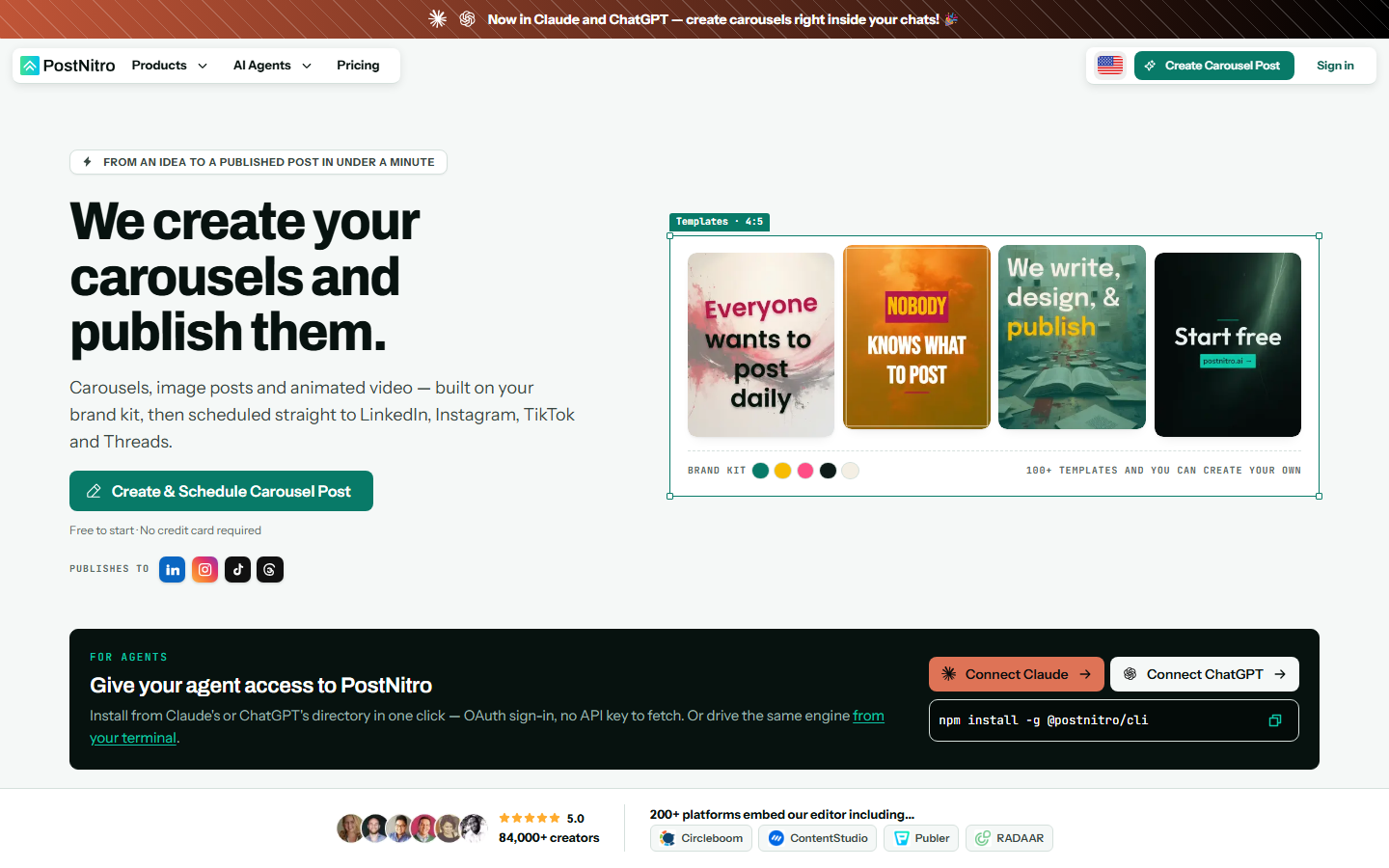
PostNitro is built for one job: prompt in, branded carousel out. You give it a topic or paste a URL, pick a template family, and it returns a full slide set with headline, body copy, and a call to action already written. It exports for Instagram, LinkedIn, TikTok, X, and Facebook, and brand presets carry across all of them.
Slide copy tends toward generic listicle phrasing, so most users rewrite two or three slides per set. Layout quality is solid and consistent, which is the harder half of the problem. It pairs well with a broader stack of AI social media agent tools that handle scheduling downstream.
Verdict: fastest path from idea to publishable carousel, at the cost of copy that reads templated.
4. Contentdrips: best for LinkedIn PDFs
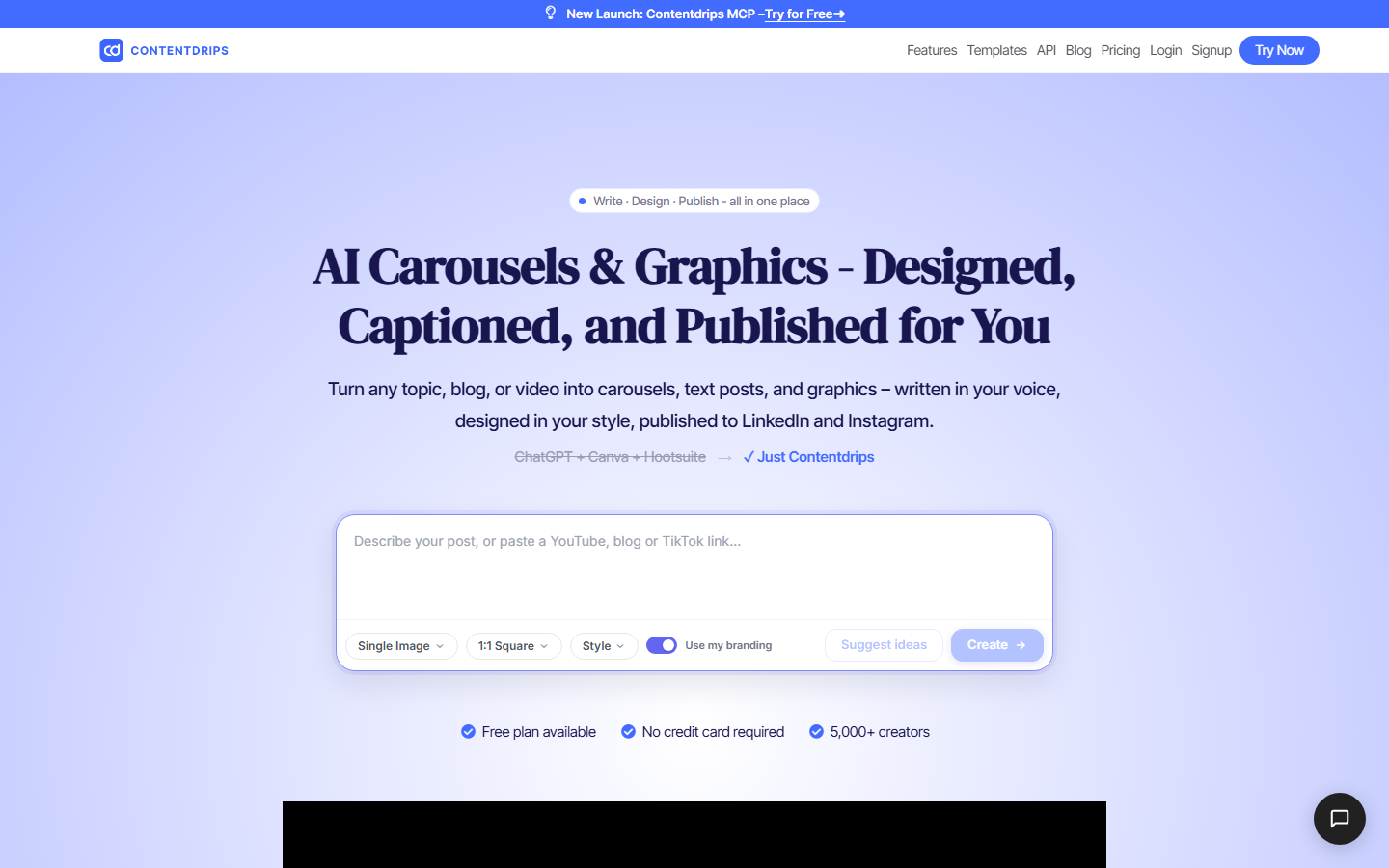
Contentdrips focuses narrowly on LinkedIn document posts. You build or pick a template, feed it a topic, and it produces a multi-slide PDF with your headshot, handle, and branding applied to every slide automatically. There is also a branding kit that stamps consistent footers and profile blocks, which is the detail most generic tools get wrong.
It is less useful outside LinkedIn. Instagram sizing exists but the templates are clearly designed for the document viewer, so a set repurposed to a 4:5 feed post usually needs re-cropping. For teams that also need static ad variants, a dedicated AI ad generator covers that side better.
Verdict: the cleanest LinkedIn PDF output of the eight, narrow by design.
5. Supergrow: best for LinkedIn-first teams
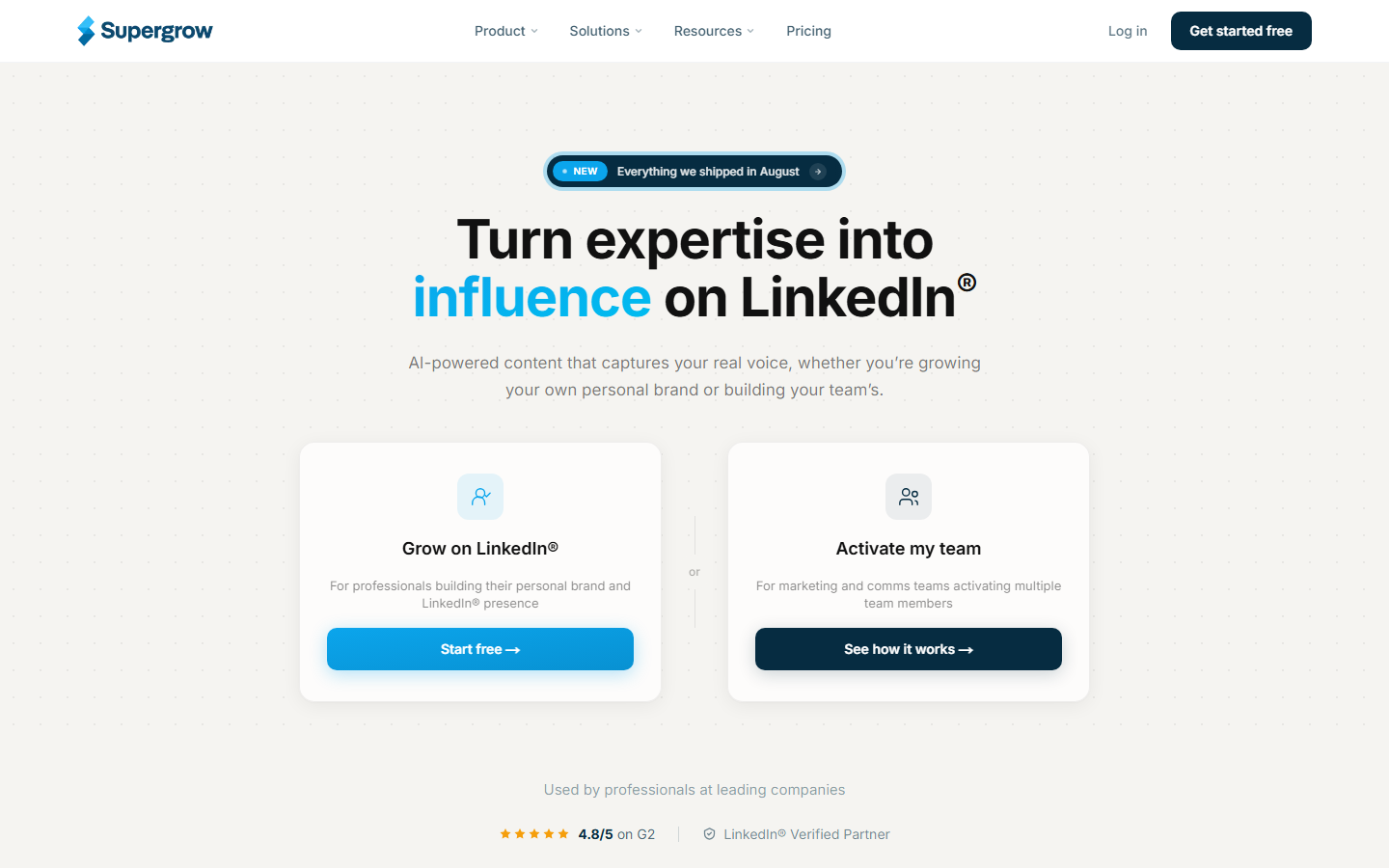
Supergrow treats the carousel as one output inside a larger LinkedIn workflow that also covers idea generation, post drafting, repurposing, scheduling, and comment engagement. The carousel builder pulls from the same content you drafted for text posts, so a strong post can be turned into a slide set without retyping anything.
Design range is narrower than a dedicated design tool, and the templates lean toward a recognizable LinkedIn-creator look. If your brand needs a distinct visual identity you will hit the ceiling quickly, which is the usual reason teams graduate to agentic design tools with more control.
Verdict: strongest if the carousel is part of a whole LinkedIn routine, not a standalone asset.
6. Predis.ai: best for e-commerce
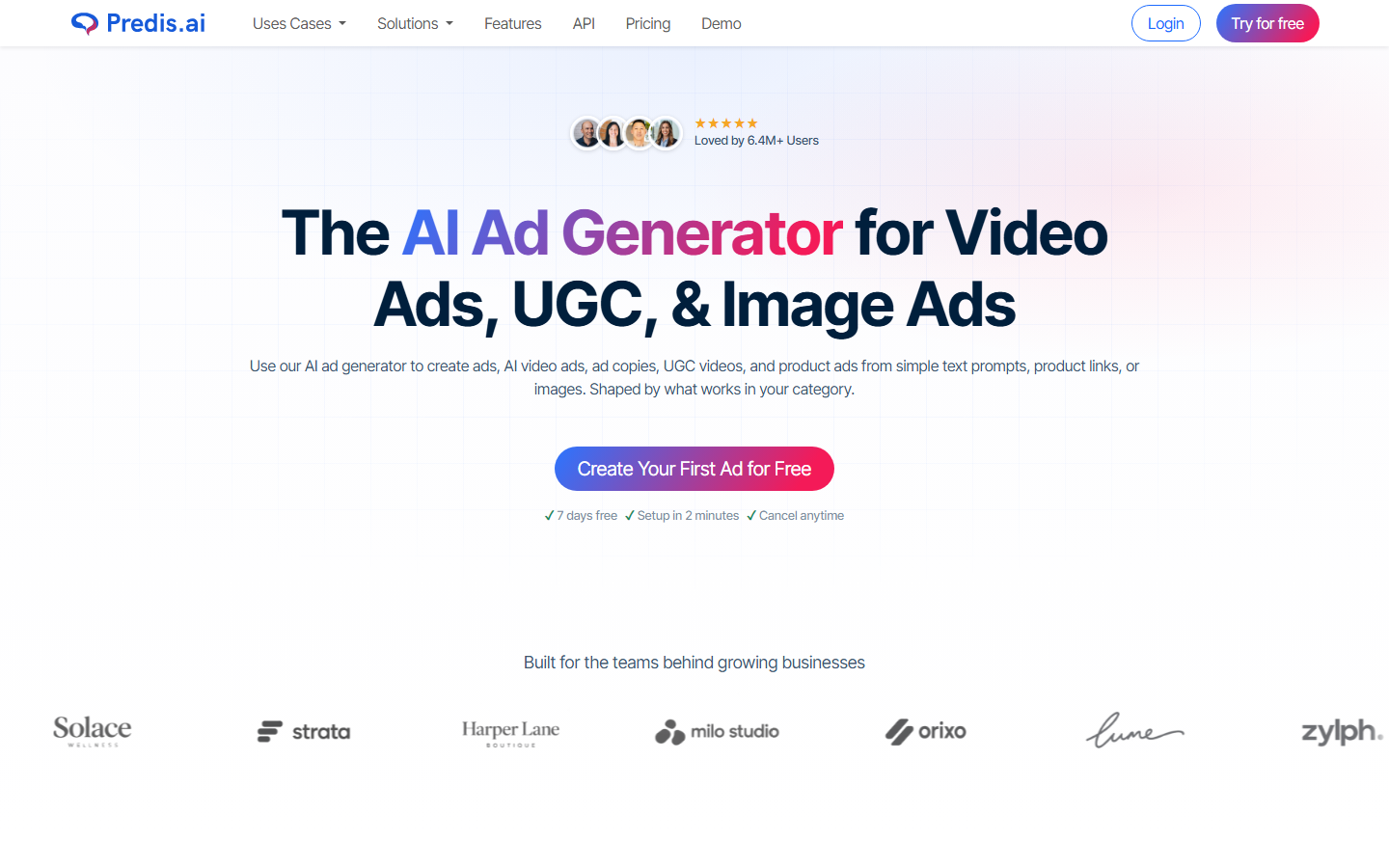
Predis.ai connects to a product catalog and builds carousels around real products, pulling images, titles, and prices into slides automatically. For a store running weekly promotions this removes the copy-paste step that makes carousel production tedious, and it supports competitor analysis and multi-account scheduling on higher plans.
Output outside e-commerce is average. Ask it for a thought-leadership carousel and it produces something closer to an ad. The generated product imagery is also inconsistent enough that many sellers substitute their own shots, similar to the workflow described in how to make AI commercials and ads for your brand.
Verdict: the right pick for catalog-driven social, a poor fit for editorial content.
7. Taplio: best for growth teams
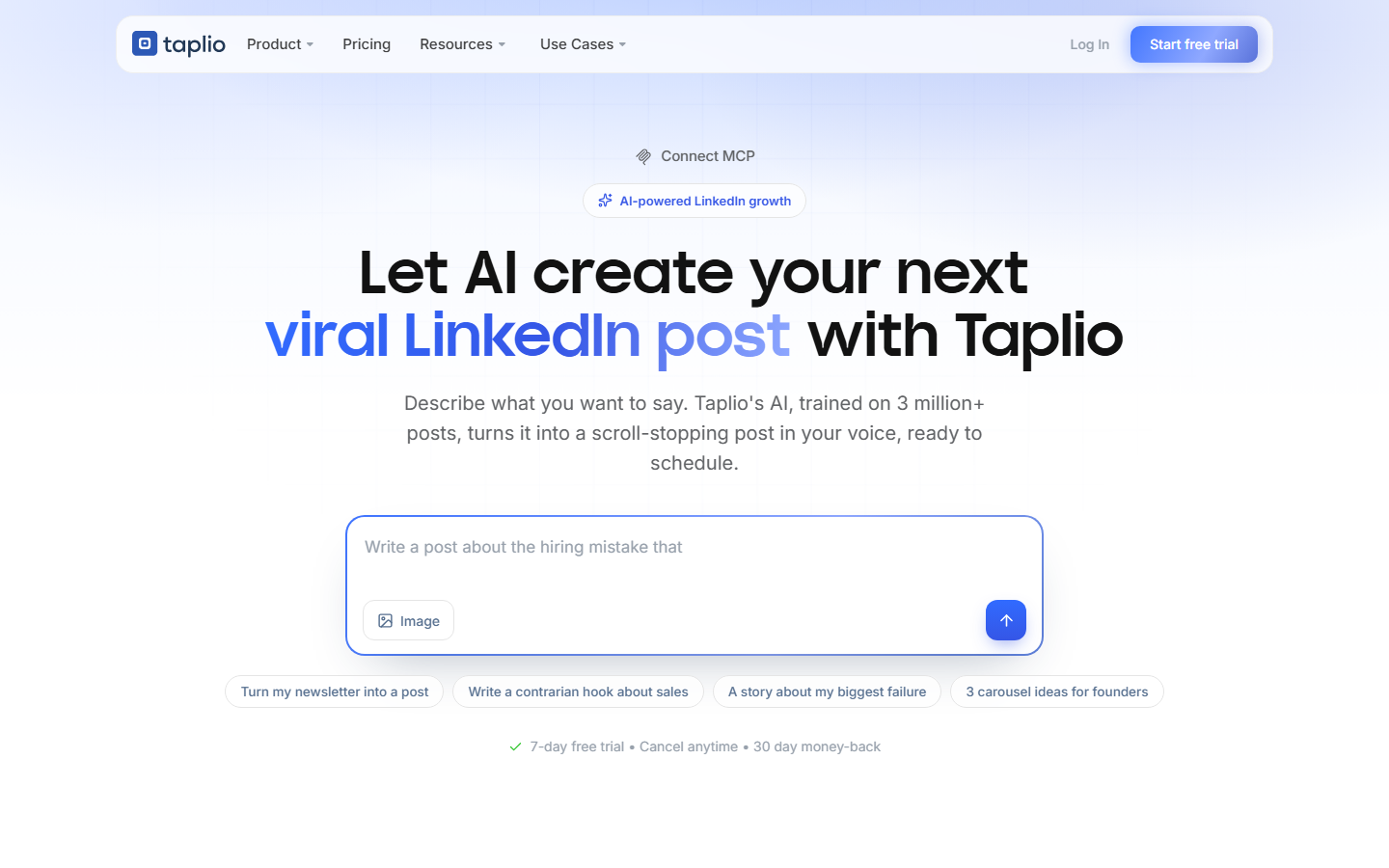
Taplio is a LinkedIn growth platform with carousel generation attached. Its advantage is data: it surfaces posts performing well in your niche, and you can generate a carousel directly from a proven angle rather than guessing. Scheduling, analytics, and a lead CRM sit in the same interface.
As a design tool it is the thinnest on this list. Templates are limited and brand customization is basic, so agencies managing several client identities usually run Taplio for strategy and produce the actual slides elsewhere, often alongside AI design agent tools that handle the visual layer.
Verdict: buy it for the audience data, not the slide quality.
8. Visme: best for data carousels
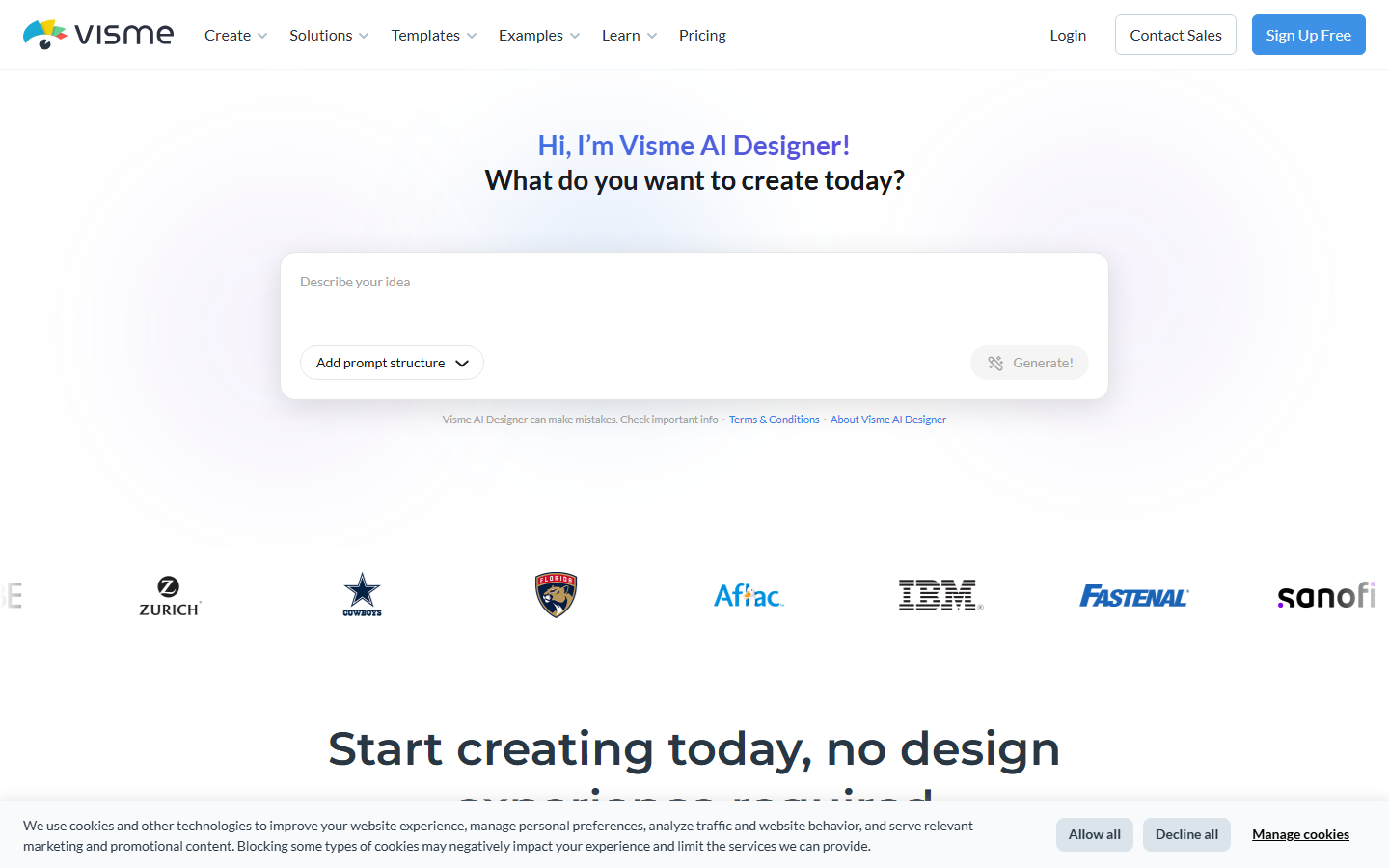
Visme comes from the infographic and presentation world, and it shows in the charting. If your carousel needs a real bar chart, a funnel, or a data table rendered legibly at 1080px, Visme handles it better than any other tool here, and its AI designer will lay out a first draft from a text brief.
The interface carries presentation-software weight, so simple carousels take longer than they should, and the free tier watermarks exports. It is a specialist choice rather than a daily driver, in the same way a dedicated AI poster maker is the right tool only for its own format.
Verdict: the one to use when the carousel is carrying numbers.
Comparison table
| Tool | Best for | Carousel output | Brand control | Starting price |
|---|---|---|---|---|
| Wireflow | Repeatable pipelines | Image sets, any ratio | Full, via reference images and reusable graphs | Free tier, then usage-based |
| Canva | Manual design | PDF, PNG | Brand Kit on paid plans | Free, Pro ~$15/mo |
| PostNitro | Speed | PDF, PNG, 5 platforms | Brand presets | Free tier, paid from ~$12/mo |
| Contentdrips | LinkedIn PDFs | Branding kit, per-slide footers | From ~$19/mo | |
| Supergrow | LinkedIn workflow | PDF, PNG | Limited templates | From ~$19/mo |
| Predis.ai | E-commerce | PNG, video | Catalog-driven presets | Free tier, paid from ~$32/mo |
| Taplio | Growth data | PDF, PNG | Basic | From ~$39/mo |
| Visme | Data slides | PDF, PNG | Brand kit on paid plans | Free with watermark |
Prices were checked in September 2026 and change often; treat them as a starting range rather than a quote. Usage-based platforms are the harder ones to compare, since cost scales with how many slides you actually render, which is worth modelling against the published pricing before you commit to a plan.
What separates the good tools from the rest
Three things predicted satisfaction in testing. First, whether brand assets apply across a whole set automatically or slide by slide. Second, whether the tool exports at the native resolution each platform wants instead of upscaling a 1080x1080 canvas. Third, whether producing a second carousel reuses the first one's setup. Tools that failed the third test felt fast in a demo and slow in month two, the same pattern seen when teams first start creating social media banners with AI at volume.
Copy quality is the remaining weak spot across the whole category. Every tool tested produced serviceable slide headlines and generic body text, and none produced copy that sounded like a specific person. Writing the slide text yourself and letting the tool handle layout and rendering is still the fastest route to something worth publishing, and it is why teams building AI creative workflows tend to keep a human in the copy step.
Try it yourself: open this carousel workflow in Wireflow and the nodes are pre-configured with the prompt-to-slide setup described above, so you can run it with your own topic and see the output immediately.
FAQ
What is an AI carousel generator? An AI carousel generator creates a multi-slide social post from a short input such as a topic, a URL, or a pasted document. It writes the slide copy, applies a layout and brand styling, and exports a PDF for LinkedIn or an image sequence for Instagram and TikTok.
Which AI carousel generator is best for LinkedIn? Contentdrips produces the cleanest LinkedIn PDF documents, because branding, headshot, and handle are stamped on every slide automatically. Supergrow is the better pick if you want the carousel inside a full posting and engagement routine rather than as a one-off export.
Are there free AI carousel generators? Yes. Canva, PostNitro, Predis.ai, and Visme all have free tiers. The usual limits are watermarks, a capped number of exports per month, and no brand kit, so free tiers work for testing and rarely for regular publishing.
What size should an Instagram carousel be? 1080x1350 pixels, the 4:5 portrait ratio, takes the most vertical space in the feed. Square 1080x1080 still works and is safer if the same slides will be reused on X or Facebook. Keep text away from the outer 60 pixels so nothing is clipped in previews.
Can AI write the carousel copy as well as design the slides? Every tool here writes copy, but the output reads generic without editing. The practical approach is to write the hook slide and the closing call to action yourself, let the tool draft the middle slides, then edit for voice before exporting.
How many slides should a carousel have? Seven to ten performs best on LinkedIn, where swipe depth is a ranking input. Instagram carousels do well between five and eight. Anything past twelve tends to lose readers before the call to action.
Do carousels still get reach in 2026? Yes, on LinkedIn especially, where document posts continue to earn more dwell time than plain text. Instagram reach for static carousels has softened relative to Reels, so most teams post carousels for saves and comments rather than raw reach.
Can I automate carousel production end to end? Partly. Generation, brand styling, and scheduling can all be automated, and a saved pipeline can be triggered from a CMS or a spreadsheet. The step worth keeping manual is a final read of the copy, since an off-tone slide costs more than the minute it takes to check.
The bottom line
For most teams the honest answer is that the tool matters less than whether the setup survives to the next carousel. Template tools win the first week and lose the second month, which is why Wireflow ranks first here: a saved node graph reruns with new input instead of starting over, and the models inside it can be swapped as better ones ship. If you publish occasionally, pick Canva or PostNitro and move on. If carousels are a recurring part of your content calendar, build the pipeline once and stop paying the setup cost every time.

Co-Founder & Operations at Wireflow
Runs client operations and content strategy at Wireflow. Works directly with creative teams and agencies to build production AI workflows.
- Content Strategy
- Client Operations
Ask Claude for your next ad.
Connect once. Ask any time.
- No credit card
- You keep the rights to what you make
- Cancel anytime
More in Alternatives
Head-to-heads and roundups of the tools people weigh up.