How to Make AI Commercials and Ads for Your Brand

In this article▾
Making an AI commercial for your brand takes four things: a tight script, a consistent visual anchor, a generated video pass, and a variant loop that produces 10 to 20 cuts instead of one. Wireflow lets you chain those steps as connected nodes, so the same product image, script, and voice feed every version you ship. This guide walks the full process end to end, including the parts most tool pages skip: how to keep your product looking like your product across shots, and how to decide which of the 20 cuts actually gets spend.
What You Need Before You Generate Anything
The failure mode with AI ads is starting at the generator. A prompt typed into an empty box produces a clip that looks fine and sells nothing, because nothing in it was decided before the model ran. That is why teams increasingly create ads with AI as a saved node graph, where the brief, images, voiceover, and clip are each a step you decide before anything renders. Gather four inputs first.
The offer. One product, one claim, one action. If you cannot write it in a sentence, the ad will not carry it. The audience. Not "everyone who buys skincare" but the specific person, their objection, and the moment they see the ad. The visual anchor. A clean product photo on a plain background, ideally 2000px or wider. This single asset is what keeps your bottle, box, or device consistent across every generated shot. The format spec. 9:16 for Reels, TikTok, and Shorts; 1:1 for feed; 16:9 for YouTube pre-roll. Decide before generating, because upscaling a 9:16 clip to 16:9 crops your product out of frame.
For a hands-on look at this in action, check out the AI commercial generator feature page, which shows the same pipeline running as a connected graph.
Build this in Wireflow
Make the same kind of asset on a canvas you control, with a free account and no credit card.
Step 1: Write the Script Before You Touch a Model
A 30-second ad is roughly 75 words spoken. A 15-second ad is roughly 38. Write to that count, not past it, or the voiceover will outrun the visuals and you will be cutting frames to fit audio. The structure that survives testing is four beats:
- Hook (0-3s): the problem or the pattern break. This is the only part most viewers see, so it gets the most rewrites.
- Problem (3-8s): name the specific friction, not the category.
- Product (8-22s): show it working. One clear demonstration beats three vague ones.
- Call to action (22-30s): one action, stated once, with the brand name visible on screen.

Write three hooks per script, not one. The hook is the variable with the widest performance spread, and generating three costs almost nothing compared to reshooting later. A faster shortcut is to clone the hook from an ad that already works, since an ad running past 90 days has been tested by someone else's budget. Teams already running this at volume treat script variants as the first branch point, which is the same logic behind ad creative testing at scale.
Step 2: Lock the Visual Anchor
This is the step that separates a usable brand ad from a generic stock clip. Text-to-video models invent products. If you prompt "a serum bottle on marble," you get a serum bottle, not yours, and it changes between shots.
The fix is image-to-video rather than text-to-video. Take your product photo, use an image model to place it into the scene you want (kitchen counter, gym bag, desk), then feed that generated still into the video model as the first frame. The same brief can also generate a cinematic trailer when a product launch needs one. The video model animates what it is given instead of inventing from scratch, so your label, cap, and proportions survive. Use the same anchor image for every scene in the ad and the product stays identical across cuts. For the static companion pieces, an AI flyer generator reuses that same anchor image so your posters and feed graphics match the commercial. The same approach underpins AI product photos for ecommerce, where consistency matters more than novelty.
Step 3: Generate the Video Pass
Most current video models generate 5 to 10 seconds per call. A 30-second commercial is therefore 3 to 6 clips stitched, not one generation. Plan the shot list at that granularity.
| Shot | Length | Source | What it does |
|---|---|---|---|
| Hook | 5s | Image-to-video from anchor | Stops the scroll |
| Context | 5s | Image-to-video, lifestyle scene | Establishes the use case |
| Demo | 10s | Two clips from anchor, same angle | Shows the product working |
| Close | 5s | Anchor still with motion + text | Brand and CTA |
Prompt each shot with camera language, not adjectives: "slow push in, shallow depth of field, product centered, soft window light" outperforms "beautiful cinematic amazing ad." Models respond to the vocabulary of a shot list because that is what their training captions look like. Keep camera moves slow; fast motion is where generated video breaks first, showing warped edges and drifting text. If you need the process to run without a person in frame at all, the same shot logic applies to a faceless AI video generator setup.
Step 4: Add Voice, Music, and Captions
Generated video arrives silent. Three audio layers finish it.
- Voiceover. Text-to-speech from your script. Pick one voice and keep it across the whole campaign; voice is a brand asset, and switching it between ads costs you recognition. The same consistency logic applies to your visuals, where a generated brand kit locks the logo mark and palette so every ad reads as one identity. Read the generated audio back against the video length before committing, because TTS pacing varies by 10 to 15 percent between engines.
- Music. Low bed, ducked under the voice by roughly 12dB. Instrumental only.
- Captions. Burned in, not platform-generated. Between 40 and 85 percent of social video is watched muted depending on platform and placement, so the ad has to work with the sound off.
If you are converting an existing blog or landing page into ad copy first, the text-to-video workflow covers that upstream step.
Step 5: Produce Variants, Then Decide With Data
One polished ad is the expensive mistake. The advantage of generating rather than filming is that the marginal cost of version 12 is close to the cost of version 2, so the correct output of this process is a batch.
Vary one axis at a time so results are readable:
- Hook variants: same body, three different first three seconds. Highest expected spread.
- Format variants: 9:16, 1:1, 16:9 from the same shot list.
- CTA variants: "shop now" against "see the reviews" against a price-led close.
- Voice variants: one male, one female read, same script.
Four hooks by three formats is 12 assets from one script and one anchor image. Run them at small equal budgets, kill on thumbstop rate and hold rate in the first 48 hours, then push spend into the survivors. Agencies structuring this as a repeatable weekly batch usually formalize it as a scaled ad creative production process rather than a per-ad project.
Common Mistakes That Kill AI Ads
- Text rendered by the video model. Generated on-screen text warps and misspells. Add all text in an overlay layer afterward.
- Human hands and faces in close-up. Still the weakest area of generated video. Frame at medium distance or keep the product as the subject.
- Mismatched lighting between shots. Fixed by generating every scene from the same anchor image with consistent light direction in the prompt.
- Regenerating instead of branching. If a clip is 80 percent right, change one prompt variable rather than rolling the dice again from zero.
- No disclosure where it is required. Advertising rules on synthetic media differ by market and platform; check the ad policy for each placement before the campaign runs.

Try it yourself: Build this workflow in Wireflow. The nodes are pre-configured with the anchor image, script, and video pass described above.
FAQ
How long does it take to make an AI commercial? A first 30-second cut takes roughly 30 to 60 minutes once the script and anchor image exist: about 5 minutes per video clip generation, plus voiceover and assembly. Subsequent variants take minutes each because the pipeline is already built.
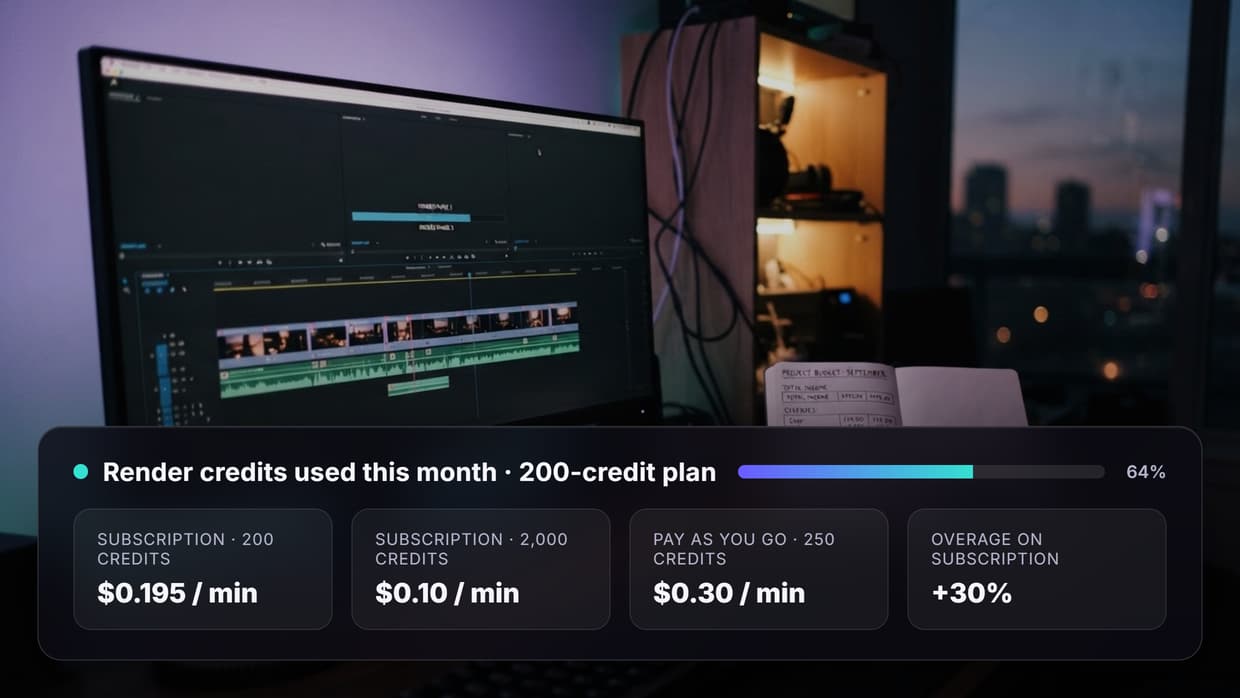
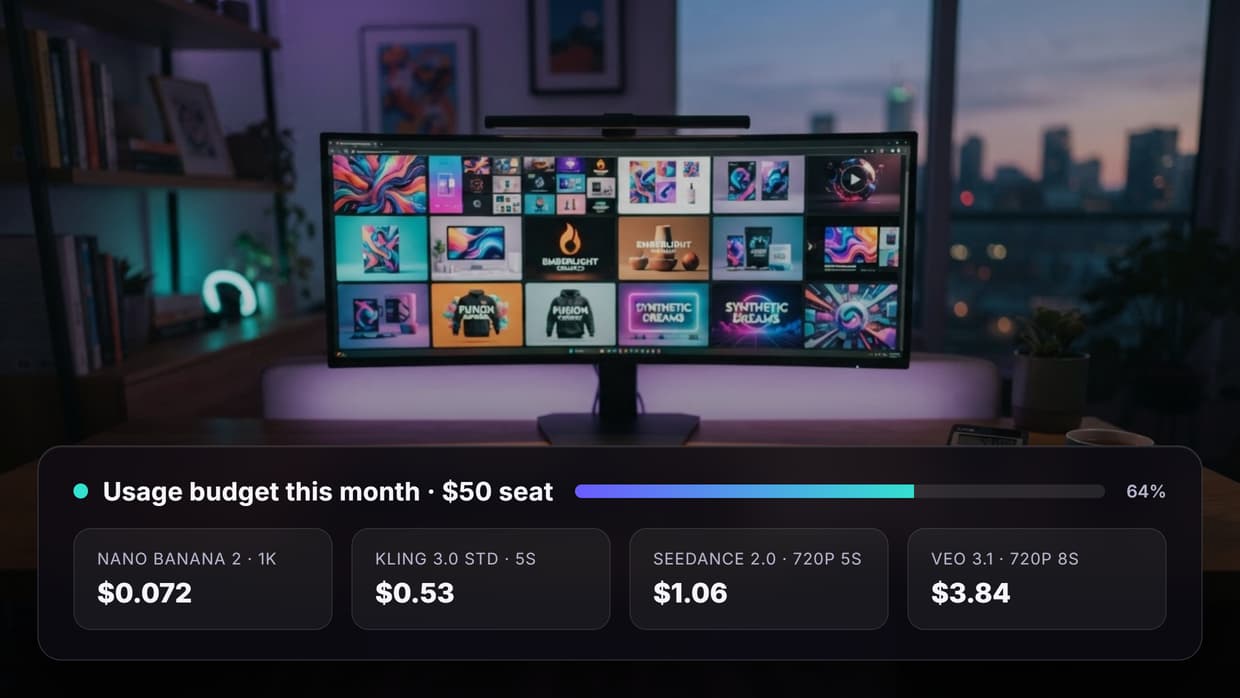
How much does it cost? Per-second video generation pricing dominates the bill. A 30-second ad built from six clips typically lands in the single-digit to low double-digit dollars of compute, compared to four figures and up for a filmed spot. Variants are the cheap part, which is why batching is the right strategy. Current rates are on the pricing page.
Will the AI keep my product looking correct? Only if you drive generation from a real product photo. Image-to-video from a fixed anchor preserves the label and shape; text-to-video prompted from a description will invent a similar-looking product that is not yours.
Can I use AI ads on Meta, TikTok, and YouTube? Yes, all three permit AI-generated creative. Each has its own synthetic-media disclosure and labeling policy, and those policies change, so verify the current rules for your market before launching.
What length should the ad be? 15 seconds for social feeds and Reels, 30 seconds for YouTube and connected TV placements, 6 seconds for bumpers. Generate the 30-second version first and cut down; cutting down preserves quality better than padding up.
Do I need a voiceover? Not always. Muted viewing is the default on social, so a captioned ad with a music bed can perform as well as a narrated one. Test both as a variant axis rather than assuming.
How many versions should I make per campaign? Start with 9 to 12: three hooks across three formats, plus one CTA alternate. That is enough to find a winner without splitting budget so thin that no variant reaches statistical significance.
Can this run automatically for a whole product catalog? Yes. Once the graph exists, swapping the anchor image and product name per SKU turns it into a batch job, which is how automated brand content creation pipelines are usually structured.
Conclusion
AI commercials are not a shortcut to one perfect ad; they are a way to make the twelfth ad cost about the same as the second. The process holds together when the script is written to a word count, the product is anchored to a real photo, the shots are prompted like a shot list, and the output is a tested batch rather than a single hero asset. Build the chain once and the only thing that changes per campaign is the anchor image and the script, which is the same pattern behind any repeatable AI ad generator setup.

Co-Founder & Operations at Wireflow
Runs client operations and content strategy at Wireflow. Works directly with creative teams and agencies to build production AI workflows.
- Content Strategy
- Client Operations
Get unlimited ad creatives today.
One call to see if we are a fit and scope the first ad. If it fits, your first batch lands inside week one.