Features
LinkedIn Ad Template
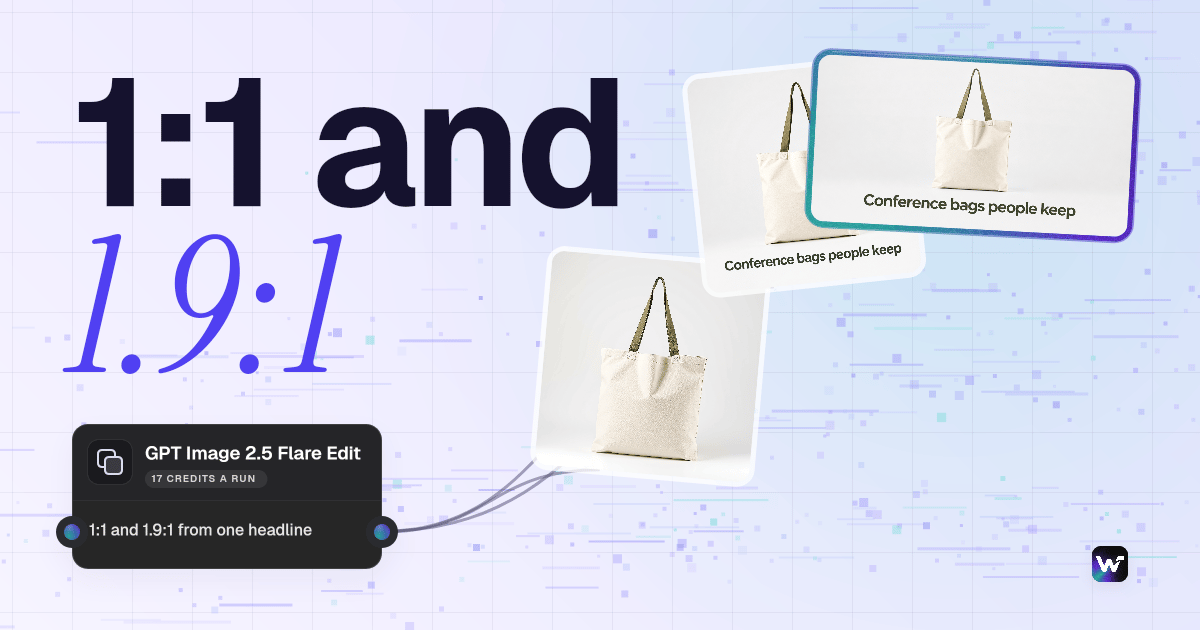
A LinkedIn ad template you run, not a layout you drag: send one product photo and a short headline, and get the same ad in 1:1 for the feed and 1.9:1 for the link size on one canvas.
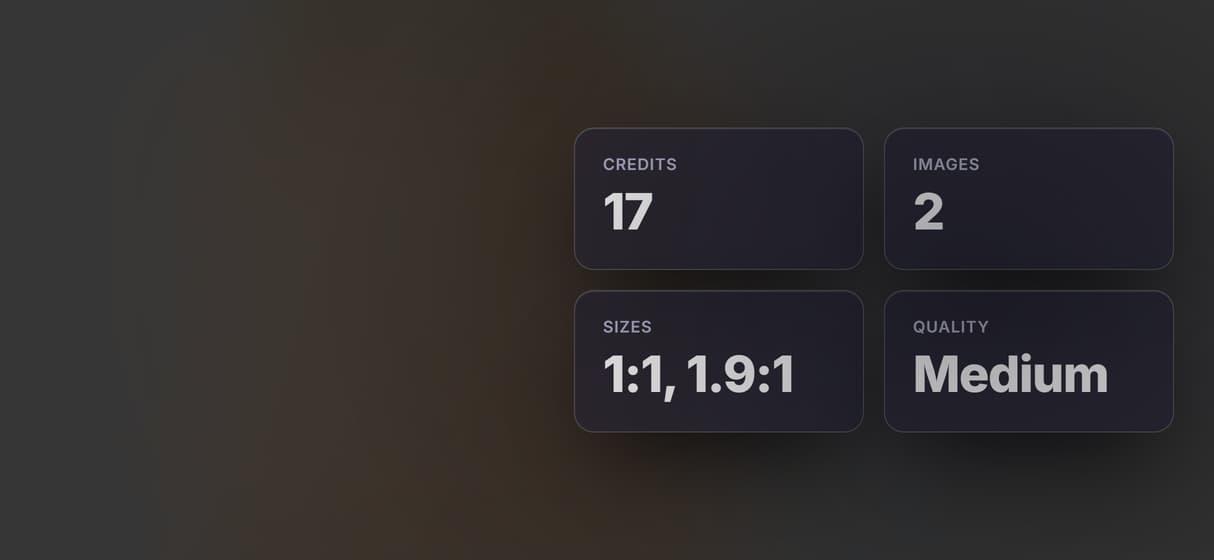
One run is 17 credits, about $0.23 on Starter. New accounts get a free video.
Free to build · no credit card · Read the agent docs · See how it works ↓
 Andrew Adams · Co-Founder & Operations at Wireflow ·
How to Use LinkedIn Ad Template
Steps to get you started in Wireflow.
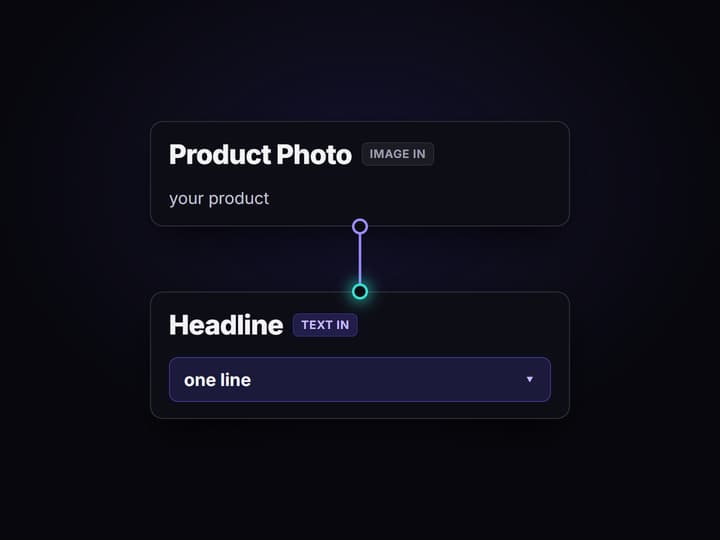
Add a product photo and a headline
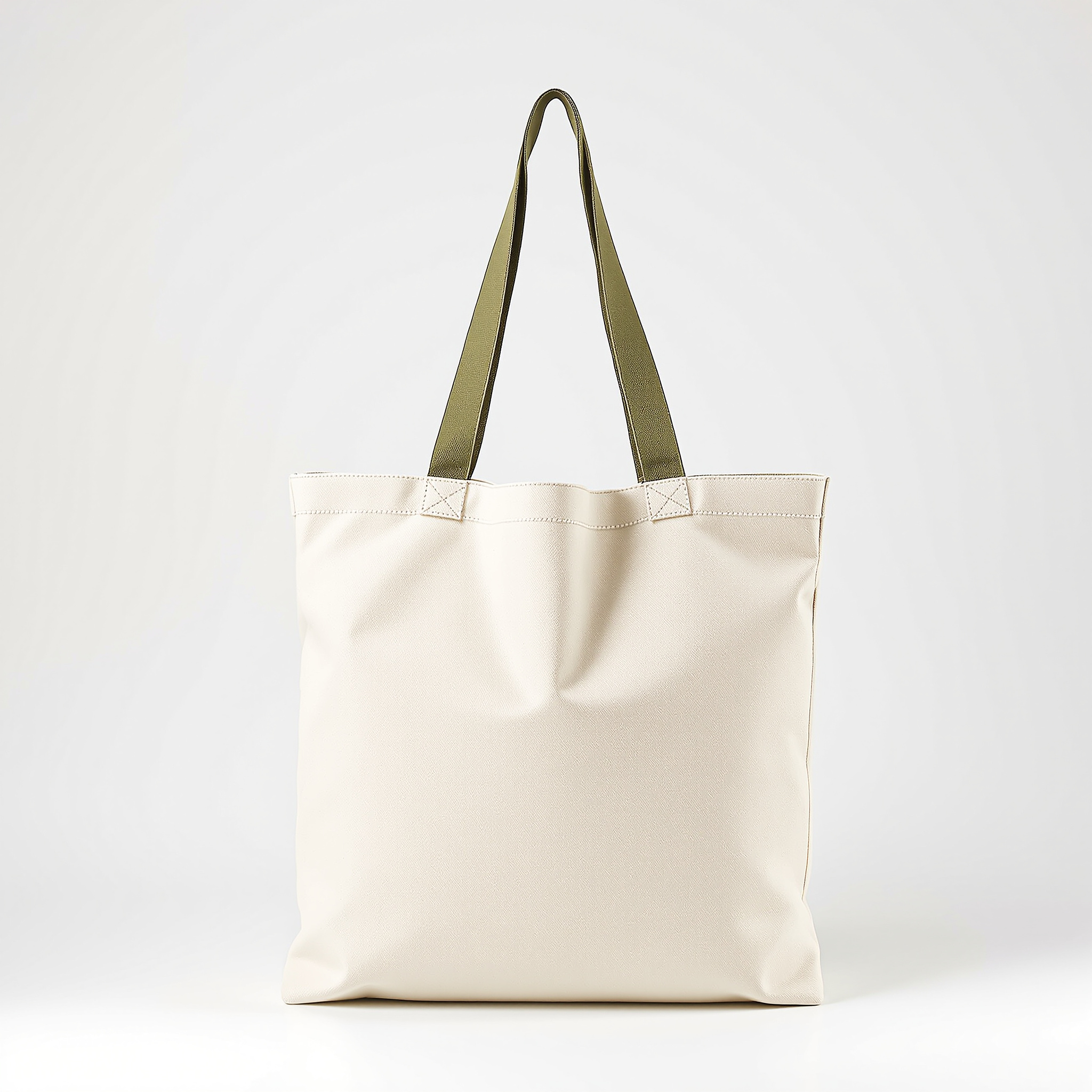
Open the flow and drop a product photo into the Product Photo node, then type your line into the Headline node. The example used a blank canvas tote and the headline Conference bags people keep.
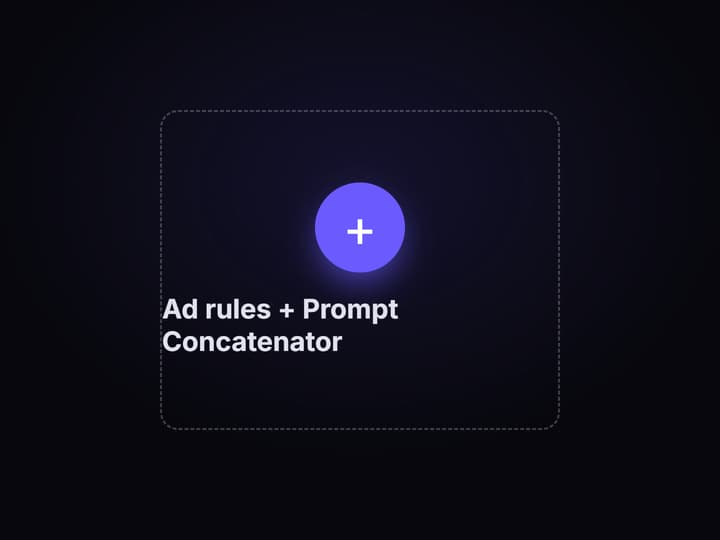
The rules and headline join into one prompt
A fixed Ad rules node keeps the product from your photo and tells the model to spell your headline exactly, and the Prompt Concatenator joins it with your line into one prompt for each size node.
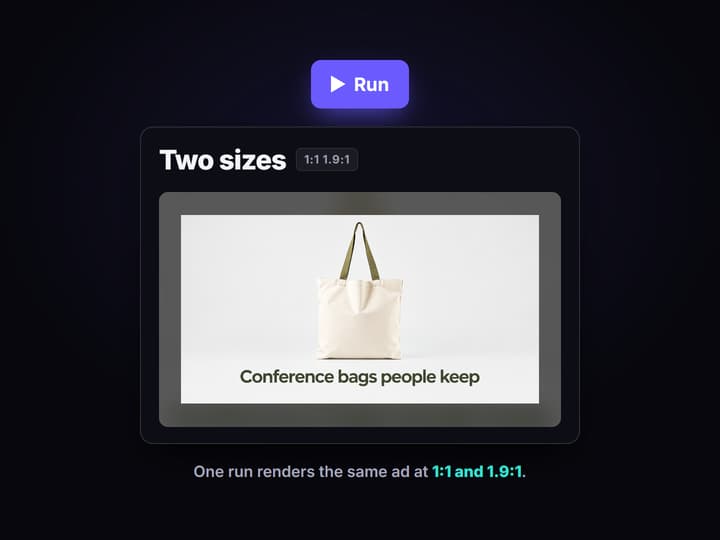
Two nodes render the two sizes
Two GPT Image 2.5 Flare Edit nodes render the same ad at 1:1 and 1.9:1 in one run. Open the board to see both, then copy the flow to rerun it on your next product.
More Than Just LinkedIn Ad Template
Both LinkedIn sizes from one run
Send one product photo and a short headline, and the graph returns the same ad in 1:1 for the feed and 1.9:1 for the wide link size a paid AI ad generator run needs.
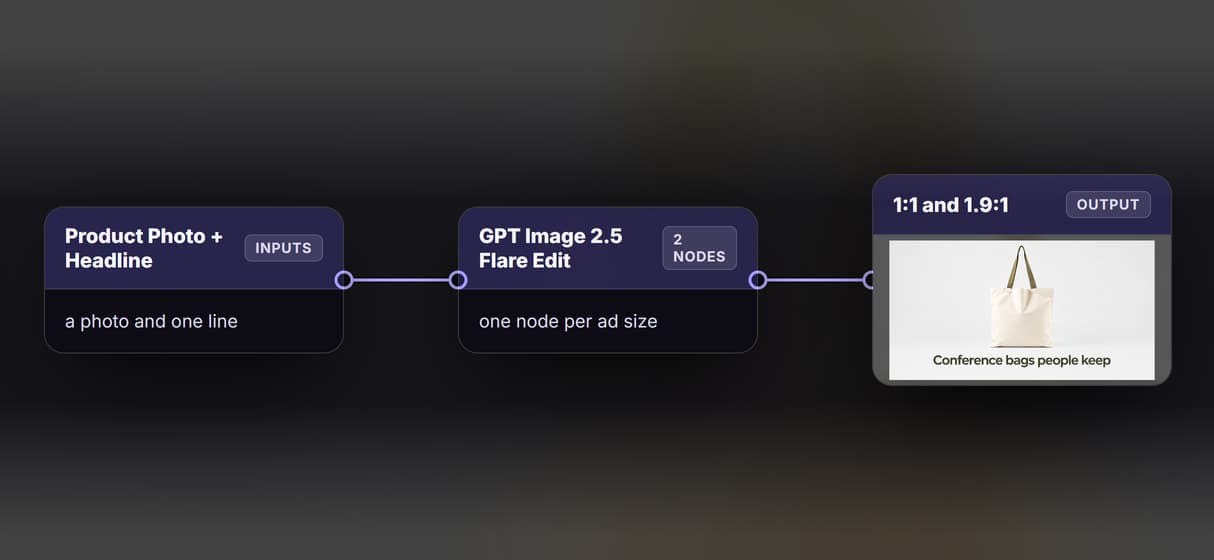
Your product, kept as it is
GPT Image 2.5 Flare Edit restages the bag from your reference photo, so the same tote carries across both sizes, like honest AI generated ads and not a stock photo.
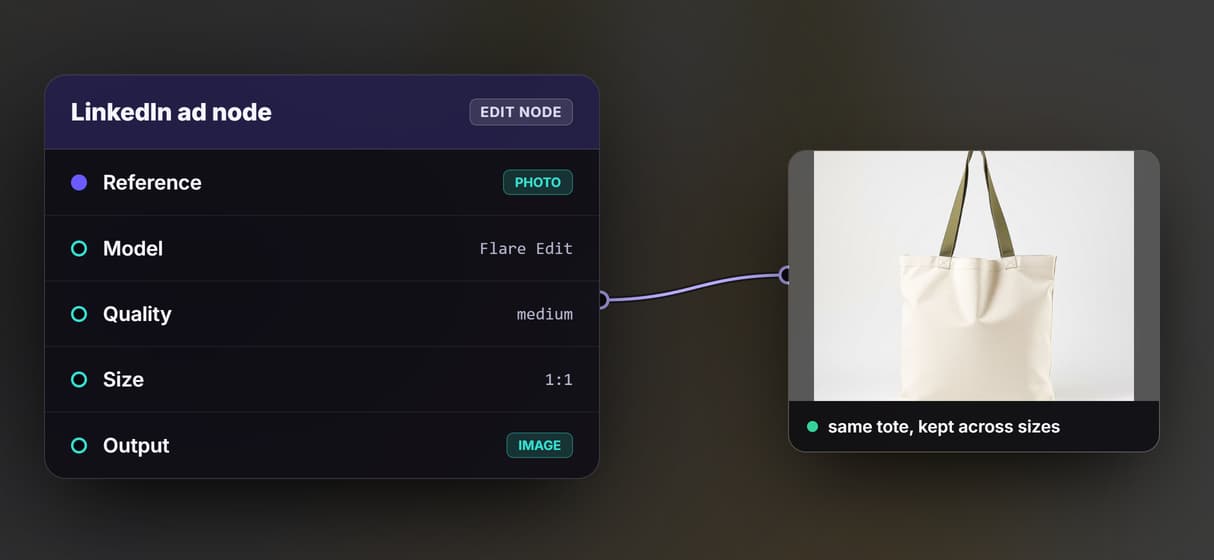
Your headline, rendered on the ad
The Ad rules node makes the model spell your headline exactly inside the safe area, so the words bake into the image, not an AI image generator afterthought.
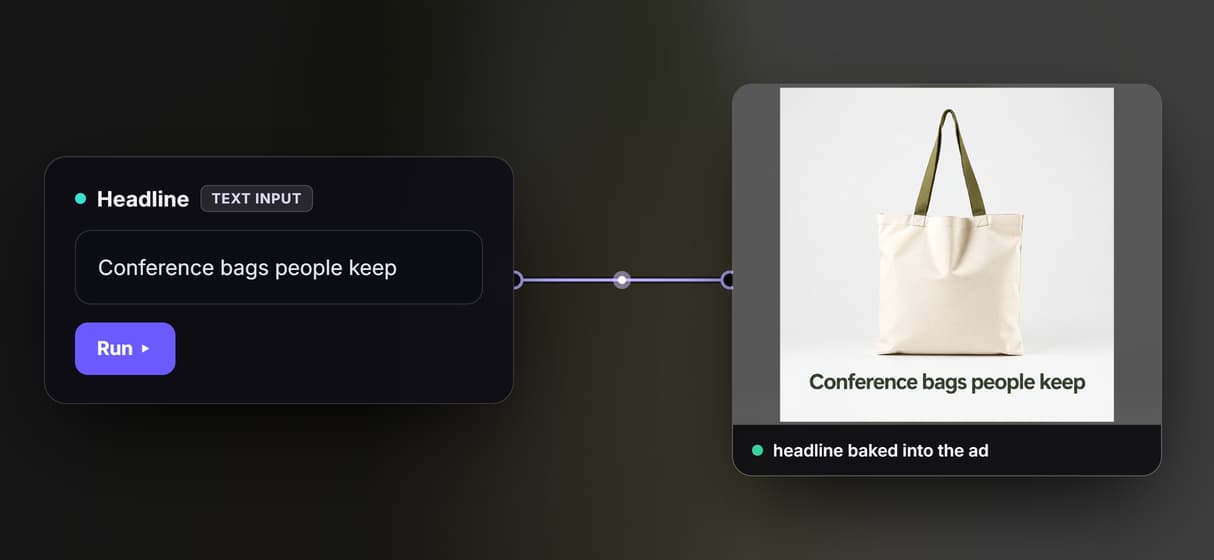
Swap the headline, rerun it
Change the photo and the headline and run the same graph again for the next ad; every run saves and shares by link, so it sits next to your other AI creative workflows.
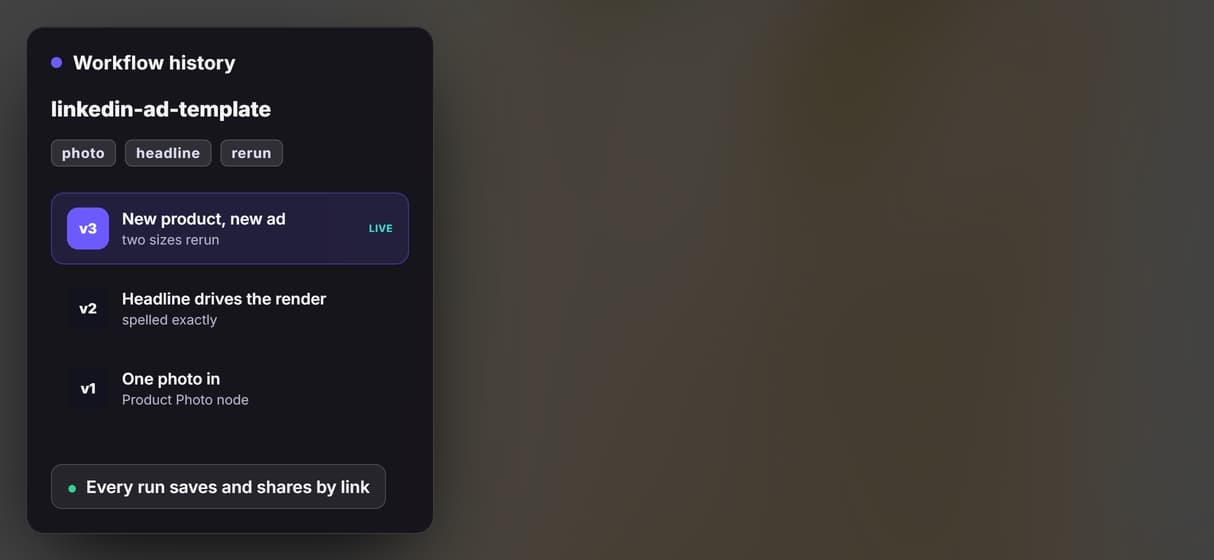
Pay per run, not per seat
Building on the canvas is free and each run is 17 credits, so a whole team pays the same per run as one person making AI video ads. One run makes both sizes.
Build Any AI Workflow
AI Models Integrated
Full Commercial License
One headline, the same ad in two sizes
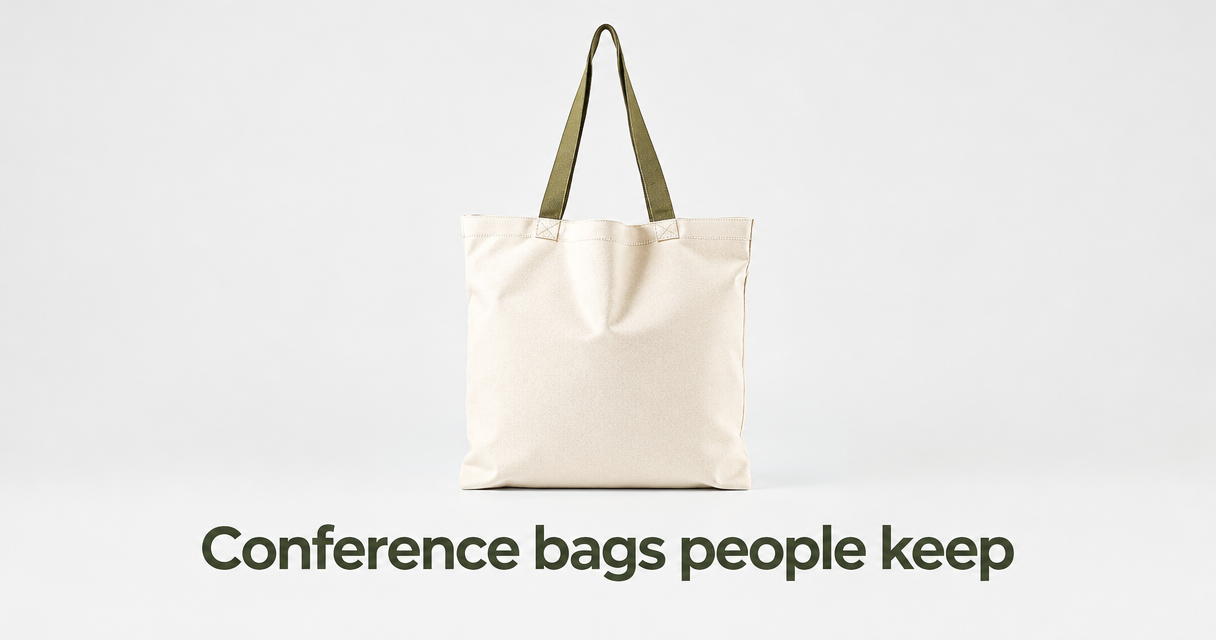
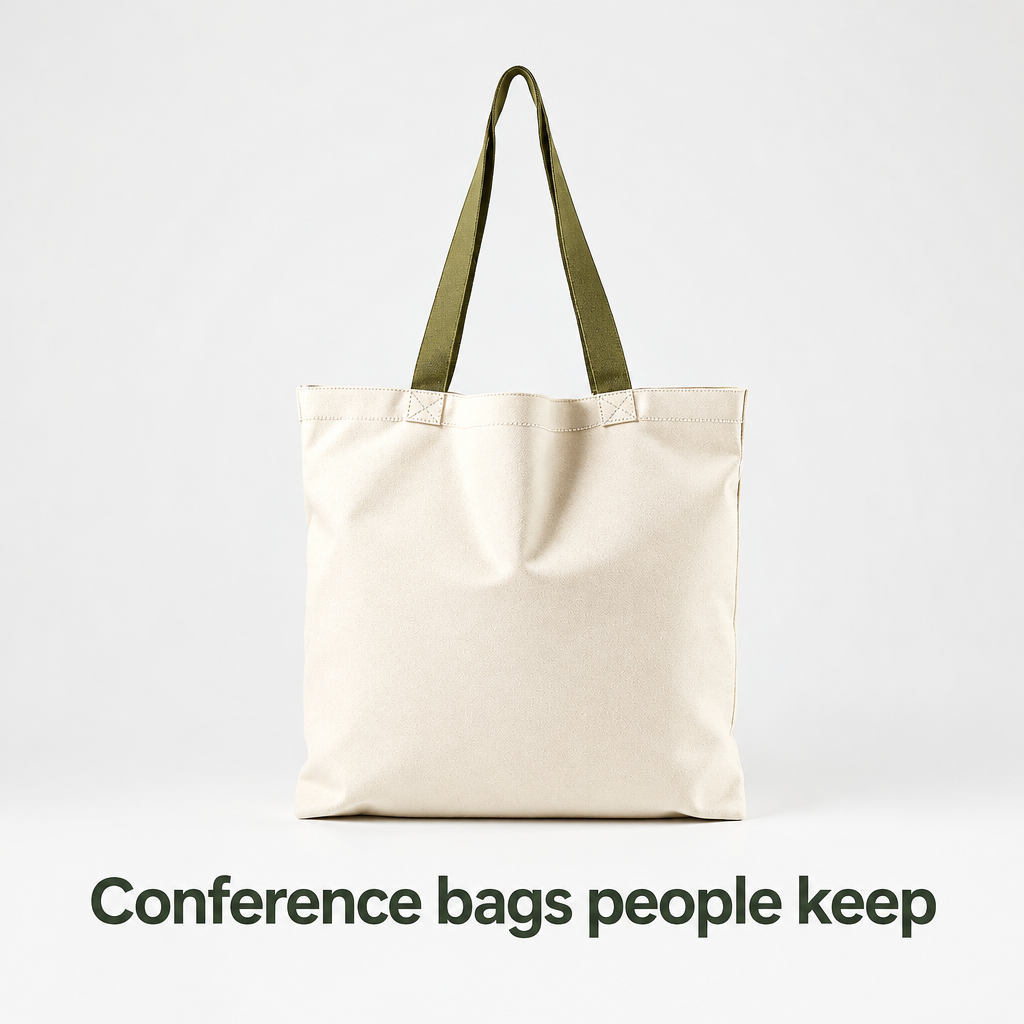
Here is one real run of this template. The input was a plain canvas tote and the headline "Conference bags people keep". The seller of event bags is made up and the ad names no brand, so the example is safe to show. One run rendered the same ad in both LinkedIn sizes.
This is the product photo that went in, our demo shot of a blank canvas tote:
What goes in and what comes out
A product photo and a short headline go in, and the same ad comes out in two sizes, with the prompt built in between on the same canvas. These are the nodes, left to right:
- Product Photo. An image input node that holds the product you want in the ad.
- Headline. A text input node with the one line you want on the ad.
- Ad rules. A fixed text node that tells the model to keep the product, spell the headline exactly, and leave a safe area for the text.
- Prompt Concatenator. Joins the rules and your headline into one prompt for each size node.
- GPT Image 2.5 Flare Edit (1:1 and 1.9:1). Two edit nodes, one per size, each rendering the same ad.
Because every step is a node, this template drops into a wider workflow built with an AI ad maker and a fuller AI content automation setup. When you want the static to move, the same headline feeds a video ad variant generator on the same canvas.
What one run costs
One full run of this template is 17 credits: two GPT Image 2.5 Flare Edit images at medium quality, one at 1:1 and one at 1.9:1. The ledger shows one charge of 9 and one of 8. The number is from a run receipt, not a list price.
On Starter, which is $36 a month for 2,660 credits, that is about $0.23 a run, roughly 156 runs a month. On Professional, which is $59 a month for 4,370 credits, it is about $0.23 a run, roughly 257 runs a month. Building on the canvas is free, and new accounts get a free video.
Open the flow
Open the workflow here: the LinkedIn ad template board. It opens logged out, with the saved tote ad in both sizes from the run above, so you can see every node and its output before you sign in. Copy it to your account to run it on your own product photo.
Run it from Claude
You can run this template from Claude through the Wireflow connector. In Claude, open Customize, then Connectors, then Add custom connector, paste the address https://www.wireflow.ai/api/mcp, and sign in. The setup steps are in the Claude app docs.
Then give Claude this prompt:
Use Wireflow to make a LinkedIn ad from this product shot: <your photo link>. Use run_app on the published app linkedin-ad-template-one-shot-two-sizes-cmvyrcj140 (flow cmvyrcj14000ol007qlqazc5r): put the photo link in product_photo and this in headline: "Conference bags people keep". Send me both sizes. Tell me the credit cost and wait for my yes before you run it.
With that last line, Claude looks up the price and waits for your yes before it spends any credits.
Run it from the API
Every published Wireflow workflow is also a REST endpoint, so a script or an agent can send a photo and a headline and get both sizes back:
curl -X POST https://www.wireflow.ai/api/v1/workflows/cmvyrcj14000ol007qlqazc5r/run \
-H "Authorization: Bearer $WIREFLOW_API_KEY" \
-H "Content-Type: application/json" \
-d '{"inputs":{"product-photo":"YOUR_PHOTO_LINK","headline":"Your headline"}}'
The run route works on workflows you own: open the flow, copy it to your account, and use your copy's id. The POST returns 202 with an executionId; poll GET /api/v1/workflows/executions/{executionId}/poll, or pass a webhook. Full reference is in the run API docs.
What each node does
Product Photo
An image input node that holds the product you want in the ad.
Headline
A text input node with the one line you want rendered on the ad.
Ad rules
A fixed node that keeps the product and renders the headline exactly.
Prompt Concatenator
Joins the rules and your headline into one prompt per size node.
GPT Image 2.5 Flare Edit
An edit node that restages your product into the ad scene.
Two sizes out
One run renders the same ad at 1:1 and 1.9:1.
When another tool is the better fit
This renders the ad image, it does not pick your offer or write your headline; you bring the line and it makes the sizes. The wide ad is 1216x640, which is 1.9:1, the closest size we ran to LinkedIn's 1.91:1, so LinkedIn may trim a few pixels. Each size is its own image, so the two differ a little: our headline came out in two shades of green and the bag sits at a slightly different size, and the image model draws the text, so read every word before you ship. The ad has no button, logo or company name, because LinkedIn shows those around the image, so add a logo yourself if you want one, and the flow does not upload or run the ad.
If you only need to drop a logo into a fixed layout, a drag-and-drop template gallery is faster. Build here when you want the same ad in both sizes from one line, kept on a canvas you can rerun, and reach for a static ad creative generator or a full AI video generator when the campaign needs more.
FAQs
It means a graph you run, not a layout you drag. A product photo and a short headline go in, and the same ad comes out in 1:1 and 1.9:1 on one canvas you can rerun for the next product.
Discover related AI tools
- Weavy AI Alternative (Weavy.ai Is Now Figma Weave)
- Flora AI Alternative
- Freepik Spaces Alternative
- RoboNeo AI Alternative: 79 Models in Your Browser
- Sotatech AI Alternative
- Pletor AI Alternative: 79 Models, No Black Box
- Fuser Studio AI Alternative
- AI Creative Workflows
- Visual Node Editor
- No Code AI Canvas
- Reusable AI Templates
- AI Pipeline API
More From Wireflow
Written by
Andrew Adams · Co-Founder & Operations at Wireflow
Runs client operations and content strategy at Wireflow. Works directly with creative teams and agencies to build production AI workflows.
Run the ad template on your product
Open the flow, drop in a product photo and a one line headline, and get the same ad in 1:1 and 1.9:1 from one graph you can rerun. Building is free, and new accounts get a free video.