Features
Product Launch Video
Turn one packshot into a short product launch video.
Kling 4.0 makes a hero shot and a presenter clip from it, Lyria 3 Pro makes the music, and the Video Editor adds titles. Our 12 second video used 278 credits, $3.76 on Starter. New accounts get a free video.
Free to build · no credit card · Read the agent docs · See how it works ↓
 Andrew Adams · Co-Founder & Operations at Wireflow ·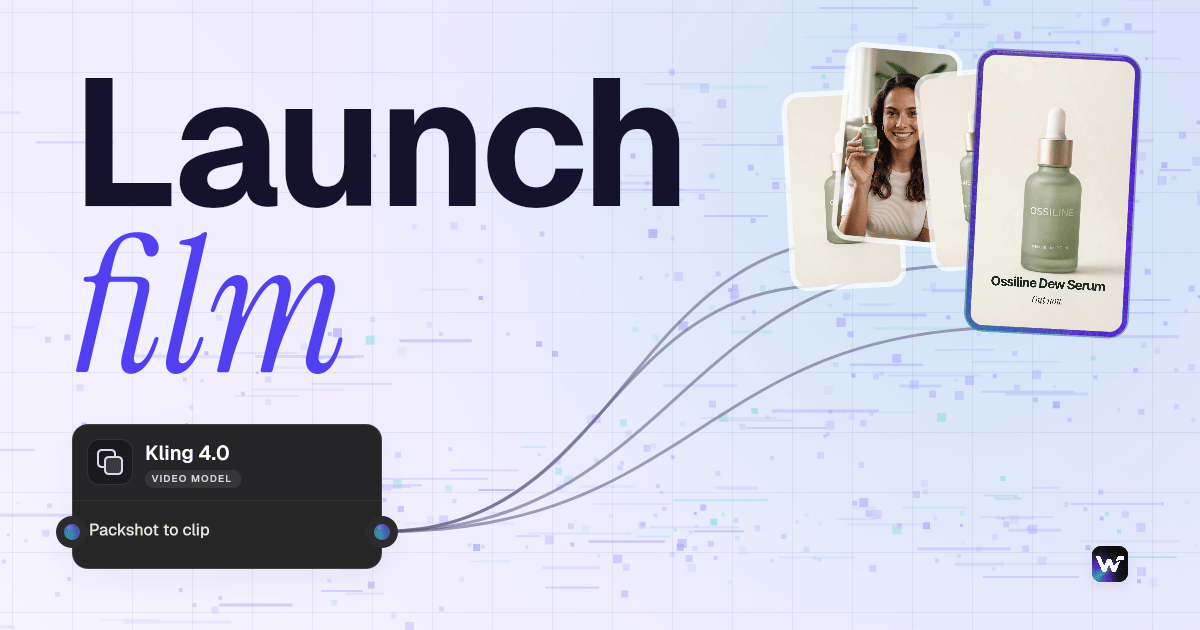
How to Use Product Launch Video
Steps to get you started in Wireflow.
Make or import the packshot
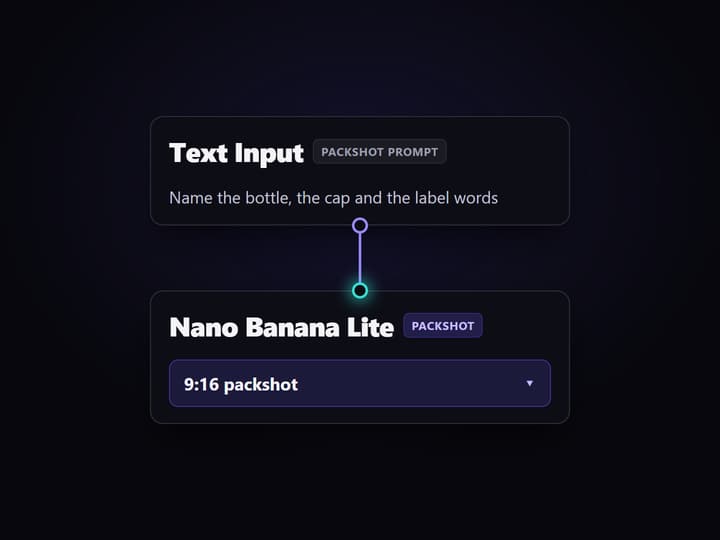

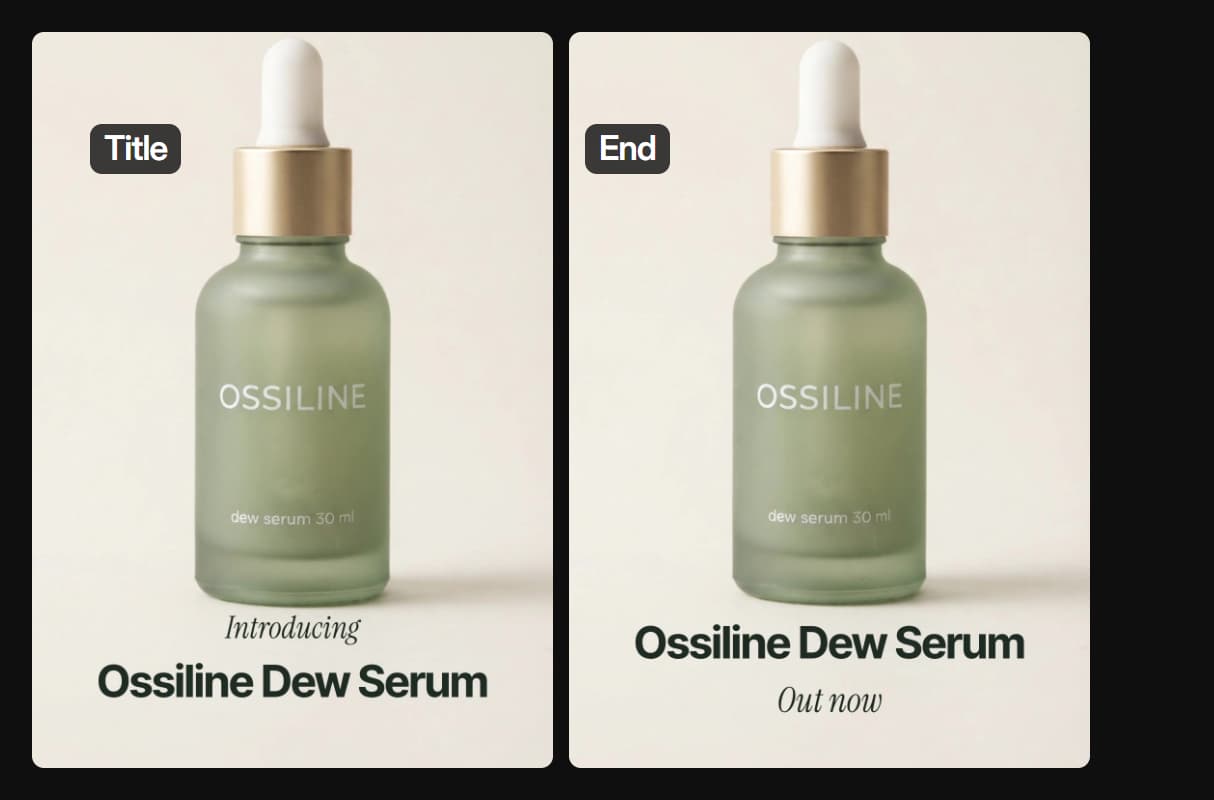
Start with one clean packshot on a plain background. Ours came from Nano Banana Lite for a made-up serum called Ossiline; you can import a photo of your own product instead.
Turn it into two Kling 4.0 clips
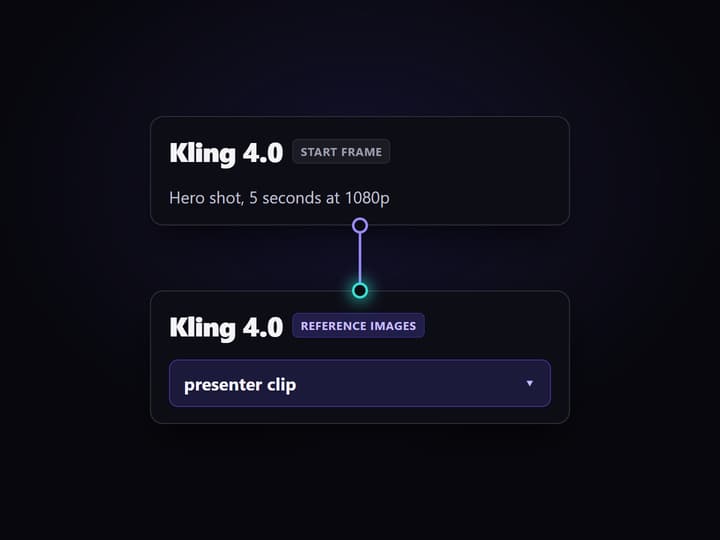
Wire the packshot into Kling 4.0 as a start frame for a hero shot, and with a presenter photo as reference images for a clip of someone holding it.
Cut it to music with titles
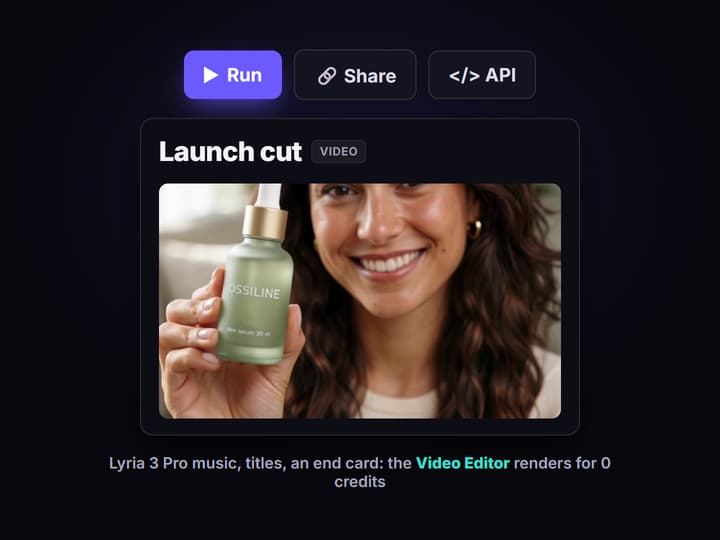
Lyria 3 Pro makes a music bed from one prompt. The Video Editor lays the packshot, both clips, the titles and an end card over it and renders for 0 credits.
A product launch video made in Wireflow
This 12 second vertical launch video for a made-up serum came out of the workflow on this page. One packshot went in. A hero shot, a presenter clip, music, titles and an end card came out as one cut.
The loop above is the real render, shown without sound. To play it with the music, open the Launch video cut node in the workflow at the top of this page. The presenter's line, "This serum is exactly what you need.", was written and spoken by Kling 4.0 itself. The node has no setting for the words, so check any line like it before you use it for a real brand.
How to make a product launch video in Wireflow
- Make the packshot. Nano Banana Lite, 9:16, from a prompt that names the bottle, the cap and the label words. Ours is a frosted sage-green dropper bottle printed OSSILINE. For a real product, import its photo instead.
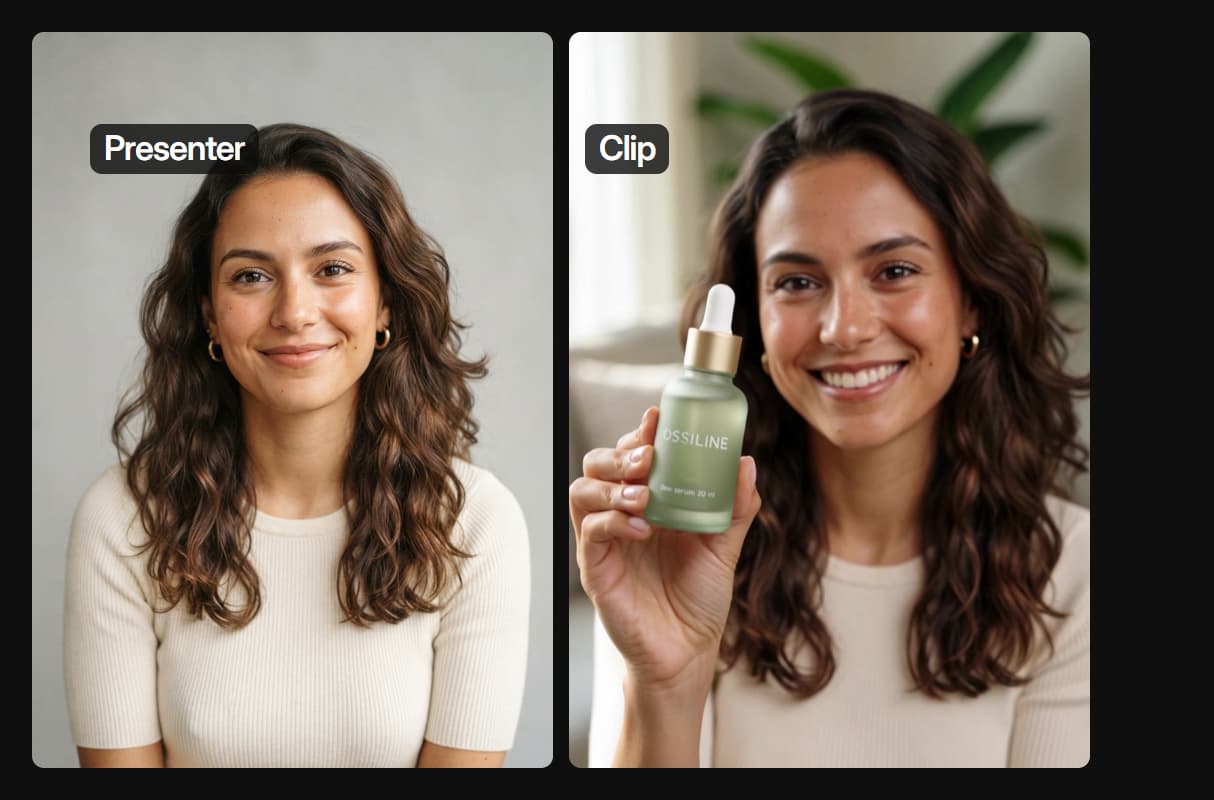
- Make the presenter photo. A second Nano Banana Lite image of a made-up adult, hands out of frame.
- Hero shot. Kling 4.0 with the packshot as its start frame, 5 seconds at 1080p, a slow half orbit. Keep the move short: our bottle turned its label away after about 2.5 seconds, so the cut uses the first 2.5.
- Presenter shot. Kling 4.0 with the packshot and the presenter photo wired in as reference images, 5 seconds at 720p. The label stayed the same for all 5 seconds.
- Music. A Text Input brief into Lyria 3 Pro: soft piano, plucked synth, gentle claps, 110 BPM, no vocals.
- Cut. The Video Editor plays the packshot, the hero shot, the presenter and an end card with titles, with the music at about a third of full volume under her line: 9:16, 30 frames a second, 12.5 seconds.
Swap the packshot prompt for your product and run the graph left to right. For other formats from the same shots, compare the product video generators we have tested.
What one product launch video costs
Wireflow bills each run in credits, by the model nodes in the graph. Starter is $36 a month for 2,660 credits, and Professional is $59 a month for 4,370 credits.
- Our run used 278 credits for the video above: 16 for the packshot, 16 for the presenter photo, 135 for the 5 second hero shot at 1080p, 91 for the 5 second presenter shot at 720p, 20 for the music and 0 for the Video Editor render. That is $3.76 on Starter or $3.75 on Professional, about 9 launch videos a month on Starter and about 15 on Professional.
- Kling 4.0 is listed at 19 credits a second.
- Nano Banana Lite images use 16 credits each, and Lyria 3 Pro uses 20 credits a song.
Each paid node shows its price before it runs. New accounts get a free video.
Make a product launch video from Claude
You can run the same steps from a Claude chat. Add Wireflow as a connector once:
- In Claude, open Customize, then Connectors. Click + Add and choose Add custom connector.
- Name it Wireflow and paste
https://www.wireflow.ai/api/mcpas the server URL. - Sign in to Wireflow when Claude asks, and approve the access.
The Claude app setup guide has the full steps. Then ask in plain words, for example:
Example prompt: "Use Wireflow. Send me an upload link for my product photo. Then make a 5 second Kling 4.0 hero shot that starts on the photo, a 5 second Kling 4.0 clip of a presenter holding the product, and background music with Lyria 3 Pro. Cut them into a vertical launch video with the product name as a title. Tell me the credit cost and wait for my yes before you run anything."
With that last line, Claude looks up the price and waits for your yes before it spends any credits. Runs use the credits on your Wireflow account.
Claude can also read and change the finished cut with the Video Editor tools, as shown in connect Claude to video editing.
What each node in the launch video does
Packshot
One Nano Banana Lite packshot is the start frame and the reference for every shot.
Hero shot
Kling 4.0 moves the camera around the product, starting on the packshot.
Presenter
The packshot and a presenter photo go in as references, so the label stays the same.
Music
Lyria 3 Pro writes an instrumental bed from one plain-words brief.
Titles
The Video Editor sets the product name, a feature line and an end card.
Vertical cut
The cut renders 9:16 at 1080 by 1920 for Reels, Shorts and TikTok, or 16:9 for a site.
When a launch video needs a camera instead
A launch video that has to show a real product working, a real team or a real event still needs a camera. Wireflow makes product shots, presenter clips, music and the cut from images. It does not film your factory or record your app's screen.
Video models also invent what they cannot see. When our bottle turned, Kling 4.0 drew a back the packshot never showed, so keep moves short and end on the label. For ads made from the same shots, see AI video ads.
More Than Just Product Launch Video
One packshot feeds every shot
The packshot is the start frame of the hero shot and a reference for the presenter clip. Make it once, or bring a photo, as on the product video generator.
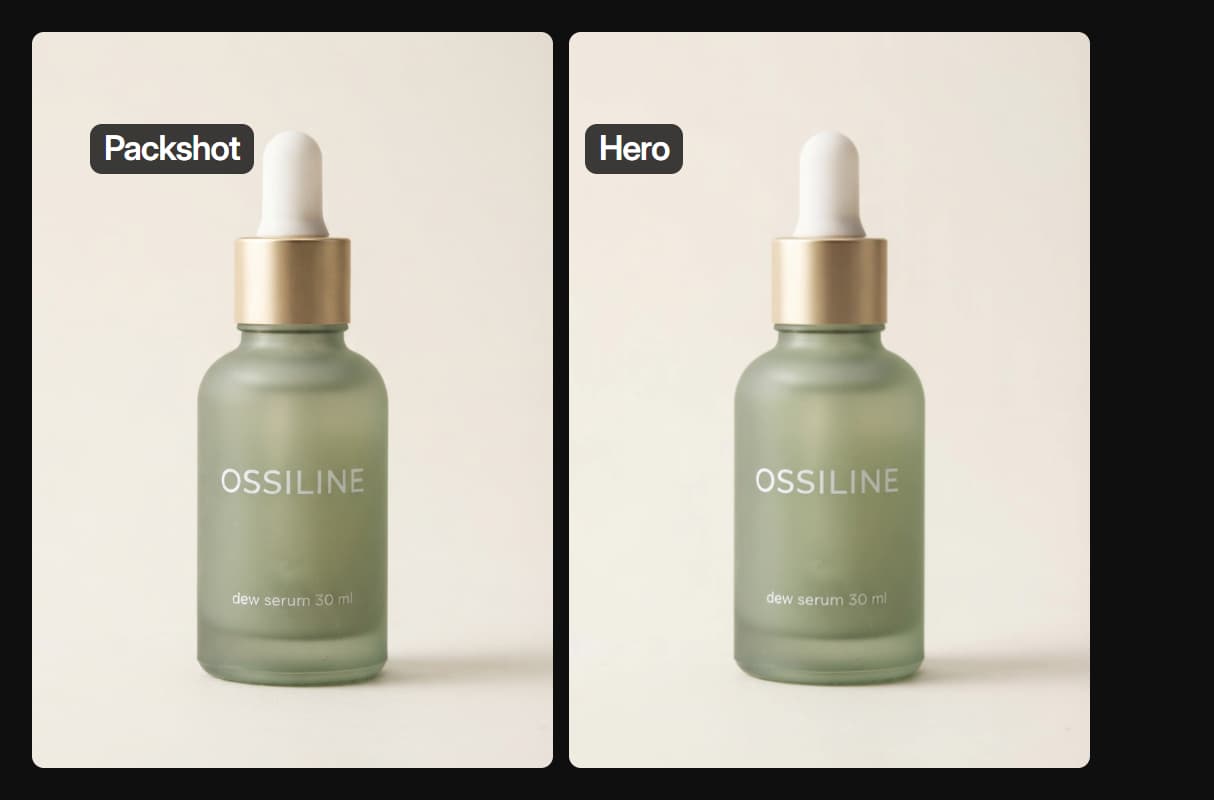
The label stays the same
Wired in as a reference, the packshot kept the bottle, cap and label for all 5 seconds. Wire the product in, never just describe it, as with any image to video job.
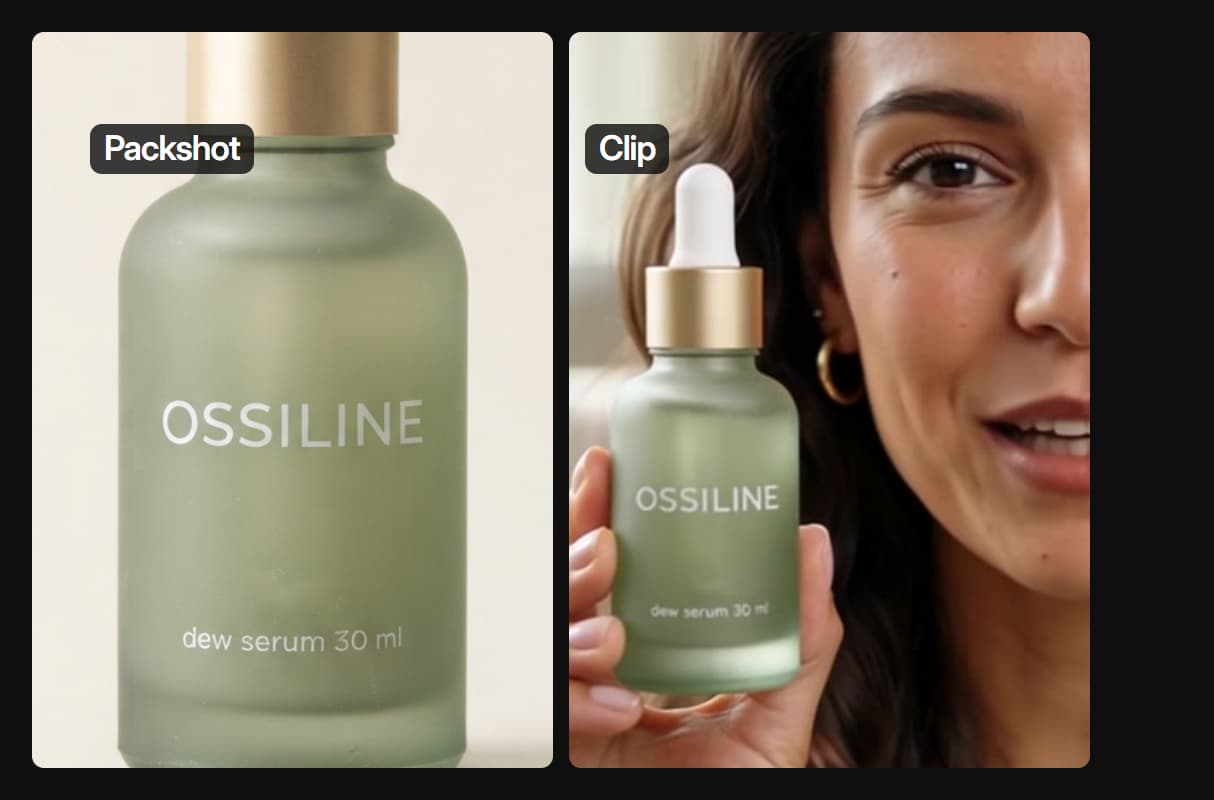
A hero shot from the packshot
Kling 4.0 starts on the packshot and moves the camera for 5 seconds at 1080p. The cut keeps the first 2.5, a trick from any AI commercial generator.
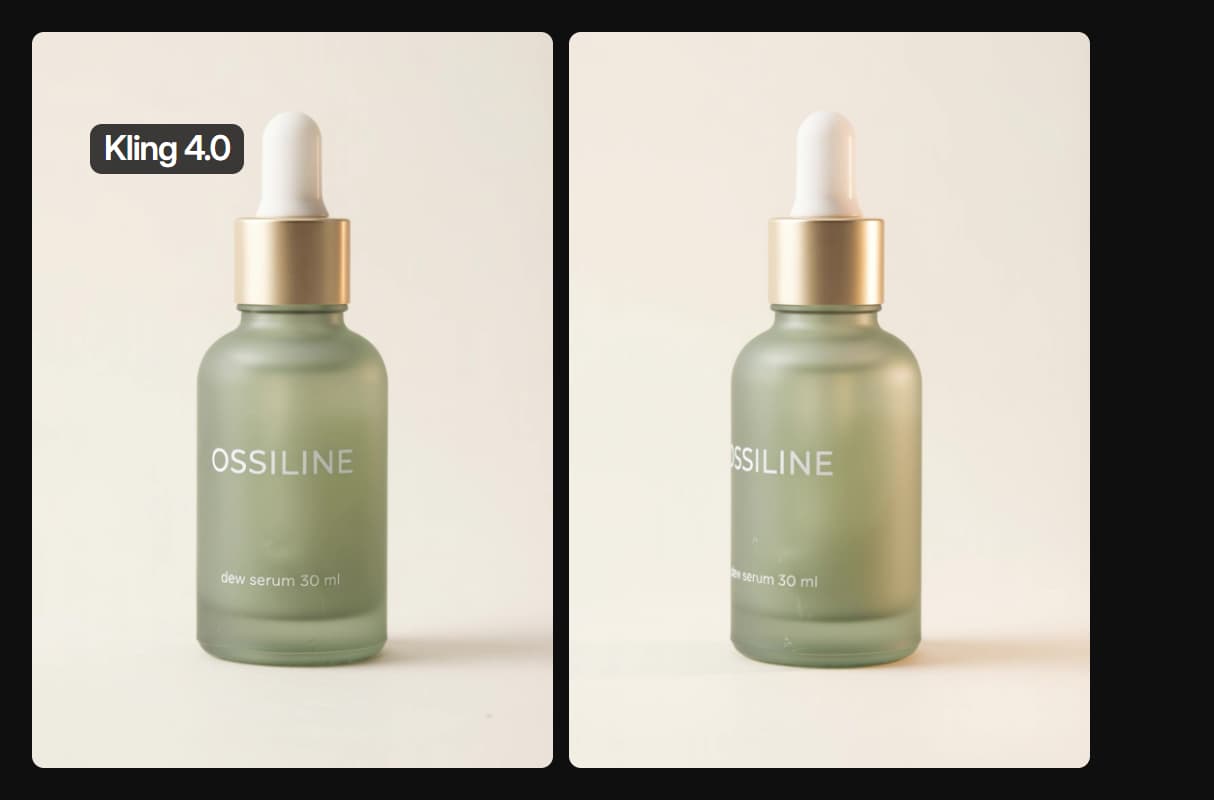
Titles and an end card in the cut
The Video Editor adds the product name, a feature line and an end card, and renders for 0 credits. Claude can change it too: see connect Claude to video editing.
A presenter who holds your product
A made-up presenter photo and the packshot go into Kling 4.0 together, so she holds the right bottle. Reuse the face across posts with an AI influencer generator.
AI Models Available
Automate Any Workflow
Included in Every Plan
FAQs
It is a short video that introduces a new product: what it is, what it looks like and where to get it. Launch videos for social are usually short and vertical, with the product name on screen.
Discover related AI tools
More From Wireflow
Written by
Andrew Adams · Co-Founder & Operations at Wireflow
Runs client operations and content strategy at Wireflow. Works directly with creative teams and agencies to build production AI workflows.
Make a launch video from one packshot
Open the workflow, swap the packshot prompt for your product or import your photo, and run the two Kling 4.0 clips, the music and the cut. Each paid node shows its credit cost first, and new accounts get a free video.