Features
Content Workflow
A content workflow here is the pipeline that makes the content: one campaign brief goes in, and a hero image, a voiceover and a short promo clip come out on one canvas.
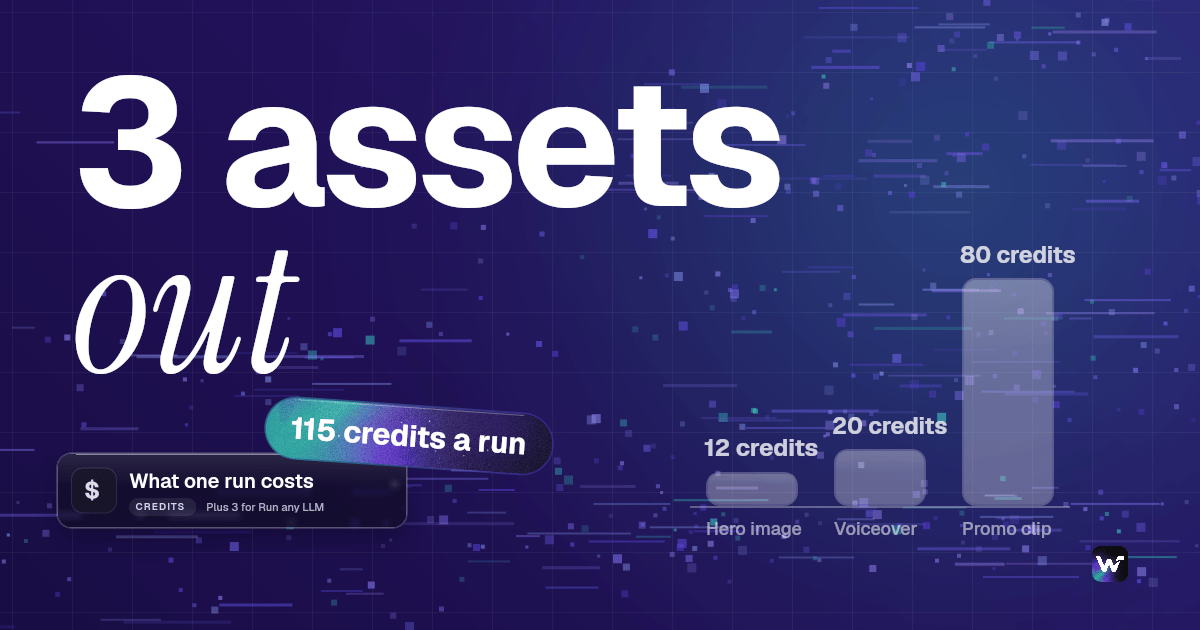
One run is 115 credits, about $1.56 on Starter. New accounts get a free video.
Free to build · no credit card · Read the agent docs · See how it works ↓
 Andrew Adams · Co-Founder & Operations at Wireflow ·
How to Use Content Workflow
Steps to get you started in Wireflow.
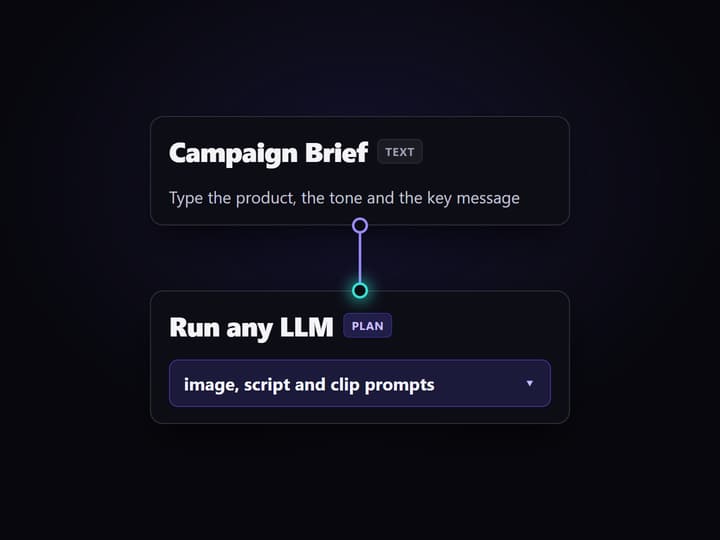
Write one campaign brief
Open the flow and type a short campaign brief into the Campaign Brief node: the product, the tone, and the key message. One or two lines is enough to drive the run.
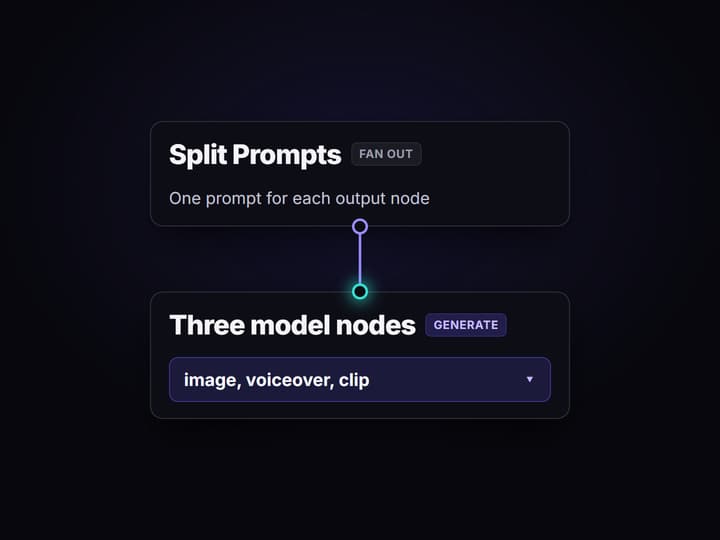
Run any LLM plans the work
Gemini 2.5 Flash reads the brief through the LLM System Prompt, then Split Prompts turns it into an image prompt, a voiceover script and a clip prompt, one for each output node.
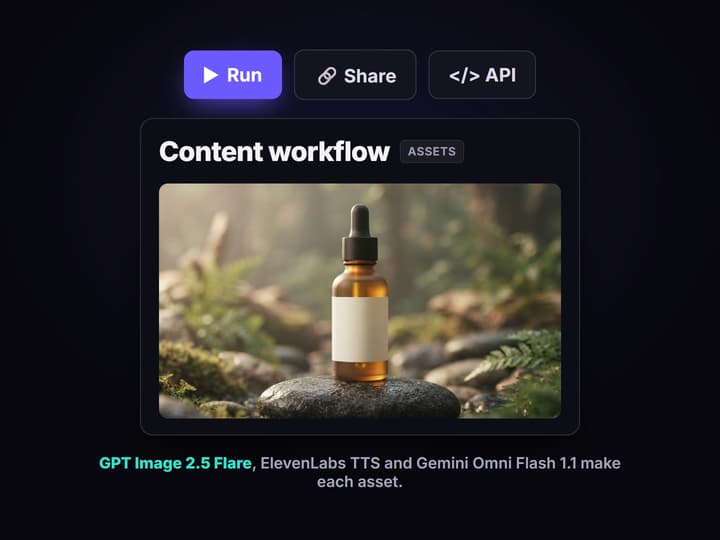
Three nodes make the assets
GPT Image 2.5 Flare renders the hero image, ElevenLabs TTS reads the voiceover, and Gemini Omni Flash 1.1 makes a 5 second promo clip. Open the board to run the clip when you are ready.
More Than Just Content Workflow
One brief, three finished assets
Send one campaign brief and the graph returns a hero image, a voiceover and a promo clip, wired on a canvas you can open like any node based video generation flow.
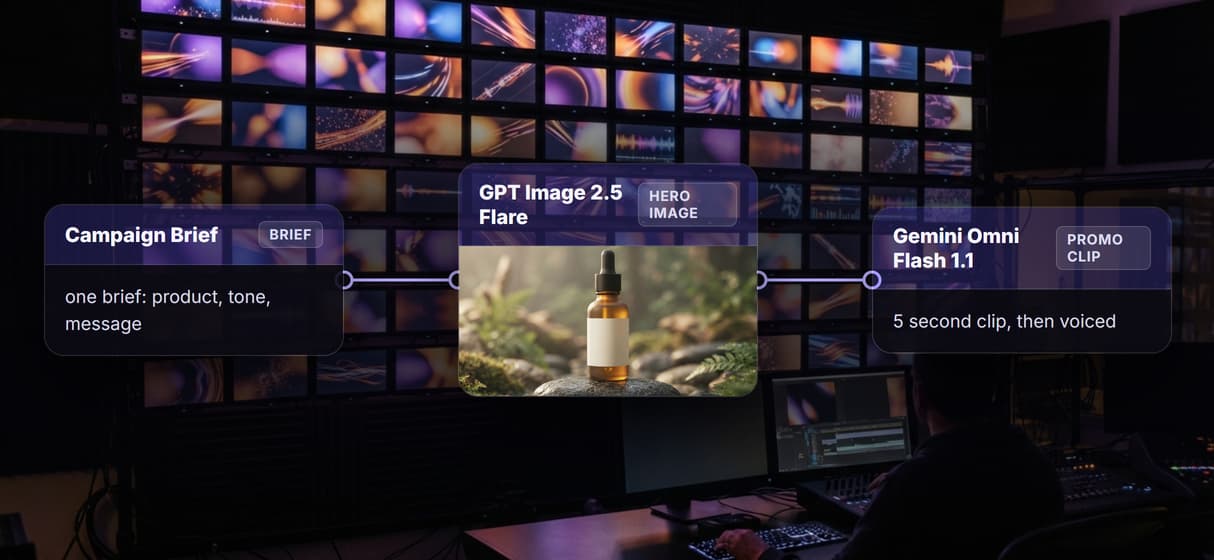
The LLM writes every prompt
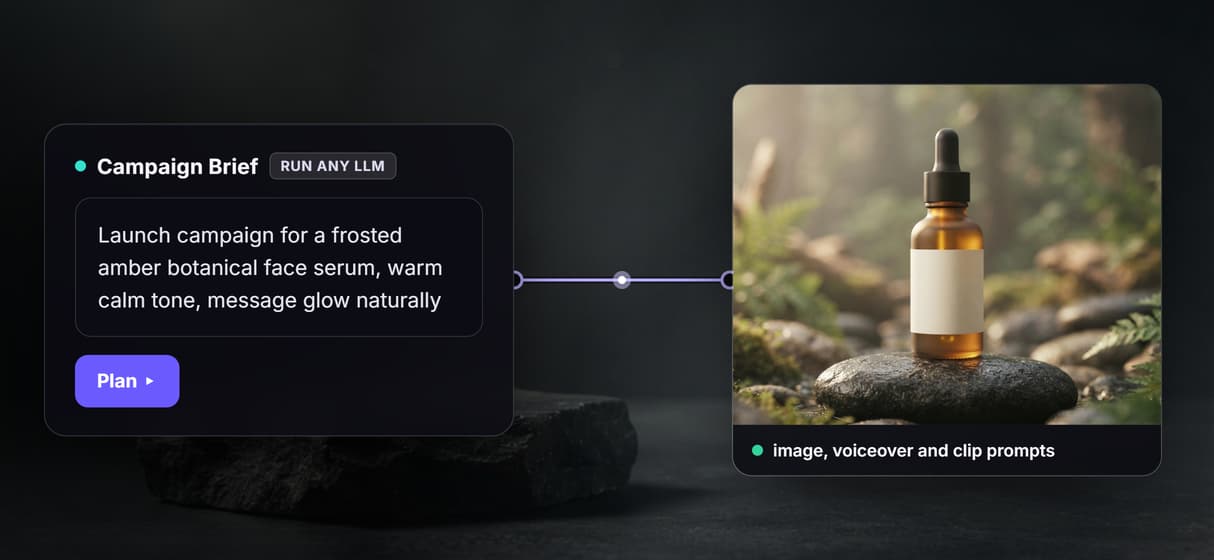
Run any LLM reads the brief and writes the image prompt, the script and the clip prompt, so one line of intent drives a whole AI image generator run.
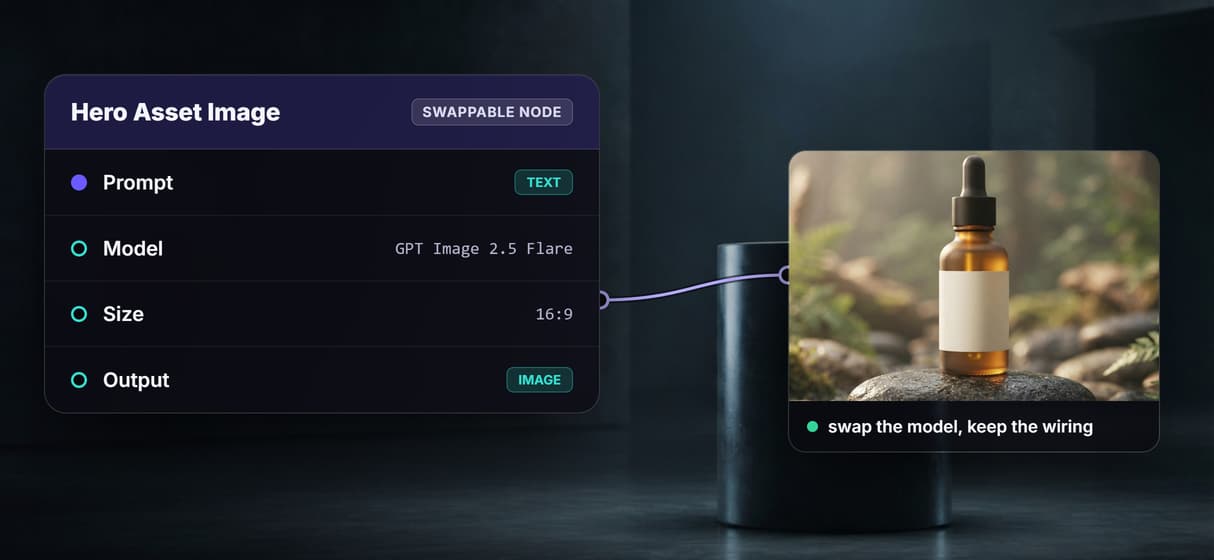
Swap any model in the chain
Every node is swappable, so you can trade GPT Image 2.5 Flare or add a sharper clip model without rewiring, the way an AI video workflow should flex.
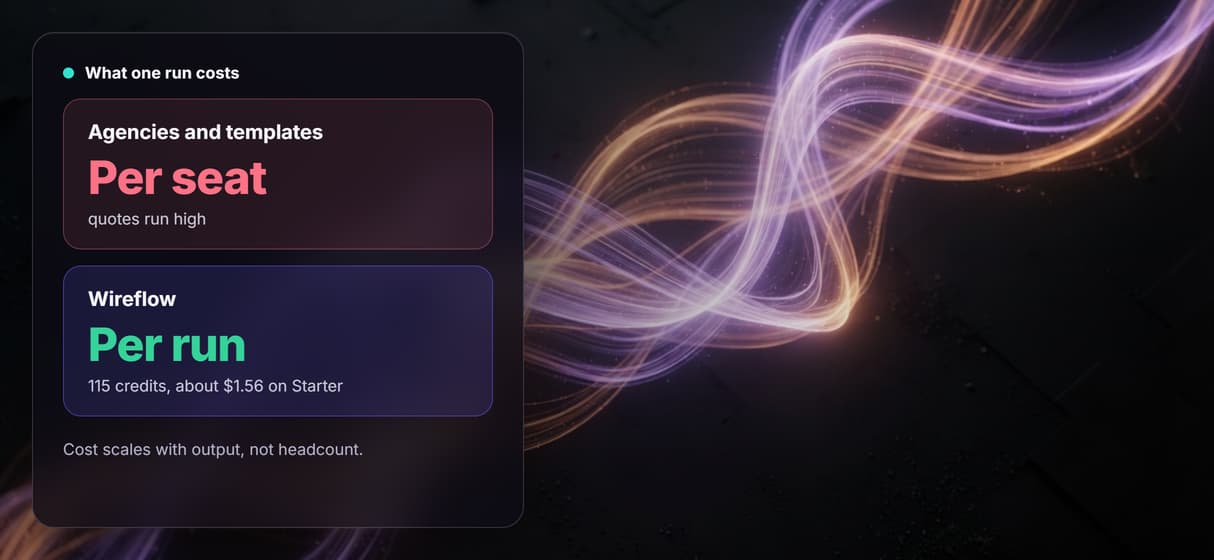
Pay per run, not per seat
Building on the canvas is free and each run is metered, so a ten person team pays the same per run as one. Try the free AI video generator online first.
Rerun it for every campaign
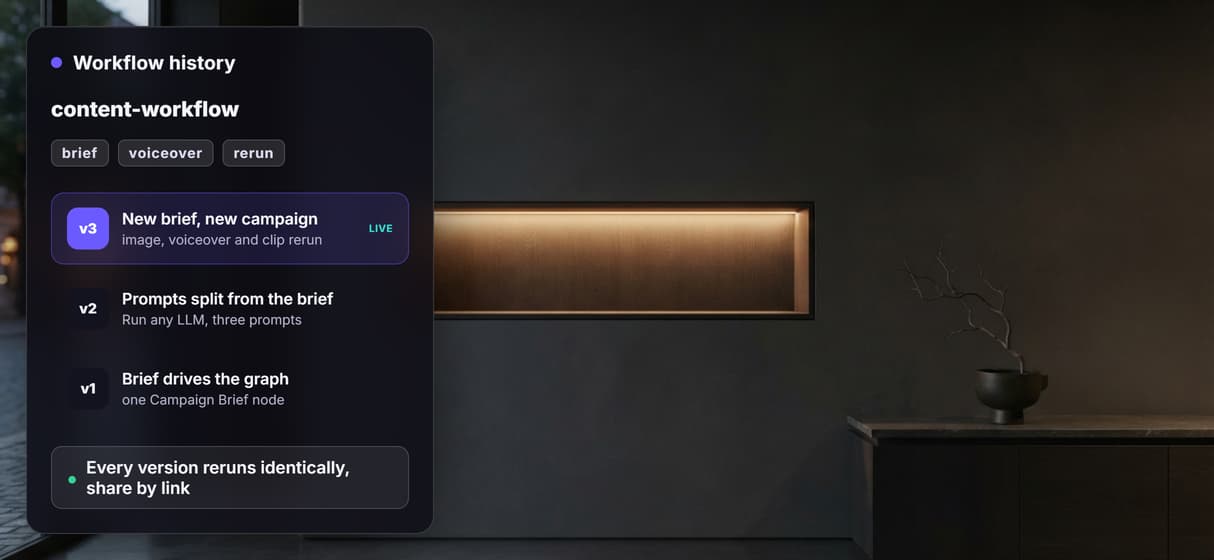
Change the brief and rerun for the next launch; the hero image and the AI voiceover generator step regenerate from the new words. Versions save and share by link.
AI Models Available
Automate Any Workflow
Included in Every Plan
One brief, three real outputs
Here is one real run of this workflow. The brief asked for a launch campaign for a frosted amber botanical face serum, warm and calm in tone, with the key message glow, naturally. The product and its blank label are invented for the example; there is no real brand on the bottle.

The voiceover comes back as an audio track: play the ElevenLabs voiceover.
The promo clip plays with sound on the board. The site does not embed video, so here it is as a silent looping preview:

What goes in and what comes out
One campaign brief goes in, and three finished assets come out, with the planning done in between on the same canvas. These are the nodes, left to right:
- Campaign Brief. A Text Input node that holds the one brief driving the run.
- LLM System Prompt and Run any LLM. Gemini 2.5 Flash reads the brief under a system prompt and plans the image, the script and the clip.
- Split Prompts. Fans the plan into three prompts, one for each output node.
- Hero Asset Image. GPT Image 2.5 Flare renders the campaign hero image.
- Voiceover. ElevenLabs TTS reads the script into a voiceover.
- Promo Clip. Gemini Omni Flash 1.1 turns the brief into a 5 second clip.
Because every step is a node, this content workflow slots into a wider AI content automation setup, or sits next to your other AI creative workflows on the same canvas.
What one run costs
One full run of this workflow is 115 credits. The breakdown from the run receipts: Run any LLM uses 3, GPT Image 2.5 Flare uses 12, ElevenLabs TTS uses 20, and Gemini Omni Flash 1.1 uses 80 for the 5 second clip.
On Starter, which is $36 a month for 2,660 credits, that is about $1.56 a run, roughly 23 runs a month. On Professional, which is $59 a month for 4,370 credits, it is about $1.55 a run, roughly 38 runs a month. Building on the canvas is free, and new accounts get a free video.
Open the flow
Open the workflow here: the content workflow board. It opens logged out, with the saved hero image, voiceover and clip from the run above, so you can see every node and its output before you sign in. Copy it to your account to run it on your own brief.
Run it from Claude
You can run this content workflow from Claude through the Wireflow connector. In Claude, open Customize, then Connectors, then Add custom connector, paste the address https://www.wireflow.ai/api/mcp, and sign in. The setup steps are in the Claude app docs.
Then give Claude this prompt:
Use Wireflow to run a content workflow from this brief. Use run_app on the published app ai-content-automation-pipeline-cmun9hhfv0 (flow cmun9hhfv0001k2043wxvp4tl): put this in campaign_brief: launch campaign for a frosted amber botanical face serum, warm and calm tone, key message "glow, naturally". It makes one hero image, a 15 second voiceover and a 5 second clip of the image. Send me the links. Tell me the credit cost and wait for my yes before you run it.
With that last line, Claude looks up the price and waits for your yes before it spends any credits.
Run it from the API
Every published Wireflow workflow is also a REST endpoint, so a script or an agent can send a brief and get the assets back:
curl -X POST https://www.wireflow.ai/api/v1/workflows/cmun9hhfv0001k2043wxvp4tl/run \
-H "Authorization: Bearer $WIREFLOW_API_KEY" \
-H "Content-Type: application/json" \
-d '{"inputs":{"1727100000001":"Launch campaign for a frosted amber botanical face serum. Tone: warm, premium, calm. Key message: glow, naturally."}}'
The run route works on workflows you own: open the flow, copy it to your account, and use your copy's id. The POST returns 202 with an executionId; poll GET /api/v1/workflows/executions/{executionId}/poll, or pass a webhook. Full reference is in the run API docs.
What each node does
Campaign Brief
A Text Input node holds the one brief that drives the whole run.
Run any LLM
Gemini 2.5 Flash reads the brief and plans the image, script and clip.
Split Prompts
Fans the plan into three prompts, one for each output node.
Hero Asset Image
GPT Image 2.5 Flare renders the campaign hero image.
Voiceover
ElevenLabs TTS reads the script into a voiceover with word timing.
Promo Clip
Gemini Omni Flash 1.1 turns the brief into a 5 second clip.
When another tool is the better fit
This is the generation layer, not a strategist. It will not decide your campaign or write the brief for you; you bring the message and it makes the assets. The promo clip is a single 5 second shot, and the voiceover drives how long a cut runs, so a longer edit means chaining more clips in a full AI video pipeline.
GPT Image 2.5 Flare restages the product and can drift a little from an exact photo, so for an exact packshot start from a clean product shot and the background remover. If you only need one finished clip in five minutes and do not care how it is composed, a template AI video generator is faster. Build here when you want to own the pipeline and rerun it per campaign.
FAQs
It means the pipeline that makes the content, not a content-ops approval tracker. One campaign brief goes in, and a hero image, a voiceover and a short promo clip come out on one canvas you can rerun.
Discover related AI tools
- Weavy AI Alternative (Weavy.ai Is Now Figma Weave)
- Flora AI Alternative
- Freepik Spaces Alternative
- RoboNeo AI Alternative: 79 Models in Your Browser
- Sotatech AI Alternative
- Pletor AI Alternative: 79 Models, No Black Box
- Fuser Studio AI Alternative
- AI Creative Workflows
- Visual Node Editor
- No Code AI Canvas
- Reusable AI Templates
- AI Pipeline API
More From Wireflow
Written by
Andrew Adams · Co-Founder & Operations at Wireflow
Runs client operations and content strategy at Wireflow. Works directly with creative teams and agencies to build production AI workflows.
Run one brief through the whole workflow
Open the flow, drop in a campaign brief, and get a hero image, a voiceover and a promo clip from one graph you can rerun for every launch. Building is free, and new accounts get a free video.