 Andrew Adams · Co-Founder & Operations at Wireflow ·
 AI Poster Maker
Most poster makers hand you a template gallery.
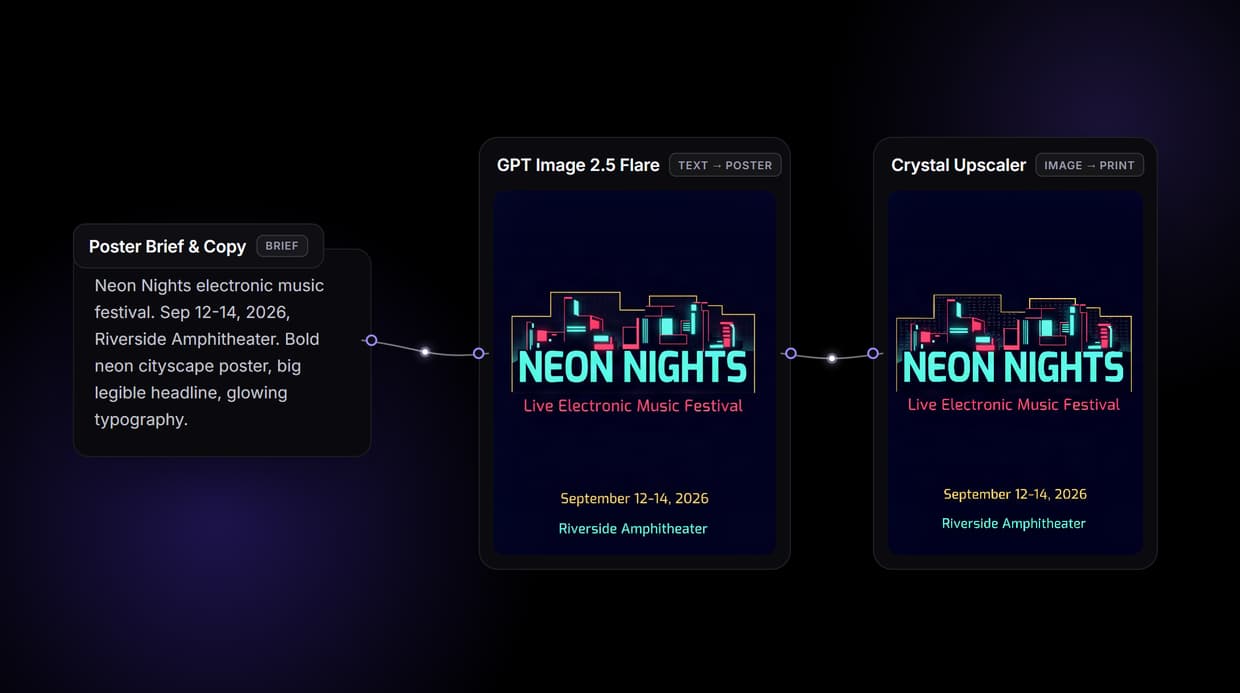
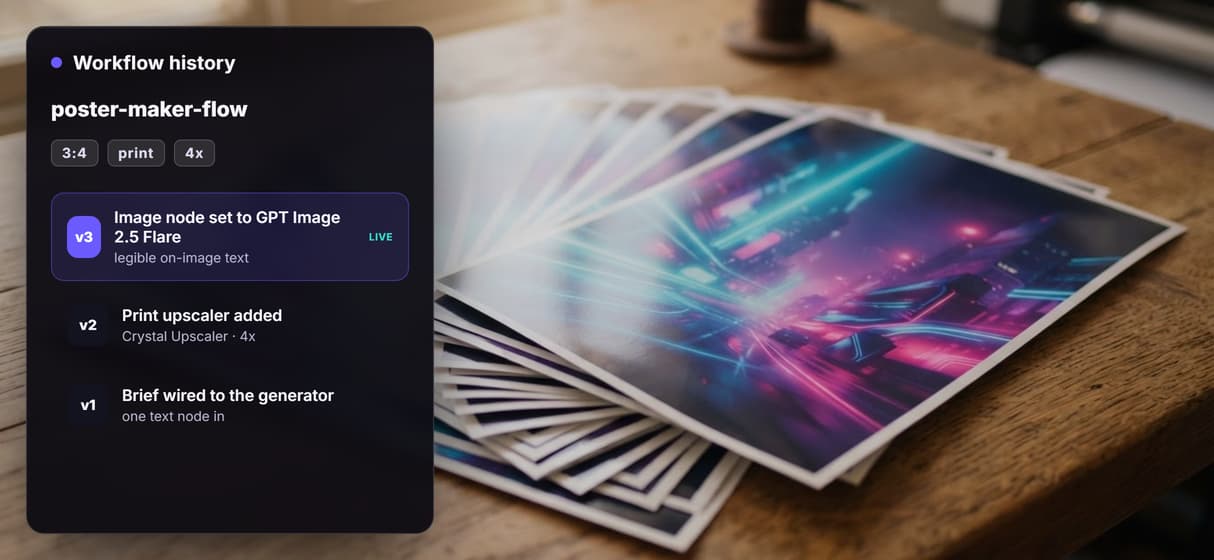
Wireflow hands you the pipeline: a node canvas where your brief becomes poster artwork with legible on-image text via GPT Image 2.5 Flare, then a Crystal Upscaler sharpens it 4x toward print resolution. Free to build, pay per generation.
Free to build · no credit card · See how it works ↓
How to Use AI Poster Maker
Steps to get you started in Wireflow.
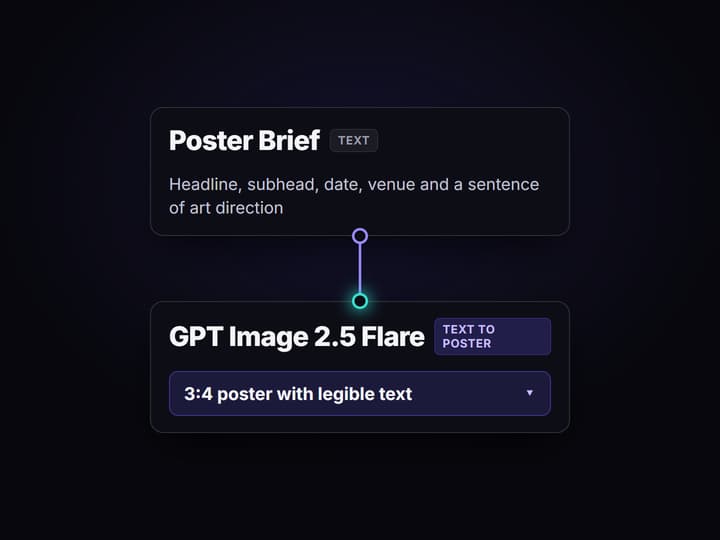
Write your poster brief
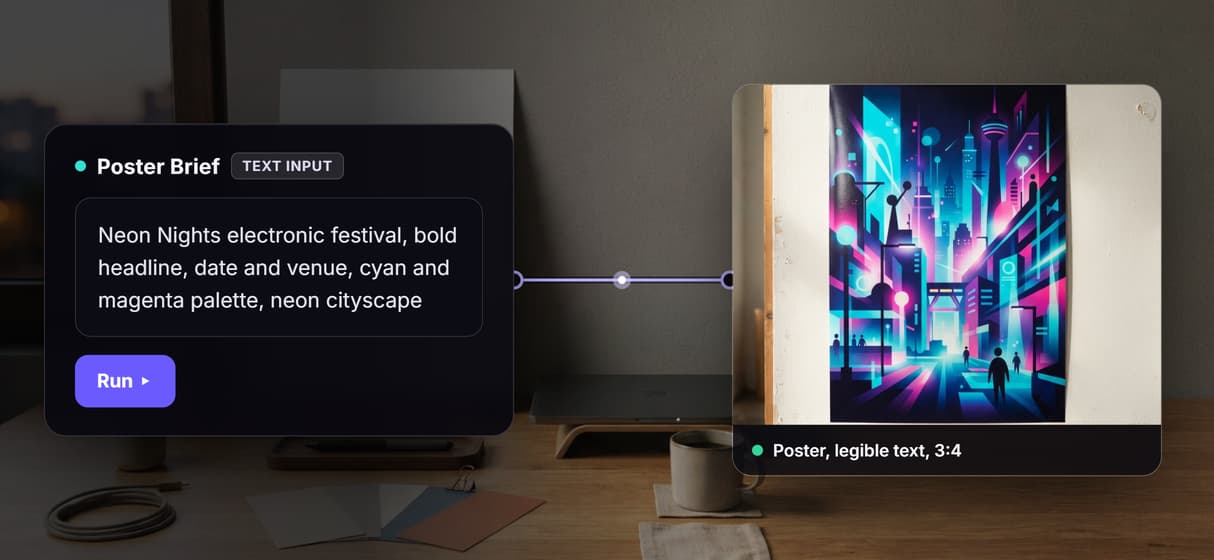
Open the flow and click the Text Input node. Type the headline, subhead, date, and venue plus the look you want, for example a bold electronic festival poster with a neon cityscape and glowing typography.
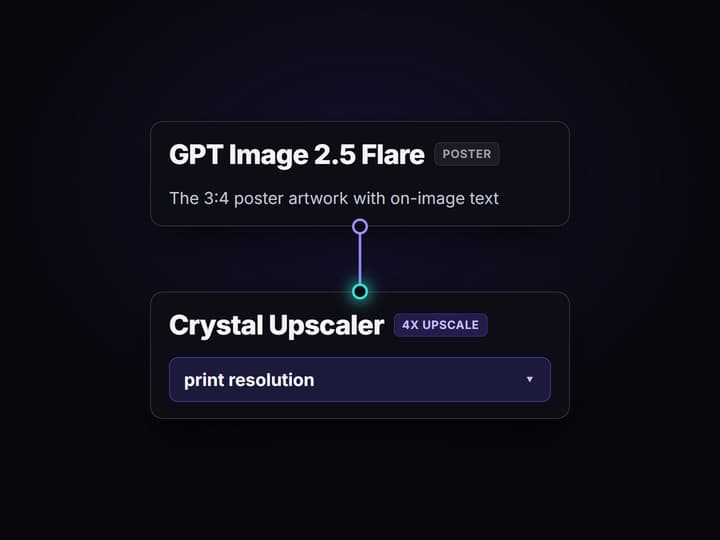
Run the graph once
GPT Image 2.5 Flare renders a 3:4 poster with your headline, subhead, date, and venue as legible on-image text, then the Crystal Upscaler sharpens that artwork 4x toward print resolution in a minute or two.
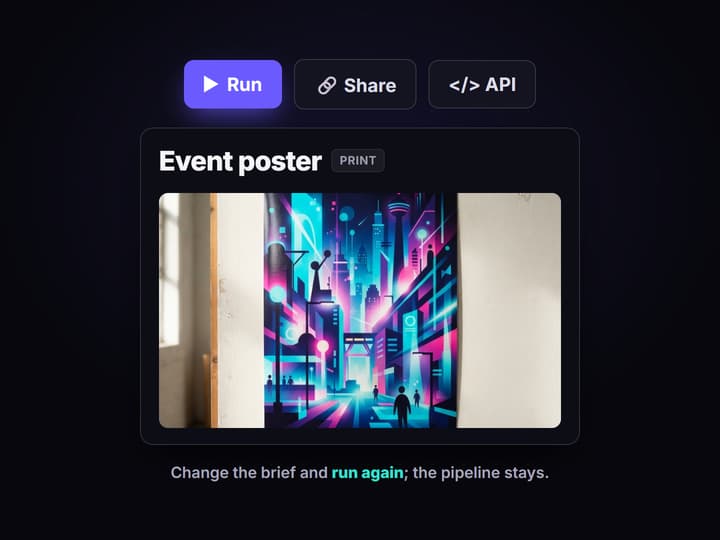
Change the event, keep the pipeline
Edit the brief for the next event and run again for a fresh poster, or swap the image node for another of the 100+ hosted models. Share the flow link and the whole team runs the same graph.
Why reach for an AI poster maker
Most poster tools are template galleries: pick a layout, swap the stock photo, drag your headline into the boxes the template allows. It is fast for one poster and frustrating for the tenth, because every event is a fresh fight with someone else's grid, and the results look like the same library everyone else pulled from. Wireflow takes a different shape.
Instead of a template gallery, a poster here is a small workflow you own on a node canvas: a Text Input holds the brief, GPT Image 2.5 Flare renders the poster with legible on-image text, and a Crystal Upscaler pushes it toward print resolution. It runs on hosted compute in the browser, nothing to install, and the same canvas drives every other job on this hosted image platform, from flyers to social cutdowns.
What replaces the template gallery
Brief intake
A Text Input node holds the headline, subhead, date, and look. Change the brief and rerun; the graph never moves.
Legible on-image text
GPT Image 2.5 Flare renders the headline, subhead, date, and venue as sharp text inside the artwork, not a caption bolted on after.
Print upscale
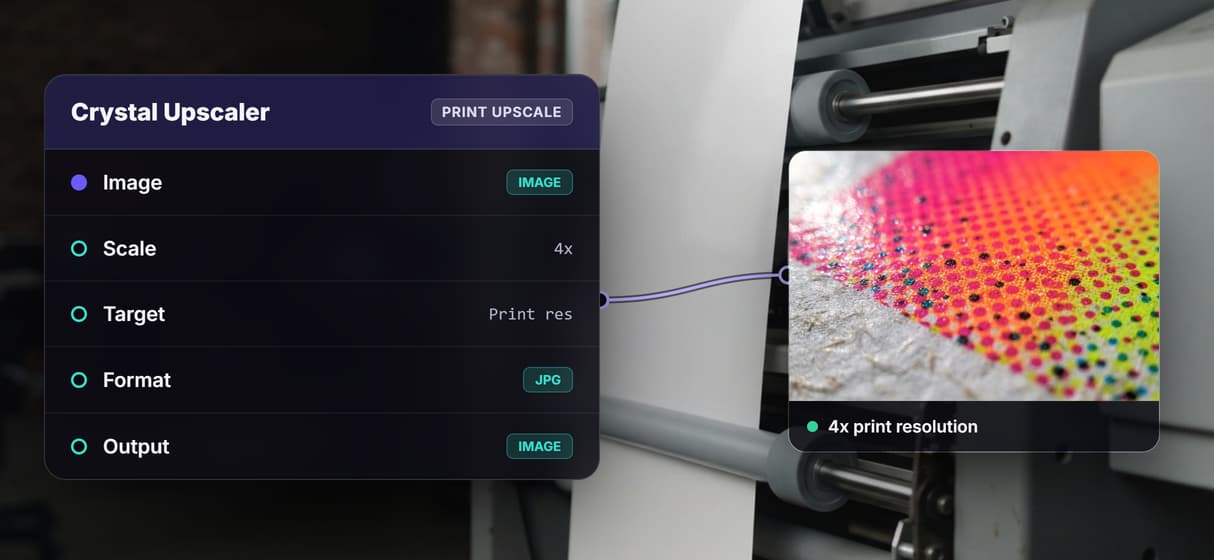
The Crystal Upscaler sharpens the poster 4x toward print resolution, ready for a large-format print or a handout.
3:4 portrait, or change it
The flow ships in 3:4 portrait; aspect ratio is a node setting you can point at a square or a wide banner.
Swap image models
Nano Banana Pro, Recraft V4, and GPT Image 2 are swappable nodes when a job wants a different look.
Rerun and share
Workflows are versioned and shareable by link; run the same poster graph for every event on the calendar.
How the three node graph runs
The workflow behind this page's button is deliberately small: three nodes and two wires.
- Text Input holds the brief. Headline, subhead, date, venue, and a sentence of art direction; a sticky note in the flow walks a first run through it.
- GPT Image 2.5 Flare renders the poster. It reads the brief and returns a 3:4 poster with the headline, subhead, date, and venue as legible on-image text, the part cheaper models turn to gibberish.
- Crystal Upscaler sharpens it. The poster is upscaled 4x toward print resolution, so it survives being blown up to a large-format print.
The point worth copying is that the whole thing is one reproducible graph, not a one-off lucky render. Because it lives among 100+ hosted model nodes, the poster can feed a longer job or get called as an image generation MCP tool, so an agent loops the same graph over a list of headlines and gets a whole poster set back.
When a template editor is the better call
If your poster is a one-off you want to hand-place, dragging every text box, locking a brand kit, and exporting editable layers, a drag-and-drop design tool is built for exactly that, and this page will not pretend otherwise. Wireflow renders a flat image you steer through the brief, not a layered file with selectable text, so precise manual layout means re-running the brief rather than nudging a box.
Wireflow is the generation layer, not a page-layout suite: it will not write your copy, hold a font library, or export a print PDF with live text. What it offers instead is a poster pipeline you own, legible on-image text, print-resolution output, and per generation pricing. If posters are one ingredient in a bigger content machine, build here, and pair the flow with an AI design agent when a job needs a steadier hand on the layout.
More Than Just AI Poster Maker
A poster pipeline you own
The whole poster runs on an open canvas: brief in, artwork out, print upscale last. Rewire any hop like any AI image editor graph, no locked template. For banner ads instead of posters, see the Creatopy replacement built on the same canvas.
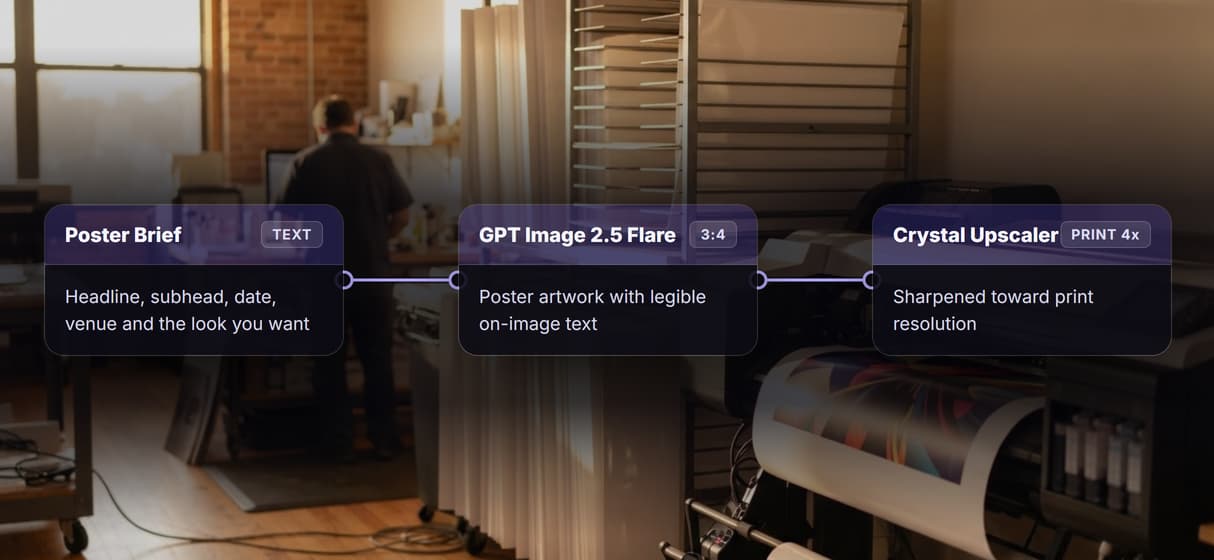
Legible text on the art
GPT Image 2.5 Flare renders your headline, subhead, and date as sharp on-image text, the part most poster makers garble, so it reads like a designed thumbnail. For film and show key art specifically, the movie poster generator turns one brief into a poster plus a matching social cut.
Print resolution, not screen res
The Crystal Upscaler sharpens the poster 4x toward print resolution, so the same hosted pipeline that makes a product photo render holds up on paper.
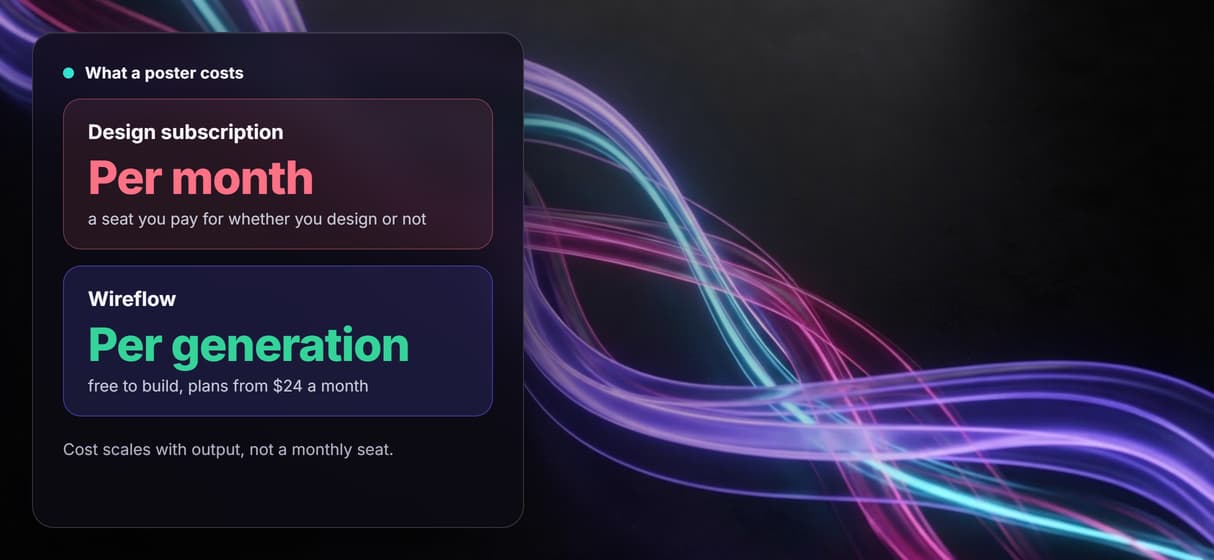
Per generation, not per seat
Building the canvas is free and generations are metered, so a whole team costs less than one design seat. Start on the free AI image generator side.
Batch and reuse by API
Every published flow is a REST endpoint and MCP tool, so an agent can batch a whole set of posters, the habit behind agentic design.
AI Models Available
Automate Any Workflow
Included in Every Plan
FAQs
An AI poster maker turns a short text brief into finished poster artwork. On Wireflow it is a three node workflow: a Text Input holds the event details, GPT Image 2.5 Flare renders the poster with legible on-image text, and a Crystal Upscaler sharpens it toward print resolution.
Discover related AI tools
- AI Image Upscaler: Upscale to 4K in a Visual Workflow
- AI Background Remover
- AI Image Generator: Flow-Based Canvas, 31 Models
- ComfyUI Alternative
- AI Face Swap Online: Photos and Video in Your Browser
- Virtual Try On
- AI Thumbnail Generator
- AI Photo Generator
- AI Image Editor
- AI Art Generator
- Midjourney Alternative
- AI Headshot Generator
More From Wireflow
Written by
Andrew Adams · Co-Founder & Operations at Wireflow
Runs client operations and content strategy at Wireflow. Works directly with creative teams and agencies to build production AI workflows.
Generate your poster on the canvas
Open the flow, type your brief, and run it: GPT Image 2.5 Flare lays down legible poster text and the Crystal Upscaler makes it print ready. Building on Wireflow is free; you pay per generation, not per month.