Features
AI Animated Short Film Maker
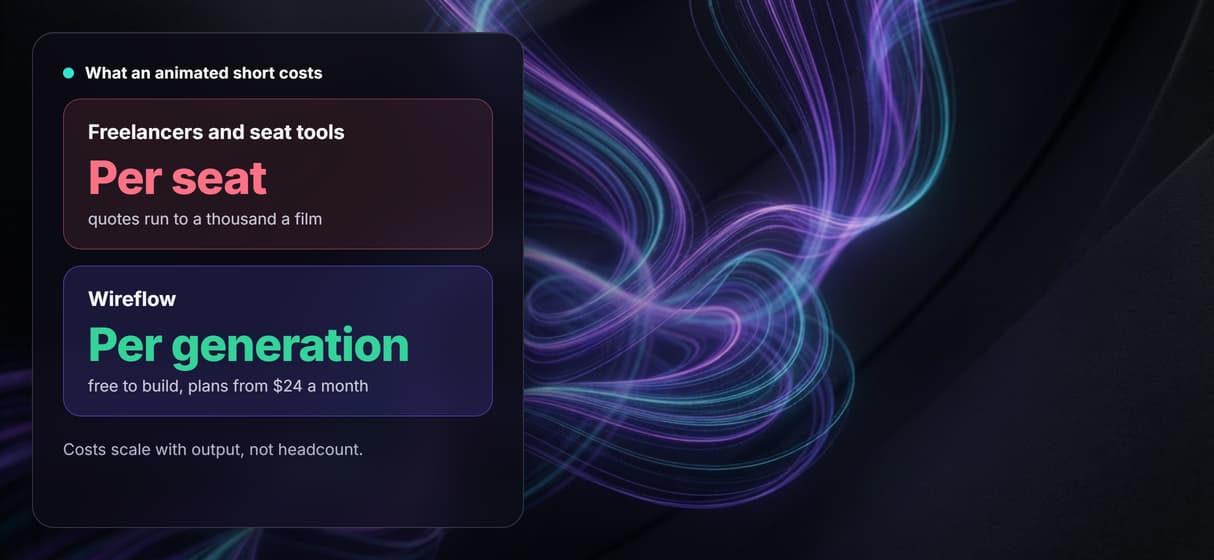
Freelancers quote a thousand dollars a film and prompt apps hide the pipeline.
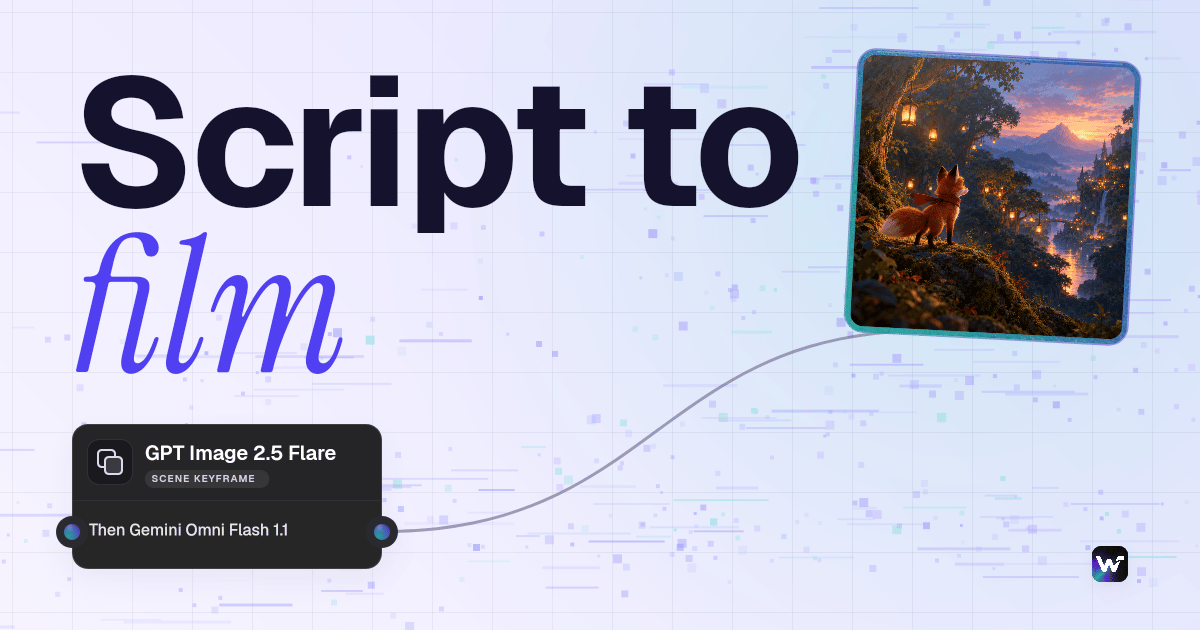
Wireflow gives you the graph: write a scene, approve the keyframe GPT Image 2.5 Flare renders, then let Gemini Omni Flash 1.1 animate it while ElevenLabs TTS narrates. Build free, pay per generation, rerun per scene.
Free to build · no credit card · Read the agent docs · See how it works ↓
 Andrew Adams · Co-Founder & Operations at Wireflow ·
How to Use AI Animated Short Film Maker
Steps to get you started in Wireflow.
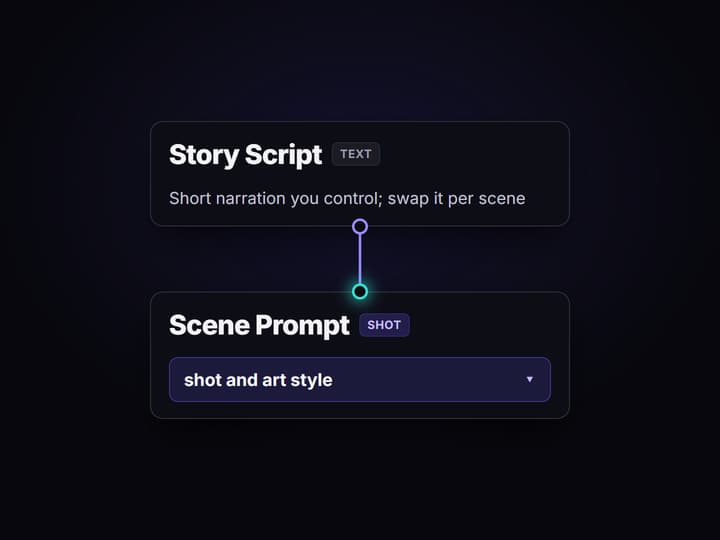
Write the scene script and the shot prompt
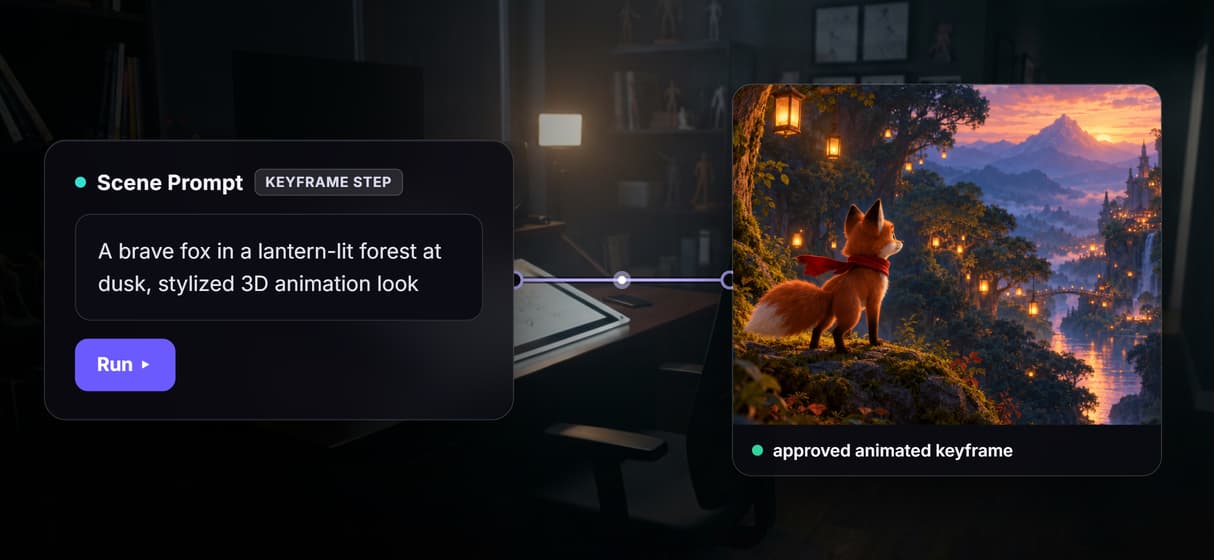
Open the flow, type a short piece of narration into the Story Script node, and describe the shot and art style in the Scene Prompt node. One or two sentences of story is plenty for a single scene.
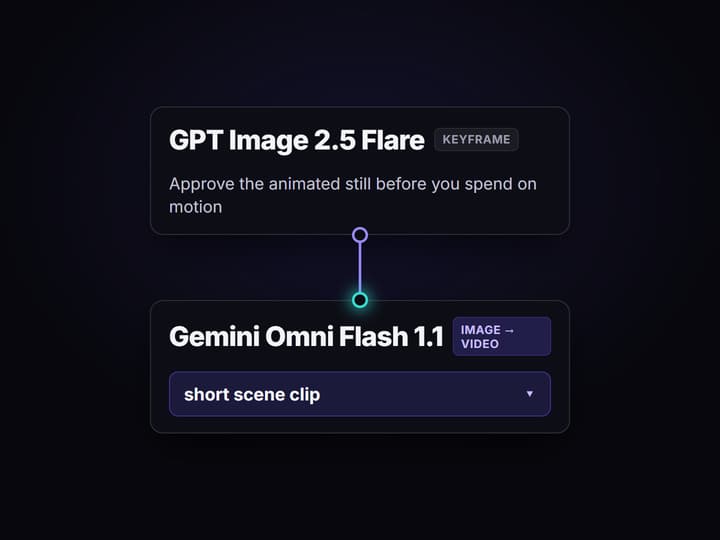
Approve the keyframe GPT Image 2.5 Flare renders
Run the image step and GPT Image 2.5 Flare renders an animated keyframe from your prompt. Check the character, the framing, and the art style before you spend a single credit on motion.
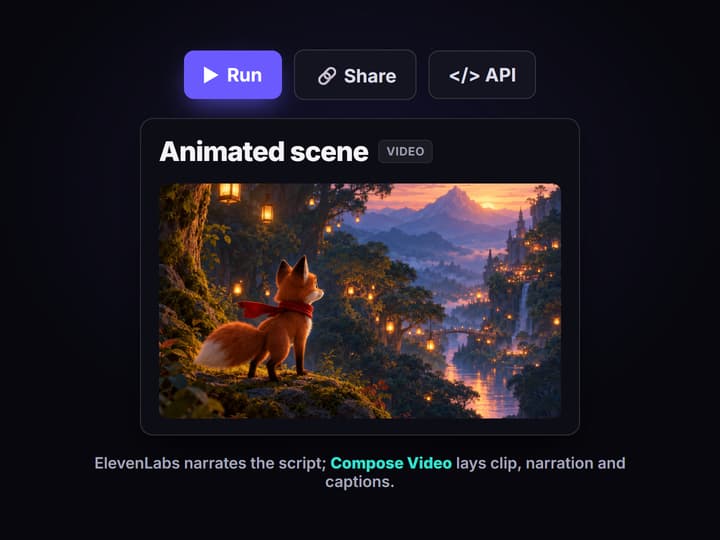
Animate, narrate, and compose the scene
Gemini Omni Flash 1.1 animates the keyframe, ElevenLabs TTS reads the narration with word timestamps, and Compose Video lays the clip, narration and synced captions into the finished scene.
Why short film makers outgrow prompt-only animation apps
Most AI animated short film tools work the same way: type a story prompt, pick a style, and a finished clip pops out. It is fast, and for a one off it is fine. The ceiling arrives when a freelancer quotes you a thousand dollars for the polished version, or when your short has a dozen scenes, a character who must look the same in every one, and a reviewer who wants the opening frame composed a specific way. The app decides the pacing, a hidden model decides the look, and you never see or fix the keyframe that actually becomes the scene.
Wireflow answers with a different shape. Instead of a locked template, each scene is a small workflow you own on a node canvas: a Story Script node holds the narration, a Scene Prompt node holds the shot, GPT Image 2.5 Flare renders the keyframe, Gemini Omni Flash 1.1 animates it, and ElevenLabs TTS reads the lines. It runs on hosted compute in the browser, nothing to install, and the same canvas drives every other AI video generator job your crew has.
What replaces the one-prompt film app
Script intake
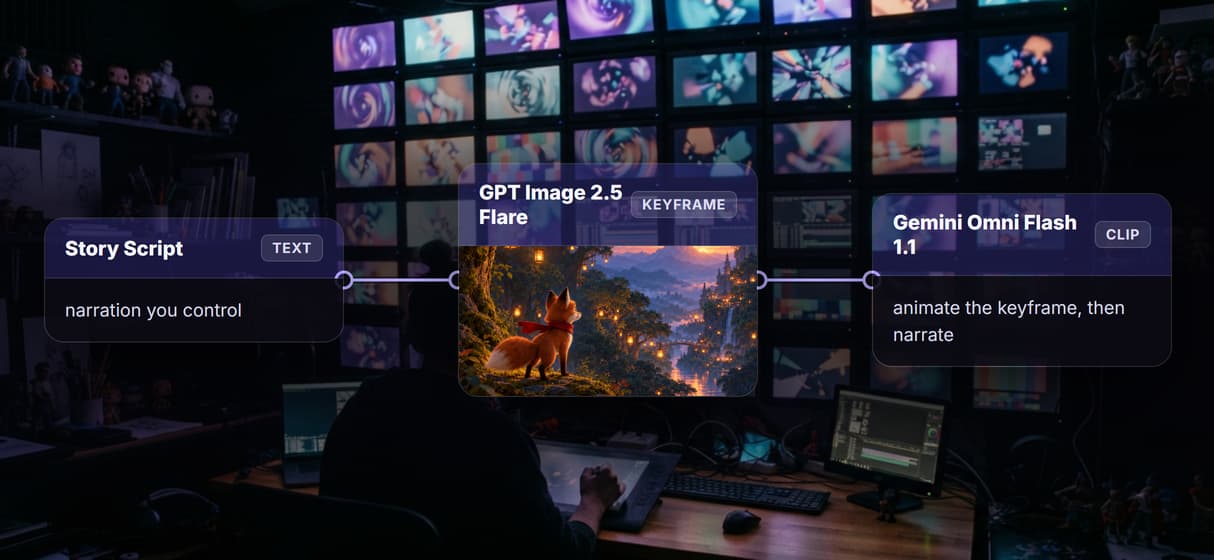
A Story Script node holds the narration for the scene, so the voiceover and captions come from words you control.
Shot and style prompt
A Scene Prompt node holds the shot and art direction that steer the keyframe and the motion.
Approved keyframe
GPT Image 2.5 Flare renders an animated keyframe you sign off before any motion is generated.
Motion from the keyframe
Gemini Omni Flash 1.1 animates the approved keyframe into a short scene clip you can rerun.
Narration and captions
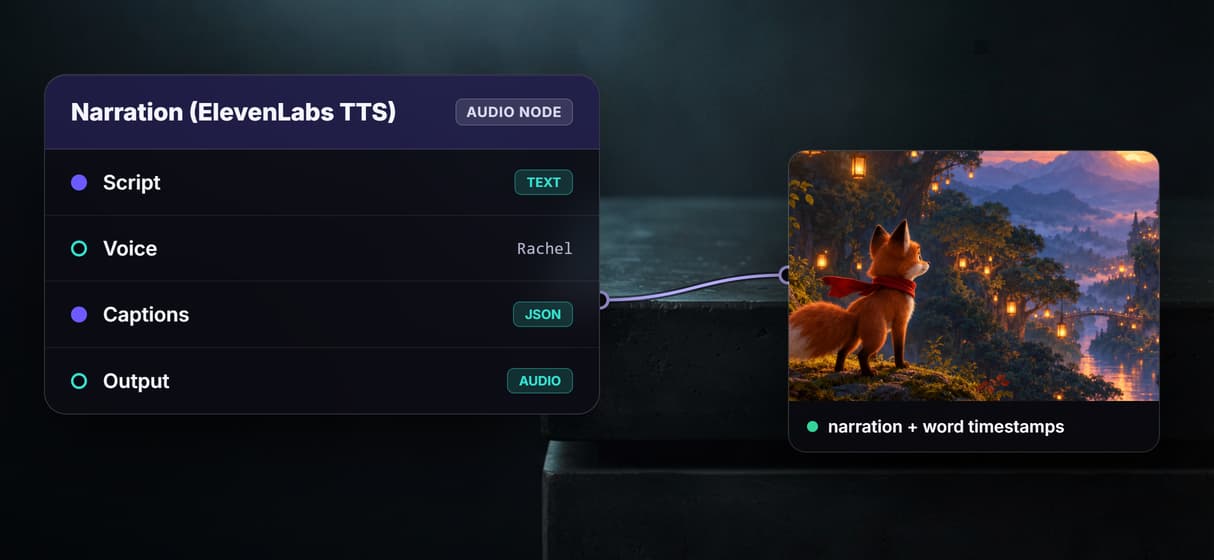
ElevenLabs TTS reads the script and emits word timestamps that drive synced captions.
Compose and reuse
Compose Video lays clip, narration and captions into the scene; the graph reruns by link.
How the animated scene graph actually runs
The workflow behind this page's button is deliberately small: a script, a shot prompt, and three model nodes.
- Story Script and Scene Prompt hold your inputs. One or two sentences of narration go into the script node, and the shot and art style go into the prompt node; a sticky note walks a first run through it.
- GPT Image 2.5 Flare renders the keyframe. Your prompt becomes an animated still, so you approve the character and the look before paying for motion.
- Gemini Omni Flash 1.1 animates it, and ElevenLabs TTS narrates the script. The video node reads the keyframe while the audio node reads the lines and emits word timestamps.
- Compose Video lays it into the scene. Clip, narration and synced captions become one cut, and the scene length follows the narration, not a fixed template.
Because each scene is just a graph, the look you approve carries straight into the next one as a related AI animated video scene, and a longer film is assembled scene by scene. The same canvas rolls into a longer AI video pipeline once you chain scenes, and it also animates a single still image when a shot needs one picture brought to life.
When a one-prompt film app is still the right call
If you need one clip in the next five minutes and you do not care how the frame is composed or whether the character matches the last scene, a one-prompt app is genuinely faster, and this page will not pretend otherwise. Each Wireflow clip node renders a short segment, so a multi-minute film is assembled scene by scene along the narration timeline rather than produced in one render.
Wireflow is the generation layer, not a scriptwriter or a story editor: it will not write your screenplay or decide the plot. What it offers instead is ownership of the pipeline, 100+ hosted models to swap between, and per generation pricing. If animated shorts are one part of a bigger slate, build here, and the same flow serves working filmmakers who want to inspect and rerun every shot.
More Than Just AI Animated Short Film Maker
A pipeline you own, not a locked short film template
The whole scene lives on a canvas: script in, approved keyframe, narration, clip out. Rewire any hop like a node based video generation graph.
Approve the keyframe before you animate
GPT Image 2.5 Flare renders an animated keyframe you sign off before any motion, and reusing it keeps your character steady scene to scene in the AI animation maker.
Narration and captions that track the script
ElevenLabs TTS reads your narration and emits word timestamps, so Compose Video lays synced captions over the text to video clip.
Per generation pricing, not per seat
Building on the canvas is free and generations are metered, so a whole crew costs the same as one editor. Try the free AI video generator online and pay per run.
One graph for every scene in the film
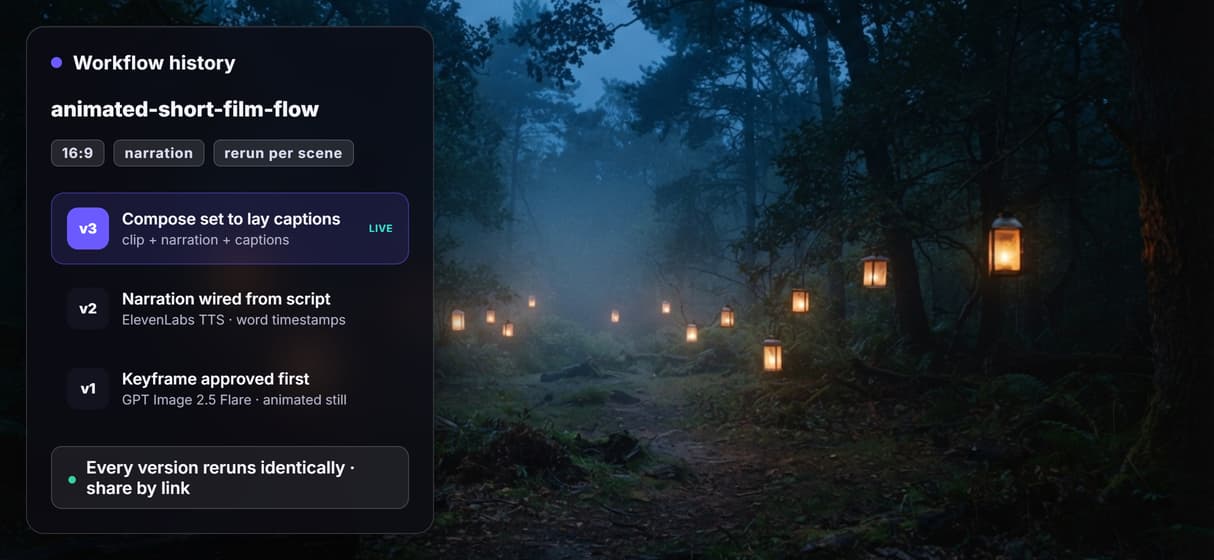
Workflows are versioned and shareable by link, so swap the script and prompt and rerun for the next scene. It anchors any durable AI video workflow.
Build Any AI Workflow
AI Models Integrated
Full Commercial License
FAQs
A one-prompt app hides the steps and hands you a finished clip. Wireflow shows the whole pipeline on a canvas: script, shot prompt, approved keyframe, animated clip, narration and compose are separate nodes you can inspect, edit, and rerun. You own the workflow instead of renting a template, and you reuse the keyframe to keep a character consistent.
Discover related AI tools
More From Wireflow
Written by
Andrew Adams · Co-Founder & Operations at Wireflow
Runs client operations and content strategy at Wireflow. Works directly with creative teams and agencies to build production AI workflows.
Own the animated short film pipeline, not a template
Open the flow, write a scene and a shot prompt, and run it: approve the keyframe, then animate and narrate it from one graph you can rerun for every scene. Building is free; you pay per generation, not per seat.