Features
AI Video Analyzer
Most analyzers stop at a summary.
Wireflow's Content Analyzer watches a video and its audio and returns a shot by shot breakdown: the hook, the shot list, the script beats, and the visual style, plus a brief to recreate it. Paste a TikTok, Reel, or X link and run it; building on the canvas is free.
Free to build · no credit card · Read the agent docs · See how it works ↓
 Andrew Adams · Co-Founder & Operations at Wireflow ·
How to Use AI Video Analyzer
Steps to get you started in Wireflow.
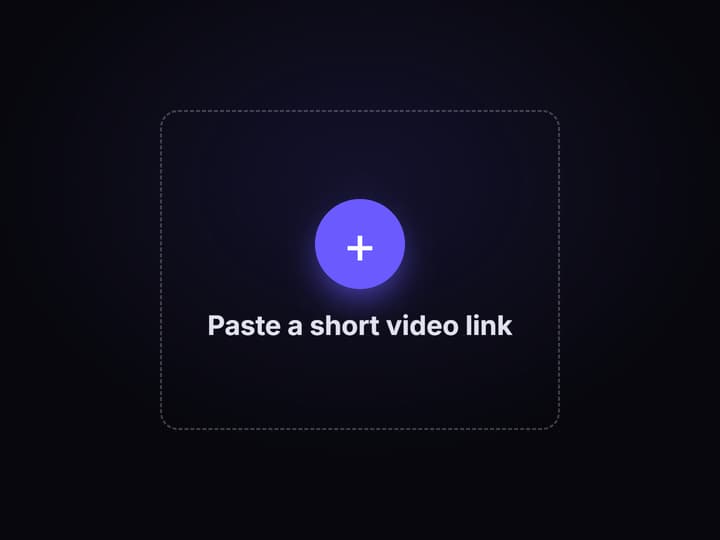
Paste the video link
Open the flow and drop a public TikTok, Reel, or X link into the Video Link node. The import node pulls the clip, so there is no download and re-upload step.
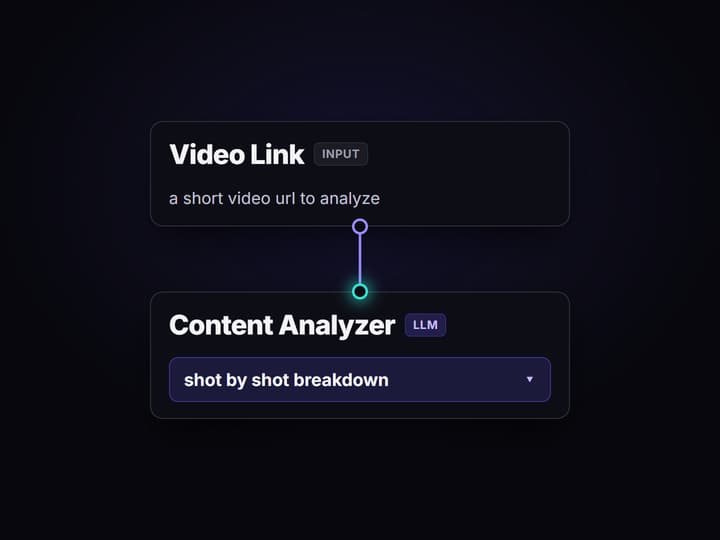
Run the breakdown
Content Analyzer samples frames at each scene change, transcribes the audio, and returns the hook, shot list, script beats, and visual style as text and as structured JSON.
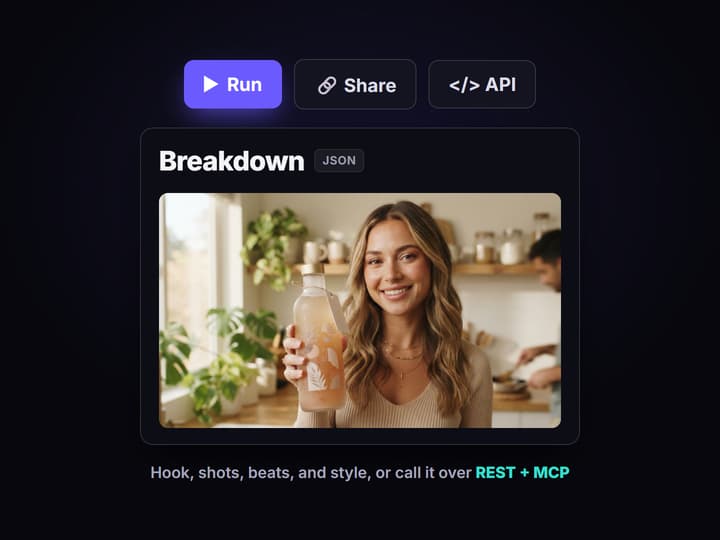
Recreate it or automate it
Wire the recreate brief into generation nodes to rebuild the video, or call the published flow as a REST endpoint or MCP tool to analyze a whole feed of links.
More Than Just AI Video Analyzer
Paste a link, get the teardown
Drop a public TikTok, Reel, or X link in and the flow returns the hook, shot list, script beats, and visual style, the way you would study an AI ad creative.
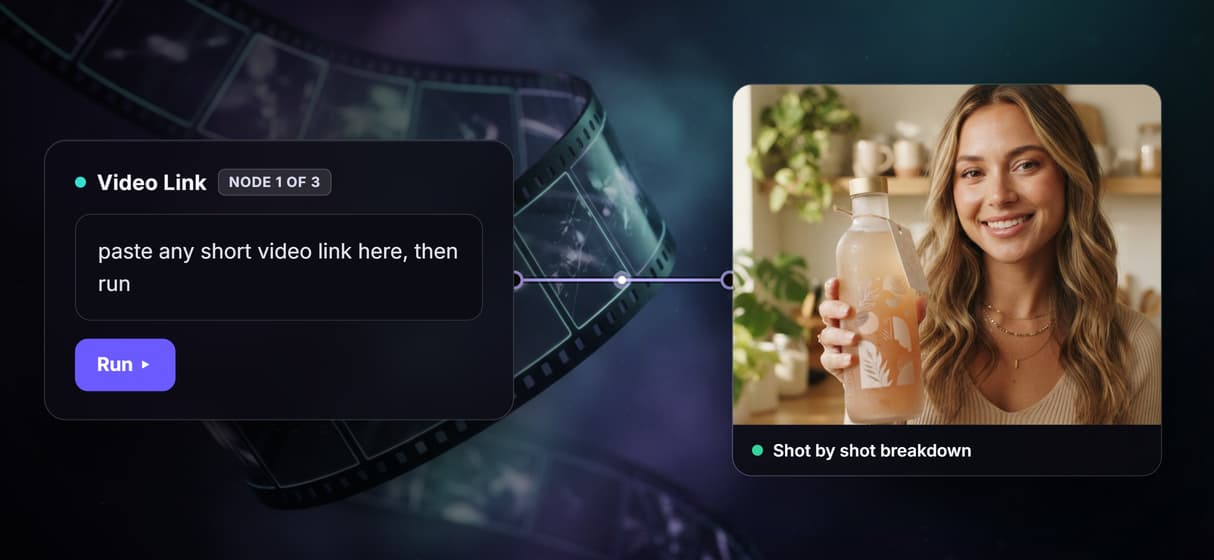
Shot by shot, not a summary
The Content Analyzer samples frames at every scene change and reads the transcript, so each shot gets its own camera, pacing, and on screen note.
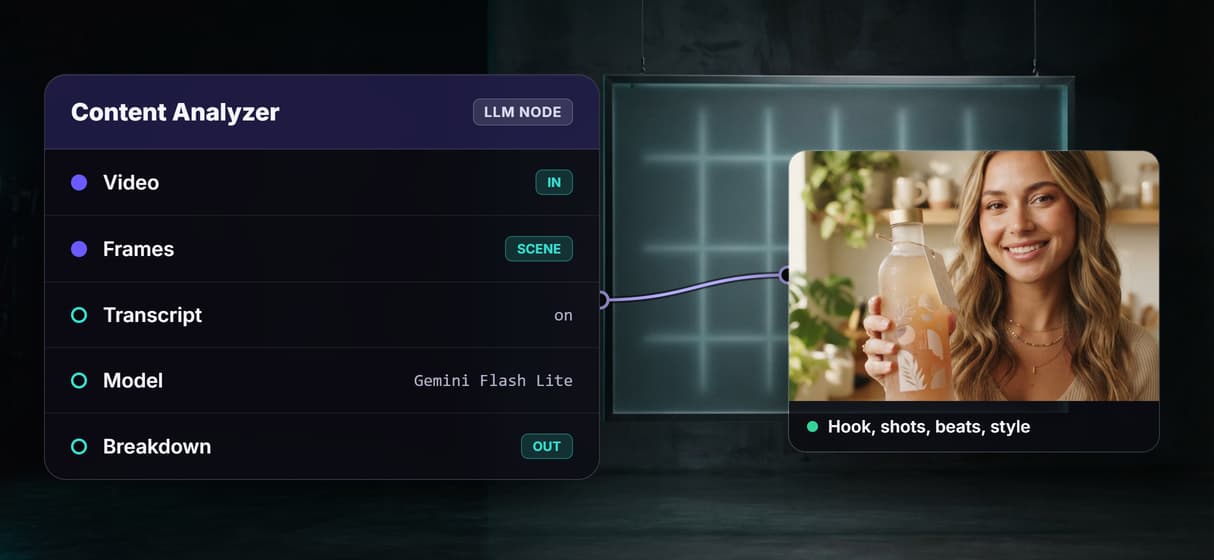
Analyze, then rebuild it
Ask the brief for a ready to run prompt and wire it into generation nodes, so the same AI video workflow that tears a clip apart can remake it.
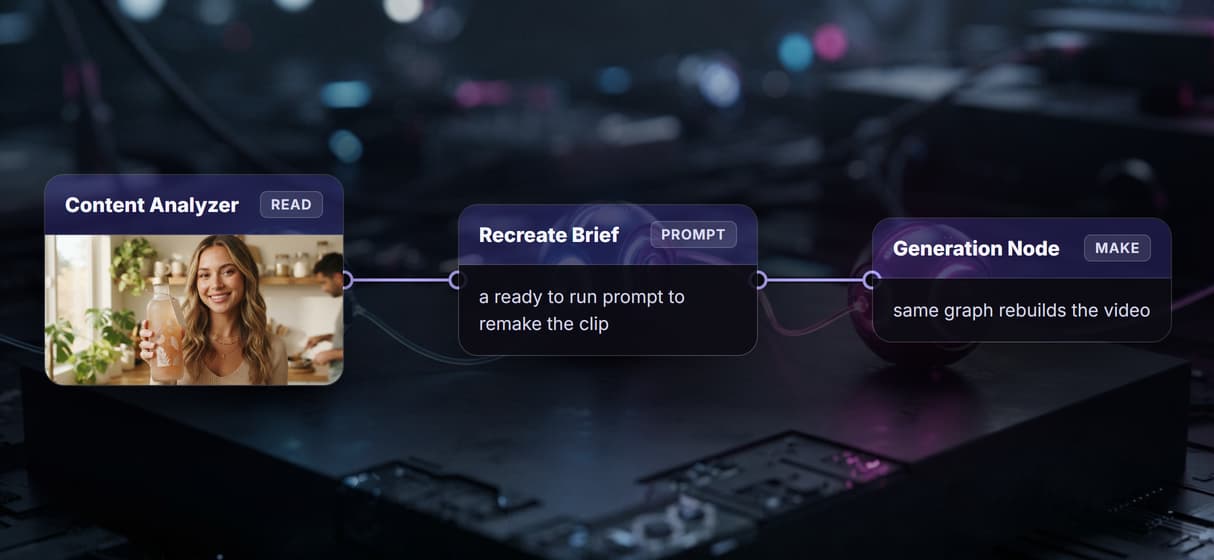
Structured output for agents
Every run also returns typed JSON and all the sampled frames, so an AI video agent can read the breakdown instead of a person copying it by hand.
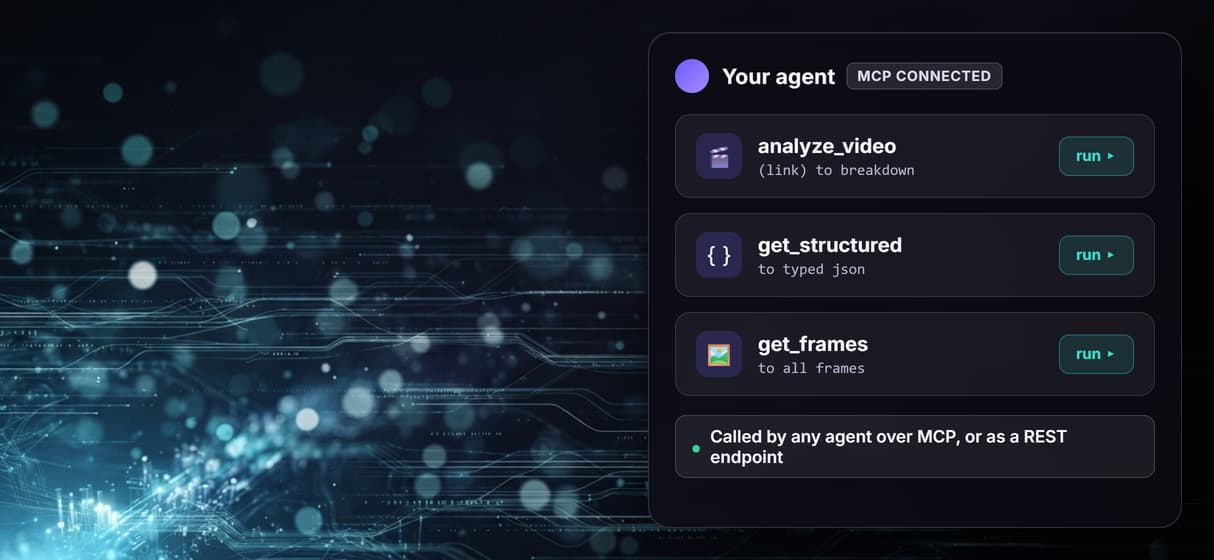
One call, a whole swipe file
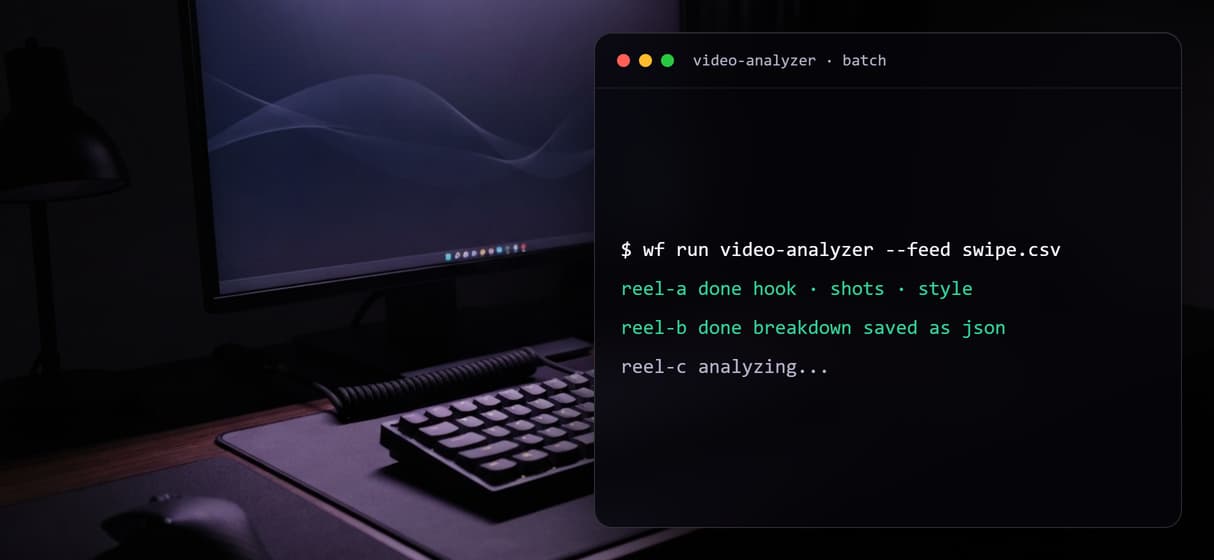
Published as a REST endpoint and MCP tool, the flow loops over a feed of links, so a coding agent can tear down a batch overnight.
Build Any AI Workflow
AI Models Integrated
Full Commercial License
Why analyze should not mean summarize
Type ai video analyzer into a search box and you get two different tools. One camp is enterprise video understanding: transcripts, object tags, motion and emotion scores, moderation. The other is the creator question, and it is the one most people are actually asking: how was this video made, and how do I make one like it. A summary cannot answer that. A shot list can.
Wireflow answers the second question with the Content Analyzer node. Paste a public link, and it samples frames at every scene change, reads the transcript alongside them, and writes the hook, the shot list, the script beats, and the visual style. The output is not a paragraph about the video; it is a build sheet you can act on, and it drops straight into a AI video pipeline on the same canvas.
What the analyzer pipeline gives you
Link import
TikTok, Instagram Reel, and X import nodes pull a public video from its link, no download dance.
Frames at scene changes
Up to sixteen frames are sampled where the cuts land, not on a blind timer.
Transcript included
The audio is transcribed with word level timestamps and read next to the frames.
Shot by shot breakdown
Hook, shot list, script beats, and visual style, written as a brief you can rebuild from.
Structured JSON
The same breakdown comes back as typed JSON and an array of every frame for code.
Choose the output
An Analysis Brief field can ask for exactly one thing, like a prompt to remake the clip.
How the flow actually runs
The workflow behind this page's button is small on purpose: an input node holds the link, an import node fetches the video, and the Content Analyzer does the rest.
- Video Link holds the url. Paste a public TikTok, Reel, or X link; a sticky note walks a first run through it.
- The import node fetches the clip. It hands a real video file to the next node, so you never download and re-upload anything.
- Content Analyzer reads it. It samples frames at scene changes, transcribes the audio, and returns the breakdown as text, as structured JSON, and as the frames themselves.
Because the analyzer is one node among 100+ model nodes, its recreate brief does not sit in a dead report. Point the Analysis Brief at a production ready prompt, wire that into an image or video node, and the graph swings from reading a video to making one. Teams that compare directions first can feed the same brief into a side by side model test before they commit credits.
When a classic video analyzer is the better fit
If you need security analytics, large scale object or face detection across a camera fleet, real time stream analysis, or a moderation pipeline that scores and flags clips for compliance, this is not that tool, and this page will not pretend otherwise. The Content Analyzer runs on cheap vision models and is flat priced; it reads the creative structure of a video, it does not police it.
What it is built for is the teardown: understanding why an ad, a reel, or a short works, and turning that into a brief you can run. It describes what a video does and how to remake it. If that is the job, build here, keep the breakdown as reusable JSON, and pair it with the rest of your AI video workflow when you are ready to rebuild.
FAQs
It is a tool that watches a video and describes how it is built, not just what is said. Wireflow returns the hook, shot list, script beats, and visual style as a shot by shot breakdown.
Discover related AI tools
More From Wireflow
Written by
Andrew Adams · Co-Founder & Operations at Wireflow
Runs client operations and content strategy at Wireflow. Works directly with creative teams and agencies to build production AI workflows.
Analyze any video, then rebuild it
Open the flow, paste a TikTok, Reel, or X link, and run it. You get a shot by shot breakdown and a brief to recreate the video. Building on the canvas is free; you pay per generation when you remake it.