 Andrew Adams · Co-Founder & Operations at Wireflow ·
 Hunyuan3D v3 on Wireflow
Tencent's Hunyuan3D v3 runs as a node on the Wireflow canvas.
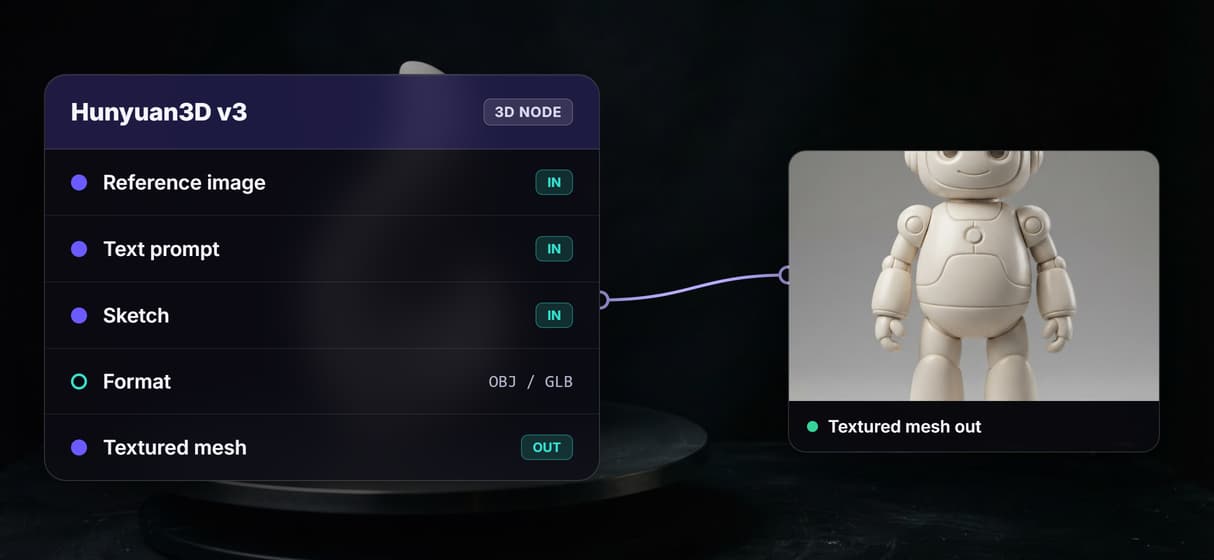
Wire a concept image, a text prompt, or a sketch into it and get a textured 3D mesh back in OBJ or GLB. Hosted compute, no local GPU, pay per generation.
Free to build · no credit card · See how it works ↓
How to Use Hunyuan3D v3 on Wireflow
Steps to get you started in Wireflow.
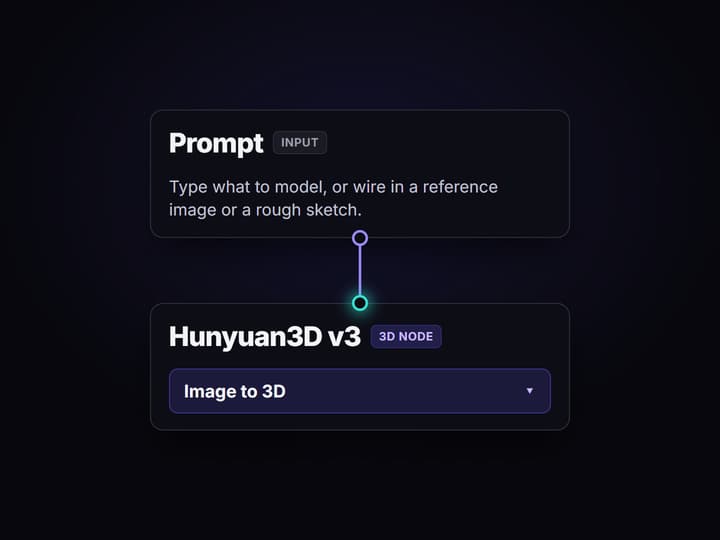
Describe the asset or drop a reference
Start with one clear subject: a reference image, a text prompt, or a sketch. For an image-led workflow, use a concept-art node to design the look before the 3D step.
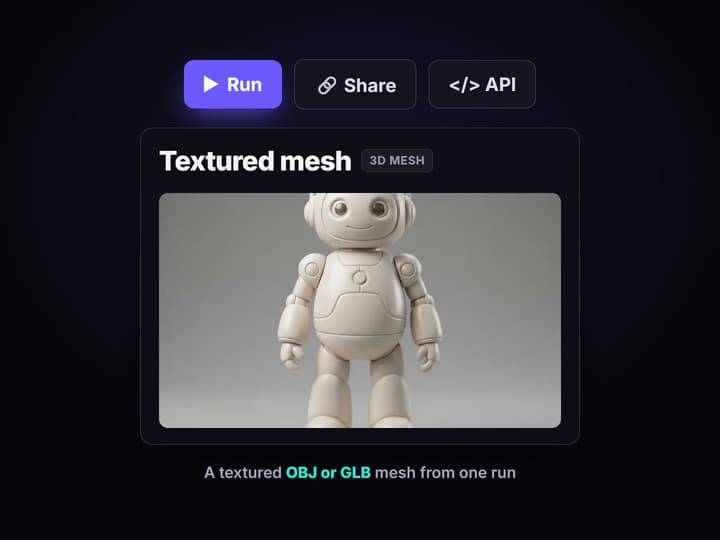
Run the graph once
Send the chosen input to Hunyuan3D v3 and inspect the textured mesh it returns. Export OBJ or GLB for your 3D suite. The linked example demonstrates the pattern with Trellis 2.
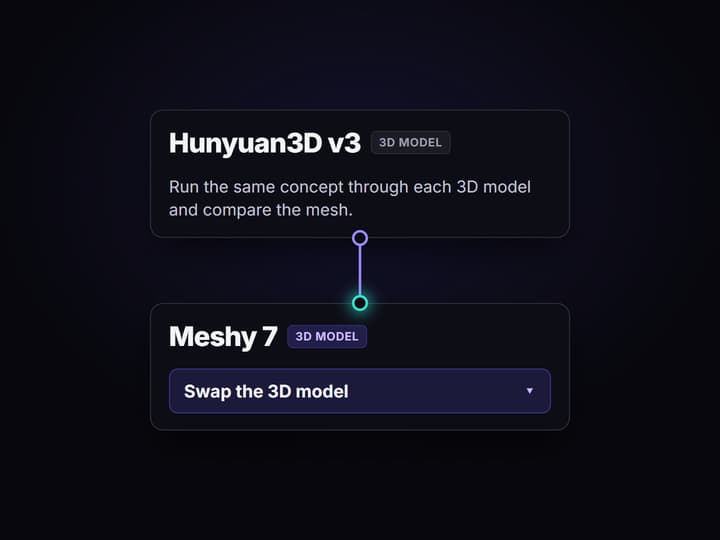
Swap the model or rerun
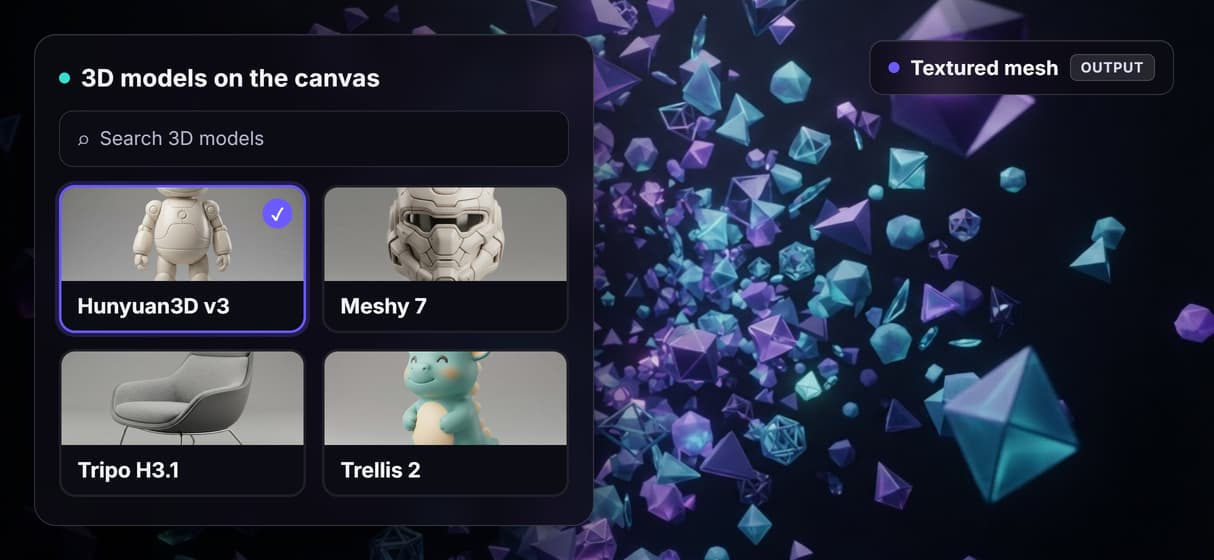
Change the prompt and run again for a new asset, or send the same input into Meshy 7, Tripo H3.1, or Trellis 2 and compare the mesh each 3D model returns.
Hunyuan3D v3 on Wireflow: what it does and how it runs
Hunyuan3D v3 is Tencent's AI 3D-generation model. Give it a text description, a reference image, or a sketch and it returns a textured 3D mesh in standard formats like OBJ and GLB.
On Wireflow it is a node on the canvas rather than a standalone site or an API you glue together yourself. You wire a concept image into it, press run, and get the mesh back on hosted compute in the browser, no CUDA install and no local GPU. The same canvas drives your AI product photography and image work, so the step that invents the look and the step that builds the model live in one graph.
What you can do with the Hunyuan3D v3 node
Image to 3D
Wire a reference image into the node and get a textured mesh back.
Text to 3D
No image yet? Describe the asset and the model builds it from the prompt.
Sketch to 3D
Turn a rough sketch into a detailed mesh by adding text attributes.
OBJ and GLB out
Download the mesh in standard formats that drop into your engine.
Concept art first
Chain an image model in front to design the look before you commit.
Compare models
Run Meshy 7, Tripo H3.1, and Trellis 2 on the same input, side by side.
From a prompt to a textured mesh in one graph
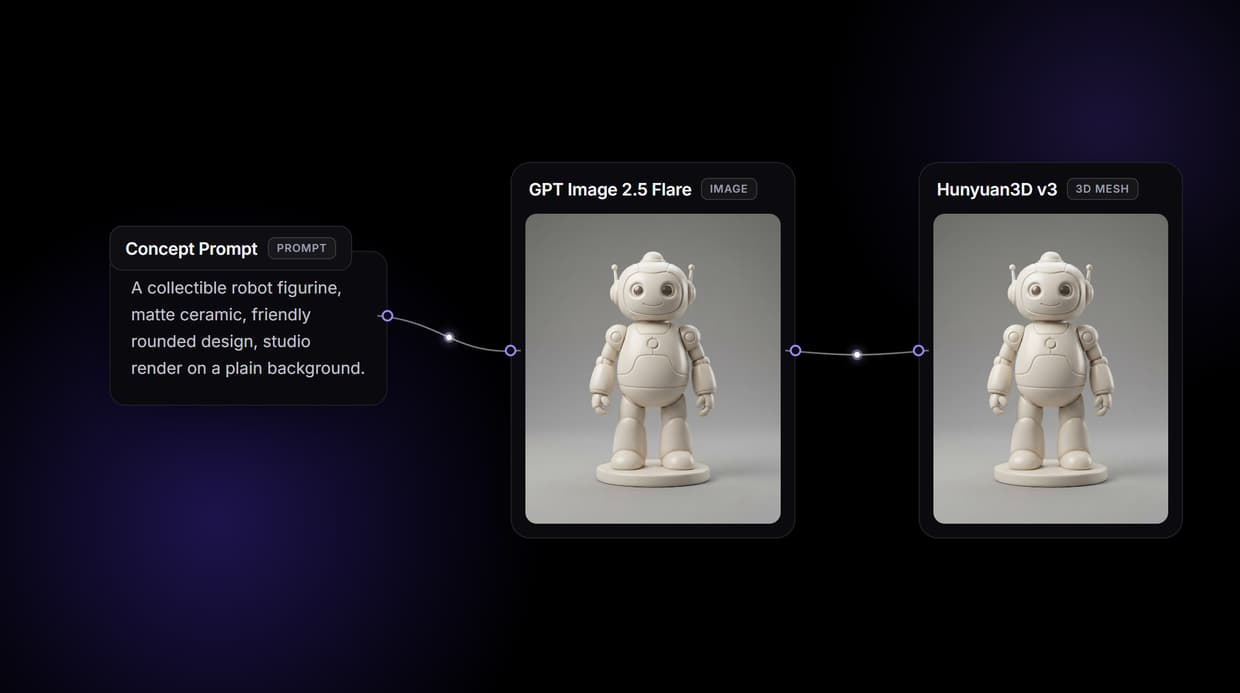
The canvas illustrations show the Hunyuan3D v3 concept-to-mesh pattern. The example behind this page's button demonstrates it with Trellis 2 as the stand-in 3D node. Its saved outputs come from GPT Image 2.5 Flare and Trellis 2.
- The Concept Prompt node holds the brief. Edit the visible text to describe one clear subject.
- GPT Image 2.5 Flare renders the concept frame. Run this node first if you want to inspect the image before paying for the 3D step.
- Trellis 2 builds the example mesh. It takes that concept frame and returns a downloadable 3D asset. Choose the Hunyuan3D v3 node for a Hunyuan3D run; the node-based pattern stays the same.
You can also send a concept image into Meshy 7 or Tripo H3.1 to compare their results. Reuse that concept as the starting point for an AI product photo generator when you need a matching product image.
When a dedicated 3D suite is the better call
If your job is manual retopology, UV unwrapping by hand, rigging, sculpting, or assembling a full scene, that work belongs in a tool like Blender, Maya, or ZBrush, and this page will not pretend otherwise. Generated meshes are a strong starting point, not a finished game-ready asset, and they usually need cleanup before they ship.
Wireflow is the generation layer: it generates a mesh so you can iterate on the idea, then export OBJ or GLB into whatever suite finishes it. If 3D assets are an ingredient in a larger content machine, generate them here, next to your image and video nodes, and pay per generation instead of standing up your own GPU box.
More Than Just Hunyuan3D v3 on Wireflow
Concept to mesh in one connected flow
Drop in a prompt or a reference image and the canvas chains it into the 3D node, so one node based image generation run turns a concept into a textured mesh.
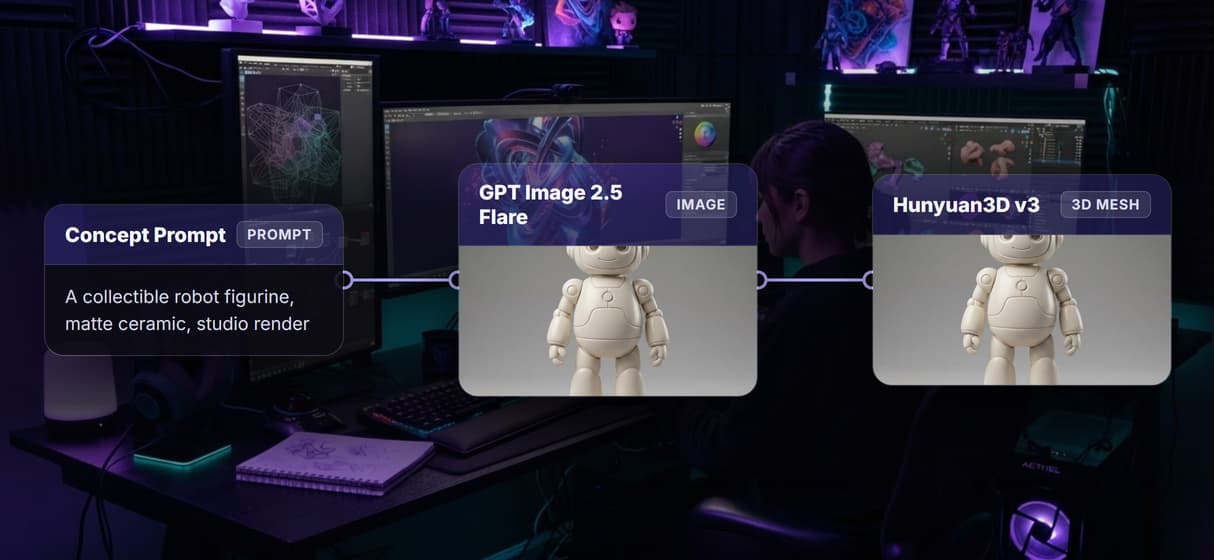
Image, text, or a sketch all go in
Hunyuan3D v3 takes a reference image, a text prompt, or a rough sketch and returns an OBJ or GLB mesh. Build the input with an AI concept art generator node.
Compare it beside other 3D models
Wire several 3D nodes on one canvas and run the same concept through each, so you judge Hunyuan3D v3 against the rest on a node based AI workflow platform.
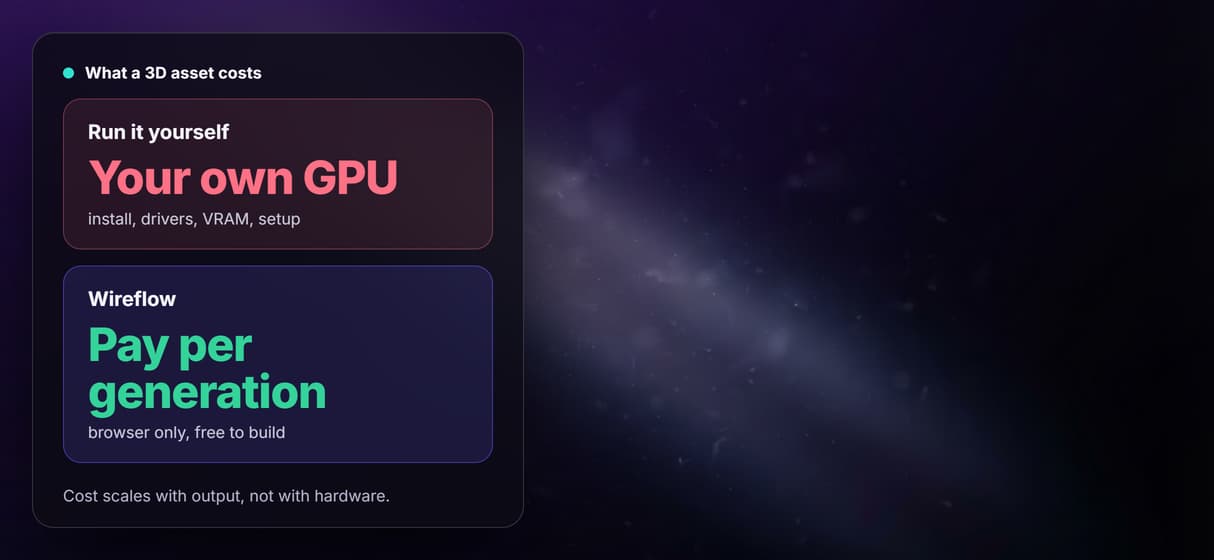
No install, no GPU, pay per run
No CUDA, no VRAM ceiling: it runs on hosted compute in the browser. Building is free and you pay per generation, like the free AI image generator does.
Versioned, and callable from code
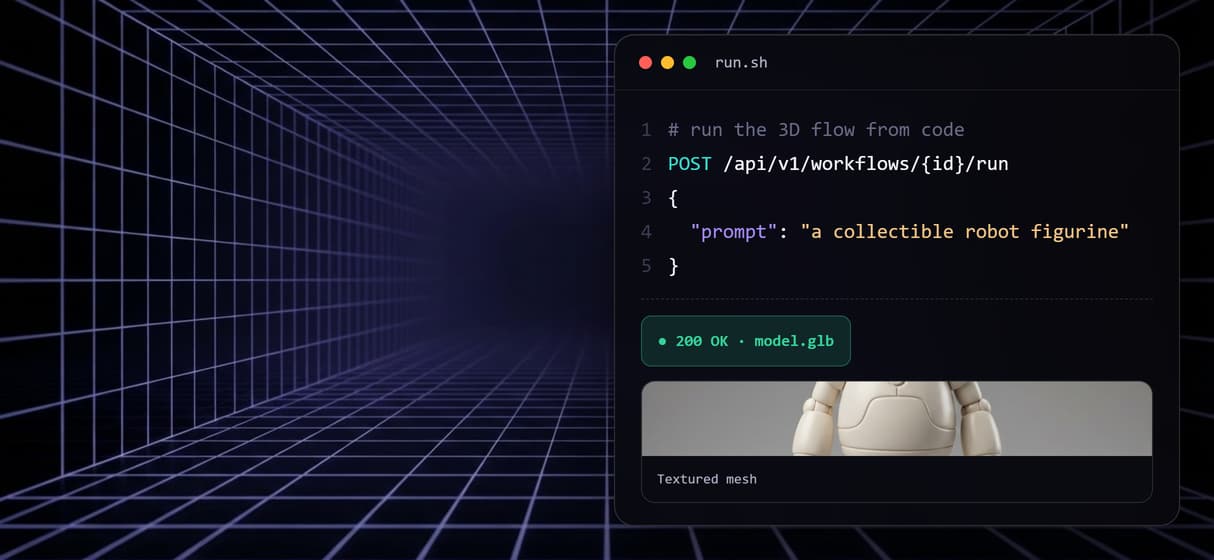
Every flow is versioned and shareable, plus a REST endpoint and an MCP tool, so an agent can call this 3D step on a node based AI platform with API.
Hunyuan3d v3 on wireflow Workflows
No Code Required
API & Batch Processing
FAQs
Hunyuan3D v3 is Tencent's AI 3D-generation model. It turns a text prompt, a reference image, or a sketch into a textured 3D mesh, and on Wireflow it runs as a node on the canvas.
Discover related AI tools
- AI Image Upscaler: Upscale to 4K in a Visual Workflow
- AI Background Remover
- AI Image Generator: Flow-Based Canvas, 31 Models
- ComfyUI Alternative
- AI Face Swap Online: Photos and Video in Your Browser
- Virtual Try On
- AI Thumbnail Generator
- AI Photo Generator
- AI Image Editor
- AI Art Generator
- Midjourney Alternative
- AI Headshot Generator
More From Wireflow
Written by
Andrew Adams · Co-Founder & Operations at Wireflow
Runs client operations and content strategy at Wireflow. Works directly with creative teams and agencies to build production AI workflows.
Try the concept-to-mesh example
Open the example: GPT Image 2.5 Flare makes the concept image, then Trellis 2 builds the mesh as the stand-in 3D node. Building is free; each generation uses credits.