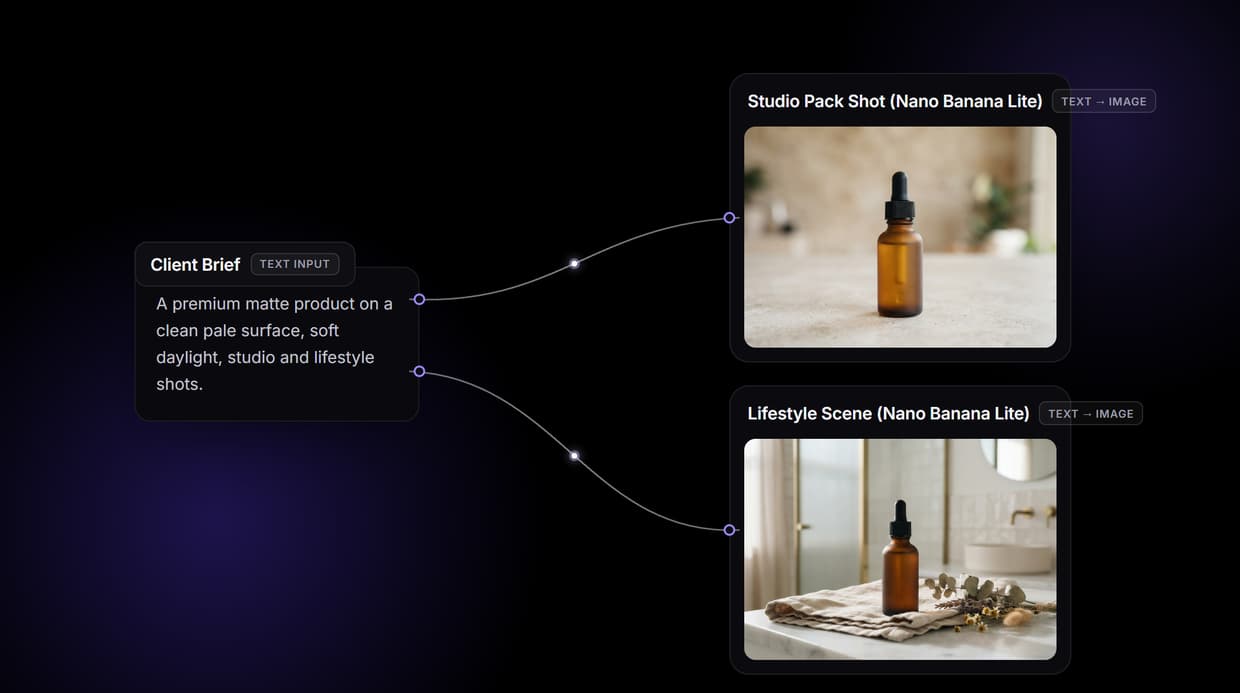
The best Leonardo AI alternatives in 2026 are Wireflow, Midjourney, FLUX, Ideogram, Adobe Firefly, Krea AI, Recraft and ComfyUI, and the right pick depends on whether you need raw image quality, readable text, commercial licensing or a repeatable production pipeline. Wireflow sits at the top of this list because it chains several image models into one node canvas with an API, so a single prompt can run through generation, editing and upscaling without leaving the tool. The eight tools below are ranked on model choice, output quality, pricing transparency, API access and how much of a real workflow they can carry.
Quick summary
- Wireflow: node canvas that chains multiple image models. Best overall
- Midjourney: highest aesthetic ceiling for stylised work. Best image quality
- FLUX: photorealism and high API throughput. Best for developers
- Ideogram: accurate, readable text inside images. Best for text in images
- Adobe Firefly: commercially safe training data and Creative Cloud integration. Best for licensing
- Krea AI: real-time canvas with live generation feedback. Best for iteration
- Recraft: vector output and brand style sets. Best for design systems
- ComfyUI: open-source graph editor with total control. Most customisable
Why people leave Leonardo AI
Leonardo AI built its audience on a generous free tier and a friendly interface, and both are still real strengths. The pressure comes from elsewhere. Teams outgrow the daily token allowance, find the model roster narrower than the wider market, or hit a wall when they want to run the same recipe across two hundred product shots instead of one. Anyone comparing entry points should also read our rundown of free AI image generators, because the free tier is usually the first thing a switcher measures.
The second driver is automation. A single-model web app is fine for exploration but awkward as a production step, and most of the requests we see are for programmatic access: generate, then edit, then upscale, then hand the file to a downstream system. That is why the Leonardo AI API question comes up so often in switching conversations. The tools below are ordered with that production question in mind, not just the quality of one hero image.
1. Wireflow (Best overall)
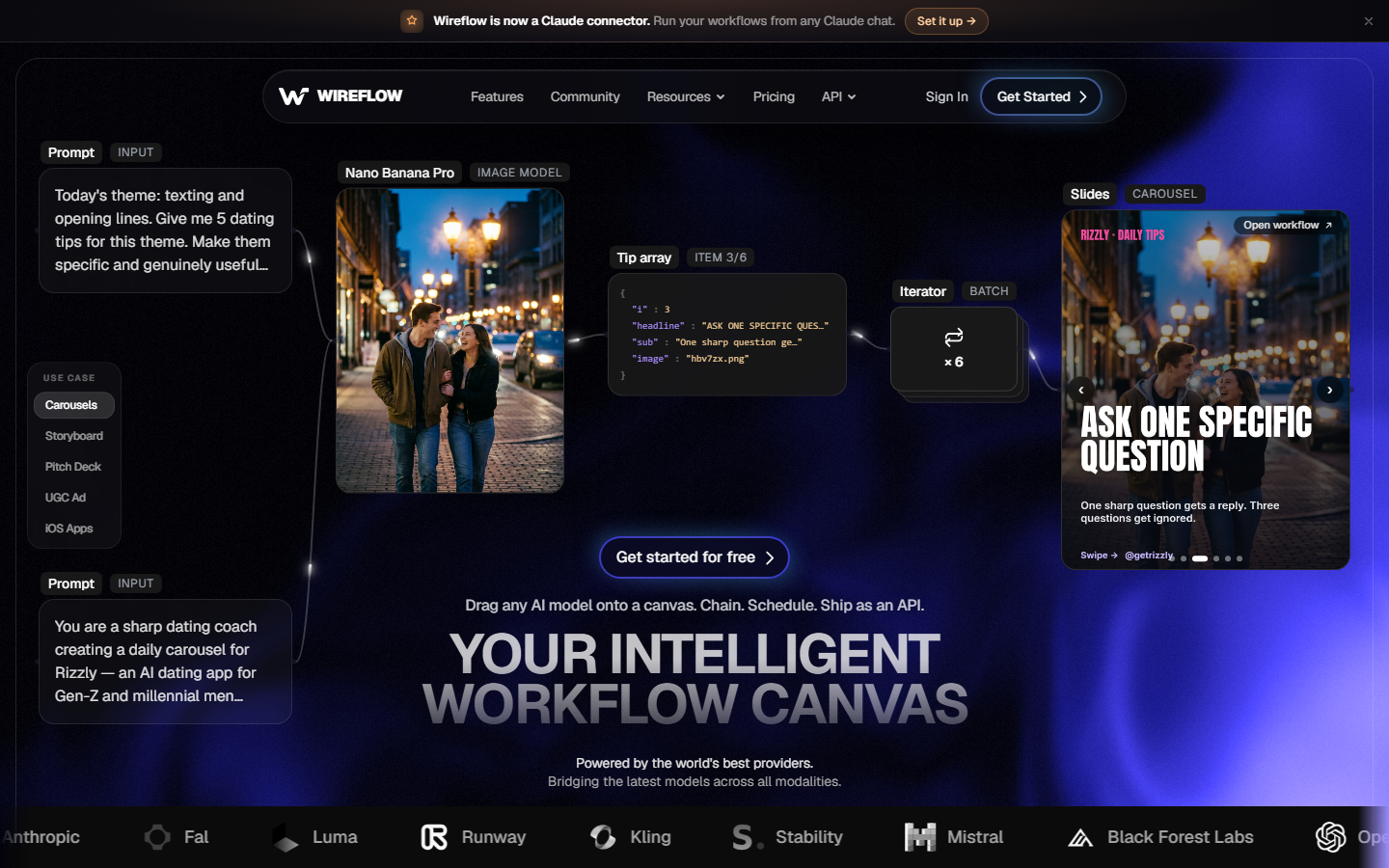
Wireflow is a node-based canvas for AI media. Instead of choosing one model and living inside its interface, you drop model nodes onto a canvas and wire them together, so a text prompt can feed a generation node, then a background removal node, then an upscaler, and the whole chain runs as one job. Model coverage spans the current image families rather than one house model, which removes the main reason people leave Leonardo in the first place. Every canvas is also callable as an API endpoint, so the same graph a designer built by hand becomes the batch job an engineer triggers from code. The closest single-purpose comparison is our own AI image generator page, but the canvas is the point: it is the only tool on this list where the output of one model becomes the input of the next without glue code.
Verdict: best overall for teams who want model choice and a repeatable pipeline in the same place.
2. Midjourney (Best image quality)
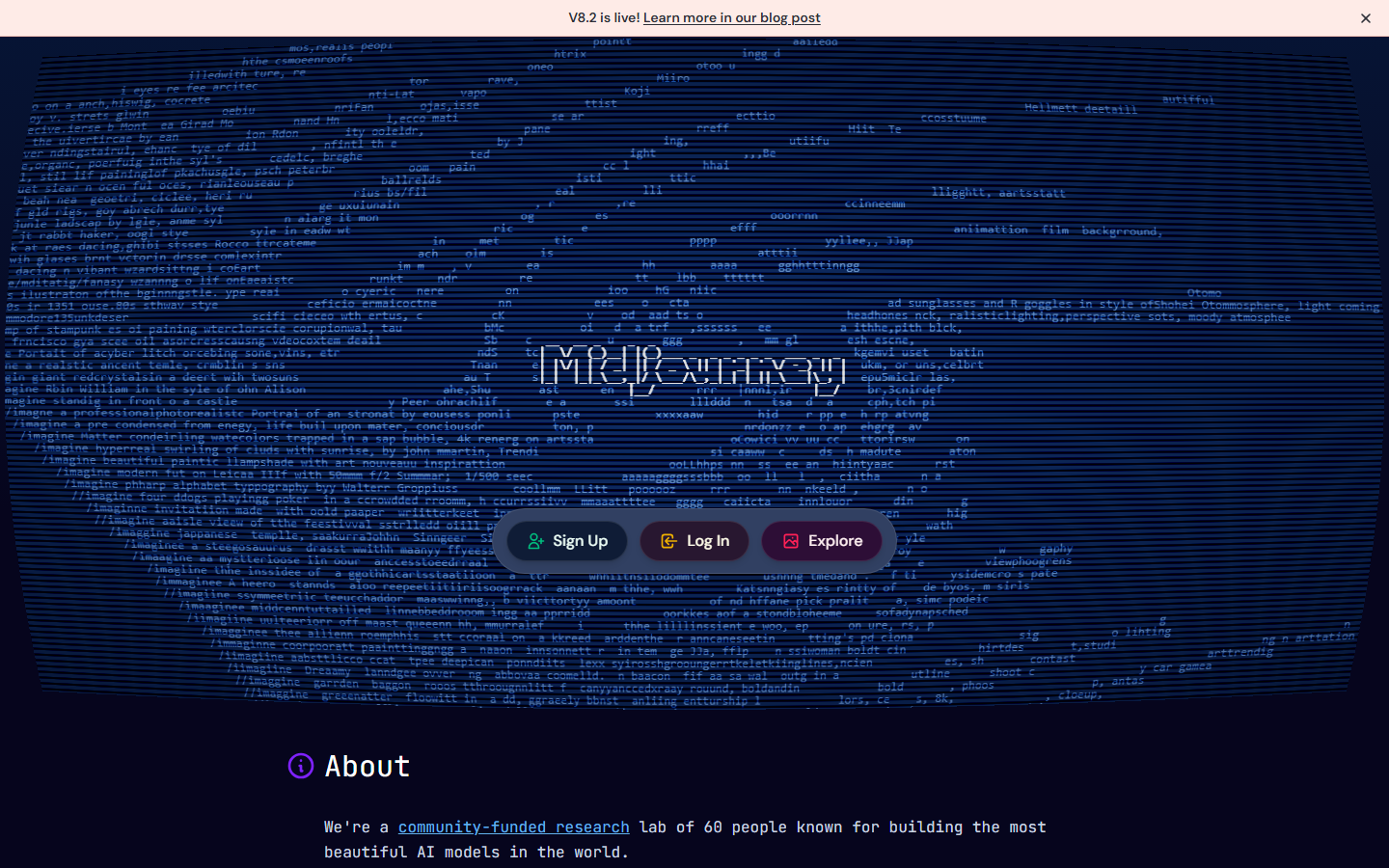
Midjourney still has the highest aesthetic ceiling of any general image model, particularly for illustration, concept art and stylised marketing creative. Its house look is opinionated, which is exactly why art directors like it and why it can fight you when a brief demands literal accuracy. Plans start around $10 per month, and the web app has replaced Discord as the main surface for most users. The trade-off is control: there is no official public API, so production teams tend to pair it with something scriptable, a pattern covered in our guide to Midjourney alternatives.
Verdict: pick it when the image has to look beautiful and a human is still in the loop.
3. FLUX (Best for developers)

FLUX from Black Forest Labs is the default choice when photorealism and throughput matter more than a signature style. Human anatomy, product surfaces and lighting hold up better than most rivals, and the open-weight variants let you run inference yourself if compliance requires it. Pricing is per image through hosted providers rather than per seat, which makes cost easy to forecast for batch work; the numbers are broken down in our FLUX Pro API pricing guide. The weakness is the interface, or rather the absence of one, since most people meet FLUX through someone else's playground.
Verdict: the strongest engine-level replacement for Leonardo if you are comfortable calling an API.
4. Ideogram (Best for text in images)
Ideogram solved the problem that wrecks most ad creative: spelling. Headlines, logos, packaging copy and signage come out legible and correctly kerned far more often than with general models, which makes it the practical pick for posters, thumbnails and social assets. The free tier allows a small number of prompts per day, with paid plans starting near $8 per month. Beyond typography it is merely good rather than exceptional, so most teams use it as one stage in a wider set of AI image editors instead of a single replacement.
Verdict: the best answer when the image needs words in it.
5. Adobe Firefly (Best for licensing)
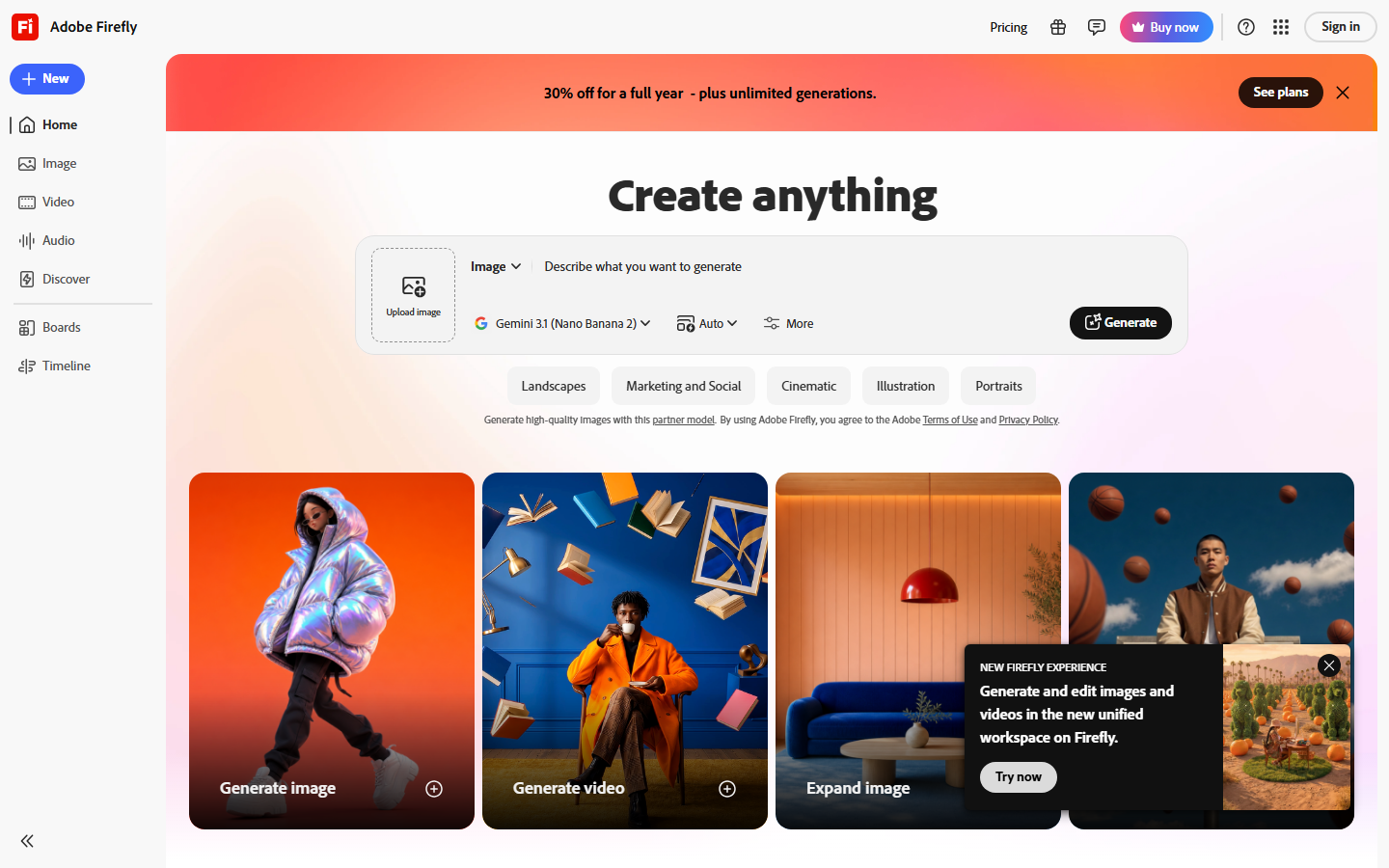
Adobe Firefly trades a little raw quality for something enterprises value more: training data Adobe indemnifies. For regulated industries and large brands, that legal cover decides the purchase on its own. Firefly also lives inside Photoshop, Illustrator and Express, so generative fill and expand sit next to the retouching tools designers already use, and the generative credits are bundled with existing Creative Cloud plans. Developers get a documented REST service too, which puts it in the same conversation as other image generation APIs for developers, though rate limits are conservative.
Verdict: choose it when procurement asks who owns the training data.
6. Krea AI (Best for iteration)
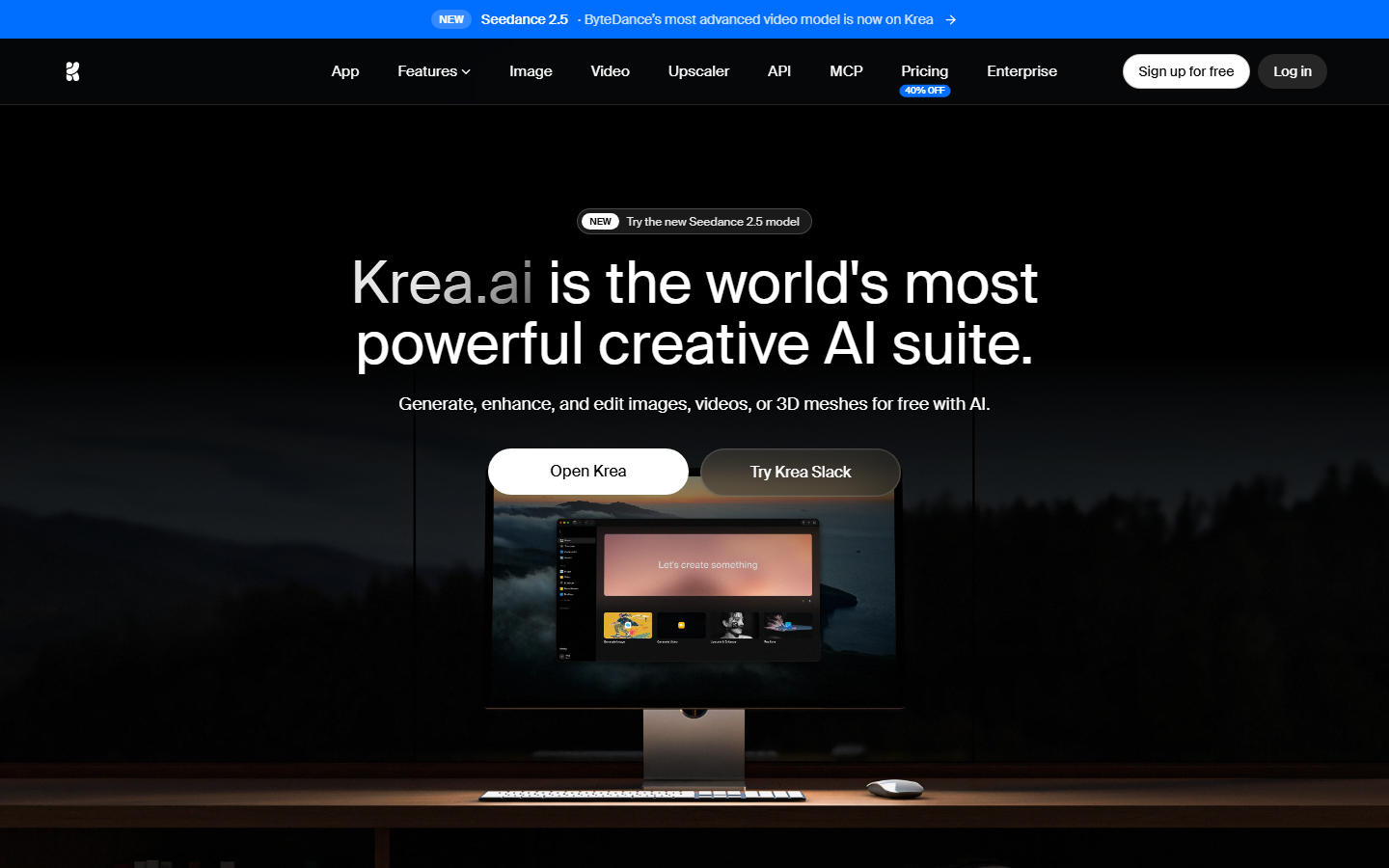
Krea built its reputation on real-time generation, where the image updates as you sketch or type instead of after a queue. That feedback loop changes how you work: exploration becomes a continuous adjustment rather than a series of separate prompts. Krea also aggregates several third-party models, adds enhancement and upscaling, and has pushed further into video. Pricing sits in the mid tier with a limited free allowance, and the main complaint is that heavy real-time use burns credits quickly, a trade-off we covered in our list of Krea alternatives.
Verdict: best for art direction and fast visual exploration.
7. Recraft (Best for design systems)
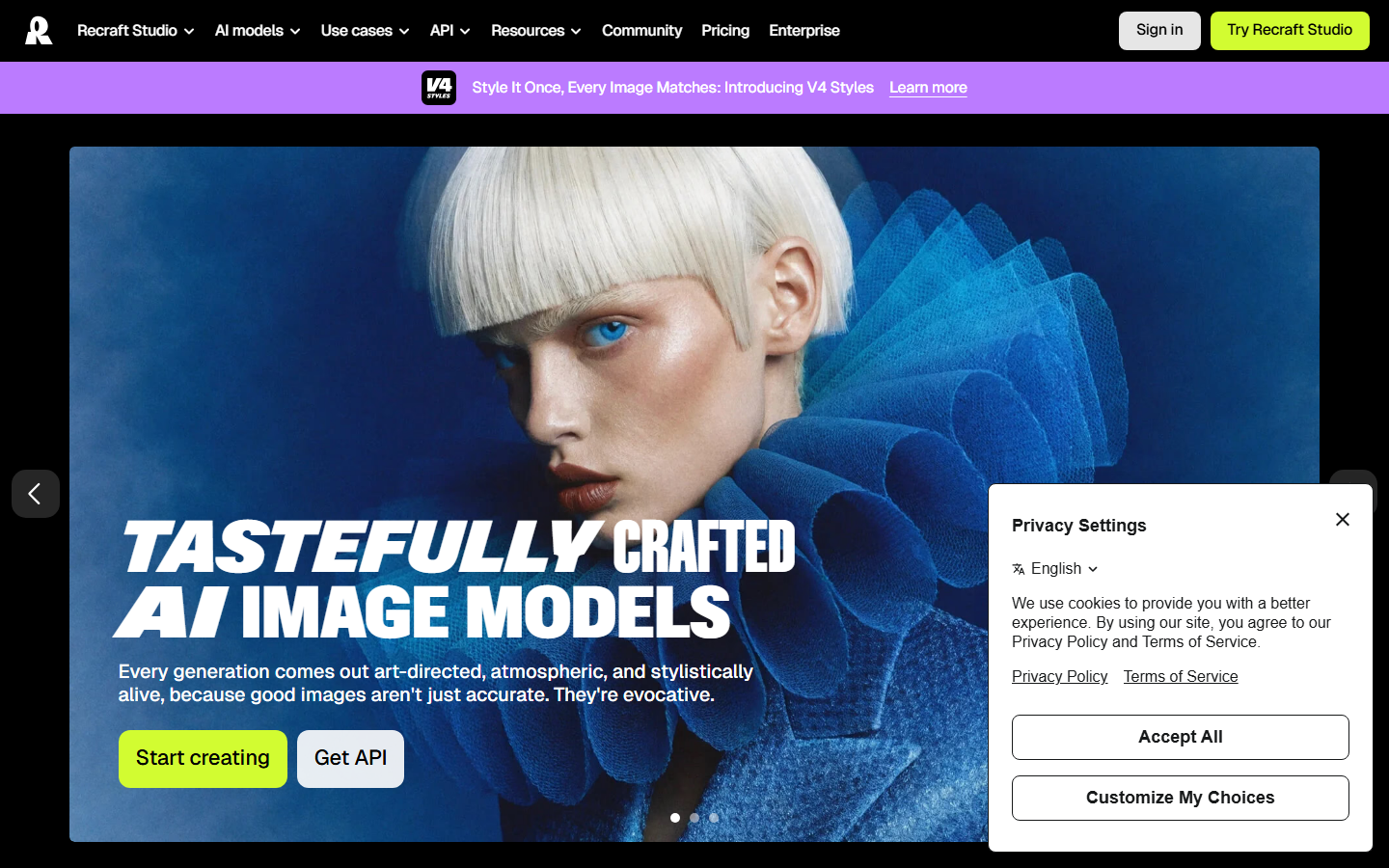
Recraft is aimed at designers rather than hobbyists, and its differentiator is genuine vector output. Icons, logos and illustrations come out as editable SVG instead of a raster file you have to trace, which matters the moment an asset needs to scale or a colour needs changing. Custom style sets let a team lock a look and reapply it across a whole set, keeping brand output consistent, and the model is available programmatically as Recraft V4. Photorealism is not its strength, so treat it as a brand-asset tool rather than a general generator.
Verdict: the pick for icon sets, vector illustration and brand consistency.
8. ComfyUI (Most customisable)
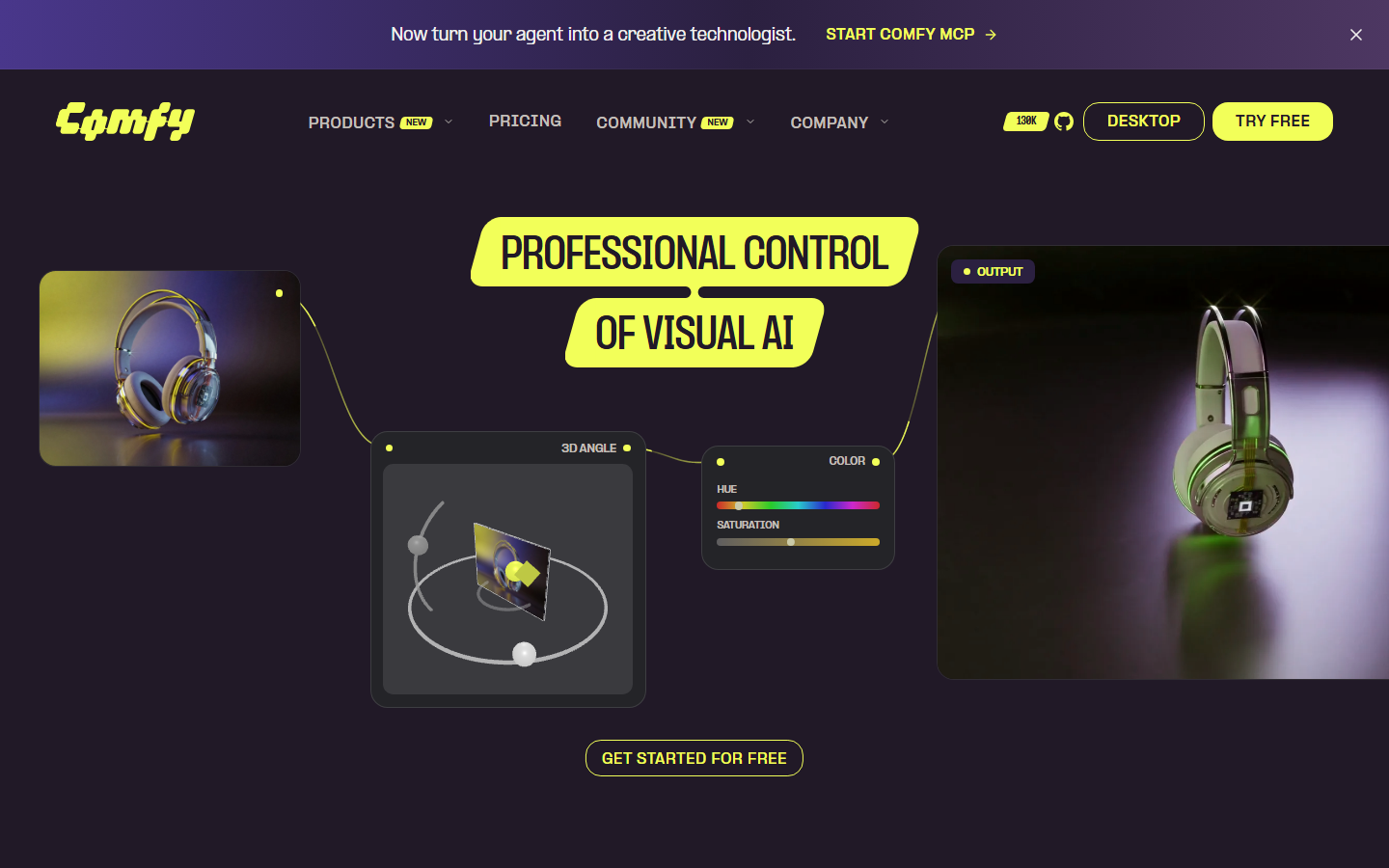
ComfyUI is the open-source node graph that made pipeline thinking mainstream. Every sampler, LoRA, mask and control step is exposed, so anything you can express in a diffusion pipeline you can build, and the community node ecosystem is enormous. The cost is operational: you supply the GPU, manage dependencies and debug your own graphs, which is where most teams stall and start looking at a hosted ComfyUI alternative. It is free, and for a technical user with hardware it remains the most powerful option on this list.
Verdict: maximum control for people who want to own the whole stack.
Comparison table
| Tool | Best for | Models | API | Vector output | Starting price |
|---|---|---|---|---|---|
| Wireflow | Chained multi-model pipelines | Many | Yes | No | Free tier, paid credits |
| Midjourney | Aesthetic quality | One house model | No official API | No | ~$10/mo |
| FLUX | Photorealism at scale | FLUX family | Yes | No | Per image |
| Ideogram | Text inside images | Ideogram family | Yes | No | ~$8/mo |
| Adobe Firefly | Licensing and Creative Cloud | Firefly family | Yes | Partial | Bundled credits |
| Krea AI | Real-time iteration | Aggregated | Yes | No | Mid tier |
| Recraft | Vector and brand sets | Recraft family | Yes | Yes | ~$12/mo |
| ComfyUI | Full control | Any open weights | Self-hosted | No | Free, self-hosted |
How to choose
Match the tool to the bottleneck rather than to a leaderboard. If your problem is that individual images do not look good enough, Midjourney or FLUX solves it. If the problem is that a specific kind of image keeps failing, pick the specialist: Ideogram for typography, Recraft for vectors, Firefly for anything that must clear legal review. If the problem is volume, and the same five steps repeat across hundreds of assets, the answer is a pipeline tool rather than a better single model, and cost per run becomes the number to compare against the pricing page of each candidate.
Also weigh the switching cost honestly. Prompt libraries rarely transfer cleanly between models, custom-trained Leonardo elements do not move at all, and a team that has built habits around one interface will lose a week adjusting. That is a real expense, so it is usually worth running a side-by-side test on ten representative briefs before committing, and our comparison of multi-tenant image generation tools covers what to measure if several clients or brands share the same account.
Try it yourself: Open this multi-model image workflow and the nodes are pre-configured with the generate, edit and upscale chain described above.
Frequently asked questions
Is there a free alternative to Leonardo AI? Yes. ComfyUI is free if you have your own GPU, and Ideogram, Krea and Firefly all run limited free tiers. Free allowances change often, so check the current daily limit before you plan around it rather than trusting a review.
Which Leonardo AI alternative has the best image quality? Midjourney for stylised and artistic output, FLUX for photorealism. The two rarely compete directly, because a brief that wants a painterly poster and a brief that wants a believable product photo are different jobs.
Which alternative is best for developers? FLUX has the most mature per-image API economics, and node-canvas tools expose a whole chain as one endpoint. If you are wiring generation into an assistant or agent, our guide to AI image generation MCP tools covers the integration patterns.
Can I generate readable text in images? Ideogram is the strongest option for this, and recent general models have narrowed the gap. For layouts where the copy must be exact, many teams still generate the artwork with one model and composite the type in a design tool afterwards.
Do any alternatives offer commercial licensing protection? Adobe Firefly is the clearest case, since it is trained on licensed and public-domain content with enterprise indemnification. Other vendors grant commercial use rights on paid plans, but that is a usage grant, not the same legal cover.
Can I migrate my Leonardo prompts to another tool? Partially. Prompt intent transfers, but weighting syntax, negative prompts and style presets are model-specific, so expect to retune. Custom-trained Leonardo elements cannot be exported and have to be rebuilt.
What about batch generation across hundreds of images? That is a pipeline problem rather than a model problem. Look for per-image pricing, concurrency limits and a real queue, which is what a batch image generation API is built to handle.
Is Leonardo AI still worth using in 2026? For casual creation and its fine-tuned element library, yes. The tools above win on model breadth, specialist accuracy and automation, so the switch is usually driven by a specific unmet need rather than by Leonardo getting worse.
Conclusion
There is no single replacement for Leonardo AI because Leonardo was doing several jobs at once. Split those jobs apart and the choices get simple: Midjourney and FLUX for quality, Ideogram and Recraft for specialist output, Firefly for legal comfort, Krea for exploration, ComfyUI for total control. For teams whose real problem is repeating the same multi-step recipe across a lot of assets, Wireflow covers the pipeline layer those single-model tools leave open, and it can call most of them from the same canvas. Start with the bottleneck you actually have, test on ten real briefs, and pick the tool that removes the most manual steps.
Would you rather we just built it?
We get on a call, learn your style, build the workflow, and ship the deliverables on a schedule. You keep the workflow either way.