Pictory turns scripts and blog posts into stock-footage videos, but its stock library, credit limits and fixed template flow stop a lot of teams from scaling. The eight Pictory AI alternatives below cover avatar video, podcast-style editing, clip repurposing and full model pipelines, starting with Wireflow, which chains multiple AI models on one canvas instead of locking you into a single template engine.
Quick summary
- Wireflow: node canvas that chains image, video and voice models. Best overall
- Fliki: script or article to voiced video in 80+ languages. Closest direct swap
- Descript: edit video by editing the transcript. Best for talking-head edits
- InVideo: template-led social and marketing video. Best template library
- Synthesia: corporate avatar and training video. Best for enablement video
- HeyGen: photoreal avatars and voice cloning. Best avatar quality
- VEED: browser editor with captions and brand kits. Best free tier
- Opus Clip: long video cut into vertical short clips. Best for repurposing
Why teams look past Pictory
The complaints repeat across review sites. Pictory picks stock clips by matching keywords in your script, so the footage often illustrates the wrong idea and needs manual swapping shot by shot. Credits are consumed per rendered minute, which makes iteration expensive, and the editing timeline is limited compared with a real editor. Anyone producing more than a few videos a week eventually wants control over the visuals themselves rather than a search over someone else's stock library, which is the same reason AI video ad tooling has moved toward generated footage.
The eight tools below split into three groups: direct replacements for the script-to-video flow, avatar platforms, and pipeline tools that generate footage instead of retrieving it. Pick the group first, then the tool.
1. Wireflow: best overall
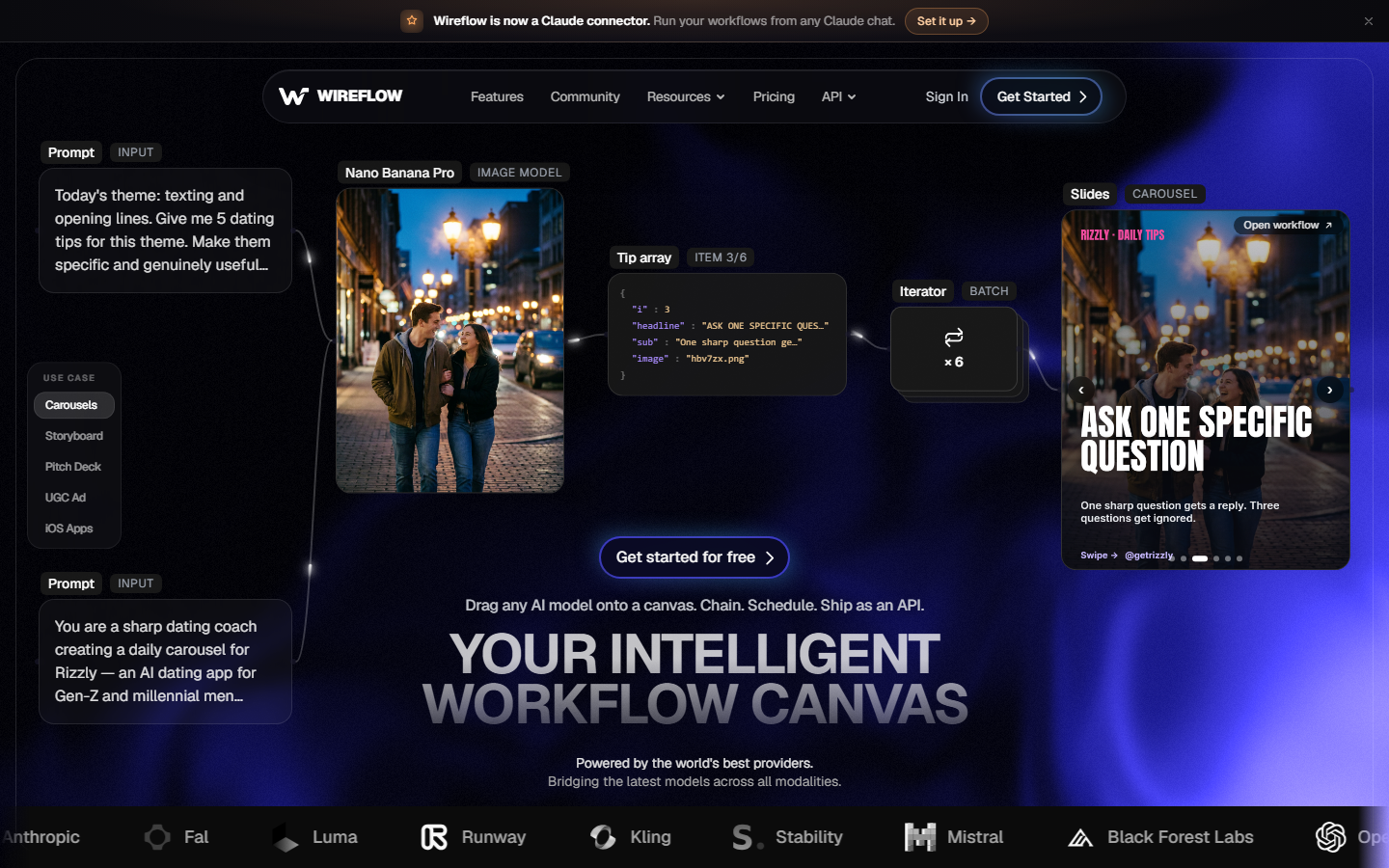
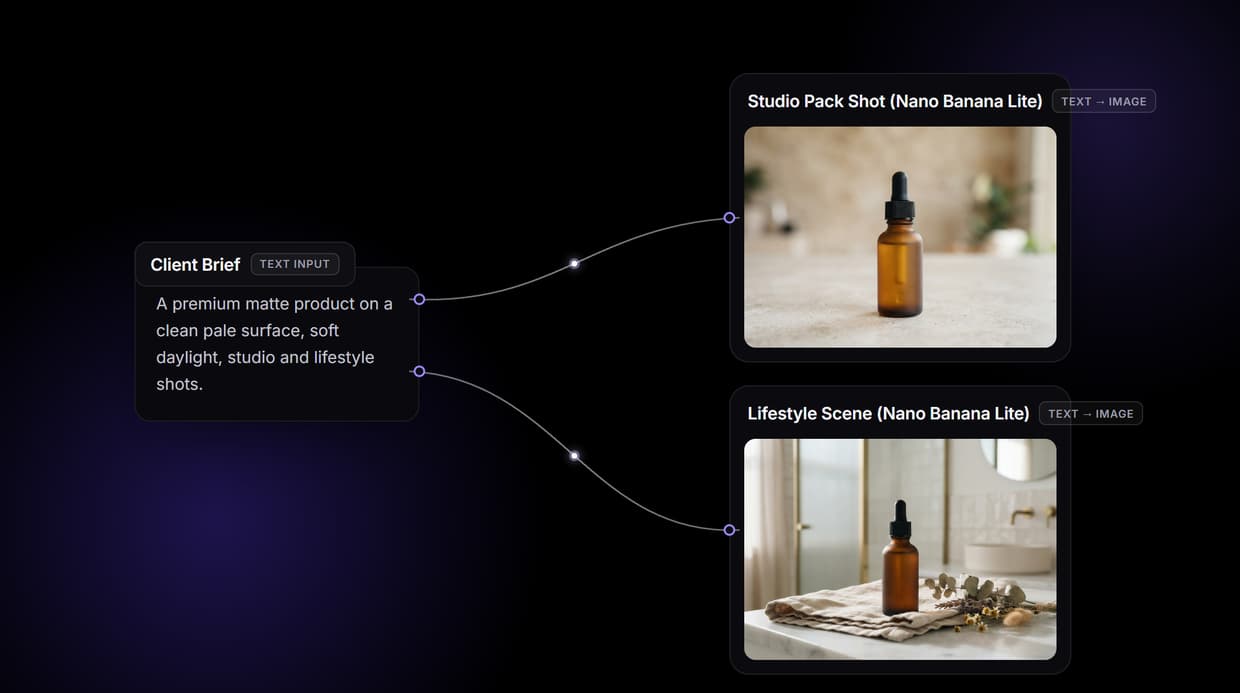
Instead of one model behind a template, this is a node-based video canvas where each step is a node you wire together: a text node holds the script, an image model renders the opening frame, a video model animates it, a voice model narrates. Because every node is separate, you can swap the video model without rebuilding the project, and you can branch one script into several visual treatments to compare them side by side.
That structure matters for the exact thing Pictory is weak at. Footage is generated from your prompt rather than pulled from a stock library, so a product shot looks like your product. A text-to-video setup can run once for a test or a hundred times over a spreadsheet of scripts, and the canvas is reusable as a template across clients.
Pros: model choice, branching, reusable pipelines, API access. Cons: more setup than a one-click template tool; a canvas takes an hour to learn. Verdict: the right pick if you make video repeatedly and want the visuals under your control.
2. Fliki: closest direct swap
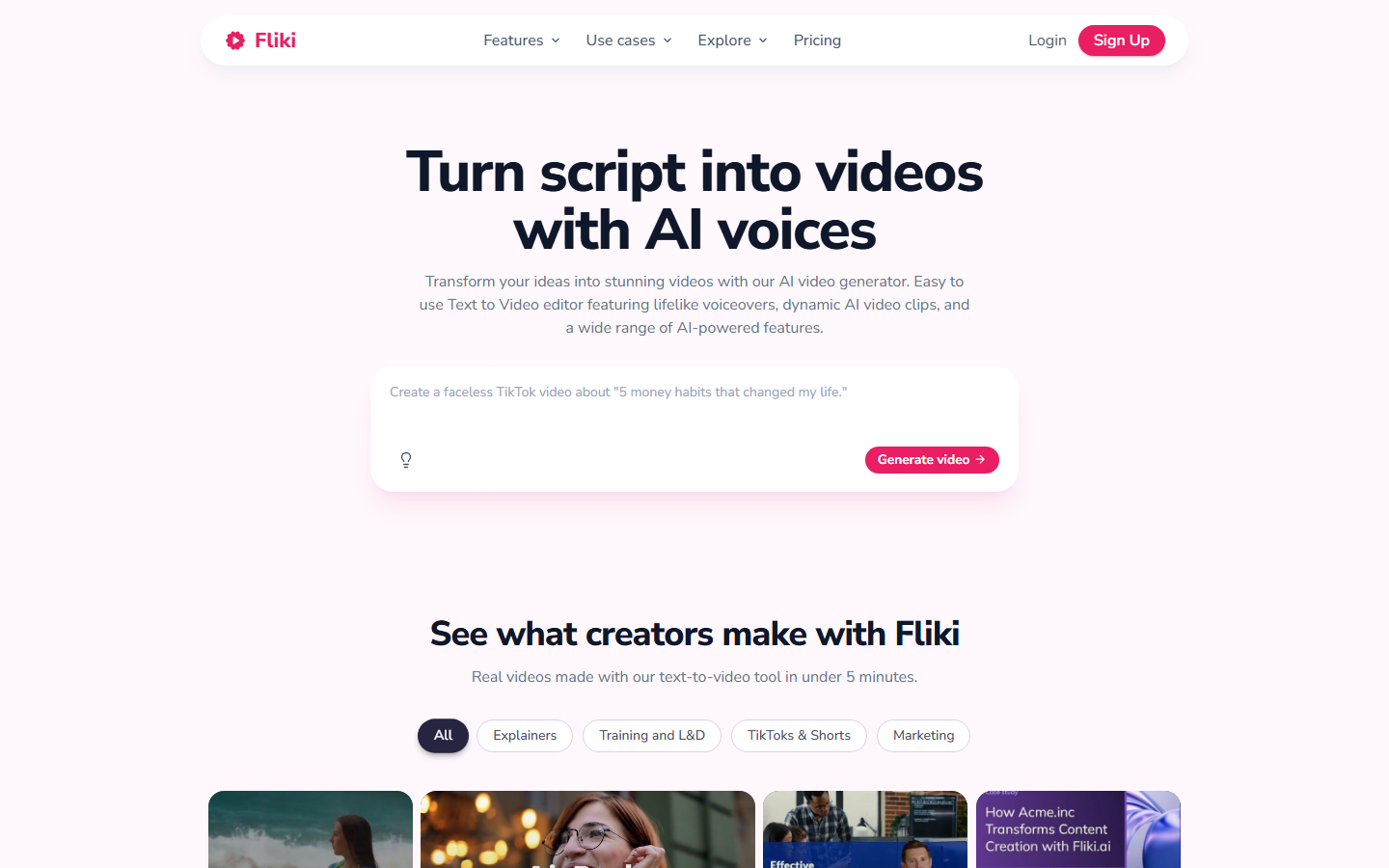
Fliki does what Pictory does, usually better. Paste a blog URL or a script, pick a voice, and it segments the text, matches visuals and renders a narrated video. Its text-to-speech catalogue is the main draw: thousands of voices across 80+ languages, with voice cloning on paid plans, which is a step up from Pictory's narrower voice set. Teams running multilingual content find it the shortest migration path, particularly alongside a separate AI voiceover workflow for the audio-only pieces.
It inherits the same structural limit, though. Visuals still come from stock search, so the footage-relevance problem does not disappear, it just gets a better voice track on top.
Pros: strong multilingual TTS, blog-to-video in one step, generous free tier. Cons: stock-based visuals, limited timeline editing. Verdict: the easiest one-for-one replacement if voice quality is your main gap.
3. Descript: best for talking-head edits
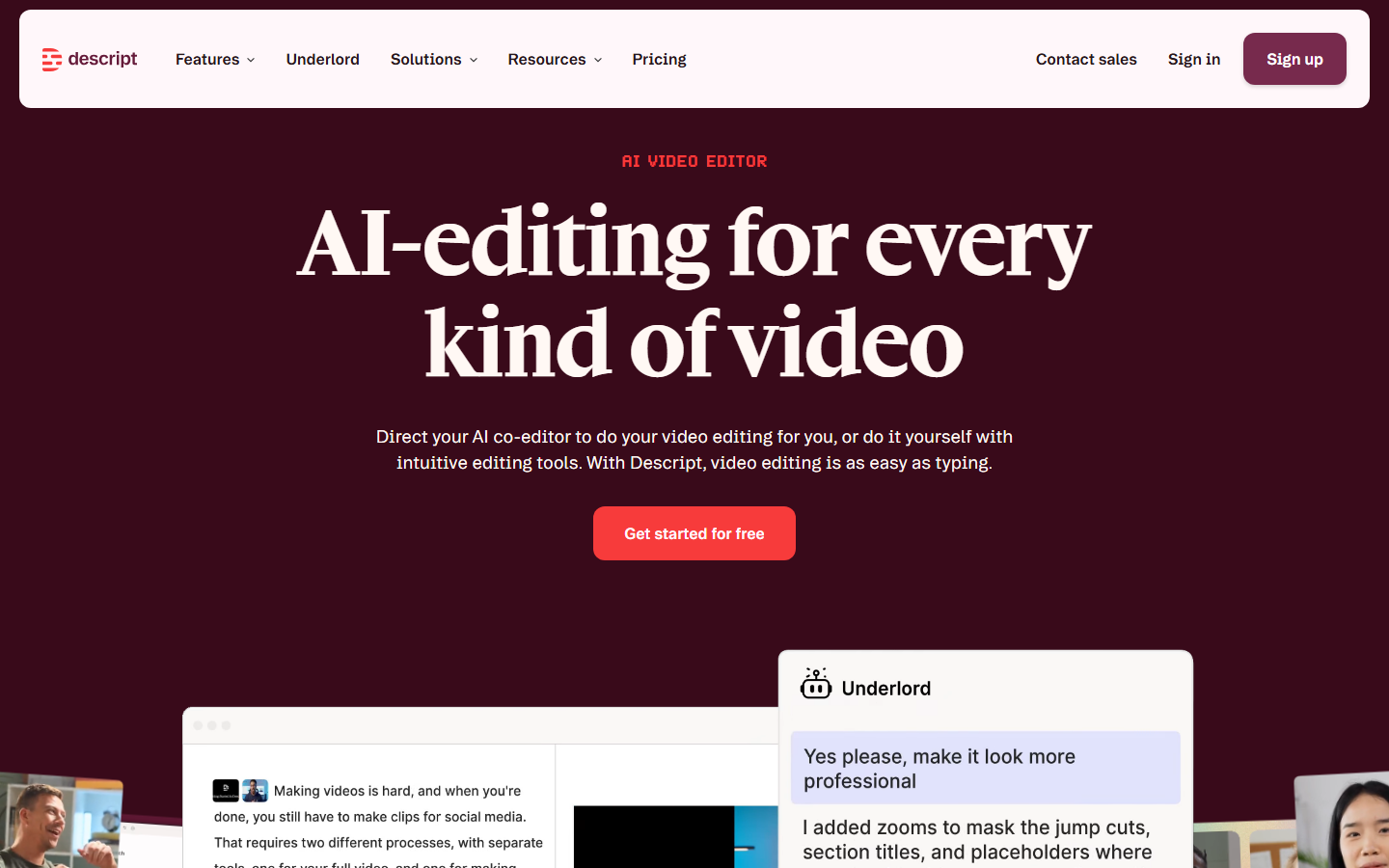
Descript works from the transcript. Delete a sentence in the text and the corresponding video disappears, filler words are removed with a checkbox, and Studio Sound cleans up a bad mic recording. For podcasts, interviews and screen recordings it is far faster than a traditional timeline, and the point of comparison is people editing footage they recorded, not footage they searched for. That is a different job from Pictory's, which is why the Descript alternatives comparison reads so differently from this one.
Pros: transcript editing, filler removal, audio cleanup, collaboration. Cons: not a script-to-video generator, heavy on the machine. Verdict: best choice when you already have footage and need to cut it fast.
4. InVideo: best template library
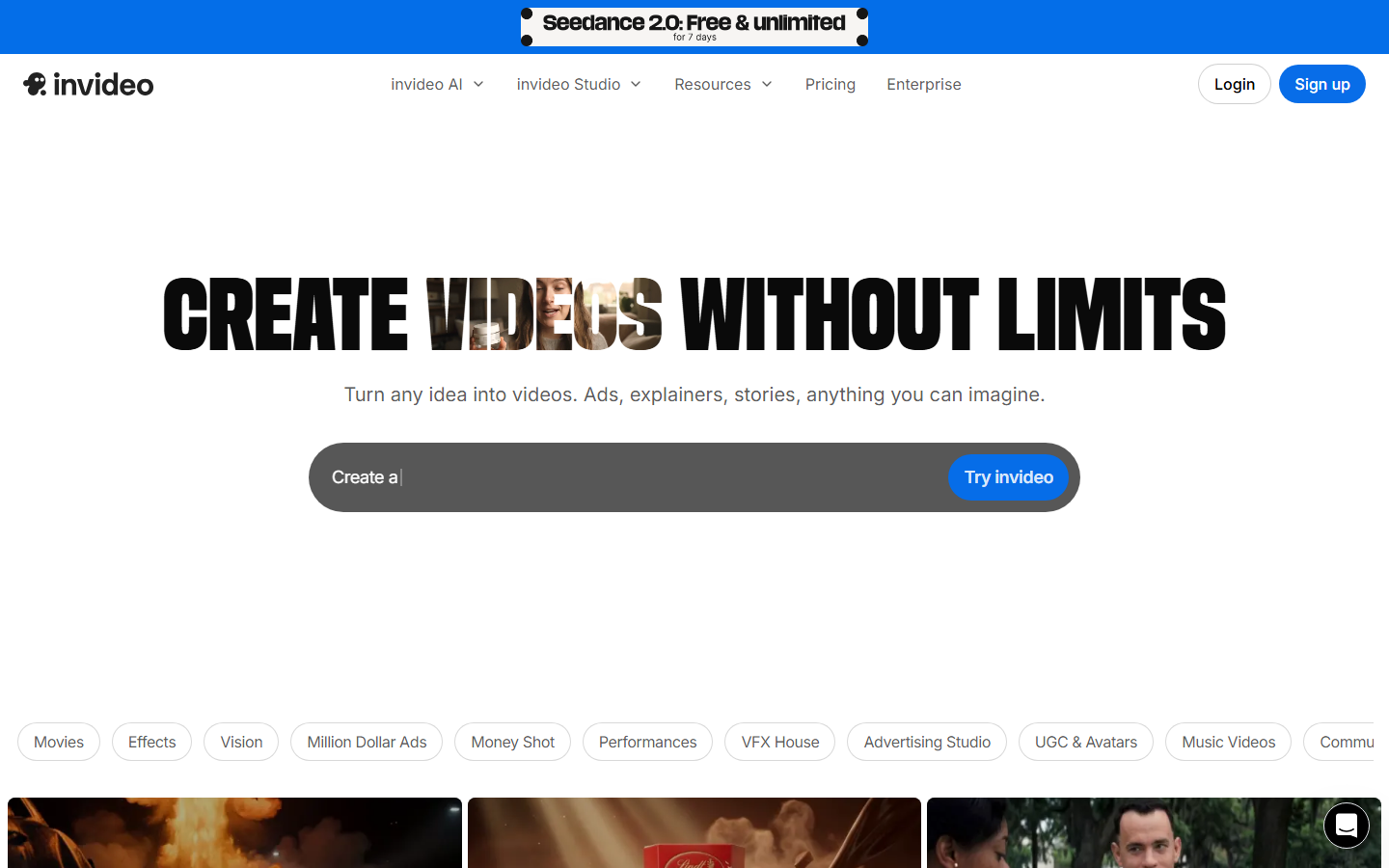
InVideo covers the same ground as Pictory with a much larger template catalogue and an AI mode that builds a first draft from a text prompt. Thousands of pre-built layouts across ads, explainers and social formats mean a marketer can produce something on brand without design work, and the editor is closer to a real timeline than Pictory's. It is the safe pick for a social team that wants a familiar video maker with brand kits rather than a new way of working.
Pros: large template library, decent editor, good stock integrations. Cons: template-heavy output can look generic, exports are plan-limited. Verdict: good for volume social video where speed beats originality.
5. Synthesia: best for enablement video
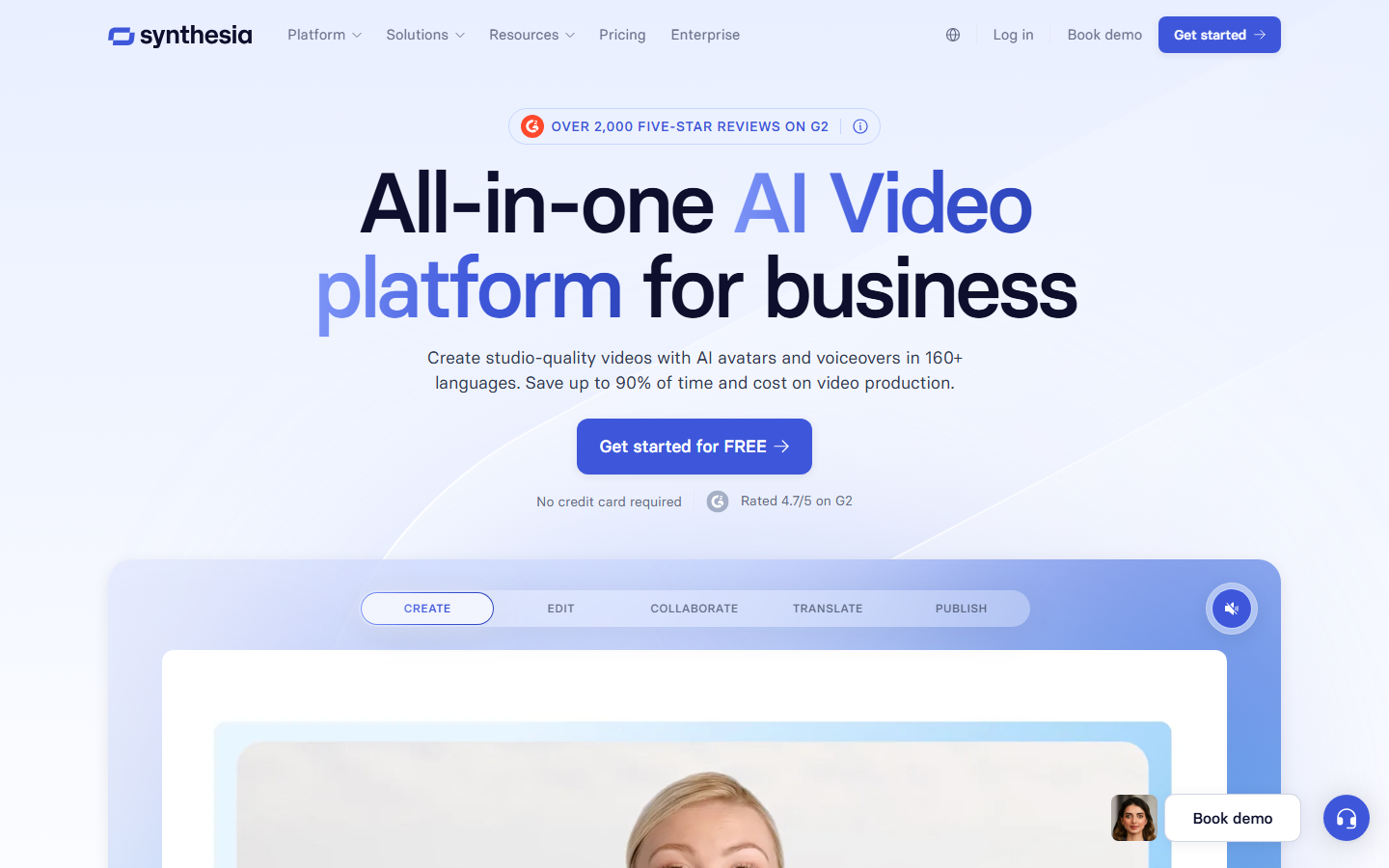
Synthesia replaces stock footage with an AI presenter. You type a script, choose an avatar, and get a studio-looking video without a camera, which is why it dominates internal training, onboarding and product enablement. Updating a course means editing text and re-rendering rather than rebooking a shoot. Enterprise controls, SCORM export and brand templates are the reason it is priced above the rest, and the Synthesia alternatives breakdown covers where cheaper avatar tools land.
Pros: 230+ avatars, many languages, enterprise compliance features. Cons: expensive, avatars are static presenters, not a marketing video editor. Verdict: the standard for corporate training video, overkill for social content.
6. HeyGen: best avatar quality
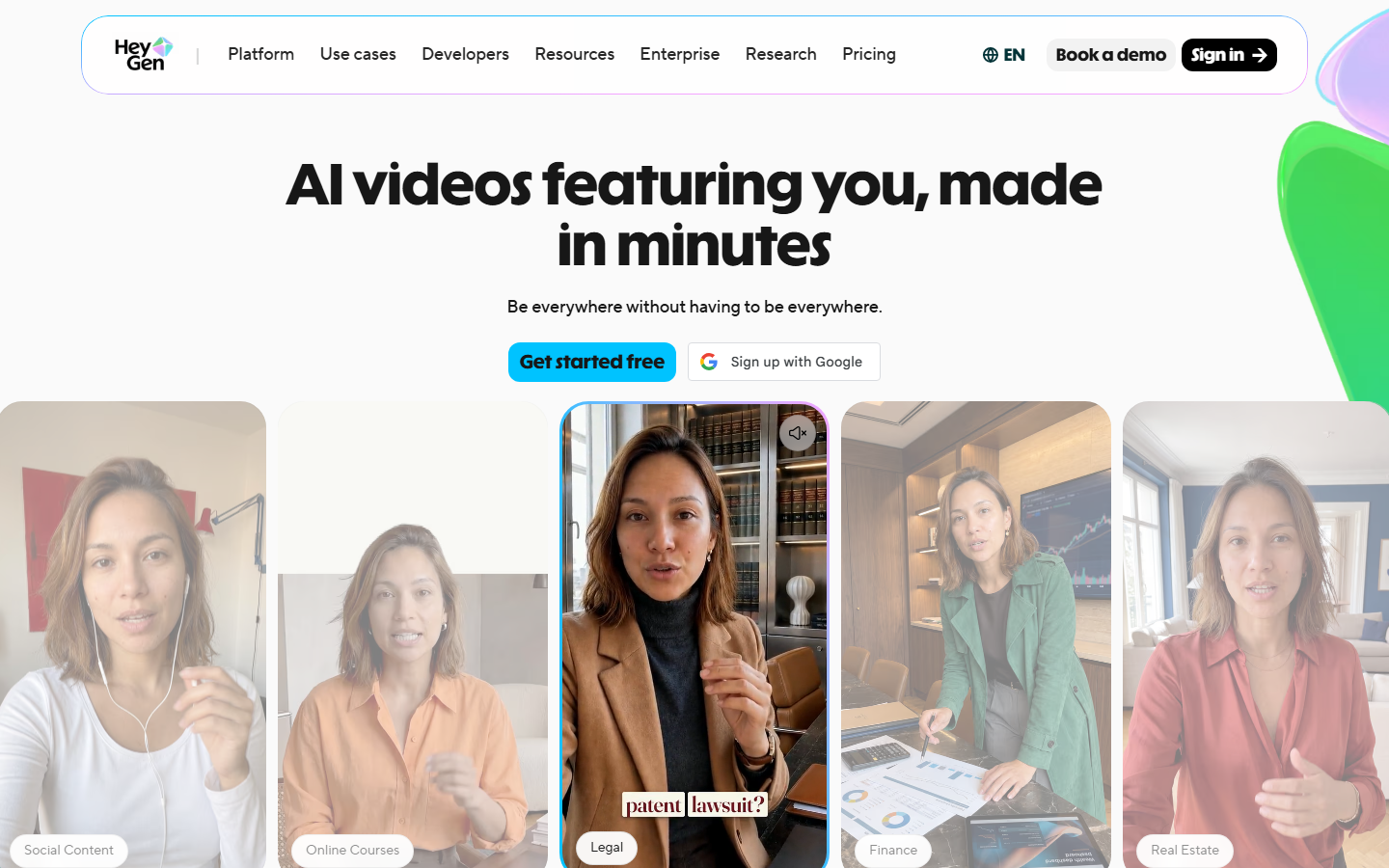
HeyGen is the consumer-facing answer to Synthesia, with more natural avatar motion, custom avatars trained from a couple of minutes of your own footage, and video translation that re-syncs lips into a new language. UGC-style ad creators use it to spin one script into dozens of presenter variants, which suits testing far better than Pictory's single-render flow. Pricing is credit based and rises quickly at volume, a pattern the HeyGen alternatives roundup gets into.
Pros: photoreal avatars, voice cloning, translation with lip sync, API. Cons: credit costs at scale, avatars still read as avatars up close. Verdict: best avatar output for ads and creator content.
7. VEED: best free tier
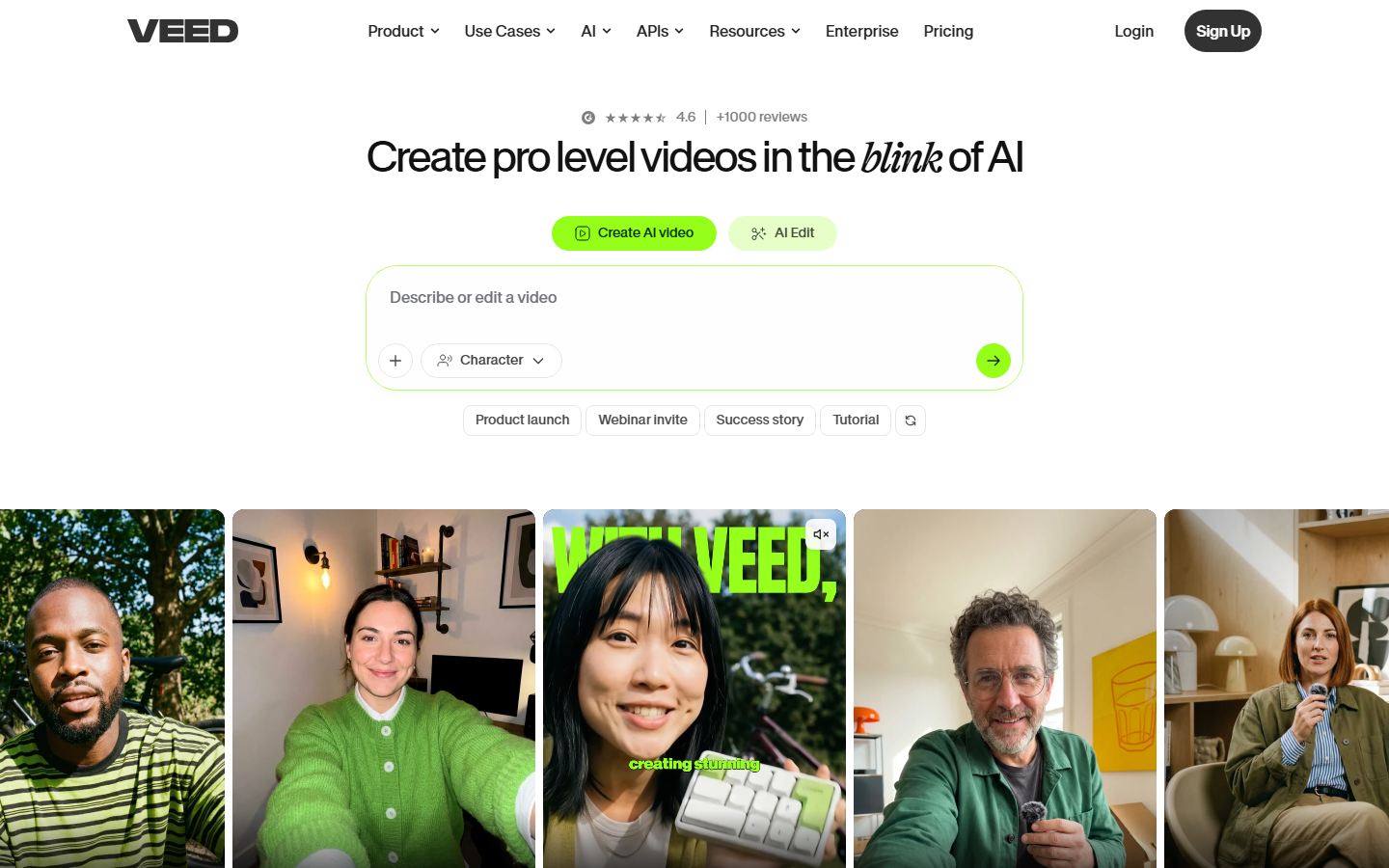
VEED is a browser editor with the AI features bolted on: auto subtitles in a long list of languages, background removal, noise cleanup, brand kits and a usable free plan. It is the most forgiving option for someone who just needs captions and a trim, and the subtitle accuracy is better than Pictory's. Creators making faceless video often pair its captions with footage generated elsewhere.
Pros: works in the browser, strong subtitles, real free tier. Cons: watermark on free exports, not built for bulk production. Verdict: best low-cost editor for captions and quick edits.
8. Opus Clip: best for repurposing
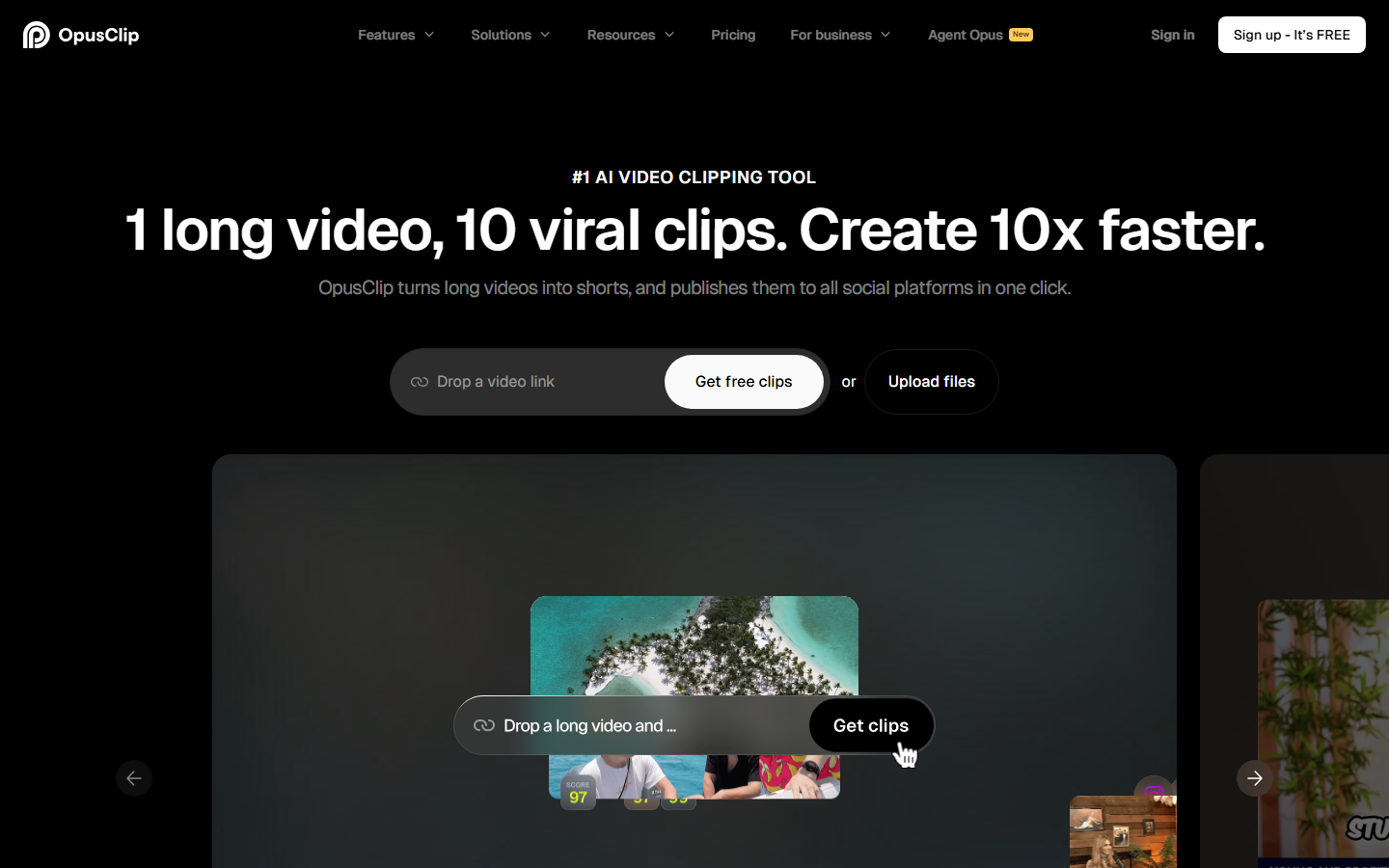
Opus Clip solves one problem well: it takes a long recording, finds the segments likely to perform, reframes them vertically with face tracking and adds animated captions. A one-hour podcast becomes a batch of shorts in minutes with a rough virality score per clip. It is not a script-to-video tool, so it complements rather than replaces Pictory, and it slots neatly into an automated video pipeline as the final cutting stage.
Pros: fast, good auto-reframing, captions included. Cons: only repurposes existing footage, clip picks need review. Verdict: the best option if your source material is long-form video.
Comparison table
Free tiers and starting prices move often, so treat the pricing column as a starting point and check each vendor before committing. The useful column is the primary job, since most of these tools only overlap with Pictory on one of them, the same way image-to-video tooling overlaps only partially with a script-to-video app.
| Tool | Primary job | Free tier | Starting price | Best for |
|---|---|---|---|---|
| Wireflow | Chain AI models on a canvas | Yes | Credit based | Repeatable custom pipelines |
| Fliki | Script and article to video | Yes | ~$21/mo | Multilingual narration |
| Descript | Transcript-based editing | Yes | ~$19/mo | Podcasts and talking heads |
| InVideo | Template video creation | Yes | ~$25/mo | Social and ad volume |
| Synthesia | Avatar presenter video | Demo only | ~$29/mo | Training and enablement |
| HeyGen | Photoreal avatars | Limited | ~$29/mo | UGC-style ads |
| VEED | Browser editing and captions | Yes | ~$19/mo | Captions and quick edits |
| Opus Clip | Long video to short clips | Yes | ~$15/mo | Repurposing long form |
How to choose
Start from your input. If you are starting from written text, Fliki is the closest swap and a model canvas is the flexible one. If you are starting from recorded footage, Descript or Opus Clip do the job Pictory never really did. If you need a presenter on screen, that is Synthesia for internal video and HeyGen for marketing. And if the blocker is that stock footage never matches the script, no script-to-stock tool will fix it, you need generated visuals. Cost per finished video is the number to compare, not the sticker price, so check each plan's credit maths against your monthly output.
Try it yourself: open this text-to-video workflow. A script node feeds an image model, which feeds a video model, with real outputs on every node so you can see the chain running before you build your own.
FAQ
What is the best Pictory AI alternative in 2026? For most teams it is Fliki as a direct swap or a node canvas if you want generated visuals instead of stock footage. The right answer depends on whether your input is a script, a recording, or a presenter.
Is there a free alternative to Pictory? Yes. VEED, Fliki and Opus Clip all have working free tiers, though exports are watermarked or minute-limited. VEED's free plan is the most usable for finishing a short video end to end.
Why does Pictory pick the wrong stock footage? It matches keywords from your script against a stock library, so abstract or product-specific lines return generic clips. Tools that generate footage from a prompt avoid the mismatch because the visual is made for the line rather than searched for it.
Which alternative is best for turning blog posts into video? Fliki. Paste a URL, pick a voice, and it segments the article and renders a narrated video in one pass, with far more language and voice options than Pictory.
Can I replace Pictory with an API instead of an app? Yes, if you produce video on a schedule or from a database. A video generation API lets you trigger renders from your own code or a scheduler, which no template app does well.
Do I need an avatar tool or an editor? An avatar tool if a person needs to be on screen and you cannot film. An editor if you already have footage. Buying the wrong category is the most common mistake when leaving Pictory.
What about bulk video production for clients? Template tools cap out quickly because every video is a manual pass. A reusable video workflow that runs over a list of scripts is what agencies move to once they pass roughly ten videos a week.
Is it worth switching if Pictory already works for me? If your videos are short, script-driven and the stock footage fits your topic, staying is reasonable. Switch when you hit credit limits, need footage that matches a specific product, or need the same video in several languages or variants.
Conclusion
Pictory built a genuinely useful shortcut, but it is one path through one library, and most of the frustration with it comes from trying to do something the template was never shaped for. The eight tools here each pick a narrower job and do it better: Fliki for narration, Descript for recorded footage, InVideo for templates, Synthesia and HeyGen for presenters, VEED for captions, Opus Clip for repurposing, and a model canvas when the visuals themselves need to be yours. Work out which of those jobs you actually have, try the free tier of the closest match, and compare cost per finished video rather than monthly price.
Would you rather we just built it?
We get on a call, learn your style, build the workflow, and ship the deliverables on a schedule. You keep the workflow either way.