Best Hailuo AI Alternatives in 2026

In this article▾
- Quick Summary: The 8 Best Hailuo AI Alternatives
- Why People Look for a Hailuo AI Alternative
- 1. Wireflow: Best Overall
- 2. Kling AI: Best for Long Cinematic Clips
- 3. Runway: Best for Creative Editing
- 4. Google Veo 3: Best for Photorealism
- 5. Luma Dream Machine: Best for Camera Control
- 6. Pika: Best for Quick Social Clips
- 7. Seedance: Best Price-to-Quality
- 8. Higgsfield: Best for Motion Presets
- Comparison Table
- How to Choose
- FAQ
- Conclusion
Hailuo AI built its reputation on fast, cheap text-to-video clips, but most teams outgrow it at the same two points: clip length caps out around 10 seconds at 1080p, and there is no way to chain the clip into the rest of a production run. Wireflow takes the opposite approach, letting you wire Hailuo, Kling, Veo, Seedance and a dozen other video models into one canvas so a prompt, a reference image and an edit pass all live in the same run. This guide ranks eight Hailuo AI alternatives in 2026 by what they actually do better, with pricing, clip limits and the job each one is best at.
Quick Summary: The 8 Best Hailuo AI Alternatives
- Wireflow: Best Overall. Chain multiple video models in one visual workflow.
- Kling AI: Best for Long Cinematic Clips. Longer takes, strong character consistency.
- Runway: Best for Creative Editing. Video-to-video and in-timeline AI tools.
- Google Veo 3: Best for Photorealism. Native audio and high-fidelity motion.
- Luma Dream Machine: Best for Camera Control. Keyframes and camera-move presets.
- Pika: Best for Quick Social Clips. Fast turnaround and effects presets.
- Seedance: Best Price-to-Quality. Strong multi-shot output at low cost.
- Higgsfield: Best for Motion Presets. Cinematic camera moves out of the box.
Why People Look for a Hailuo AI Alternative
Hailuo (MiniMax) is genuinely good at what it does. The complaints are consistent and structural rather than about quality: short maximum clip length, queue waits on the free tier, limited control over camera motion, and a closed loop where the generated clip has to be downloaded and moved somewhere else before anything happens to it. Teams producing more than a handful of clips a week hit that last problem hardest, which is why video generation API tools get evaluated alongside consumer video apps.
The second driver is model lock-in. A single model has a house style, and that style shows once you publish twenty clips in a row. The tools below either produce a meaningfully different look or let you switch models per shot, and the Hailuo API feature page covers how to keep Hailuo in the mix while adding others alongside it.
Build this in Wireflow
Make the same kind of asset on a canvas you control, with a free account and no credit card.
1. Wireflow: Best Overall
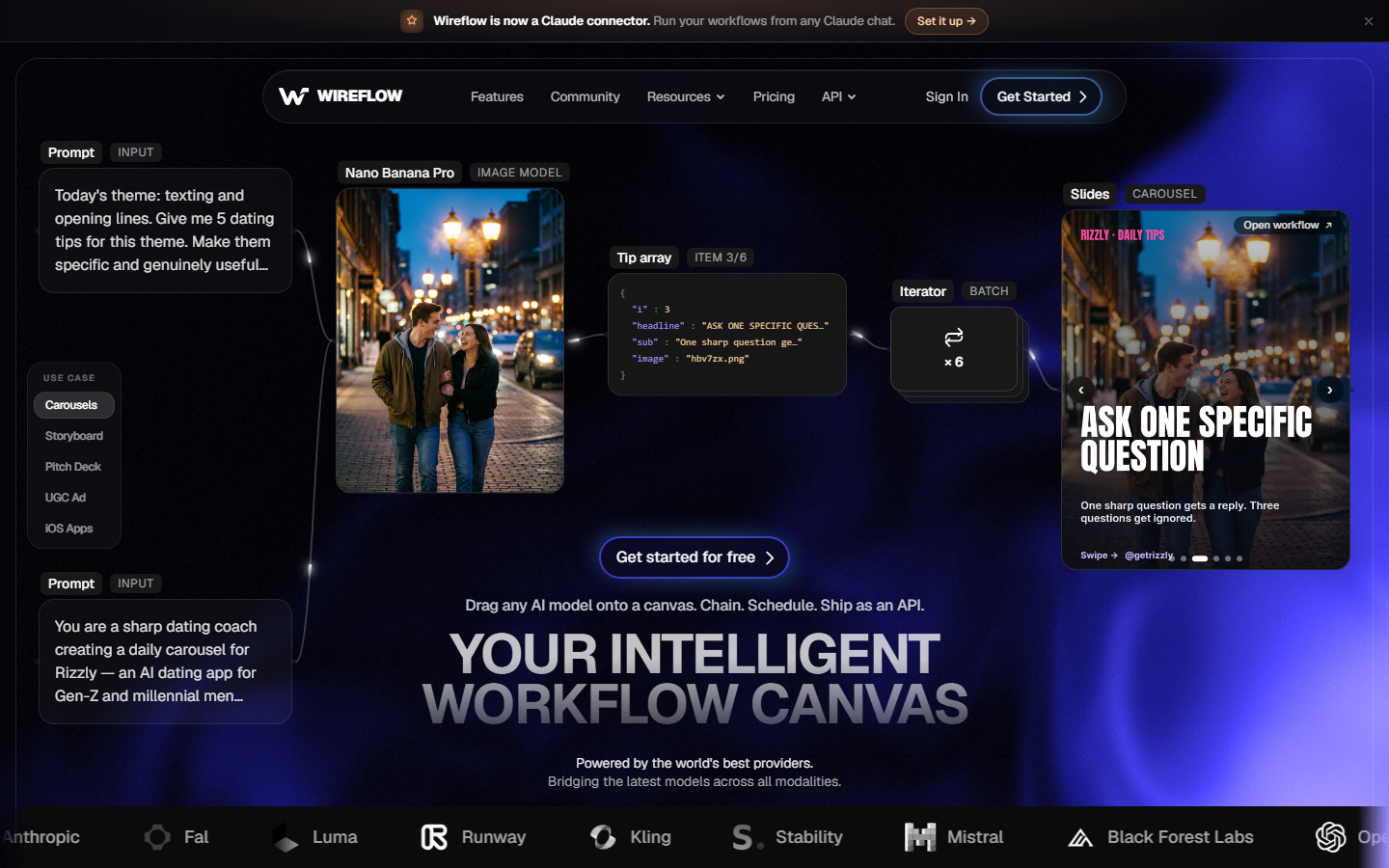
Wireflow is a node-based canvas for AI media. Instead of one model behind one prompt box, you drop a prompt node, connect it to a video model node, and connect that output into an upscaler, an editor or a second model for the next shot. The practical effect is that a Hailuo clip stops being a dead end: it becomes the input to the next step in the same run. Every major video model is available as a node, so switching from Hailuo to Kling for a single shot is a dropdown change, not a migration.
For teams, the value is repeatability. Build the chain once, then run it with new prompts or new reference images for every client, which is the pattern behind multi-client video workflow management. Pricing is credit-based with model costs passed through, so a cheap model stays cheap.
Verdict: the right pick if your problem is the pipeline around the clip, not the clip itself.
2. Kling AI: Best for Long Cinematic Clips
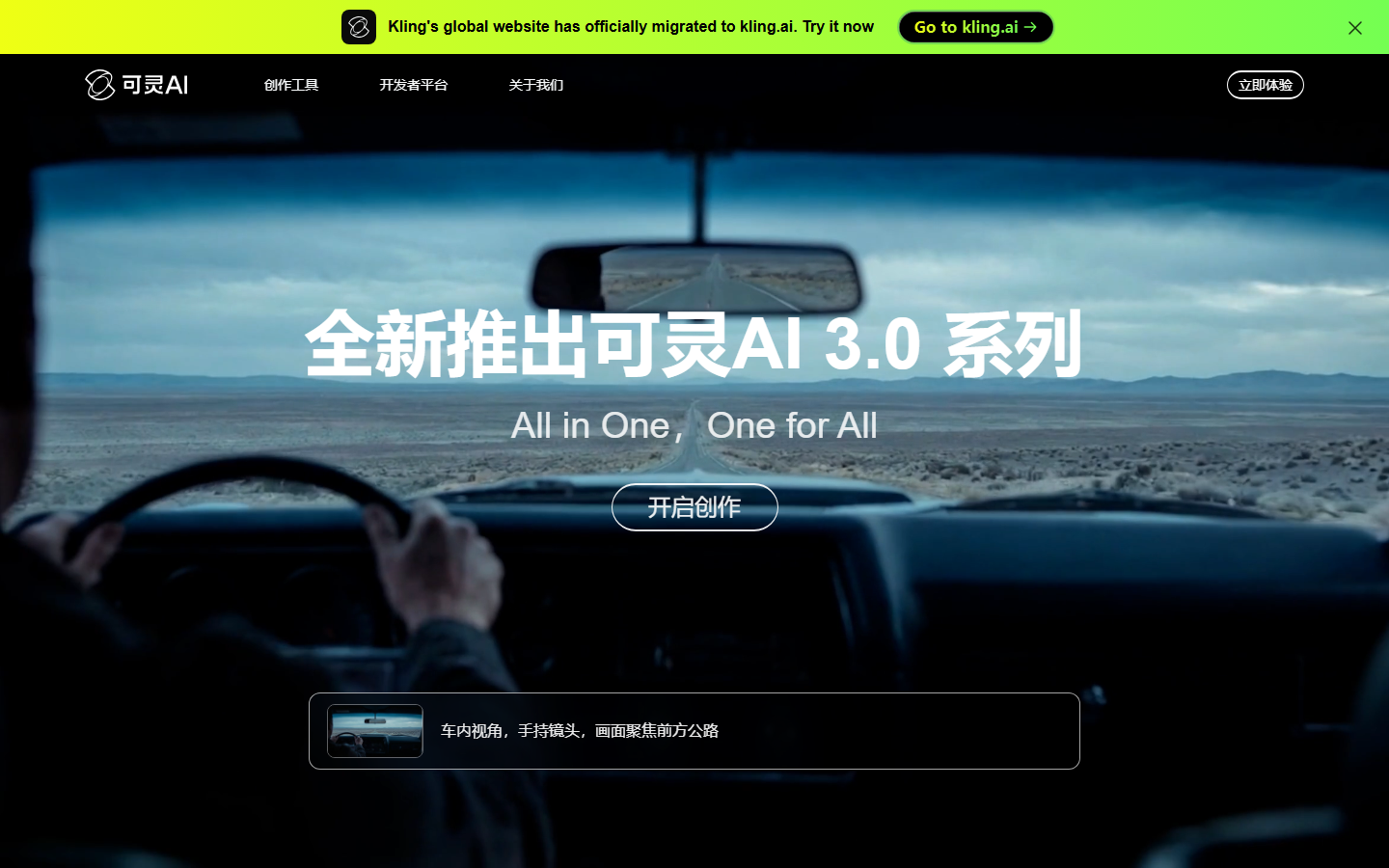
Kling AI is the closest like-for-like replacement. It generates longer clips than Hailuo, holds character identity better across a sequence, and its multi-shot storyboard mode is built for narrative rather than single hero shots. Motion is smoother in complex scenes with several moving subjects, which is where Hailuo tends to warp.
The tradeoff is cost and speed: high-quality Kling generations are slower and burn more credits per second of output. Detailed model-by-model notes live in the Kling AI alternatives breakdown.
Verdict: best when the clip needs to hold a character or a story beat, not just look good for three seconds.
3. Runway: Best for Creative Editing
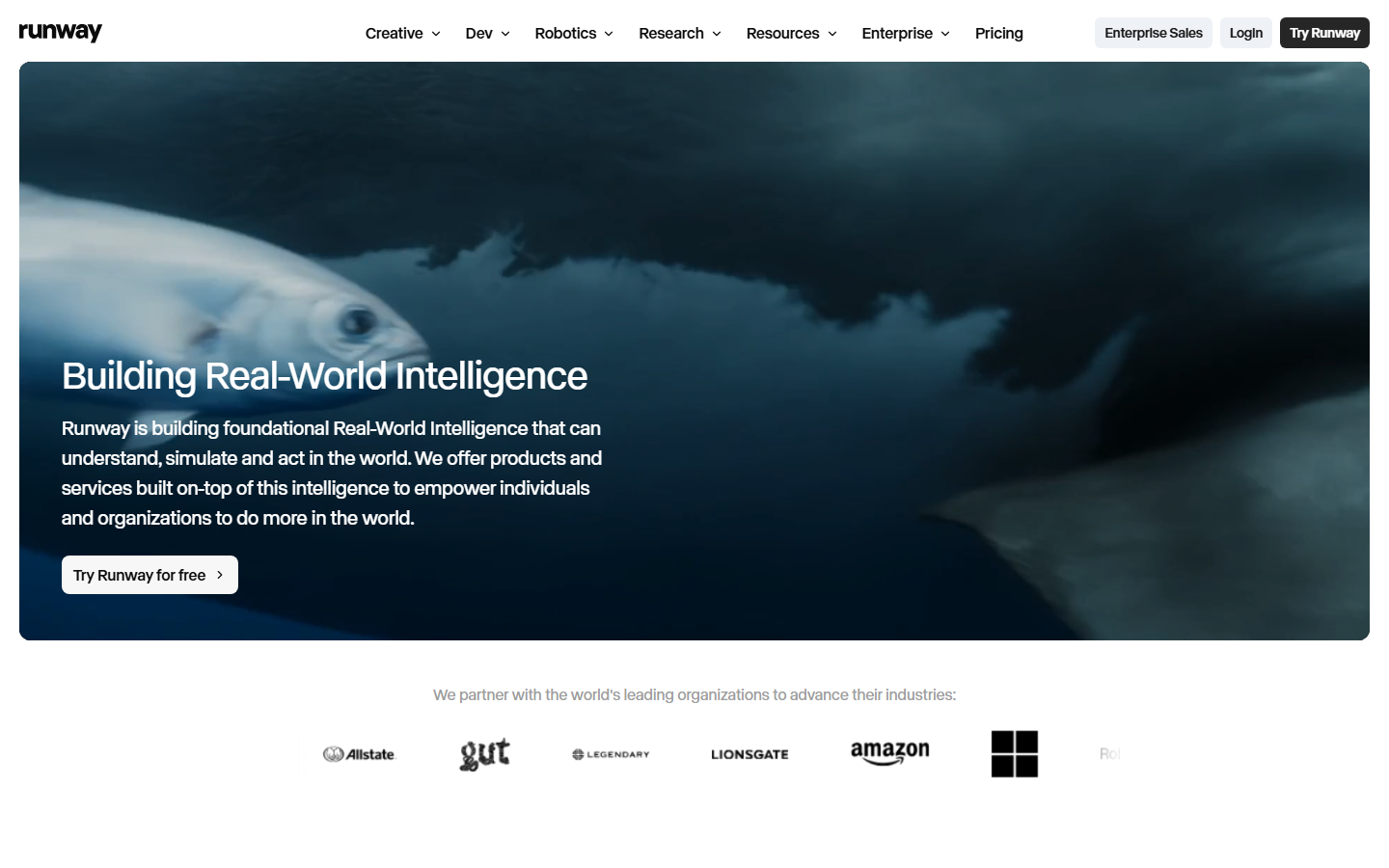
Runway is a full creative suite rather than a generator. Alongside text-to-video it ships video-to-video restyling, inpainting, motion brush, and frame interpolation, plus a real timeline. For anyone who treats generation as one step in an edit, that matters more than raw model quality.
Runway's per-second pricing is among the higher ones on this list, and the learning curve is real. Its editing primitives are covered further in the Runway Aleph competitor roundup.
Verdict: best for editors who want to shape footage after it is generated.
4. Google Veo 3: Best for Photorealism
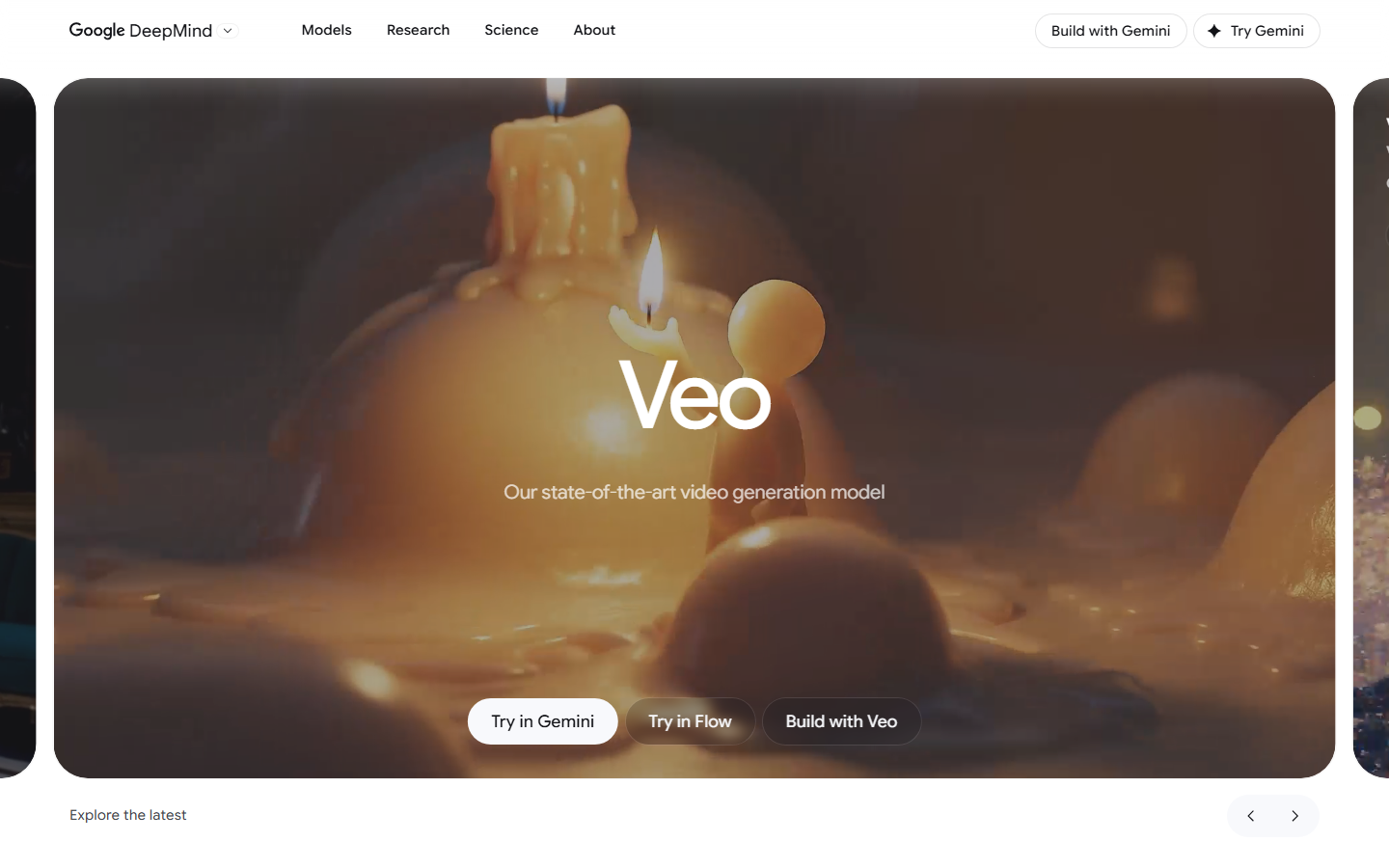
Google Veo 3 produces the most convincing real-world footage of anything here, and it generates synchronised audio natively, including dialogue and ambient sound. Physics hold up better than Hailuo in scenes with water, cloth or crowds.
Access is the catch: Veo runs through Google's subscription tiers and API with tighter content filtering and regional limits. Teams comparing output quality side by side usually start with a model comparison setup before committing budget.
Verdict: best when the shot has to pass as real footage.
5. Luma Dream Machine: Best for Camera Control
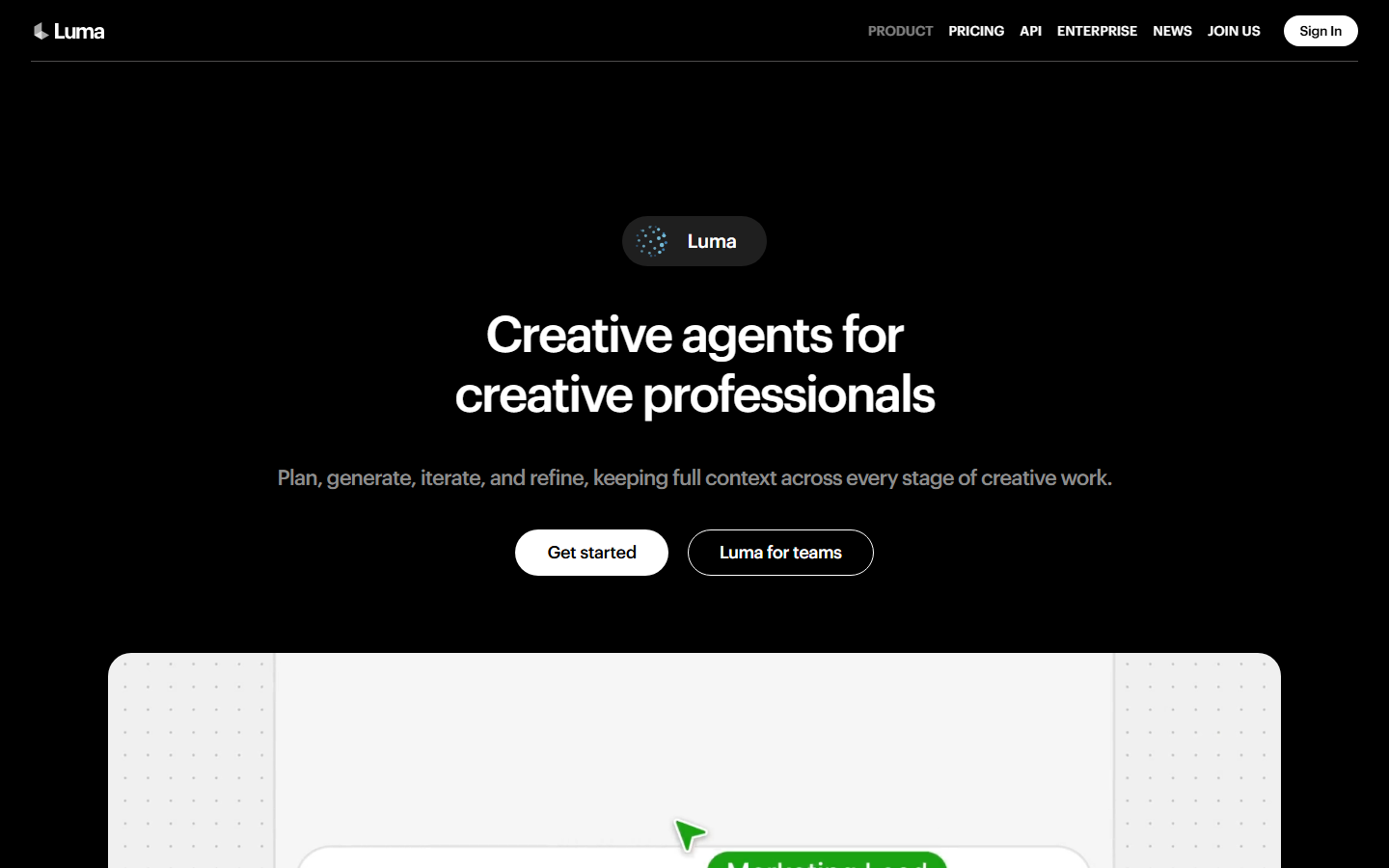
Luma Dream Machine gives you start and end keyframes plus named camera moves, which is the most direct control over motion on this list. If you know the shot you want, Luma gets closer to it in fewer attempts than a pure prompt-only tool.
Output resolution and clip length sit mid-pack, and fine detail can soften on fast pans. Developers wiring it into a pipeline should read the Luma Dream Machine API notes.
Verdict: best for storyboard-driven work where the camera move is the point.
6. Pika: Best for Quick Social Clips
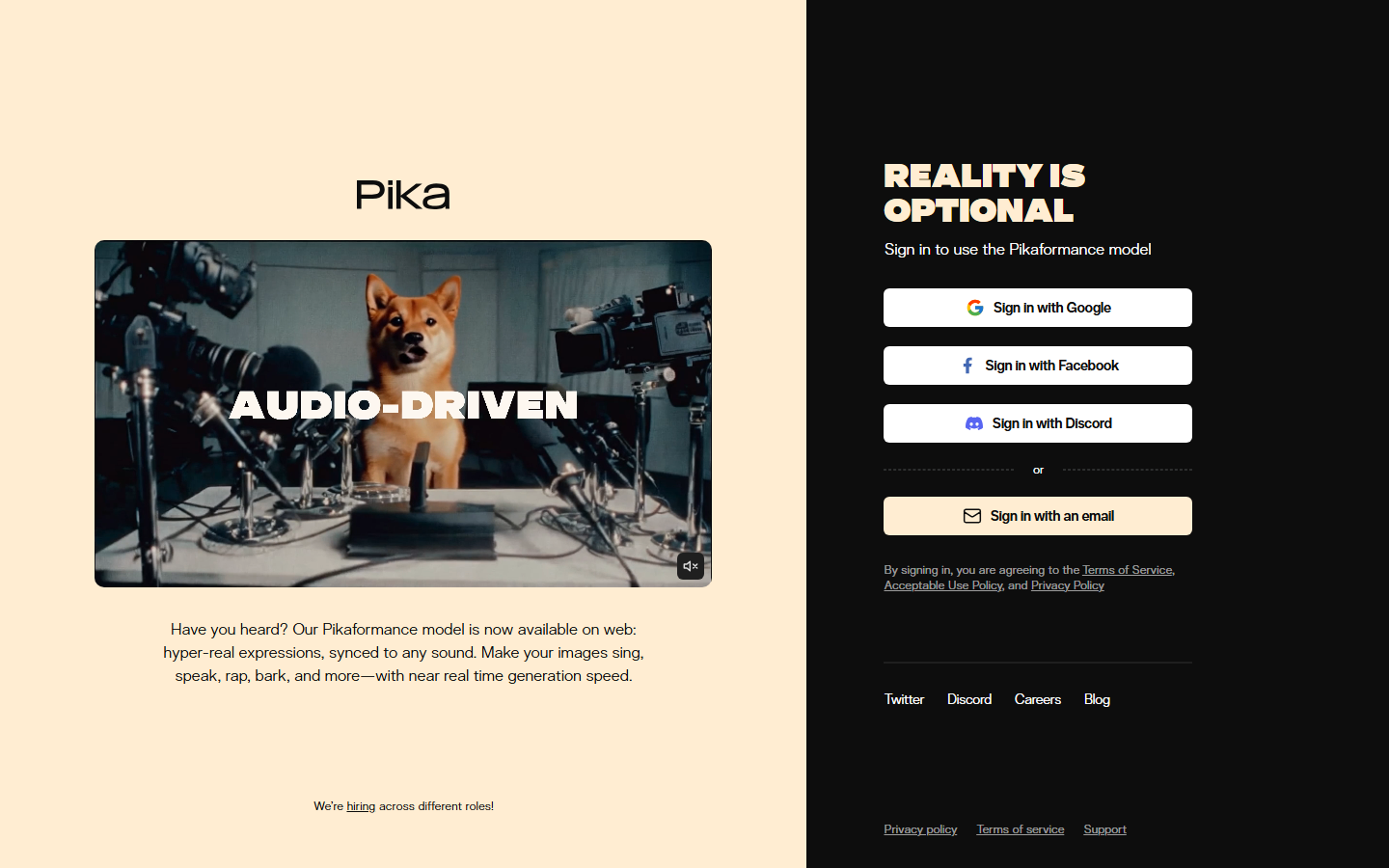
Pika is the fastest way to get a usable vertical clip. Its effects presets handle the transformations social creators actually ask for, and generation times are short enough to iterate live. Quality ceiling is below Kling or Veo, but for a 6 second clip on a phone screen it rarely matters.
Pika is weakest on sustained realism and long shots. Its integration surface is covered in the Pika Labs API roundup.
Verdict: best for volume social output where speed beats fidelity.
7. Seedance: Best Price-to-Quality
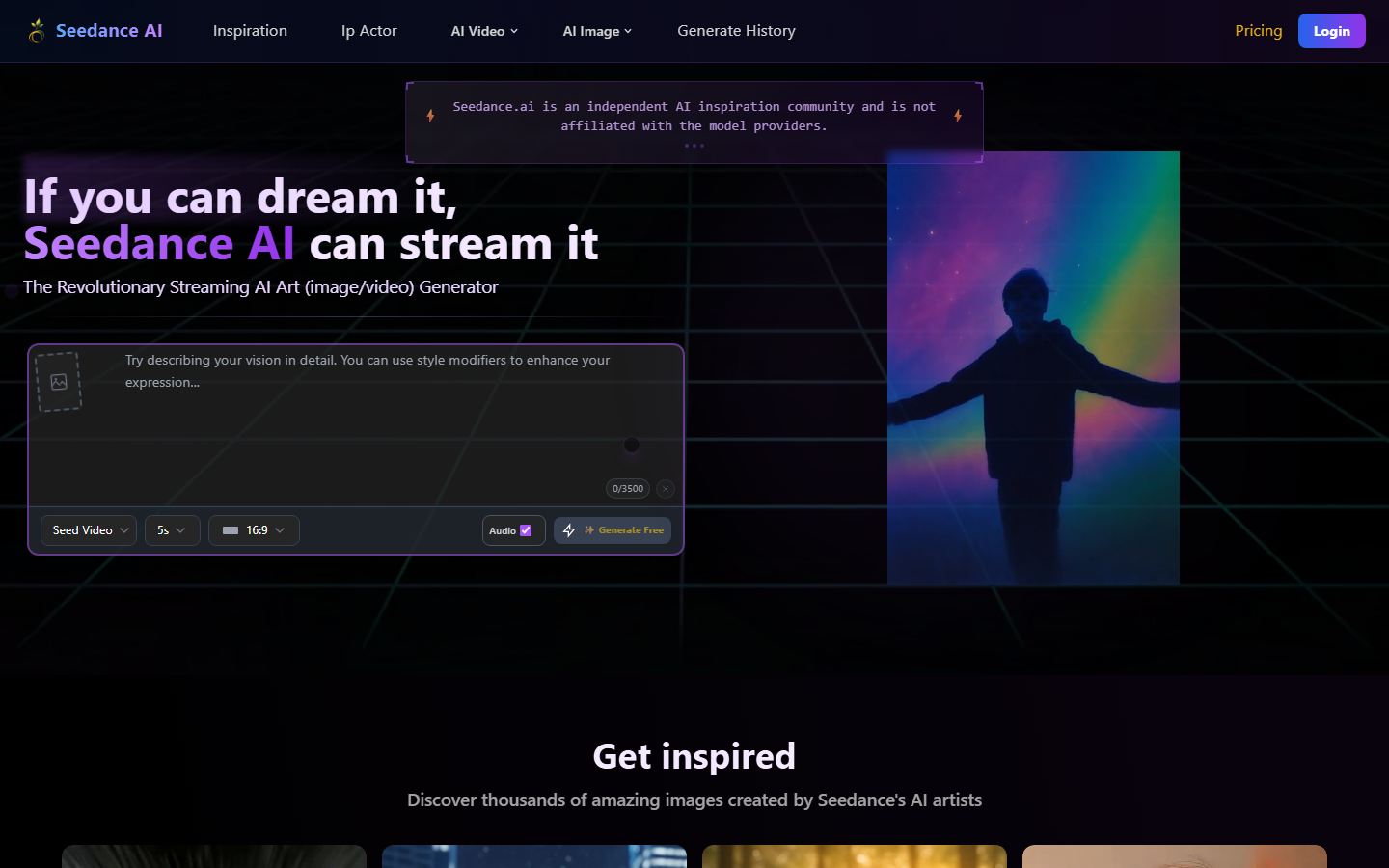
Seedance from ByteDance is the value pick. It handles multi-shot sequences from a single prompt, keeps subjects consistent between shots, and costs less per second than most of the field. For ad and UGC work produced in batches, that cost difference compounds quickly.
The interface is thinner than Runway's and the ecosystem around it is younger. Current rates are broken down in the Seedance pricing comparison.
Verdict: best when you need many clips and the budget is per-clip.
8. Higgsfield: Best for Motion Presets
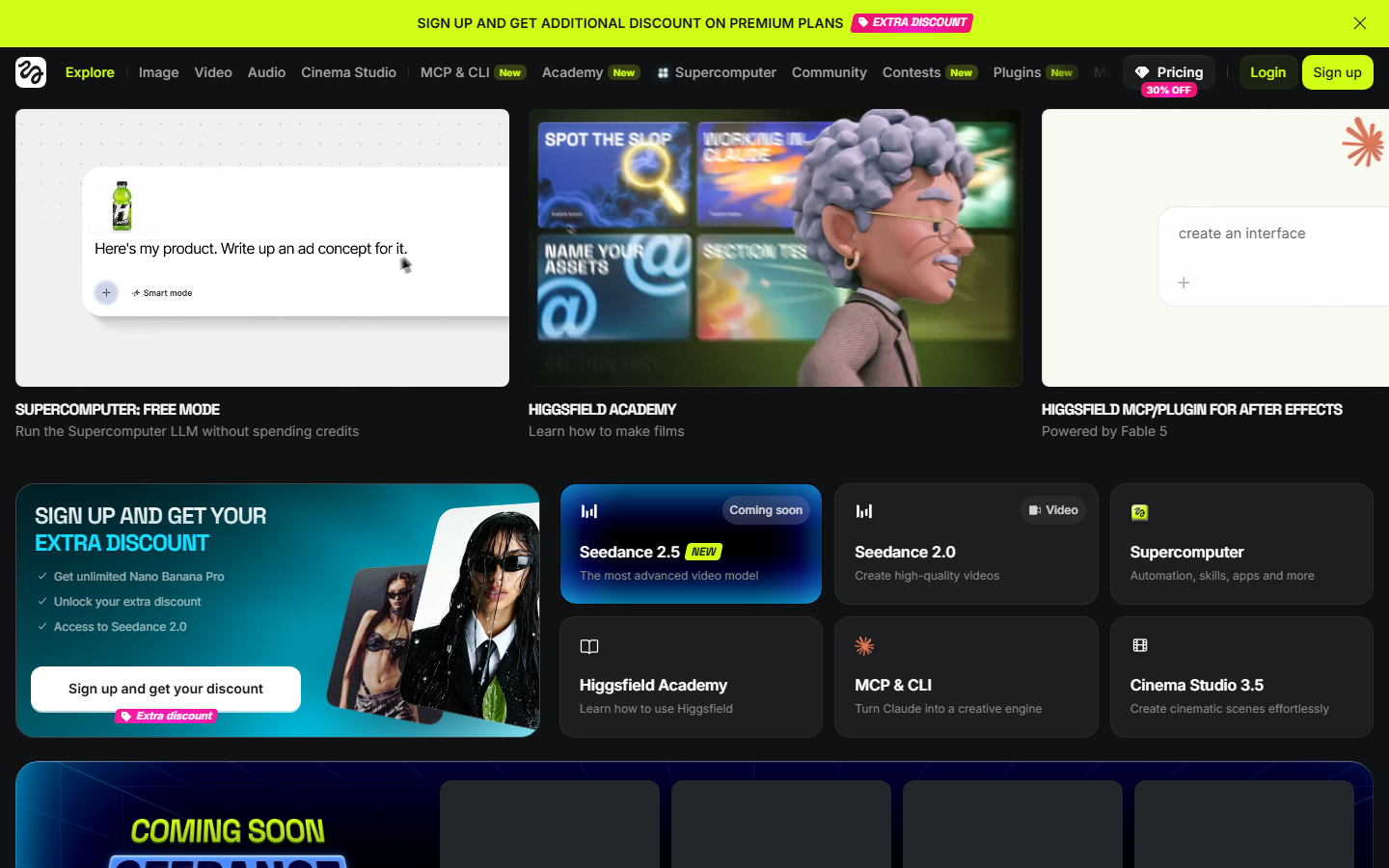
Higgsfield leads with a library of named cinematic camera moves, crash zoom, dolly, bullet time, applied to a still image or a prompt. It removes the guesswork of describing motion in words, which is the single most unreliable part of prompting Hailuo.
It is narrower than the general-purpose tools and leans heavily on image-to-video. For ad-style output it pairs well with the patterns in the AI video ads guide.
Verdict: best for image-to-video with a specific camera move in mind.
Comparison Table
| Tool | Best for | Max clip | Native audio | Multi-model | Relative cost |
|---|---|---|---|---|---|
| Wireflow | Chaining models into a pipeline | Model-dependent | Via model | Yes | Pass-through credits |
| Kling AI | Long cinematic takes | Longest on list | No | No | High |
| Runway | Editing and restyling | Medium | Limited | No | High |
| Google Veo 3 | Photorealism | Medium | Yes | No | High |
| Luma | Camera control | Medium | No | No | Medium |
| Pika | Fast social clips | Short | No | No | Low |
| Seedance | Batch volume | Medium | No | No | Low |
| Higgsfield | Motion presets | Short | No | No | Medium |
How to Choose
Pick by the bottleneck, not the benchmark. If your clips already look fine and the pain is moving them between tools, a workflow canvas solves more than a better model will, which is the argument made in the video content automation guide. If the clips themselves are the problem, match the failure mode: warping subjects points at Kling, flat unreal lighting points at Veo, wrong camera motion points at Luma or Higgsfield, and cost per clip points at Seedance.
Run a two-week trial on real briefs rather than showcase prompts. Most teams find the model choice matters less than they expected and the surrounding process matters more, a pattern also visible in agency video production tooling.
Try it yourself: Build this workflow in Wireflow: the nodes are pre-configured with the exact setup discussed above.
FAQ
What is the best Hailuo AI alternative in 2026? Wireflow for teams that need to chain video models into a repeatable pipeline, and Kling AI for the closest single-model replacement with longer clips and better character consistency.
Is there a free Hailuo AI alternative? Pika, Luma Dream Machine and Kling all run free tiers with daily credit allowances and watermarks or queue priority limits. They are enough to evaluate quality, not enough for production volume.
Which alternative produces the longest clips? Kling AI currently generates the longest single takes of the tools listed here, with multi-shot storyboarding for sequences beyond that.
Which Hailuo alternative is cheapest per clip? Seedance is the lowest cost per second at comparable quality, which is why it is common in batch ad and UGC production.
Can I keep using Hailuo alongside another tool? Yes. Hailuo is available as a node inside a workflow canvas, so you can route specific shots to it and send others to Kling or Veo in the same run.
Do any of these generate audio with the video? Google Veo 3 generates synchronised dialogue and ambient audio natively. The others produce silent video that needs a separate audio pass.
Which alternative is best for social media content? Pika for speed and effects presets, Seedance for volume at low cost. Both handle vertical aspect ratios without cropping.
What should I check before switching? Test your five most common briefs on each candidate, compare cost per finished clip rather than per generation, and confirm the tool has an API if anything downstream is automated.
Conclusion
There is no single best Hailuo AI alternative, only the right one for the failure you are hitting. Kling fixes clip length and consistency, Veo fixes realism, Luma and Higgsfield fix camera control, and Seedance fixes cost. If the real problem is that generation is one isolated step in a longer process, a canvas that connects those models to each other solves more than swapping one generator for another, and pricing for that approach scales with the models you actually run.

Co-Founder & Operations at Wireflow
Runs client operations and content strategy at Wireflow. Works directly with creative teams and agencies to build production AI workflows.
- Content Strategy
- Client Operations
Ask Claude for your next ad.
Connect once. Ask any time.
- No credit card
- You keep the rights to what you make
- Cancel anytime
More in Alternatives
Head-to-heads and roundups of the tools people weigh up.