Make images and video from a chat.
Wireflow plugs into Claude as a connector, and after that every model on the platform is one ask away. These posts take one model or one job per page and show the exact ask and what came back, so you can copy it into your own chat. Kling 4.0 from a chat is the place to start for video, and Seedance 2.5 covers longer clips. For the setup itself, read how Claude makes video through MCP.

Remotion in Claude Code: Set Up the Skills, Render a Video, Add Real Media
To use Remotion with Claude Code, create a Remotion project, add Remotion's Agent Skills with one command, ask Claude Code for a composition, then render it t
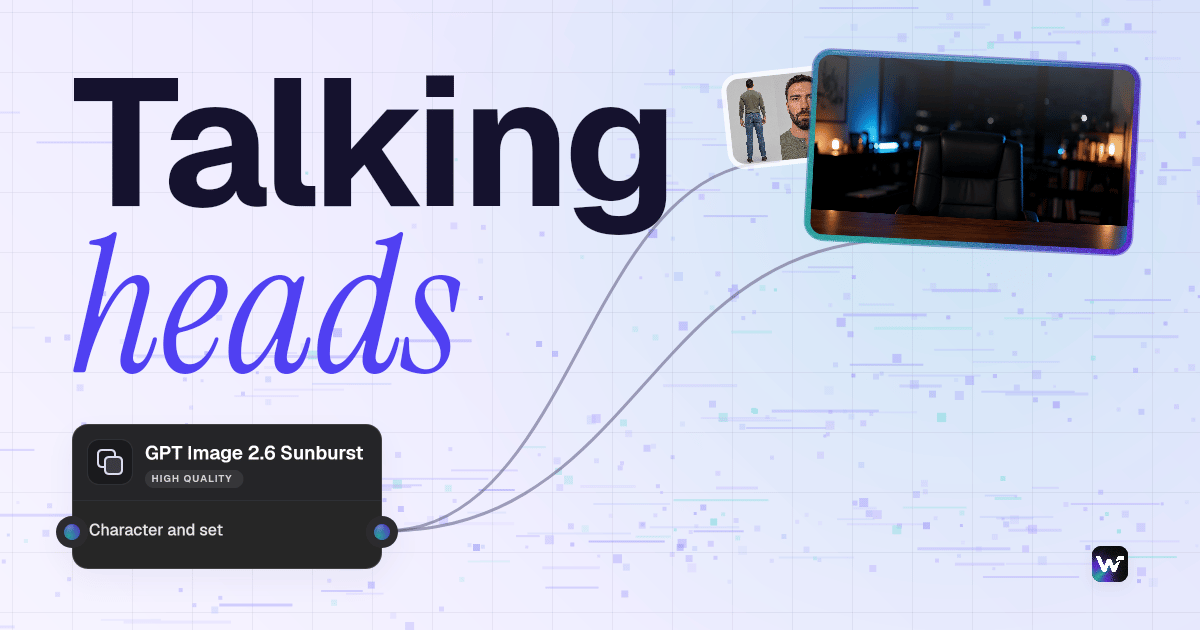
How I get thousands of views with AI talking-head reels (made with Claude Code)
The exact process behind my AI talking-head reels: lock a character with GPT Image 2.6, put yourself in your set, generate takes with Omni 1.2 or Kling 4, swap in your voice, cut yourself out, and post with an auto DM. Built in Wireflow, driven by Claude Code.

Veo in Claude: How to Make Veo 3.1 Clips From a Chat
Veo in Claude means typing a scene into Claude and getting back a real Veo 3.1 video with sound, without a Google Cloud project or a Gemini API key. This guid
Claude Music Generation: How to Make Songs and Soundtracks From Claude
Claude music generation works through connected models: Claude cannot make audio itself, but over MCP it can run music models and hand back the finished MP3.
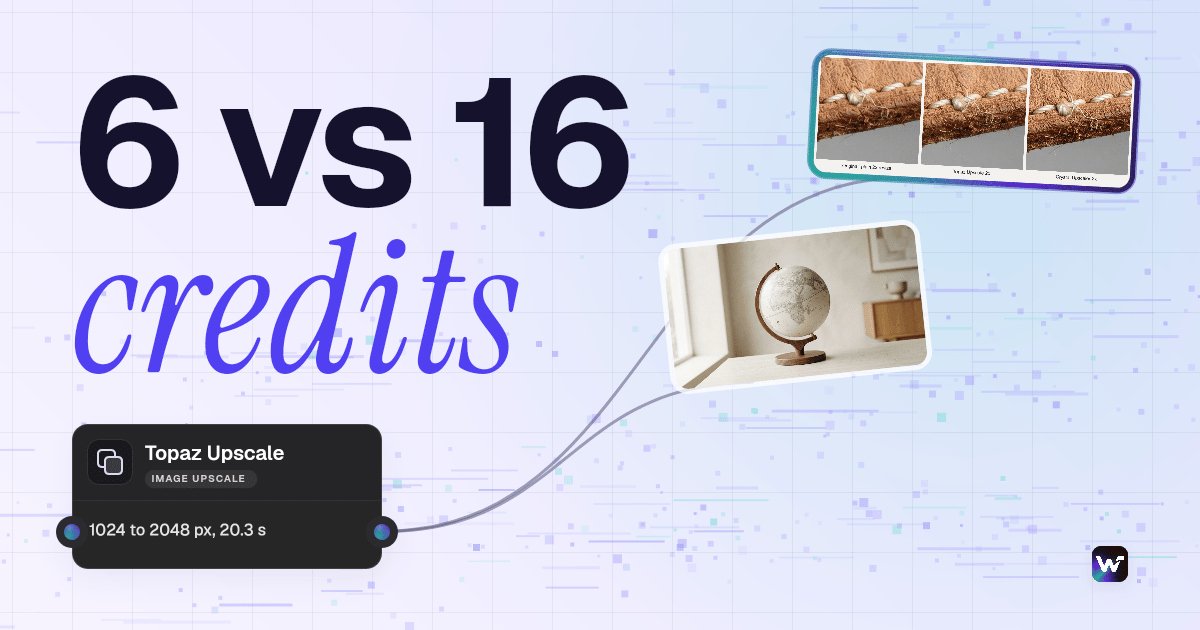
How to Upscale Images in Claude with Hosted Upscalers
To upscale images in Claude, connect a hosted upscaler through MCP, then ask for 2x or 4x in plain words. Claude cannot add pixels by itself, so the upscaler

Kling in Claude: How to Run Kling 4.0 From a Chat
Kling in Claude means asking Claude for a video and getting a real Kling 4.0 clip back, made from your own photo. This guide covers the connector setup, one i

How to Make Product Photos in Claude From One Photo
To make product photos in Claude, connect an image model, give it one clear photo of your product, and ask for the scenes you need, such as white studio or li
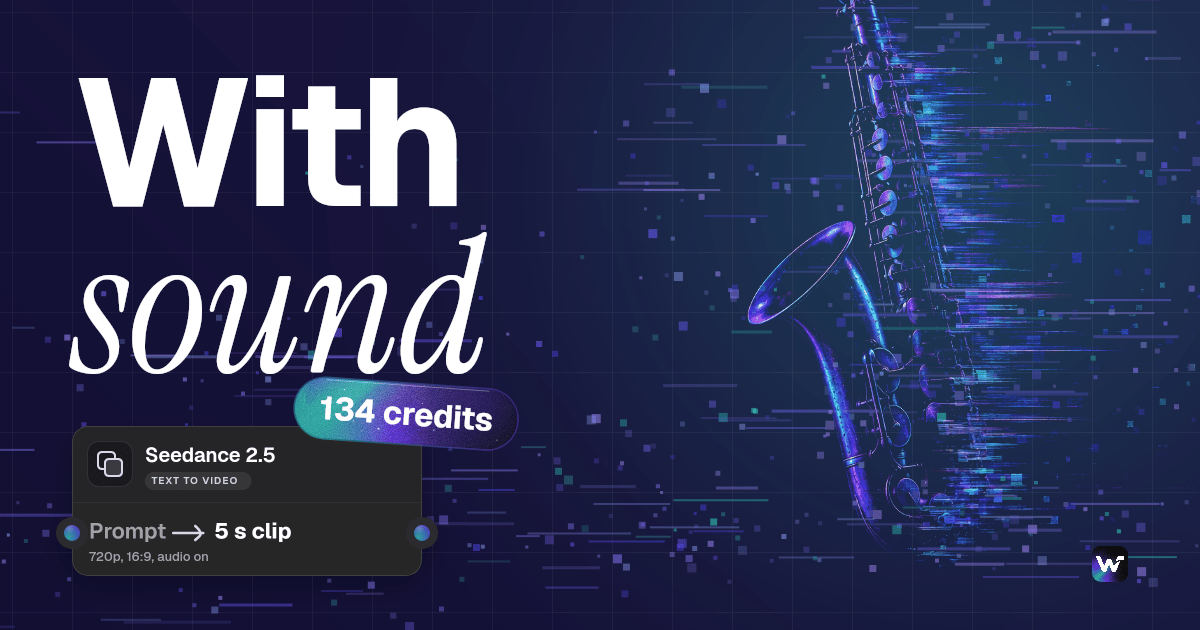
Seedance in Claude: How to Run Seedance 2.5 From a Chat
Seedance in Claude means you ask Claude for a video and get a real Seedance 2.5 clip back. This guide covers the setup, one clip we made and the credits it co
How to Edit Images in Claude with Hosted Edit Models
To edit images in Claude, connect a hosted image edit model through MCP, then ask in plain words for the change, such as a new backdrop or a removed sticker.
Claude Video Generation: How to Make AI Videos From Claude Through MCP
Claude video generation works through connected models: Claude cannot render footage itself, but over MCP it can run video models and hand back the finished M
Claude Motion Graphics: One Prompt, a 12-Second Clip and What It Cost
Claude motion graphics are animations that Claude writes as code and renders to video. We gave Claude Code one prompt and got a 12-second 1080p clip in about
How to Connect an AI Image API to Claude
Claude cannot generate images on its own, but you can connect an AI image API to Claude in about an hour using tool use and a hosted workflow endpoint. This g
Can Claude Generate Images? How to Do It in Claude Code
Claude Code cannot generate images on its own, but you can add image generation to it in under ten minutes with an MCP server, a short script, or a hosted wor
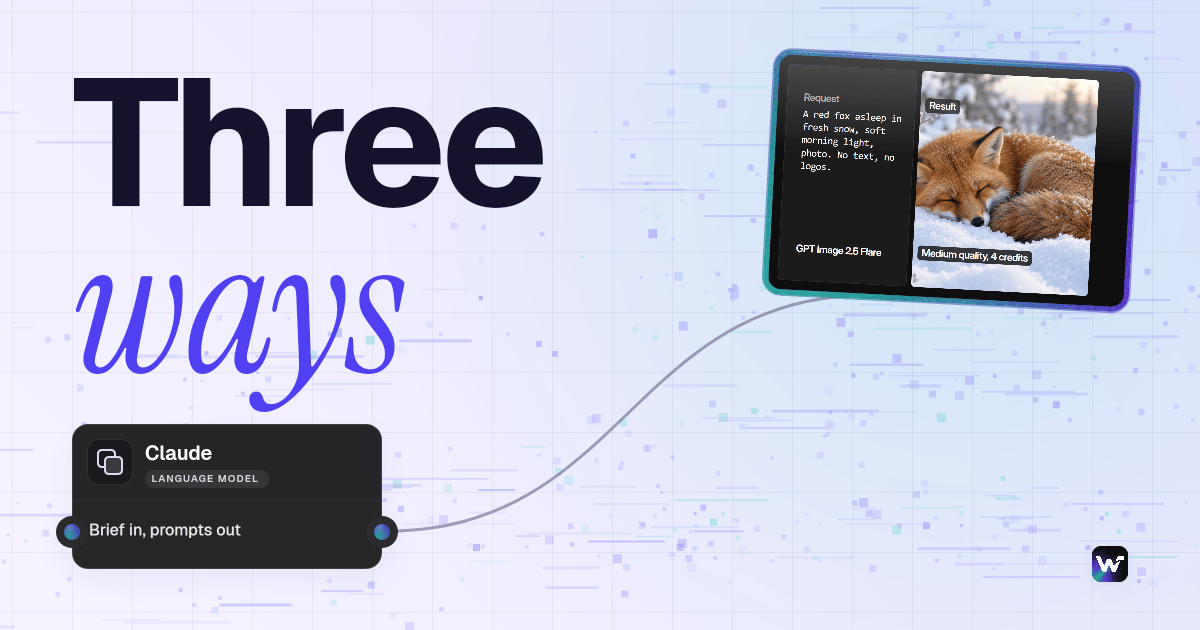
How to Add Image Generation to Claude Code
If you want to add image generation to Claude Code, you have three working options: an MCP server, a custom skill, or a hosted workflow API. Wireflow covers t
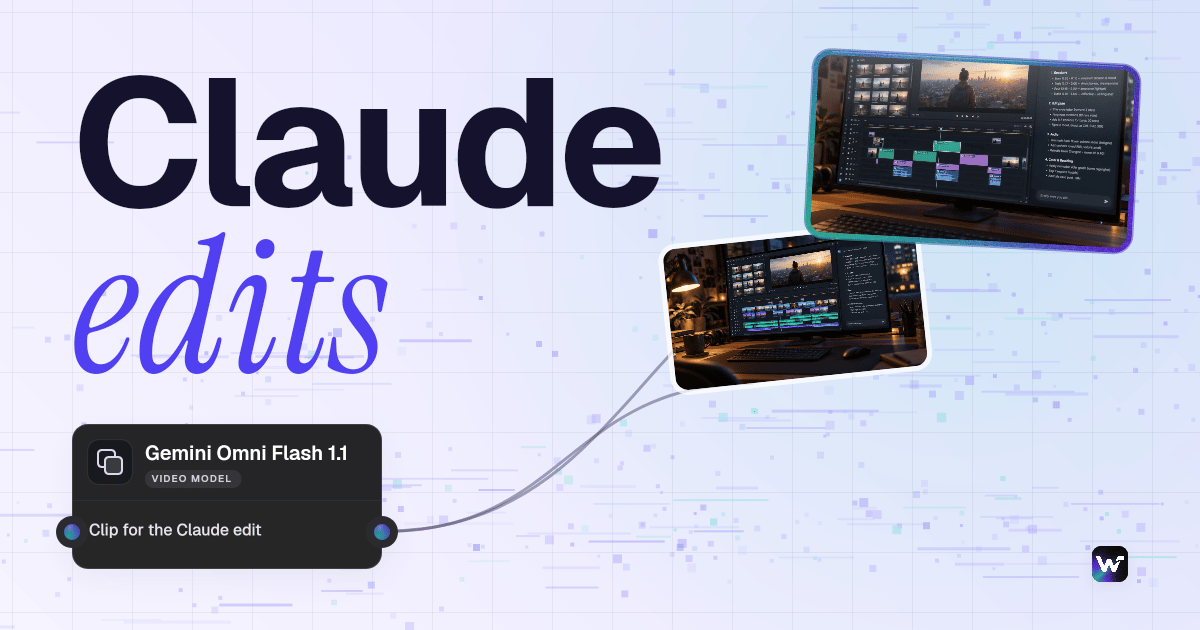
How to Connect Claude to Video Editing: A Practical Guide
Claude is one of the most capable AI assistants available today, and connecting it to video editing tools opens up workflows that were impossible just a year
How to Use Claude Fable 5 to Automate AI Creative Workflows
Learn how to use Claude Fable 5 to automate AI creative workflows: connect Claude Code to a node canvas, then create, edit, and execute pipelines by API.
Ask Claude for your next ad.
Connect once. Ask any time.
- No credit card
- You keep the rights to what you make
- Cancel anytime