Features
AI Video Edit
Most AI video editors cut, caption, and translate a timeline.
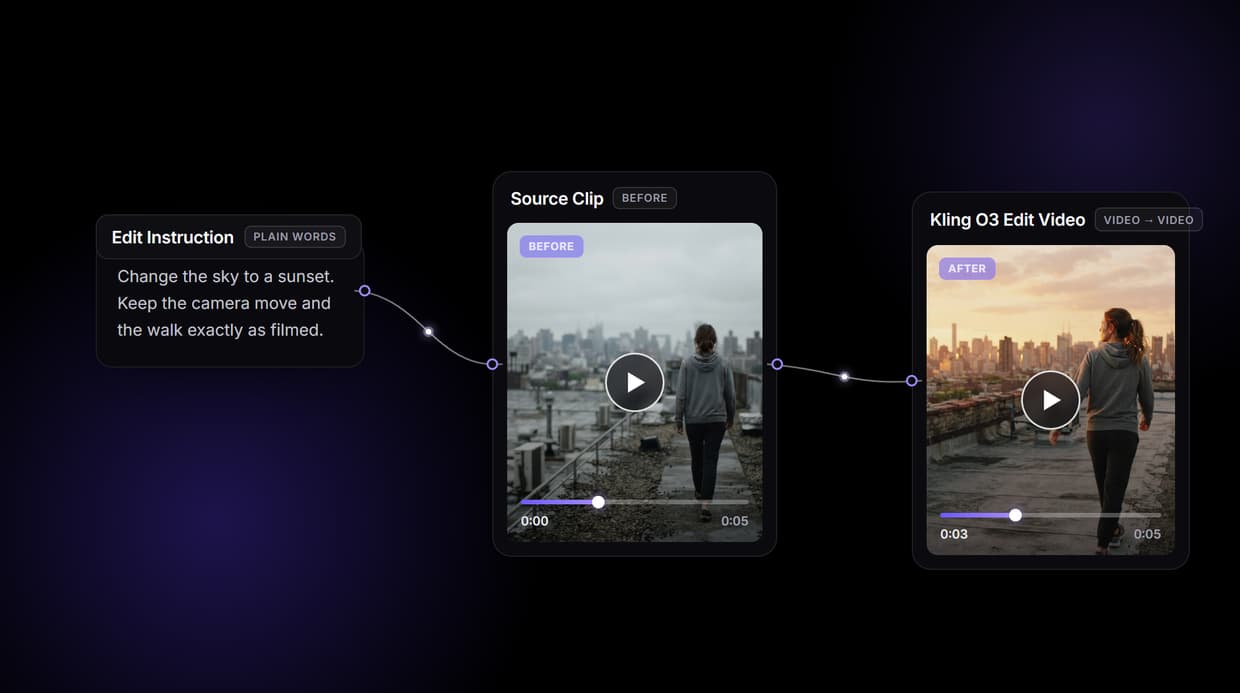
Wireflow edits what is inside your clip from a plain instruction: a new sky, a new style, a new outfit, while the shot and motion stay as filmed. Wire the same clip into two edit models side by side and compare before you spend a credit. Building on the canvas is free.
Free to build · no credit card · Read the agent docs · See how it works ↓
 Andrew Adams · Co-Founder & Operations at Wireflow ·
How to Use AI Video Edit
Steps to get you started in Wireflow.
Bring in the clip and write the edit
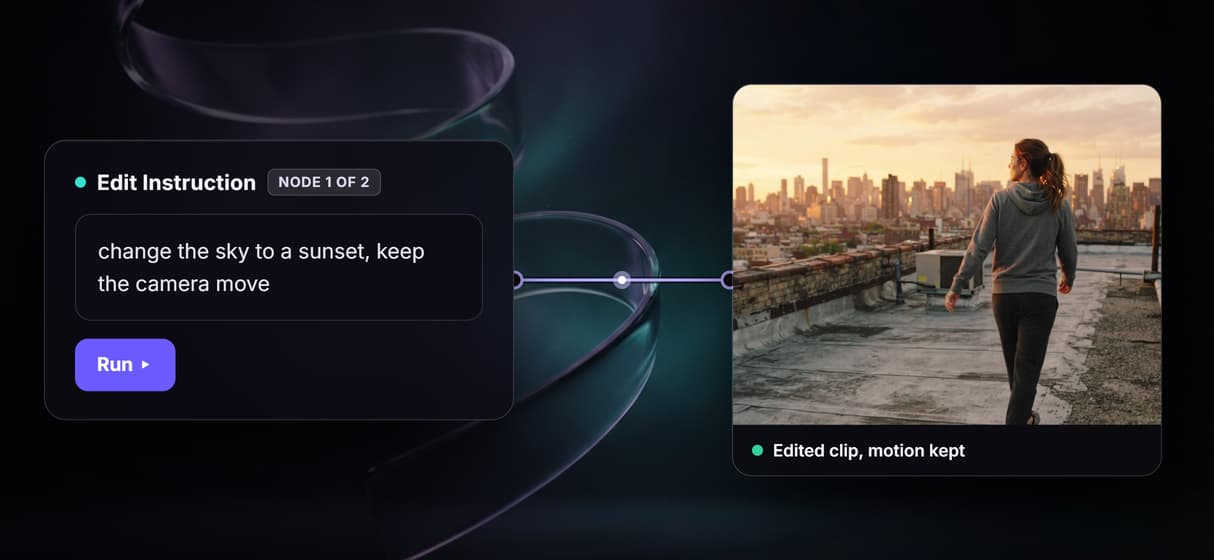
Drop your clip into the flow and type a plain instruction in the Edit Instruction node: change the sky to a sunset, restyle it as a clay animation, swap the outfit. Say what to keep, like the motion and framing.
Edit the clip from that instruction
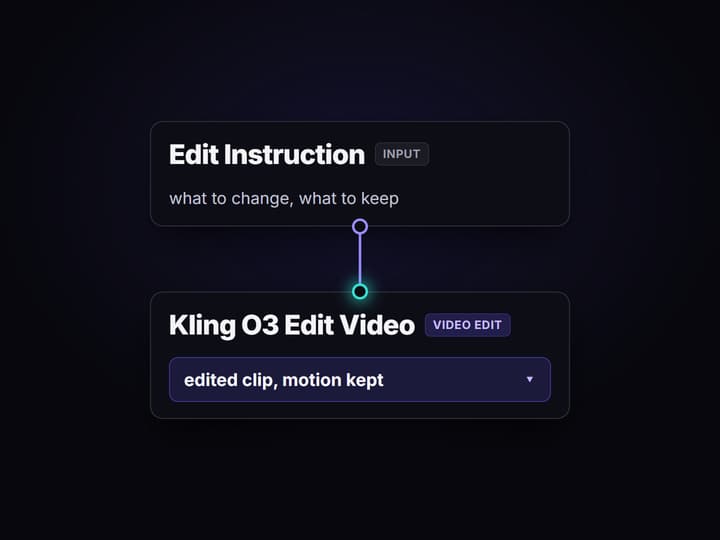
The edit node rewrites the footage to match the instruction while the shot, motion, and length stay as filmed. Wire the same clip into a second edit model to compare two versions side by side.
Reuse it or automate it
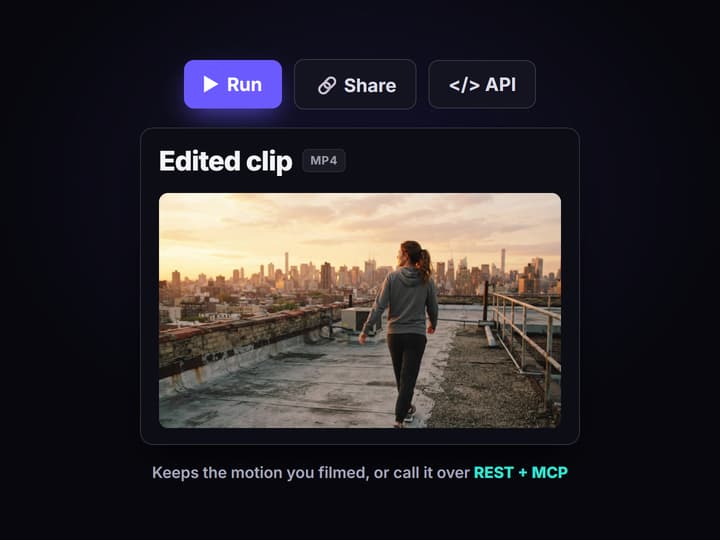
Send the edited clip into upscaling or the Video Editor on the same canvas, or call the published flow as a REST endpoint or MCP tool to edit a whole folder of clips in one run.
More Than Just AI Video Edit
Edit the clip from a sentence
Type change the sky to a sunset or restyle it as clay, and Kling O3 Edit Video rewrites your footage while the shot and motion stay.
Two edit models, side by side
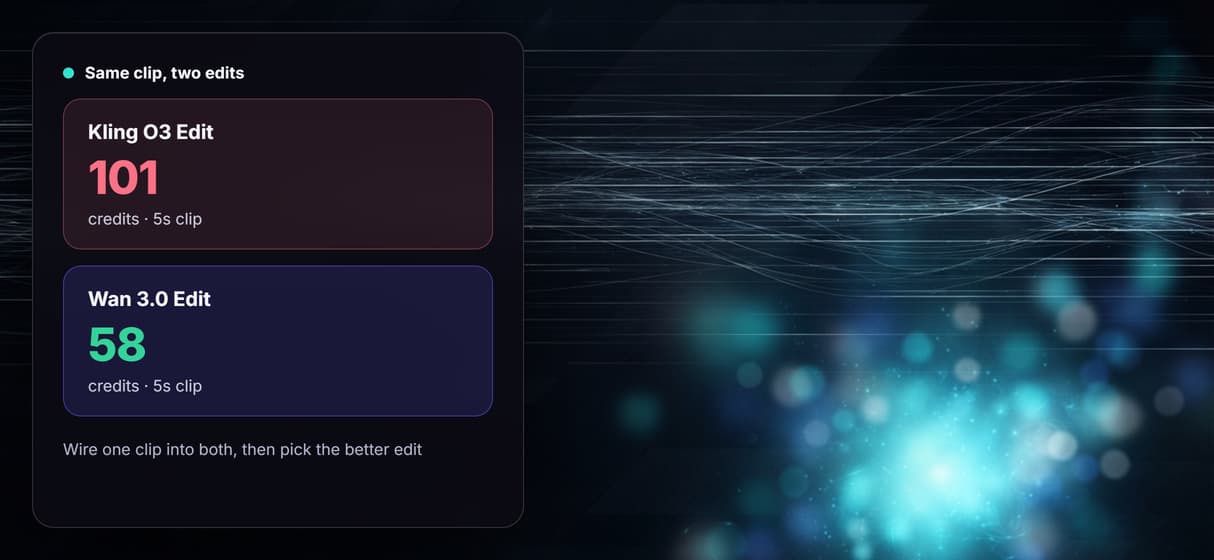
Wire one clip and one instruction into Kling O3 Edit and Wan 3.0 Edit at once and compare the two edits before you spend.
It keeps the motion you filmed
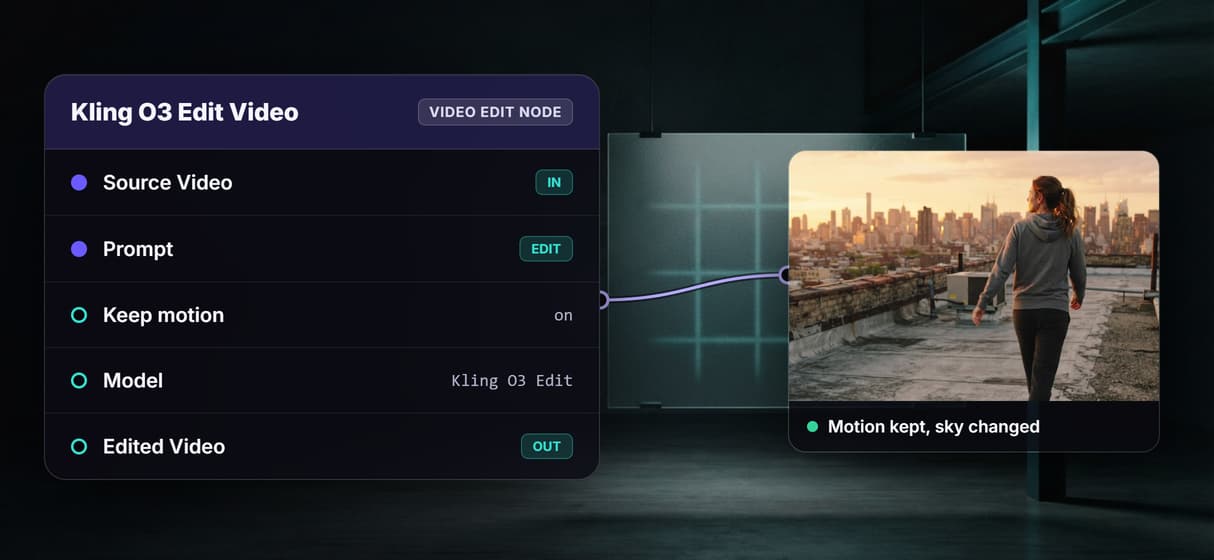
This is video to video, not a timeline cut: the camera move, pacing, and clip length stay as shot, so the edit reads as the same footage, restyled.
See the cost before you run
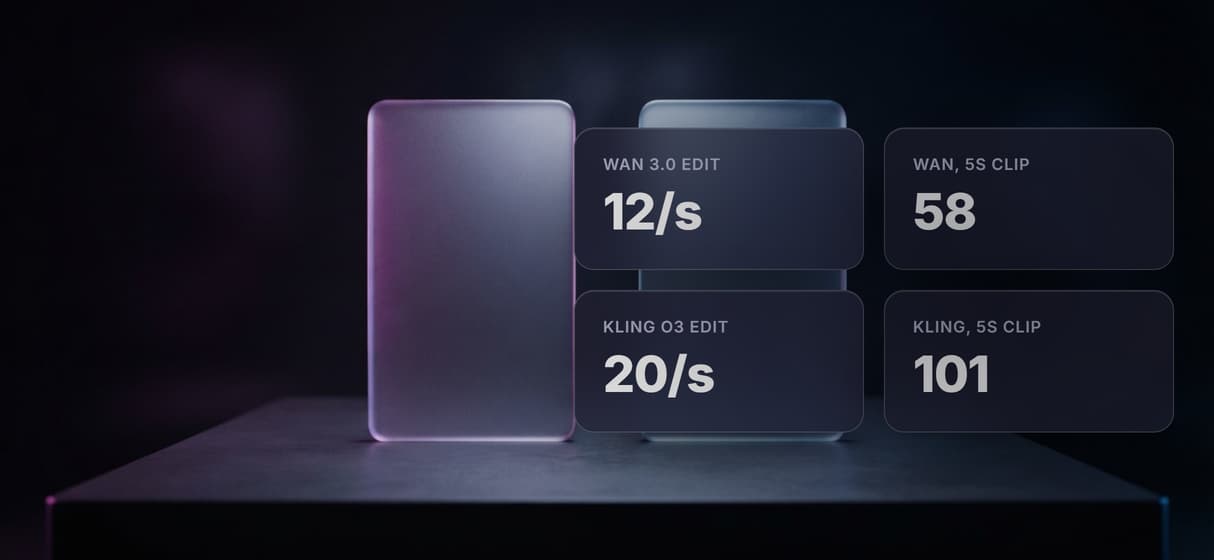
Credits are read live from the models API: about 58 for a 5 second Wan 3.0 Edit and about 101 for Kling O3 Edit, billed on the clip's real length.
One call edits a whole folder
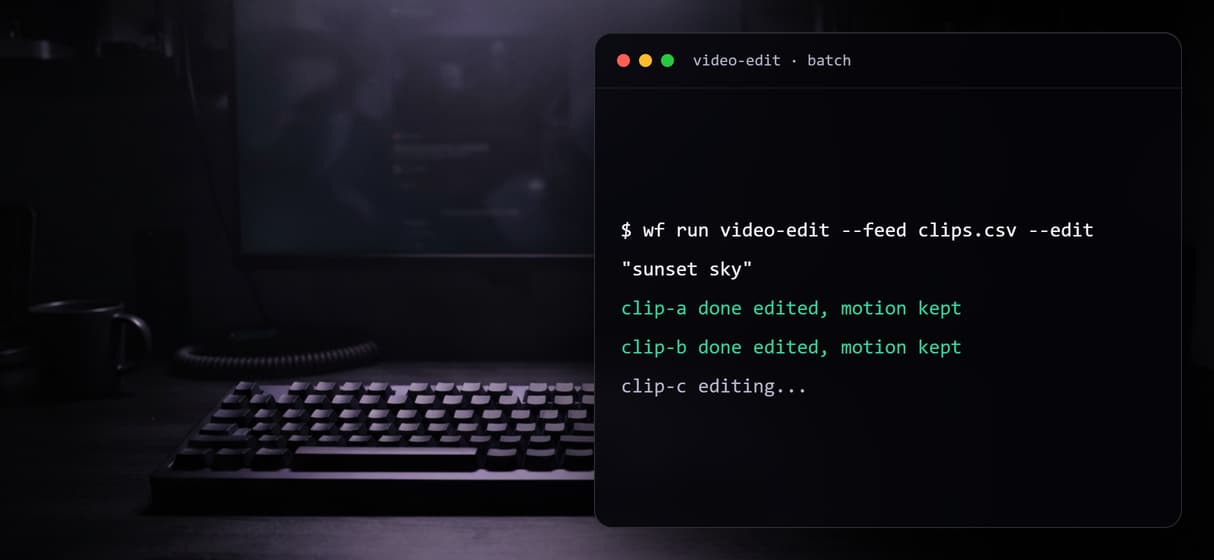
Published as a REST endpoint and MCP tool, the flow loops a clip plus an instruction over a feed, so an AI video agent edits a batch overnight.
Build Any AI Workflow
AI Models Integrated
Full Commercial License
Two different jobs hide behind ai video edit
Search ai video edit and you get two kinds of tool. One is the timeline editor with AI bolted on: trim, auto caption, cut filler words, translate, upscale. That is real work, and a timeline editor does it well. The other, and the one most people actually mean, is simpler to say and harder to do: change what is in my clip from a sentence. A new sky. A clay look. A different outfit on the same person, walking the same way.
Wireflow answers the second question. You wire your clip and a plain instruction into a video edit node, and the model rewrites the footage to match while the shot, the motion, and the length stay as filmed. It is not a filter and it is not a re cut; it is video to video editing, and it drops straight into the rest of your AI video workflow on the same canvas.
What the edit flow gives you
Plain instruction
Say what to change and what to keep in one sentence, no masks or keyframes to set.
Keeps the motion
The camera move, pacing, and length stay as filmed; only the content is rewritten.
Two models at once
Wire one clip into Kling O3 Edit and Wan 3.0 Edit and compare the two edits.
Honest cost
Per second credits read live from the models API, billed on the clip's real length.
One canvas
The edited clip flows into upscaling, generation, or the Video Editor node.
REST and MCP
Call the flow as an endpoint or tool to edit a folder of clips in one run.
How the edit actually runs
The workflow behind this page's button is deliberately small, so you can read it at a glance and swap the pieces.
- Clip Brief and a base frame. A starter graph makes a short demo clip with the cheap default models so you can try the flow before you touch your own footage.
- Edit Instruction holds your sentence. Write the change and the thing to keep: make it a sunset, keep the camera move and the walk.
- The edit node rewrites the clip. It applies the instruction to the footage, not a timeline, and returns the edited clip.
For a production edit of your own clip, swap the clip step for Kling O3 Edit Video or Wan 3.0 Edit Video, name the source clip, and type the same instruction. Wire the clip into both at once and you get two edits to compare, so you can pick the better one before committing credits.
When a timeline editor is the better fit
If the job is frame accurate cutting, trimming to the beat, styling captions, razor and ripple edits, multi track layering, or manual keyframing, this is not that tool and this page will not pretend otherwise. Wireflow has no timeline. It rewrites what is inside a clip from an instruction; it does not let you scrub and cut it by hand.
What it is built for is the change you cannot do with a cut: a new sky, a new style, a new person in the same shot, while the motion stays. If that is the job, build here, compare two edit models on one canvas, and send the result into the rest of your AI video pipeline when you are ready. It is the generation layer, not the reasoning brain, so it edits the footage, it does not decide the edit for you.
FAQs
It means rewriting the content of a clip from a plain instruction, not cutting a timeline. You type a change like make the sky a sunset, keep the camera move, and the edit node rewrites the footage while the shot, motion, and length stay as filmed.
Discover related AI tools
More From Wireflow
Written by
Andrew Adams · Co-Founder & Operations at Wireflow
Runs client operations and content strategy at Wireflow. Works directly with creative teams and agencies to build production AI workflows.
Edit a clip from a sentence, two models at once
Open the flow, type a plain instruction, and edit a clip while the motion stays. Swap in Kling O3 Edit Video or Wan 3.0 Edit Video for your own footage and compare both. Building on the canvas is free; you pay per generation when you run an edit.