Features
Video Object Remover
Remove an object from a video with AI in one flow, no masking by hand and no desktop app.
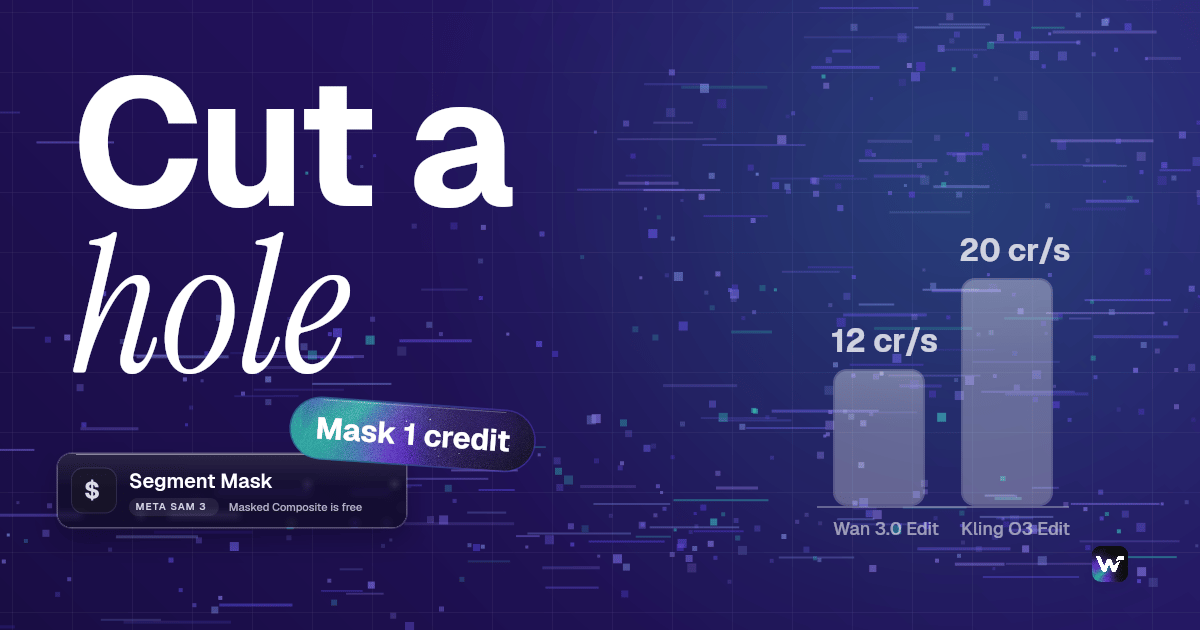
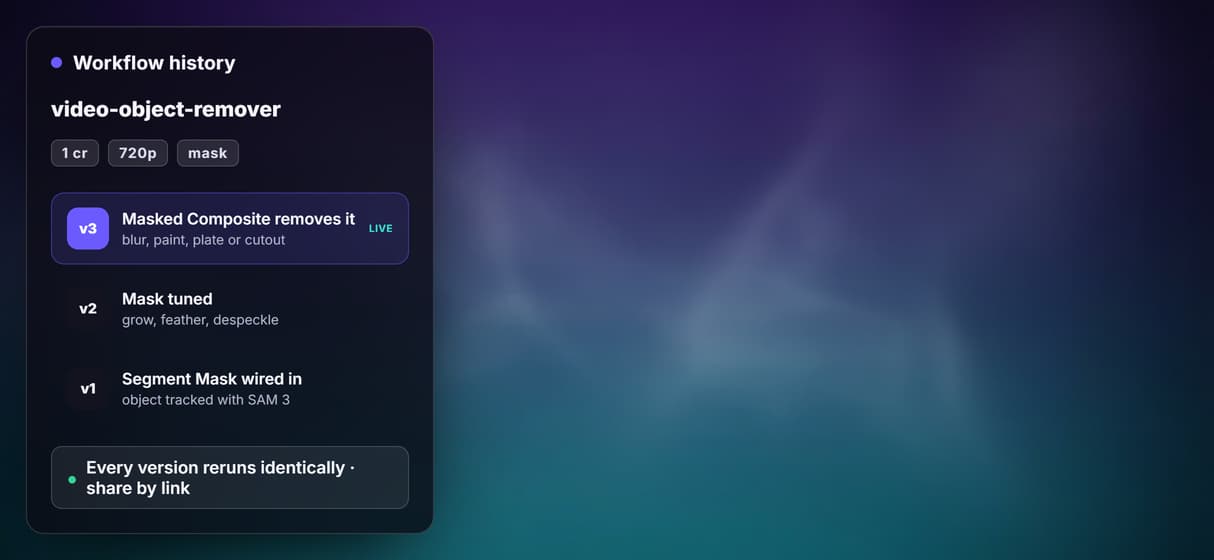
The Segment Mask node runs Meta SAM 3 to track the object you name through every frame, then a Masked Composite node removes that region: blur it out, paint over it, drop a clean plate in, or cut it to a transparent hole. One real run and its cost: Segment Mask is 1 credit, Masked Composite is free. For a fully regenerated fill, swap in the Wan 3.0 Edit or Kling O3 Edit video model and type the instruction.
Free to build · no credit card · Read the agent docs · See how it works ↓
 Andrew Adams · Co-Founder & Operations at Wireflow ·
How to Use Video Object Remover
Steps to get you started in Wireflow.
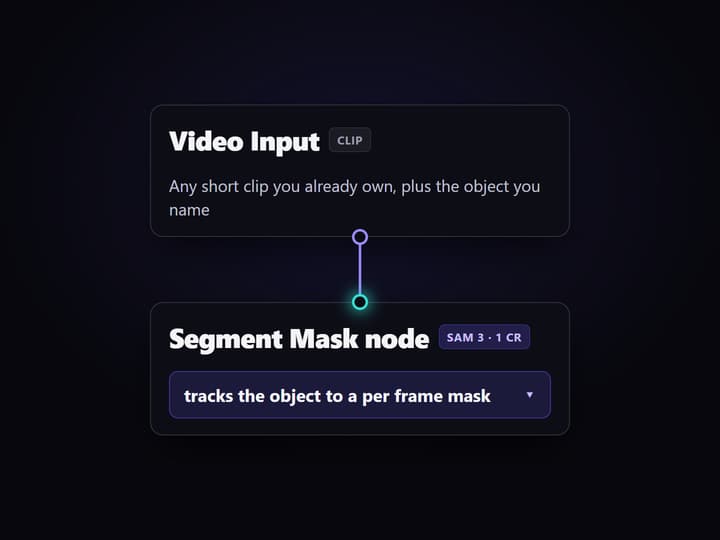
Bring in the clip and name the object
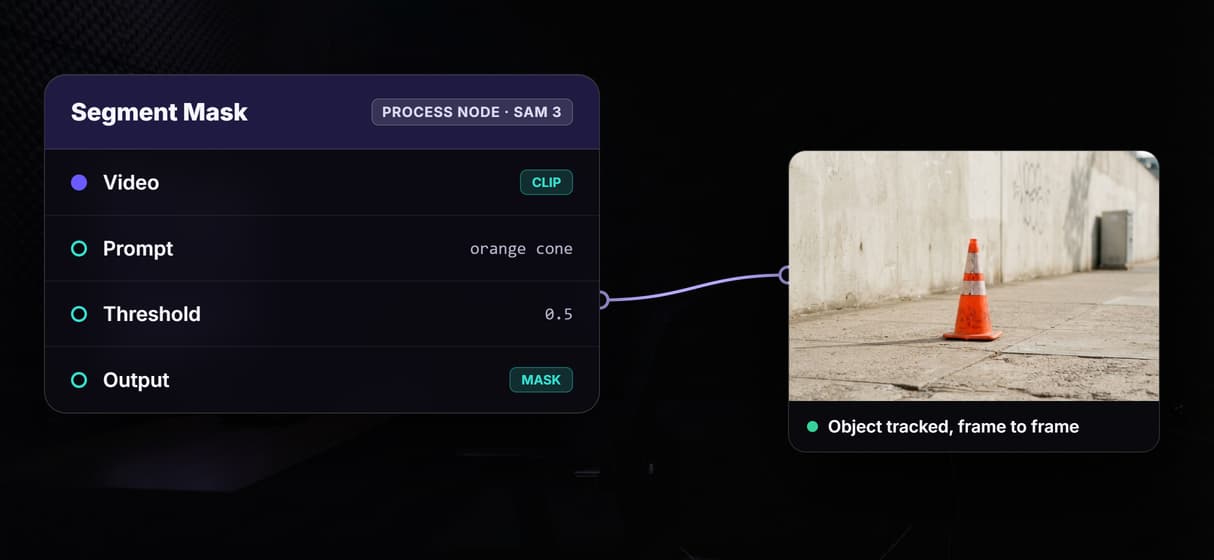
Open the flow and point the video input at a clip you already have or one the graph just generated. Type the object you want gone, like orange traffic cone, into the Segment Mask node.
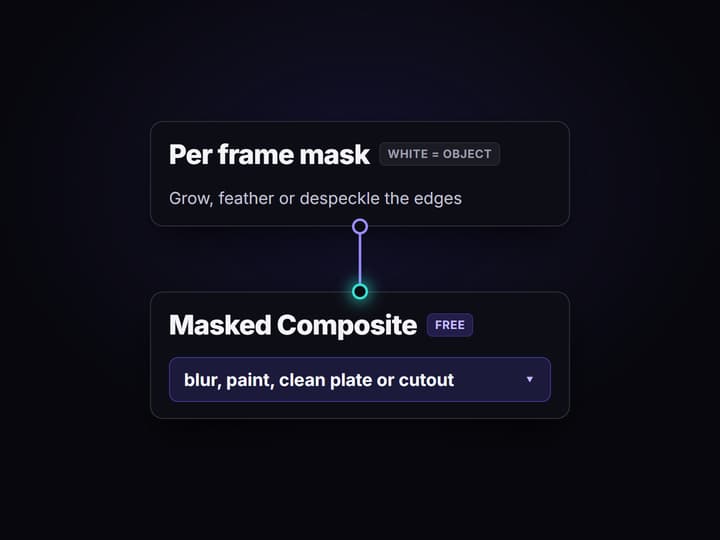
Track it to a mask with Meta SAM 3
The Segment Mask node runs Meta SAM 3 and tracks the named object through every frame, returning a per frame black and white mask video for 1 credit a run. No rotoscoping by hand.
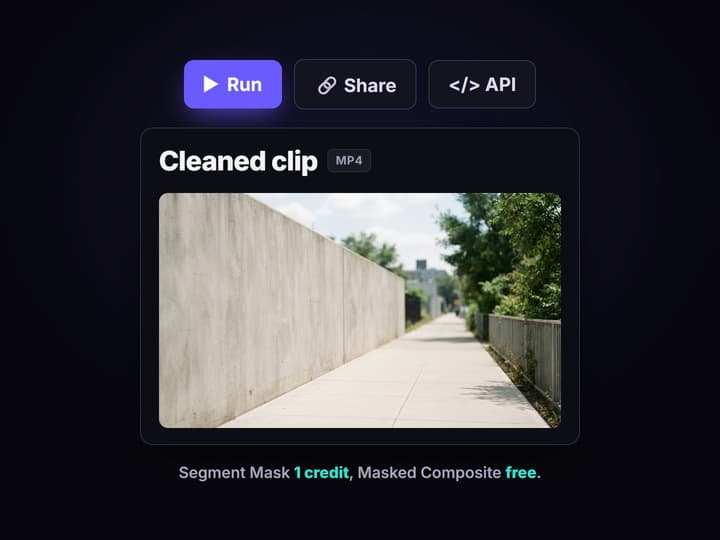
Remove the region and run
Wire the mask into a Masked Composite node, pick blur, paint, clean plate or a transparent cut, press Run, and the graph renders one mp4. The composite is free. Swap in an edit model for a regenerated fill.
More Than Just Video Object Remover
Name the object, track it
Segment Mask runs Meta SAM 3 to track the object you name through every frame, more exact than a one-tap AI background remover.
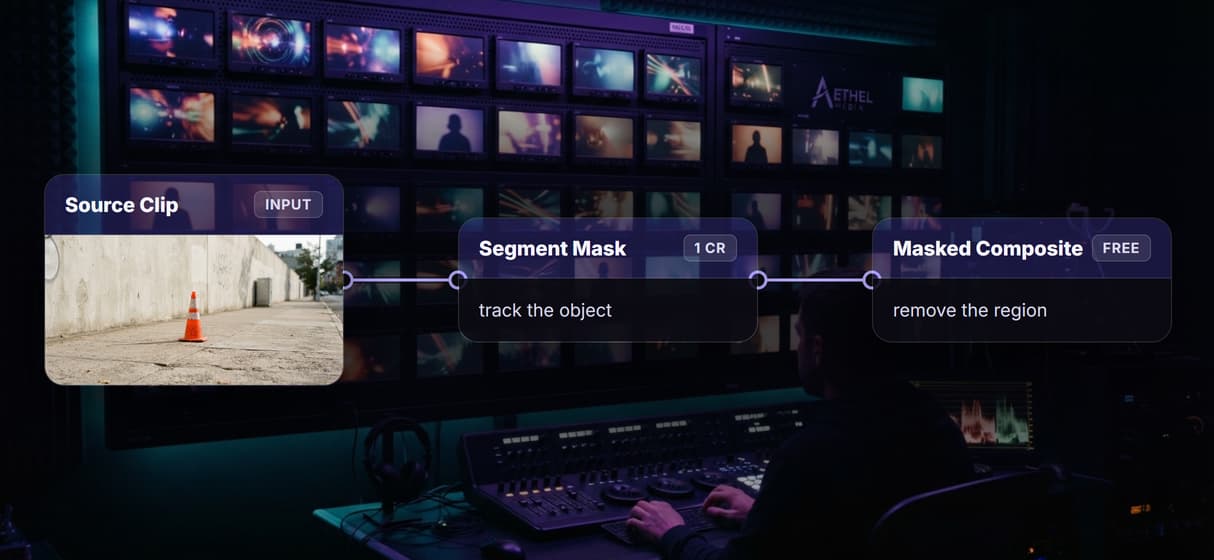
Remove it four ways
Masked Composite removes the tracked region for free: blur it out, paint over it, cut a transparent hole, or drop a new clean backdrop in.
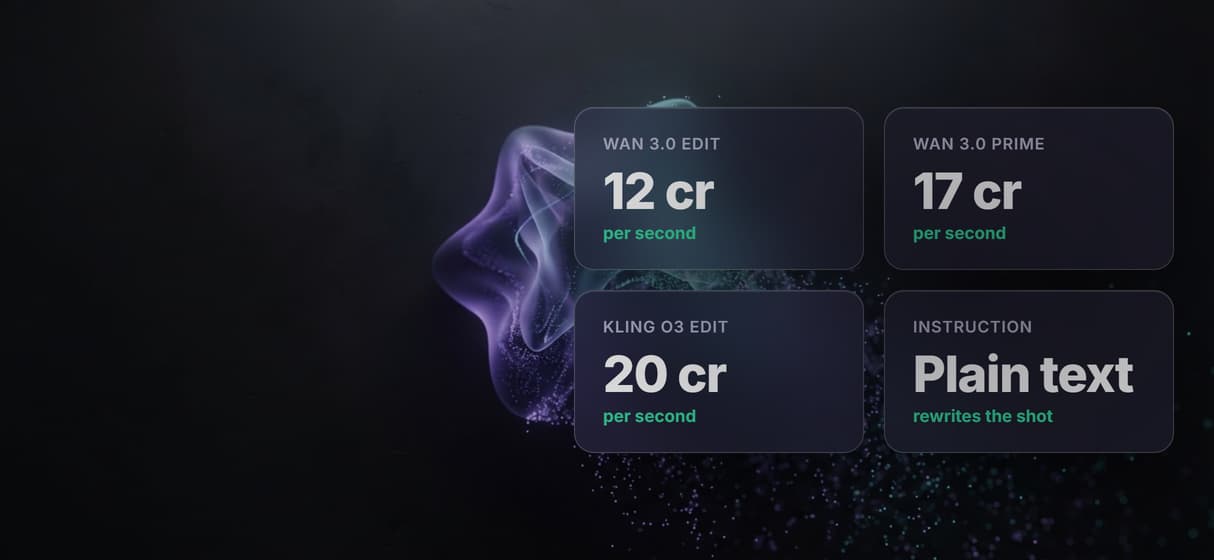
Or regenerate the gap
Swap in Wan 3.0 Edit at 12 credits a second or Kling O3 Edit at 20 inside one AI video workflow; the model rewrites the shot so the gap fills in.
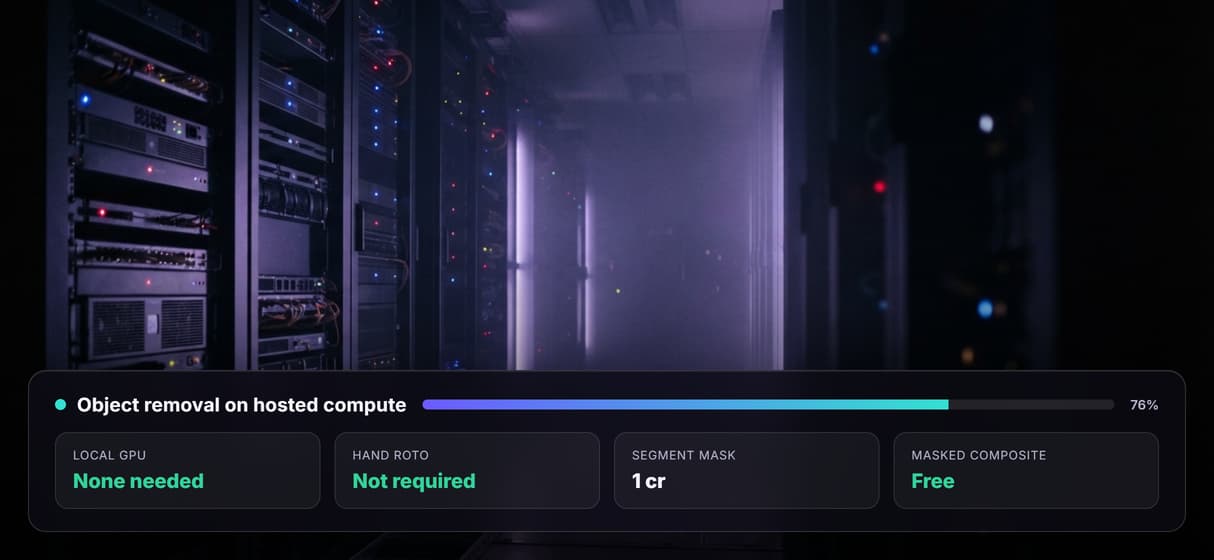
Cheap in the cloud, no GPU
Segment Mask is 1 credit a run and Masked Composite is free on hosted compute, so a laptop with no GPU feeds your AI video pipeline.
Reproducible and callable as an API
The removal is a versioned flow, shareable by link and callable as a REST endpoint or MCP tool, so your code can extend the clip next.
AI Models Available
Automate Any Workflow
Included in Every Plan
Remove an object from a video, then keep building
Taking an object out of a video used to mean masking it by hand, frame after frame, in a desktop editor, or settling for a one-tap web tool that gives you a single flattened export and leaves you there. If the edges crawled, or you wanted a different fix, you started the roto over.
Wireflow turns object removal into two nodes on a canvas. The Segment Mask node runs Meta SAM 3: you name the object, like a traffic cone or a passer-by, and it tracks that object through every frame and returns a per frame mask on hosted compute, with nothing to install and no green screen. A Masked Composite node then removes that region, and because it is a node the fix does not dead-end: the cleaned clip rolls straight into the rest of your flow, from an AI video generator that made the shot to a final edit, without leaving the browser.
What the object removal graph gives you
One video input
Drop in a clip you own or one the graph generated. No green screen and no upload-size dance.
Segment Mask node
Tracks the object you name with Meta SAM 3 to a per frame mask for 1 credit a run.
Four removal modes
Masked Composite blurs, paints, drops a clean plate, or cuts the region to transparent.
Generative swap
Swap in Wan 3.0 Edit or Kling O3 Edit to regenerate the gap from a plain instruction.
Real mask control
Grow, feather and despeckle the mask, or keep the largest region, for clean edges.
Rerun and share
Versioned and shareable by link; call the whole removal as a REST endpoint or MCP tool.
How the track-and-remove graph runs on one clip
The workflow behind this page's button does the whole job in one run.
- A scene clip comes in. A base frame and a short generated clip stand in for your footage in the demo, but the video input takes any clip you already have.
- Segment Mask tracks the object. You name it in plain words and Meta SAM 3 returns a per frame mask, so only that object is marked, frame to frame.
- Masked Composite removes the region. It blurs, paints, drops a clean plate, or cuts the marked region to a transparent hole, and renders one mp4.
That one-graph path is the detail worth copying: the track and the removal live in the same reproducible flow instead of two disconnected apps. A clip that starts from a still begins with image to video API, and a cleaned clip rolls on into an AI upscale video step or a later edit without a re-export.
When a one-tap app or a hand roto is still the right call
If you want to tap one button on your phone and get a cleaned clip back with no account and no graph, a consumer web tool like CapCut is built for exactly that, and this page will not pretend otherwise. Wireflow asks you to wire a small flow once, and the footage has to reach hosted compute, so there is no offline or air-gapped run.
Wireflow is the generation and processing layer, not a full editing suite: there is no timeline NLE, no local processing, and removal quality still depends on the source clip, the motion, and how cleanly Meta SAM 3 separates the object. A busy object that overlaps your subject, or heavy motion blur, can still beat an automatic mask, and a careful hand roto will win on a hero shot. What you get instead is a tracked mask you can grow, feather and despeckle, four removal modes, a generative edit-model swap for a filled result, and an API you can call. For stills rather than video, the best free background remover tools roundup covers the image side.
FAQs
You name the object in the Segment Mask node, which runs Meta SAM 3 to track it through every frame and return a per frame mask. You wire that mask into a Masked Composite node, which removes the region by blurring it, painting over it, dropping a clean plate in, or cutting it to a transparent hole. It runs on hosted compute, so there is no install and no green screen.
Discover related AI tools
More From Wireflow
Written by
Andrew Adams · Co-Founder & Operations at Wireflow
Runs client operations and content strategy at Wireflow. Works directly with creative teams and agencies to build production AI workflows.
Name the object and remove it from the clip
Open the flow, point it at a clip, and the Segment Mask node tracks the object you name with Meta SAM 3. Masked Composite removes it in the same graph. Segment Mask is 1 credit a run; the composite is free.