Features
Link to Video Generator
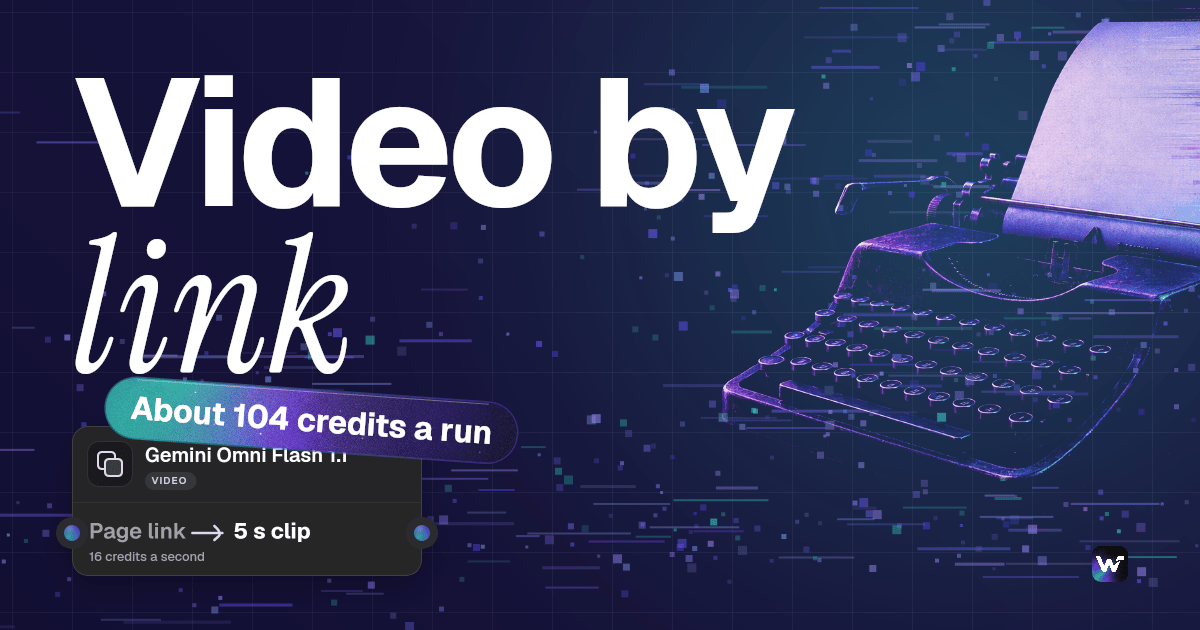
Paste a page link and get a short video, on a graph you can see.
Website Research reads the page, Website Screenshot grabs the frame, Run any LLM writes the script, ElevenLabs TTS voices it, and Gemini Omni Flash 1.1 makes the clip that Compose Launch Video lays together. One run is about 104 credits, roughly $1.41 on Starter. New accounts get a free video.
Free to build · no credit card · Read the agent docs · See how it works ↓
 Andrew Adams · Co-Founder & Operations at Wireflow ·
How to Use Link to Video Generator
Steps to get you started in Wireflow.
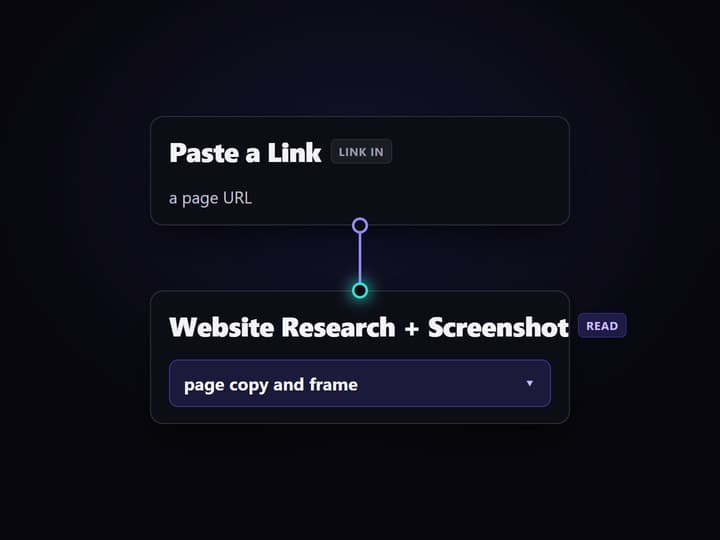
Paste your page link
Open the flow and paste a product or blog page URL into the Paste a Link node. Website Research reads the page copy and Website Screenshot captures the page as an image.
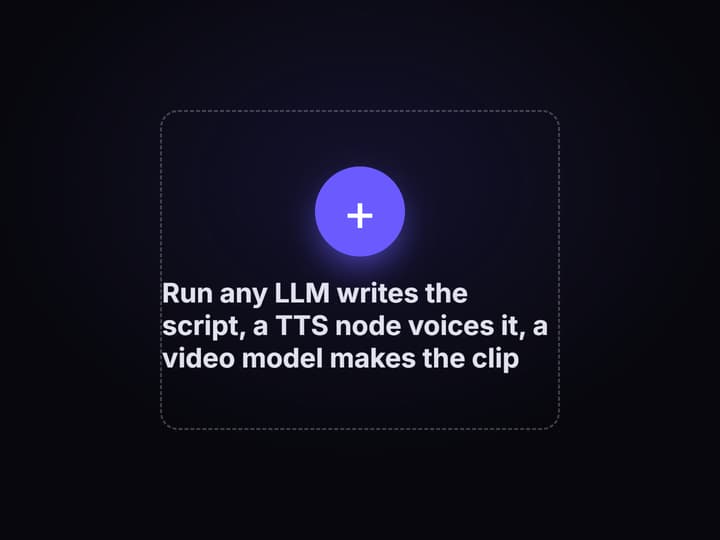
The script is written and voiced
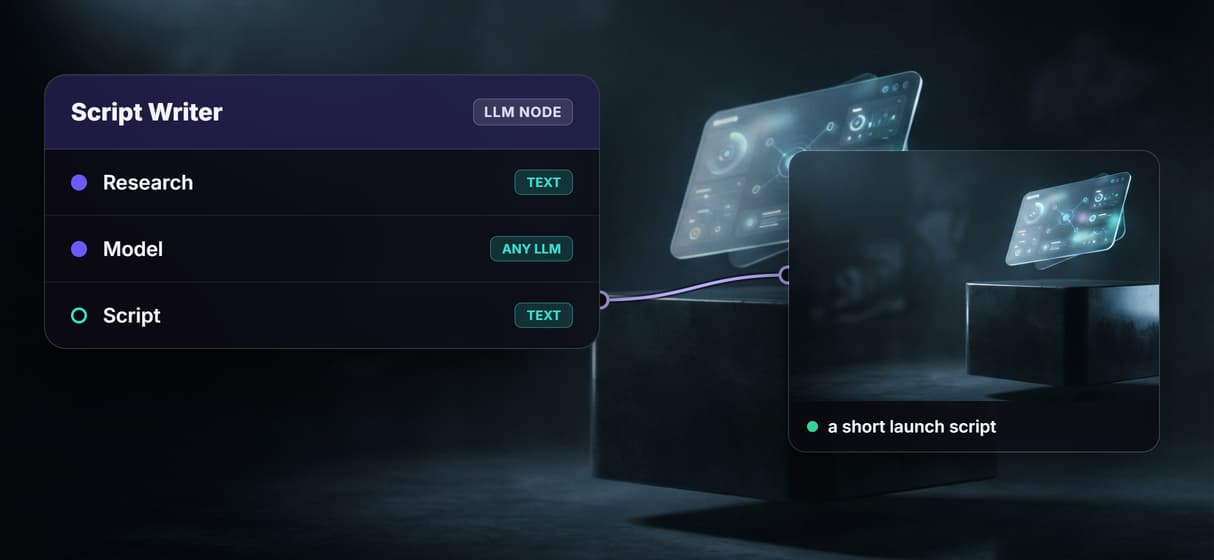
Script Writer, a Run any LLM node, turns the page research into a short launch script, and Voiceover, an ElevenLabs TTS node, reads the lines aloud.
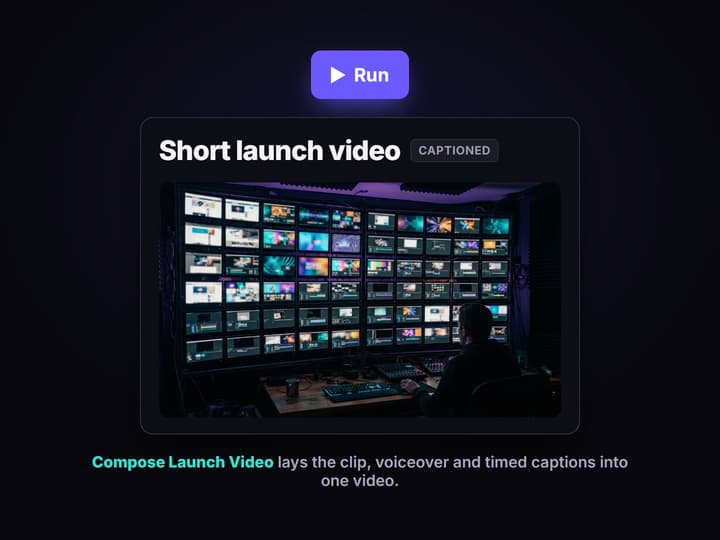
The clip renders and composes
Launch Clip, a Gemini Omni Flash 1.1 node, animates the page frame into a 5 second clip, and Compose Launch Video lays the clip, voiceover and captions into one video. Open the board to watch it, then copy the flow to rerun it.
More Than Just Link to Video Generator
Paste a link, get a finished video
Drop a product or blog page URL and this product video generator reads the page, writes the script, voices it and makes the clip in one run.
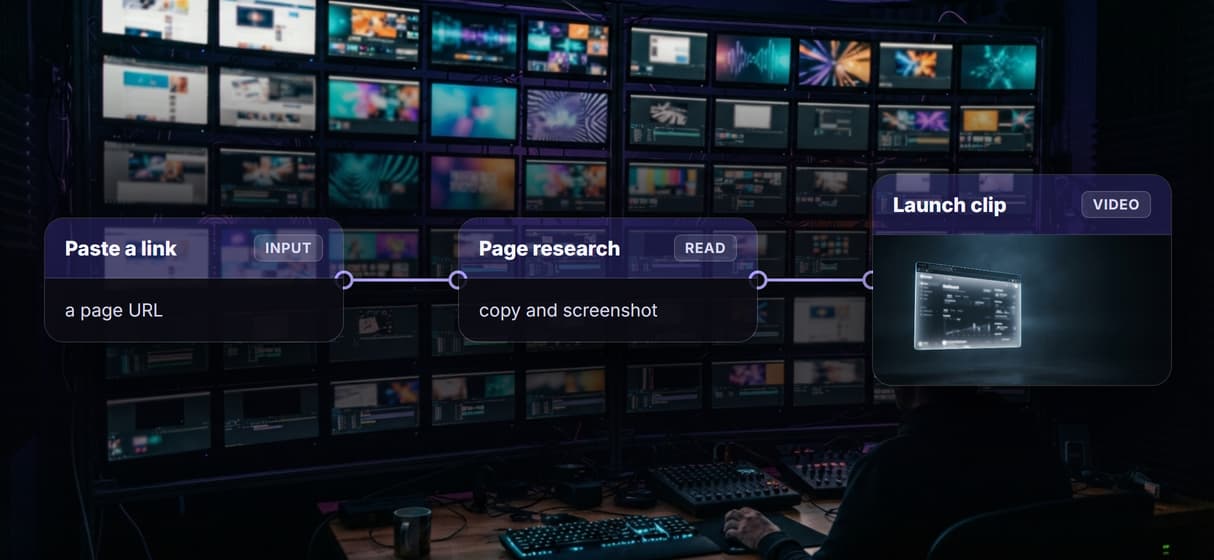
See the page before the clip renders
Website Research reads the page copy and Website Screenshot grabs the frame first, so the script and clip in this AI video workflow match the real page.
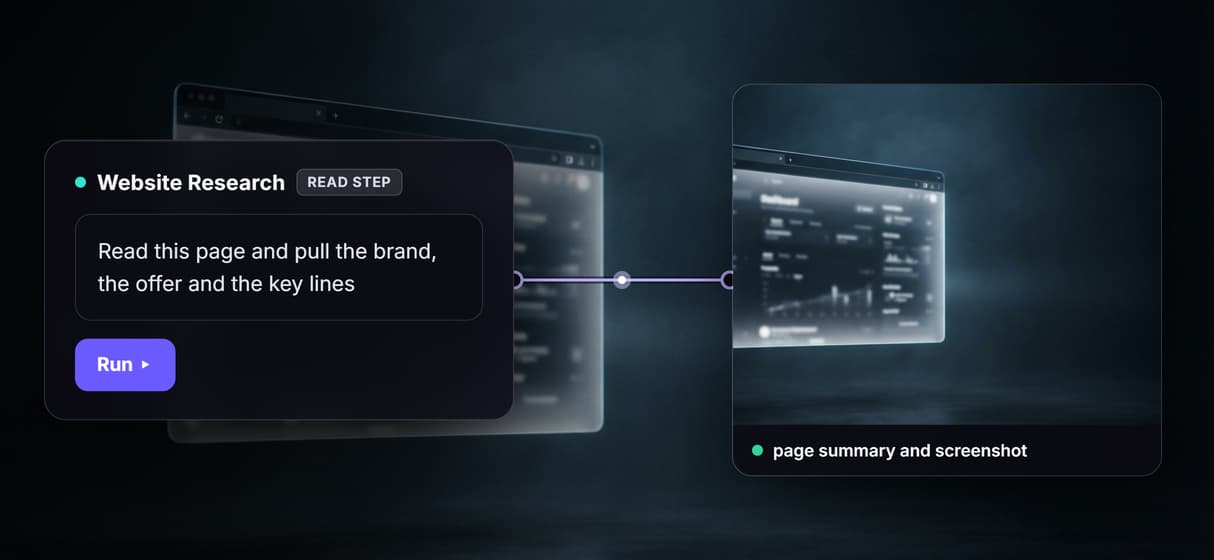
Swap the script and video models
Script Writer is a Run any LLM node and the clip is any video model, so you choose the voice of this node based video generation graph, not one locked avatar.
Run it from an agent or a script
The same graph is a REST endpoint and an MCP tool, so an AI video agent or a script can send a link and get the finished video back.
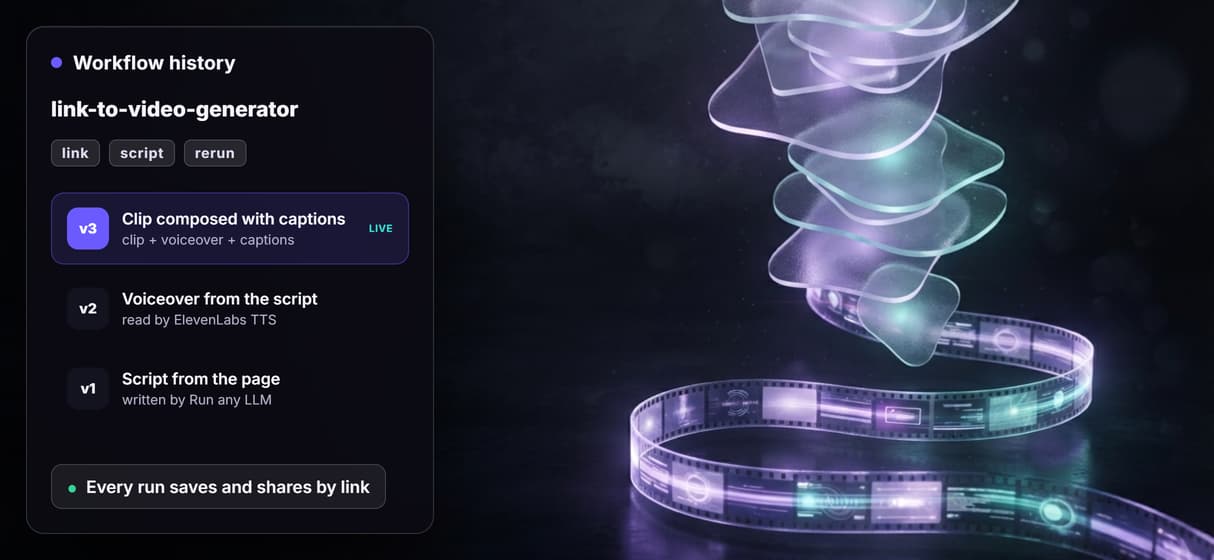
Pay per run, not per seat
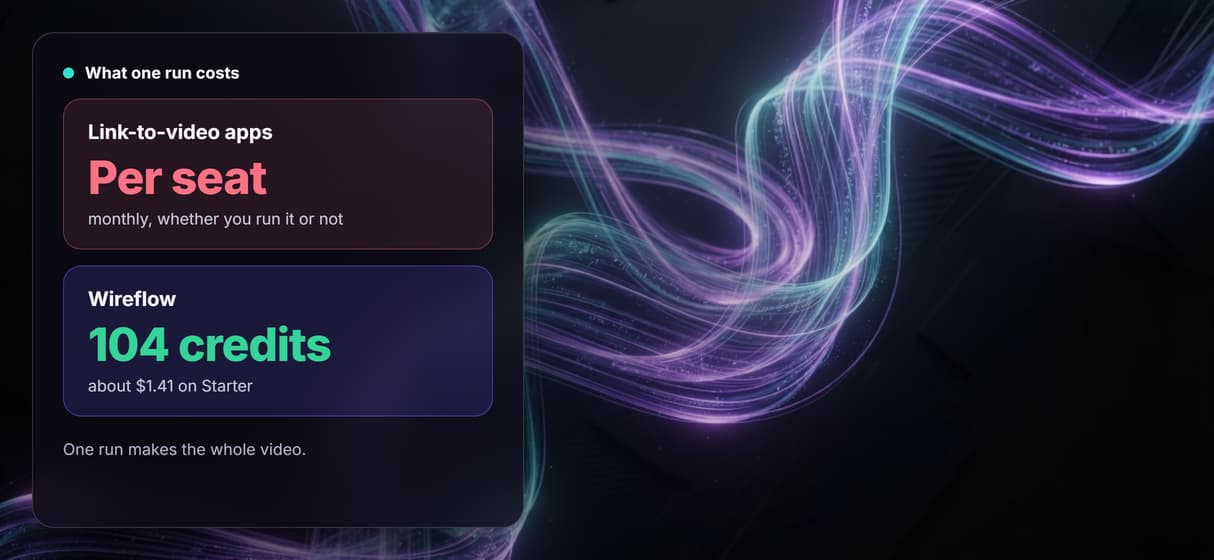
Building is free and each run is about 104 credits, roughly $1.41 on Starter, so a whole team pays per run. Try the free AI video generator online.
AI Models Available
Automate Any Workflow
Included in Every Plan
One real run, from a page link
Here is one real run of this generator. We pointed it at our own home page, wireflow.ai, as the link. Website Research read the page, Script Writer wrote a short script from it, and ElevenLabs TTS voiced the lines. These are the exact lines the script node wrote, with nothing edited:
Create ads and product photos in seconds with AI that understands your brand. Wireflow handles the creative work so you can focus on selling.
Open the board below to see every node, read the page research, and play the real voiceover the run produced. The 5 second clip and the final compose are left for you to run: video credits are the expensive part, so we do not spend them on a demo.
What goes in and what comes out
A page link goes in and a short video comes out, with every step a node on the same canvas. These are the nodes:
- Paste a Link. A text input node that holds the page URL.
- Website Research. Reads the page and returns a summary, the brand and the key copy.
- Website Screenshot. Captures the page as an image for the clip.
- Script Writer (Run any LLM). Turns the research into a short launch script; pick any model.
- Voiceover (ElevenLabs TTS). Reads the script aloud and returns word timings.
- Launch Clip (Gemini Omni Flash 1.1). Animates the page frame into a 5 second clip.
- Compose Launch Video. Lays the clip, voiceover and timed captions into one video.
Because every step is a node, this drops into a wider workflow. Point it at a product page and it is a product launch video maker that turns the page into a launch clip; skip the voiceover and it becomes a plain product video generator that ends at the clip.
What one run costs
One full run is about 104 credits: 22 for the Website Research, the Run any LLM script and the ElevenLabs TTS voiceover together, from the run receipt, and 80 for the 5 second Gemini Omni Flash 1.1 clip at 16 credits a second from the live models API. The Website Screenshot and the Compose Launch Video render are a few credits. The numbers are from a real run and the live rate card, not a list price.
On Starter, which is $36 a month for 2,660 credits, that is about $1.41 a run, roughly 25 runs a month. On Professional, which is $59 a month for 4,370 credits, it is about the same per run and roughly 42 runs a month. Building on the canvas is free, and new accounts get a free video.
Open the flow
Open the flow from the Open the Workflow button on this page. It opens the board logged out, with the page research, the written script and the voiceover from the run above, so you can see every node and its output before you sign in. Copy it to your account to run it on your own page link.
Run it from Claude
You can run this generator from Claude through the Wireflow connector. In Claude, open Customize, then Connectors, then Add custom connector, paste the address https://www.wireflow.ai/api/mcp, and sign in. The setup steps are in the Claude app docs.
Then give Claude this prompt:
Use Wireflow to turn a link into a short video. Use run_app on the published app link-to-video-generator-page-to-launch-clip-cmwsi93kh0 (flow cmwsi93kh002nl907z23ru48y): put my page link in paste_a_link. Send me the finished video. Tell me the credit cost and wait for my yes before you run it.
With that last line, Claude looks up the price and waits for your yes before it spends any credits.
Run it from the API
Every published Wireflow workflow is also a REST endpoint, so a script or an agent can send a page link and get the finished video back:
curl -X POST https://www.wireflow.ai/api/v1/workflows/cmwsi93kh002nl907z23ru48y/run \
-H "Authorization: Bearer $WIREFLOW_API_KEY" \
-H "Content-Type: application/json" \
-d '{"inputs":{"9400000000001":"YOUR_PAGE_LINK"}}'
The run route works on workflows you own: open the flow, copy it to your account, and use your copy's id. The POST returns 202 with an executionId; poll GET /api/v1/workflows/executions/{executionId}/poll, or pass a webhook. Full reference is in the run API docs.
What each node does
Paste a Link
A text input node that holds the page URL.
Website Research and Screenshot
Reads the page copy and captures the page as an image.
Run any LLM
Writes a short launch script from the research; pick any model.
ElevenLabs TTS
Reads the script aloud and returns word timings.
Gemini Omni Flash 1.1
Animates the page frame into a 5 second clip.
Compose Launch Video
Lays the clip, voiceover and captions into one video.
When another tool is the better fit
This makes the video from the page, it does not decide your pitch or edit the page copy; it reads what is there and turns it into a short clip. The script comes from the page, so a thin page gives a thin script; the better the page reads, the better the lines. One run makes one 5 second clip, and there is no talking presenter unless you add an avatar node. The clip animates the page frame, so it is a motion clip of your page, not a scene with new characters.
If you only want to drop a link into a fixed avatar template and get a talking-head read, a single-tool app is faster. Build here when you want a link turned into a script, a voiceover and a clip on a canvas you can see and rerun, and pair it with a UGC video generator when the job needs a spokesperson, or a video ad variant generator when you need many cuts from one link.
FAQs
It means a graph you run, not a black box. You paste a page URL, and Website Research, a Run any LLM script, an ElevenLabs voiceover and a Gemini Omni Flash 1.1 clip turn it into a short video on one canvas you can see and rerun.
Discover related AI tools
More From Wireflow
Written by
Andrew Adams · Co-Founder & Operations at Wireflow
Runs client operations and content strategy at Wireflow. Works directly with creative teams and agencies to build production AI workflows.
Turn your link into a video
Open the flow, paste a product or blog page link, and run it: Website Research reads the page, a Run any LLM node writes the script, ElevenLabs TTS voices it, and Gemini Omni Flash 1.1 makes the clip Compose Launch Video lays together. Building is free, and new accounts get a free video.