Features
Node Based Image Editor
Most editors hand you a panel of sliders.
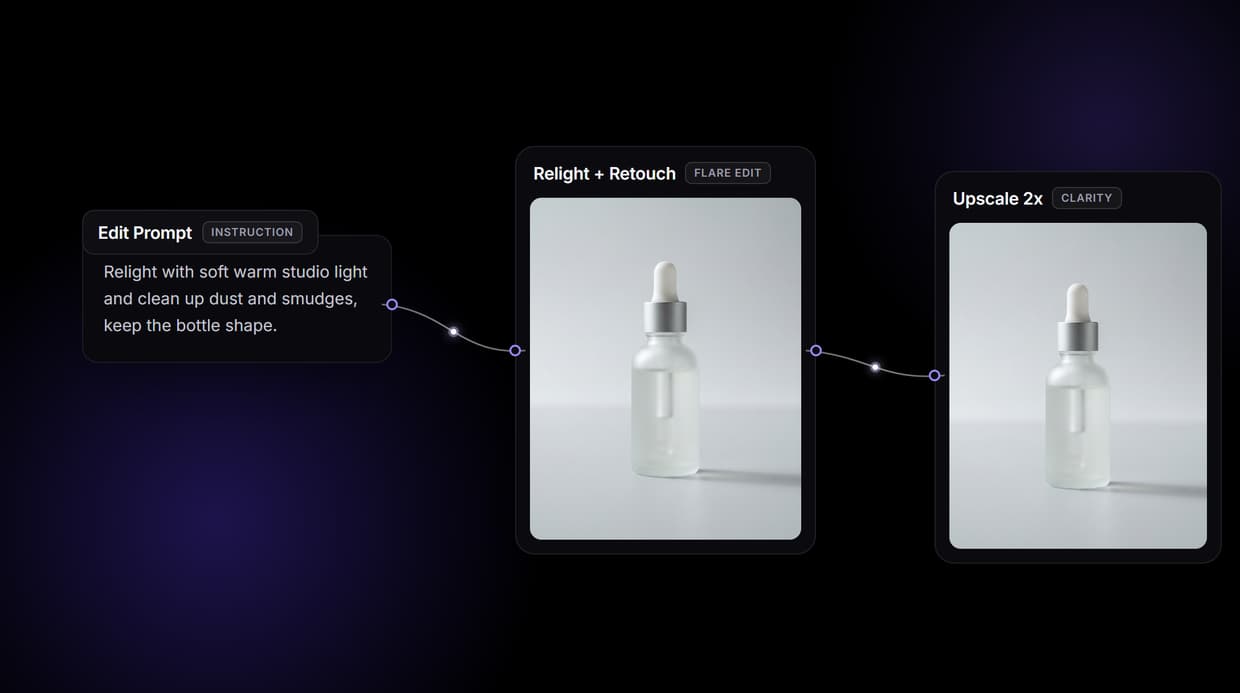
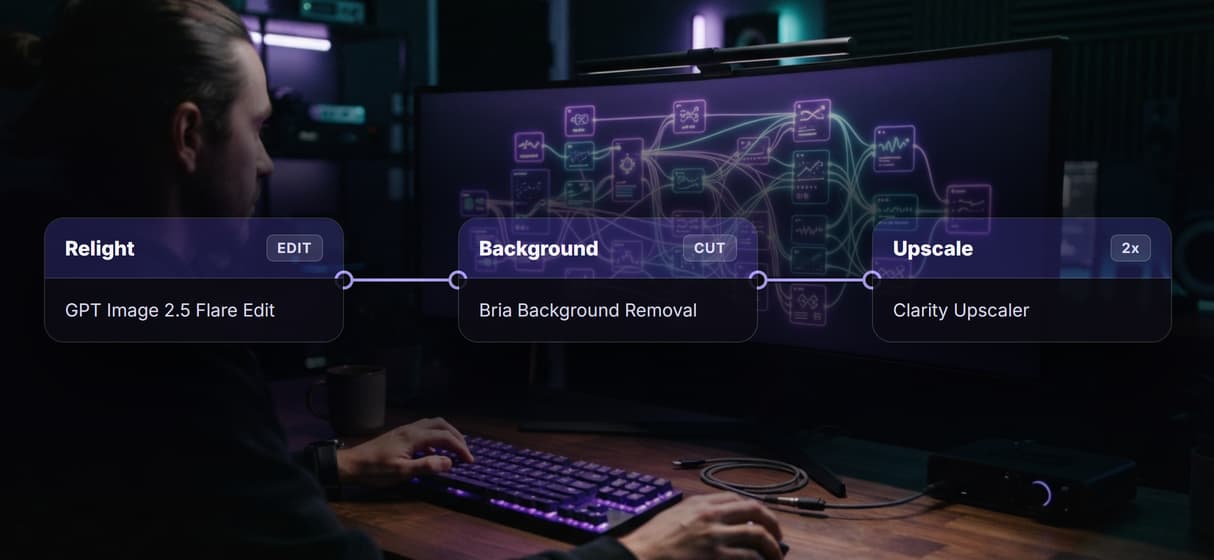
Wireflow hands you the editor as a node canvas: chain a relight and retouch node, a background remover and a 2x upscaler into one graph, then rerun it on the next photo or call it as an API. Building on the canvas is free; generations cost credits.
Free to build · no credit card · Read the agent docs · See how it works ↓
 Andrew Adams · Co-Founder & Operations at Wireflow ·
How to Use Node Based Image Editor
Steps to get you started in Wireflow.
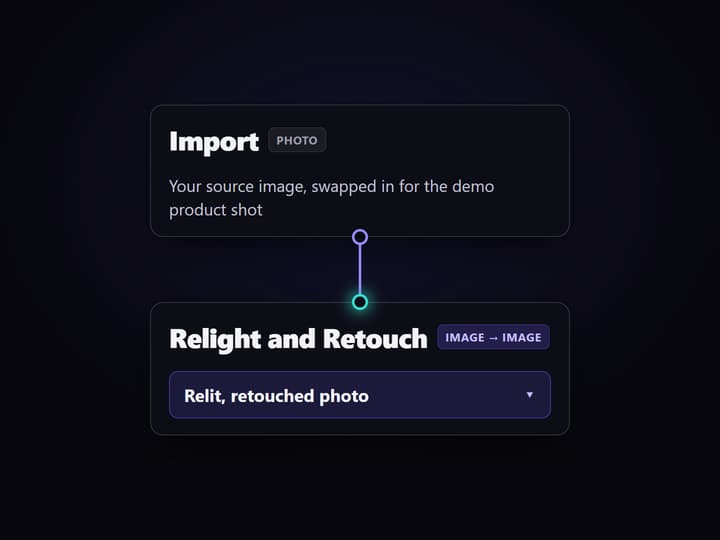
Drop your photo on the canvas
Open the flow and click the Import node, then swap the demo product photo for your own. The graph reads whatever image you load, at its own resolution.
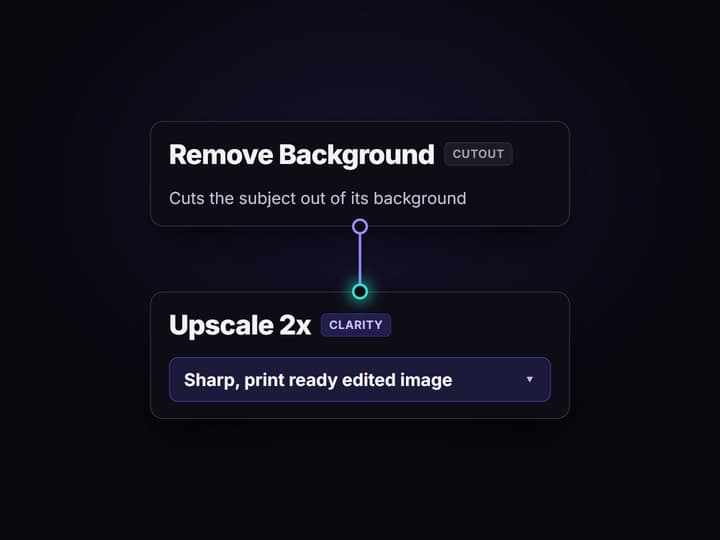
Chain the edit nodes you need
Wire the Relight and Retouch node into a background remover, then into a Clarity Upscaler at 2x. Each hop is a node you can reorder, swap, or delete.
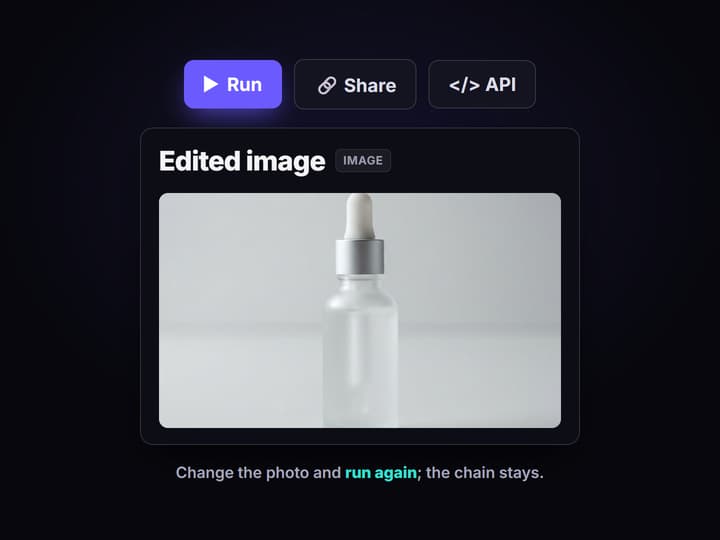
Run it, then reuse the chain
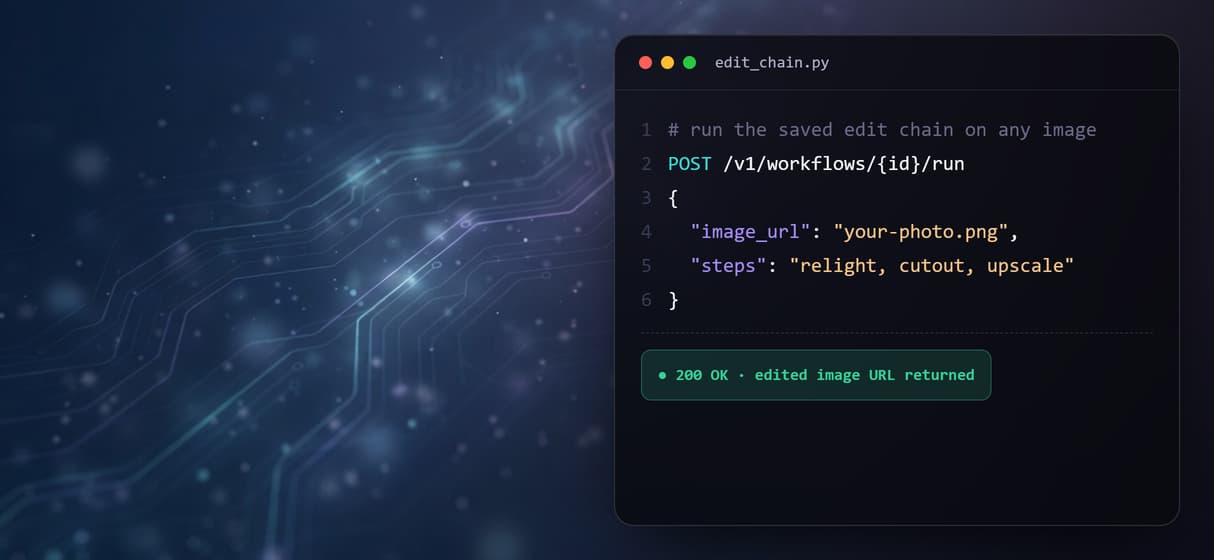
Run the graph once to see every stage, rerun it on the next photo, or call the saved chain as a REST endpoint or MCP tool to edit a whole folder.
More Than Just Node Based Image Editor
The editor is a node graph, not a slider panel
Every edit is a node you wire on an open visual AI canvas editor: drop in a photo, chain the steps, and watch each stage render as its own output.
Relight and retouch with a prompt
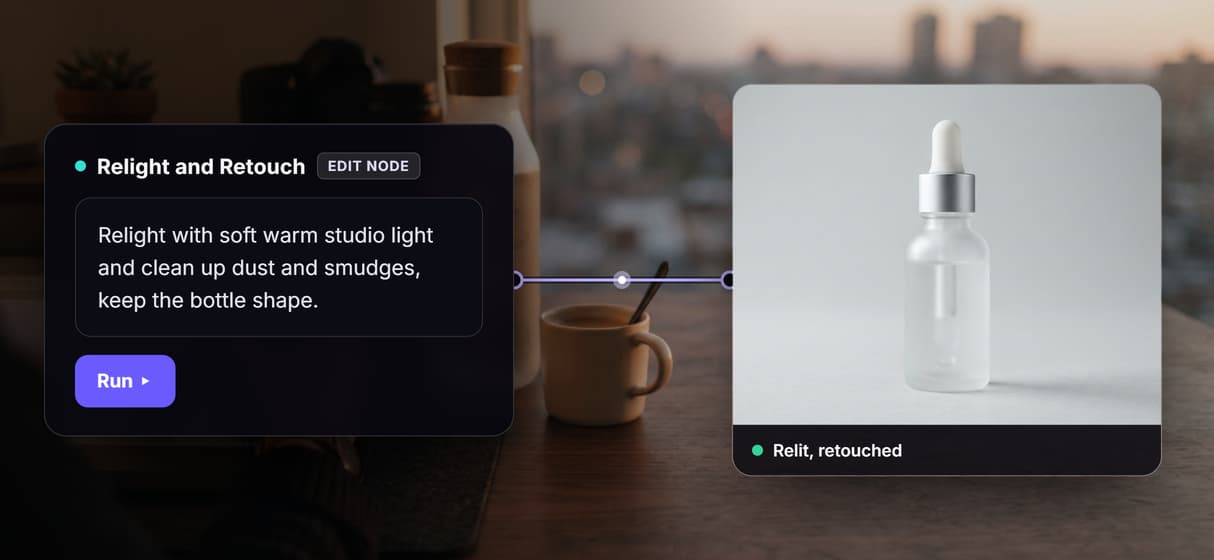
A prompt-driven edit node relights, cleans up and restyles a photo in place, the same on-canvas engine behind AI image restoration. When a portrait needs a new expression or a swapped identity rather than a simple relight, our look at apps that edit faces with AI shows which apps handle each of those jobs.
Background removal is one node
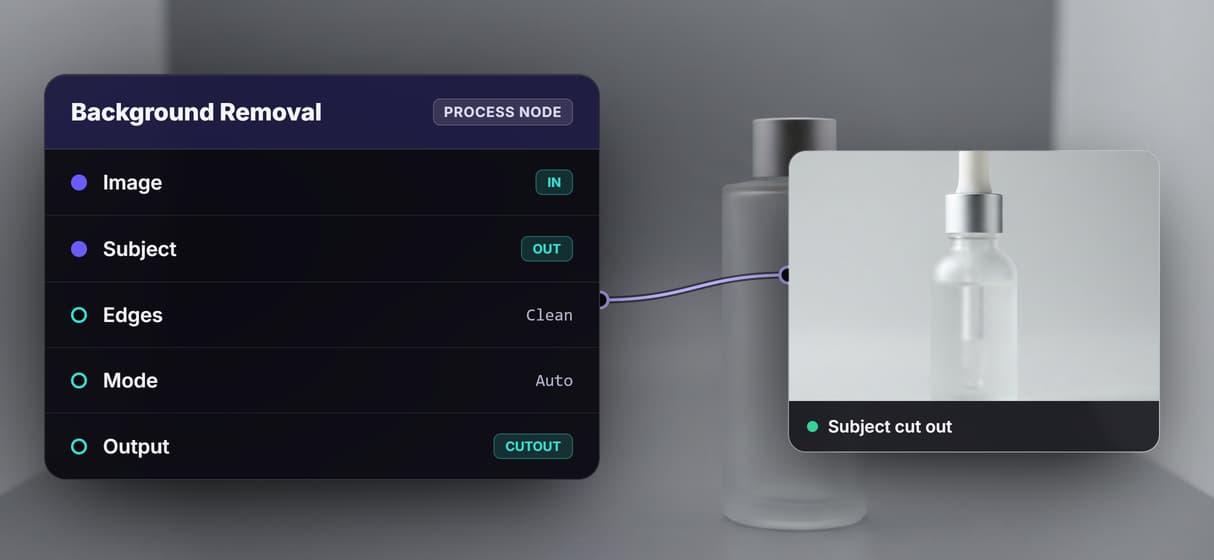
Drop a background remover node like Bria or BiRefNet into the chain and the subject comes out cleanly cut, ready to upscale or composite.
Upscaling lives at the end of the chain
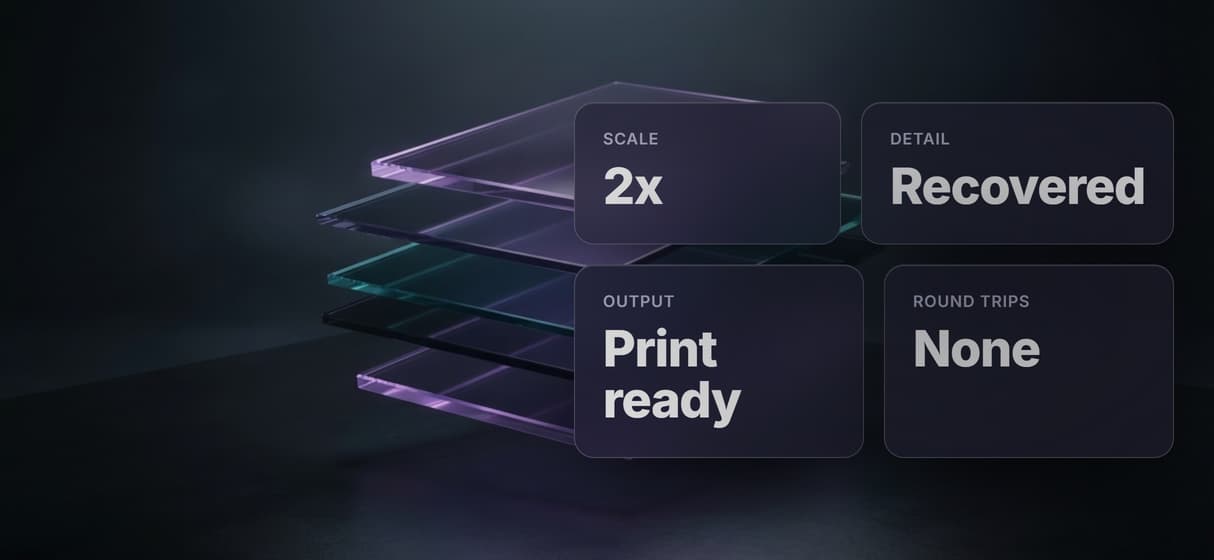
Finish with a Clarity upscaler or Topaz node at 2x, so the retouched image leaves the graph sharp and print ready instead of soft.
Each chain is an API and an MCP tool
Save the chain once and it becomes a reusable node editor with an API and an MCP tool, so an agent or script runs the same edits across a folder.
AI Models Available
Automate Any Workflow
Included in Every Plan
Why edit images on a node canvas
Most image editors are built around a single image and a wall of panels: sliders for light, a brush for cleanup, a separate tool for the background, another export dialog for size. It works for one photo. It falls apart the moment you have fifty product shots that all need the same four edits, because every change is a manual gesture you have to repeat by hand.
A node based image editor flips that. Each edit becomes a node on a canvas, wired into the next, so the sequence is the asset rather than the single output. Change the lighting node once and every image that flows through the graph gets the same treatment. Because each node shows its own result, the chain is non-destructive and easy to inspect, which is exactly how the stronger AI image editors compared this year are starting to work.
What goes in an editing chain
Import node
Load any photo as the source. Swap the demo image for your own and the whole chain reruns on it.
Relight and retouch
A GPT Image 2.5 Flare Edit node rewrites lighting and cleans up a shot from a plain text instruction.
Inpaint with a mask
Feed a mask into the edit node to repaint only part of the frame and leave the rest untouched.
Background removal
Bria, BiRefNet or Rembg nodes cut the subject from its background so the next hop gets a clean cutout.
Upscale
Clarity, Creative or Topaz Upscale nodes sharpen the final image at 2x without a round trip to another tool.
API and MCP
Every saved chain is a REST endpoint and an MCP tool, so code or an agent runs the same edits on demand.
The chain behind this page's button
The workflow wired to this page is a small, honest editing chain, four working nodes you can open and change:
- Import holds a demo product photo. Swap it for your own and nothing else has to move.
- Relight and Retouch (GPT Image 2.5 Flare Edit) reads a short instruction and the imported image, then returns it relit and cleaned up.
- Remove Background (Bria Background Removal) cuts the subject out so it drops onto any backdrop.
- Upscale 2x (Clarity Upscaler) finishes the pass sharp. You can swap it for Topaz or Creative Upscaler.
Editing is the job here: it starts from an image you already have. When you need a brand new image rather than an edit of an existing one, that is a different graph. Start on node-based image generation to make the picture from a prompt, then bring the result back into this editor to relight, clean up and upscale it. One canvas holds 100+ models, so both chains live side by side.
When a node based image editor is the wrong tool
This is the generation and editing layer, not a manual design app. There is no mouse-driven pixel pushing, no freehand brush you drag by hand, no typography or vector suite. If your work is laying out a poster, hand-painting a mask pixel by pixel, or nudging type, a classic editor like Photoshop is the better seat and this page will not pretend otherwise.
Where the node canvas wins is repeatable, model-driven edits across many images: relight, retouch, cut out, upscale, done the same way every time and callable from code. It edits images you already have rather than drawing from scratch, and every run costs credits. If you mostly want to make the same edits inside your own tools, see how teams edit images in Claude through the same workflows.
FAQs
It is an image editor where each edit is a node on a canvas instead of a tool in a panel. You wire an image through a chain of nodes, and each node shows its own output, so the sequence is reusable and non-destructive.
Discover related AI tools
- AI Image Upscaler: Upscale to 4K in a Visual Workflow
- AI Background Remover
- AI Image Generator: Flow-Based Canvas, 31 Models
- ComfyUI Alternative
- AI Face Swap Online: Photos and Video in Your Browser
- Virtual Try On
- AI Thumbnail Generator
- AI Photo Generator
- AI Image Editor
- AI Art Generator
- Midjourney Alternative
- AI Headshot Generator
More From Wireflow
Written by
Andrew Adams · Co-Founder & Operations at Wireflow
Runs client operations and content strategy at Wireflow. Works directly with creative teams and agencies to build production AI workflows.
Open the editor canvas
Open the flow, swap in your own photo, and run the chain: relight, retouch, remove the background and upscale 2x in one graph. Building is free; you pay per generation.