 Andrew Adams · Co-Founder & Operations at Wireflow ·
 Remotion Without Self Hosting
Remotion renders video from code, but you have to host the renderer yourself: Lambda in your own AWS account, Cloud Run, or a server you keep running.
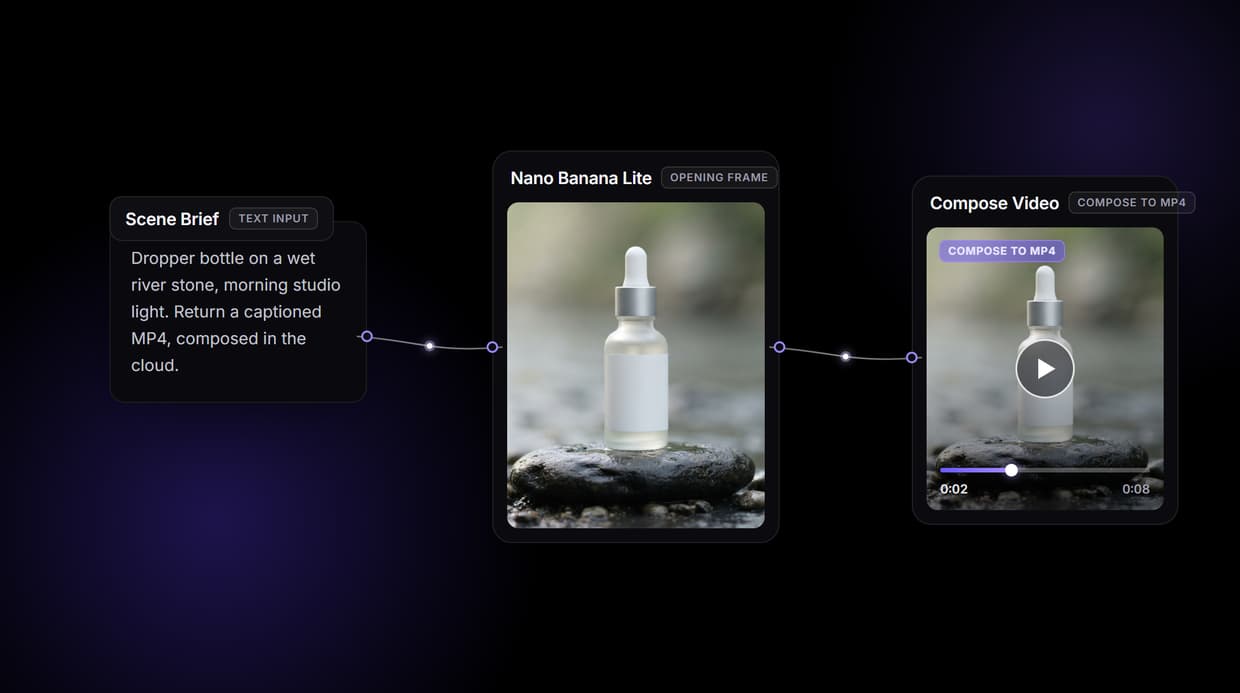
Wireflow runs that compose step on hosted compute instead. Wire a scene brief into Nano Banana Lite for the opening frame, Seedance 2.0 for the clip, and Compose Video for the finished MP4, all from one canvas that also runs as a REST endpoint. Free to build, pay only per generation.
Free to build · no credit card · See how it works ↓
How to Use Remotion Without Self Hosting
Steps to get you started in Wireflow.
Write the scene brief in one node
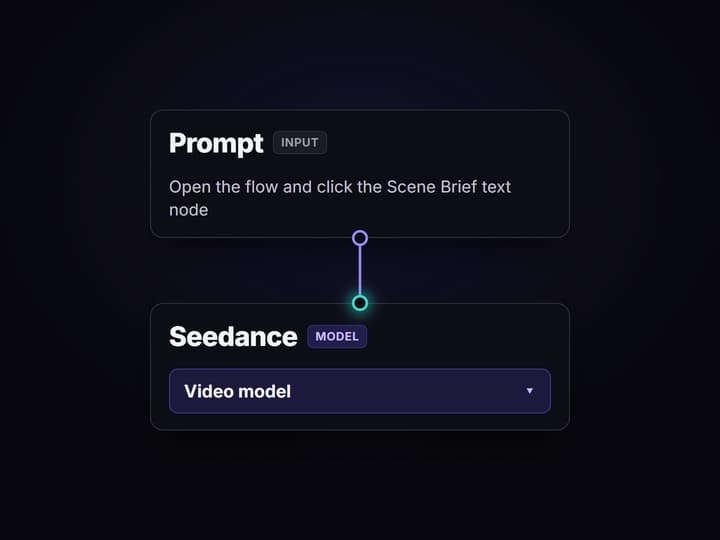
Open the flow and click the Scene Brief text node. One sentence sets the shot: the subject, the setting, and the light, for example a glass dropper bottle on a wet river stone in morning studio light.
Run the graph once
Nano Banana Lite renders a 16:9 opening frame, Seedance 2.0 animates that frame into a clip, and Compose Video assembles the captioned MP4 on hosted compute, no render farm to provision.
Run it again from code
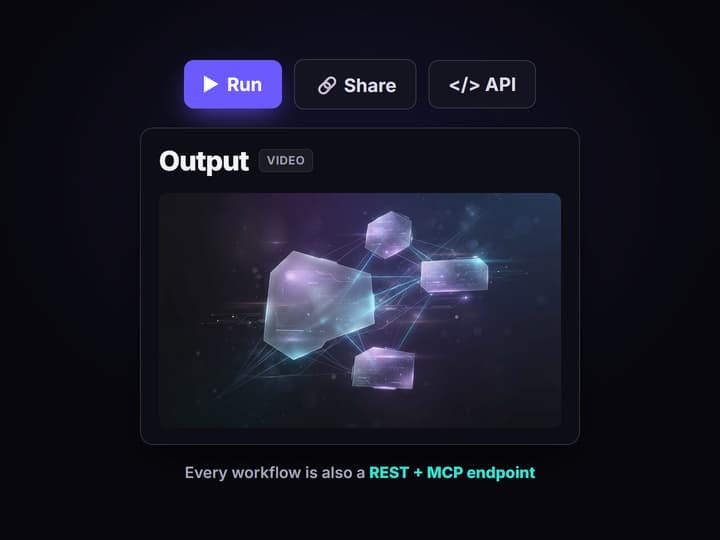
Publish the flow and it becomes a REST endpoint and an MCP tool. Send a new brief from a script or an agent and get the finished clip URL back, no Lambda deploy to babysit.
Why developers want Remotion without self hosting
Remotion is a clean idea: describe a video as React components and render it programmatically. The catch is the render. Remotion does not offer a hosted rendering service, so getting a finished MP4 in production means you host the renderer yourself: @remotion/lambda in your own AWS account, an experimental Cloud Run package, Vercel Sandbox, or a server you keep running. You own the cold starts, the concurrency, the bill, and the pipeline that serves the output. That is fine when a React codebase and pixel-exact control are the point, and heavy the moment you just want a clip back from an API call.
Wireflow keeps the programmatic model and drops the infrastructure. Instead of a React project you deploy, a clip is a small workflow you design on a node canvas: a Scene Brief text node feeds Nano Banana Lite for the opening frame, Seedance 2.0 animates that frame into motion, and Compose Video assembles the MP4 with a caption. It runs on hosted compute in the browser, nothing to install or keep up, and the same canvas drives every other AI video generator job your team has.
What replaces the render farm
Scene brief intake
A Text Input node holds the brief in plain words. Change the sentence and rerun; the graph never moves.
Generated frames
Nano Banana Lite renders the 16:9 opening still that sets subject, framing, and light before motion.
Generated motion
Seedance 2.0 animates the frame into a clip driven by the same brief, not a template over stock.
Compose Video assemble
The final node stitches the clip and burns in captions on hosted compute, no Lambda render needed.
REST endpoint and MCP
Publish the flow and it becomes a REST endpoint and an MCP tool; call it from a script or an agent.
Rerun and swap
Workflows are versioned and shareable by link; swap the video node as better models ship.
How the graph behind this page runs
The workflow behind this page's button is deliberately small: a scene brief, a frame, a clip, and a compose step.
- Scene Brief holds the words. One sentence about the subject, the setting, and the light is enough; a sticky note in the flow walks a first run through it.
- Nano Banana Lite renders the frame. The brief becomes a 16:9 opening still, so you approve the look before paying for motion.
- Seedance 2.0 animates it. The video node reads the frame and returns a short clip; like every video node here it is left for you to run, since motion models are metered.
- Compose Video assembles the MP4. The clip routes into the assemble node, which burns in a lower third caption and an outro card, never a raw concat.
The detail worth copying is where the compute lives: none of it runs on your machine or in your AWS account. The graph executes on hosted compute, and because it sits among 70+ hosted model nodes, the clip can roll straight into a longer node based video generation chain, Topaz upscaling included, without a server to keep alive.
When self hosted Remotion is still the right call
If your video is a React codebase, hundreds of TSX components, data-bound layouts, frame-exact timing you control down to the pixel, then Remotion is the right tool and hosting it yourself is the price of that control. Wireflow will not run your Remotion project, import your compositions, or give you arbitrary React scenes, and this page will not pretend otherwise. When the composition logic itself is the product, or an on-prem or data residency mandate rules out hosted compute, keep the renderer in your own account.
Wireflow is the generation and assembly layer, not a React runtime: it composes generated clips plus captions, audio, and overlays, not custom JSX. What it offers instead is generated footage, a visual canvas that also runs as a REST endpoint and an MCP tool, and per generation pricing with nothing to keep up between renders. If you mostly want finished clips back without owning a render farm, build here, and reach for a programmatic video generation platform when you need to run it at scale.
More Than Just Remotion Without Self Hosting
Compose in the cloud, no render farm
Compose Video stitches the clip and burns captions on hosted compute, so there is no Lambda or FFmpeg server to run. It is a real AI video pipeline, no ops.
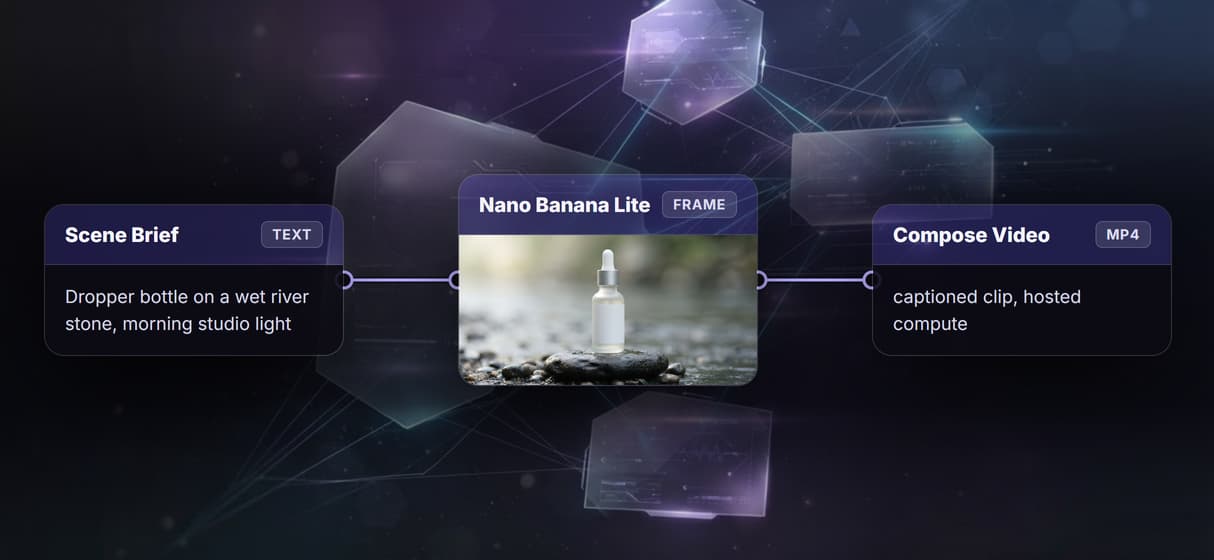
Keep the programmatic model, drop the ops
You still describe scenes and a compose step, but the graph is the code and Wireflow runs it, a durable AI video workflow with no server to patch.
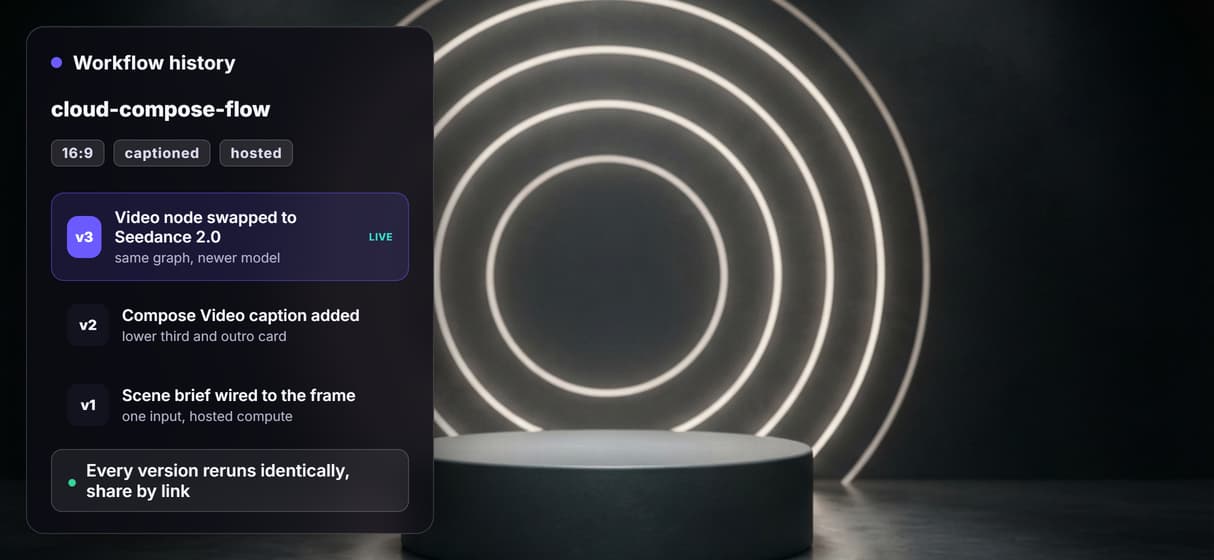
One graph, canvas and REST endpoint
See every hop on a canvas, then publish and call the same graph from code, an AI canvas with REST API where prototype and production share one pipeline.
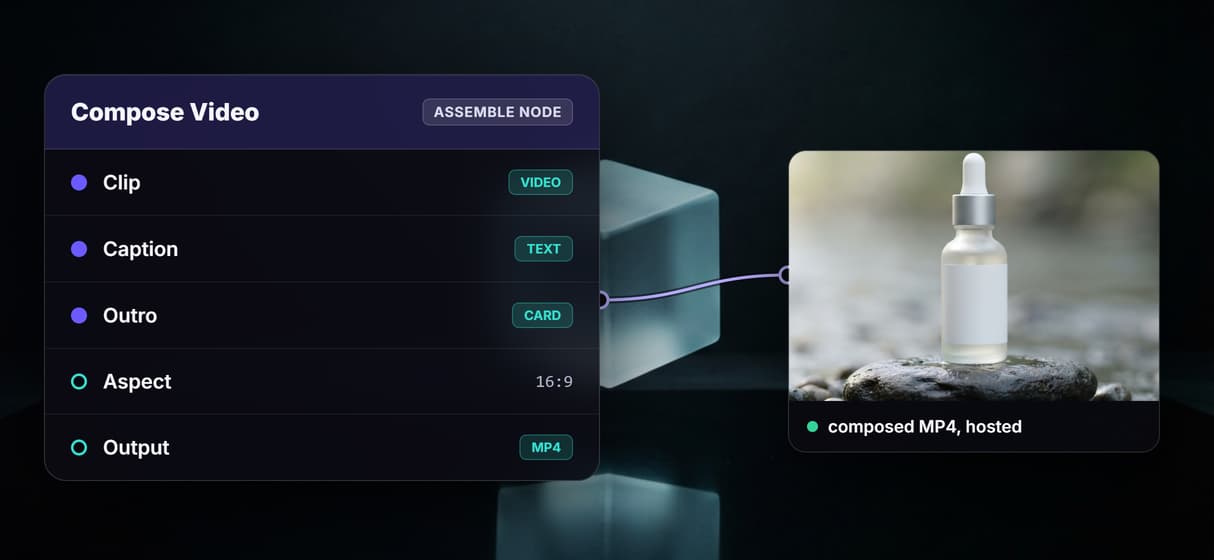
Generate the footage, then compose it
Nano Banana Lite poses a 16:9 frame and Seedance 2.0 animates it, so the clip is generated image to video AI, not stock composited under an overlay.
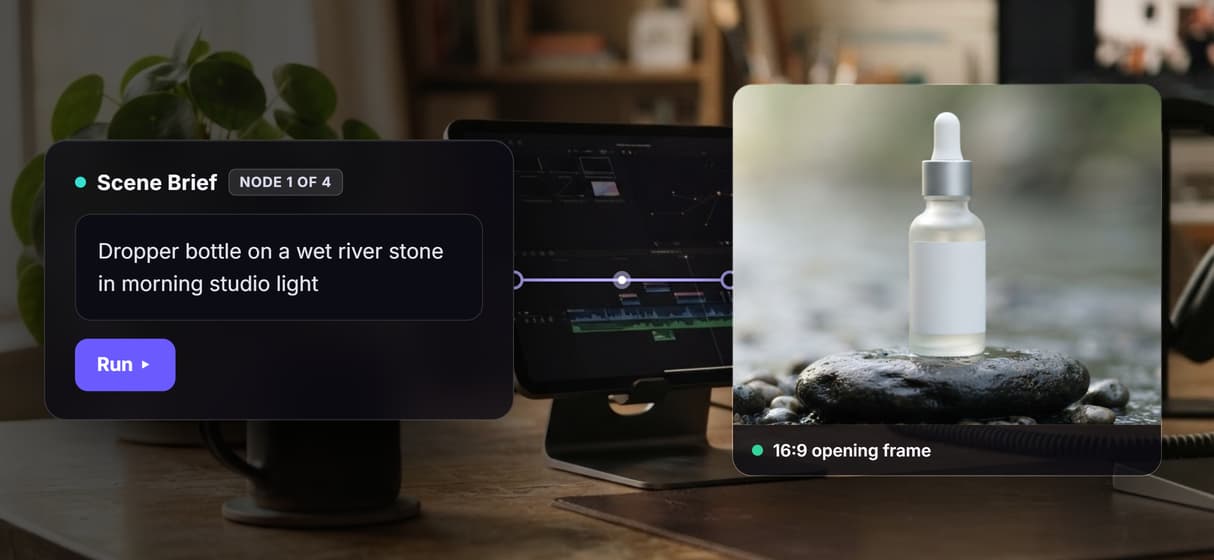
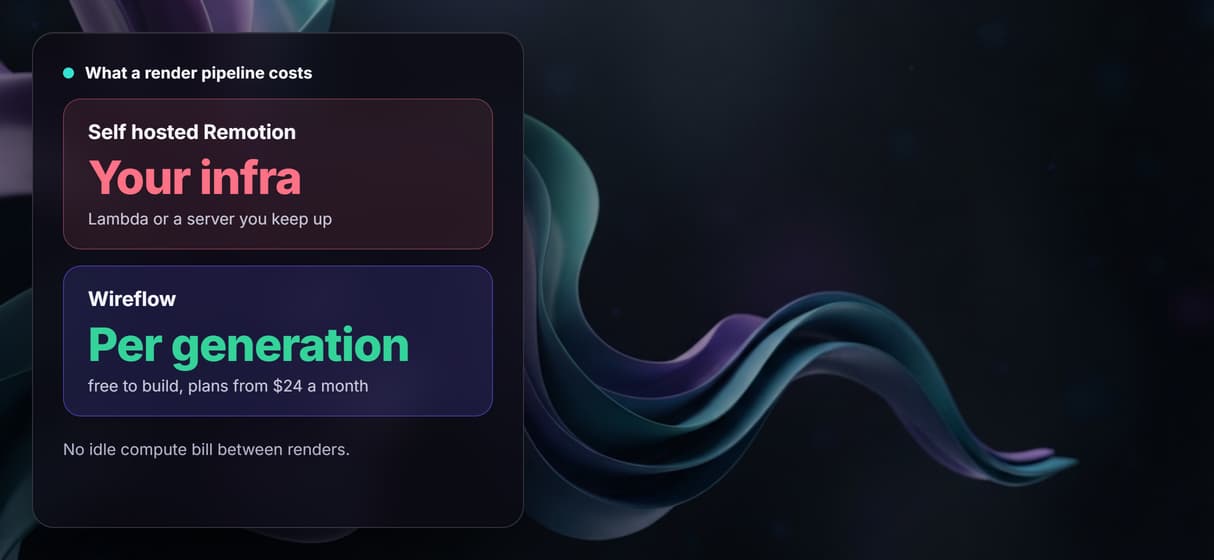
Pay per generation, no idle bill
Building is free and generations are metered, so no Lambda cost sits idle between renders. Start on the free AI video generator online and pay when you run.
Build Any AI Workflow
AI Models Integrated
Full Commercial License
FAQs
Remotion itself does not offer a hosted rendering service, so with Remotion you host the renderer yourself, for example @remotion/lambda in your own AWS account or a server you keep up. If you want the programmatic model without that infrastructure, Wireflow composes video on hosted compute instead: a scene brief in, a generated frame, a Seedance 2.0 clip, and a composed MP4 out, priced per generation.
Discover related AI tools
- AI Video Generator: 12 Video Models, One Canvas (2026) | Wireflow
- TapNow AI Alternative
- Opencreator AI Alternative
- AI Video Workflow
- AI UGC Workflow
- Faceless AI Video Generator
- Text to Video
- Text to Video AI
- Happy Horse 1.0
- Free AI Video Generator Online
- Best AI Video Generators 2026
- Video Maker: One Prompt to a Finished Clip on a Canvas
More From Wireflow
Written by
Andrew Adams · Co-Founder & Operations at Wireflow
Runs client operations and content strategy at Wireflow. Works directly with creative teams and agencies to build production AI workflows.
Compose the video, do not host the renderer
Open the flow, write one scene brief, and run it: a frame, a clip, and a composed MP4 from one graph on hosted compute. Building is free; you pay per generation, and the same graph runs as a REST endpoint.