How to Remove a Watermark From an AI Video

In this article▾
Two ways to get a clean export. Clean up the file you already have with inpainting, or re-generate on a tool that never burns in a logo. Step by step, with the tools for each.
How to Remove a Watermark From Your Own AI Video
Three approaches work, in this order of quality:
- Re-export on a plan that does not watermark. Most tools burn the mark in at render time on the free tier. Upgrading and re-running the same prompt gives you a clean master instead of a repaired copy, which is always the better file.
- Crop or reframe. If the mark sits in a corner and your delivery format is vertical or square anyway, a crop removes it without touching a single pixel of the subject. You lose some frame, you lose no quality.
- Generative fill or inpainting. An editor that paints over the marked region frame by frame can erase a static logo. It works best on a still background and struggles when the footage moves under the mark.
One caveat worth stating plainly: this applies to videos you generated yourself on a plan that lets you use the output. Stripping a watermark from someone else's footage, or from a plan whose terms require attribution, is a licence violation, not a workflow.
The cleaner fix is to not create the problem. The rest of this guide covers the generators that export without a watermark.
Build this in Wireflow
Make the same kind of asset on a canvas you control, with a free account and no credit card.
Quick Summary
- Wireflow - Best overall for multi-model video workflows
- Kling AI - Best for long-form video (up to 3 minutes)
- Runway Gen-4 - Best professional editing suite
- Pika - Best for creative effects and social content
- Luma Dream Machine - Best for photorealistic motion
- Hailuo AI - Best for natural human motion
- Pixverse - Best for stylized and anime content
- Google Veo 3 - Best for audio-synced video
1. Wireflow

Wireflow takes a different approach to AI video generation. Instead of a single model behind a simple prompt box, it lets you chain multiple AI models into a visual workflow. You can connect a text-to-image generator like Recraft V4 to a video model like Kling or Veo 3, then add upscaling or style transfer as additional steps. All outputs are watermark-free on every plan.
For a hands-on look at this in action, check out the AI video generator no watermark feature page.
The visual node editor makes it straightforward to build reusable templates for repeating tasks. If you produce weekly social content, you can set up a workflow once and swap the text prompt each time. Pricing starts with a free tier that includes limited credits, with paid plans scaling based on compute usage.
Key features:
- Visual node-based workflow editor with drag-and-drop connections
- Support for 20+ AI models including Kling, Veo 3, Recraft, and Flux
- Watermark-free output on all tiers
- Batch generation for producing multiple videos from a single workflow
2. Kling AI
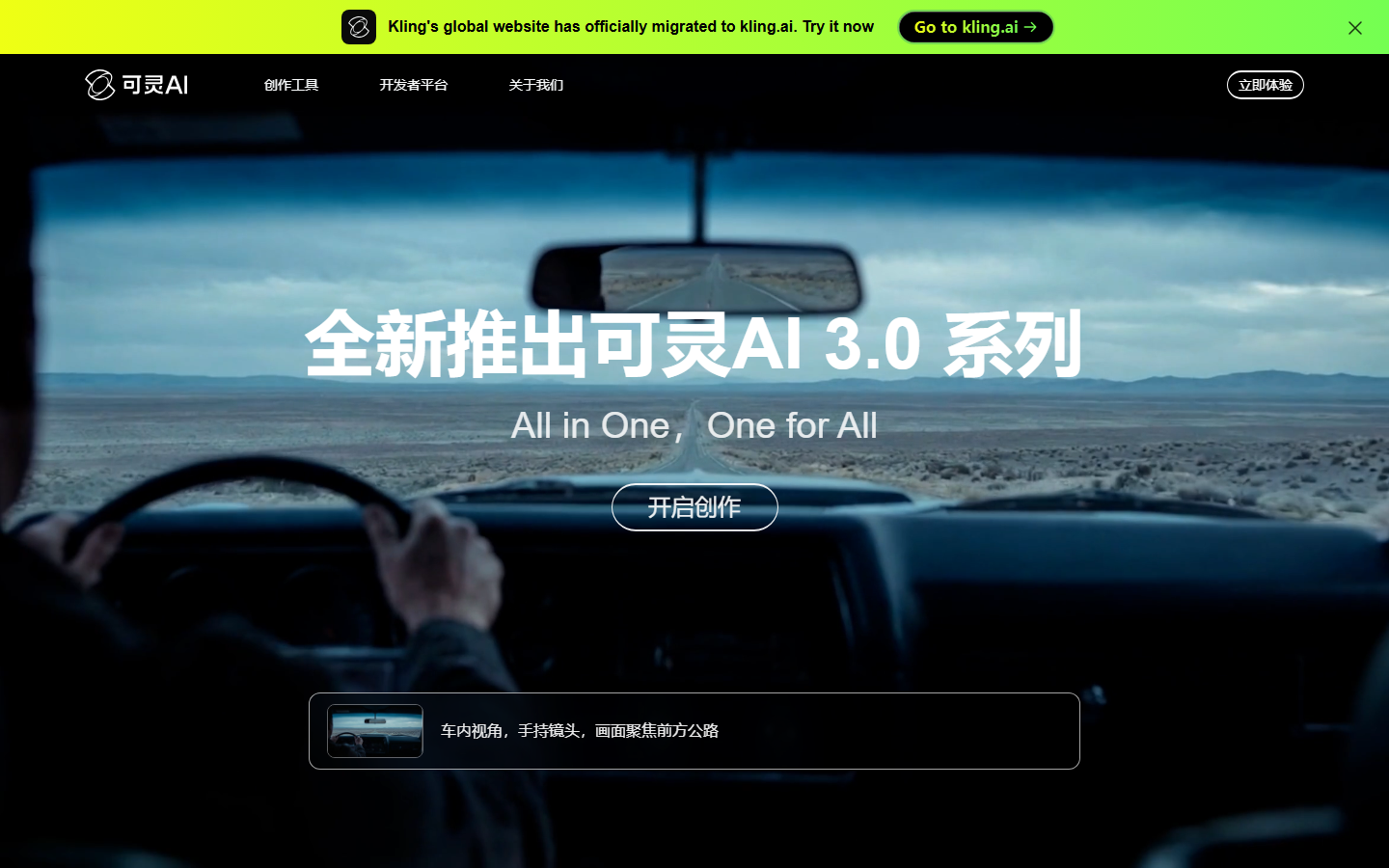
Kling AI, developed by Kuaishou, stands out for its ability to generate videos up to three minutes long, which is considerably longer than most competitors. The free tier provides 66 daily credits but adds a watermark and limits resolution to 720p. Removing the watermark requires a paid plan starting at roughly $10 per month.
The platform supports both text-to-video and image-to-video conversion, with a motion brush tool that lets you define specific movement paths within a scene. Lip sync capabilities make it useful for talking-head content. On paid tiers, output resolution reaches 1080p with options for extended duration clips.
Pricing for watermark-free output: Standard plan at ~$10/month (660 credits), Pro at ~$37/month, Premier at ~$92/month.
3. Runway Gen-4
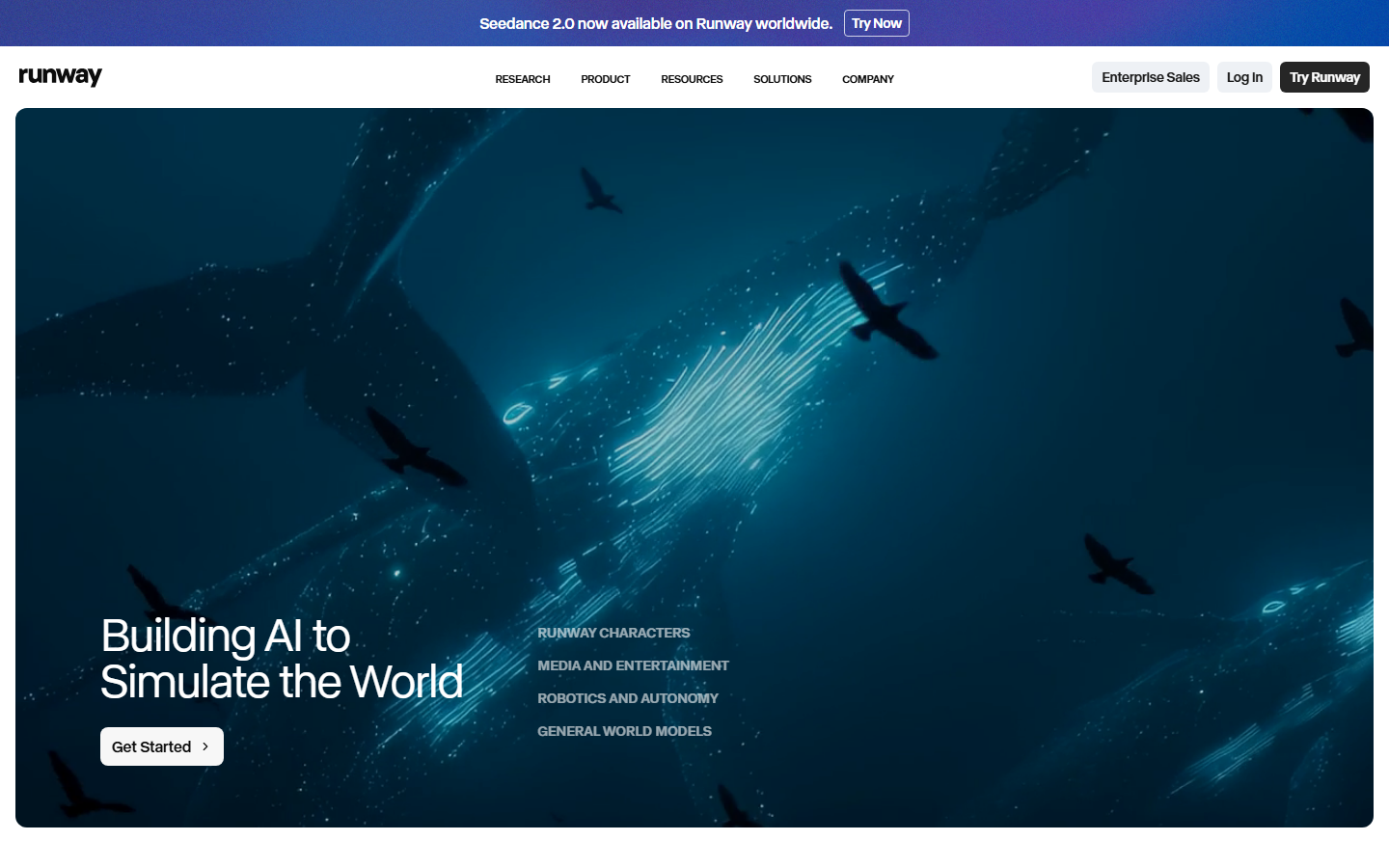
Runway has been one of the most recognized names in AI video generation since its early Gen-1 model. The current Gen-4 and Gen-4 Turbo models offer improved motion coherence, multi-image prompting, and camera controls. The free tier gives 125 one-time credits with watermarked output at 720p.
Watermark removal starts with the Standard plan at $12 per month, which includes 625 credits. Higher tiers unlock 4K upscaling and faster generation speeds. The built-in editing suite includes tools for inpainting, outpainting, and frame interpolation, making Runway a strong choice for creators who need post-processing alongside generation.
Pricing for watermark-free output: Standard at $12/month, Pro at $28/month, Unlimited at $76/month.
4. Pika
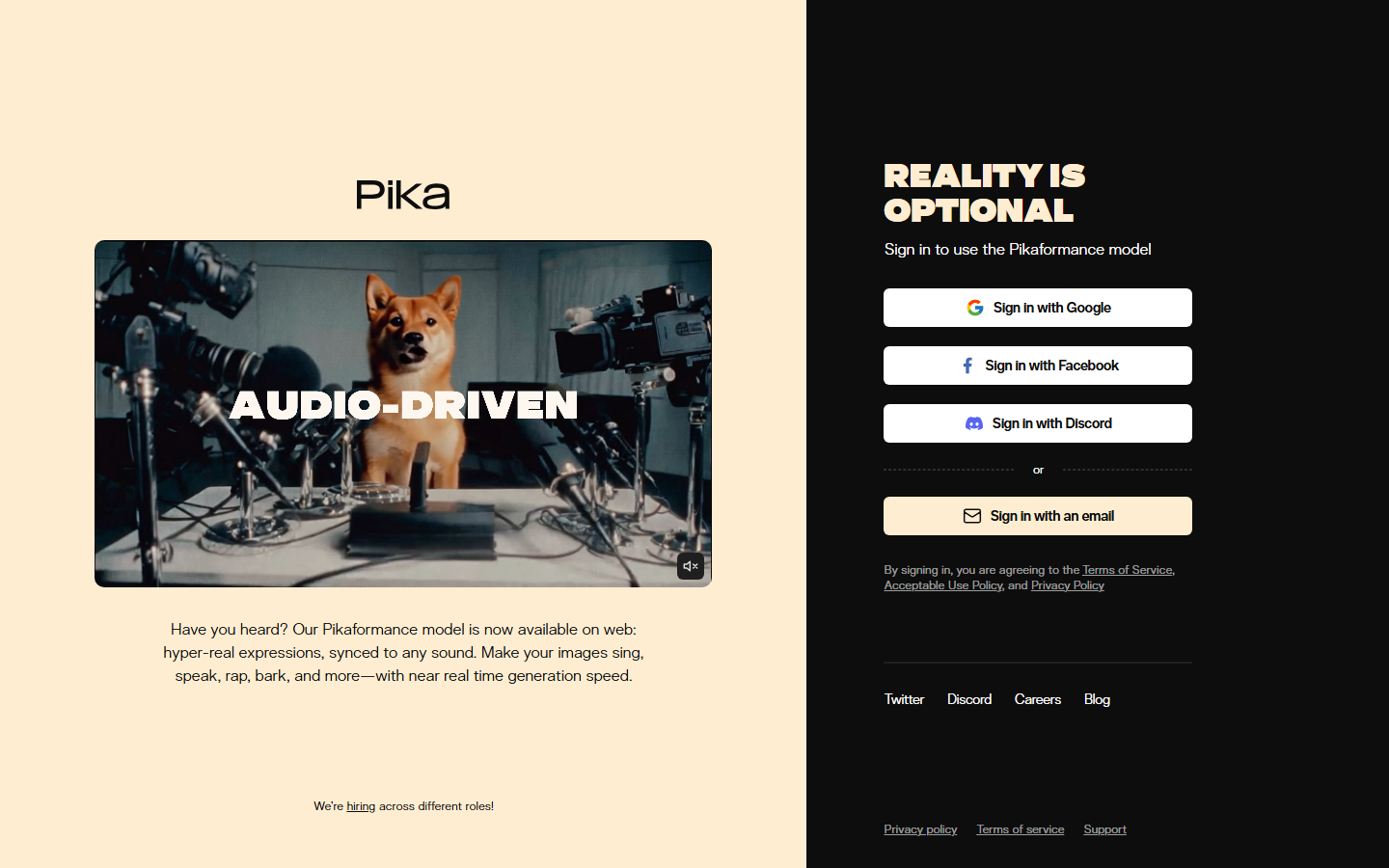
Pika focuses on creative and social-media-friendly video generation. Its "Pikaffects" feature lets you apply dramatic visual effects like explosions, melting, or inflation to existing footage or generated clips. The free tier offers 80 monthly credits with watermarked 480p output.
The Standard plan at $28 per month removes the watermark and bumps resolution to higher quality, along with 700 monthly credits. Pika supports text-to-video, image-to-video, and video-to-video transformations. Its lip sync feature and built-in aspect ratio presets for TikTok, Instagram Reels, and YouTube Shorts make it practical for social content creation.
Pricing for watermark-free output: Standard at $28/month, Pro at $76/month.
5. Luma Dream Machine

Luma Dream Machine excels at photorealistic physics simulation. Objects in generated videos tend to move with natural weight and momentum, which sets it apart from competitors that sometimes produce floaty or unnatural motion. The free tier includes about 30 monthly generations with watermarks and no commercial use rights.
Watermark-free output with commercial licensing starts at $29.99 per month on the Plus plan, which includes 10,000 credits. The platform handles both text-to-video and image-to-video tasks. Its artistic style output is particularly strong for abstract and creative projects where photorealism is not the primary goal.
Pricing for watermark-free output: Plus at $29.99/month, Unlimited at ~$99.99/month.
6. Hailuo AI (MiniMax)
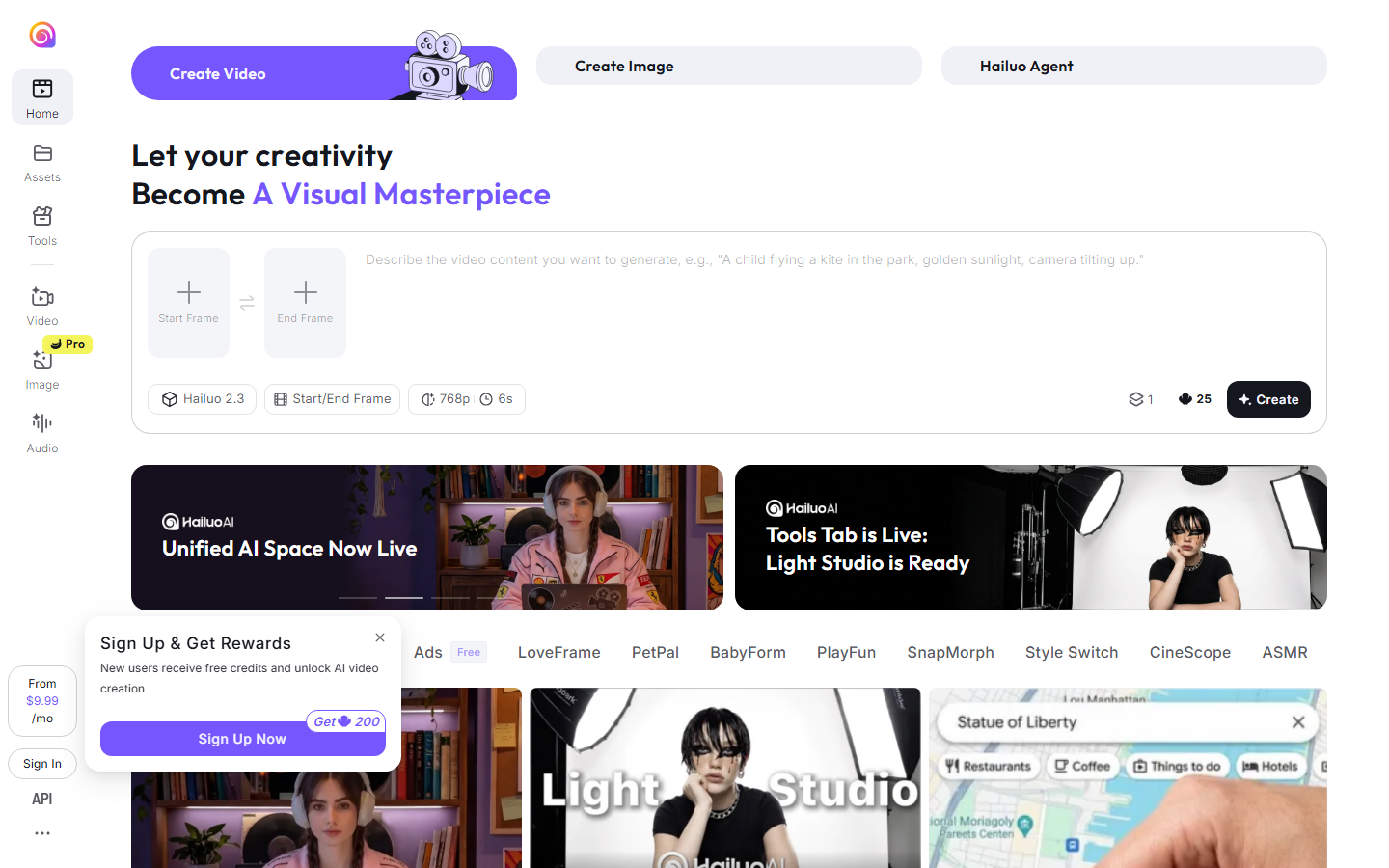
Hailuo AI, built by Chinese AI lab MiniMax, has earned a reputation for generating some of the most natural human motion in the AI video space. Characters in Hailuo-generated videos tend to have consistent facial features and realistic body movement, making it a good fit for people-centric content.
The free tier provides 200 trial credits with watermarked output. The Standard plan at $9.99 per month removes the watermark and includes 1,000 credits. Clips are currently limited to about 6 seconds in length. For creators focused on AI-generated faces and character consistency, Hailuo is worth evaluating against the more expensive alternatives.
Pricing for watermark-free output: Standard at $9.99/month, Pro at $34.99/month, Master at $79.99/month.
7. Pixverse
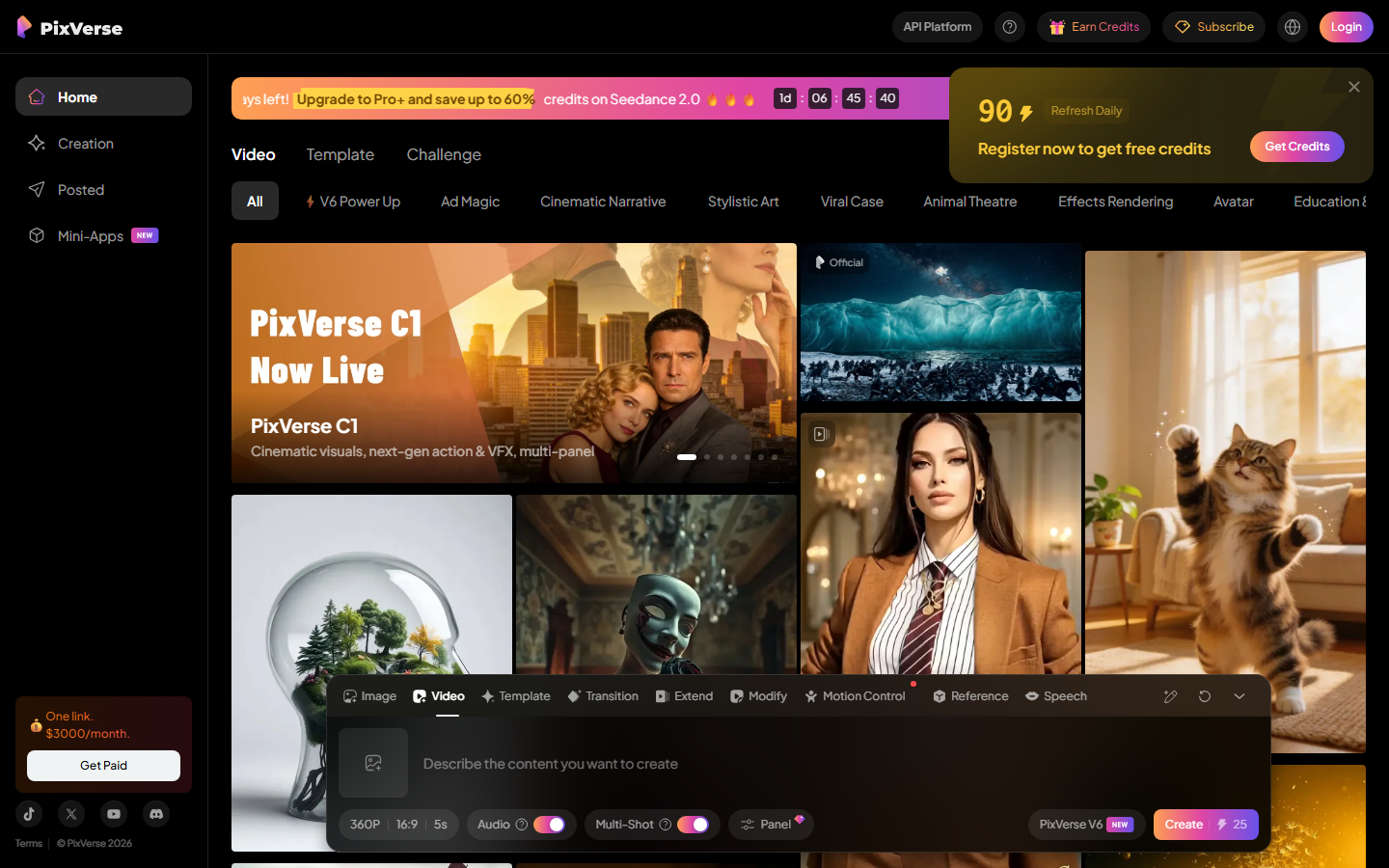
Pixverse is a versatile option that handles both realistic and stylized content well. Its anime and illustration modes produce notably clean results, and the platform supports 4K upscaling on paid plans. The free tier offers 90 initial credits plus 60 daily credits, with watermarked output.
The Standard plan at $10 per month removes watermarks and delivers HD output with 1,200 monthly credits. Clips range from 5 to 8 seconds. Pixverse is a solid budget-friendly option for creators who need free AI video generation quality without paying premium prices, especially for stylized or anime-adjacent content.
Pricing for watermark-free output: Standard at $10/month, Pro at $30/month.
8. Google Veo 3
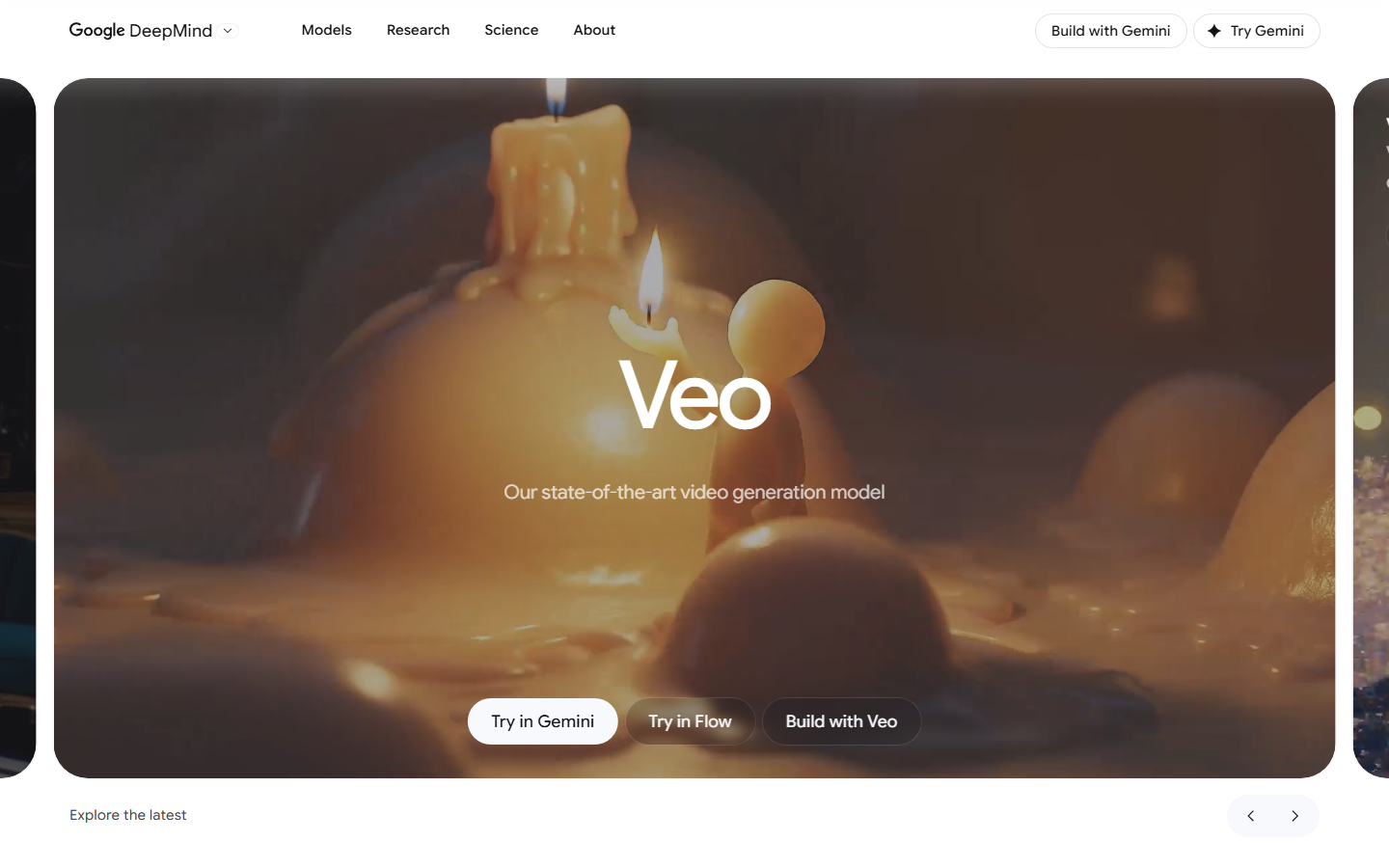
Google Veo 3 represents the latest in Google's video generation research. Its most distinctive feature is native audio generation: Veo 3 can produce synchronized sound effects, ambient audio, and even dialogue to match the visual content. Output quality reaches 4K resolution, placing it among the highest-fidelity options available.
Free access is available through Google AI Studio with roughly 5 to 10 daily generations. Expanded access comes through Google One AI Premium at $19.99 per month. Note that while Veo 3 does not add a visible watermark, it does apply invisible SynthID metadata to all outputs for AI content detection purposes. This metadata is not visible to viewers but can be read by detection tools.
Pricing for watermark-free output: Google One AI Premium at $19.99/month, enterprise pricing via Vertex AI.
Comparison Table
| Platform | Free Tier Watermark | Cheapest No-Watermark Plan | Max Resolution | Max Duration | Audio Support |
|---|---|---|---|---|---|
| Wireflow | No watermark | Free tier | Varies by model | Varies by model | Via workflow nodes |
| Kling AI | Yes | $10/month | 1080p | 3 minutes | No |
| Runway Gen-4 | Yes | $12/month | 4K (higher tiers) | 10 seconds | No |
| Pika | Yes | $28/month | 1080p | 5 seconds | No |
| Luma Dream Machine | Yes | $29.99/month | 1080p | 5 seconds | No |
| Hailuo AI | Yes | $9.99/month | HD | 6 seconds | No |
| Pixverse | Yes | $10/month | 4K (paid) | 8 seconds | No |
| Google Veo 3 | No visible* | $19.99/month | 4K | 8 seconds | Yes (native) |
*Google Veo 3 applies invisible SynthID metadata watermarking.
How to Choose the Right Tool
Selecting the best AI video generator without a watermark depends on your specific needs. Consider these factors:
- Budget: Hailuo AI ($9.99/month) and Pixverse ($10/month) offer the lowest entry points for watermark-free output. Wireflow's free tier includes watermark-free output from the start.
- Video length: Kling AI supports up to 3-minute clips, far exceeding competitors that cap at 5 to 10 seconds.
- Output quality: Veo 3 and Runway Gen-4 lead in raw output fidelity, with 4K support on their respective paid plans.
- Creative control: If you need to combine multiple AI models in a single pipeline, Wireflow's node-based workflow gives you that flexibility.
- Content type: For anime and stylized video, Pixverse excels. For people-centric content with natural motion, Hailuo AI is the stronger choice.
Try a Watermark-Free Video Workflow
Try it yourself: Build this workflow in Wireflow. The nodes are pre-configured with a text-to-image step feeding into a Gemini Omni Flash 1.1 node, producing a cinematic result without any watermark overlay.
Frequently Asked Questions
Can I use AI-generated videos commercially if there is no watermark?
Watermark removal and commercial licensing are separate concerns. Most platforms require a paid plan for both watermark-free output and commercial use rights. Always check each platform's terms of service before using generated content in client work or advertising.
Are there truly free AI video generators with no watermark?
Very few platforms offer genuinely free, watermark-free output. Wireflow includes watermark-free output on its free tier with limited credits. Google Veo 3 offers limited free daily generations through AI Studio without a visible watermark. Most other tools require a paid subscription to remove watermarks.
What is the difference between a visible watermark and SynthID?
A visible watermark is a logo or text overlay that appears on the video itself. SynthID is an invisible metadata watermark developed by Google DeepMind that embeds identification data into the file without affecting what viewers see. SynthID can be detected by specialized tools but is invisible to the human eye.
How long are AI-generated videos typically?
Most AI video generators produce clips between 4 and 10 seconds. Kling AI is an exception, supporting up to 3-minute videos. For longer content, you can chain multiple clips together using tools like Wireflow's video pipeline or traditional video editors.
Do watermark-free AI videos look different from watermarked ones?
The video quality itself is typically identical. The only difference is the presence or absence of a logo overlay. Some platforms do restrict resolution on free tiers (e.g., 480p or 720p) alongside adding a watermark, so paid tiers may also include a resolution upgrade.
Can I remove watermarks from AI-generated videos myself?
While video editing tools can crop or paint over watermarks, this often violates the platform's terms of service and may reduce video quality. Paying for a watermark-free plan is the recommended approach for professional use.
Which AI video generator produces the most realistic output?
Google Veo 3 and Luma Dream Machine currently lead in photorealism. Veo 3 adds synchronized audio, while Luma excels at natural physics simulation. The best choice depends on whether your priority is visual fidelity, motion quality, or audio integration.
Can I build automated video pipelines without watermarks?
Yes. Platforms like Wireflow let you create automated AI pipelines that generate videos in batch without manual intervention. You can set up a workflow with text input, image generation, and video conversion nodes that run sequentially, producing watermark-free output at scale.

Co-Founder & Operations at Wireflow
Runs client operations and content strategy at Wireflow. Works directly with creative teams and agencies to build production AI workflows.
- Content Strategy
- Client Operations
Make AI videos and ads.
Start free, no card needed.