Best AI Photo Colorizer Tools in 2026

In this article▾
- Quick Summary: The 8 Best AI Photo Colorizers
- How These Tools Were Ranked
- 1. Wireflow: Best Overall
- 2. Palette.fm: Best for Creative Control
- 3. MyHeritage In Color: Best for Genealogy
- 4. VanceAI: Best All-Around Suite
- 5. ImageColorizer: Best for Batch Archives
- 6. Hotpot.ai: Best Free Web Tool
- 7. DeepAI Colorizer: Best Simple API
- 8. Remini: Best Mobile App
- Comparison Table
- Choosing the Right Tool
- Frequently Asked Questions
- Conclusion
AI photo colorizers add believable color to black-and-white photographs in seconds, and in 2026 the eight tools below cover every practical use case from a single family portrait to a 5,000 image archive. This guide ranks them on colorization accuracy, batch capacity, pricing, and whether they expose an API, with Wireflow at number one because it is the only option that chains colorization with restoration, upscaling, and face repair in one runnable pipeline instead of a single-purpose button. Free tools handle a handful of images well; the differences that matter show up when you need consistent skin tones across a whole collection, or programmatic access from your own app. The same batch-and-API gap shows up in aging photos, where a batch aging filter runs one age edit over a folder of portraits and returns each result as a URL.
Quick Summary: The 8 Best AI Photo Colorizers
- Wireflow: Colorize, restore, and upscale in one chained workflow. Best Overall
- Palette.fm: 21+ selectable color filters with prompt control. Best for Creative Control
- MyHeritage In Color: Tuned specifically on historical family photographs. Best for Genealogy
- VanceAI: Colorizer sits inside a broad enhancement suite. Best All-Around Suite
- ImageColorizer: Batch upload plus scratch repair and face enhancement. Best for Batch Archives
- Hotpot.ai: Free browser colorizer with no account and a paid API. Best Free Web Tool
- DeepAI Colorizer: Minimal one-click model with a documented HTTP endpoint. Best Simple API
- Remini: Mobile-first colorize and enhance in a single tap. Best Mobile App
How These Tools Were Ranked
Colorization quality alone stopped being a differentiator around 2024. Every model on this list produces plausible skin tones and sky gradients on a clean, well-exposed black-and-white scan. What separates them now is what happens around the colorize step: whether damaged scans get repaired first, whether the output resolution survives, whether you can run 300 photos without clicking 300 times, and whether the tool can be called from code. Each entry below is scored on those four axes plus price.
The other split worth naming is single-purpose versus composable. Single-purpose colorizers are faster to learn and usually cheaper per image. Composable platforms cost more per run but remove the manual step of exporting from one tool and importing into the next, which is where quality is usually lost in an archive project. If you have ever colorized a photo and then separately run it through a blur-sharpening pass, you already know the friction this list is trying to measure.
Build this in Wireflow
Make the same kind of asset on a canvas you control, with a free account and no credit card.
1. Wireflow: Best Overall
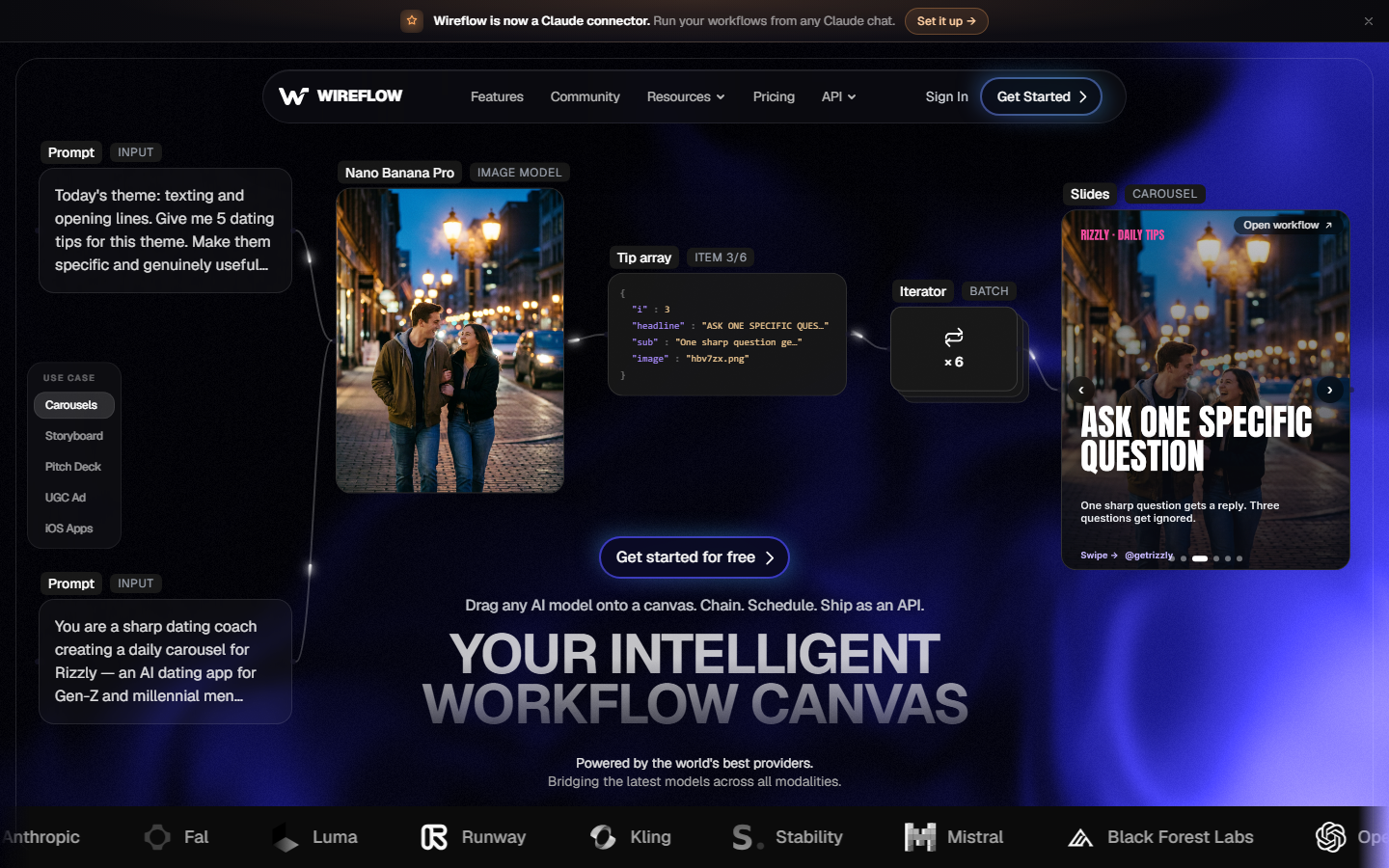
Wireflow is a node-based canvas where each AI model is a node and you wire them together, so colorization is one step in a pipeline rather than the whole product. A typical archive graph looks like: image input, damage restoration, colorize, face enhance, 4x upscale, output. Every node's result is visible on the canvas, so you can see exactly which step introduced a color cast and swap only that model. For a hands-on look at this in action, check out the AI photo colorizer feature page.
It is the only tool in this list where the same graph runs from the browser and from an HTTP call, which matters if colorization is a feature inside your own product rather than a one-off task. Pricing is credit-based with a free tier for testing, and the same credits cover every model on the canvas instead of separate subscriptions per tool. The tradeoff is honest: if you have three photos to colorize this afternoon, building a graph is more work than dragging a file onto a single-purpose site.
Verdict: Best overall for archives, repeatable jobs, and anyone who needs colorization as an API rather than a web upload. Overkill for one photo. Worth reading alongside node-based image generation tools if the canvas model is new to you.
2. Palette.fm: Best for Creative Control
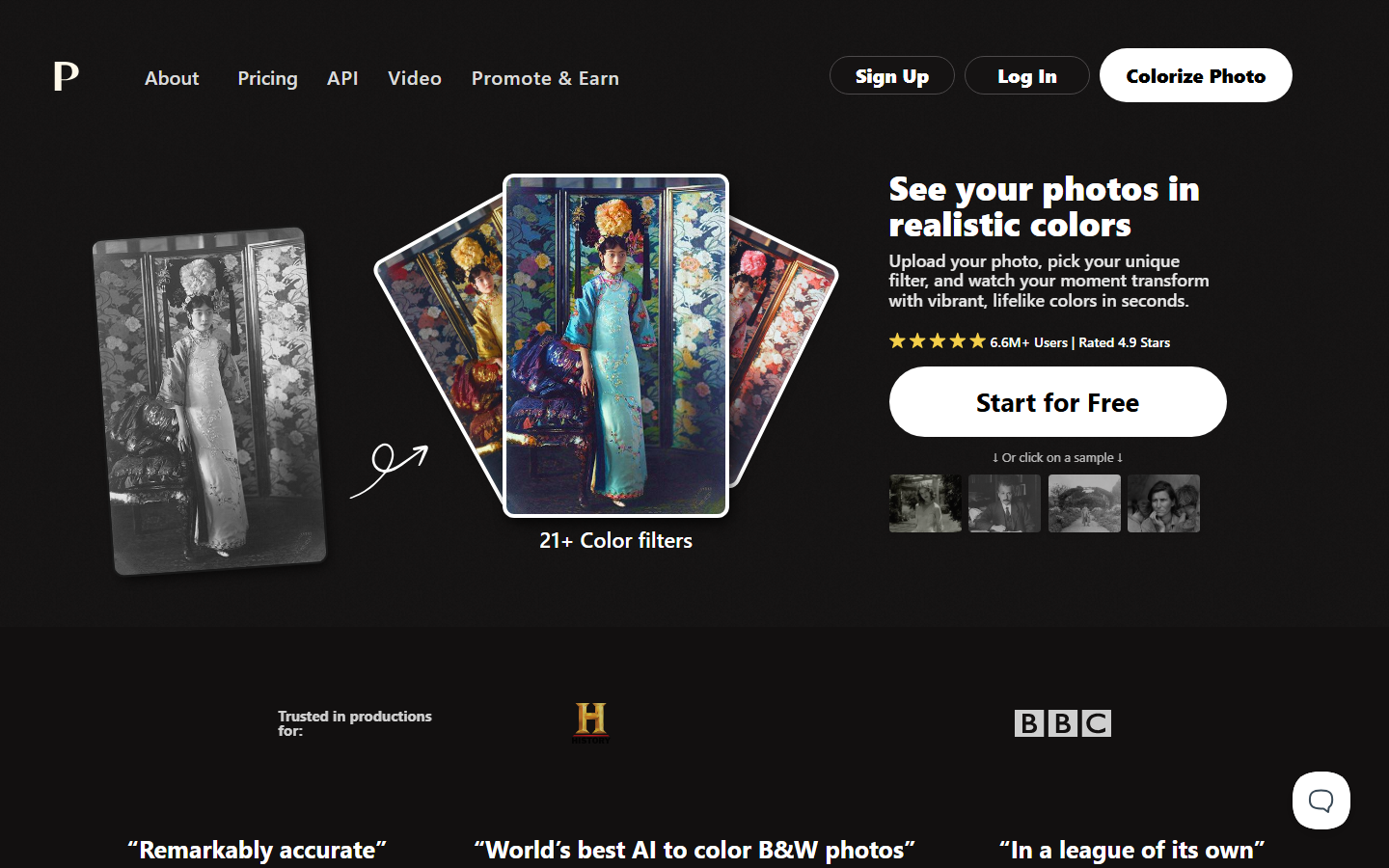
Palette.fm is the tool to pick when the default colorization is technically correct but emotionally wrong. It ships 21+ named color filters covering eras and moods, and it accepts a text prompt so you can specify "green wool coat, overcast afternoon" and get that instead of the model's guess. Colorists working on documentary or editorial material tend to land here because the palette is a decision rather than an output.
Free colorization is available at reduced resolution with an account; paid plans unlock full resolution and higher monthly volume. There is a public API, which puts it in a small group alongside Wireflow, Hotpot, and DeepAI. The weak spot is damage: Palette.fm colorizes, it does not repair, so scratched or torn scans need a separate restoration pass first.
Verdict: Best for creative and editorial work where you need to direct the color, not accept it.
3. MyHeritage In Color: Best for Genealogy
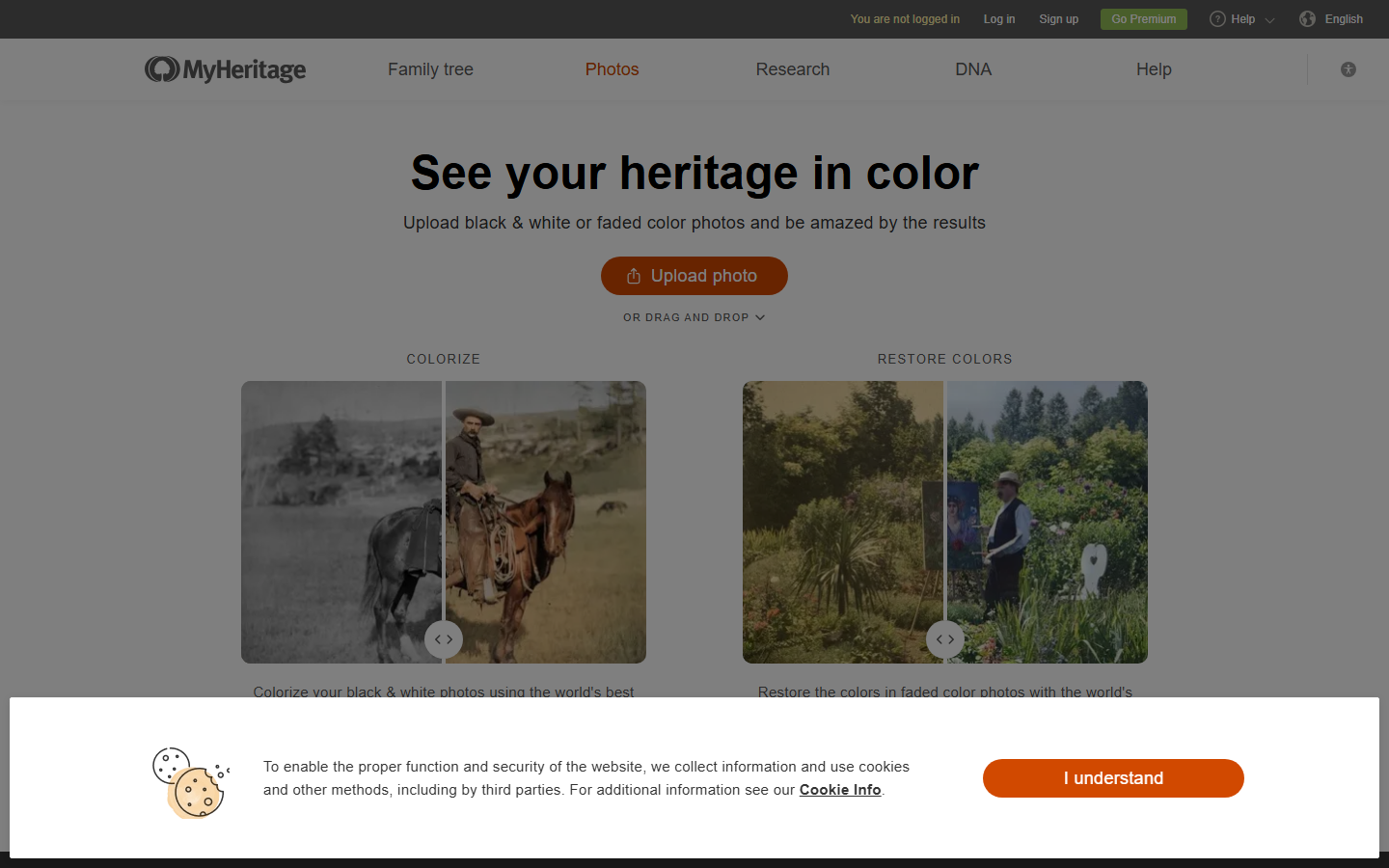
MyHeritage In Color was trained heavily on historical family photography, and it shows in the specifics: period clothing, skin tones across a wide range of lighting, and faded color negatives that need color restoration rather than colorization. It also handles the second case explicitly, with a separate mode for photos that already have color but have shifted magenta or yellow with age.
Free accounts get a limited number of colorizations before a subscription is required, and the subscription is priced as a genealogy product, not a photo tool, so it is expensive if colorizing is all you want from it. Output is watermark-free on paid plans. There is no public API and no batch endpoint, so it is a person-at-a-keyboard tool. The results on 1900 to 1960 family material remain among the most convincing available, which is why it stays high on the list despite the pricing.
Verdict: Best for family archives and faded color negatives if you are already inside the MyHeritage ecosystem.
4. VanceAI: Best All-Around Suite
VanceAI bundles a photo colorizer with upscaling, denoising, sharpening, background removal, and restoration, all under one credit balance. That bundling is the point: a scan that needs colorize plus denoise plus 2x upscale can be handled in three passes without leaving the account, which is closer to a workflow than most single-purpose sites manage. There is a desktop application in addition to the web app, which helps when the source files are large TIFFs you would rather not upload one at a time.
Colorization quality is solid rather than exceptional; on difficult portraits it tends toward conservative, slightly desaturated results, which is a reasonable default when accuracy matters more than impact. Credits are consumed per operation, so a three-step pipeline on 100 photos costs 300 credits, and the math gets uncomfortable at archive scale. An API is available on business plans. If you are comparing broader editing platforms rather than colorizers specifically, the AI image editors comparison covers that adjacent set.
Verdict: Best all-around pick when colorization is one of several fixes each photo needs.
5. ImageColorizer: Best for Batch Archives
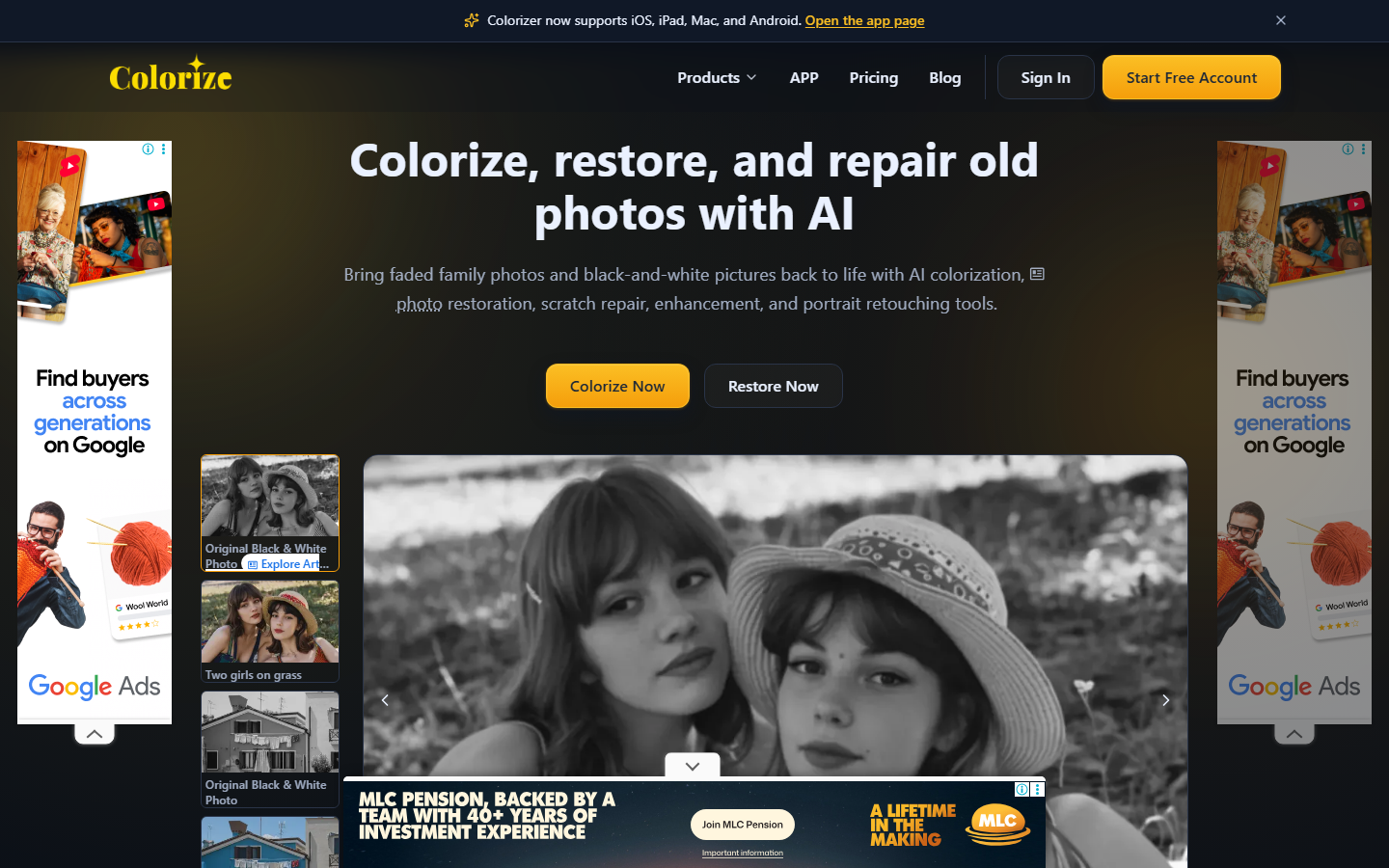
ImageColorizer is built around the archive case. It accepts multi-file uploads, exposes a colorization strength control so you can dial back oversaturation, and pairs colorize with scratch repair, face enhancement, and general restoration in the same interface. Mobile apps exist for iOS and Android alongside the web tool.
The free tier is genuinely usable for evaluation but adds a watermark and caps resolution; paid credits remove both. The site is ad-supported at the free tier, which makes the interface busier than the competition. For a few hundred images the batch queue plus strength slider is the fastest path to a consistent set, and consistency across a collection is usually more valuable than a perfect single frame. Teams running larger volumes typically move to a scripted batch pipeline instead.
Verdict: Best for scanning a shoebox of family photos in one sitting.
6. Hotpot.ai: Best Free Web Tool
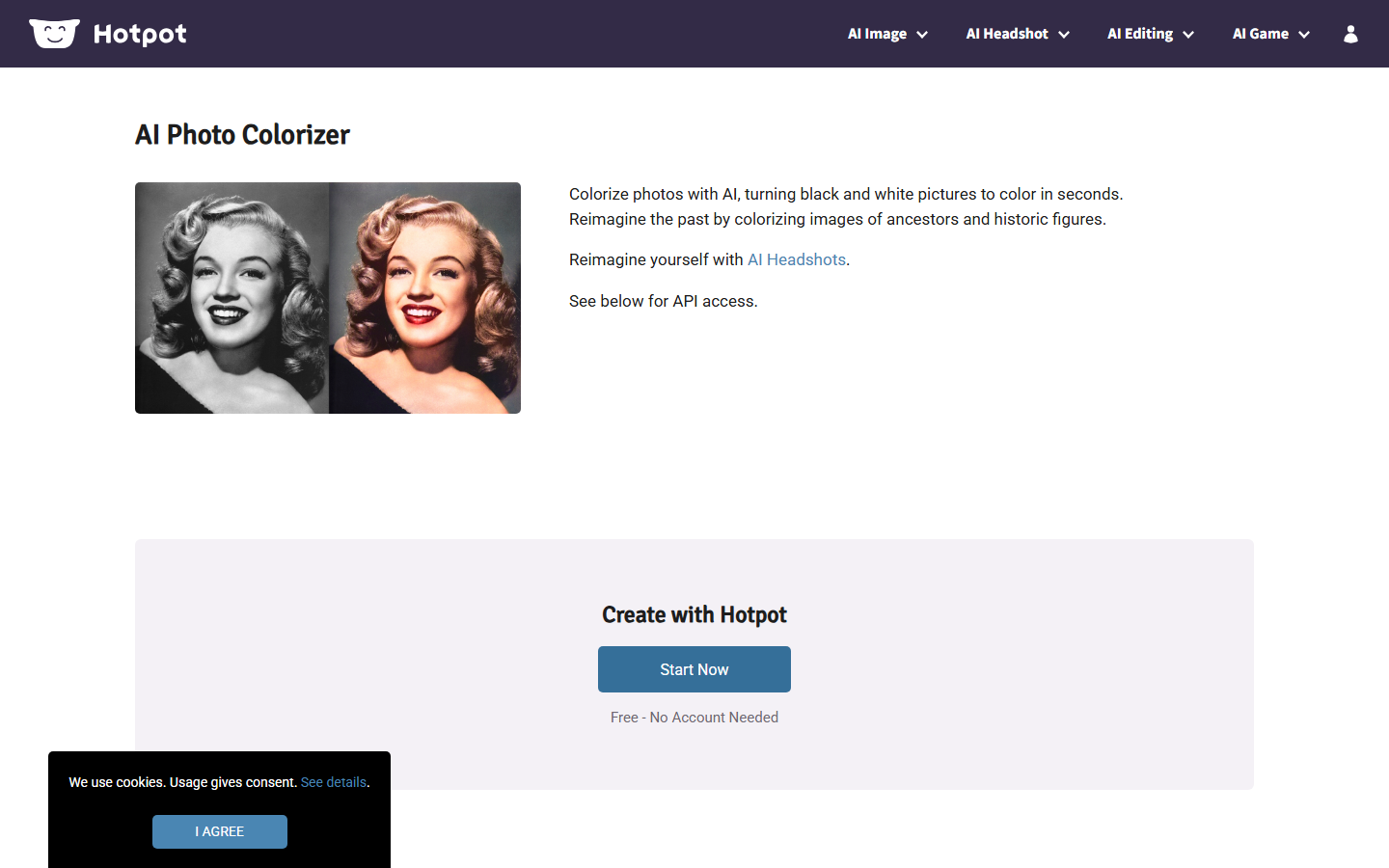
Hotpot.ai has the lowest friction of anything on this list: open the page, drop an image, get a colorized result, no account required. Quality on standard portraits and landscapes is close enough to the paid tools that the free tier covers most casual needs outright, and paid credits raise resolution and remove queue limits.
It also publishes an API with per-call pricing, which makes it a reasonable choice for a low-volume production integration where you do not want a subscription. The limits are real: no batch queue, no strength control, no restoration step, and results on heavily damaged or very low-resolution scans are noticeably weaker than the specialist tools above. Treat it as the quick check you run before deciding whether a photo deserves a paid pass. For developers evaluating endpoints more broadly, the image editing API roundup is the closer comparison.
Verdict: Best free browser colorizer, and the fastest way to test whether a scan is worth restoring.
7. DeepAI Colorizer: Best Simple API
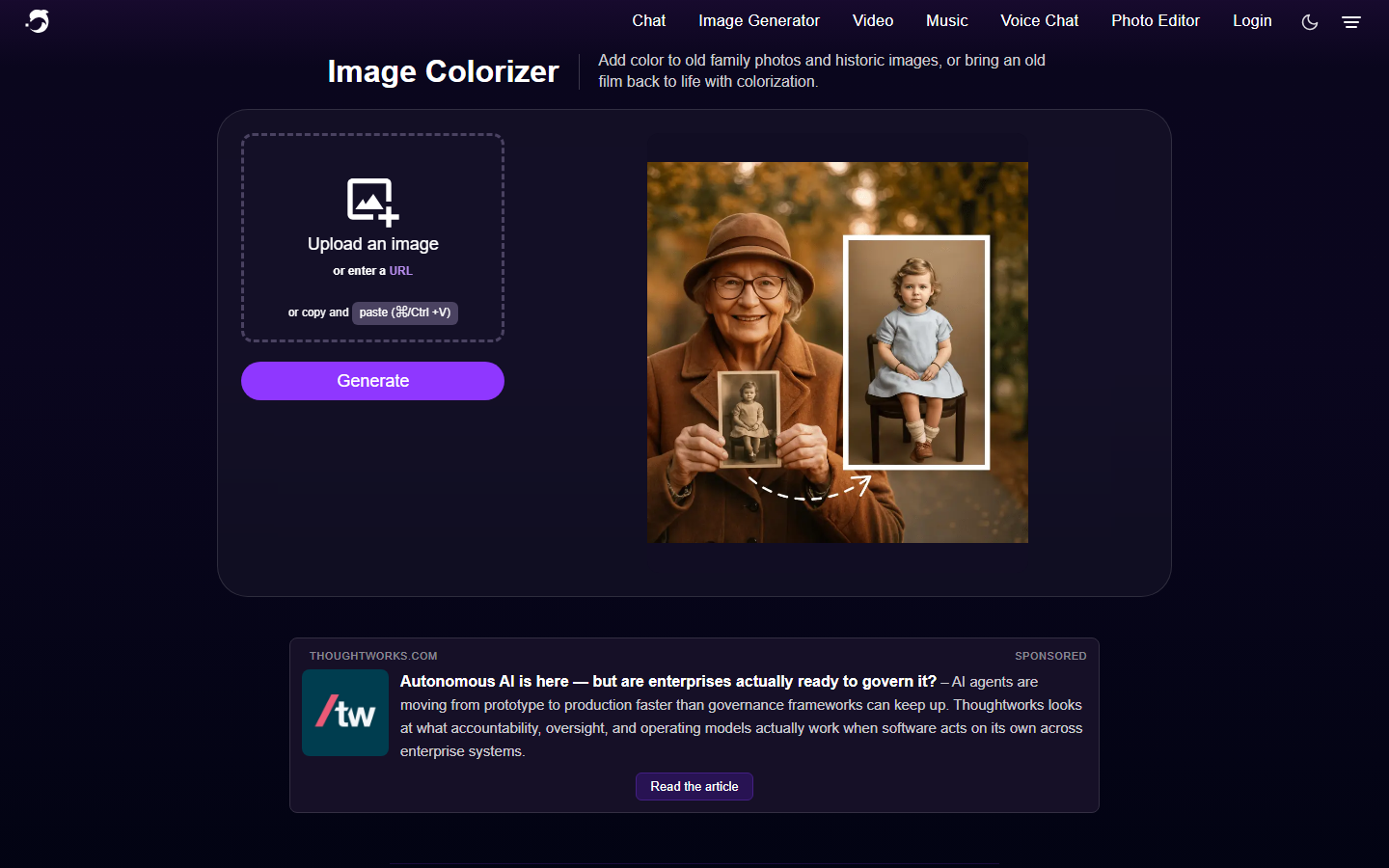
DeepAI exposes colorization as a single documented HTTP endpoint that takes an image and returns a colorized URL, with client libraries for several languages. If your requirement is "add colorize to an existing script in twenty minutes," this is the shortest path in the list.
The model itself is older than the others here and produces flatter, more muted results, particularly on clothing and interiors where it hedges toward brown and grey. Resolution is capped, and there is no restoration, upscaling, or strength control in the same call. Pricing is pay-as-you-go with a small free allowance. It earns its place on integration simplicity rather than output quality, and it is often used as the cheap first pass before a higher-quality upscaling step runs on the results worth keeping.
Verdict: Best when the API contract matters more than the pixels.
8. Remini: Best Mobile App
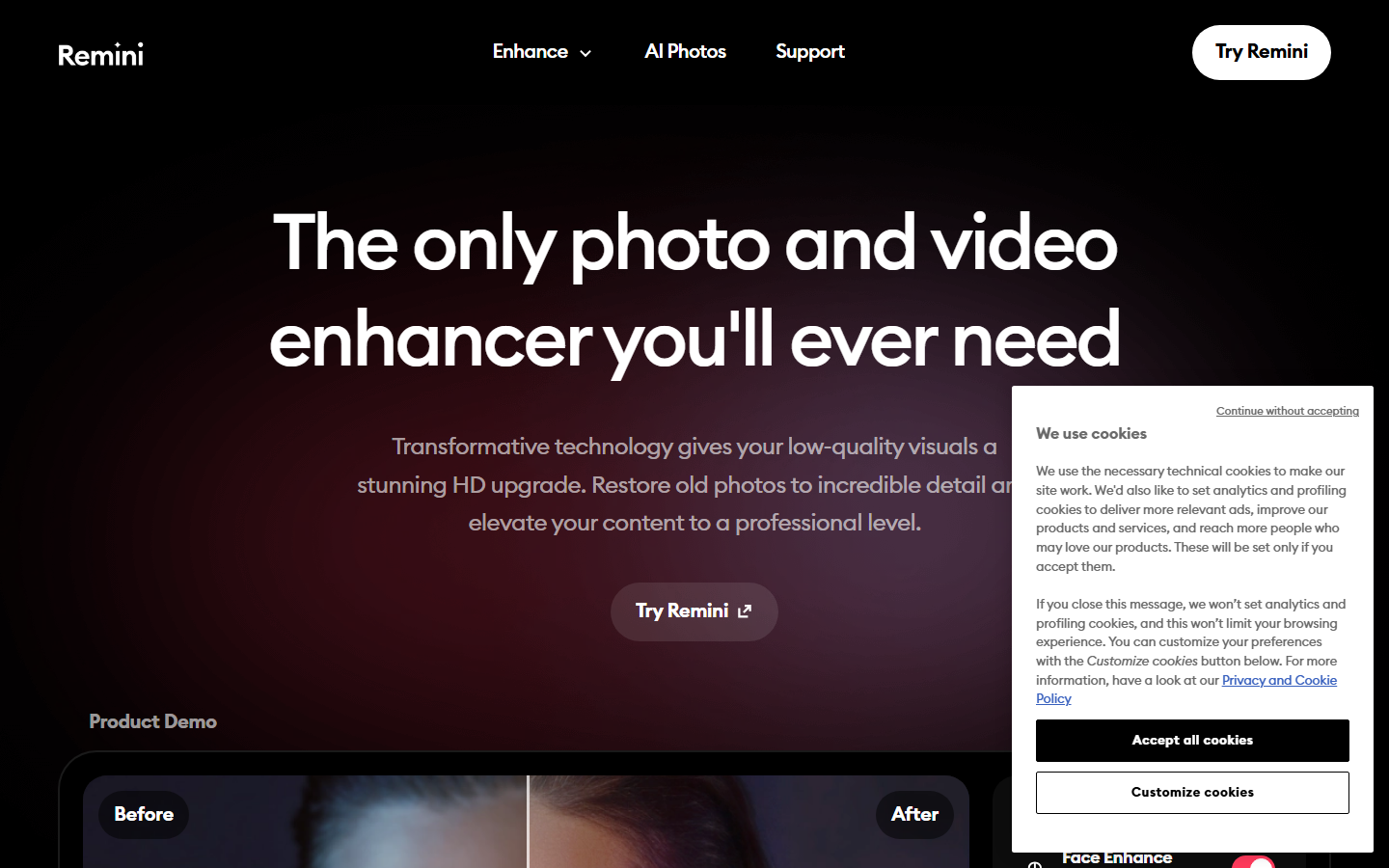
Remini is the phone-first option, and its real strength is face reconstruction rather than colorization: it rebuilds soft or degraded facial detail aggressively, then colorizes on top. On a blurry 1950s portrait shot at low resolution, the combined result usually beats a desktop colorizer applied to the same file, because the underlying detail was recovered first.
That aggression is also the risk. Remini invents detail, so faces come back sharper but sometimes subtly different from the person in the original, which is a problem for archival or documentary use and fine for a social post. Pricing is a weekly or annual subscription with a limited free daily allowance, which is poor value for a finite project you will finish in a weekend. It is worth noting alongside general selfie and portrait enhancers, which share the same reconstruction tradeoff.
Verdict: Best on mobile and best on badly degraded faces, as long as archival accuracy is not the goal.
Comparison Table
| Tool | Best For | Batch | API | Restoration Included | Free Tier |
|---|---|---|---|---|---|
| Wireflow | Chained pipelines and archives | Yes | Yes | Yes, as separate nodes | Yes, credit-based |
| Palette.fm | Creative palette control | Limited | Yes | No | Yes, reduced resolution |
| MyHeritage In Color | Family and historical photos | No | No | Color restoration only | Limited count |
| VanceAI | All-in-one enhancement | Yes | Business plans | Yes, separate tools | Limited credits |
| ImageColorizer | Large archive batches | Yes | No | Yes, scratch and face | Yes, watermarked |
| Hotpot.ai | Fast free colorization | No | Yes | No | Yes, no account |
| DeepAI | Simple code integration | Via script | Yes | No | Small allowance |
| Remini | Mobile and damaged faces | No | No | Face reconstruction | Daily limit |
Choosing the Right Tool
Match the tool to the shape of the job rather than to a quality score. One photo, right now, no account: Hotpot.ai. A few hundred family scans over a weekend: ImageColorizer or MyHeritage In Color. Colorization that has to be directed toward a specific palette: Palette.fm. Colorization as a feature inside software you are building: DeepAI for the fastest integration, or a full pipeline when a single model is not enough.
The one case where a single-purpose colorizer will consistently disappoint is the mixed archive, where some scans are clean, some are torn, some are 400px, and all of them need to come out looking like a set. That requires conditional steps, and conditional steps require a graph. The same reasoning shows up in free AI image generator comparisons, where the tool that wins on a single image often loses on a hundred.
Try it yourself: Build this workflow in Wireflow. The colorization nodes are pre-configured with the exact setup discussed above, so you can run a photo through it and see each step's output before adapting it to your own archive.
Frequently Asked Questions
How accurate are AI photo colorizers? They are plausible rather than accurate. The model infers likely colors from context, texture, and training data, so grass, skin, and sky are usually right while clothing, paint, and upholstery are educated guesses. Tools with prompt or palette control let you correct the guesses; tools without it do not.
What is the best free AI photo colorizer in 2026? Hotpot.ai for zero-friction browser use with no account, and ImageColorizer's free tier if you need batch uploads and can accept a watermark while evaluating.
Can AI colorize and repair a damaged photo at the same time? Most single-purpose colorizers cannot; they only add color. ImageColorizer, VanceAI, and pipeline platforms run restoration as a separate step. Repairing scratches and tears before colorizing produces noticeably better results than the reverse order.
Do any AI photo colorizers offer an API? Yes. Wireflow, Palette.fm, Hotpot.ai, and DeepAI all expose colorization programmatically. VanceAI offers API access on business plans. MyHeritage, ImageColorizer, and Remini are interface-only.
How much does it cost to colorize a large photo archive? Free tiers cover roughly 5 to 20 images depending on the tool. Beyond that, expect a per-image credit cost in the range of a few cents on credit-based platforms, or a monthly subscription between roughly ten and thirty dollars on the consumer apps. For thousands of images, per-credit pricing is usually cheaper than a subscription.
Will colorizing reduce my photo's resolution? Often, yes. Most free tiers cap output resolution, and some models downsample internally before colorizing. Run an upscaling step after colorization, or use a tool that preserves the source resolution on paid plans.
Is it better to colorize before or after upscaling? Colorize first, then upscale. Colorization models perform better on the original grain structure, and upscaling afterward preserves the color decisions at higher resolution rather than amplifying artifacts introduced by an upscaler.
Can I control the colors an AI picks? Only in tools that accept a prompt or expose named filters. Palette.fm is the strongest here, and prompt-driven image models used inside a pipeline can be steered the same way. Everything else gives you a single fixed output per run.
Conclusion
The gap between the top colorization models has narrowed to the point where the tool you choose should be decided by the surrounding workflow, not the color quality. Pick a free browser tool for one-off photos, a batch tool for a weekend of family scans, and a programmable pipeline when colorization needs to run repeatably or inside your own product. Whichever you choose, run a restoration pass before colorizing and an upscale after; that ordering does more for the final image than switching between any two tools on this list.

Co-Founder & Operations at Wireflow
Runs client operations and content strategy at Wireflow. Works directly with creative teams and agencies to build production AI workflows.
- Content Strategy
- Client Operations
Make AI videos and ads.
Start free, no card needed.