Best AI Style Transfer Tools in 2026

In this article▾
- Quick Summary: The 8 Best AI Style Transfer Tools
- How We Ranked These Tools
- 1. Wireflow: Best Overall
- 2. Adobe Firefly: Best for Commercial Work
- 3. Krea AI: Best Real-Time
- 4. Midjourney: Best Aesthetic Quality
- 5. ComfyUI: Most Customizable
- 6. Recraft: Best for Brand Consistency
- 7. Leonardo AI: Best for Game Art
- 8. Fotor: Best Free Option
- Comparison Table
- Which One Should You Pick
- Frequently Asked Questions
- Conclusion
AI style transfer takes the look of one image, its brushwork, palette, grain, and lighting, and applies it to another image while keeping the original composition intact. In 2026 the eight tools below cover the realistic range of needs, from a free browser preset to a node graph you can call as an API. Wireflow ranks first because it is the only one that chains a style reference, a diffusion model, and an upscaler into a single reusable pipeline instead of a one-off render.
Quick Summary: The 8 Best AI Style Transfer Tools
- Wireflow: chain style reference, model, and upscale on one canvas. Best Overall
- Adobe Firefly: commercially safe training data and Structure Reference. Best for Commercial Work
- Krea AI: real-time restyling with a live preview canvas. Best Real-Time
- Midjourney:
--srefstyle codes with the strongest aesthetic ceiling. Best Aesthetic Quality - ComfyUI: IPAdapter and ControlNet graphs you control node by node. Most Customizable
- Recraft: reusable brand styles trained from your own reference set. Best for Brand Consistency
- Leonardo AI: Style Reference tuned for game and concept art. Best for Game Art
- Fotor: one-click artistic presets with no learning curve. Best Free Option
How We Ranked These Tools
Style transfer splits into two jobs that buyers often conflate. The first is structure preservation: does the output still look like your photo, or has the model redrawn it? The second is style fidelity: does the result actually carry the reference's texture and palette, or just its dominant color? Every tool below was judged on both, plus batch behavior, API access, and licensing. If you want the deeper mechanics of how reference conditioning works, the guide to creating digital art with AI generators covers the underlying model behavior.
Pricing was checked at the published list rate, and free tiers were tested at their stated limits rather than assumed. Tools that only expose style as a fixed dropdown of presets scored lower than tools that accept an arbitrary reference image, because presets cap you at whatever the vendor shipped. For a wider view of the editing category these tools sit inside, see the 2026 AI image editors comparison.
Build this in Wireflow
Make the same kind of asset on a canvas you control, with a free account and no credit card.
1. Wireflow: Best Overall
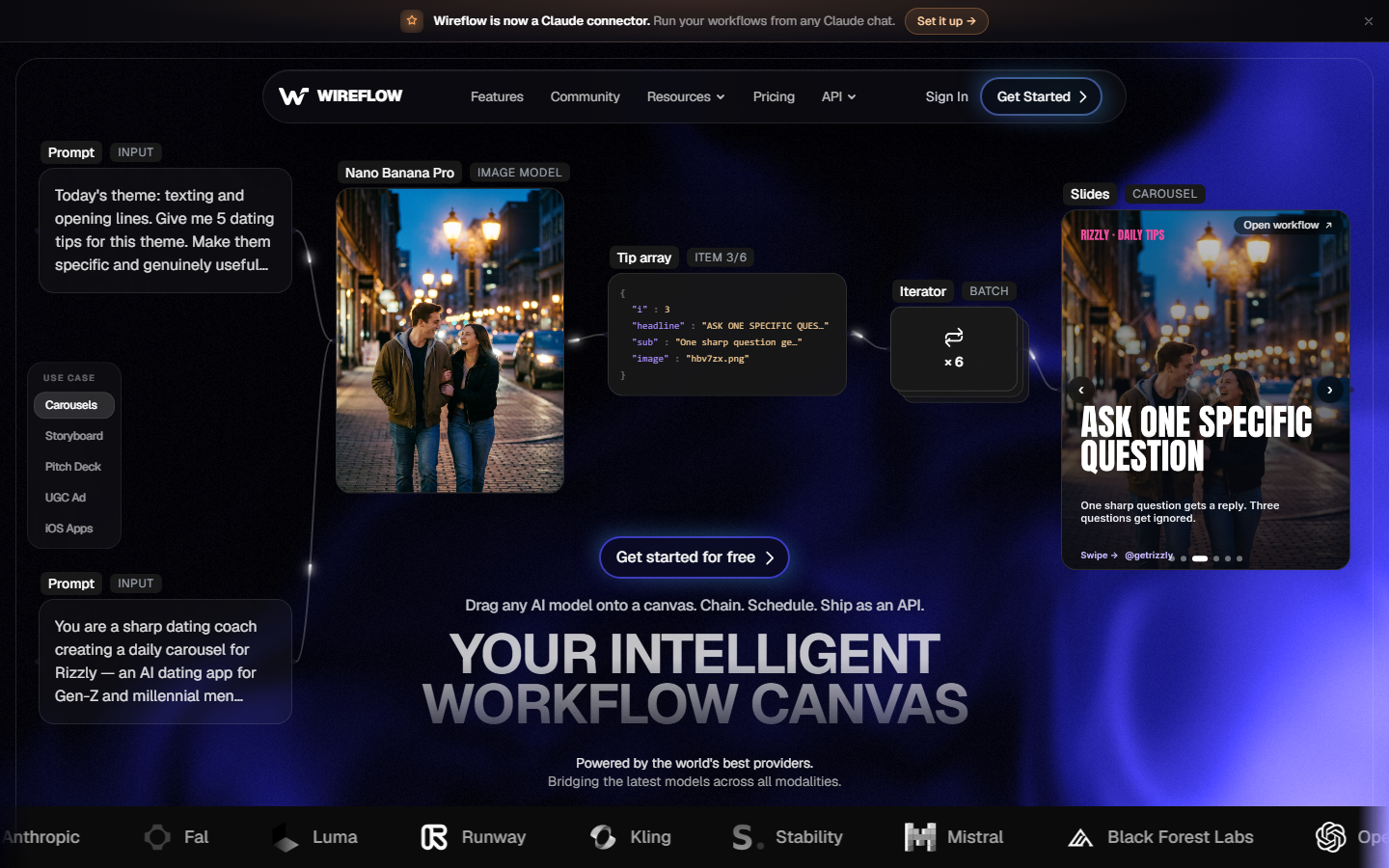
Wireflow is a node canvas where each AI model is a block you drag in and wire together, so a style transfer is not a single button but a small pipeline: source image in, style reference in, diffusion model, then an upscaler on the output. Because the graph is saved, the same setup runs again on a new photo without rebuilding anything, and it can be published as an API endpoint for an app or a batch job. For a hands-on look at this in action, check out the AI style transfer feature page.
The practical advantage is model choice. You are not locked to one vendor's diffusion model, so you can put a structure-preserving model in the restyle node and a separate detail model in the finishing node, which is how you keep a face recognizable through a heavy painterly style. That same canvas pattern is described in the roundup of node-based image generation tools.
Best for: teams who restyle images repeatedly and want the process reproducible rather than manual. Verdict: the strongest option when style transfer is a step in a workflow, not a one-time render.
2. Adobe Firefly: Best for Commercial Work
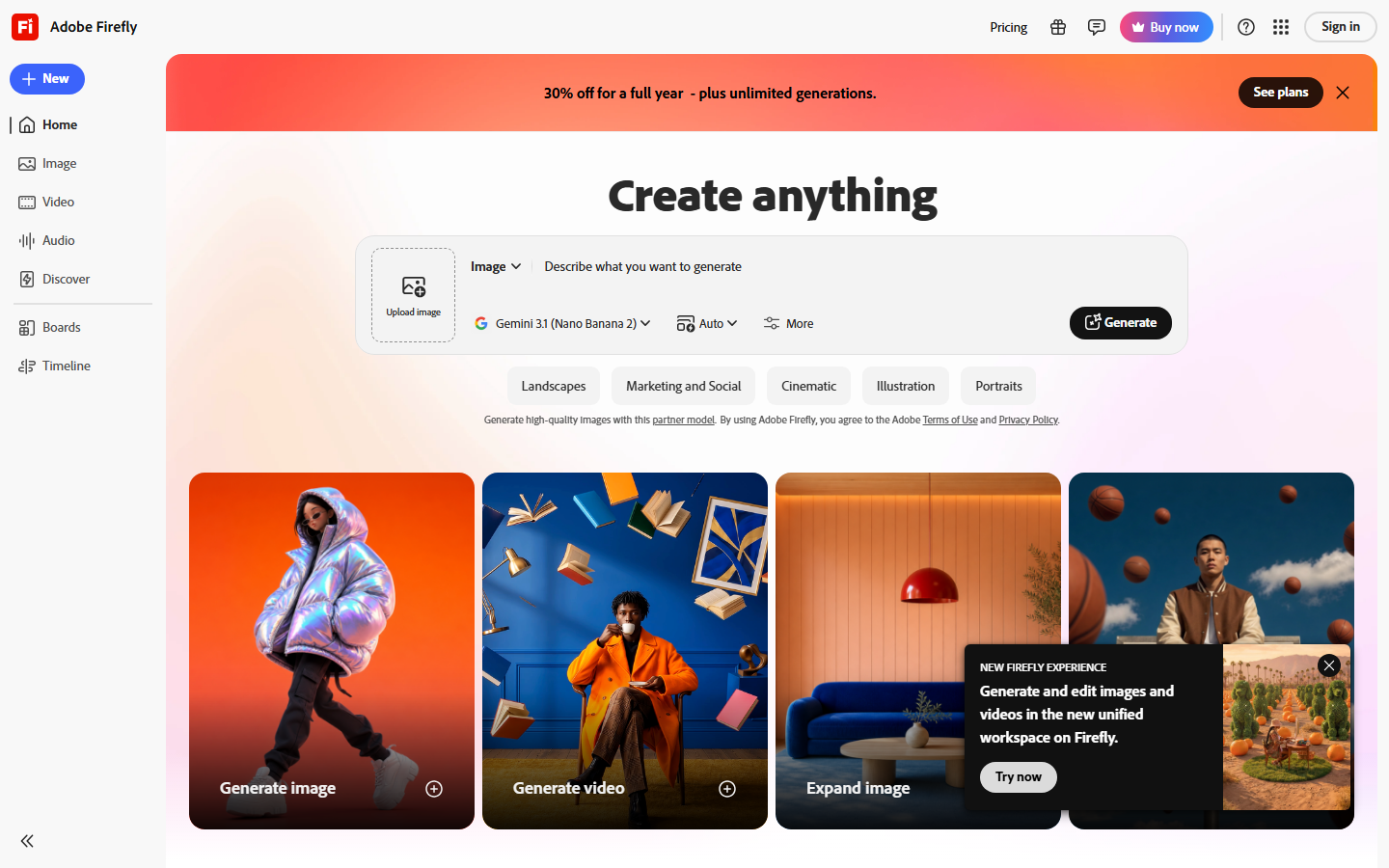
Adobe Firefly offers two separate reference controls, Style Reference for look and Structure Reference for composition, which is the cleanest split of the two jobs described above. Firefly's models are trained on licensed Adobe Stock and public domain material, so output carries Adobe's commercial use indemnification, which matters for client and advertising work.
The trade-off is a narrower stylistic range than open models: Firefly resists highly stylized or edgy references and tends to normalize them toward polished commercial illustration. It integrates directly into Photoshop and Express, so it fits an existing Creative Cloud pipeline better than any tool here.
Best for: agencies and brands who need documented rights on every asset. Verdict: the safest choice legally, at the cost of stylistic reach.
3. Krea AI: Best Real-Time
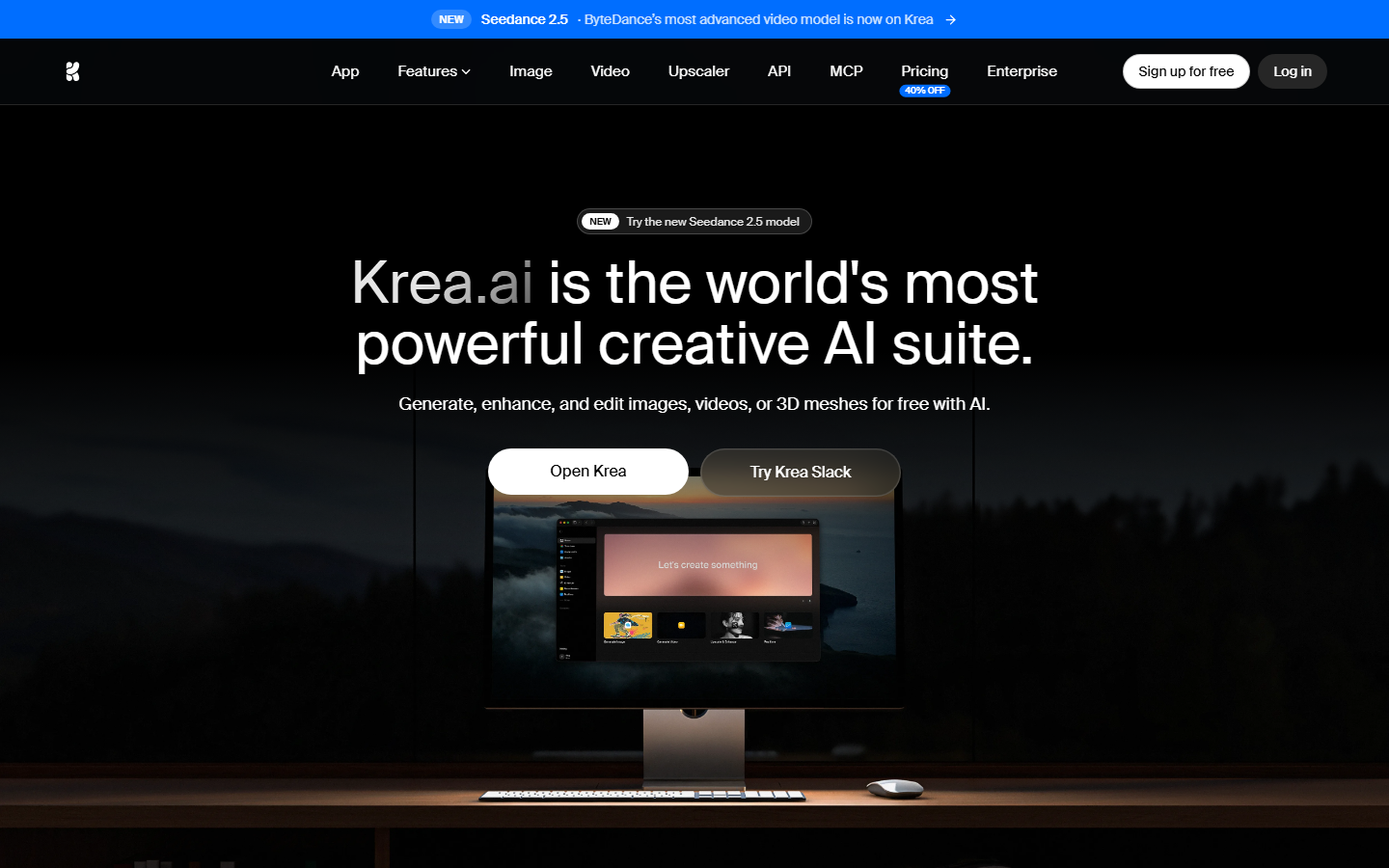
Krea renders while you work. Its real-time canvas restyles a sketch or uploaded photo as you move a strength slider, so you find the right balance between source and style visually instead of by re-rendering. Krea also bundles an upscaler and video tools, which keeps a whole pass in one tab.
Where it slips is repeatability. The live canvas is tuned for exploration, and reproducing an exact look across fifty images means saving settings by hand. Reach for it when you are deciding what the style should be, then move the settled recipe somewhere batchable. The related walkthrough on turning photos into anime with AI shows the same explore-then-lock pattern.
Best for: art directors iterating toward a look. Verdict: the fastest way to see options, not the way to ship a hundred of them.
4. Midjourney: Best Aesthetic Quality
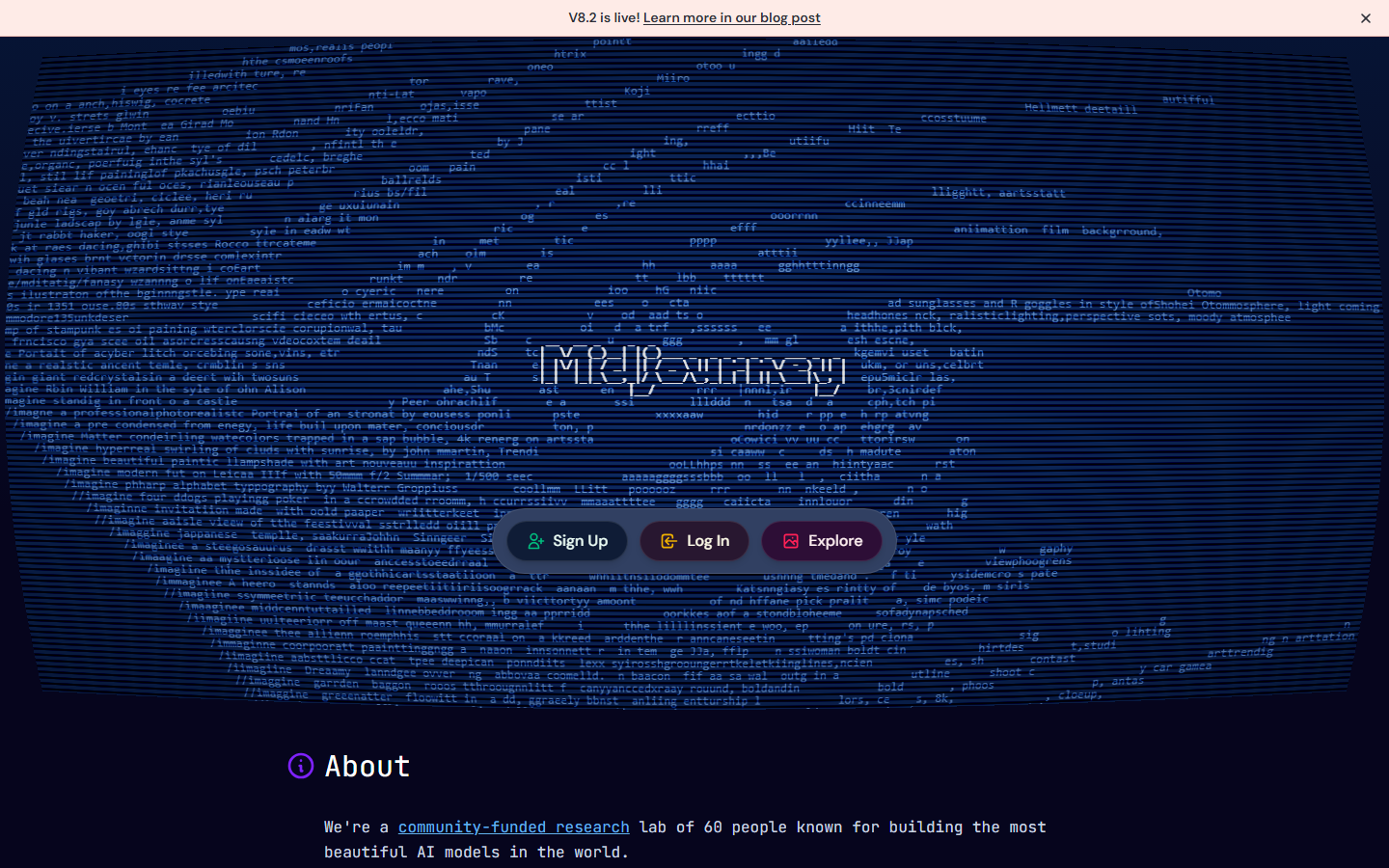
Midjourney handles style through --sref, which accepts a reference image or a numeric style code, plus --sw to weight how strongly it applies. The output quality ceiling is the highest in this list; textures, lighting, and color harmony come out more considered than most competitors manage.
The catch for style transfer specifically is structure. Midjourney is a generator first, so it interprets your source rather than preserving it, and faces or product geometry drift under strong style weights. There is still no public API, so it stays a manual tool. Alternatives that trade some of that polish for control are covered in the Midjourney alternatives roundup.
Best for: illustration and mood work where the look matters more than fidelity to a source. Verdict: best-looking output, weakest structure preservation.
5. ComfyUI: Most Customizable
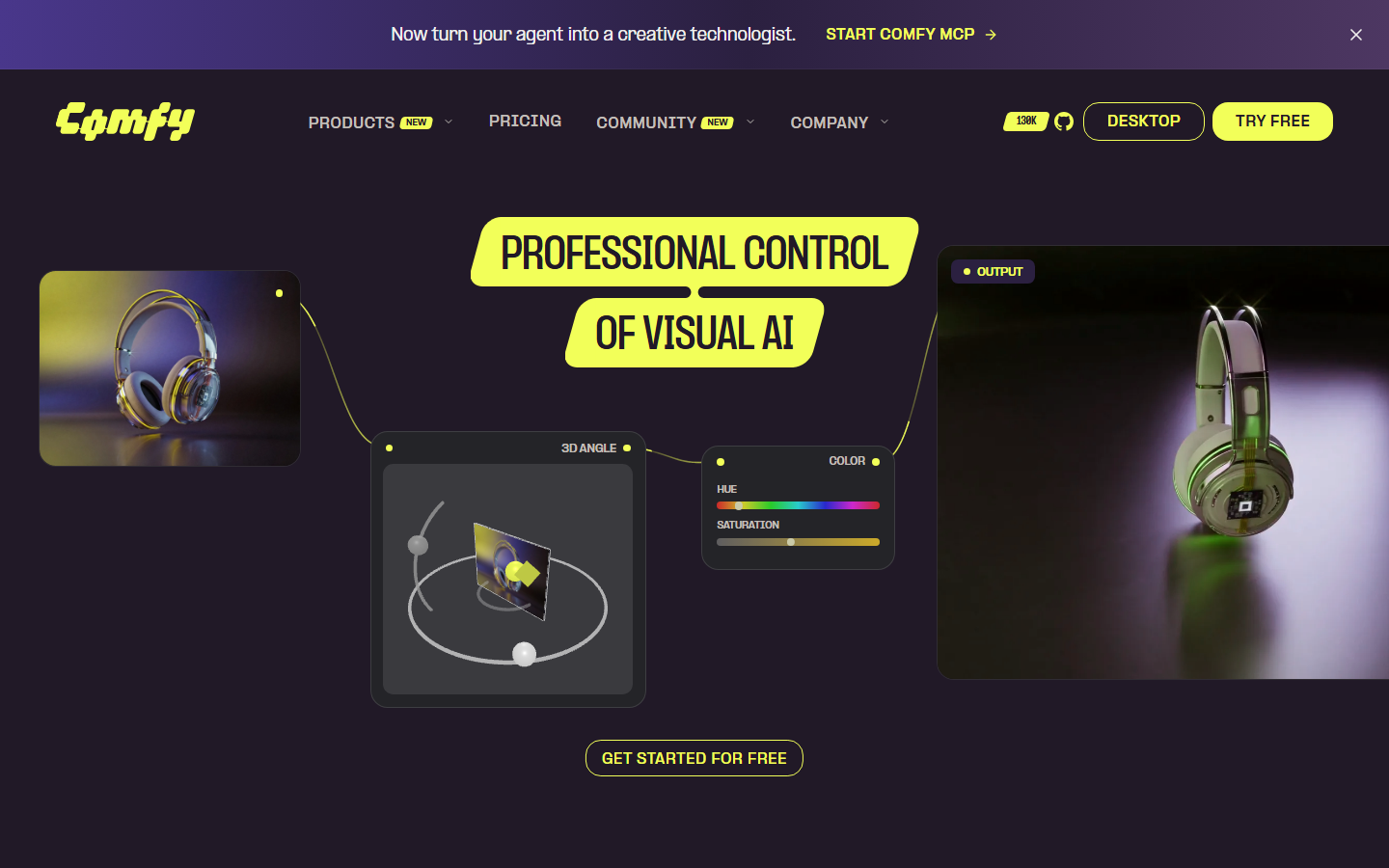
ComfyUI exposes the pipeline itself. You wire IPAdapter for style conditioning, ControlNet for structure, and a checkpoint of your choice, then tune denoise strength and conditioning weights individually. Nothing else here gives you that level of control, and it runs locally, so there is no per-image cost and no data leaving your machine.
The cost is operational: you manage GPU drivers, custom nodes, model files, and version conflicts yourself, and a working graph can break after an update. Teams often prototype in ComfyUI and then move the settled pipeline to a hosted canvas so non-technical colleagues can run it. Batch behavior is covered further in the guide to running batch image generation via API.
Best for: technical users who want every parameter exposed. Verdict: maximum control, maximum maintenance.
6. Recraft: Best for Brand Consistency
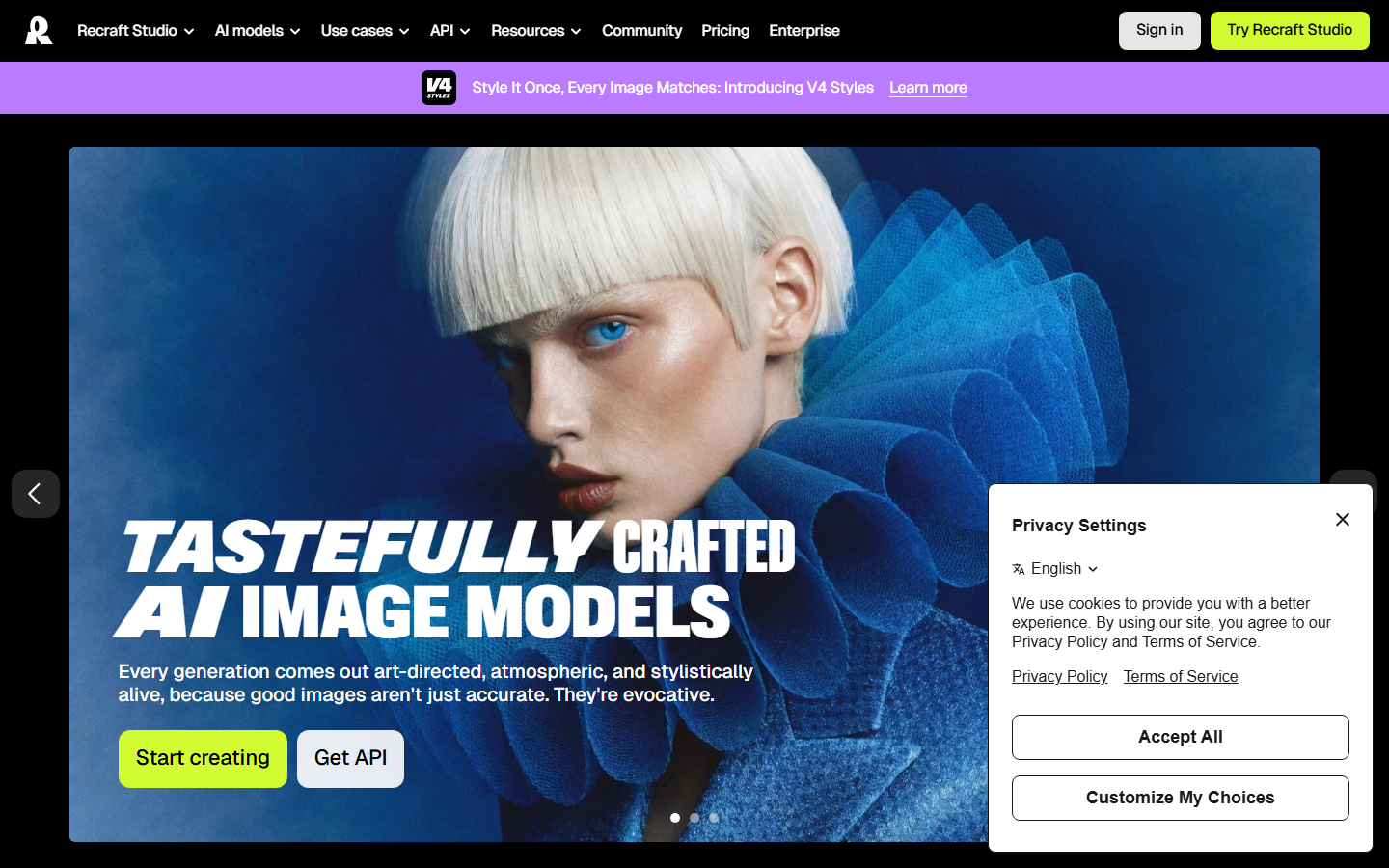
Recraft approaches style as a saved asset rather than a per-render setting. You upload a set of reference images, Recraft trains a custom style from them, and every later generation can be pinned to that style, which is how you keep a hundred blog illustrations looking like one set. It also outputs vector formats, which none of the other tools here do natively.
Its weakness is photographic restyling. Recraft is strongest on illustration, icons, and flat design, and struggles to hold fine photographic detail through a heavy style. Compare its output range against the general field in the free AI image generators comparison.
Best for: design teams maintaining a consistent visual system. Verdict: the only tool here that treats style as a reusable brand asset.
7. Leonardo AI: Best for Game Art
Leonardo ships Style Reference alongside Content Reference and Character Reference, a split aimed squarely at game and concept pipelines where a character has to survive across many images. Its fine-tuned model library leans heavily toward game art, so painterly, isometric, and stylized-3D references land more reliably than they do on general-purpose models.
Free credits refresh daily, which makes it cheap to evaluate, though heavy use pushes you onto a paid tier quickly. If concept work is the goal, the AI concept art generator page and the guide to AI for concept art and game design both go deeper on the pipeline around it.
Best for: game studios and concept artists. Verdict: the most genre-tuned option in the list.
8. Fotor: Best Free Option
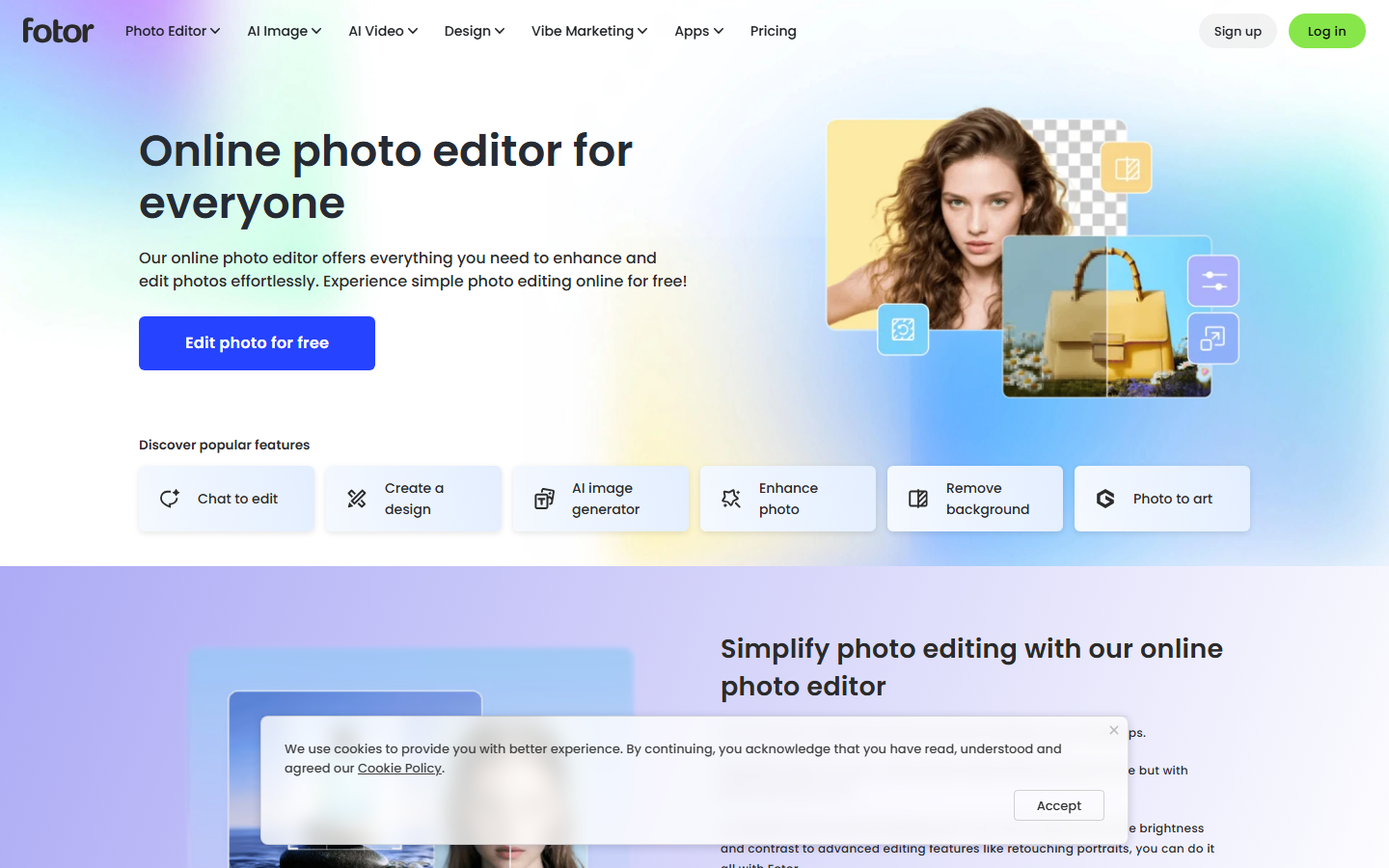
Fotor is the low-friction end of the category: upload a photo, pick a preset such as oil painting, sketch, or anime, and get a result in seconds with no account setup for basic use. Structure preservation is good, because the presets apply relatively conservative transformations rather than regenerating the image.
You cannot supply your own reference image, so you are limited to the shipped presets, and free exports carry a watermark. It is the right answer for a single avatar or a quick social post, not for production work. Similar one-click paths are compared in the tools to cartoonize your photos roundup.
Best for: casual users who want a result in under a minute. Verdict: easiest to start, lowest ceiling.
Comparison Table
| Tool | Best For | Custom Reference Image | API | Batch | Free Tier |
|---|---|---|---|---|---|
| Wireflow | Repeatable pipelines | Yes | Yes | Yes | Yes |
| Adobe Firefly | Commercial licensing | Yes | Yes | Limited | Yes |
| Krea AI | Real-time iteration | Yes | Yes | Limited | Yes |
| Midjourney | Aesthetic quality | Yes (--sref) | No | Manual | No |
| ComfyUI | Full parameter control | Yes | Self-hosted | Yes | Free, self-hosted |
| Recraft | Brand style systems | Yes (trained styles) | Yes | Yes | Yes |
| Leonardo AI | Game and concept art | Yes | Yes | Yes | Yes, daily credits |
| Fotor | Quick one-off edits | No, presets only | No | No | Yes, watermarked |
Which One Should You Pick
Match the tool to how often you will run the job. A single portrait or one social image does not justify learning a node graph, so Fotor or Krea will finish it faster than anything else here. Client work with rights exposure points to Firefly regardless of aesthetic preference, because indemnification is not something the other tools offer. A recurring job, product shots restyled every week, a hundred blog headers in one house style, is where a saved pipeline pays for itself, and where preset tools stop scaling. Editing workflows around these decisions are covered on the AI image editor page.
One practical note on quality: most disappointing style transfers are a strength problem, not a model problem. Push the style weight too high and the subject dissolves; too low and you get a color filter. Start near the middle, adjust in small steps, and keep the source at high resolution, since style models amplify compression artifacts in the input. The same principle applies to portrait work described in creating AI portraits from photos.
Try it yourself: Build this style transfer workflow in Wireflow. The nodes are pre-configured with the source image, style reference, and upscale steps discussed above.
Frequently Asked Questions
What is AI style transfer? AI style transfer applies the visual characteristics of a reference image, its palette, brushwork, texture, and lighting, to a different source image while preserving the source's composition and subject. Modern versions use diffusion models with reference conditioning rather than the older neural style transfer approach.
What is the best free AI style transfer tool? Fotor is the easiest free option for one-off edits, though exports are watermarked. ComfyUI is free without limits if you have a GPU and are comfortable with setup. Leonardo AI's daily refreshing credits are the best middle ground for regular free use.
Can AI style transfer keep faces recognizable? Yes, but it depends on the strength setting and the model. Tools with a separate structure control, such as Firefly's Structure Reference or ControlNet inside ComfyUI, hold facial geometry far better than generators that reinterpret the whole image. Keep style weight moderate and start from a high-resolution source.
Is AI style transfer output safe to use commercially? It depends on the tool's training data and terms. Adobe Firefly provides commercial indemnification because it trains on licensed material. Most other tools grant commercial rights on paid plans but offer no indemnification, and applying a living artist's identifiable style to commercial work carries separate legal risk regardless of the tool.
How is style transfer different from an image filter? A filter applies a fixed mathematical transformation such as a color curve or grain overlay to every pixel the same way. Style transfer uses a model that understands image content, so it can paint brushstrokes along edges, restructure textures, and adapt the effect to what is in the picture.
Can I batch process style transfer across many images? Yes, with the right tool. Wireflow, ComfyUI, Recraft, and Leonardo all support batch runs or API calls. Midjourney and Fotor are effectively one-at-a-time, so large volumes there mean manual repetition.
Do I need a GPU for AI style transfer? Only for local tools. ComfyUI needs a reasonably modern GPU, typically 8GB of VRAM or more for comfortable use. Every hosted option in this list runs on the vendor's hardware, so any browser works.
How long does a single style transfer take? Hosted tools generally return a result in five to thirty seconds depending on resolution and queue. Krea's real-time canvas previews in under a second at low resolution. Local ComfyUI runs depend entirely on your GPU, from a few seconds to a minute per image.
Conclusion
The eight tools above split cleanly by intent. Preset tools such as Fotor solve a single image quickly. Reference-driven generators such as Midjourney, Krea, and Leonardo give you a look worth keeping. Firefly answers the licensing question, Recraft answers the consistency question, and ComfyUI answers the control question at the price of upkeep. Pick by how many images you expect to run and how much of the result has to be repeatable, then check the pricing page once you know which tier the volume lands in.

Co-Founder & Operations at Wireflow
Runs client operations and content strategy at Wireflow. Works directly with creative teams and agencies to build production AI workflows.
- Content Strategy
- Client Operations
Make AI videos and ads.
Start free, no card needed.