Features
Remove Background of Video
Remove the background of a video without a green screen or a desktop app.
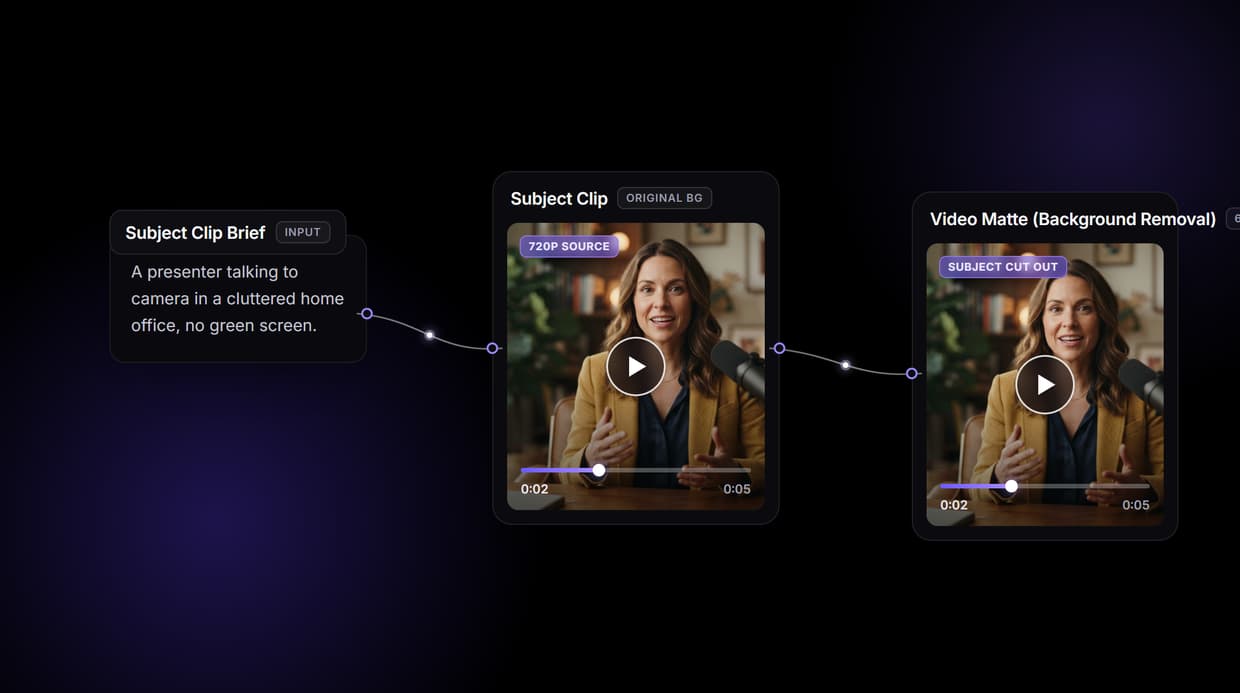
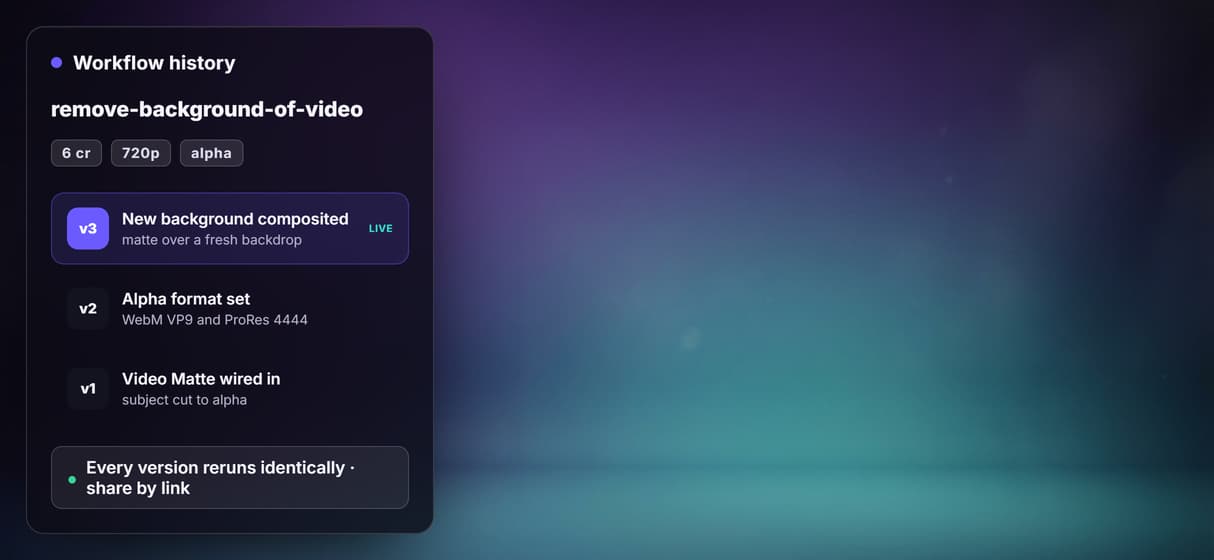
The Video Matte node cuts your subject to a per frame alpha clip, you pick the matting backend and alpha format, then a Video Composite node drops a new background behind it. One real run and its cost: the matte is 6 credits, the composite is free.
Free to build · no credit card · Read the agent docs · See how it works ↓
 Andrew Adams · Co-Founder & Operations at Wireflow ·
How to Use Remove Background of Video
Steps to get you started in Wireflow.
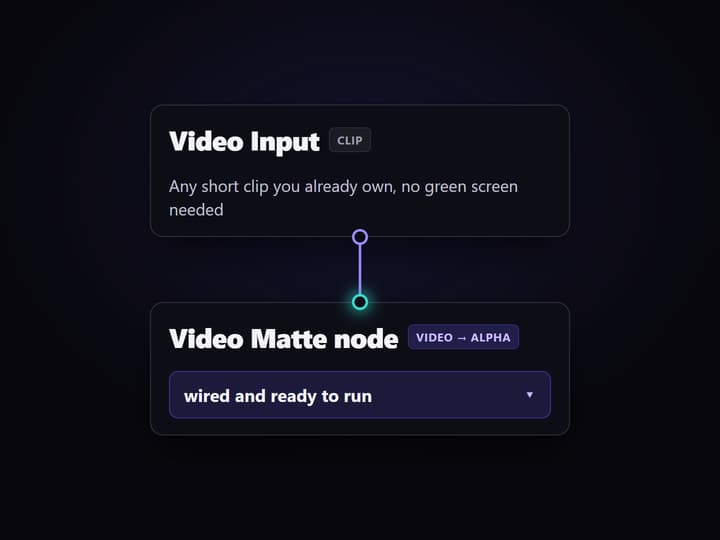
Bring in the clip you want cut out
Open the flow and point the video input at a clip you already have or one the graph just generated. The matte reads the subject directly, so no green screen is required.
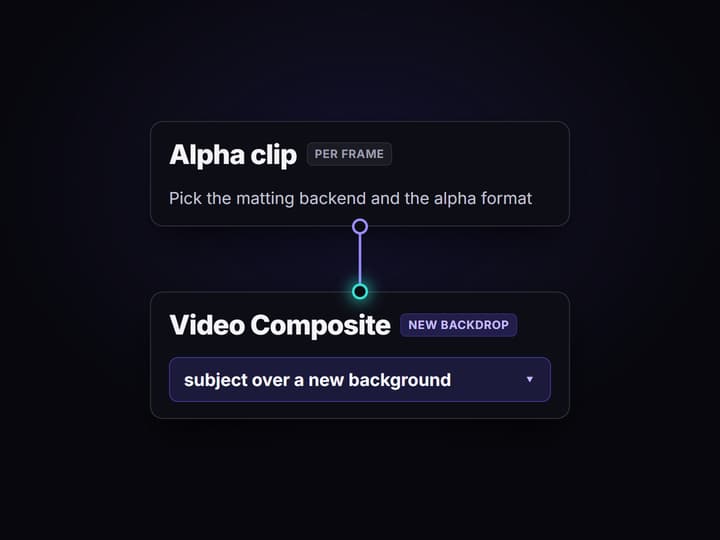
Matte the subject and pick the format
The Video Matte node removes the background and returns a per frame alpha clip. Choose the backend for edge quality and the alpha format, WebM VP9 for the browser or ProRes 4444 for editing tools.
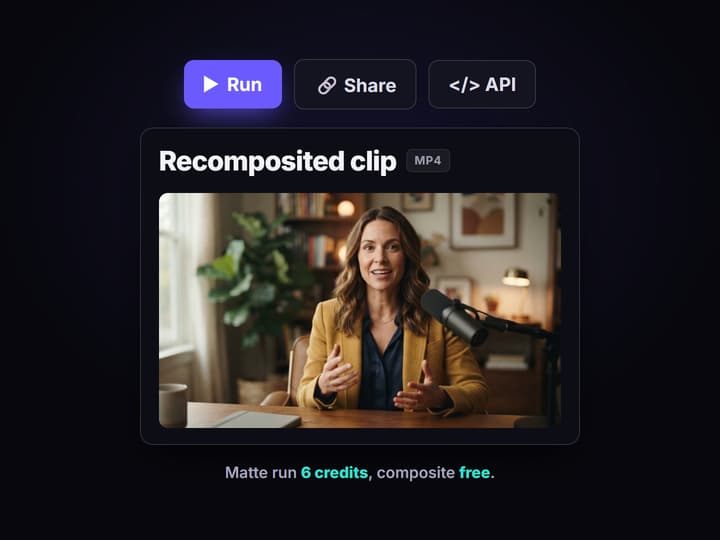
Drop a new background behind and run
Wire the matte into a Video Composite node over a new backdrop clip, press Run, and the graph renders one mp4. The matte run costs 6 credits and the composite is free.
More Than Just Remove Background of Video
Cut the subject, no green screen
The Video Matte background removal node reads your subject straight from the clip and returns a per frame alpha video, no green screen.
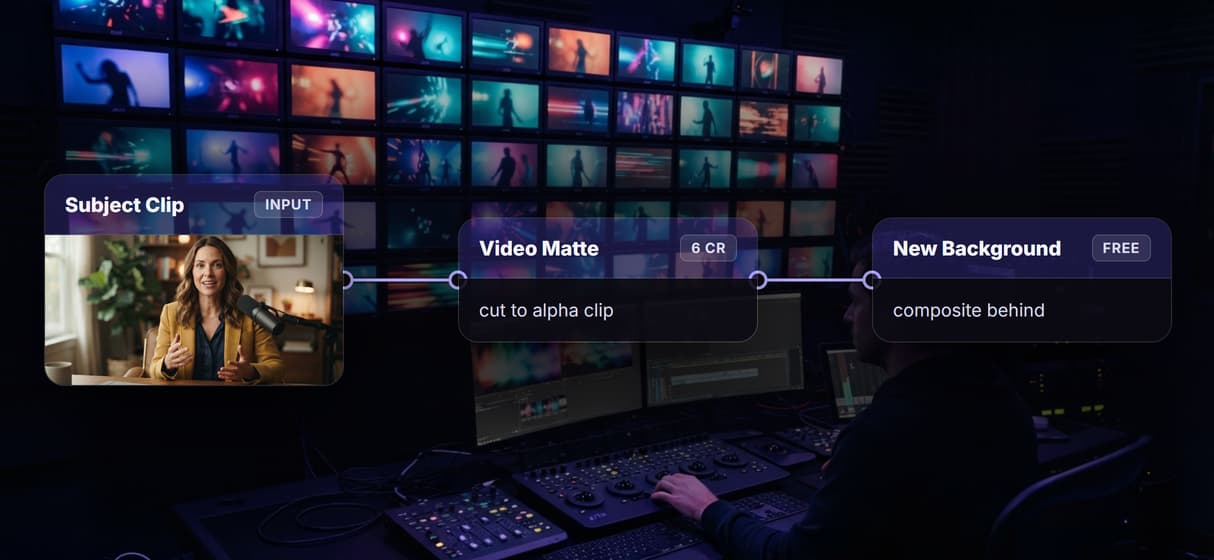
Put any new background behind it
A Video Composite node layers the alpha matte over a fresh backdrop for free, so you swap the background in the same flow that cut it out.
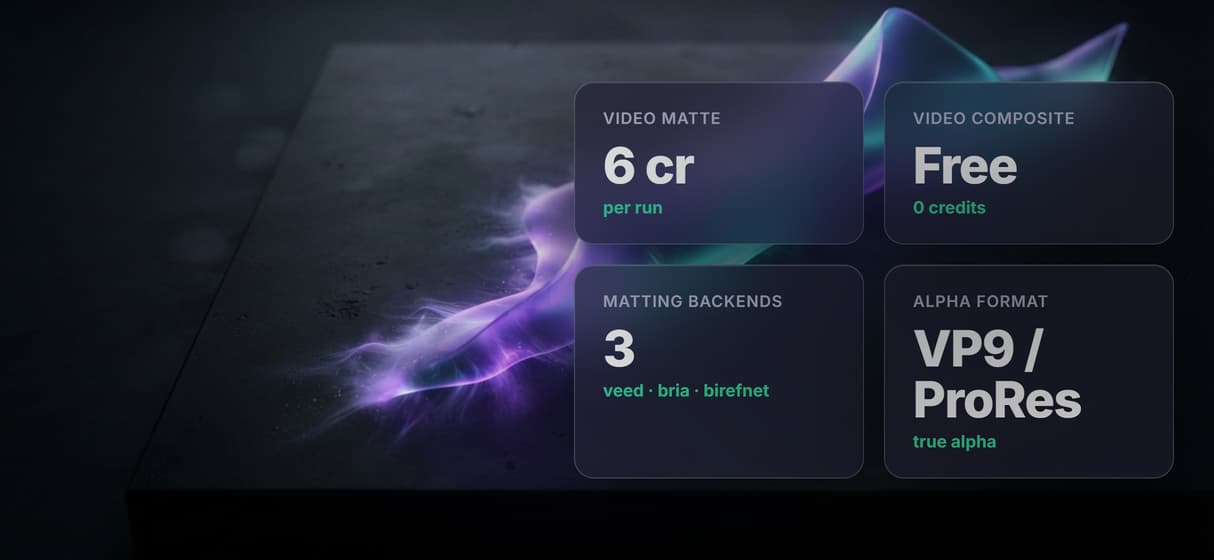
Pick the backend and alpha format
Choose veed, bria or birefnet for edge quality and WebM VP9 or ProRes 4444 alpha, more control than a quick AI background remover pass.
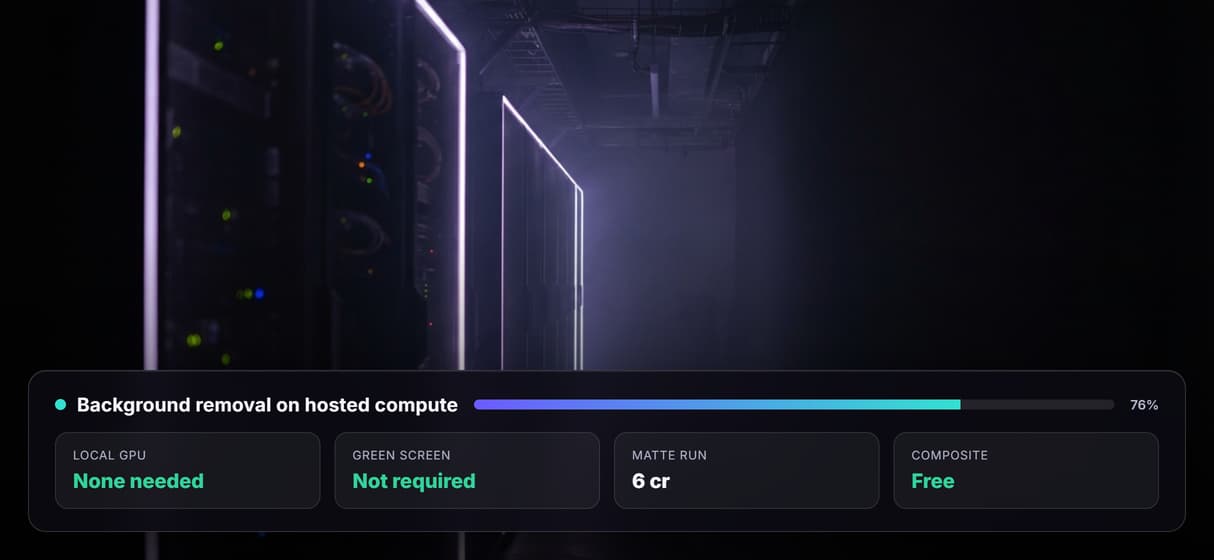
6 credits in the cloud, no GPU
The matte run is 6 credits on hosted compute and the composite is free, so a laptop with no GPU feeds straight into your AI video pipeline.
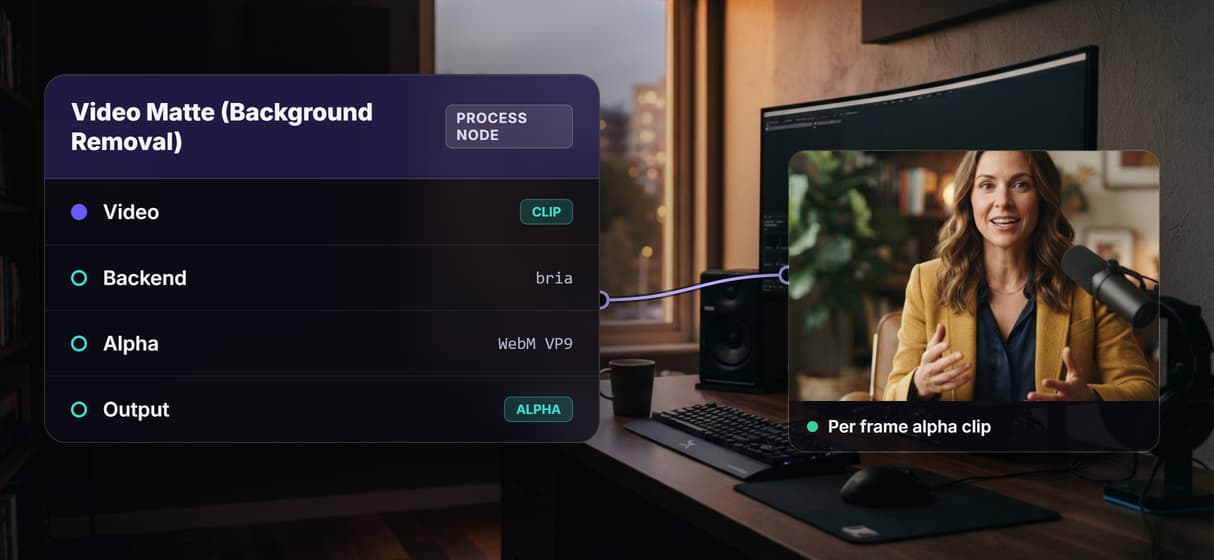
Reproducible and callable as an API
The matte is a versioned node in one AI video workflow, shareable by link and callable as a REST endpoint or MCP tool from your own code.
Remove background of video Workflows
No Code Required
API & Batch Processing
Remove the background of a video, then keep building
Removing a video's background used to mean a green screen and good lighting, or a desktop app that exports a single transparent file and leaves you there. If the edges came out rough, or you wanted a different backdrop, you started over in another tool.
Wireflow turns background removal into a node on a canvas. The Video Matte node reads your clip, detects the subject, and returns a per frame alpha video on hosted compute, with nothing to install and no green screen. Because it is a node, the cut-out does not dead-end: a Video Composite node sits right next to it and drops a new background behind the subject for free, and the sharper subject rolls straight into the rest of your flow, from a faceless AI video generator to a final edit, without leaving the browser.
What the background removal graph gives you
One video input
Drop in a clip you own or one the graph generated. No green screen and no upload-size dance.
Video Matte node
Cuts the subject to a per frame alpha clip for 6 credits a run on hosted compute.
Three matting backends
Switch between veed, bria and birefnet to trade speed against the cleanest edges.
Real alpha formats
WebM VP9 alpha for browsers and Remotion, or true ProRes 4444 for editing tools.
Video Composite
Layers the matte over a new backdrop and renders one mp4. Free, 0 credits.
Rerun and swap
Versioned and shareable by link; swap the matting backend as stronger ones ship.
How the matte-and-recomposite graph runs on one clip
The workflow behind this page's button does the whole job in one run.
- A subject clip comes in. A base frame and a short generated clip stand in for your footage in the demo, but the video input takes any clip you already have.
- Video Matte cuts the subject out. It returns a per frame alpha clip with your chosen backend and alpha format, so nothing but the subject survives.
- A new background goes behind it. A second clip becomes the backdrop, and Video Composite layers the alpha matte over it and renders one mp4.
That one-graph path is the detail worth copying: the cut-out and the new background live in the same reproducible flow instead of two disconnected apps. A clip that starts from a still begins with image to video API, and a matted subject rolls on into an AI video extender or a later edit without a re-export.
When a consumer app or a green screen is still the right call
If you want to tap one button on your phone and get a transparent clip back with no account and no graph, a consumer web tool like CapCut or Unscreen is built for exactly that, and this page will not pretend otherwise. Wireflow asks you to wire a small flow once, and the footage has to reach hosted compute, so there is no offline or air-gapped run.
Wireflow is the generation and processing layer, not a full editing suite: there is no timeline NLE, no local processing, and matte quality still depends on the source clip and its lighting. A hard-lit green screen can still beat an AI matte on fine hair against a busy background. What you get instead is a cut-out you can steer by backend and alpha format, a free recomposite in the same graph, and an API you can call. For stills rather than video, the best free background remover tools roundup covers the image side.
FAQs
You wire the clip into the Video Matte node and press Run. The node detects the subject and returns a per frame alpha clip on hosted compute, so there is no green screen and nothing to install. A Video Composite node can then drop a new background behind the subject in the same graph.
Discover related AI tools
More From Wireflow
Written by
Andrew Adams · Co-Founder & Operations at Wireflow
Runs client operations and content strategy at Wireflow. Works directly with creative teams and agencies to build production AI workflows.
Cut the background out and drop a new one in
Open the flow, point it at a clip, and the Video Matte node returns a per frame alpha video. Composite a new background behind it in the same graph. The matte is 6 credits a run; building is free.