Features
Video Personalization
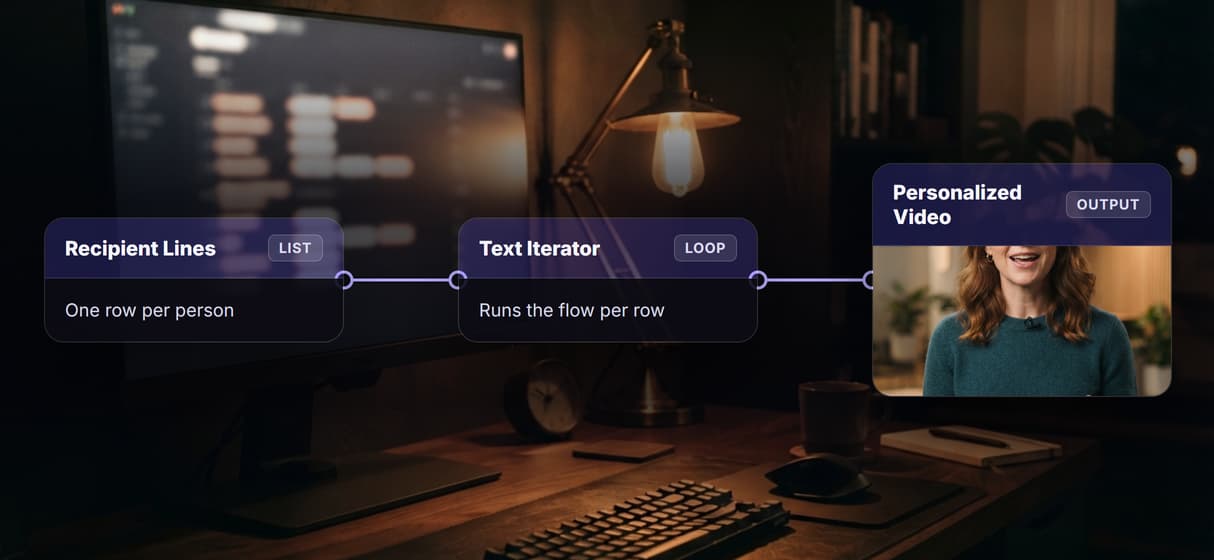
Video personalization on Wireflow runs one flow for every row of a list: Text Iterator loops your recipients, ElevenLabs TTS speaks each name, and Sync Lipsync v3 makes a talking video per row.
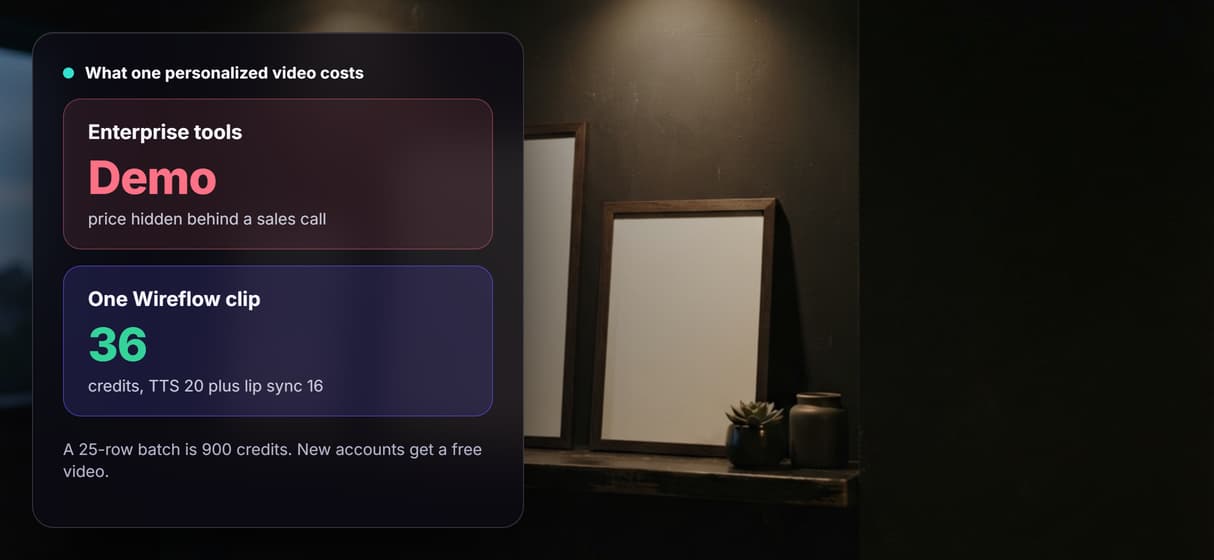
One clip is 36 credits. New accounts get a free video.
Free to build · no credit card · Read the agent docs · See how it works ↓
 Andrew Adams · Co-Founder & Operations at Wireflow ·
How to Use Video Personalization
Steps to get you started in Wireflow.
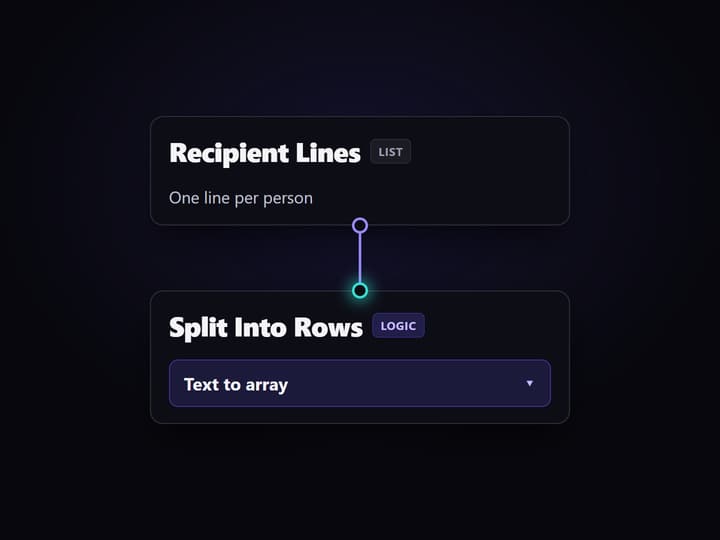
Add your recipient lines
Open the flow and paste one line per person into the Recipient Lines node. Split Into Rows turns the list into an array for the iterator.
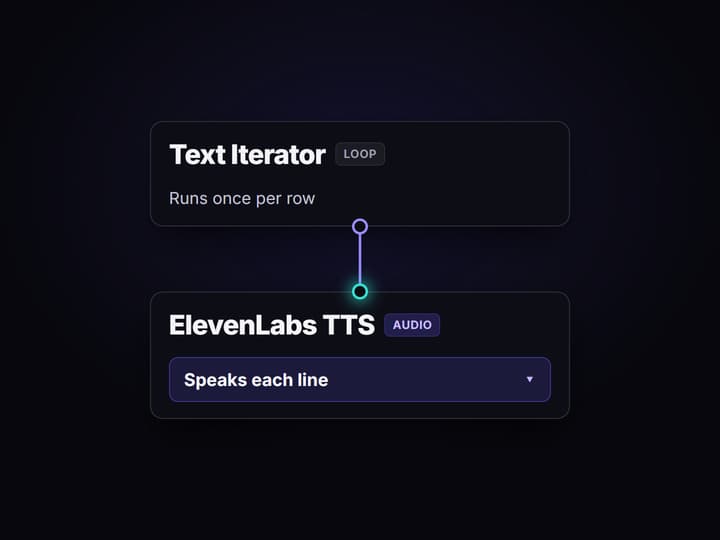
Run the flow per row
Text Iterator runs the graph once for every row. ElevenLabs TTS speaks each line and Text Display shows the name on screen.
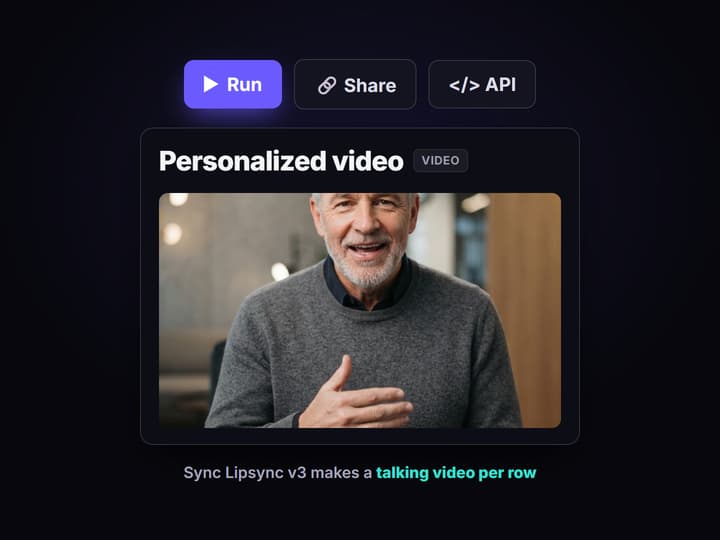
Get one video per person
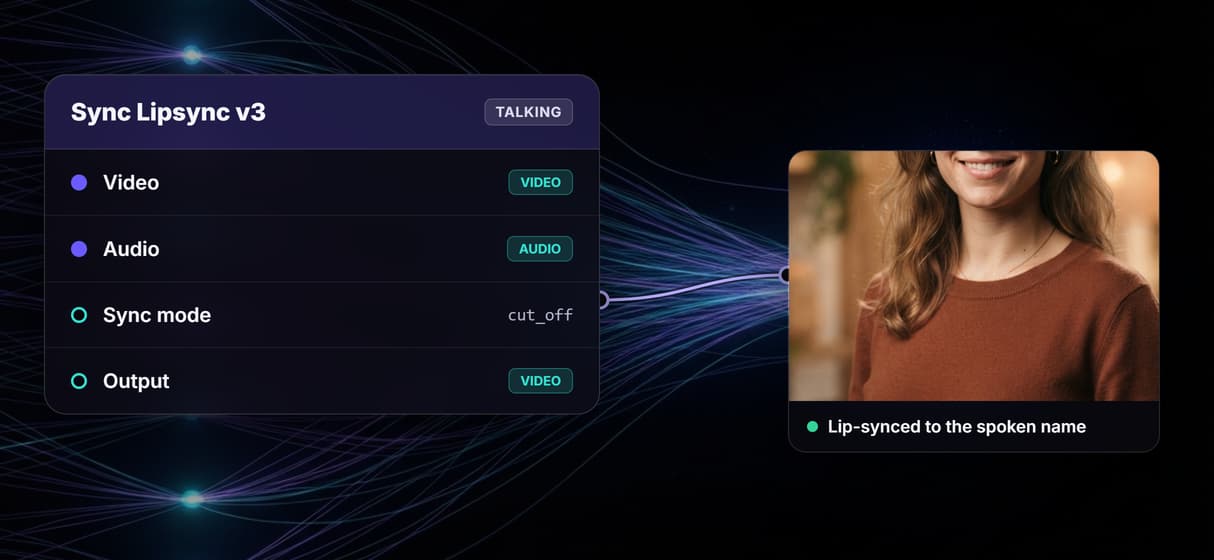
Sync Lipsync v3 lip-syncs your presenter clip to each spoken line, so every row returns its own personalized talking video URL.
More Than Just Video Personalization
One flow for every row
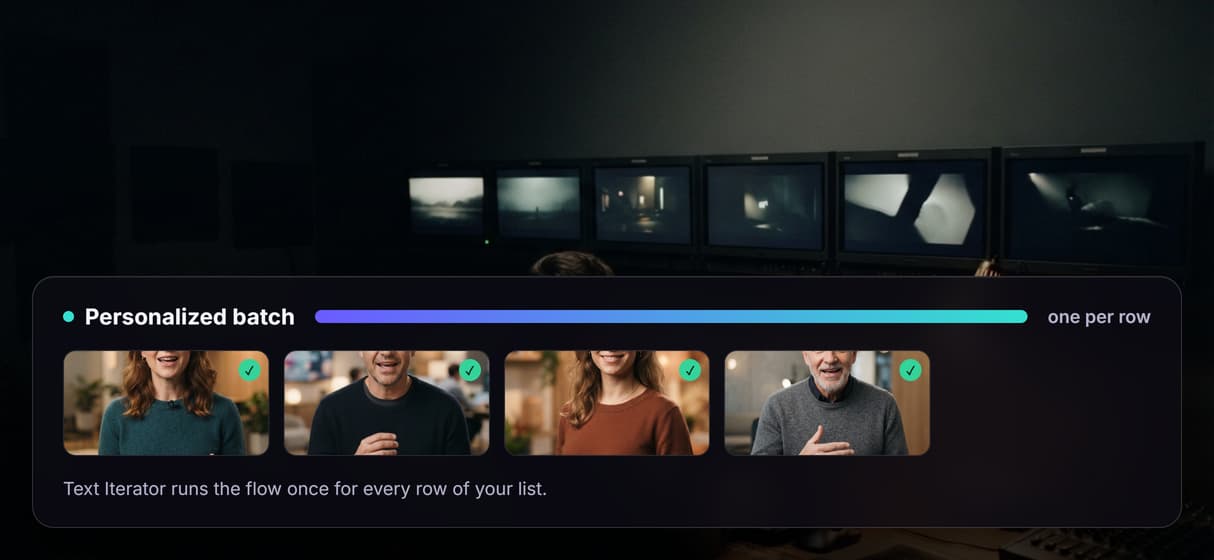
Text Iterator runs the whole graph once per row of your list, the same loop behind any AI video workflow. One template in, one video out per person.
Each name spoken aloud
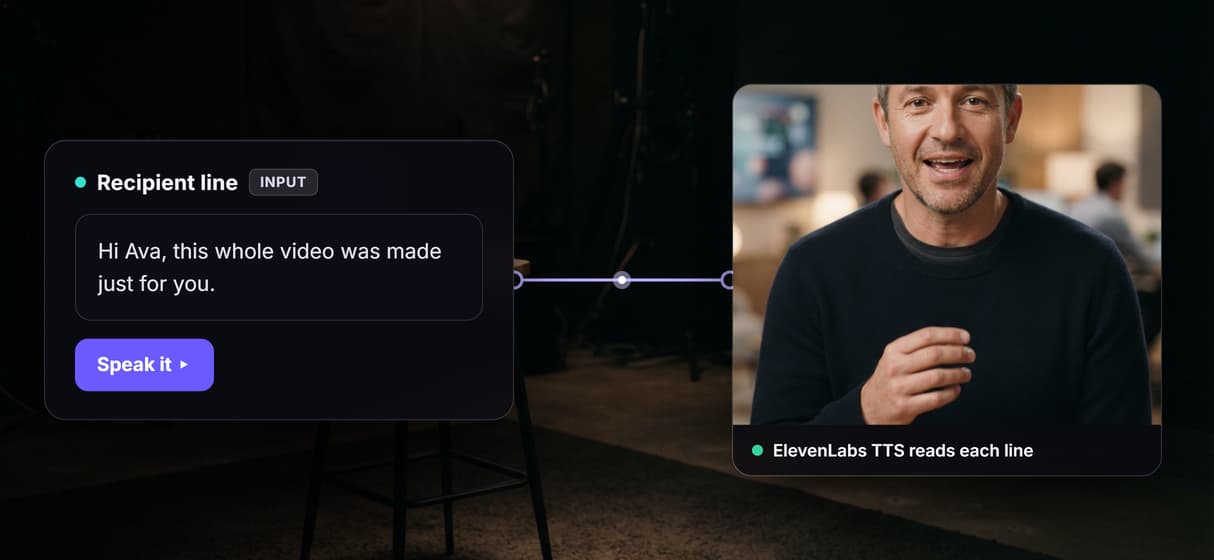
ElevenLabs TTS reads each row's line, so the name is heard, not just captioned. Pick any voice, the same audio step used in a UGC video generator flow.
A real talking video
Sync Lipsync v3 matches your presenter clip to the spoken line, so you get a talking video, not a text overlay. See other AI lip sync tools.
The whole list in one batch
Feed the iterator a long list and the flow runs row by row, with no copies to maintain. It is the same engine as batch AI generation for images.
Cost you can read upfront
One personalized clip is 36 credits: 20 for the ElevenLabs voice and 16 for the lip sync, read live from the models API. Compare the ElevenLabs API pricing behind it.
Build Any AI Workflow
AI Models Integrated
Full Commercial License
The real flow behind video personalization
Video personalization usually means a black box: you upload a template, a hidden rendering engine swaps a name, and you wait. On Wireflow the whole thing is a flow you can open. A Recipient Lines input holds one line per person, Split Into Rows turns it into an array, and Text Iterator runs the downstream nodes once for every row.
Because each step is its own node, you can change the voice, swap the presenter clip, or localize the video for a different audience without rebuilding anything.
What each node does
Recipient Lines
A text input that holds your list, one personalized line per person.
Split Into Rows
Turns the pasted list into an array the iterator can walk row by row.
Text Iterator
Runs the rest of the flow once for every row, so one graph covers the whole list.
ElevenLabs TTS
Speaks each row's line aloud, so the person's name is heard, not just captioned.
Text Display
Shows the name on screen so it is both said and seen in each video.
Sync Lipsync v3
Lip-syncs your presenter clip to the spoken line for a real talking video.
Personalize from a list, or from an agent
The list does not have to be typed by hand. Because every published Wireflow workflow is also a REST endpoint and an MCP tool, an agent can send a list of recipient lines and get one video URL back per row. That makes this the same flow whether a marketer runs it on the canvas or a coding agent calls the API.
Nothing is hidden. The sticky note on the board explains the run, and you can read the exact credit cost before you spend anything.
When a single video is the better fit
Wireflow makes the videos; it is not your CRM. It does not store contacts, decide who to personalize, or send the emails. You wire the list in and take the URLs out, then hand them to whatever sends your campaign.
It is also not free at any scale. Each row spends credits on the TTS and lip-sync nodes, so a very large send is a real cost, not a rounding error. If you only need one video for everyone, a single AI talking head video is simpler and cheaper than looping a list.
FAQs
It is making a separate video for each viewer from one template and a list of data. On Wireflow a Text Iterator loops the list and each row speaks and shows that person's own name.
Discover related AI tools
More From Wireflow
Written by
Andrew Adams · Co-Founder & Operations at Wireflow
Runs client operations and content strategy at Wireflow. Works directly with creative teams and agencies to build production AI workflows.
Open the personalization flow
The flow is published and ready. Open it, paste in a list of recipient lines, and run it once to make a personalized talking video for every row. Building on the canvas is free and new accounts get a free video.