 Andrew Adams · Co-Founder & Operations at Wireflow ·
 Video Creative Software for Agencies
Most video tools help one person make one cut.
An agency makes the same spot in six aspect ratios, for a dozen clients, again next month. Wireflow gives you the creative production line instead: one node graph per client brand, fanned into every campaign variant, versioned and rerunnable, callable from your stack, billed per generation.
Free to build · no credit card · See how it works ↓
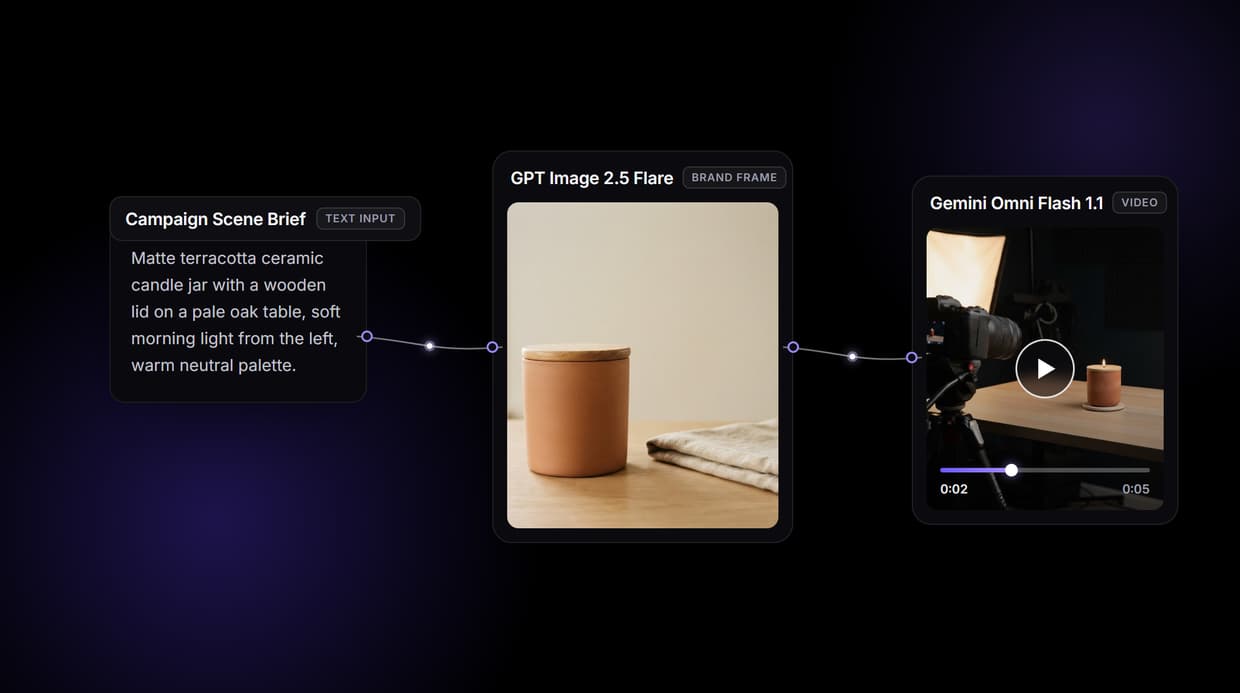
How to Use Video Creative Software for Agencies
Steps to get you started in Wireflow.
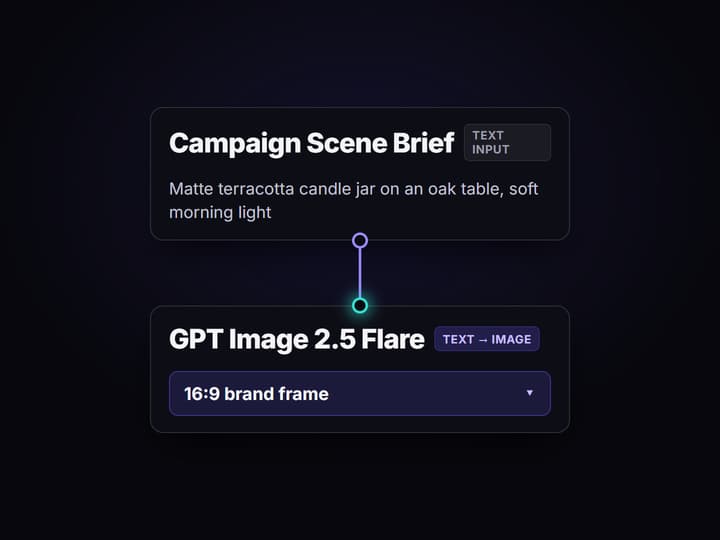
Put the client's brief and script into the two inputs
Open the flow and fill the Campaign Scene Brief node with the shot you need and the Voiceover Script node with the words. Everything downstream reads from those two boxes, so the next variant is a text edit, not a rebuild.
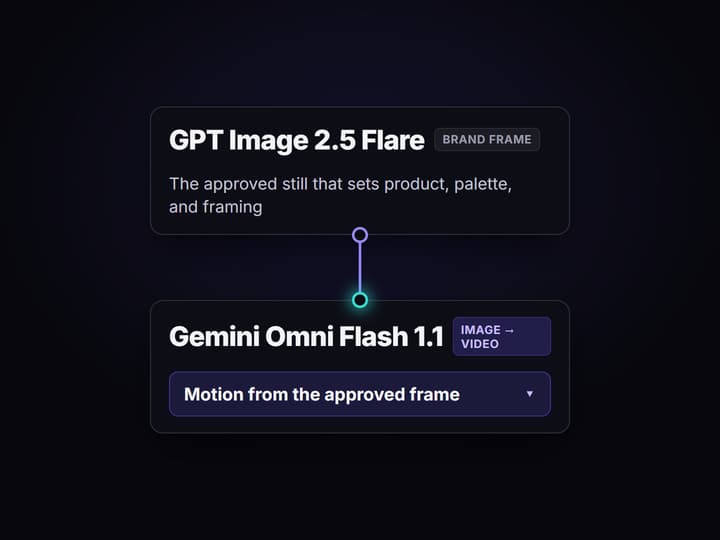
Run the graph and watch each hop land
GPT Image 2.5 Flare renders the brand frame, ElevenLabs TTS records the voiceover from your script, Gemini Omni Flash 1.1 animates the frame into a clip, and the Video Editor node assembles the frame, clip, and audio into one cut.
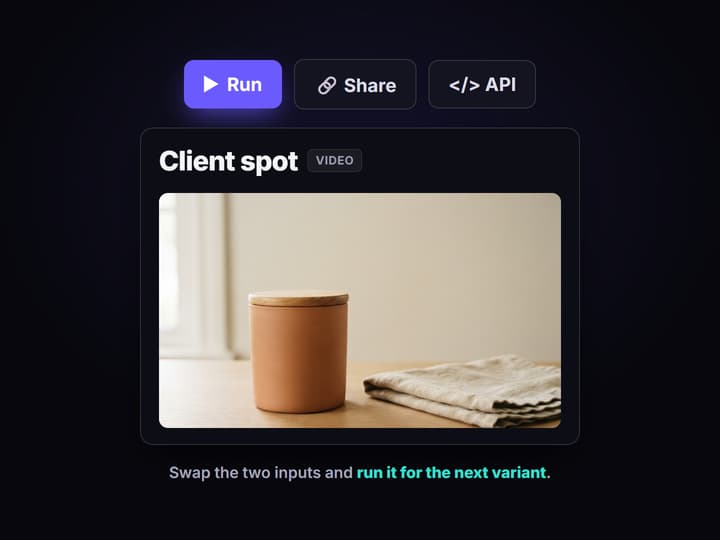
Lock it, then fan it into every variant
Workflows are versioned server side and shareable by link, so a producer reruns the exact graph for the vertical, the fifteen second, and the next client. When volume arrives, drive the same flow from a REST call or an MCP tool.
Why agency video creative breaks differently than solo video
Every roundup of video tools is written for a person making a video. Agencies do not have that problem. They have a dozen clients, each with a brand guide, each expecting the same look on the vertical cut that they approved on the landscape master, and a producer who has to hit that bar without the founder in the room. The failure mode is not bad output, it is drift: the fifteen second recut lands a shade off, nobody can say why, and the revision round eats the margin.
Wireflow treats the pipeline as the deliverable. A client's creative lives on a node canvas as a graph: brief in, brand frame, voiceover, motion, finished cut. Because the graph is versioned server side, the vertical comes off the same approved frame as the master. Because it runs on hosted compute in the browser, no one on the team installs a GPU stack. And because the same canvas backs your other jobs, an AI video agent can drive it when a human does not need to.
What an agency actually gets
A graph per client
One canvas holds one client's look. Duplicate it for the next brand instead of rebuilding from scratch.
Brand frames
GPT Image 2.5 Flare renders the frame that sets product, palette, and framing before motion costs anything.
Voiceover in the graph
ElevenLabs TTS turns the approved script into narration on the same run, with no handoff.
Motion you can swap
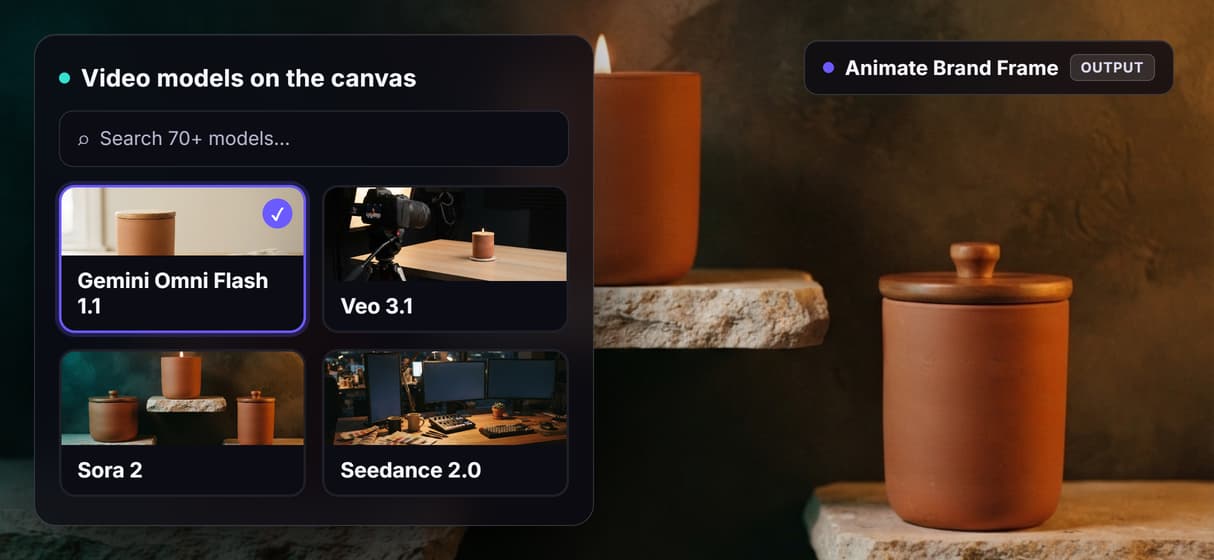
Gemini Omni Flash 1.1 animates the frame today. Veo 3.1, Sora 2, or Seedance 2.0 swap in as one node.
Versioned variants
Workflows are versioned and shareable by link, so a producer reruns the approved graph for every cut.
REST and MCP
Every published workflow is an endpoint and an agent tool, so intake can trigger production.
How the flow behind this page runs
The graph on this page's button is one client's spot, kept deliberately small so it is readable at a glance.
- Two Text Input nodes hold the job. Campaign Scene Brief describes the shot; Voiceover Script holds the words. These are the only two boxes a producer edits between variants.
- GPT Image 2.5 Flare renders the brand frame. The frame is where product, palette, and composition get approved, before any motion spend.
- ElevenLabs TTS reads the script. The voiceover runs off the same brief, in the same pass, so audio and picture never drift apart across recuts.
- Gemini Omni Flash 1.1 animates the approved frame and the Video Editor node assembles the frame, the clip, and the voiceover into one cut.
The detail worth stealing is that the frame feeds both the motion node and the final assemble. The still that got approved is the still that ends up on screen, which is what keeps the vertical from drifting off the master. From there the same shape scales: point an iterator at a brief list to fan a campaign out as batch AI generation, or wire the flow into broader AI pipeline automation so intake triggers the render.
When this is not the right tool for your agency
If what you need is a review and approval portal, a digital asset manager, or a project tracker, this is not that. Wireflow is the generation layer. It does not host your client's feedback threads, it does not organize your media library, and it does not move a job through a review board.
It also will not do the thinking. Wireflow does not write your script, choose the strategy, or tell you which cut is better. If your agency's value is creative direction, this makes the execution cheaper and more repeatable; it does not replace the direction. Two more honest limits: everything runs hosted, so there is no offline or on premise mode and no local checkpoints, and there is no real time multiplayer co-editing of a canvas, so two people should not drive one graph at the same moment.
Finally, if your agency's whole model is reselling video under your own brand with your own client logins, look at the white label AI video platform page first, because that is a different question than creative tooling.
More Than Just Video Creative Software for Agencies
One locked graph per client brand
Workflows are versioned server side, so a client's tenth spot matches the first. Lock the graph once and any producer can rerun that AI video workflow.
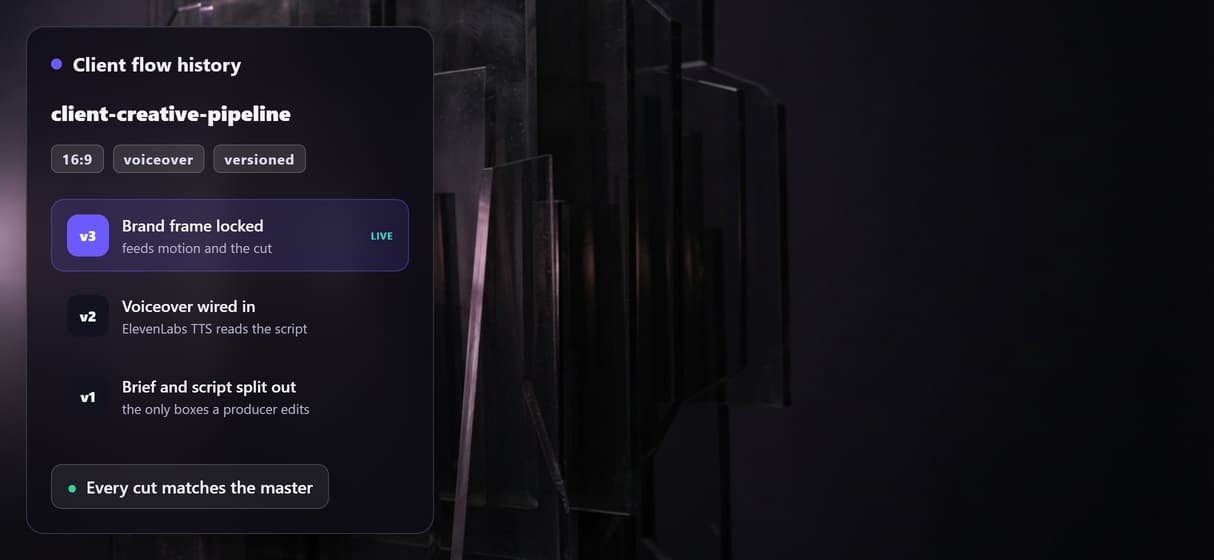
Every cut and ratio from one master
Point an iterator at the graph and the 15s, the vertical, and the regional recut come off one approved look, as video ad variants.
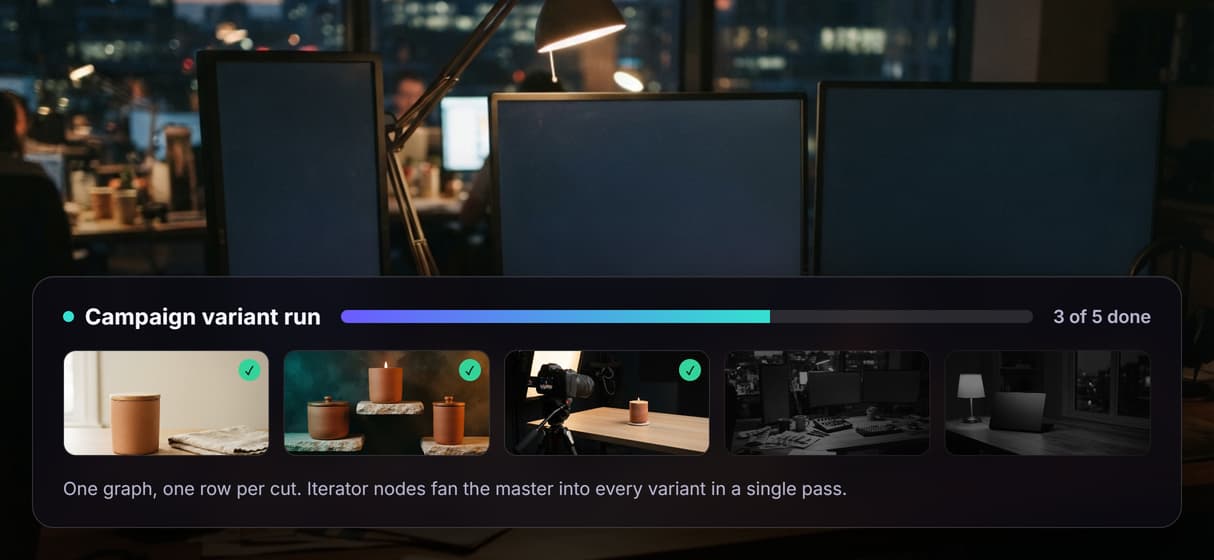
Your stack triggers the render
Every published workflow is both a REST endpoint and an MCP tool, so an intake form or an agent can chain AI models and get asset URLs back.
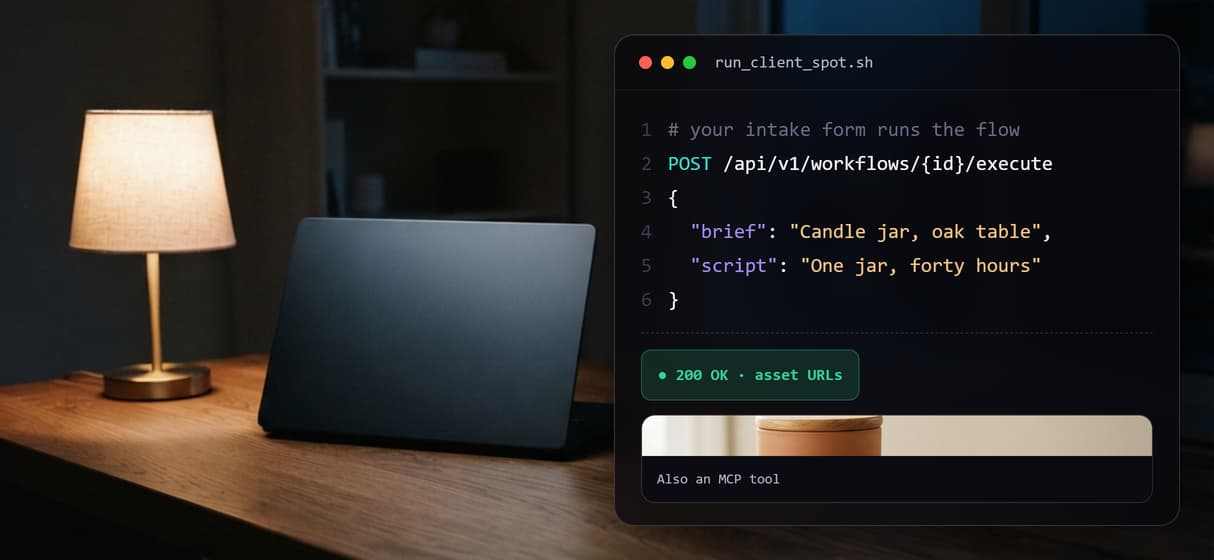
Margin you can actually calculate
Building on the canvas is free and generations are metered, so cost tracks deliverables, not seats. Ten people on one client flow cost the same as one.
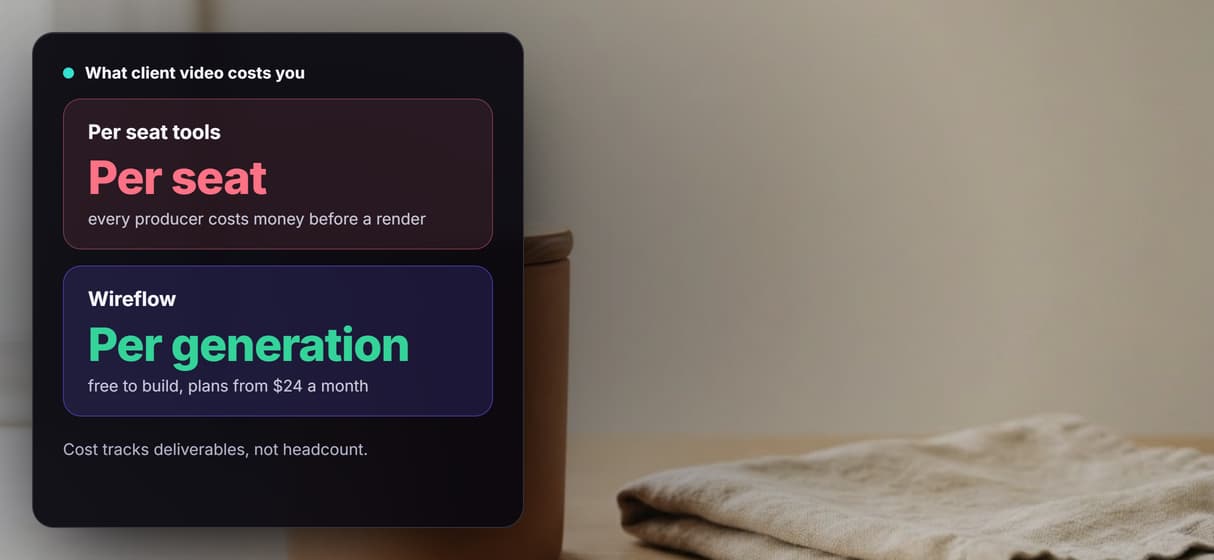
Swap the video model, keep the pipeline
70+ hosted models sit behind swappable nodes, so a better video model is a node change, not a migration, on the node based platform.
Video creative software for agencies Workflows
No Code Required
API & Batch Processing
FAQs
The one that makes the tenth client and the sixth resize as cheap as the first cut. Wireflow does that by making the pipeline the asset: a client's creative is a node graph you build once, version, and rerun. Reruns are reproducible, the graph runs from a REST call or an MCP tool as well as the canvas, and pricing is per generation instead of per seat.
Discover related AI tools
More From Wireflow
Written by
Andrew Adams · Co-Founder & Operations at Wireflow
Runs client operations and content strategy at Wireflow. Works directly with creative teams and agencies to build production AI workflows.
Build the client creative once
Open the flow, swap the brief and the script for your client's, and run it. Building on the canvas is free; you pay per generation, not per seat.