Features
4K AI Upscaling
Run 4K AI upscaling on a hosted node canvas instead of a desktop app.
Wire a base image or your own upload into Topaz Upscale, add a second pass toward 4K, and swap in a video upscaler for footage. No local GPU, no install, pay per generation.
Free to build · no credit card · Read the agent docs · See how it works ↓
 Andrew Adams · Co-Founder & Operations at Wireflow ·
How to Use 4K AI Upscaling
Steps to get you started in Wireflow.
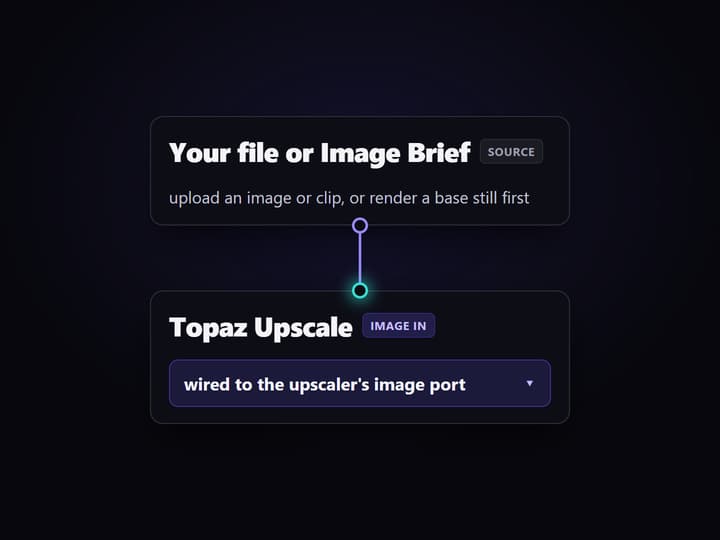
Drop in the image or clip you want upscaled
Open the flow and wire your file into the upscaler node, or let the Image Brief node render a base image first. The upscaler reads whatever reaches its image port.
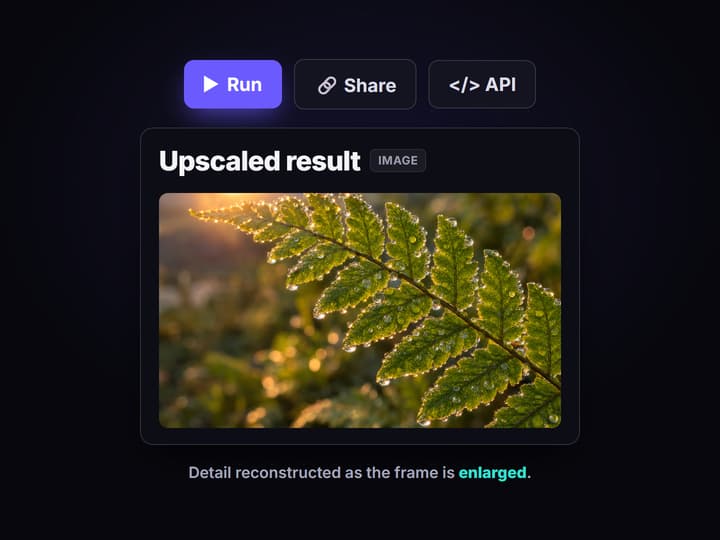
Run the upscale node
Topaz Upscale reconstructs detail as it enlarges the frame and returns the result in the same run. For footage, Topaz Upscale Video and Crystal Video Upscaler do the same job on each frame.
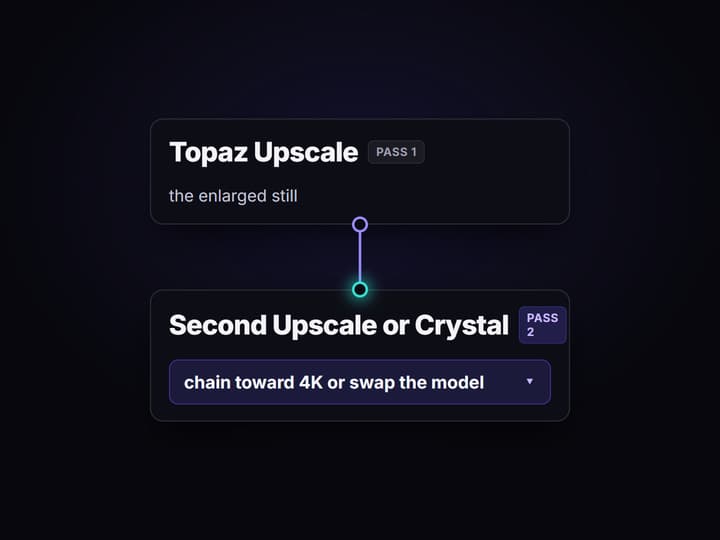
Chain another pass or swap the model
Wire the output into a second upscale node to push toward 4K, or swap Topaz for Crystal or Clarity. Share the flow link and the whole team reruns the exact same graph.
More Than Just 4K AI Upscaling
Upscale toward 4K with no local GPU
Topaz and Crystal upscalers run on hosted compute, so nothing installs and there is no VRAM ceiling. A hosted AI image upscaler where a desktop needs a license.
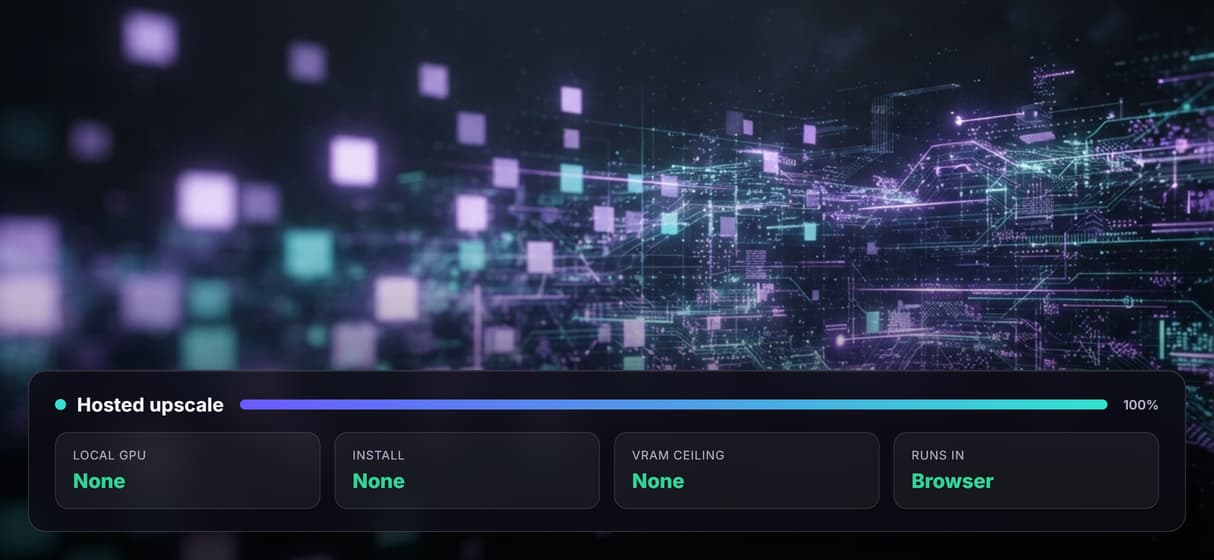
The same job done in Wireflow
Point footage at the Topaz Upscale Video node for the detail pass a desktop does, wired into a flow. A canvas-native Topaz Video AI alternative with no render queue.
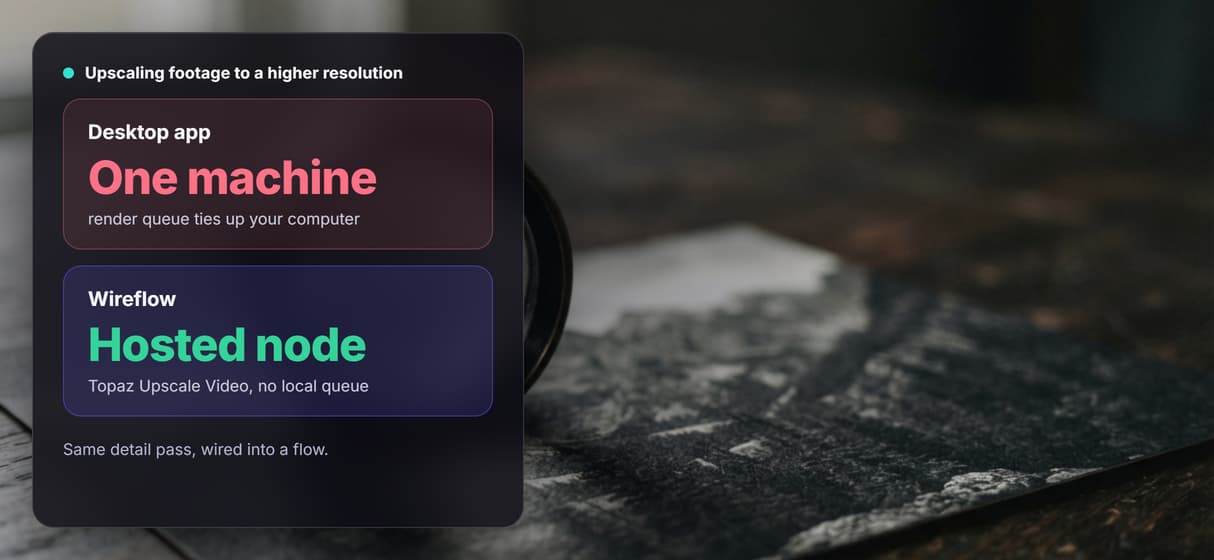
Reconstruct detail, do not just stretch pixels
The model infers edges and texture as it enlarges, so a soft source gains crispness, not blur. Pair it with sharpen blurry photos with AI when a source needs cleanup.
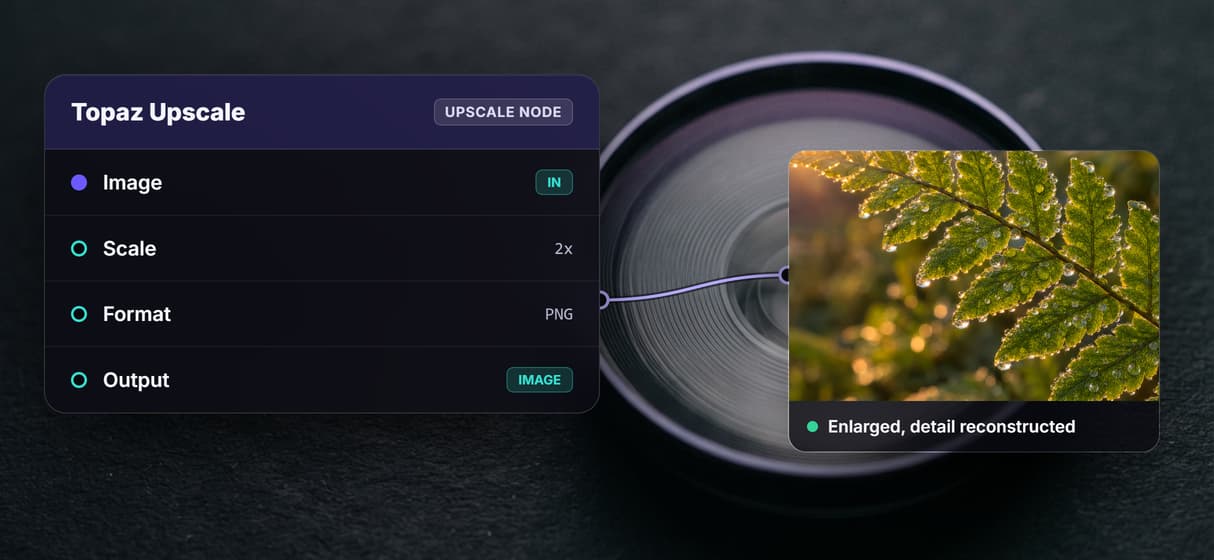
Chain upscaling into a bigger pipeline
The upscale node is one hop, so a generate step feeds it and a save step follows. Drop it into any AI video pipeline to finish clips at higher resolution.
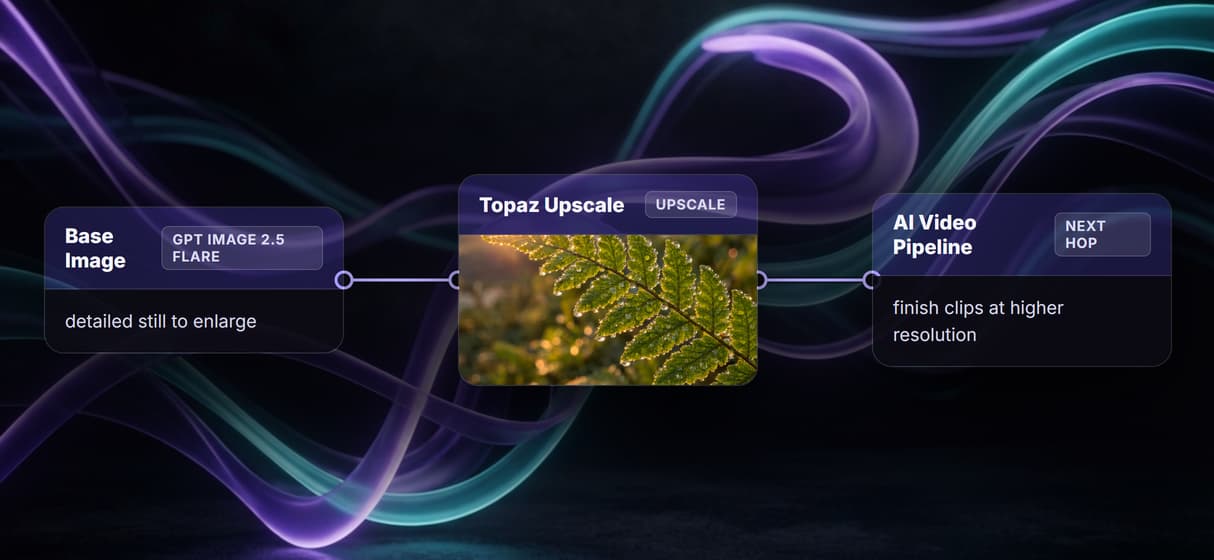
Batch and call it from code
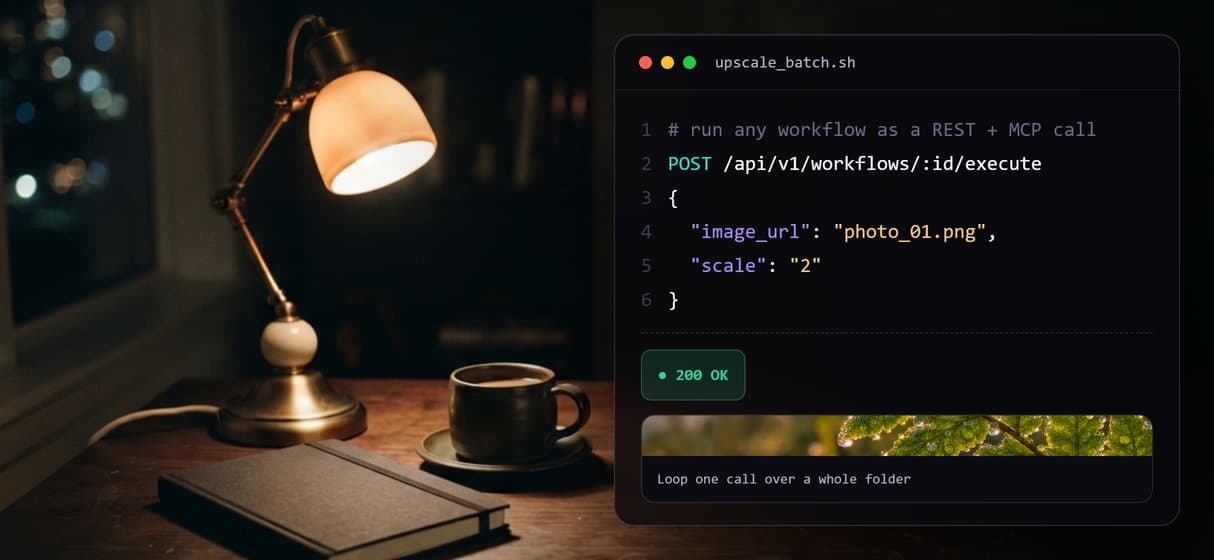
Every published workflow is a REST endpoint and an MCP tool, so a script can upscale a whole folder. Loop one clarity upscaler API call over a feed, not each file.
Build Any AI Workflow
AI Models Integrated
Full Commercial License
Why 4K AI upscaling belongs on a canvas
Most 4K AI upscaling happens in a desktop app: install the tool, feed it one file, wait for the GPU, export, repeat. It works, but it ties the job to one machine, one license, and one step that never talks to the rest of your pipeline. The moment you want to generate the image first, or upscale a hundred frames, or hand the job to a script, the desktop app becomes a bottleneck.
Wireflow runs the same upscalers as nodes on a hosted canvas. Topaz Upscale, Crystal Upscaler, Clarity Upscaler, and Topaz Upscale Video all sit in the registry next to the generators, so an image can be made and enlarged in one graph, and footage can be upscaled frame by frame without a local render queue. Building the flow is free, it runs on hosted compute with no CUDA setup, and the same canvas drives every other AI image generator job your team has.
The upscaler nodes you can wire in
Topaz Upscale
Reconstructs detail as it enlarges a still, returning a sharper, larger frame.
Crystal Upscaler
A second image upscaler to A/B against Topaz on the same source in one graph.
Clarity Upscaler
Detail-focused upscaling for photos that need texture back, not just size.
Topaz Upscale Video
The video node that enlarges footage frame by frame with reconstructed detail.
Crystal Video Upscaler
A second video upscaler for clips, swappable into the same video flow.
Generate, then upscale
Wire a GPT Image node into an upscaler so one run makes and enlarges the frame.
How the flow behind this page runs
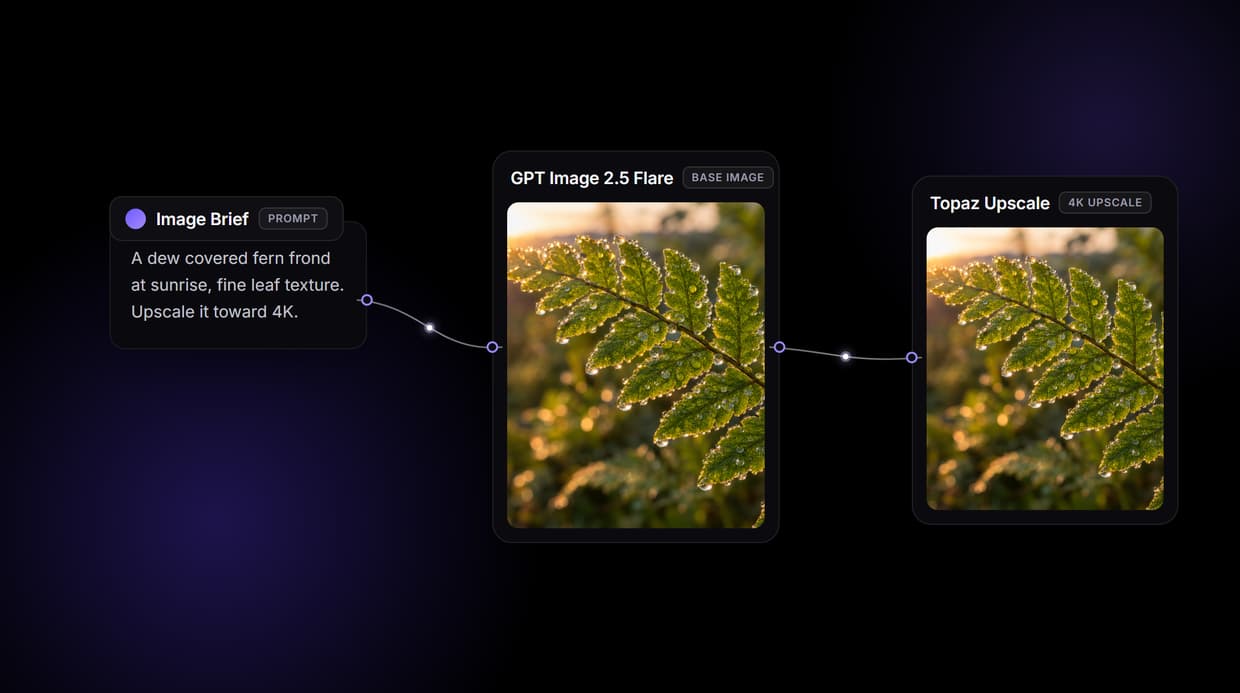
The workflow this page's button opens is deliberately small: three nodes and two wires.
- Image Brief holds the prompt. One sentence describing the scene is enough, and a sticky note in the flow walks a first run through it.
- GPT Image 2.5 Flare renders the base. It makes a detailed still to upscale, or you swap this node out and drop in your own image instead.
- Topaz Upscale enlarges it. The node reconstructs edges and texture as it scales the frame up, and returns the larger result in the same run.
To push a small source toward 4K, wire the upscaled output into a second upscale pass, since each pass is just another node. And because the graph lives among 100+ hosted model nodes, the enlarged frame can roll straight into an AI video workflow or a save step without leaving the browser.
What 4K AI upscaling cannot do
Upscaling reconstructs detail; it does not recover what a camera never captured. A 4K result from a tiny, heavily compressed source is an informed guess, not native 4K footage, and a very low quality input can gain artifacts as easily as sharpness. For the cleanest result, start from the best source you have and clean it up first, which is why this flow pairs well with a AI photo enhancer pass before the upscale.
Wireflow is the generation layer, not the reasoning brain: it will not decide which files are worth upscaling or color grade to taste for you. The page's own flow runs its upscale at a 2x pass to keep credit use low, so reaching a full 4K means chaining passes or starting from a larger base. What it offers instead is the upscaler on a canvas, as a node you can batch, chain, and call from code.
FAQs
4K AI upscaling uses a trained model to enlarge an image or video toward a 4K resolution while reconstructing edges and texture, rather than simply stretching the existing pixels. On Wireflow it is an upscaler node, such as Topaz Upscale or Crystal Upscaler, that you wire into a flow and run on hosted compute.
Discover related AI tools
- AI Image Upscaler: Upscale to 4K in a Visual Workflow
- AI Background Remover
- AI Image Generator: Flow-Based Canvas, 31 Models
- ComfyUI Alternative
- AI Face Swap Online: Photos and Video in Your Browser
- Virtual Try On
- AI Thumbnail Generator
- AI Photo Generator
- AI Image Editor
- AI Art Generator
- Midjourney Alternative
- AI Headshot Generator
More From Wireflow
Written by
Andrew Adams · Co-Founder & Operations at Wireflow
Runs client operations and content strategy at Wireflow. Works directly with creative teams and agencies to build production AI workflows.
Upscale on a canvas, not a desktop app
Open the flow, wire in an image or a clip, and run the upscaler: a larger, sharper result in the same graph. Building is free; you pay per generation, not per license.