The best video creative software for agencies in 2026 balances three things: how much output it produces per week, whether that output is client-ready without a second pass, and how much manual work sits between an approved brief and a delivered cut. Most agency teams end up running two or three tools rather than one, because generation, finishing, and client review are genuinely different jobs. Wireflow sits at the generation end of that stack, chaining several AI video models on a single canvas so one approved concept can produce a full set of client deliverables in one run.
This guide ranks eight tools that agencies actually use for client video work, scored on batch output, revision cost, brand consistency across a campaign, and how cleanly the tool hands work to the next person in the chain.
Quick summary: the 8 best video creative tools for agencies
- Wireflow: Best overall for multi-model AI video pipelines
- Adobe Premiere Pro: Best for finishing and broadcast delivery
- Runway: Best for generative footage and shots you cannot film
- Descript: Best for talking-head edits and podcast repurposing
- Canva: Best for client-editable brand templates
- VEED: Best browser-based editor for social cutdowns
- CapCut: Best free tool for short-form vertical edits
- Creatify: Best for high-volume UGC ad variants
How we ranked these tools
Agency video is a throughput problem before it is a craft problem. A studio editor judges software on timeline precision and codec support; an agency producer judges it on how many approved assets ship per retainer hour. We weighted batch capability and revision cost heavily, which is why several well-regarded consumer editors rank below tools that are less polished but repeat work reliably. The same logic drives most video content automation decisions for agency clients: what matters is how a second round of feedback gets absorbed, not how the first cut looks.
We also looked at what happens when a client asks for one concept in five aspect ratios, three languages, and two hooks. Tools that force a manual rebuild per variant lose badly at agency scale. For a narrower cut of this category, our AI video production software for agencies comparison covers the generation-only tools in more depth.
Build this in Wireflow
Make the same kind of asset on a canvas you control, with a free account and no credit card.
1. Wireflow: Best overall for multi-model AI video pipelines
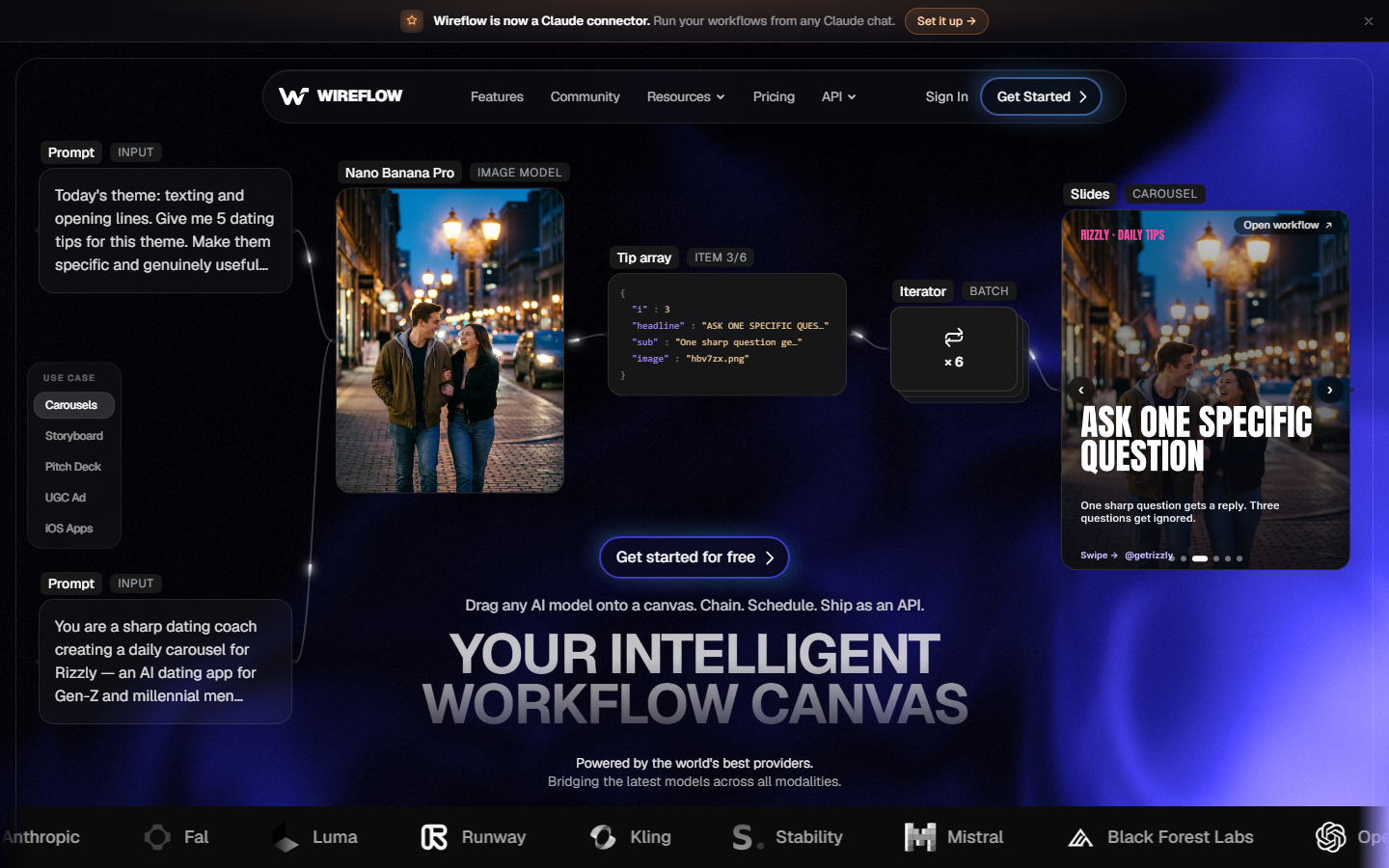
Wireflow is a node-based canvas where each step of a video build is a node: a script node, an image model, a video model, a voice model, a compositor, and an editor. Because the nodes are wired rather than typed, a pipeline that produced one deliverable produces the next one by swapping the input, which is the behaviour agencies want when a campaign needs twenty variants off one approved concept. The AI video workflow builder keeps model choice open at every stage, so a team can render footage on one model, voice on another, and lip sync on a third inside the same run.
The practical agency benefit is that revisions land at the node that caused them. A client note about the voiceover changes the voice node; the footage, grade, and timing stay exactly as approved. Model coverage spans the current generation of AI video generators, so a pipeline built this quarter does not need rebuilding when a better model ships. The tradeoff is real: the first pipeline takes longer to assemble than a first cut in a timeline editor, so the payoff arrives on deliverable five, not deliverable one.
Verdict: the strongest choice for agencies producing repeatable, multi-variant client video rather than one-off hero films.
2. Adobe Premiere Pro: Best for finishing and broadcast delivery
Adobe Premiere Pro remains the default professional post tool, and for agencies that means it is the format everyone downstream can open: freelancers, colourists, sound mixers, and broadcast QC. It is still the correct answer for long-form client work, anything with a mixed-media timeline, and any deliverable with strict spec requirements. What it is not is a volume tool. Cutting thirty variants by hand is thirty timelines of work, which is why many teams pair it with a generation layer and reserve Premiere for the final grade and delivery pass, a split covered in our guide to outsourcing video editing to AI.
Verdict: best for craft and delivery; expect to pair it with something faster for campaign volume.
3. Runway: Best for generative footage
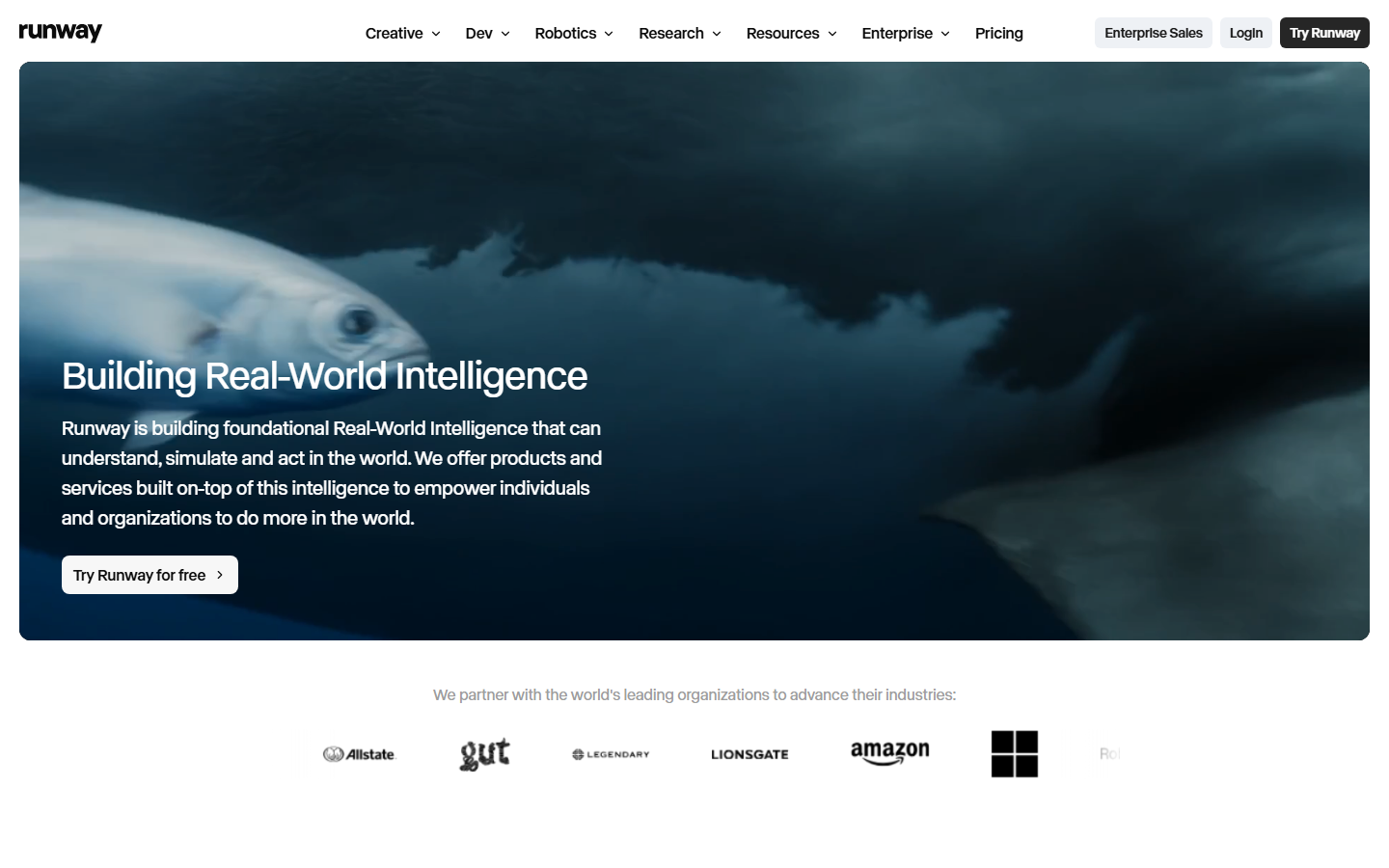
Runway is the strongest standalone generative video product for agencies needing shots they cannot practically film: impossible camera moves, product environments that do not exist yet, or concept footage for a pitch. Quality per generation is high and the interface is approachable enough for a creative director to drive without an operator. The limitation is one model family inside one product, so comparing outputs across providers means leaving the tool, a gap our side-by-side AI video model comparison guide walks through in detail.
Verdict: best single-tool generative quality; less suited to automated batch production.
4. Descript: Best for talking-head and repurposing
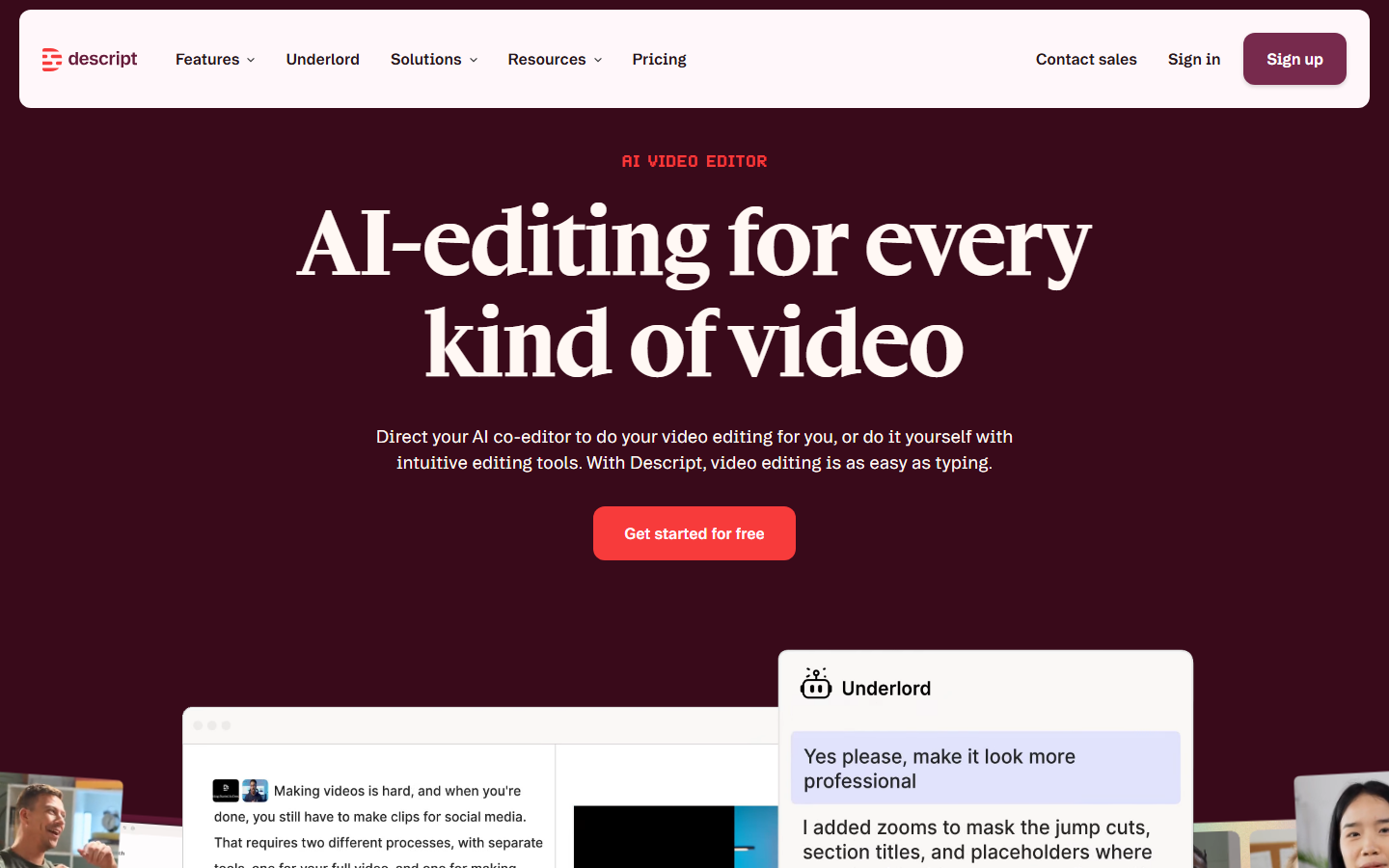
Descript edits video by editing its transcript, turning a two-hour interview into a usable set of clips in an afternoon. For agencies running founder-led content, podcasts, or client interviews, it is the fastest path from raw footage to publishable cuts, and the filler-word cleanup saves a real pass. It is less useful for designed motion work or any edit driven by picture rather than speech, where a talking-photo or avatar approach often covers the gap.
Verdict: best for speech-led content; weak fit for motion-heavy brand work.
5. Canva: Best for client-editable templates
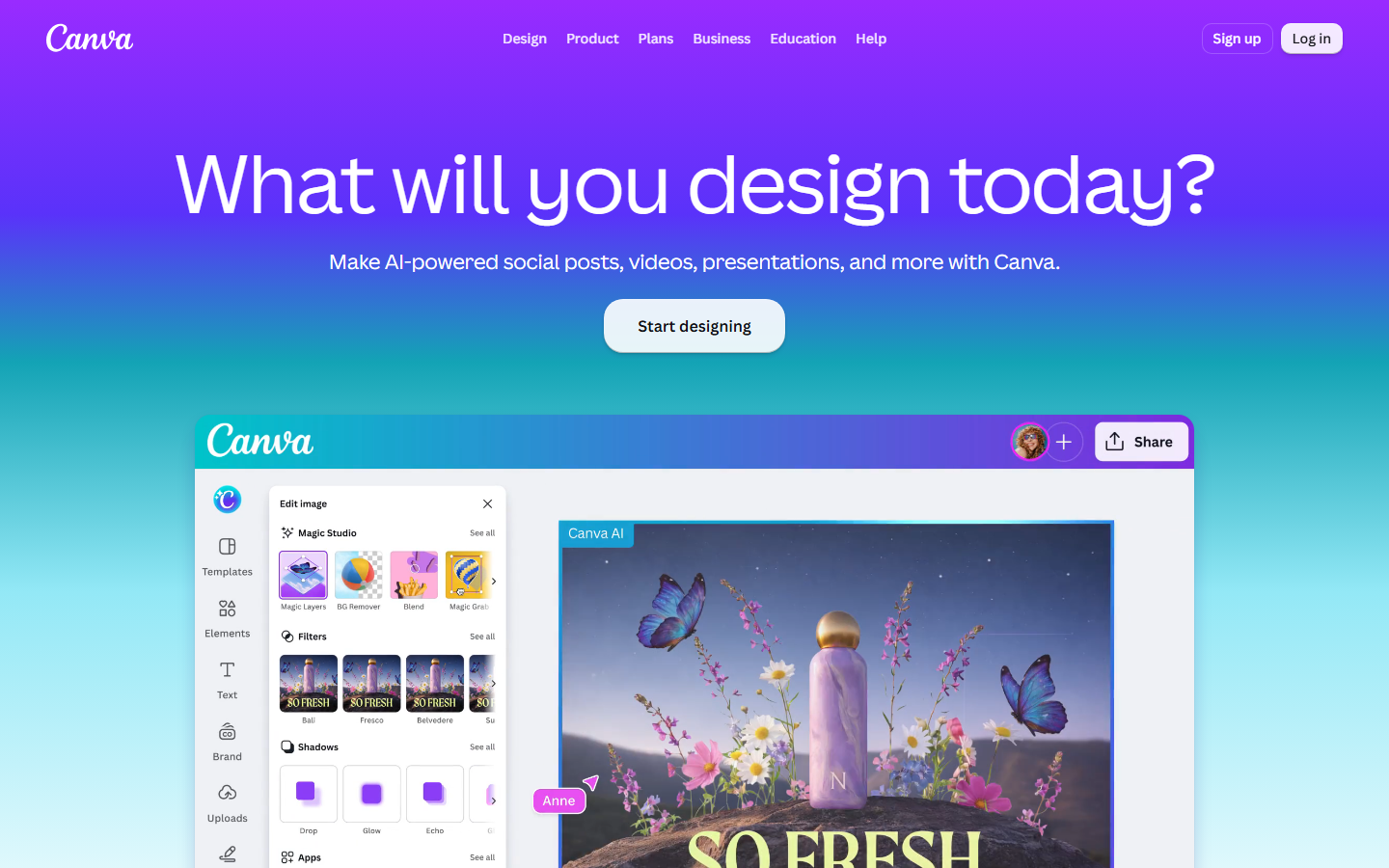
Canva earns its place for a reason that has nothing to do with editing power: it is the one tool your client's in-house marketer already knows. Agencies use it to hand over locked brand templates so the client can refresh copy and swap product shots without raising a change request, which protects retainer hours for higher-value work. As a production tool it is limited and the template look is recognisable, so keep it for handover assets and resizes rather than hero work, much like the split in our ad creative generator comparison for agencies.
Verdict: best client-handover layer; not a production tool.

6. VEED: Best browser-based editor for social
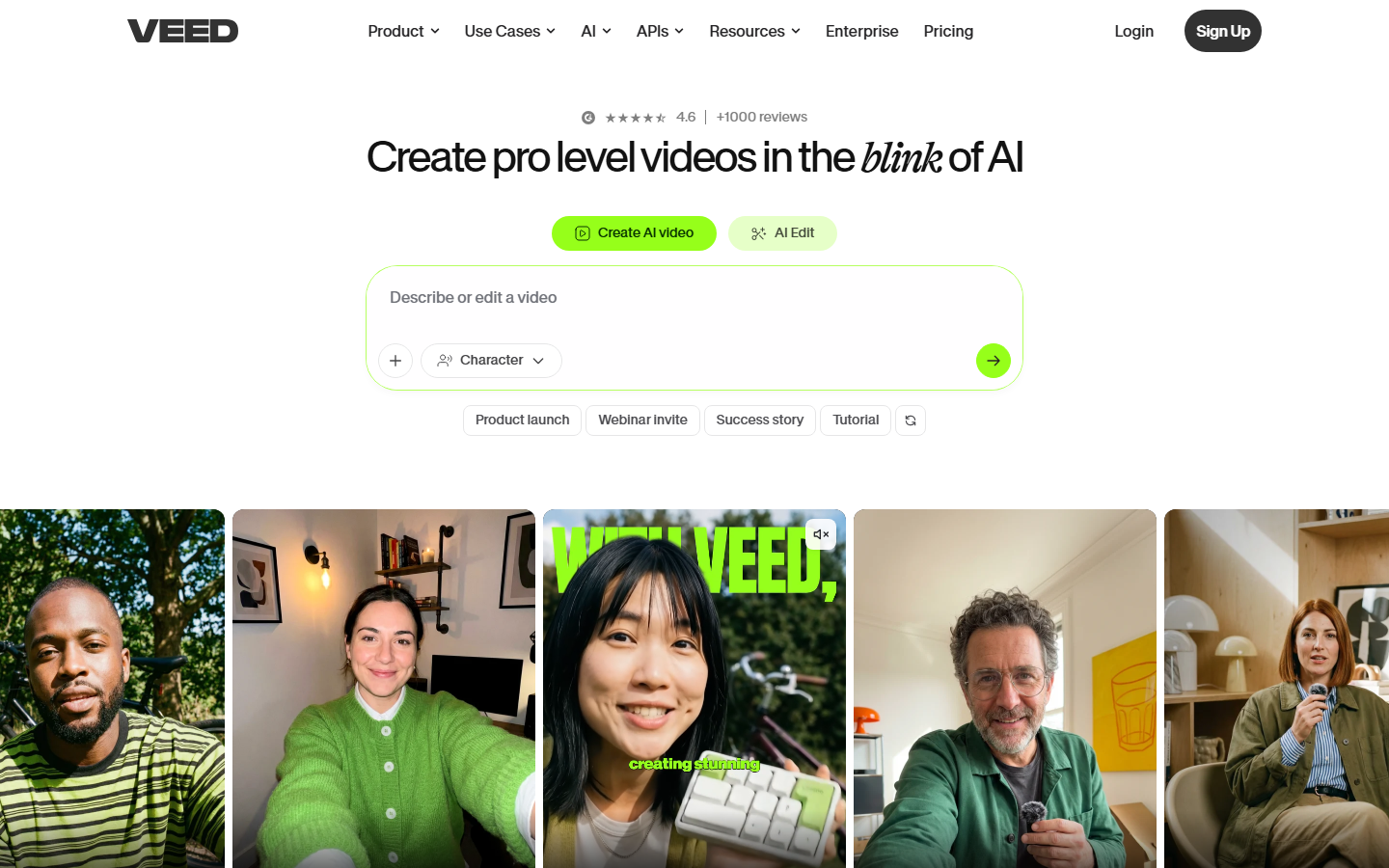
VEED covers the everyday middle of agency video: subtitles, resizing, brand kits, simple assembly, and review links, all in a browser with no install. For distributed teams on mixed hardware that matters more than feature depth, and one-click aspect-ratio conversion makes it a practical cutdown station for social delivery. Check export quality on lower tiers and watermarking rules before committing a client workflow, a point covered in our roundup of AI video generators without watermarks.
Verdict: best low-friction editor for distributed teams; not a finishing tool.
7. CapCut: Best free short-form editor
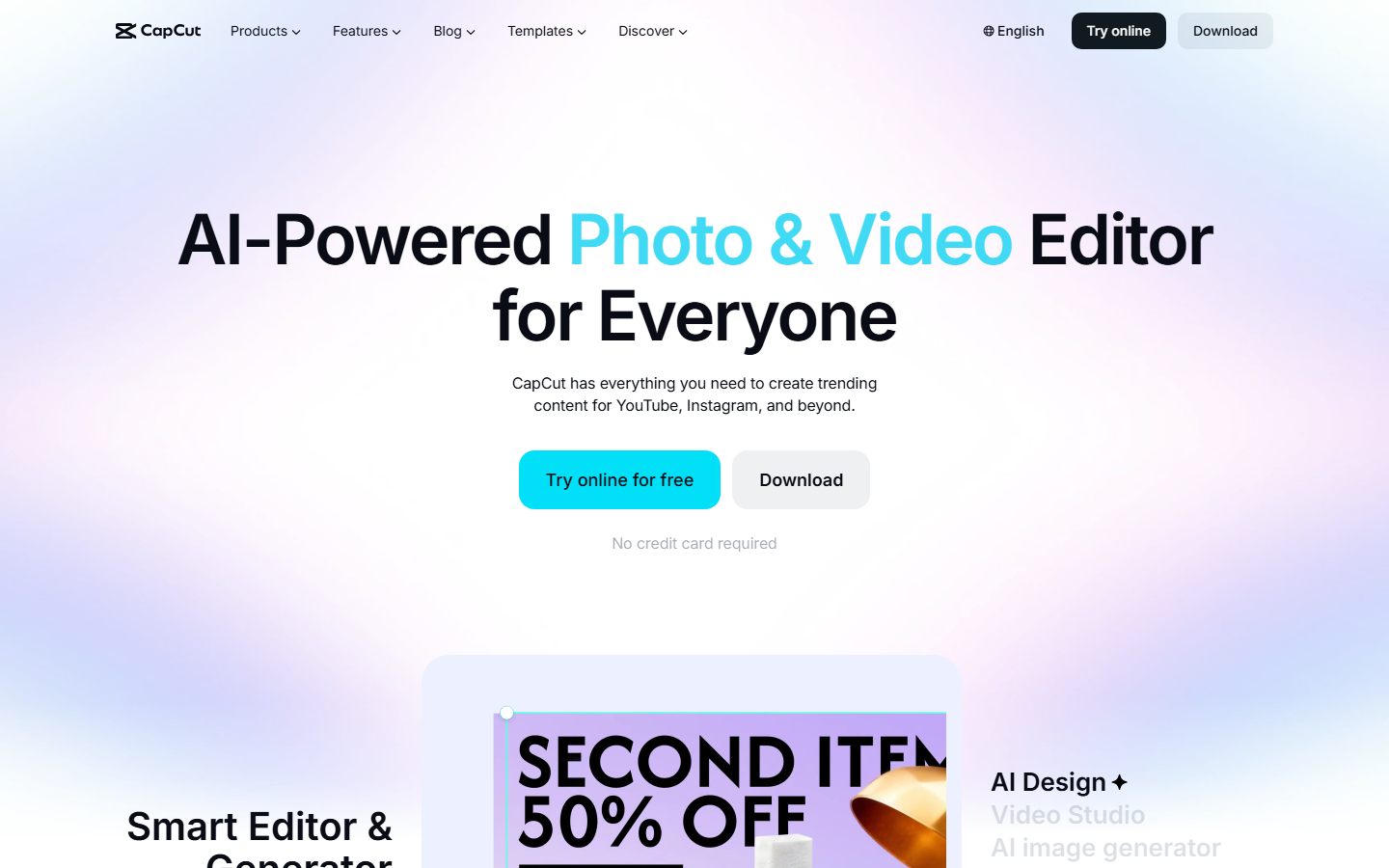
CapCut is where a large share of short-form social video is actually cut, and agency teams use it for the same reason creators do: the caption styles, transitions, and trend-native templates match what performs on vertical feeds. The free tier is capable enough to test hooks before committing budget to a polished version. Read the commercial licensing terms carefully for client work, and treat it as a testing surface rather than the system of record, alongside a proper AI video ads toolset.
Verdict: best free option for vertical social; check commercial terms for client delivery.
8. Creatify: Best for UGC ad variants
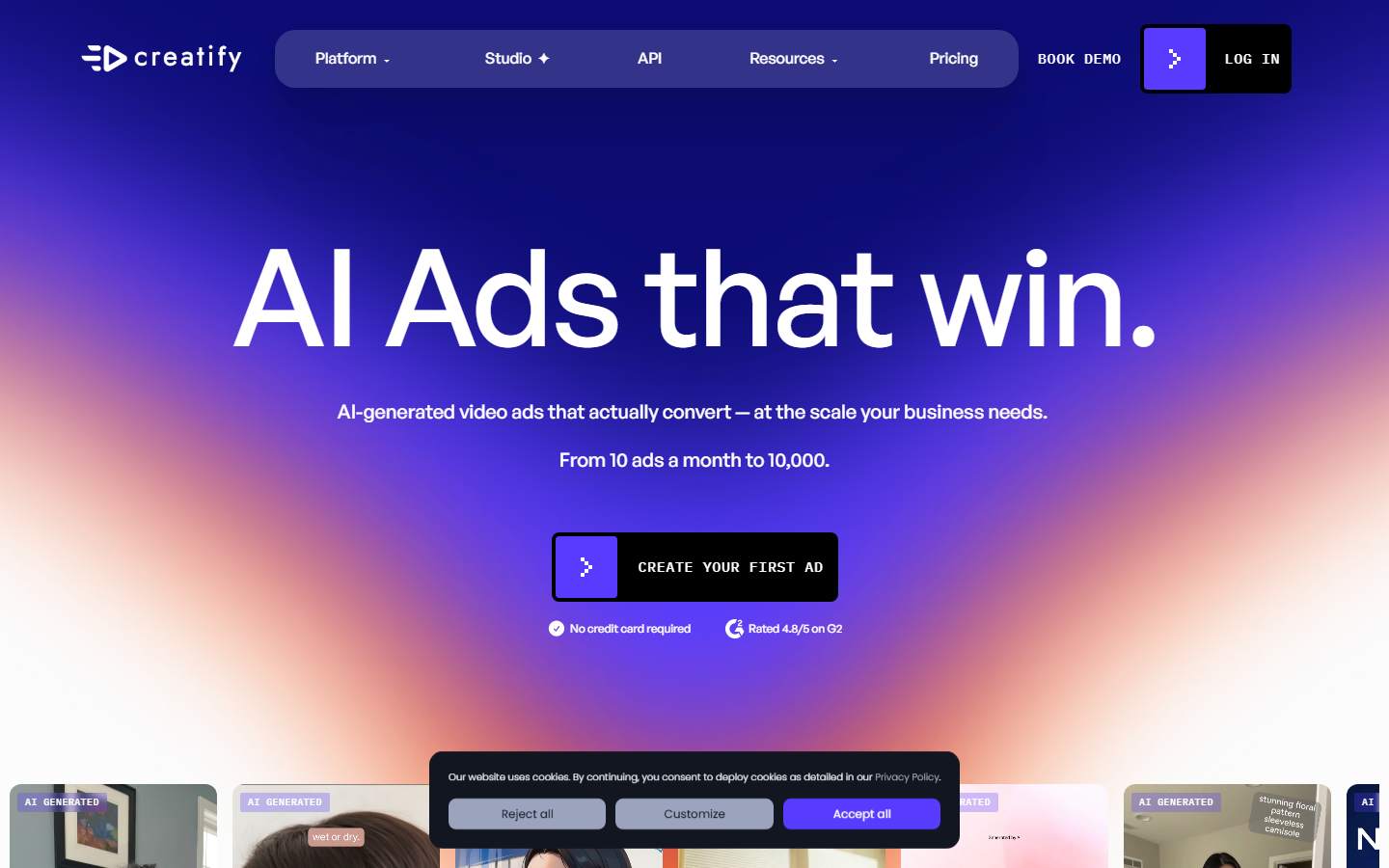
Creatify turns a product URL into creator-style ad videos with AI presenters, solving an expensive agency problem: sourcing enough UGC to keep a paid social account in fresh creative. Batch generation and avatar variety make it efficient for hook testing, where the goal is twenty rough variants rather than one perfect film. Output reads as synthetic to a trained eye, so it works best as top-of-funnel volume feeding a broader UGC video generation strategy rather than as brand-defining work.
Verdict: best for paid-social creative volume; limited range outside UGC formats.
Comparison table
| Tool | Category | Best for | Pricing model | Batch output |
|---|---|---|---|---|
| Wireflow | AI pipeline canvas | Multi-variant client campaigns | Credit-based | Strong |
| Adobe Premiere Pro | Timeline editor | Finishing and delivery | Per-seat subscription | Manual |
| Runway | Generative video | Shots you cannot film | Credit-based | Moderate |
| Descript | Transcript editor | Speech-led content | Per-seat subscription | Moderate |
| Canva | Template design | Client handover assets | Free tier plus per-seat | Template-based |
| VEED | Browser editor | Social cutdowns | Free tier plus per-seat | Moderate |
| CapCut | Short-form editor | Vertical social tests | Free tier plus paid | Manual |
| Creatify | UGC ad generator | Paid social volume | Credit-based | Strong |
Ranking criterion: suitability for repeatable client video production at agency volume, weighted toward batch output and revision cost rather than timeline precision. Teams building fully automated delivery should also read our breakdown of programmatic video generation platforms, which covers the same problem from the infrastructure side.
How to assemble an agency video stack
A working 2026 stack has three layers rather than one product. The generation layer produces raw assets from an approved concept, the edit layer assembles and finishes them, and the handover layer gives the client something they can safely touch. Agencies that white-label production often collapse the first two into one automated pipeline so the client only sees the delivery surface, an approach explored in our guide to white-label AI video platforms.
The layer most teams underbuild is the connection between them. Manual handoffs are where retainer hours disappear: exporting, renaming, re-uploading, and re-briefing the next person. Connecting the generation layer to your project system through an AI video generation API removes most of that friction and makes campaign volume a scheduling question instead of a staffing one.
Budget planning is simpler once the layers are separate. Per-seat editing tools scale with headcount while generation tools scale with output, so an agency growing deliverables faster than staff should expect spend to shift toward credit-based tools. Checking credit-based pricing against per-seat licences is worth doing before a retainer is quoted.
Try it yourself: Open the agency client video pipeline in Wireflow and the nodes are already configured with the script, image, video, and voice steps described above.
FAQ
What is the best video creative software for agencies in 2026?
For agencies producing repeatable client campaigns, a multi-model AI pipeline tool ranks first because it turns one approved concept into many deliverables without rebuilding the edit each time. For long-form and broadcast-spec work, Premiere Pro is still the correct answer. Most agencies run both.
Do agencies still need Adobe Premiere Pro?
Yes, for finishing, mixed-media timelines, and any deliverable with strict technical specs. What has changed is the share of work that reaches Premiere at all; high-volume social and paid-social variants increasingly never enter a manual timeline, and are assembled through automated pipelines instead.
How many video tools should an agency actually run?
Three is the practical number: one generation tool, one edit and finishing tool, and one client-facing handover tool. Beyond that, the cost of moving files between tools usually exceeds whatever the extra tool saves.
What is the cheapest way for a small agency to start?
Begin with a free short-form editor for testing and a credit-based generation tool for volume, then add a per-seat finishing licence only when a client requires broadcast-spec delivery. Storyboarding first also cuts wasted generations, which is why many teams start with an AI storyboard generator.
Can AI video tools produce client-ready work, or only drafts?
For paid social, product motion, and UGC-style creative, current tools produce deliverable output, particularly when a pipeline enforces the same brand assets across every render. For narrative brand films and anything with recognisable talent, they still produce drafts. Our guide to UGC video automation for agencies covers where that line sits.
How do agencies keep brand consistency across AI-generated variants?
By locking the inputs rather than correcting the outputs. Fixed reference images, a fixed voice, and a fixed grade applied at the same pipeline stage produce more consistency than reviewing each render. Voice and dubbing consistency in particular benefits from a dedicated lip sync and dubbing tool.
Does this replace a freelance video editor?
It replaces the repetitive part of the job: resizes, variants, subtitle passes, and basic assembly. It does not replace judgement about pacing, music, or story. Most agencies redeploy editor hours toward the parts clients notice, a shift we examine in replacing freelance video editing with AI.
Conclusion
The right video creative software for your agency depends on which bottleneck is actually costing you money. If it is revision cycles and variant volume, a pipeline tool pays for itself quickly. If it is delivery quality on a handful of high-stakes films, a timeline editor and a good freelancer still win. Most teams need both, connected well enough that work moves between them without a human doing file admin. Audit where your retainer hours disappear, then buy against that answer rather than a feature list.
Would you rather we just built it?
We get on a call, learn your style, build the workflow, and ship the deliverables on a schedule. You keep the workflow either way.