Logo Animation Prompt for Gemini: 6 Tested Prompts With Clips and Cost

In this article▾
A good logo animation prompt for Gemini says how to use your logo file, what moves, and what must stay exactly the same. The six below are copy-paste, and each comes with the clip it made and its credit cost. We ran them on 25 November 2026 with Gemini Omni Flash 1.2, the video model Google lists for the Gemini app, on Wireflow, where it runs as a node next to 100+ AI models.
If you want one prompt, take number 3, the cleanest reveal of the six on Gemini Omni Flash 1.2. Attach one logo file, change the particle color and keep the rest.
Start on an empty dark background. Fine amber particles drift in from both sides and gather into the logo in the attached image. The logo lands at 3 seconds and holds still in its exact shapes, spelling and colors. Locked camera, no cuts. No other text appears. Audio: a rising shimmer that ends on one soft chime.
Results at a glance
| # | Prompt | Images attached | Did the logo hold? | Credits |
|---|---|---|---|---|
| 1 | Light sweep | Logo as first frame | Yes, but the light came out as a ribbon | 56 |
| 2 | Particle reveal | Empty background, then logo as last frame | Yes, plus a flare we did not ask for | 56 |
| 3 | Particle reveal | Logo only | Yes, about 2% smaller | 56 |
| 4 | Loop | Logo as first and last frame | Yes, the closest match | 56 |
| 5 | Brass still, then push-in | Nano Banana 2 still | Letters yes, one color no | 76 |
| 6 | Text only | None | No, it drew a different logo | 56 |
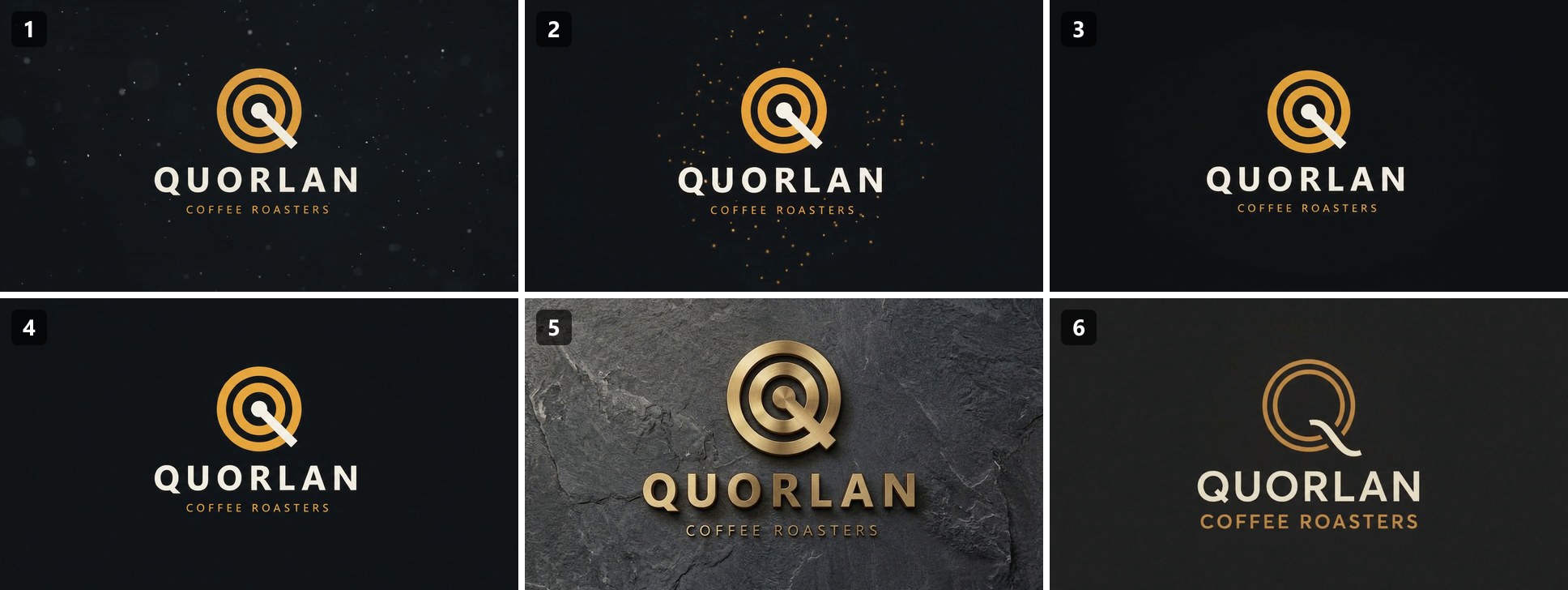
The logo is a made-up brand, Quorlan Coffee Roasters, drawn as a flat 1920x1080 PNG. Each clip ran once at 4 seconds, 16:9 and 720p, so this is a small sample. For file prep, see preparing a logo for AI animation.
Build this in Wireflow
Make the same kind of asset on a canvas you control, with a free account and no credit card.
How to use these prompts in Gemini
From Google's help page:
- At gemini.google.com, open the sidebar and click Create video.
- Click Add image and attach your logo (up to five images).
- Paste the prompt and click Submit.
- Ask for changes in the same chat, then click Share and Download video.
You must be 18 or over, and a personal account needs a Google AI plan. Clips run 3 to 10 seconds (15 on AI Ultra), and the attached image sets the aspect ratio, so use a 16:9 plate for landscape. Google says Omni replaces Veo in the app, so older Veo 3 prompts may behave differently.
We ran these as nodes, not inside the Gemini app, so your clip can differ. Google's developer docs say the model reads your prompt to decide how to use an attached image, so each prompt says what the image is for. Our Kling AI prompts test used the same method.
Prompts 1 and 4: keep the logo still
Prompt 1: light sweep
Use the attached logo as the first frame. The logo stays perfectly still and centered, with its exact shapes, spelling and colors, for the whole clip. One soft band of white light sweeps across it from left to right, and faint dust drifts in the dark background. Locked camera, no zoom, no cuts. No other text appears. Audio: one low, soft whoosh.
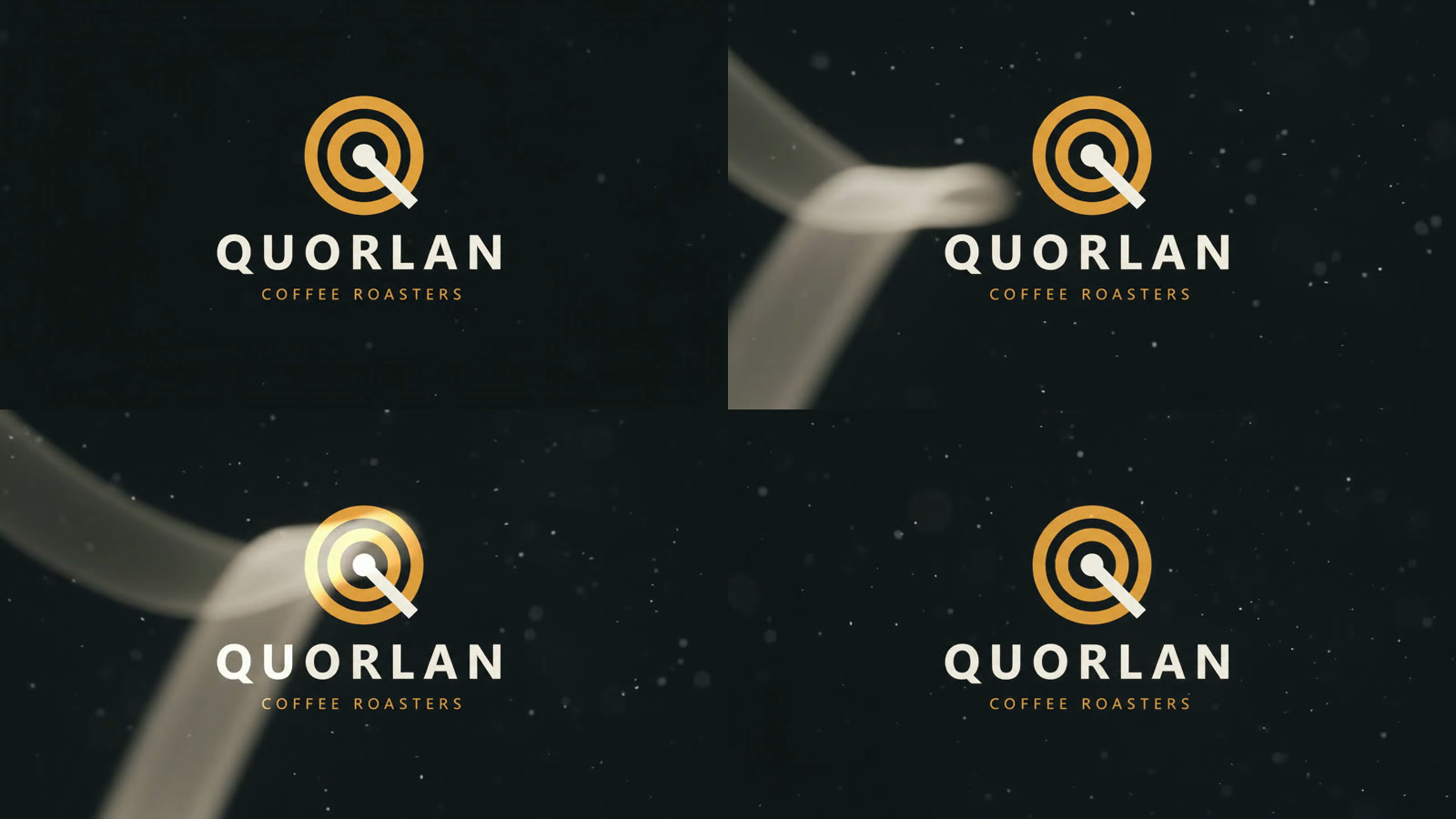
The logo held: the mark's edges stayed within a pixel and the last frame scored 0.990 against the original (1.0 is identical). But the "band of white light" came out as a folded ribbon, crossing from 1 to 3 seconds. Next time we would try "a narrow highlight moves across the logo's surface". Our guide to animating still images has more motion wording.
Prompt 4: loop
The first and last frames are both the attached logo, so the clip loops. A thin ring of amber light travels once around the outer circle, clockwise, and fades out completely. The logo itself does not move or change. Locked camera, no cuts, no sound.
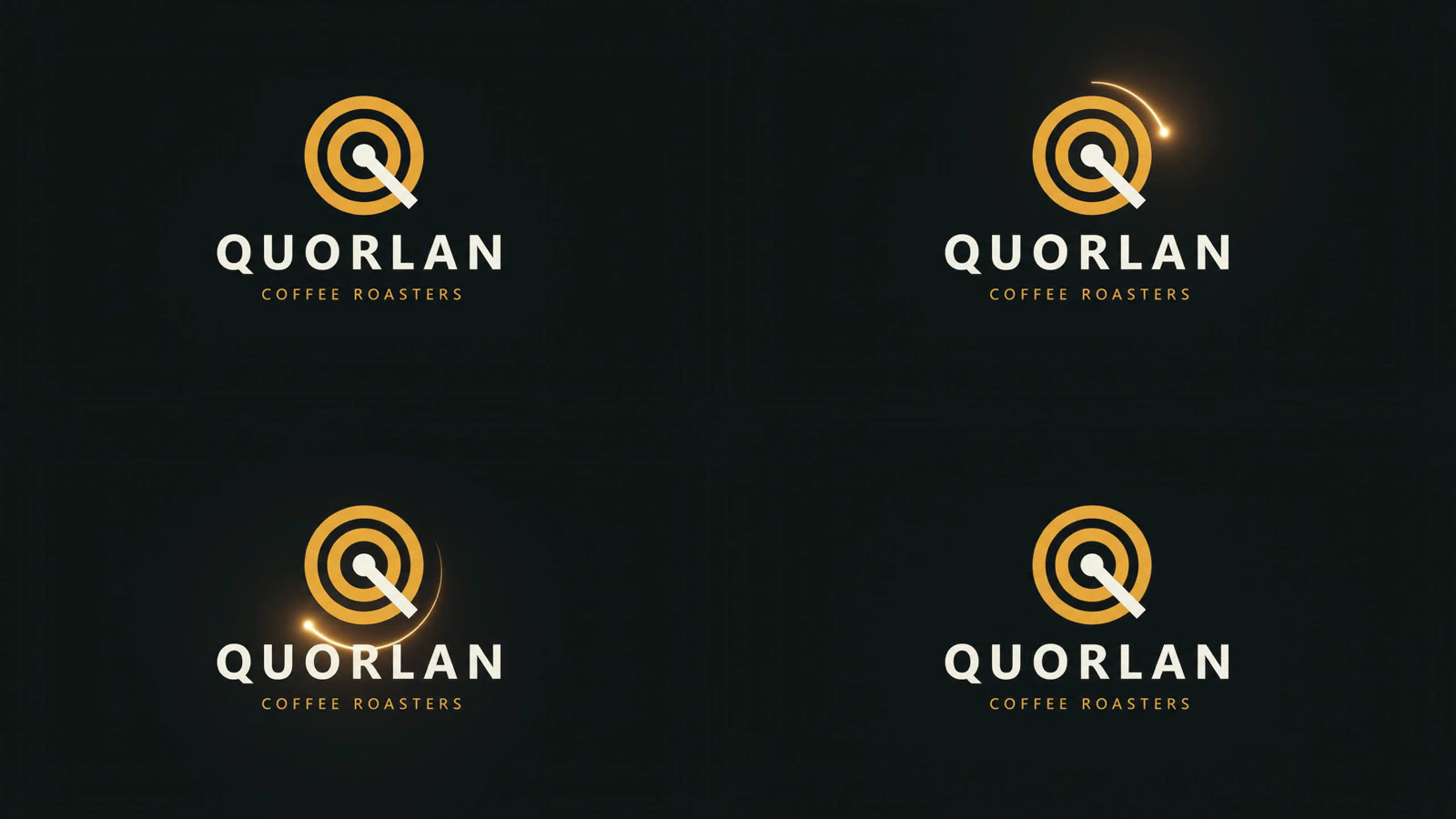
This was the closest match. The last frame scored 0.994 against the logo, and the first and last frames scored 0.997 against each other, so it should loop without a jump. The audio came back silent, as asked. Gemini can also make short looping GIFs in some countries; see our AI generated GIFs guide.
Prompts 2 and 3: the logo reveal
Prompt 2: reveal from two images
Start on the empty dark background in the first image. Fine amber particles drift in from both sides and gather into the logo in the second image, which is the last frame. The logo lands at 3 seconds and holds still in its exact shapes, spelling and colors. Locked camera, no cuts. No other text appears. Audio: a rising shimmer that ends on one soft chime.
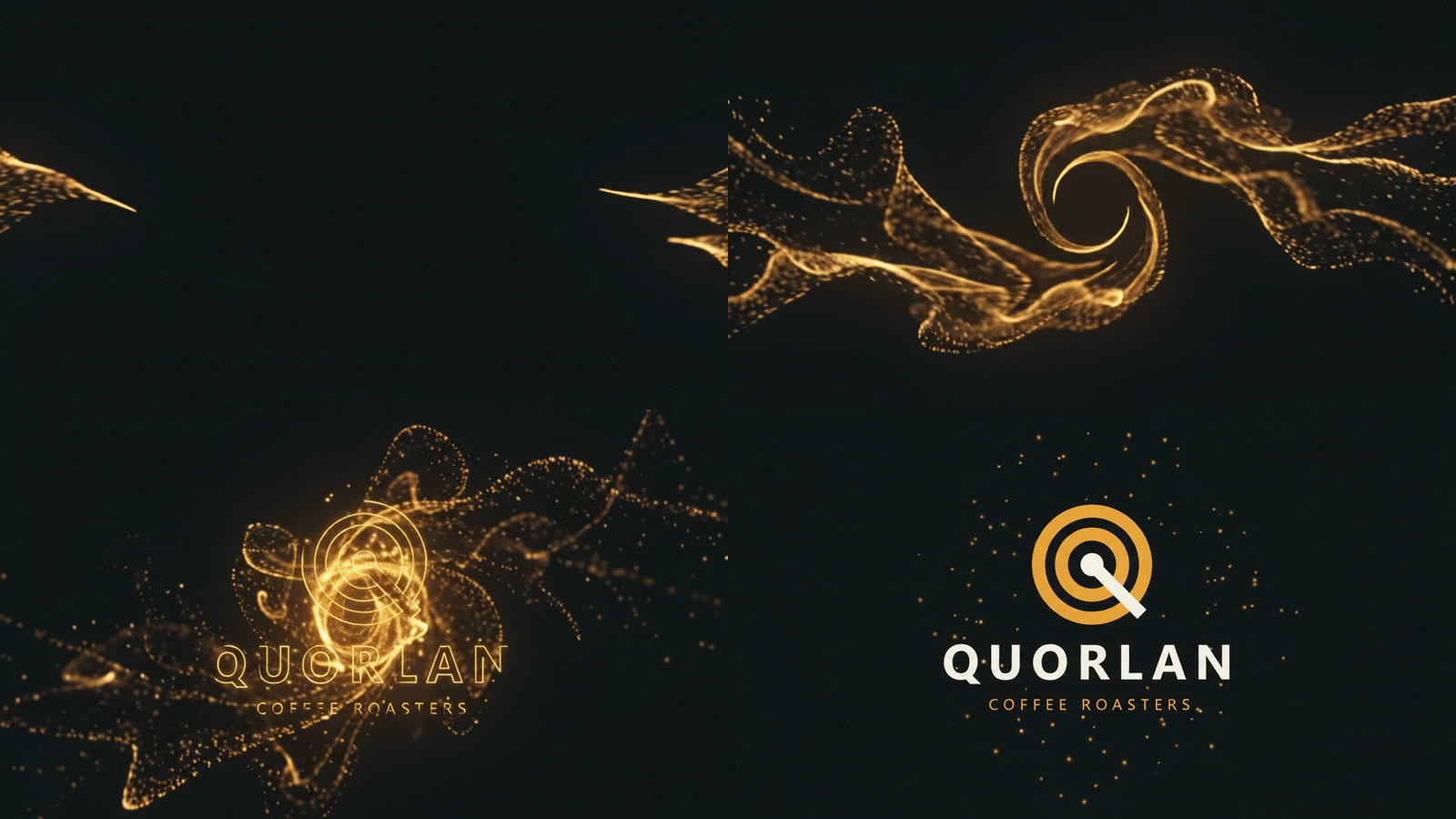
This was the biggest reveal, and its amber was closest to the file: #E5A23C against #E8A33D. The outline drew in gold and the fill landed at about 3 seconds. Omni added a lens flare at 2.75 seconds and left sparks floating at the end. Compare it with your brand kit.
Prompt 3: reveal from the logo only
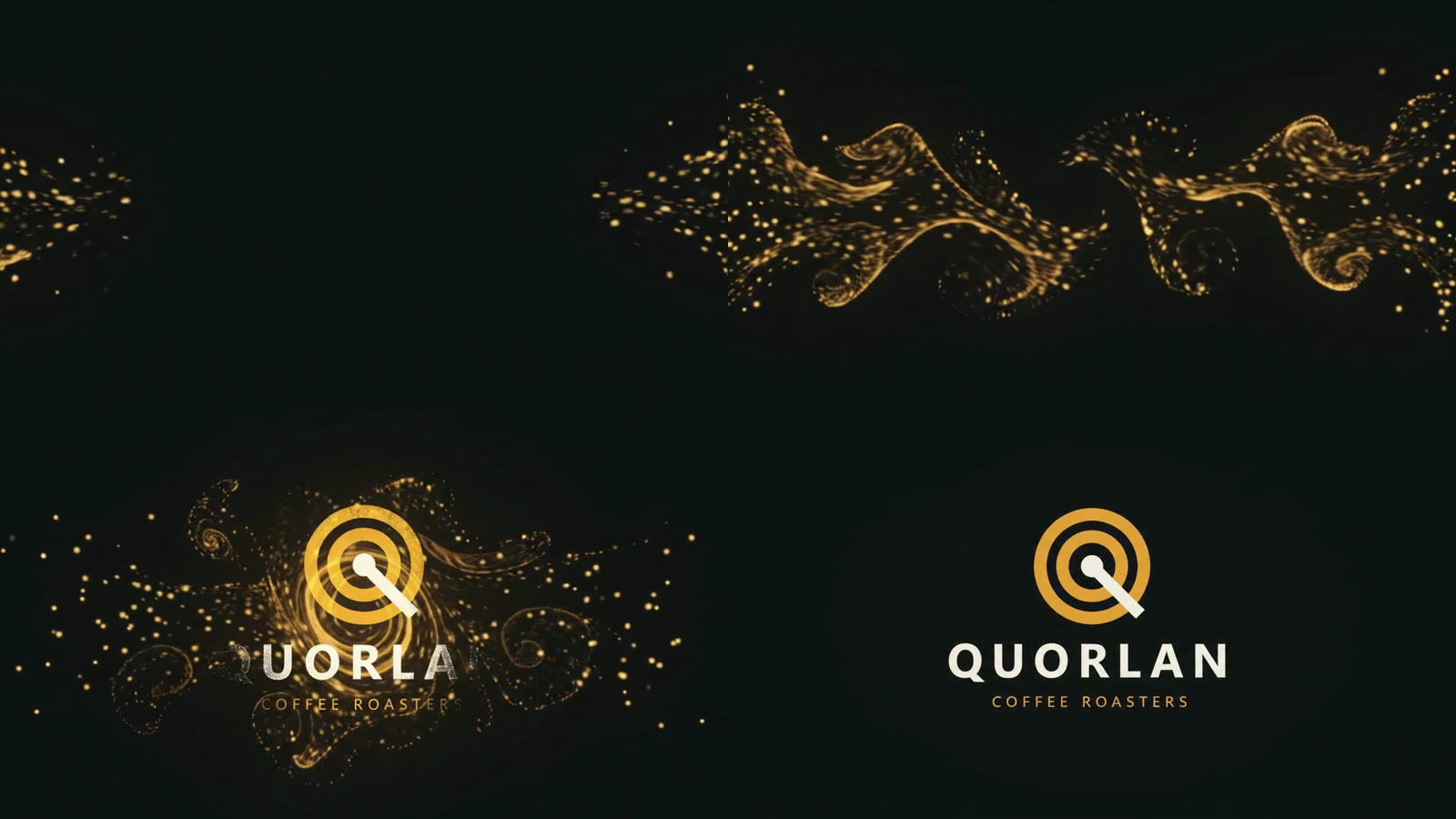
This is the prompt at the top of the page, with only the logo attached. It was complete by 3 seconds and ended clean, with no flare. The mark came back about 2% smaller and the amber slightly darker, at #DD9F39, which is close enough for a YouTube intro. For strict brand work, lay your original PNG over the last second.
Prompt 5: a Nano Banana still first, then the motion
Step one, an image prompt with your logo attached:
Turn the attached logo into a photo of the same logo made of brushed brass, mounted on a dark slate stone wall, seen straight on. Keep every shape, letter and spacing exactly as in the attached logo: the two rings, the diagonal line, the word QUORLAN and the line COFFEE ROASTERS below it. Warm side light from the left, soft shadows on the stone. 16:9. No other text.
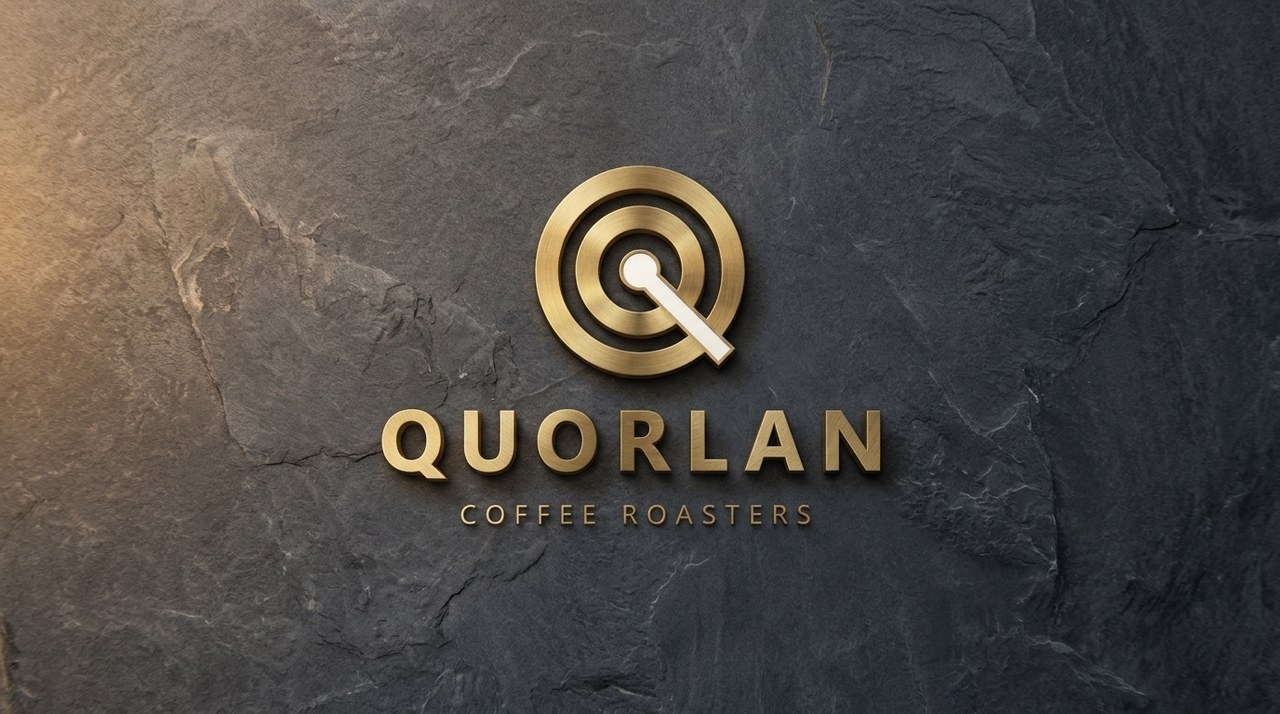
Nano Banana 2 spelled both lines correctly, kept the mark's shape and left the diagonal line cream. Step two animates that still:
Use the attached image as the first frame. Slow, steady camera push-in toward the metal logo on the stone wall while warm light moves across the surface from left to right. The logo stays fixed to the wall, with the same shapes and the same letters. No cuts. No other text appears. Audio: quiet room tone and one deep, soft hit at the end.
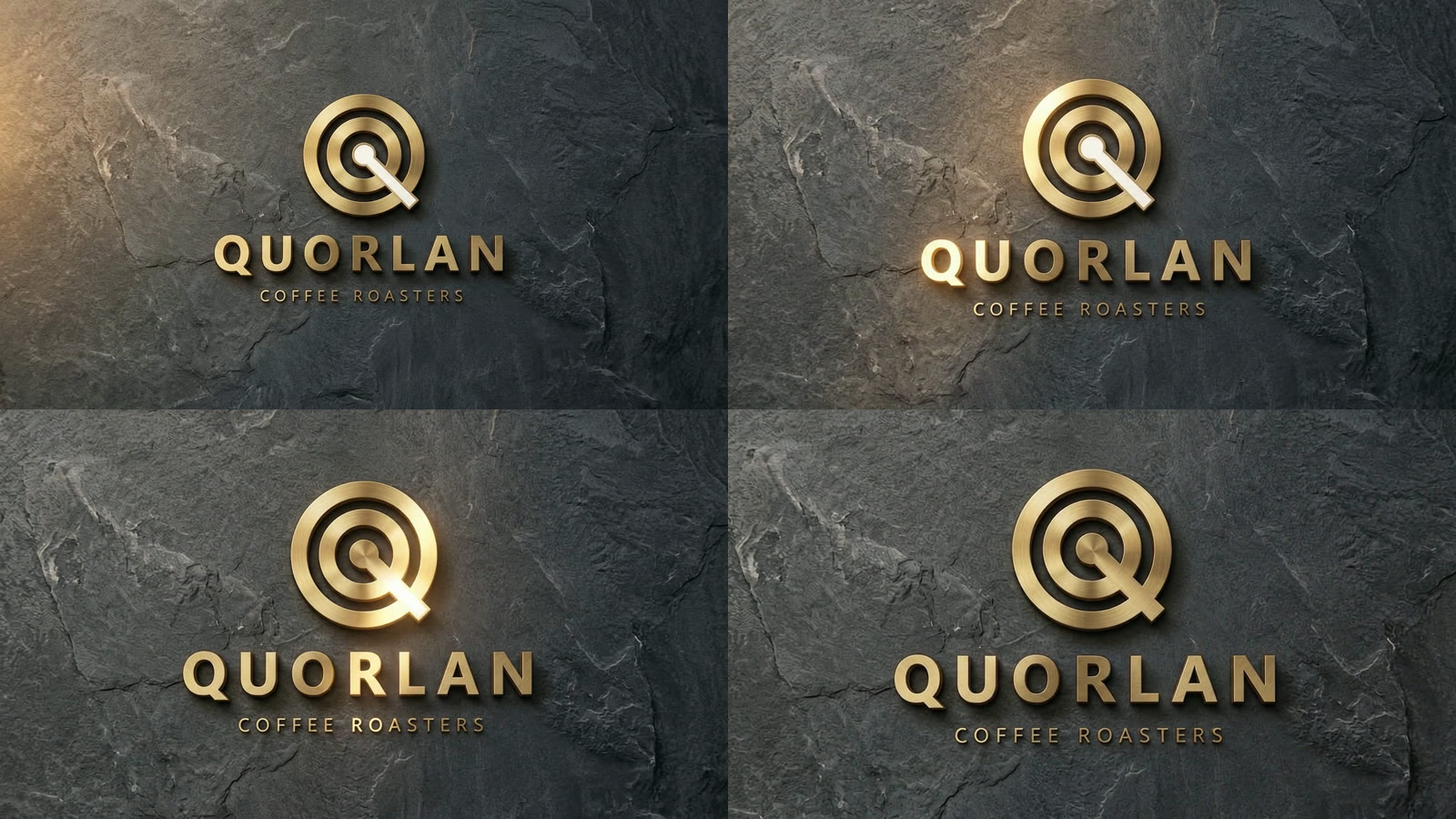
The push-in was smooth and every letter held, but at about 2.4 seconds, as the light passed, the cream line turned to brass and stayed that way. Our prompt protected shapes and letters only, so add "and the same colors". To make the still from code, see how to use Nano Banana via API.
Prompt 6: no logo attached
Logo reveal on a dark charcoal background. An amber circle icon made of two rings, with a short cream line running to the lower right like the tail of a Q, draws itself on. Below it the word "QUORLAN" fades in, in wide cream capital letters, then "COFFEE ROASTERS" in small amber capitals. Everything holds still at the end. Locked camera, no cuts. Audio: one soft chime.
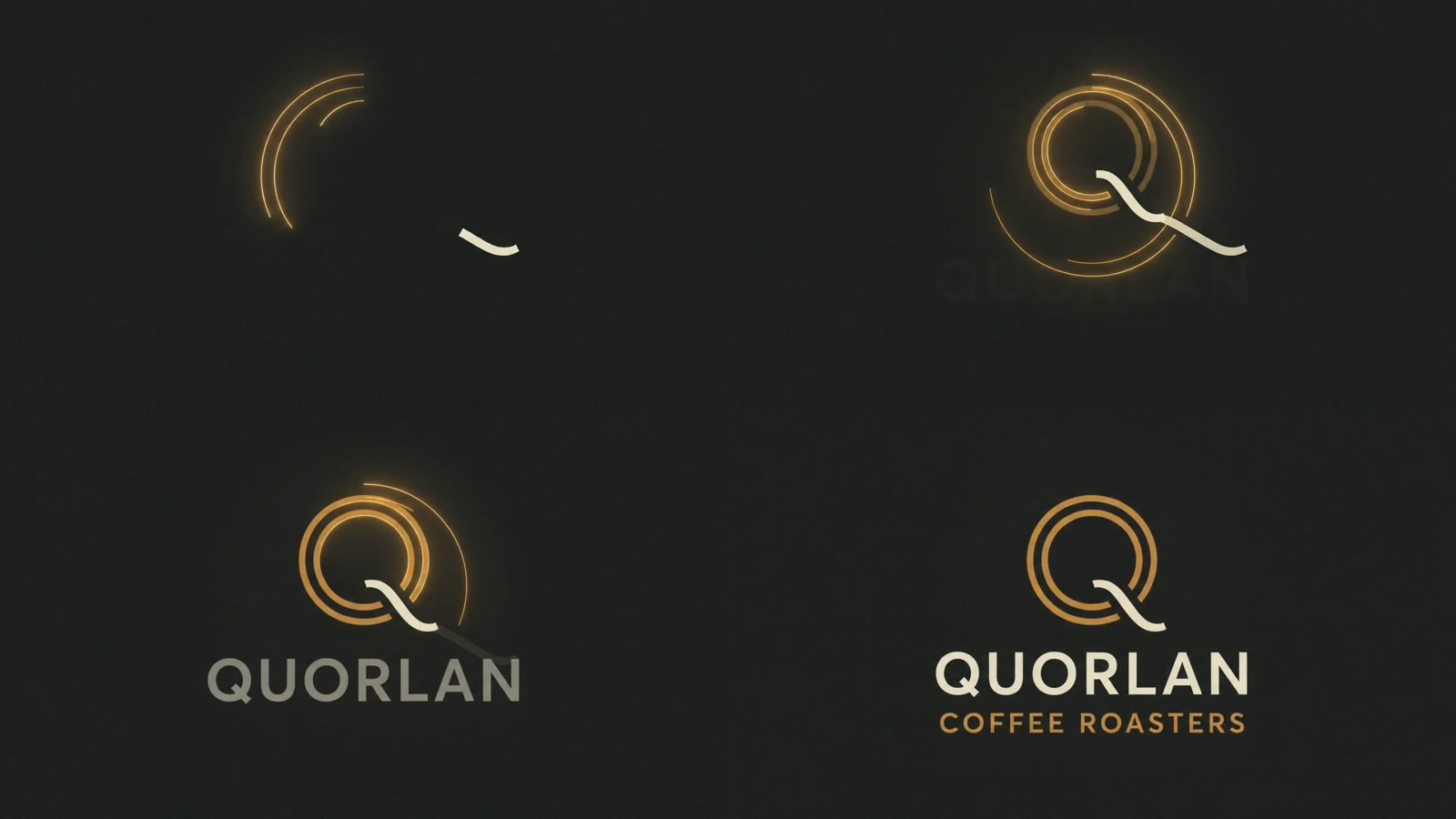
Both lines were spelled right, but this is a new logo: thin rings, a curved tail, another typeface and a browner amber (#B48448). A text to video prompt suits a concept, not a logo you own.
What each run cost, and the same job on one canvas
Each prompt fed its own Gemini Omni Flash 1.2 node, and a Nano Banana 2 node made the brass still for clip 5. The Nano Banana 2 API Guide for Developers shows that image step from code.
| Run | Credits | Time |
|---|---|---|
| One 4-second clip, 720p | 56 | 24 to 27 s |
| Nano Banana 2 still, 1K | 20 | 10 s |
| All six clips and the still | 356 | 86 s in total |
The same day, the model list showed about 14 credits a second at 5 seconds, 89 for 8 seconds and 20 for a Nano Banana 2 image. On Starter, at $36 a month for 2,660 credits, a 4-second clip is about 76 cents. Gemini Omni Flash 1.2 pricing compares that with Google's own rate.
Clips 2 and 4 used the node's end frame input and clip 3 its reference image input. The docs on using AI models cover wiring inputs.
A template for your own logo
[How to use the image: first frame, last frame or the logo to build]. [What moves: light, particles or camera], [direction], [when it lands]. The logo keeps its exact shapes, spelling and colors. Locked camera, no cuts. No other text appears. Audio: [one sound].
- Protect shapes, spelling and colors. Prompt 5 left out colors and lost one.
- Give a landing time. Prompts 2 and 3 asked for 3 seconds and got it.
- Ban extra text and ask for one sound or none.
If the motion has to follow your vector paths exactly, code-driven motion graphics keep the original artwork.
Try it yourself: Open this logo prompt test in Wireflow. All six prompts and the Nano Banana 2 still are wired as in this test; swap in your logo and run one clip.
FAQ
What is the best Gemini prompt to animate a logo?
Attach the logo, name one motion and a landing time, and ask for exact shapes, spelling and colors. Prompt 3 was our cleanest reveal and prompt 4 our most exact clip. More motion ideas are in our guide to animations with AI.
Which Gemini model makes the logo video?
Google's help page says the Gemini app makes videos with Gemini Omni 1.2 Flash. For how it differs from the model it replaced, read our Google Veo 3 review.
Can Gemini animate my logo for free?
Not on a personal account, where Google asks for a Google AI plan. You can open and change the workflow above for free, and new accounts get a free video. More videos need a plan, from $36 a month for 2,660 credits.
Will Gemini spell my brand name correctly?
In these six clips and one still, every letter was right. Each ran once, so check your last frame. If it slips, set the letters by hand in motion graphics software.
Can I get a transparent background?
Not from these runs. Every clip was an opaque 1280x720 MP4, so key out a flat background in an automated video editor.
How do I add a sound to the logo?
Put it in the prompt as its own sentence. Prompts 2 and 3 came back at about -22 dB on average and prompt 6 was faint at -43 dB. You can also lay an AI soundtrack under the clip.
Conclusion
The prompts that worked said what the image was for, moved one thing, and protected shapes, spelling and colors. Start with prompt 3 for a reveal or prompt 4 for a loop, then check the last frame against your file. If Omni keeps drifting, try a side-by-side video model test.

Co-Founder & Operations at Wireflow
Runs client operations and content strategy at Wireflow. Works directly with creative teams and agencies to build production AI workflows.
- Content Strategy
- Client Operations
Ask Claude for your next ad.
Connect once. Ask any time.
- No credit card
- You keep the rights to what you make
- Cancel anytime
More in Guides
Walkthroughs with the model and the settings that held up.