 Andrew Adams · Co-Founder & Operations at Wireflow ·
 YouTube Automation AI
Most YouTube automation AI is a black box or a stack of disconnected apps.
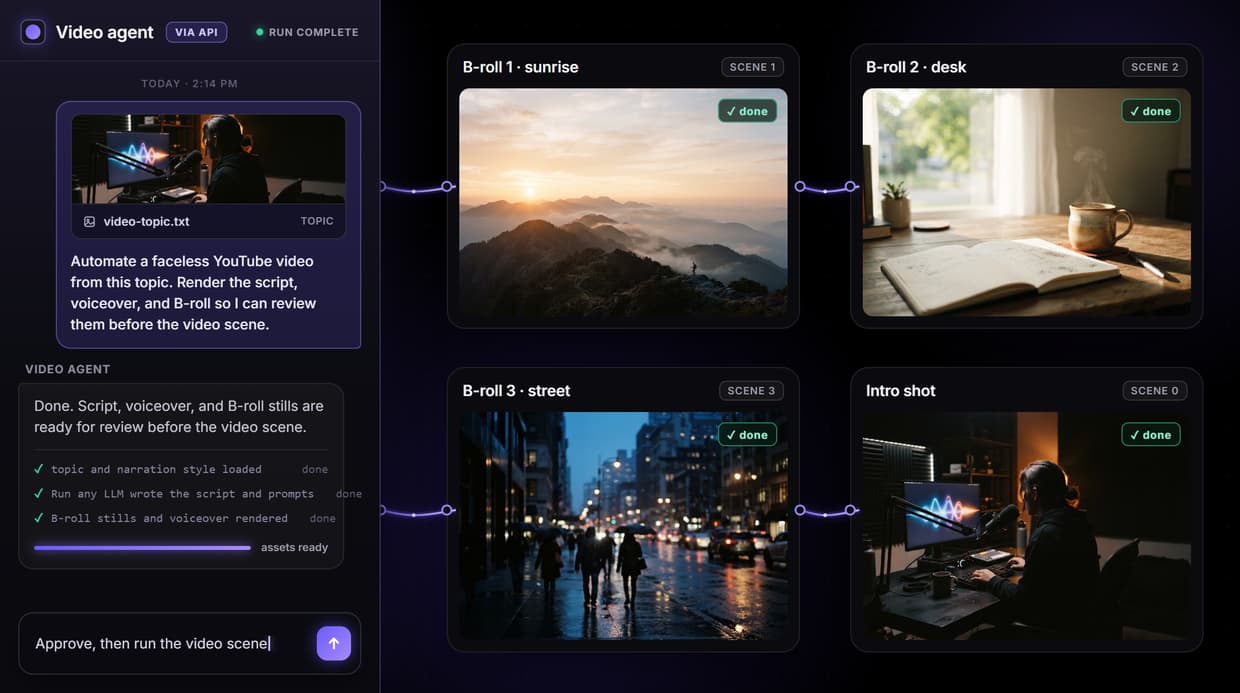
This is the actual pipeline: one node graph takes a topic to a script, a voiceover, B-roll, and a video scene, and you rerun it for every upload.
Free to build · no credit card · See how it works ↓
How to Use YouTube Automation AI
Steps to get you started in Wireflow.
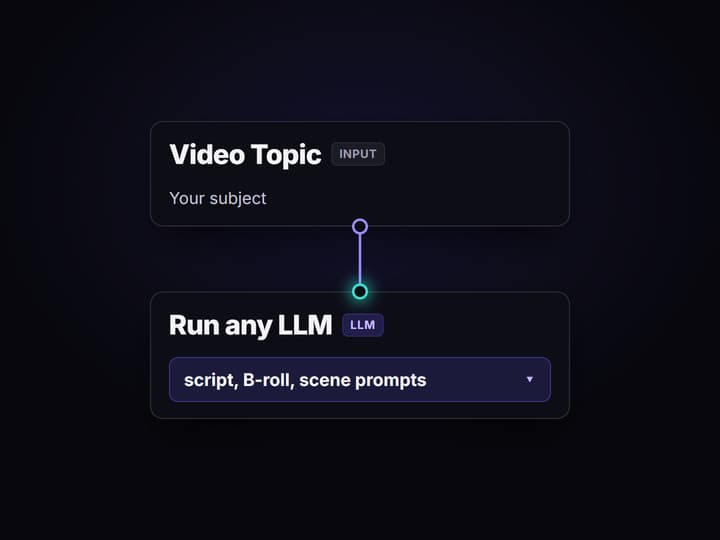
Set the video topic
Open the flow and edit the Video Topic input. Keep the Narration Style prompt to reuse the same output shape, or adjust it for a new video format.
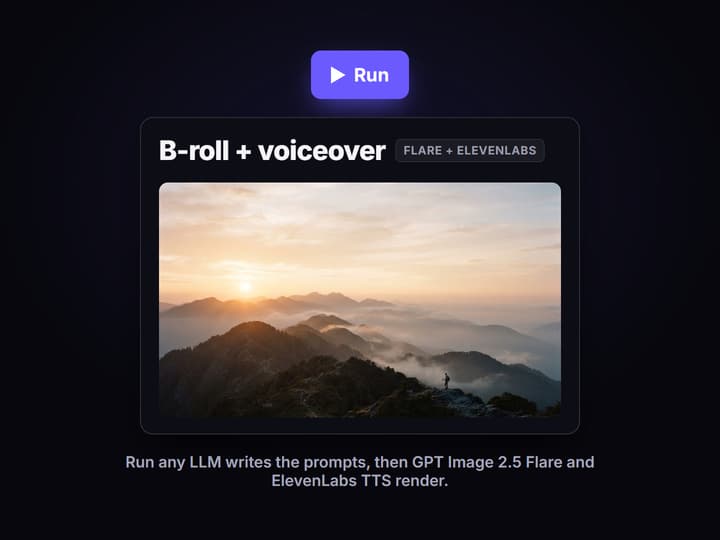
Run the generation nodes
Run the non-video nodes. Run any LLM writes the prompts, Split Outputs separates them, then GPT Image 2.5 Flare and ElevenLabs TTS render the B-roll still and voiceover.
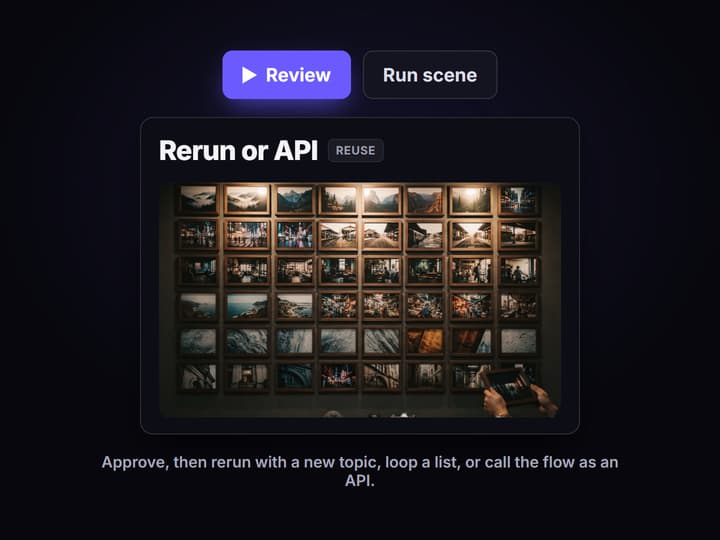
Review, then rerun or call it
Check the still and voiceover before running the Gemini Omni Flash 1.1 scene. Then rerun with a new topic, loop over a list, or call the flow as an API.
YouTube automation that shows the actual pipeline
Search YouTube automation AI and you mostly get two things: course sellers promising a passive channel, and a black-box app that hides how the video was made. The tool-stack posts are more honest, but they leave you re-gluing a script tool, a voice tool, an image tool, and an editor by hand for every single upload.
Wireflow shows the pipeline instead of hiding it. You build the generation steps once on a node canvas, then run the whole graph per video. The models, the wiring, and the outputs stay visible and reproducible, so it works like an AI workflow builder for faceless video rather than a magic button.
What the flow automates
Topic in, assets out
The Video Topic input is the only thing you change, and the graph turns it into the script, B-roll, and scene prompts.
Script is generated
Run any LLM reads the topic and Narration Style, then writes the voiceover script, B-roll prompt, and scene prompt as one JSON object.
Voiceover is automated
ElevenLabs TTS turns the script into a spoken narration track in the same run, with no separate tool or manual upload.
B-roll renders on demand
GPT Image 2.5 Flare renders a B-roll still from the generated prompt, confirmed by the executed run on this page.
Video scene waits for review
The Gemini Omni Flash 1.1 scene node is wired but left unexecuted, so an expensive video run only happens when you approve.
Callable as an API
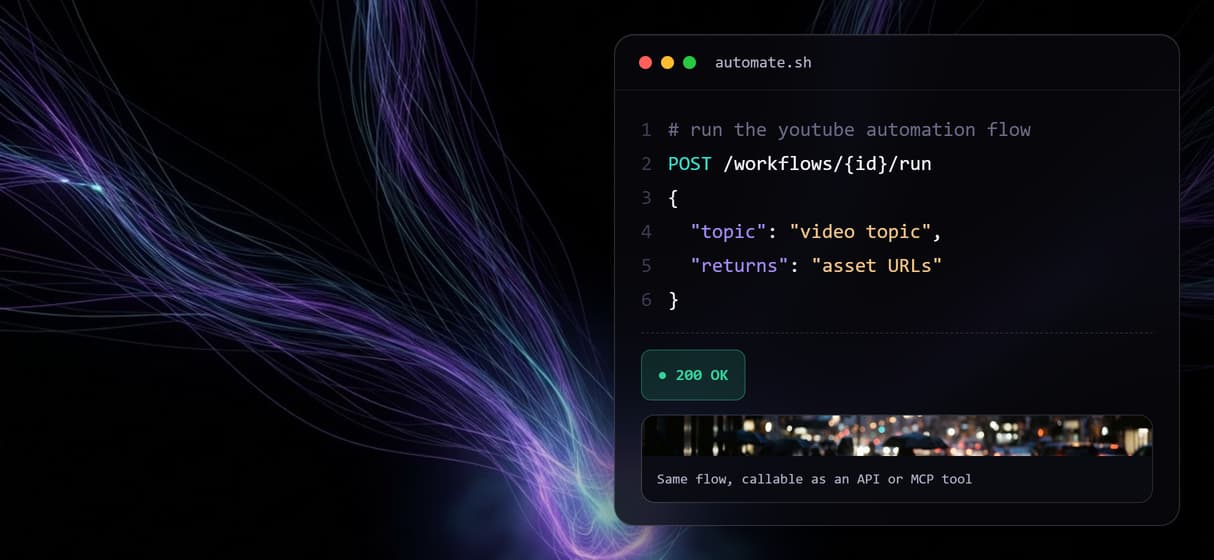
Because the flow is a REST endpoint and MCP tool, an agent or a cron can run it and get the asset URLs back.
How the automation flow runs
The flow on this page is a real faceless-video pipeline, not a diagram. A Video Topic input holds the subject, a separate Narration Style input sets the rules, and the Run any LLM node returns one JSON object with a B-roll image prompt, a voiceover script, and a video scene prompt. The Split Outputs node fans that JSON out to three model nodes.
From there GPT Image 2.5 Flare renders the B-roll still and ElevenLabs TTS records the voiceover, both confirmed in the executed run. The Gemini Omni Flash 1.1 node is wired to turn that still into a short scene and left for review, since video is the expensive step. Swap the topic and rerun for the next video, or loop the same graph over a list of topics. It is the production layer behind an AI video pipeline, applied to faceless YouTube output rather than one-off clips.
What YouTube automation AI on Wireflow is not
Wireflow is the production layer, not a channel manager. It renders the assets a topic describes, but it does not upload to YouTube, schedule posts, pick the topics that will rank, or judge whether a video will perform. Strategy, titles, thumbnails, and approval stay with you or the agent you bring.
It is also not a hands-off autopilot that runs a channel by itself. There is no analytics dashboard and no publishing here. If you want a set-and-forget posting bot, this is not it. If you want to generate the script, voice, and visuals for each video at volume and stay in control of the output, build the graph and reuse it with new topics, like any other AI workflow template.
More Than Just YouTube Automation AI
The whole pipeline on one canvas
Topic, script, voiceover, B-roll, and a scene live in one node based video generation graph you watch run, not four disconnected apps.
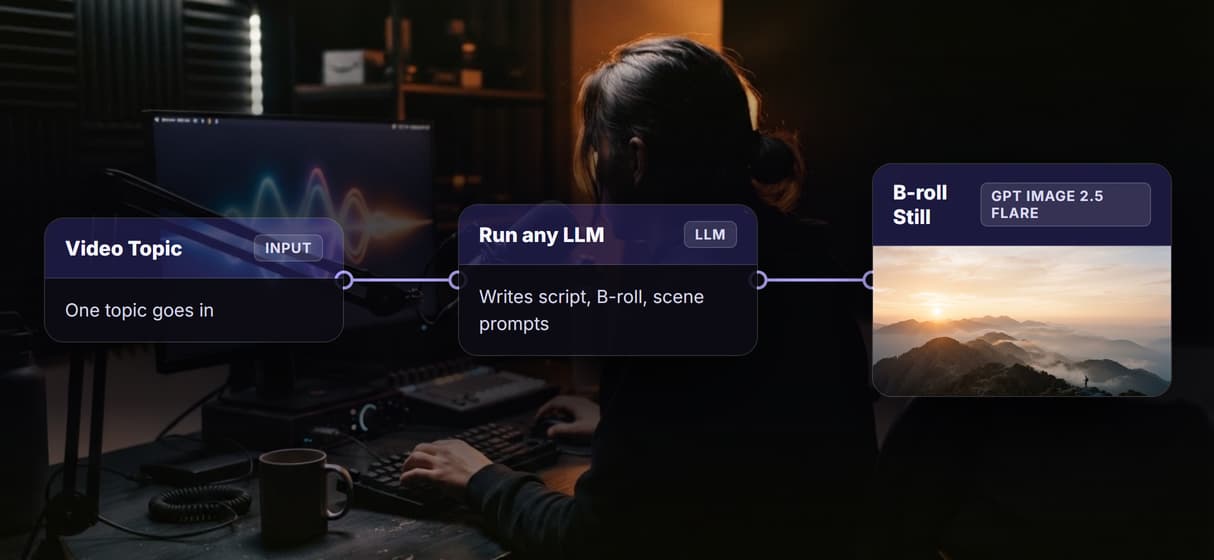
One topic becomes script and voice
Run any LLM writes the narration from your topic, then the AI voiceover generator step turns it into a spoken track with ElevenLabs TTS.
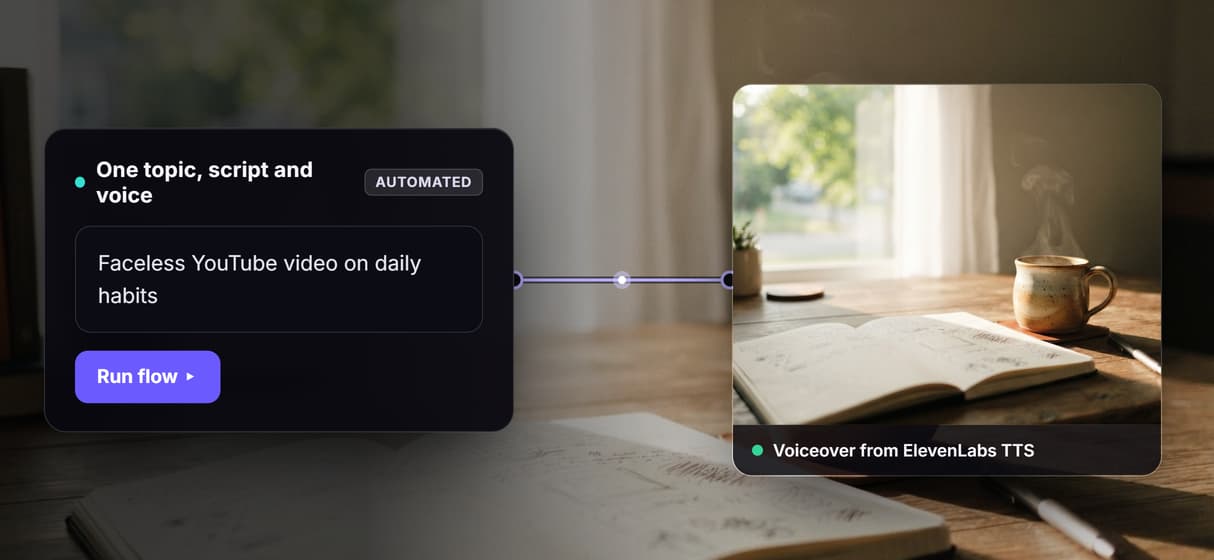
B-roll is generated, not stock
GPT Image 2.5 Flare renders a fresh B-roll still for each scene, the same AI B-roll generator step wired straight into the flow.
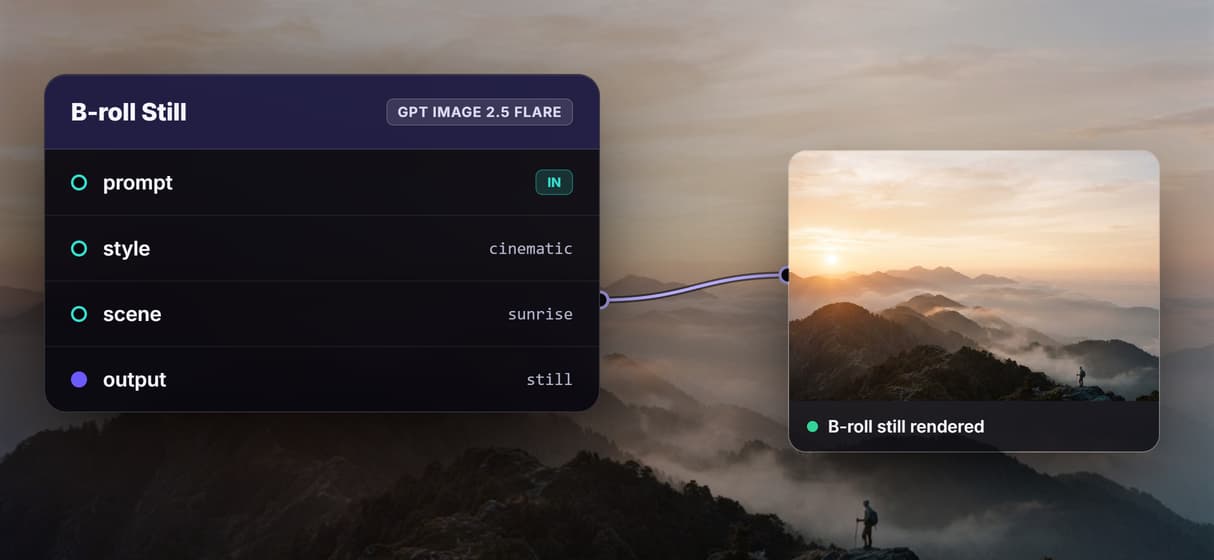
Rerun per video, or batch a list
Swap the topic and run again for the next upload, or loop the graph over a list the way creative workflow automation scales one flow.
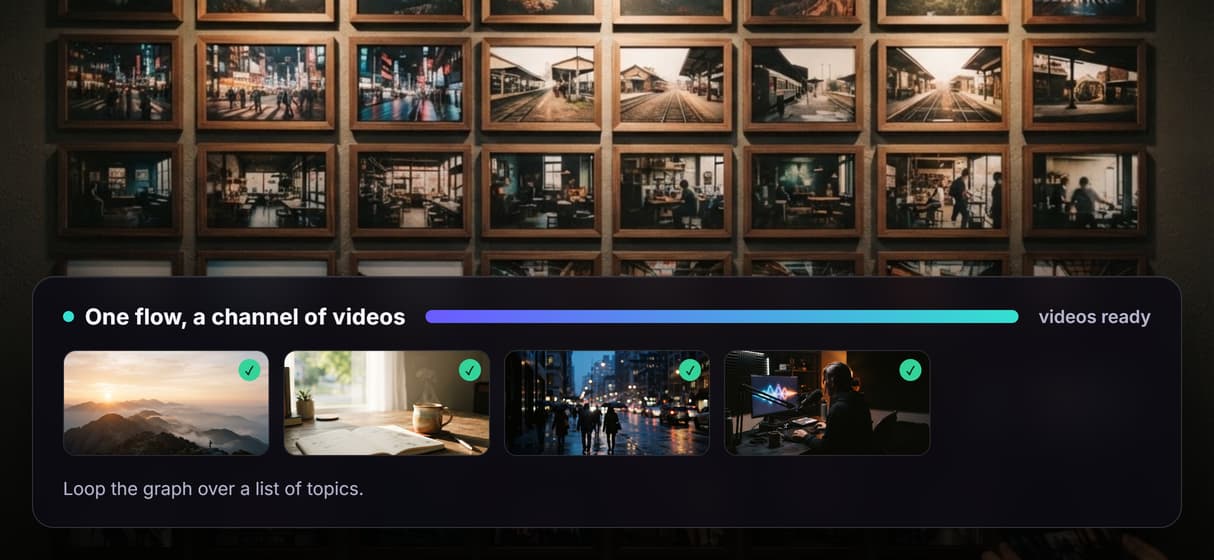
Callable as an API and MCP tool
The published flow is a REST endpoint and AI video generation MCP tool, so an agent or a cron can run the pipeline for you.
AI Models Available
Automate Any Workflow
Included in Every Plan
FAQs
It is producing faceless video assets by running a saved workflow instead of gluing separate apps together for each upload. On Wireflow one topic becomes a script, a voiceover, a B-roll still, and a video scene from a single graph.
Discover related AI tools
- AI Pipeline Automation
- AI Workflow Templates
- AI Video Pipeline: Build One on a Node Canvas
- Batch AI Generation: Many Assets, One Run
- AI Model Chaining
- AI Asset Pipeline
- AI Workflow Builder
- AI Content Generation API
- AI Workflow API
- AI Orchestration API
- Headless AI Workflow Platform
- Krea AI API Alternative: Image and Video From One REST Endpoint
More From Wireflow
Written by
Andrew Adams · Co-Founder & Operations at Wireflow
Runs client operations and content strategy at Wireflow. Works directly with creative teams and agencies to build production AI workflows.
Run the YouTube automation flow
The workflow on this page is published and executed through the B-roll and voiceover steps. Open it, edit the topic, and rerun it, or loop it over a list to automate a batch of faceless videos.