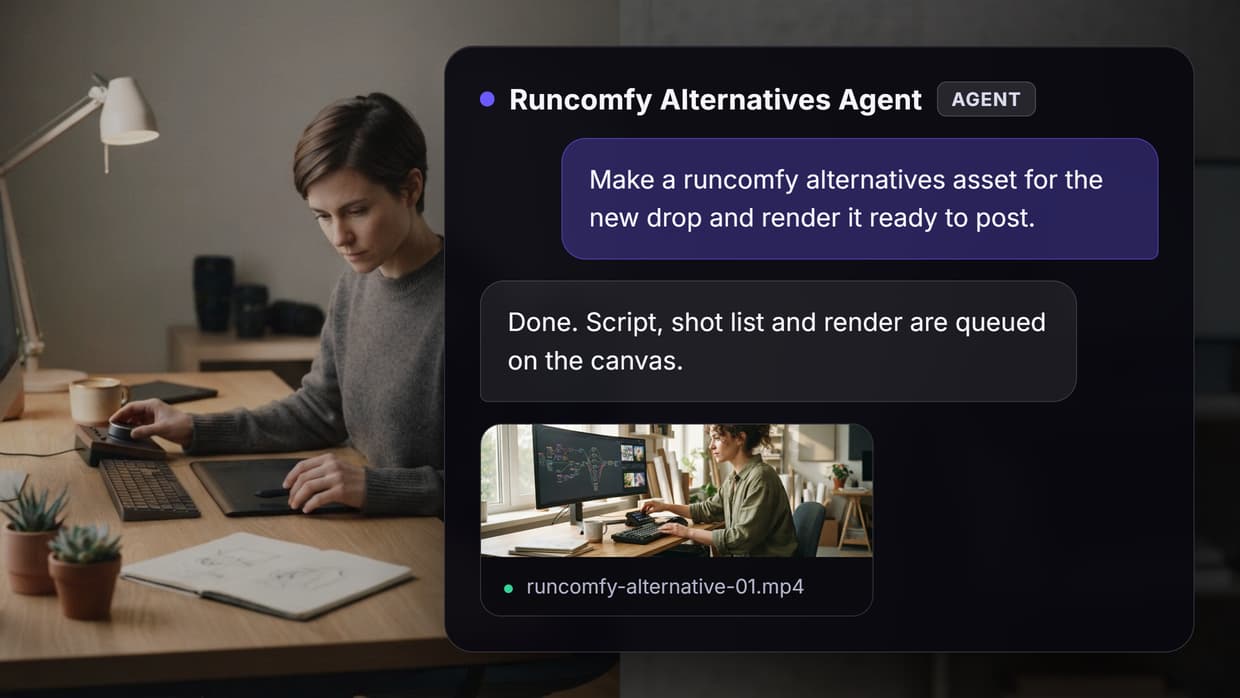
Pika MCP tools let an AI assistant call Pika's video, image, voice, and music generation as callable tools, so you can produce a clip from Claude, Cursor, or Codex without opening a dashboard. Pika runs an official hosted MCP server, and around it sits a second layer of options: a Claude Code plugin pack, inference hosts that serve Pika's models directly, aggregators, and canvas platforms that expose a whole multi-model pipeline as one tool. Wireflow sits in that last group, publishing a workflow you compose yourself as both a REST endpoint and an MCP tool. This guide ranks eight options by what each one exposes, what it costs you in setup, and where it stops being enough.
Quick Summary
- Wireflow: visual canvas whose published workflows become MCP tools and REST endpoints. Best Overall
- Pika MCP (official): first-party hosted server for the Pika Agent. Best Official Option
- Pika Claude Code Plugins: 3 slash commands over 42 atomic media tools. Best for Claude Code
- fal: hosted inference serving Pika models as standard endpoints. Best for Production API Access
- Replicate: version-pinned model hosting with a wide catalog. Best for Reproducibility
- CometAPI: one key and one invoice across many providers. Best Aggregator
- API Glue Pika API: unofficial community wrapper around Pika.art. Best Unofficial Wrapper
- Smithery: registry and hosting layer for MCP servers. Best for Discovery
What a Pika MCP Tool Actually Does
The Model Context Protocol gives an assistant a way to discover tools, read their input schemas, and call them. A Pika MCP server wraps generation as those tools: describe a video, hand over a reference image, kick off a render, poll the job, get a file back. The assistant does the reasoning and the argument shaping; you never write a request body. The 'pika mcp' feature page walks through the same pattern applied to a full node graph, from input schema to published tool.
The real difference between the options below is not the model. It is the shape of what gets exposed. Official Pika MCP exposes an agent persona with fixed skills. An inference host exposes a single model endpoint. A canvas exposes a pipeline you designed. Those three shapes fail in different places, the same split we mapped in the MCP servers for video editing roundup.
1. Wireflow: Best Overall
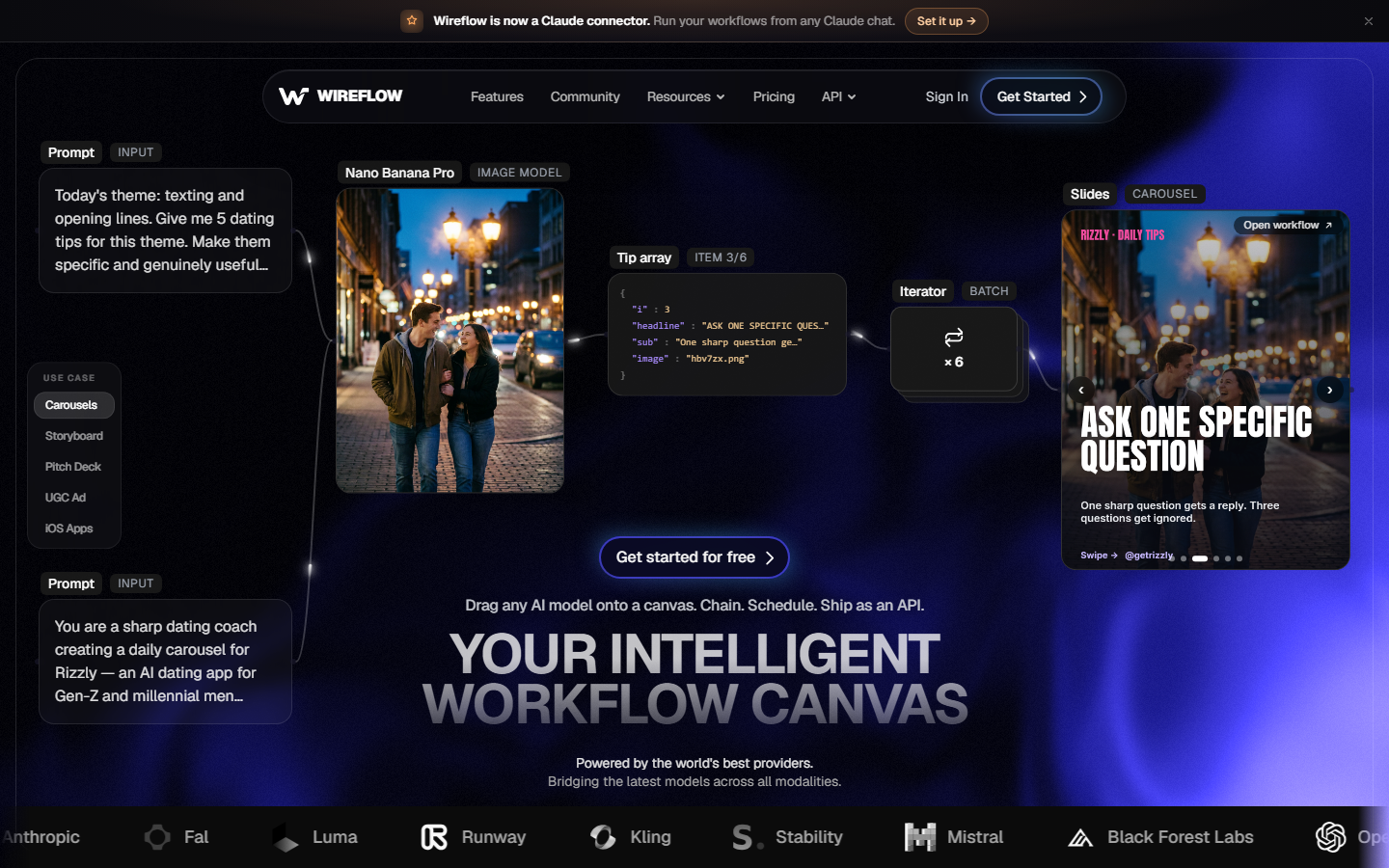
Wireflow is a node canvas with an MCP server in front of it, so an agent calls an entire workflow instead of one generation. A finished video is rarely one render: a prompt cleaned up by an LLM, a still generated as the first frame, a video model, an upscale, a voice track, a final cut. On a canvas those are connected nodes you rerun by changing a single input, and the model chaining setup covers how each handoff is typed.
The honest tradeoff is machinery. If you want one clip from a sentence and nothing else, Pika's own server is fewer moving parts. Wireflow earns the top spot when the output has to be finished rather than raw, when the video model needs to stay swappable across Veo, Sora, Kling, Seedance, and Pika, and when the same recipe runs across many inputs. Billing is credit based per node run and listed on the pricing page, so a five-model chain costs five charges rather than a seat.
2. Pika MCP (Official): Best Official Option
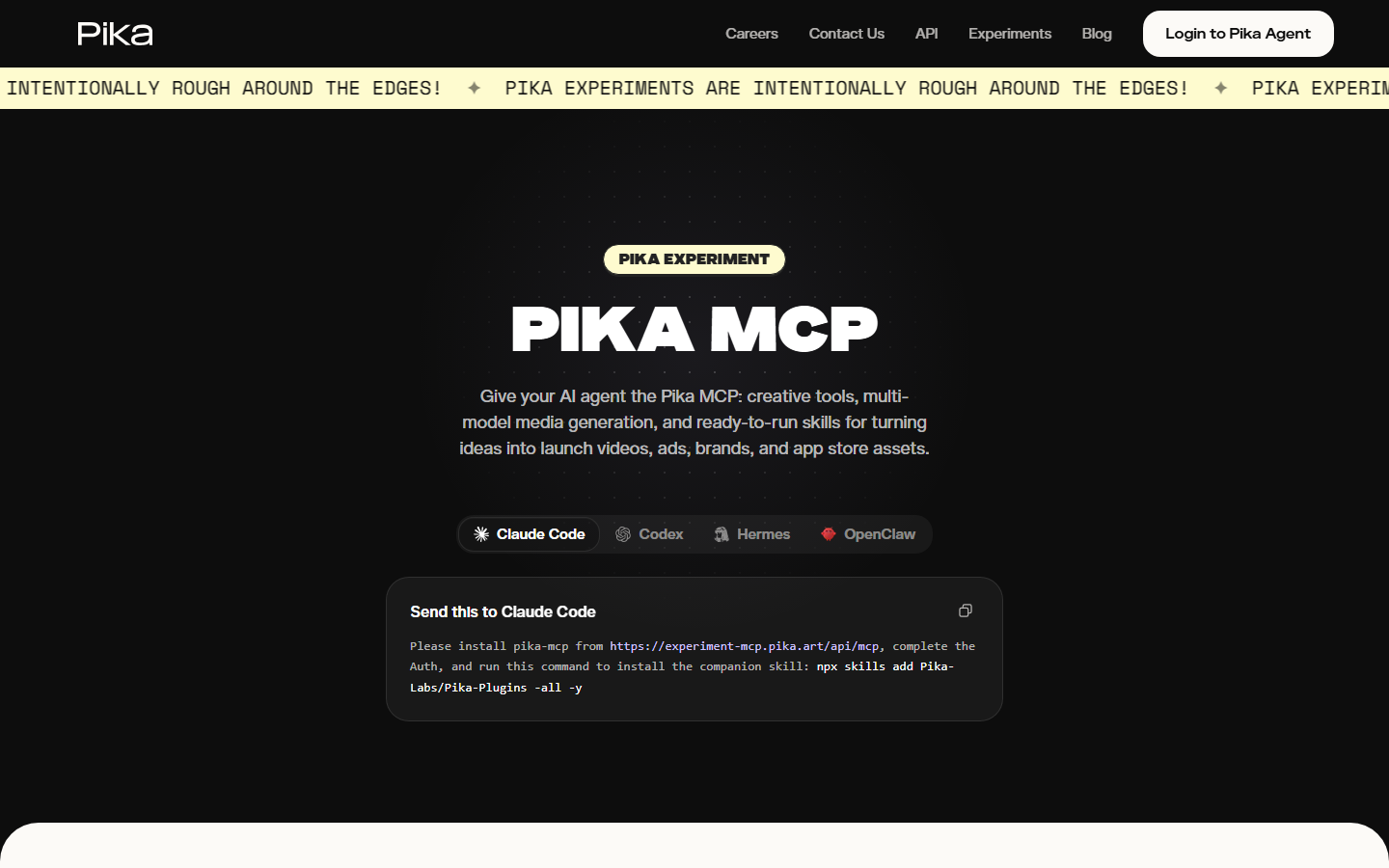
Pika runs a hosted MCP server that connects your Pika Agent to Claude, Cursor, Codex, Hermes, and OpenClaw over an OAuth flow, with no local process to maintain. It is the only option here with first-party access to Pika's own models and its agent memory, and third-party coverage notes that the agent routes across more than a dozen underlying models rather than only Pika's, which makes it broader than the name suggests. Setup is a single connect step, which is why it is the fastest path onto AI video generation over MCP.
The constraint is the persona. You are calling Pika's agent, with Pika's skills, in Pika's order. You do not choose which model renders a given shot, you cannot insert a step between two stages, and the pipeline is not a definition you can version or hand to a teammate. Builders who need that usually end up wanting a configurable video agent instead.
3. Pika Claude Code Plugins: Best for Claude Code
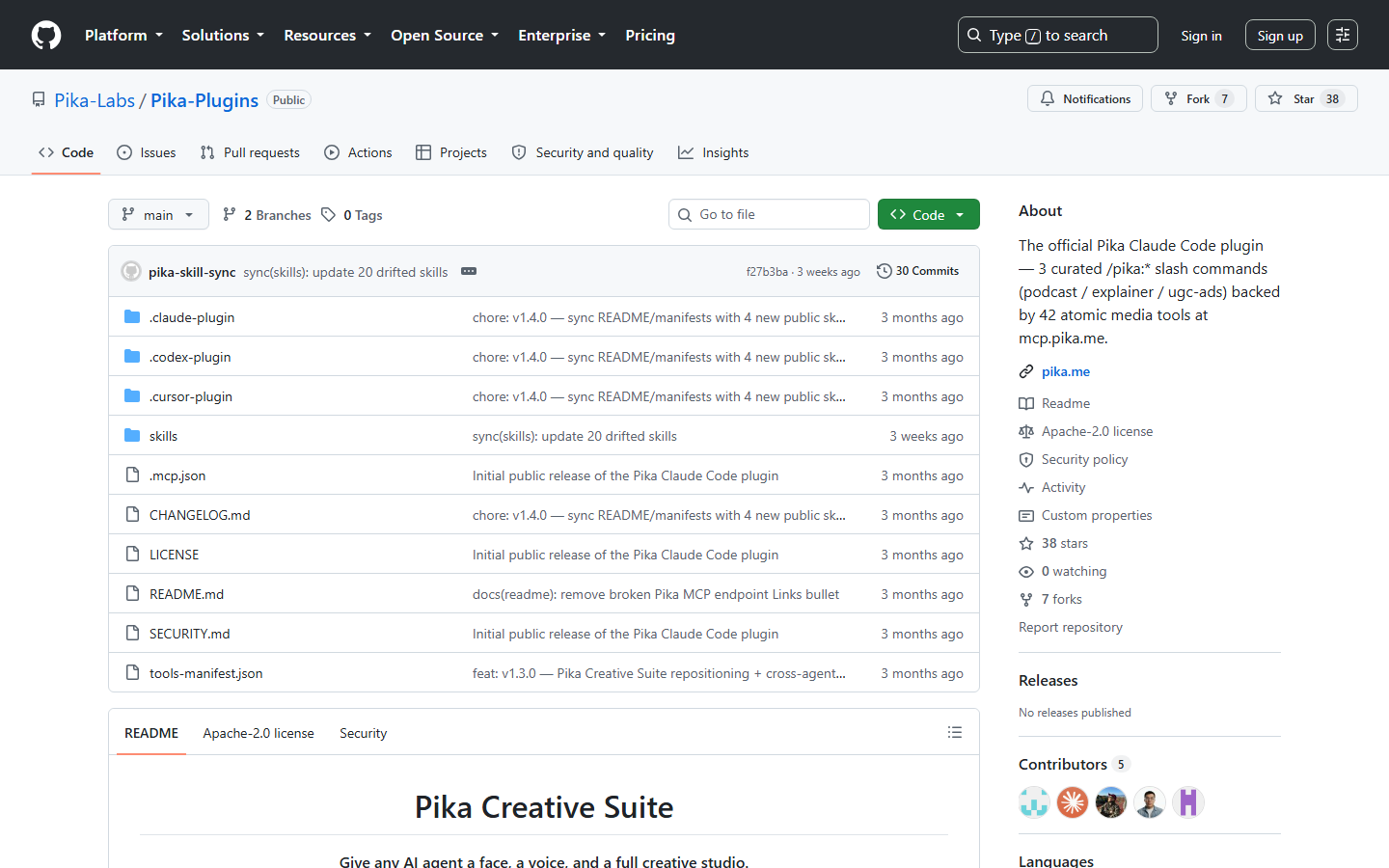
The official plugin repo from Pika Labs ships three curated slash commands, /pika:podcast, /pika:explainer, and /pika:ugc-ads, backed by 42 atomic media tools, installed with a single npx skills add command. For a developer already living in Claude Code, this is the shortest distance between a brief and a rendered video, and it pairs naturally with the setup described in connecting Claude to video editing.
The same thing that makes it fast makes it rigid. Slash commands are opinionated recipes: the podcast command decides what a podcast looks like. When your brand needs a different cut order or a specific model for the B-roll, you are editing around a template instead of composing one, which is when teams reach for a video API their coding agent drives directly.
4. fal: Best for Production API Access
fal hosts Pika's models as standard HTTP endpoints alongside competing video models on one key, and it is the most common production path for teams that want Pika output without the agent layer. Cold start times are among the fastest in the category, which matters when an assistant is blocking on a call, and our fal MCP walkthrough covers wiring those endpoints into an MCP client.
You are working at the model level, so job tracking, retries, storage, and any second model are yours to build. That is fine for one render and gets expensive around the fourth. For a breakdown of what Pika's endpoints cost and return, the Pika Labs API overview has the parameter list.
5. Replicate: Best for Reproducibility
Replicate pins every model to an immutable version hash, which is its single best argument: a pipeline that produced a specific look six months ago still produces it today. Studios with an approved visual standard care about that more than they care about being first to a new release, and the same logic drives the tool choices in our Replicate MCP roundup.
The catalog structure means Pika models arrive through community or partner listings, so a new Pika release can trail the first-party route by weeks, and predictions bill by compute time rather than per clip, which makes forecasting harder on long renders. Teams that hit that wall usually move toward a hosted video API built for agents.
6. CometAPI: Best Aggregator
CometAPI puts hundreds of models behind one key and one billing relationship, Pika included. If your stack already calls four providers, collapsing them into a single account removes real accounting overhead and one more secret to rotate, a pattern that shows up across AI video generation MCP tools generally.
Aggregators trail first-party APIs on new parameters and you inherit their uptime, so treat it as a convenience layer for breadth, not day-one access to a new Pika feature. If Pika is the model you actually care about, the direct routes in our Pika Labs API tools roundup are the safer default.
7. API Glue Pika API: Best Unofficial Wrapper
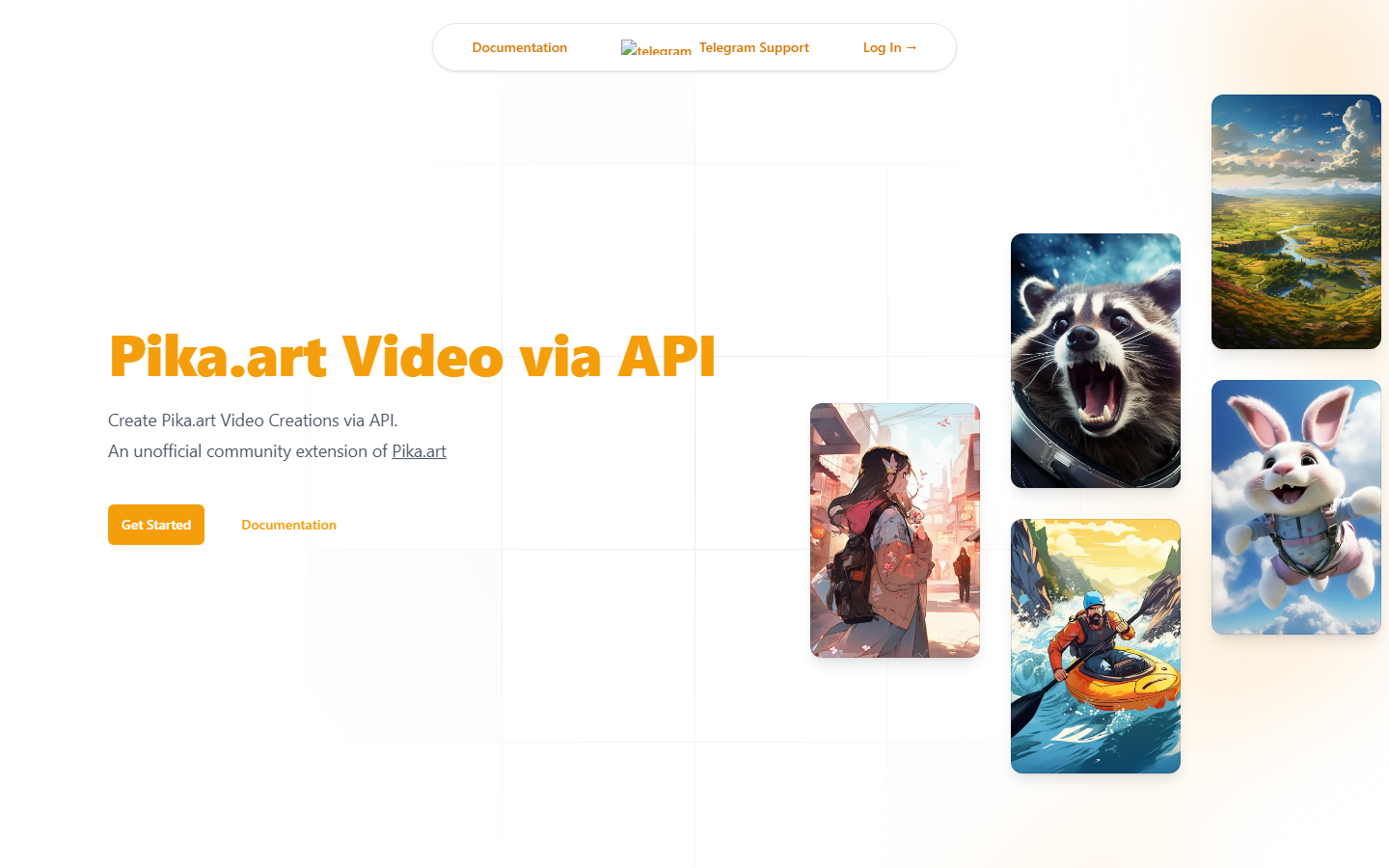
API Glue is an unofficial community extension of Pika.art that exposes Pika creation features programmatically. It exists because Pika's surface was a product before it was a platform, and it is useful for hobby projects and for features the official routes have not published yet. It slots into an MCP client the way any REST wrapper does, similar to the automation comparisons in n8n versus MCP for video.
Unofficial is doing a lot of work in that sentence. There is no uptime commitment, no support path, and no guarantee the upstream product keeps tolerating it, so this is not where a client deliverable should live. Anything with a deadline belongs on a route with a status page, which is the argument for building AI pipelines on REST endpoints you control.
8. Smithery: Best for Discovery
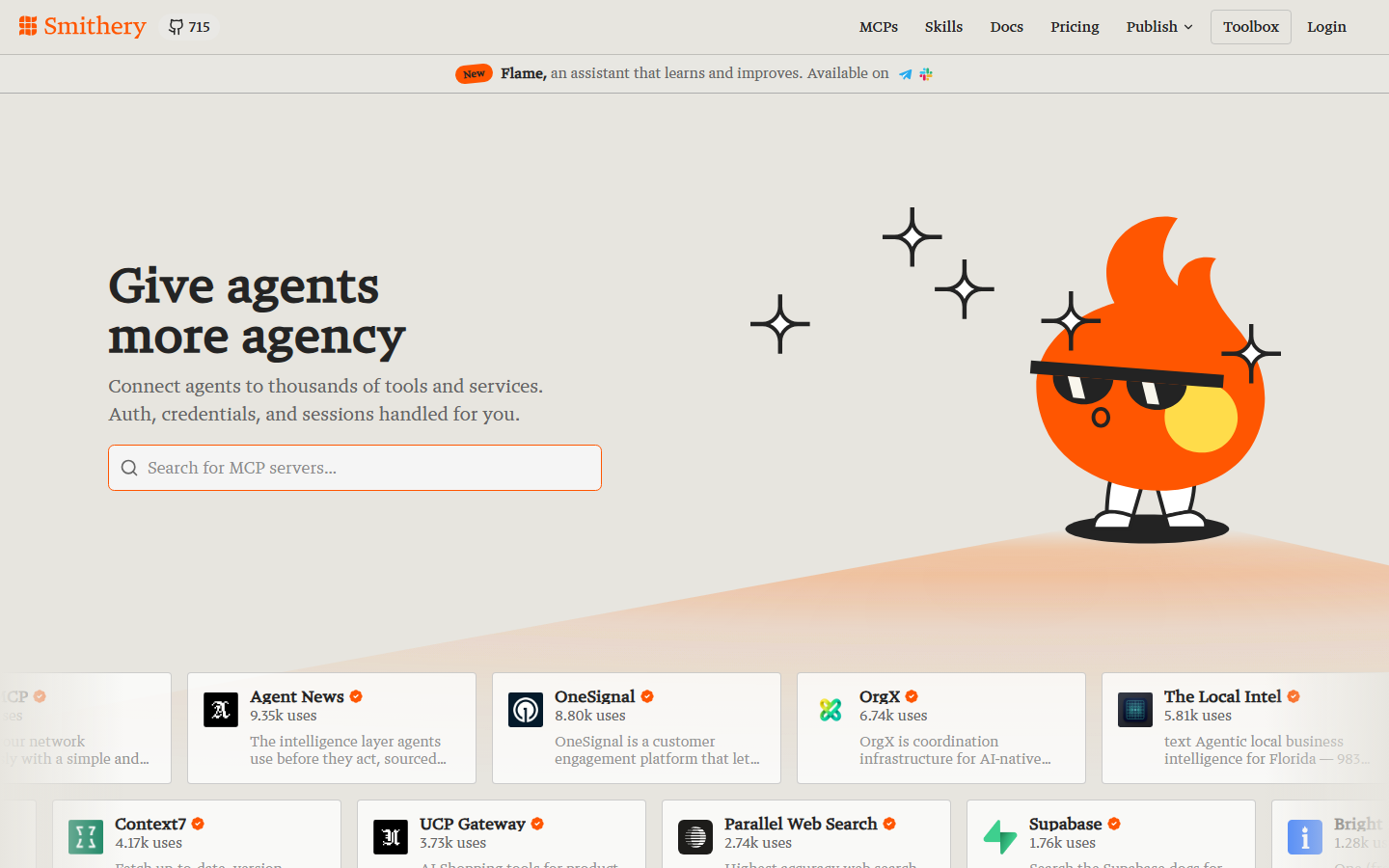
Smithery is not a Pika tool; it is how you find and trial one. It indexes MCP servers and can host them, so you skip local installs and config edits when you want to compare three candidates in an hour, much like the survey step in how to build multi-model AI workflows.
Hosting someone else's server means your credentials live with a third party, so read the deployment model before pasting a key. Registries are a discovery step, not a decision, and the server you pick still carries its own limits once it runs inside your AI video workflow.
Comparison Table
| Tool | Type | What it exposes | Model choice | Multi-model chaining | Best for |
|---|---|---|---|---|---|
| Wireflow | Canvas + MCP + REST | Your own workflow as one tool | Swappable per node | Yes | Finished outputs, repeatable recipes |
| Pika MCP (official) | Hosted first-party server | Pika Agent skills | Fixed by the agent | Inside the persona only | Fastest official setup |
| Pika Claude Code Plugins | Slash-command skill pack | 3 commands, 42 atomic tools | Fixed by the recipe | Preset chains | Claude Code users |
| fal | Inference host | Model endpoints | Per endpoint | Manual | Production API access |
| Replicate | Model host | Versioned listings | Per version hash | Manual | Locked, reproducible output |
| CometAPI | Aggregator | Unified API surface | Broad catalog | Manual | One key, many providers |
| API Glue | Unofficial wrapper | Pika.art features via REST | Pika only | No | Hobby and experimental use |
| Smithery | Registry and host | Other people's servers | Depends on server | No | Discovery and trials |
How to Choose
Pick by the shape of the job, not the length of the feature list. One clip from a chat window with zero setup: the official Pika MCP server. Briefs turned into finished formats inside your editor: the Claude Code plugins. Pika renders inside your own application code: fal. Output that must look identical next year: Replicate. Four providers on one invoice: CometAPI. A weekend experiment against features nobody else exposes: API Glue. Still comparing: Smithery. A deliverable that touches several models in a fixed order and has to run the same way every time: a canvas, per the chain multiple models in one API call guide.
Try it yourself: Build this workflow in Wireflow. The nodes are pre-configured with the MCP video setup discussed above.
FAQ
What is a Pika MCP server? A server that exposes Pika's generation capabilities as Model Context Protocol tools, so an assistant like Claude or Cursor can discover them, fill in the arguments, and run a render without you writing HTTP requests.
Is there an official Pika MCP server? Yes. Pika runs a hosted server that connects your Pika Agent to MCP clients over an OAuth flow, with support for Claude, Claude Code, Cursor, Codex, Hermes, and OpenClaw.
Does Pika MCP only use Pika's own video model? No. Third-party coverage of the official server notes it routes across more than a dozen underlying models for video, image, voice, and transcription, so the agent picks the model rather than you.
Do I need a Pika subscription to use these tools? For the official server and the Claude Code plugins, yes, generations bill to your Pika account. Inference hosts, aggregators, and canvas platforms bill on their own pricing instead.
What is the difference between Pika MCP and the Pika Claude Code plugins? The MCP server exposes the agent and its tools to any MCP client. The plugin pack adds three curated slash commands on top for Claude Code, so it is a faster interface to the same capability.
Can I choose which video model renders a shot? Not through the official agent, which decides that internally. Model choice needs either a direct endpoint on an inference host or a canvas where the model is a node you swap.
Can I chain Pika with other models through MCP? Not with a single-purpose server, which returns a file and stops. Chaining needs an orchestration layer that passes each output into the next model.
How do I use Pika MCP tools with an agent instead of a chat client? MCP is client agnostic, so any agent framework with an MCP client can call these servers. Renders take minutes, so build for asynchronous polling rather than blocking calls.
Conclusion
The category has split cleanly. Pika's own MCP server and plugin pack are the fastest way to get a good video out of a chat window, and they are the right answer when the agent persona matches what you need. Everything else here exists because that persona is fixed: inference hosts give you the model, aggregators give you the invoice, registries give you the shortlist. Wireflow covers the remaining case, where the deliverable is a pipeline you designed rather than a clip you asked for, and the developer overview is the shortest way to check whether that describes your work.
Would you rather we just built it?
We get on a call, learn your style, build the workflow, and ship the deliverables on a schedule. You keep the workflow either way.