Higgsfield Katana Alternative: 7 Ways to Rebuild an Edit With Your Own Product (2026)

In this article▾
- Quick summary
- What Higgsfield Katana does
- 1. Wireflow Edit Rebuild blueprint: Best overall
- The same edit rebuild, run on Wireflow
- 2. Creatify Ad Clone: Best for ad remakes
- 3. Runway Aleph: Best for style changes
- 4. Luma Modify Video: Best for longer takes
- 5. Kling AI Motion Control: Best for motion transfer
- 6. Viggle AI: Best for character swaps
- 7. Wan-Animate: Best open-weights option
- Comparison table
- Which tool suits which job
- FAQ
- Conclusion
Looking for a Higgsfield Katana alternative? Katana rebuilds a reference edit with your own photos and keeps its shot order, pacing and cuts. We read its launch post on 18 October 2026, compared seven tools, and ran the same job on Wireflow, the node-based AI canvas we build, as a free blueprint anyone can fork. We compete with Higgsfield, so read this as a competitor's guide.
The short version: our 7 second, 3-shot rebuild of a drink ad with a terracotta mug cost 127 credits ($1.33 to $1.91 by plan) and took under 5 minutes, with every cut landing within 0.07 seconds of the reference. Katana works inside Claude chat and takes up to five photos. For the rest of the Higgsfield toolset, see a Higgsfield MCP alternative. The same atomic board approach also makes still ads: our free Higgsfield Ads Studio alternative turns one product photo into three finished static ads for 39 credits.
Quick summary
- Wireflow Edit Rebuild blueprint: rebuilds a multi-shot edit, free to fork. Best overall
- Creatify Ad Clone: remakes an ad from a URL with your product. Best for ad remakes
- Runway Aleph: restyles and transforms objects in a clip. Best for style changes
- Luma Modify Video: reshapes footage, keeps the performance. Best for longer takes
- Kling AI Motion Control: copies a performance onto a new character. Best for motion transfer
- Viggle AI: drops a character into an existing moment. Best for character swaps
- Wan-Animate: open weights for character replacement. Best open-weights option
What Higgsfield Katana does
Higgsfield introduced Katana in October 2026 as a Higgsfield skill for Claude. You give it a reference edit, either your own video or a preset from its library, plus up to five photos of characters, products or clothing. It returns a new video that follows the reference's "order of shots, their length, and the placement of cuts on the music", with your assets in those shots. Our Higgsfield AI pricing guide covers the plans it draws on.
| Setting | What Higgsfield lists |
|---|---|
| Where it runs | Claude, through the Higgsfield MCP connector |
| Reference | Your own video or a library preset |
| Photos | Up to 5 characters, products or clothing |
| Output | MP4 with the reference's length, aspect ratio and frame rate |
| Cost | Your plan's credits, shown before each generation |
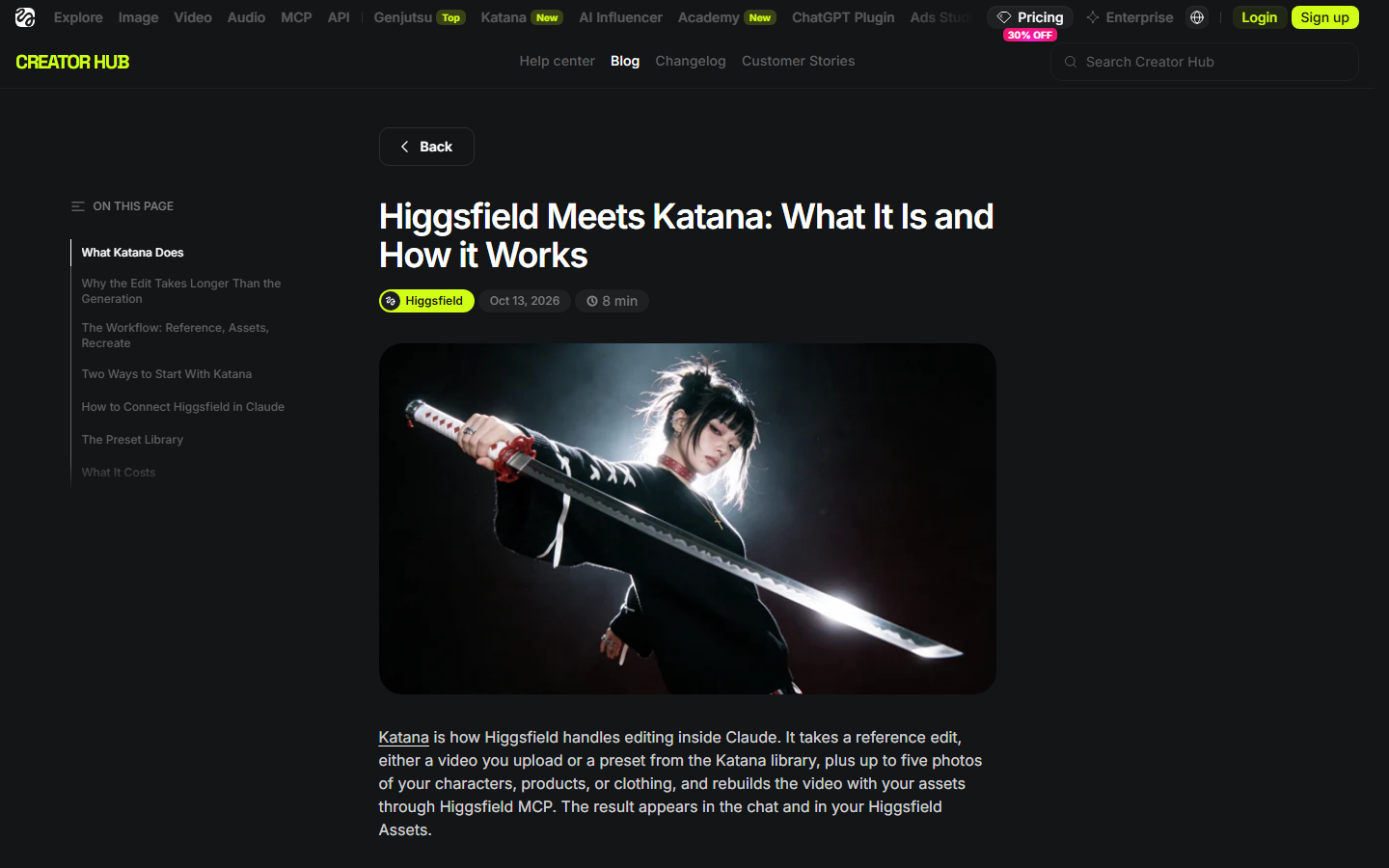
Katana needs an active Higgsfield subscription and no API key. Its presets come in three kinds: personalized edits, style transfer and motion transfer, which is how the tools below are grouped. Our Higgsfield MCP alternatives cover other agent routes.
Build this in Wireflow
Make the same kind of asset on a canvas you control, with a free account and no credit card.
1. Wireflow Edit Rebuild blueprint: Best overall
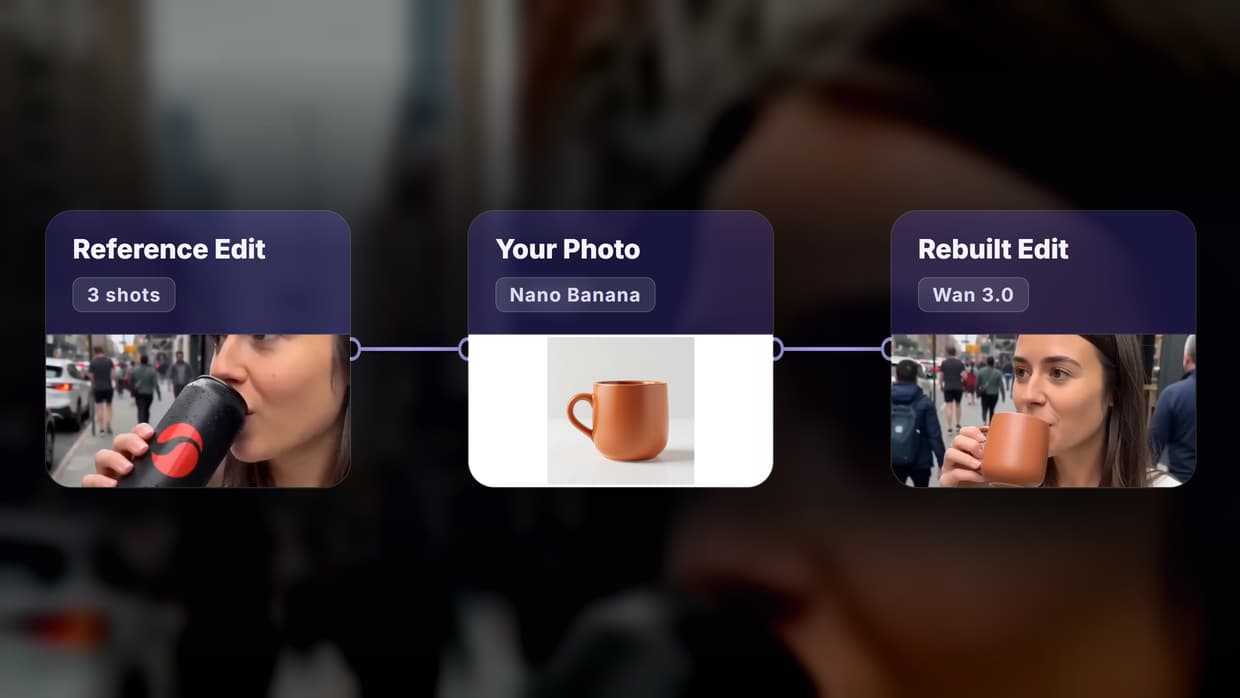
The Edit Rebuild blueprint is a ready-made board for Katana's personalized-edit job. A free Cut Finder reads the reference's cuts, a shot list and a planner write two prompts per shot, Nano Banana places your product into each shot's first frame, Wan 3.0 animates it with that shot's camera move, and Video Concat joins the shots in the original order, as one of our reusable AI templates.
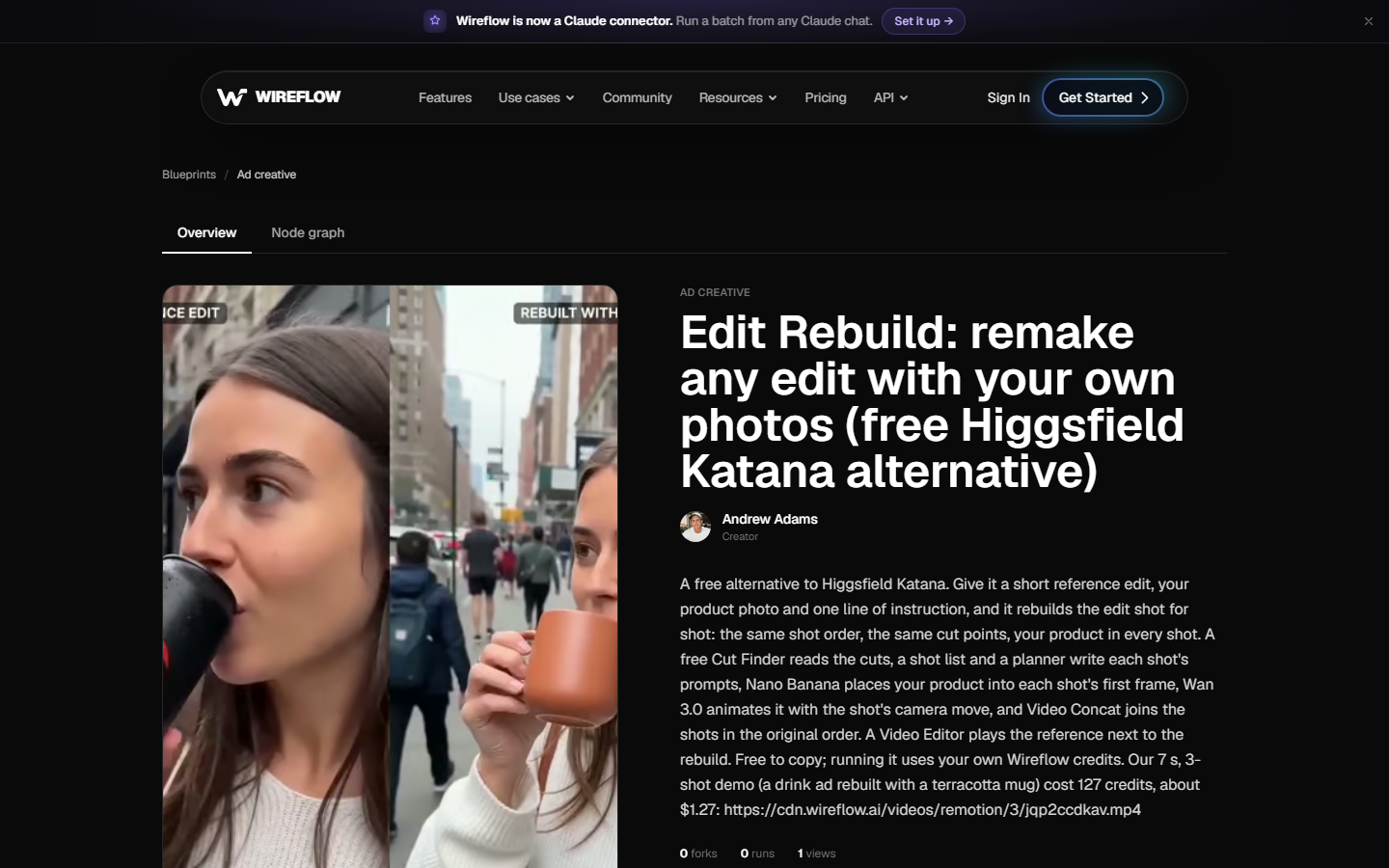
The blueprint is free to fork, and a run uses your own credits on a paid plan. It is built for about three shots of 2 to 3 seconds; longer edits take one copied row per shot. It does not match cuts to the beat, and you type each shot's window from the Cut Finder. Each step sits in your own AI video pipeline, so a weak shot can be rerun alone.
The same edit rebuild, run on Wireflow
We tested Katana's headline job: a known edit, rebuilt with a new product. The reference was a 7 second vertical drink ad we cut in Wireflow from three of our own AI clips: an unboxing (2.05 s), a pour (3.02 s) and a sip on the street (1.98 s). The product photo was the terracotta mug from our Ad Multiplier alternatives test.
Our instruction to the planner:
My product is the terracotta mug in my photo. Put the mug where the drink can is in every shot: he lifts the mug out of the box, coffee is poured into the mug on the table, and she sips from the mug on the street.
| Measure | Our run on 18 October 2026 |
|---|---|
| Credits used | 127 (the quote showed 127) |
| Shot list and planner | 10 credits |
| Three placed stills (Nano Banana) | 36 credits, 57 seconds with the planner |
| Three clips (Wan 3.0, 2 s + 3 s + 2 s) | 81 credits, 3.8 minutes |
| Output | 7 s, 720x1280, cuts at 2.0 and 5.0 s (reference 2.05 and 5.07 s) |
At current plan prices ($24 for 1,600 credits on Starter, $45 for 4,300 on Professional), 127 credits cost $1.91 or $1.33. Higgsfield shows Katana's cost per generation before you confirm and does not publish a fixed price.
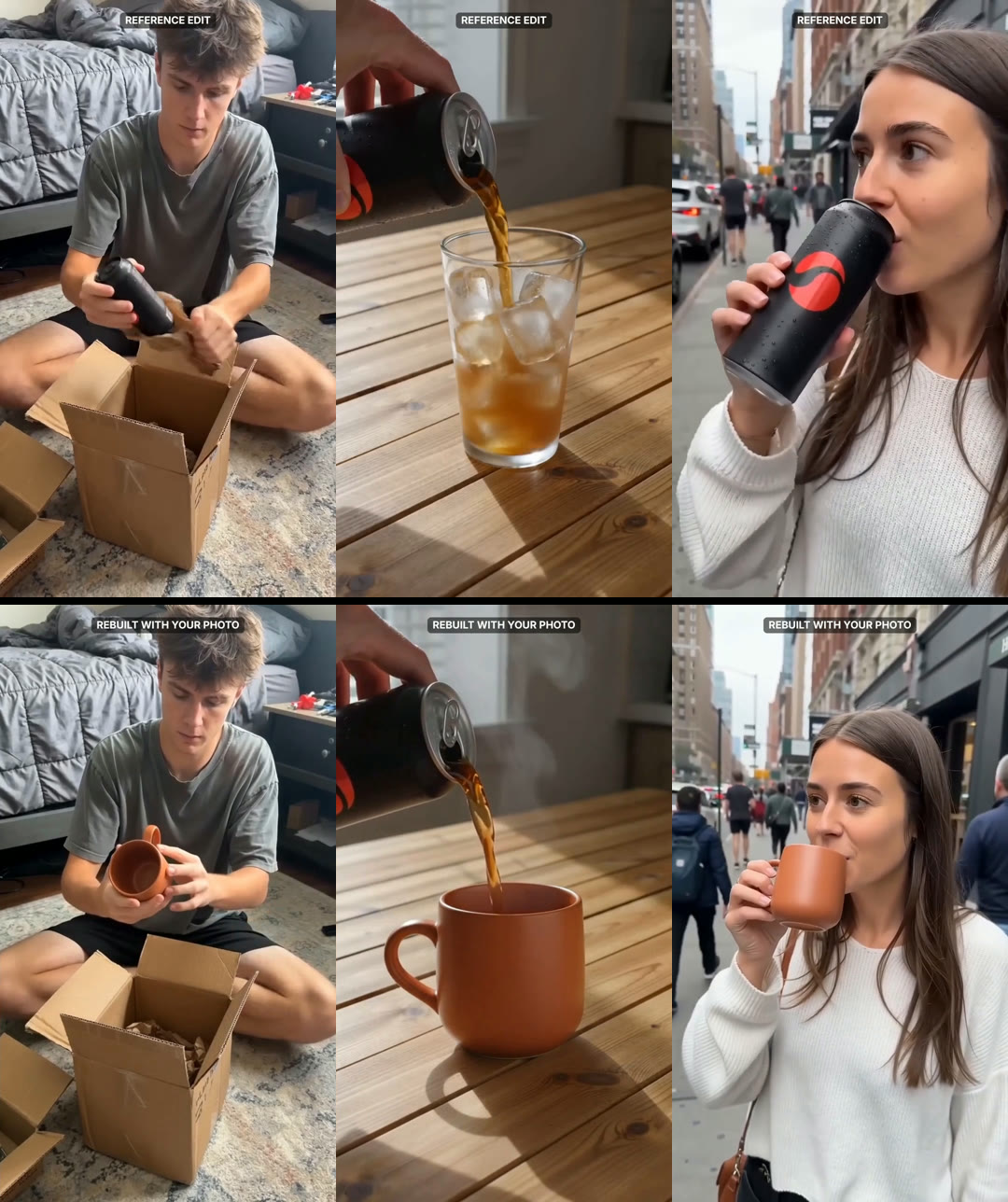
The rebuild kept the shot order, the people, the rooms and the timing, and the mug looked right in all three shots. Three flaws: in shot 2 the can still pours into the mug, in shot 3 the framing drifted wider over two seconds, and the Content Analyzer misread our 7 second clip as 12 seconds, so the cut times came from the Cut Finder. Watch the reference next to the rebuild.
To find a format worth rebuilding first, see how to clone viral ads with AI.
2. Creatify Ad Clone: Best for ad remakes
Creatify's Pro plan ($99 a month, 300 credits) adds Ad Clone, which remakes any ad from a URL, plus 1,500 AI actors. Its API docs price Ad Clone at 12 credits per 5 seconds. It builds a new ad around your product rather than editing your own footage; see our Creatify pricing guide.

3. Runway Aleph: Best for style changes
Runway describes Aleph as an in-context video model that can add, remove and transform objects, generate new angles and change style and lighting, on all paid plans from $12 a month billed annually. It edits one clip at a time, so a multi-shot edit runs shot by shot. See our Runway Aleph competitors.
4. Luma Modify Video: Best for longer takes
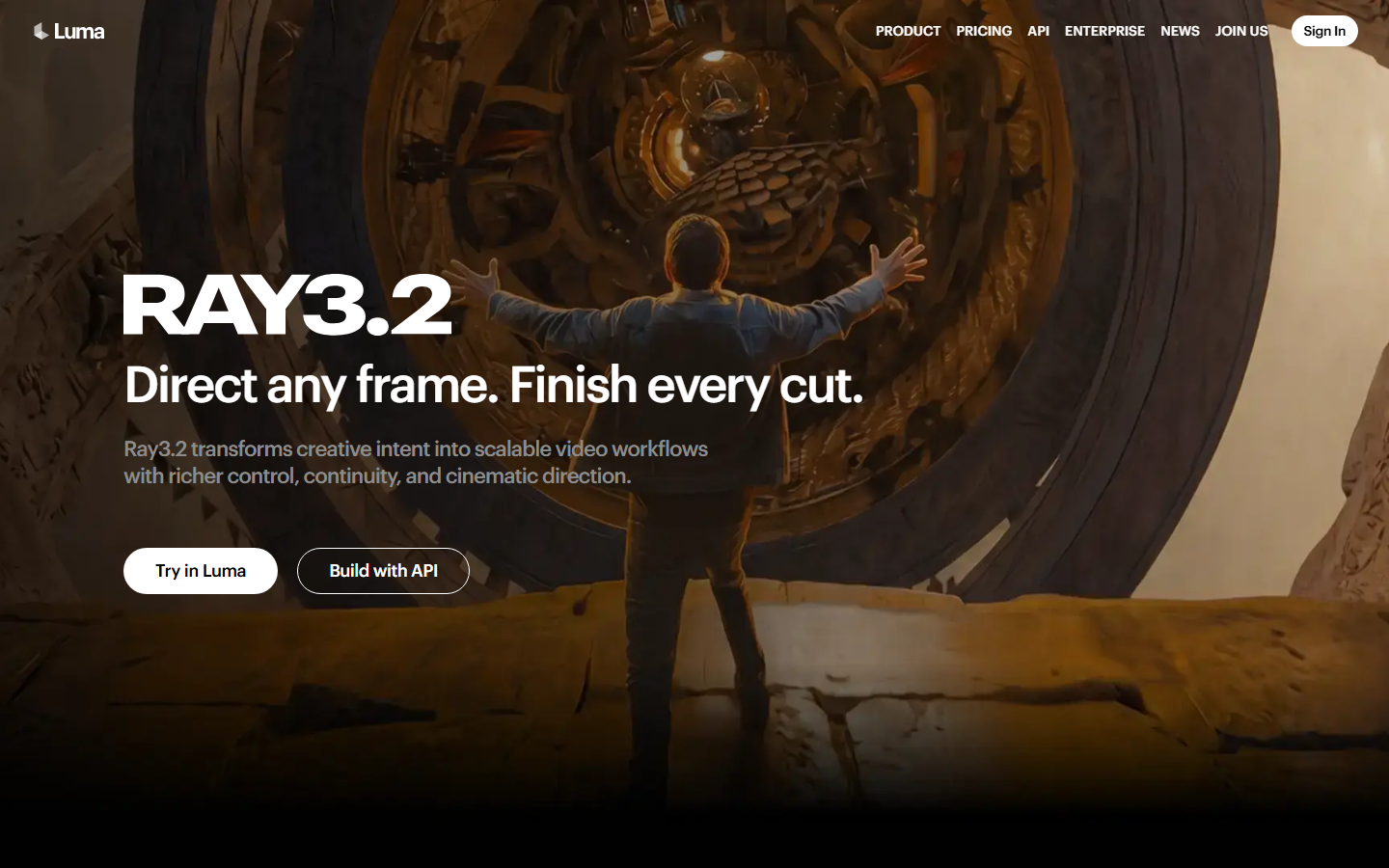
Luma says Modify Video V2 "reshapes footage you already have" while the performance and timing carry through. It takes up to 20 seconds at 24 fps and outputs 1080p, close to Katana's style-transfer presets. See our Luma API tools.
5. Kling AI Motion Control: Best for motion transfer
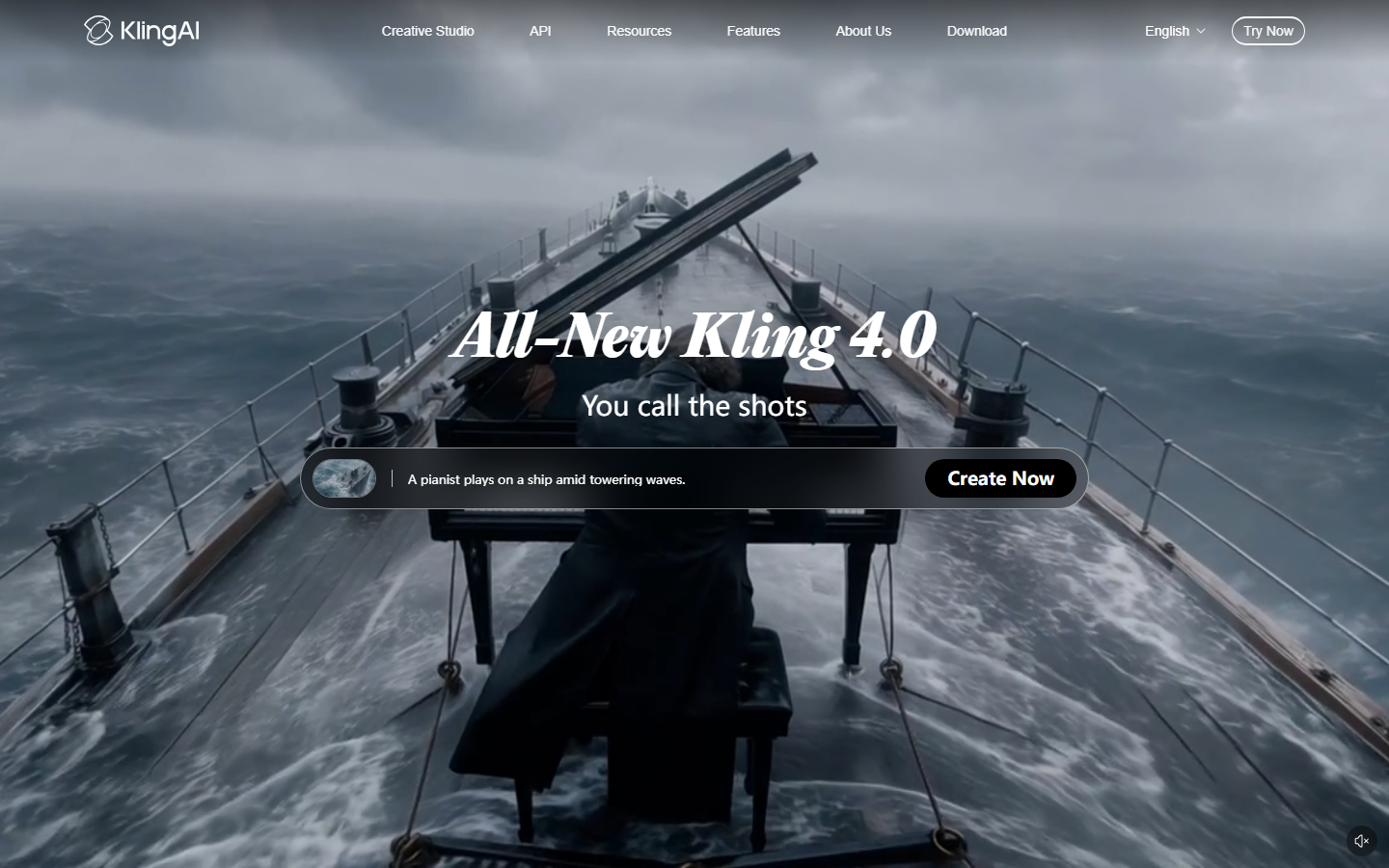
Kling AI Motion Control animates a character image with the movement from an uploaded video, at 12 credits a second on Professional and 9 on Standard for VIDEO 3.0. It matches Katana's motion-transfer presets, though it builds one new clip rather than a whole edit; see our Kling Motion Control guide.
6. Viggle AI: Best for character swaps
Viggle has a Meme Maker that swaps one or several characters into an existing moment. It changes who is on screen rather than the product, so pair it with an AI UGC video generator when the edit needs a new presenter.

7. Wan-Animate: Best open-weights option
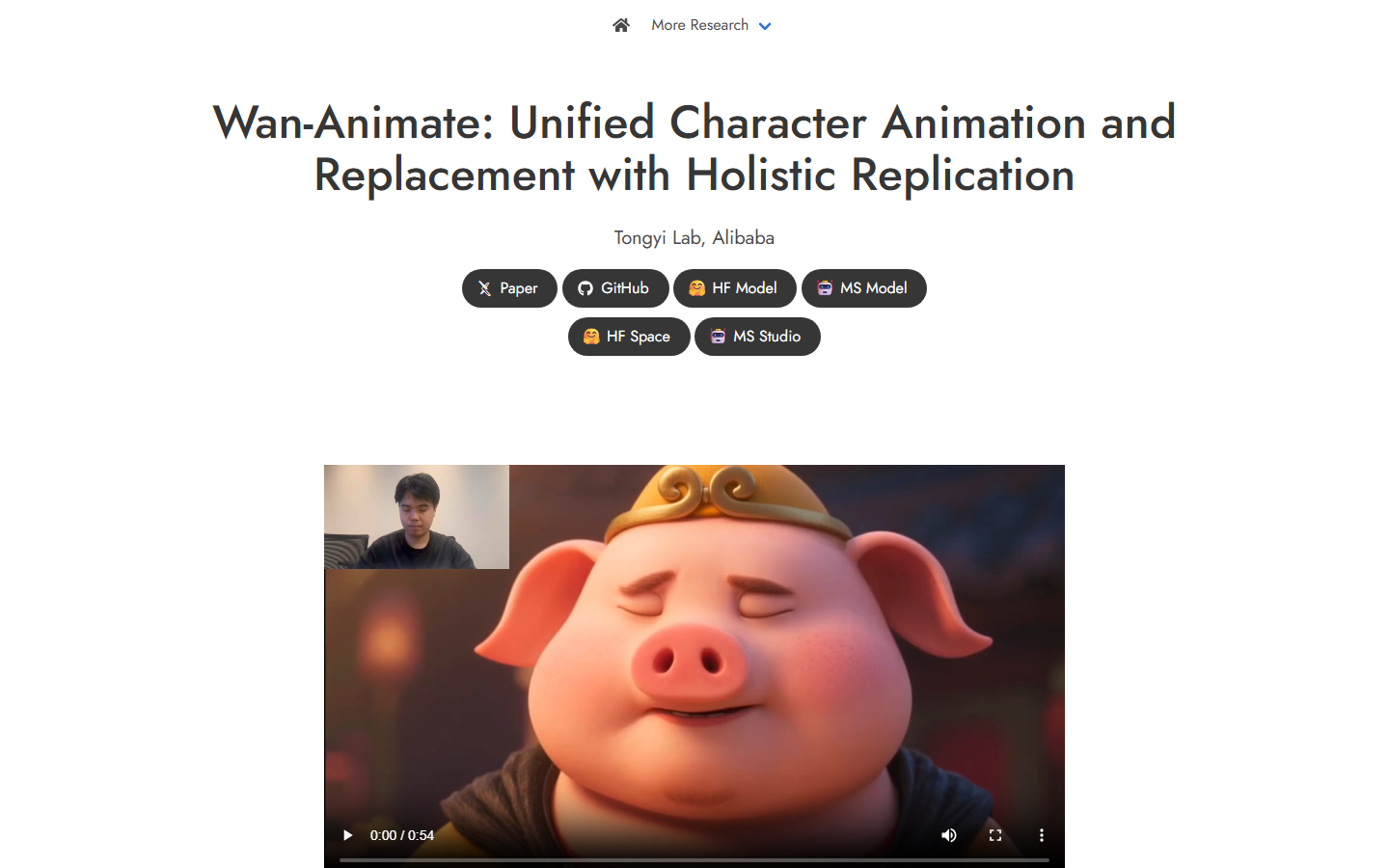
Wan-Animate, from Alibaba's Tongyi Lab, replaces the person in a clip while "replicating the scene's lighting and color tone". The weights are on Hugging Face, but the project page calls it "intended solely for academic research and effect demonstration", so check the license. See our Wan API tools.
Comparison table
Rows come from vendor pages read between 11 and 18 October 2026. For ads made from scratch, see our product video generators.
| Tool | Rebuilds a multi-shot edit | Your assets | Clip length | Price shown |
|---|---|---|---|---|
| Higgsfield Katana | Yes, in Claude | Up to 5 photos | Follows the reference | Plan credits, shown per run |
| Wireflow Edit Rebuild | Yes, shot by shot | Product photo | 2 to 3 s shots, up to 12 | 127 credits for 7 s on our run |
| Creatify Ad Clone | Remakes from a URL | Your product | Not stated | Pro plan, $99 a month |
| Runway Aleph | One clip at a time | Objects, style, light | Not stated | Paid plans from $12 a month |
| Luma Modify Video | One clip at a time | Set, wardrobe, style | Up to 20 s at 24 fps | Not stated |
| Kling Motion Control | No, animates a still | Character | 3 to 30 s motion video | 9 to 12 credits a second |
| Viggle | No, one moment | Character | Not stated | Not stated |
| Wan-Animate | No, one clip | Character | Not stated | Free weights, your hardware |
Which tool suits which job
- Fast versions of a known edit, from a Claude chat: Katana.
- A rebuild you can check and rerun shot by shot: the Wireflow Edit Rebuild blueprint.
- A fresh ad built from someone else's URL: Creatify Ad Clone.
- A new look on footage you already have: Runway Aleph or Luma Modify Video.
- A new character copying a real performance: Kling Motion Control or Viggle.
- Your own hardware, no per-clip fee: Wan-Animate.
Try it yourself: Fork the free Edit Rebuild blueprint. It carries the exact setup above: replace the demo edit, the mug photo and the instruction with your own, set the three shot windows from the Cut Finder, then run it.
FAQ
What is Higgsfield Katana?
A Higgsfield skill for Claude, launched in October 2026, that rebuilds a reference edit or a library preset with up to five photos of your characters, products or clothing, through the Higgsfield MCP connector.
How much does Higgsfield Katana cost?
Higgsfield says Katana uses your existing plan's credits with no separate billing, and Claude shows the credit cost of each generation before you confirm. Corrections that need new generations cost more.
Is there a free Higgsfield Katana alternative?
The Wireflow Edit Rebuild blueprint is free to fork; running it uses your credits and cost 127 for our 7 second, 3-shot edit. Wan-Animate's weights are free if you have a GPU. See also our Higgsfield API alternatives.
Do I need Claude to rebuild an edit?
Katana runs only through Claude with the Higgsfield connector. The Wireflow blueprint runs on its own canvas, and you can also drive it from an agent; our guide to Claude video generation shows how.
How long can the reference edit be?
Katana's community presets take a 3 to 30 second motion video. The Wireflow blueprint handles about three shots of 2 to 3 seconds out of the box, and up to 12 shots if you copy rows; Wan 3.0 makes 2 to 30 seconds per shot.
Does the rebuild keep the reference's music?
Katana says it keeps the cuts on the music. In our Wireflow run the clips came back silent, so a Video Editor plays the reference's own sound under the rebuild; to batch that from code, see the video creation and editing API.
Conclusion
Katana is the quicker pick if you already work in Claude and want a finished edit from a chat message. For a rebuild you can check frame by frame and rerun one shot at a time, Wireflow does it as a free blueprint you fork once and run per product, 127 credits for 7 seconds on our test, next to the rest of your AI video workflow.

Co-Founder & Operations at Wireflow
Runs client operations and content strategy at Wireflow. Works directly with creative teams and agencies to build production AI workflows.
- Content Strategy
- Client Operations
Get unlimited ad creatives today.
One call to see if we are a fit and scope the first ad. If it fits, your first batch lands inside week one.